Invoice Template for Waiting Staff
What this document covers
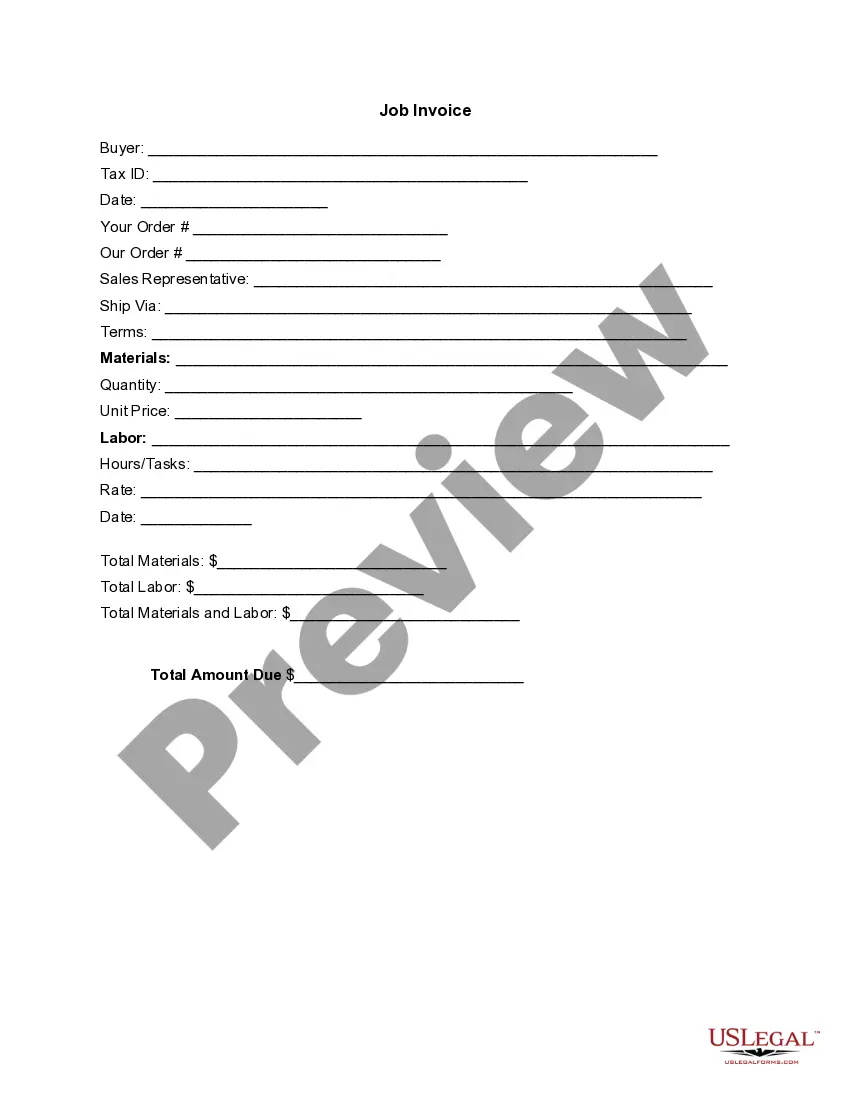
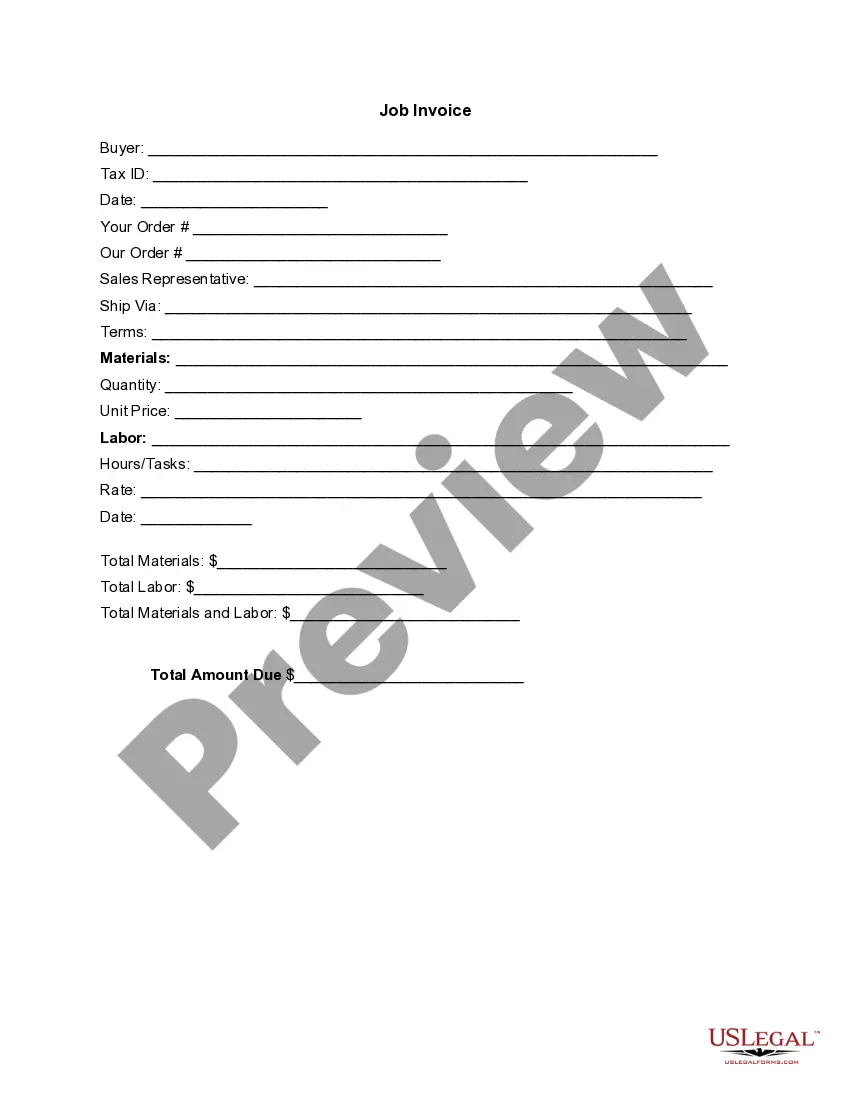
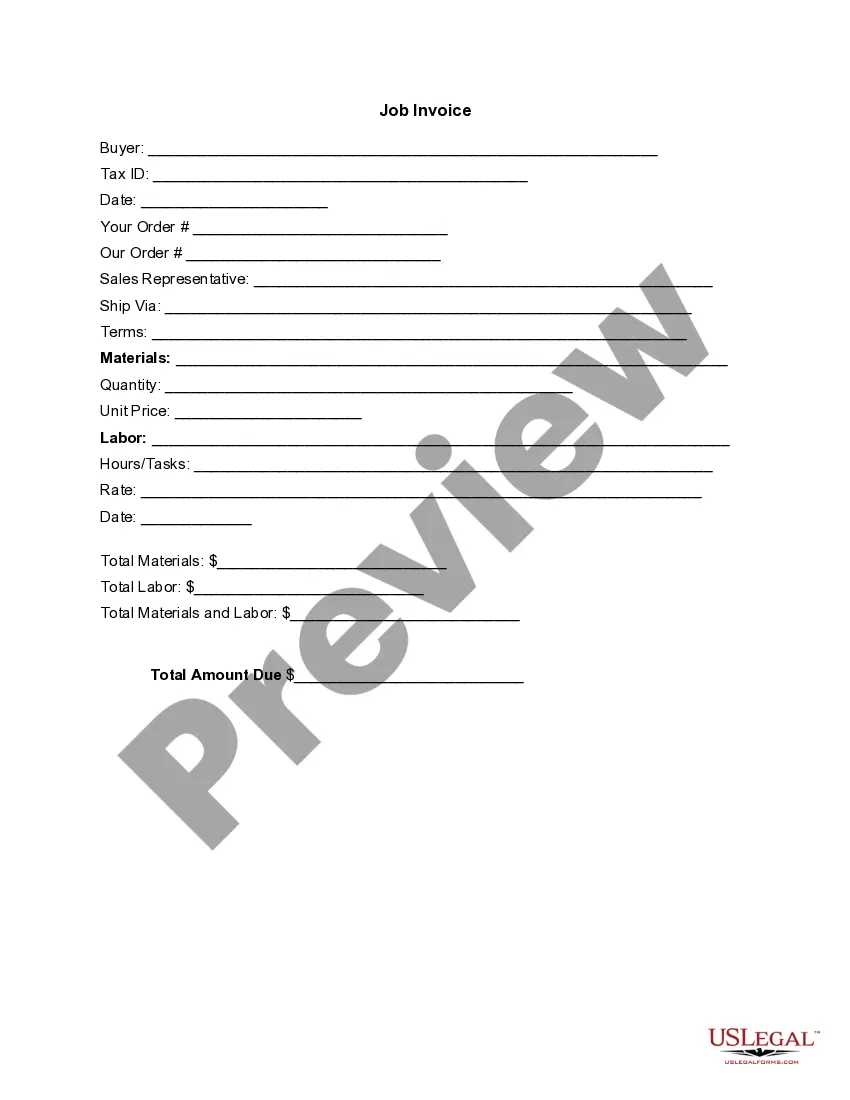
The Invoice Template for Waiting Staff is a formal document that details the services provided by waiting staff, including an itemized list of associated costs. Unlike generic invoices, this specific template caters to the hospitality industry, ensuring that all relevant details, such as labor and materials, are clearly outlined for payment processing.
Main sections of this form
- Buyer information section for the clientâs details.
- Tax ID field for tax identification purposes.
- Order details to specify the services rendered and materials used.
- Sales representative's contact information for follow-up.
- Breakdown of materials and labor, including quantity and pricing.
- Total amount due for transparency regarding payment.

When to use this form
This invoice template is ideal for waiting staff who provide catering, event service, or restaurant services. Use this form whenever you need to charge clients for services rendered, especially for special events, private parties, or ongoing contracts in the food and beverage industry.
Who this form is for
- Freelance waiting staff or catering professionals.
- Restaurants that employ waiting staff on a contract basis.
- Event organizers needing to invoice for hired staff services.
- Businesses requiring a clear record of service-related transactions.
Instructions for completing this form
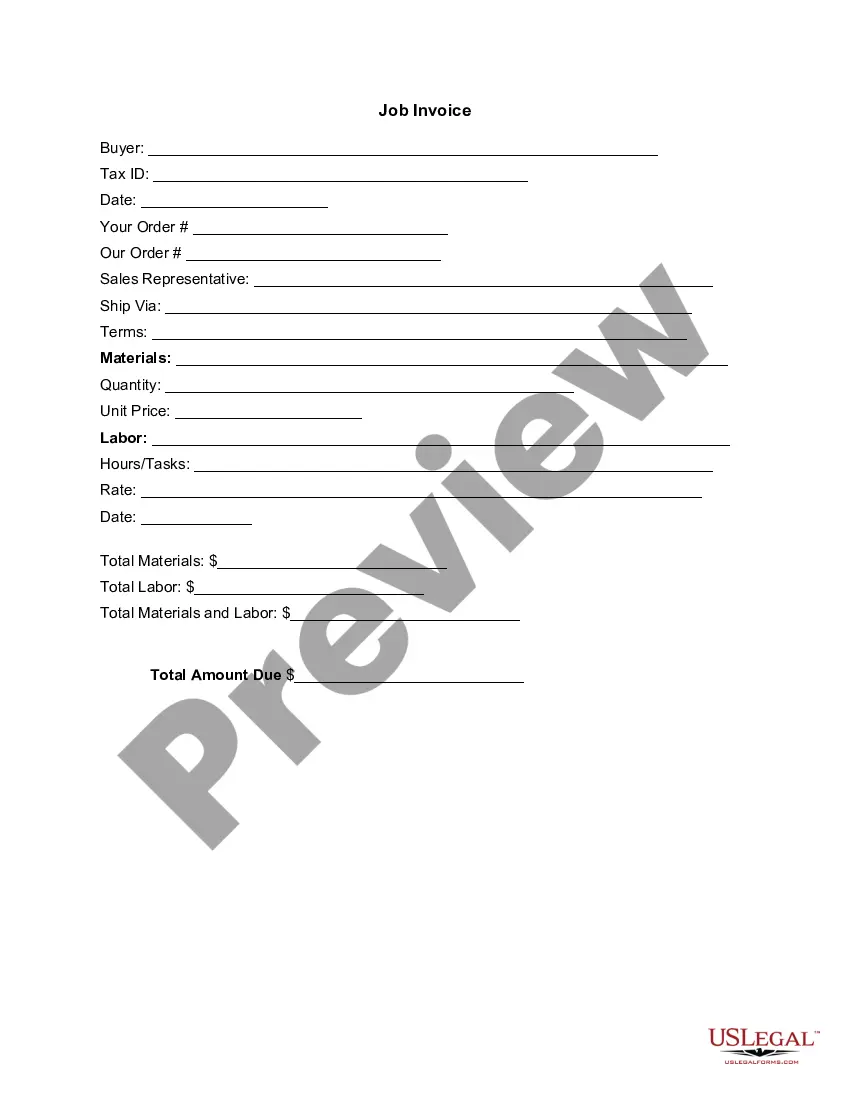
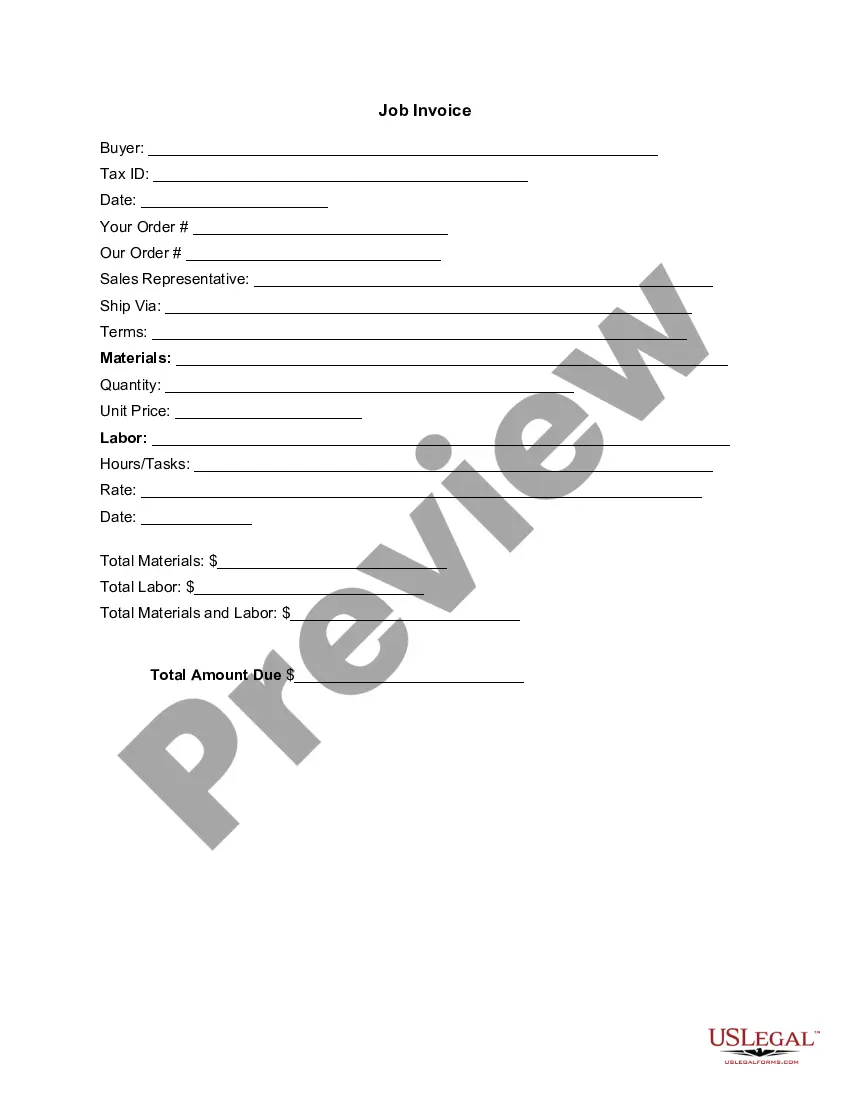
- Enter the buyer's name and Tax ID in the designated fields.
- Fill in the order details, including your order number and date.
- List all materials and services provided, specifying quantities and unit prices.
- Record total materials and labor costs separately, then calculate the total amount due.
- Provide the date of the invoice and ensure all fields are complete before sending it to the client.
Notarization requirements for this form
This form does not typically require notarization unless specified by local law. Be sure to verify if your industry or state has specific requirements regarding notarization for invoices.
Get your form ready online
Our built-in tools help you complete, sign, share, and store your documents in one place.
Make edits, fill in missing information, and update formatting in US Legal Forms—just like you would in MS Word.
Download a copy, print it, send it by email, or mail it via USPS—whatever works best for your next step.
Sign and collect signatures with our SignNow integration. Send to multiple recipients, set reminders, and more. Go Premium to unlock E-Sign.
If this form requires notarization, complete it online through a secure video call—no need to meet a notary in person or wait for an appointment.
We protect your documents and personal data by following strict security and privacy standards.

Make edits, fill in missing information, and update formatting in US Legal Forms—just like you would in MS Word.

Download a copy, print it, send it by email, or mail it via USPS—whatever works best for your next step.

Sign and collect signatures with our SignNow integration. Send to multiple recipients, set reminders, and more. Go Premium to unlock E-Sign.

If this form requires notarization, complete it online through a secure video call—no need to meet a notary in person or wait for an appointment.

We protect your documents and personal data by following strict security and privacy standards.
Typical mistakes to avoid
- Failing to include the Tax ID number of the buyer.
- Not itemizing services or materials clearly, leading to confusion.
- Omitting the date or invoice number, which can complicate record-keeping.
- Failing to double-check total calculations before sending.
Advantages of online completion
- Easy to download and customize for different events or clients.
- Provides a professional format that enhances your credibility.
- Saves time compared to writing invoices from scratch.
- Ensures all necessary details are included for efficient payment processing.
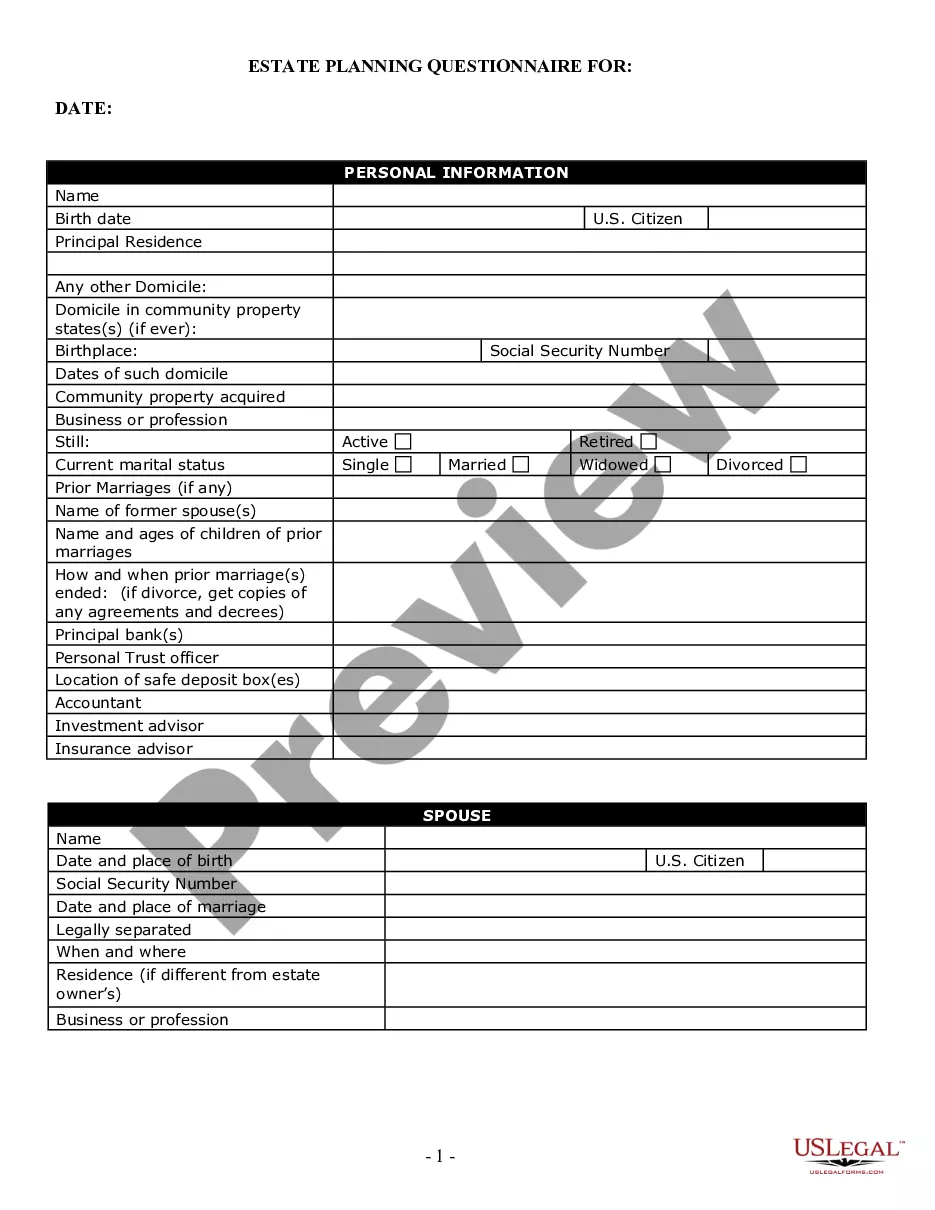
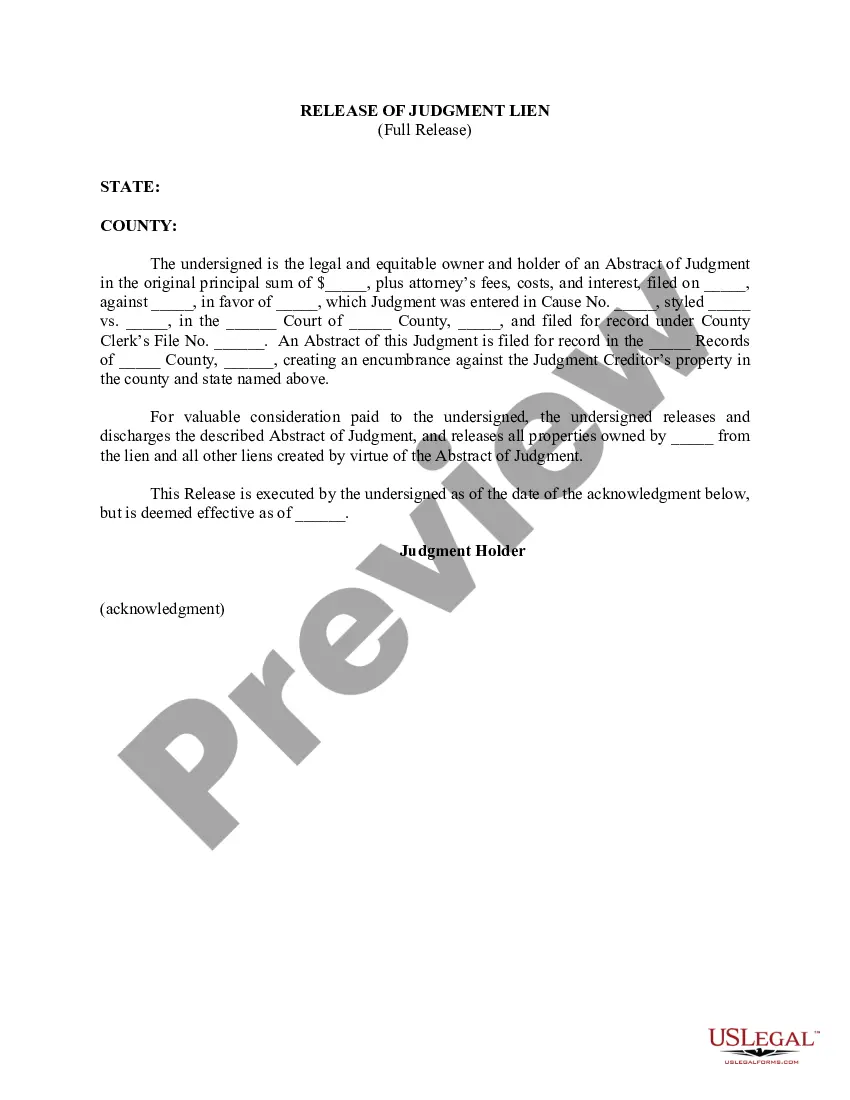
Looking for another form?
Form popularity
FAQ
PayPal (Web, iOS, Android) for creating invoices on mobile devices. Square (Web, iOS, Android) for accepting in-person and online payments. Wave (Web, iOS, Android) for invoicing and accounting for small businesses. Zoho Invoice (Web, iOS, Android) for invoice workflows.
The name of your company. The name of your customer. The date the services were provided. Invoice number. A description of services rendered. Quantity of hours spent on services rendered. The price you're charging for the services or your hourly rate.
Invoice Bus. Invoicebus helps you send online invoices to your clients and get paid instantly regardless to wherever you are based in the world. Invoice Generator. FreshBooks. Skynova. Invoiceto.me. Create. Zoho Invoice. Square Invoices.
Open a New Word Document. Choose Your Invoice Template. Download the Invoice Template. Customize Your Invoice Template. Save Your Invoice. Send Your Invoice. Open a New Blank Document. Create an Invoice Header.
Microsoft Word provides templates for invoice sheets that you customize to suit your business needs. Office features more than 100 online invoice templates that copy to a Word document. The Word command ribbon plus the Table Tools ribbon help update the style, color, alignment and other layout elements.
Download the basic Simple Invoice Template in PDF, Word or Excel format. Open the new invoice doc in Word or Excel. Add your business information and branding, including your business name and logo. Customize the fields in the template to create your invoice. Name your invoice. Save
Make your invoice look professional. The first step is to put your invoice together. Clearly mark your invoice. Add company name and information. Write a description of the goods or services you're charging for. Don't forget the dates. Add up the money owed. Mention payment terms.
Download the basic Simple Invoice Template in PDF, Word or Excel format. Open the new invoice doc in Word or Excel. Add your business information and branding, including your business name and logo. Customize the fields in the template to create your invoice. Name your invoice. Save