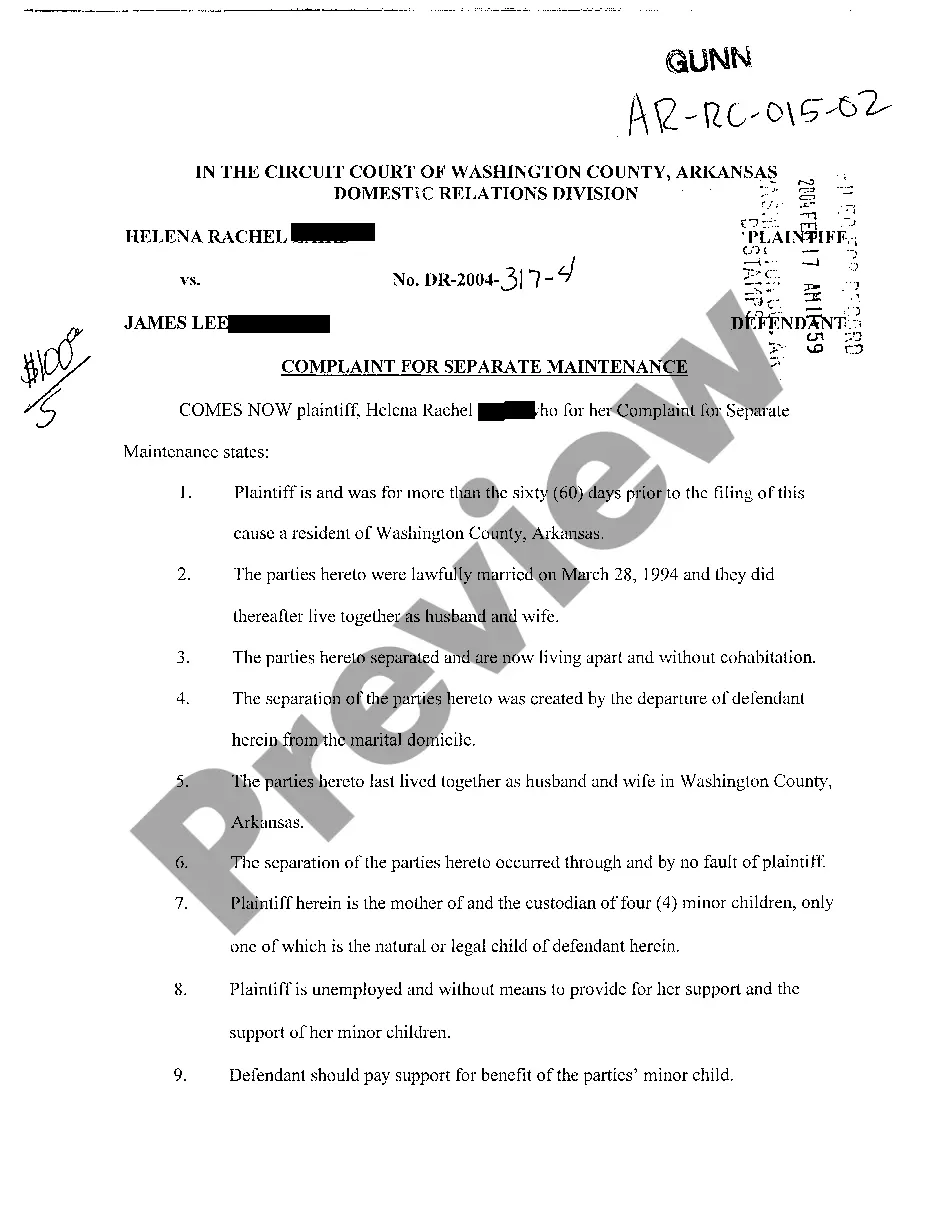
Sample Letter for Revocation of Membership
About this form
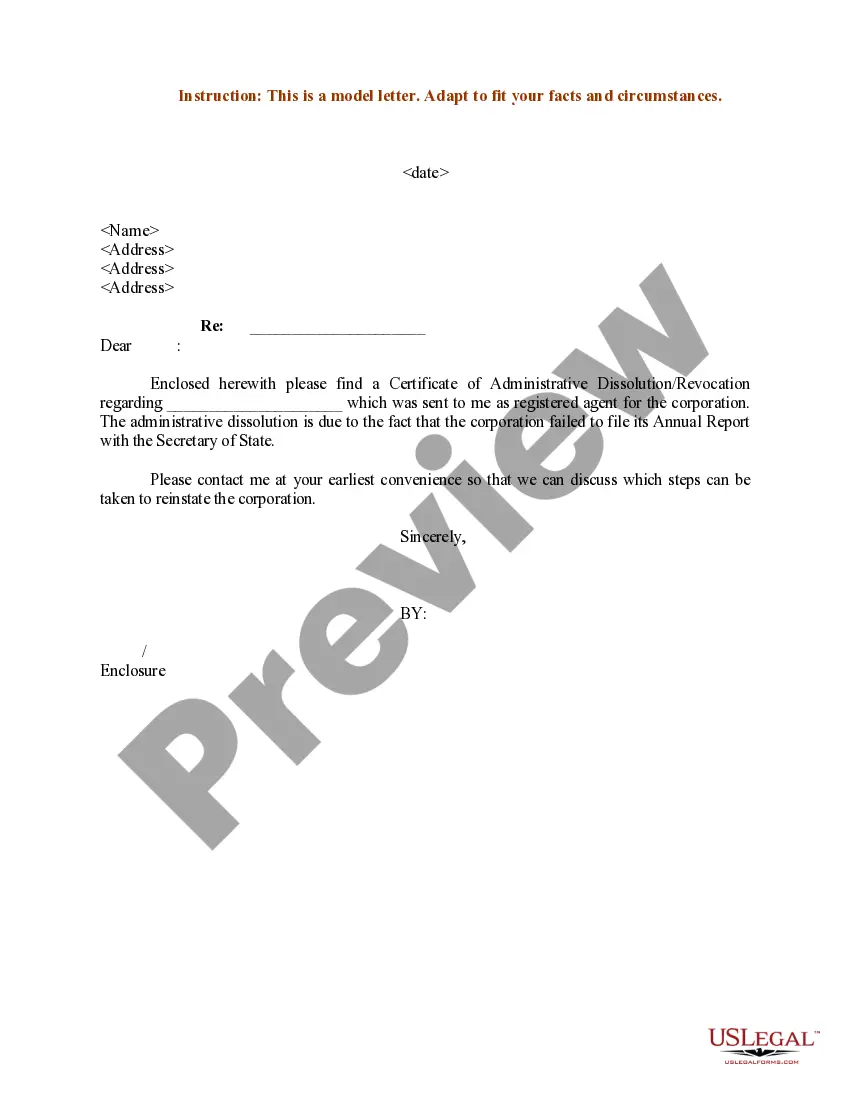
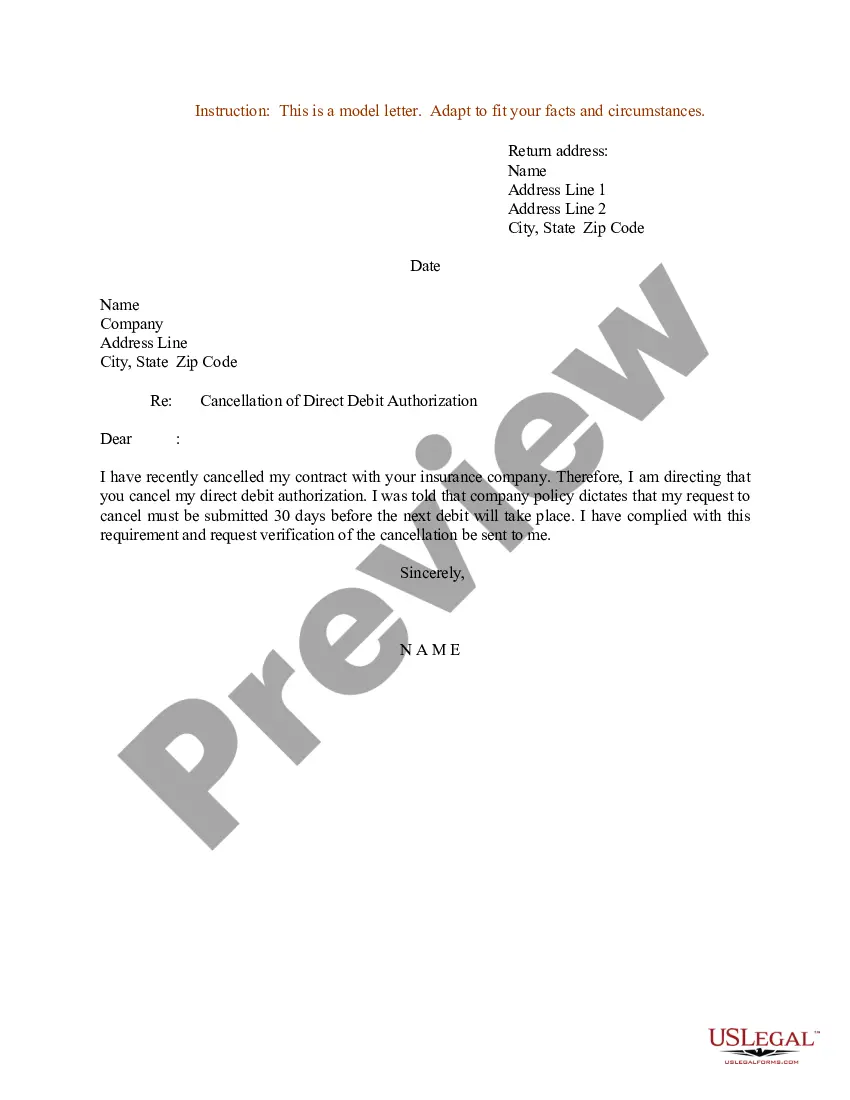
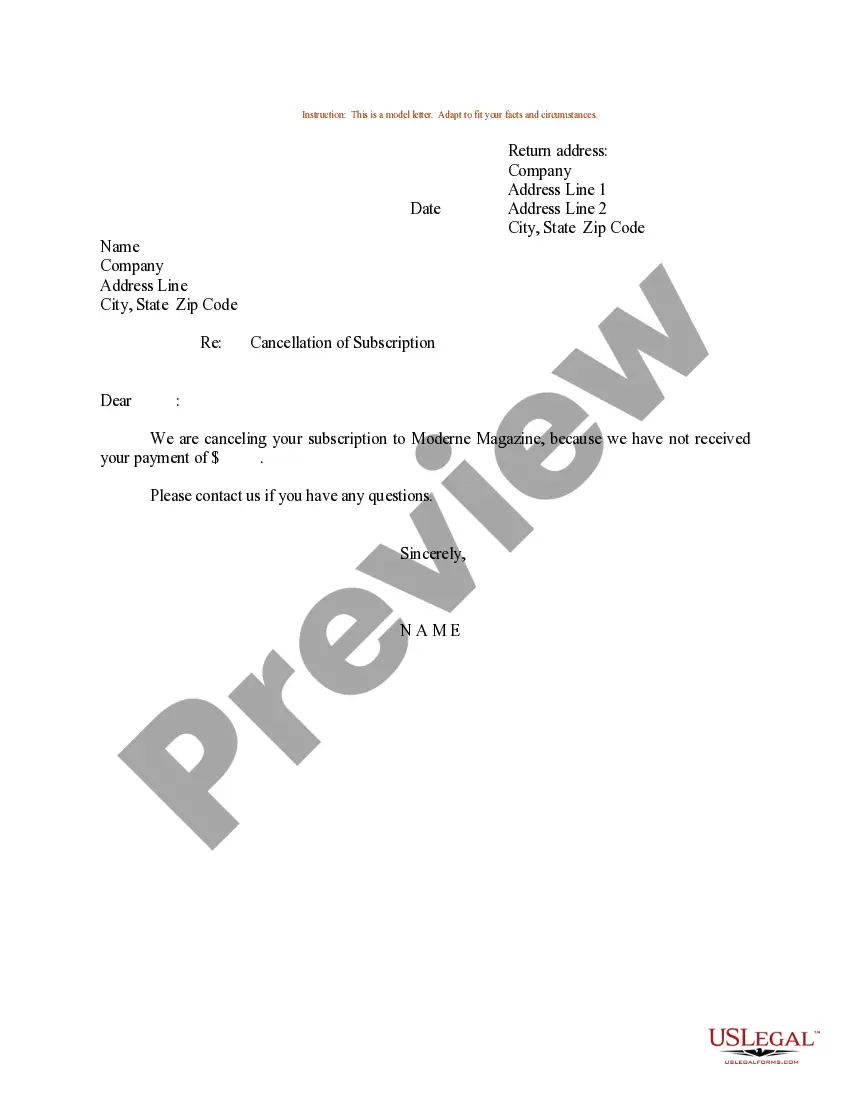
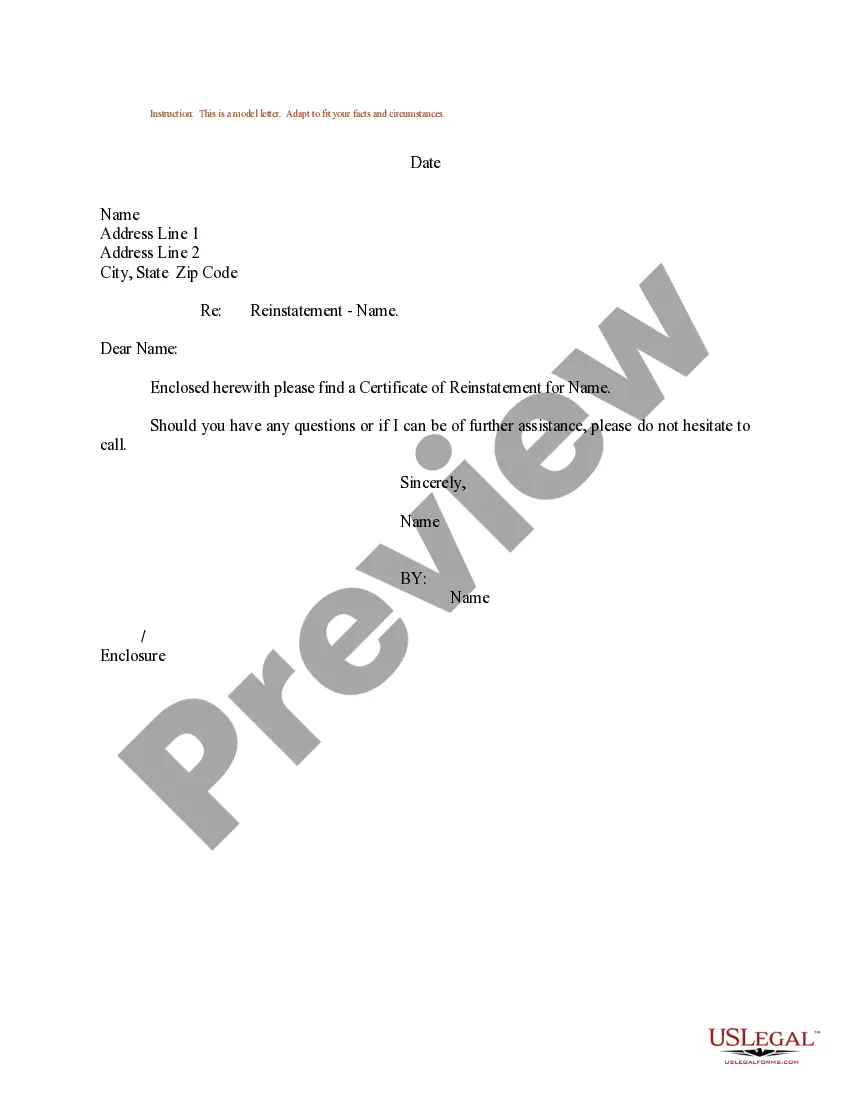
The Sample Letter for Revocation of Membership is a template that allows an individual or organization to formally cancel their membership with a specific entity. This letter serves not only as a written record of the revocation but also helps to clarify that the sender no longer wishes to be associated with the group or benefits of membership. Unlike forms that only notify or request information, this letter explicitly communicates the decision to terminate membership, making it essential for those looking to withdraw officially.
Key parts of this document
- Return address: Includes the sender's name and address for clarity.
- Date: Indicates when the letter is being sent.
- Recipient information: The name and address of the organization or entity from which membership is being revoked.
- Subject line: Clearly states the purpose as "Revocation of Membership."
- Closing statement: Offers a means for further communication if necessary.

When this form is needed
This form is useful in various situations. You should use it if you no longer wish to participate in a club, organization, or subscription service. It is appropriate for formal settings, such as member organizations, professional associations, or any group where membership has specific privileges or obligations. This letter helps ensure there is no ambiguity regarding your decision to revoke your membership.
Who this form is for
- Individuals seeking to cancel their membership in a club or organization.
- Members of professional associations wishing to withdraw.
- Subscribers of services that offer memberships and benefits.
- Anyone needing a formal document to terminate membership rights.
How to prepare this document
- Identify and enter your return address at the top of the letter.
- Fill in the date when the letter is being sent.
- Provide the recipient's name and full address to ensure it reaches the right party.
- Clearly state "Revocation of Membership" in the subject line to outline the purpose.
- Add any additional comments or questions before signing off with your name.
Does this document require notarization?
This form does not typically require notarization unless specified by local law. It is sufficient to send the letter as is, but ensure that you follow any specific requirements of the organization regarding membership revocation.
Get your form ready online
Our built-in tools help you complete, sign, share, and store your documents in one place.
Make edits, fill in missing information, and update formatting in US Legal Forms—just like you would in MS Word.
Download a copy, print it, send it by email, or mail it via USPS—whatever works best for your next step.
Sign and collect signatures with our SignNow integration. Send to multiple recipients, set reminders, and more. Go Premium to unlock E-Sign.
If this form requires notarization, complete it online through a secure video call—no need to meet a notary in person or wait for an appointment.
We protect your documents and personal data by following strict security and privacy standards.

Make edits, fill in missing information, and update formatting in US Legal Forms—just like you would in MS Word.

Download a copy, print it, send it by email, or mail it via USPS—whatever works best for your next step.

Sign and collect signatures with our SignNow integration. Send to multiple recipients, set reminders, and more. Go Premium to unlock E-Sign.

If this form requires notarization, complete it online through a secure video call—no need to meet a notary in person or wait for an appointment.

We protect your documents and personal data by following strict security and privacy standards.
Avoid these common issues
- Failing to include the date on the letter.
- Not providing complete recipient information, which may delay processing.
- Using vague language that doesn't clearly state the intent to revoke membership.
- Neglecting to save a copy of the letter for personal records.
Benefits of completing this form online
- Convenience of downloading and filling out the form at your own pace.
- Editability allows you to customize the template to fit your needs.
- Reliable formatting to ensure compliance with standard practices.
- Access to legal templates drafted by licensed attorneys, ensuring accuracy.
What to keep in mind
- This Sample Letter for Revocation of Membership allows individuals to formally communicate their desire to leave an organization.
- It is a simple and efficient way to document membership cancellation.
- Ensuring complete and accurate information in the letter can prevent misunderstandings.
Looking for another form?
Form popularity
FAQ
Please consider this letter as a formal request to cancel my gym membership number xxxx. I don't wish to renew because mention the reason here. Under the current terms, I need to cancel at least 1 month before the expiration date, so I'm still on the safe side.
Begin the cancellation letter with the date, the company's name and address, and your account number. State politely but firmly that you want the company to cancel your account, and give them the customary 30-day notice before you expect it to become effective.
End the letter like this: I would appreciate you cancelling this membership effective immediately. If you have any questions, I can be reached at contact number/email. Your signature over your printed name (and title if it is necessary).
If you use Apple Mail on iOS, you've got a similar option. Open up a newsletter on iOS and tap the Unsubscribe button at the top, which appears if Mail detects a newsletter. Tap Unsubscribe again on the confirmation dialog and you're done.
Open your Google Account. You might need to sign in. Go to Payments and subscriptions. See a list of items by clicking Manage purchases, Manage reservations, or Manage subscriptions.
On your Android phone or tablet, open the Google Play Store . Check if you're signed in to the correct Google Account. Tap Menu. Subscriptions. Select the subscription you want to cancel. Tap Cancel subscription. Follow the instructions.
Include the date of the letter along with the name and contact details of the organization. Also, give your complete name, your mailing address, and the subscription or membership details based on the records of the company.
You may email us at membership@thegymgroup.com or contact us through the Member Area (using the email that you used during the online joining process and the unique personal identification number (PIN) that you were sent), or you may use the cancellation form at https://www.thegymgroup.com/legal/membership-agreement/.
Sign in to Subscriptions. Find the subscription you want to cancel and tap or click Manage. Choose Cancel subscription. If you don't see this option, click Manage subscription to go to the Google product you subscribed through. You can cancel the subscription there.