Hippa Release Form for Medical Records
What is this form?
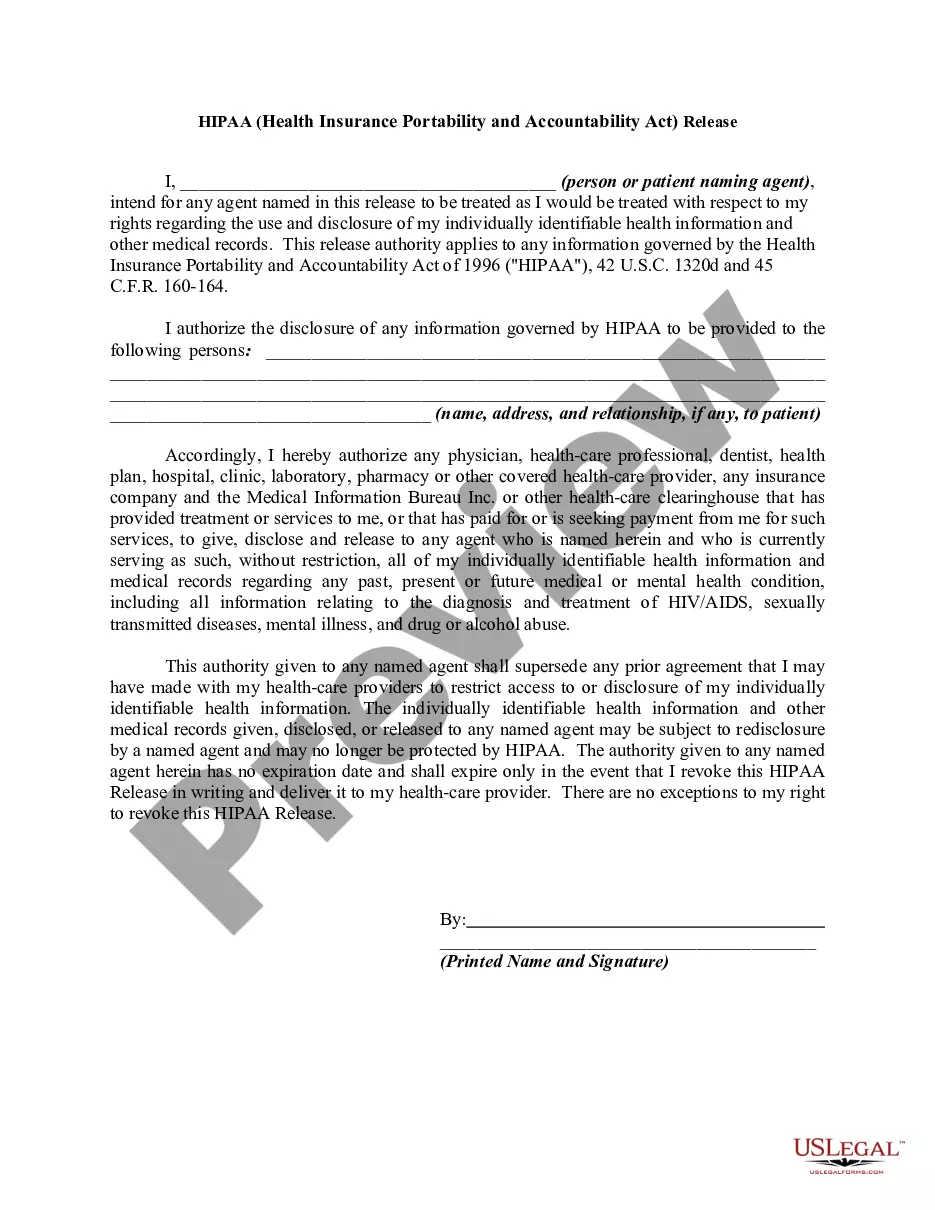
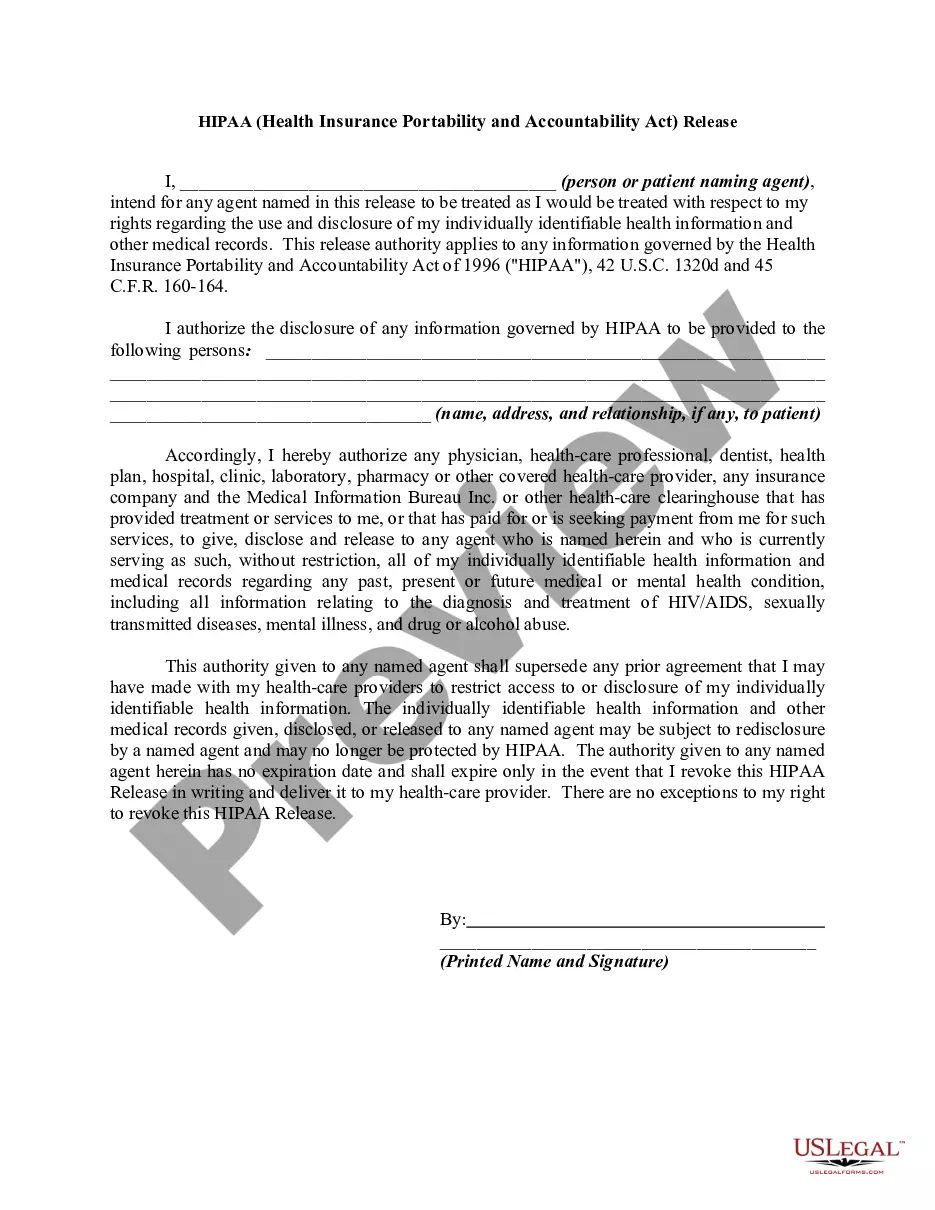
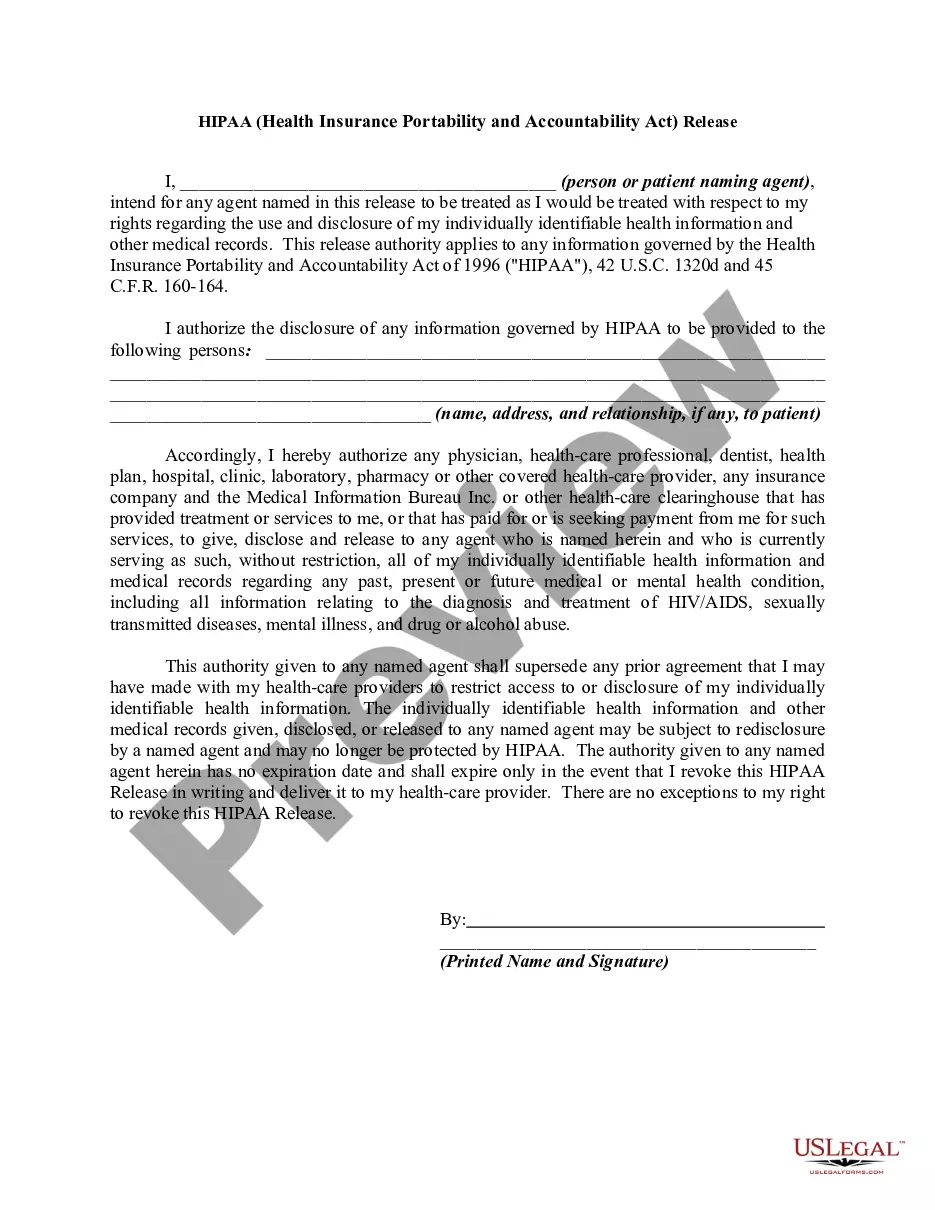
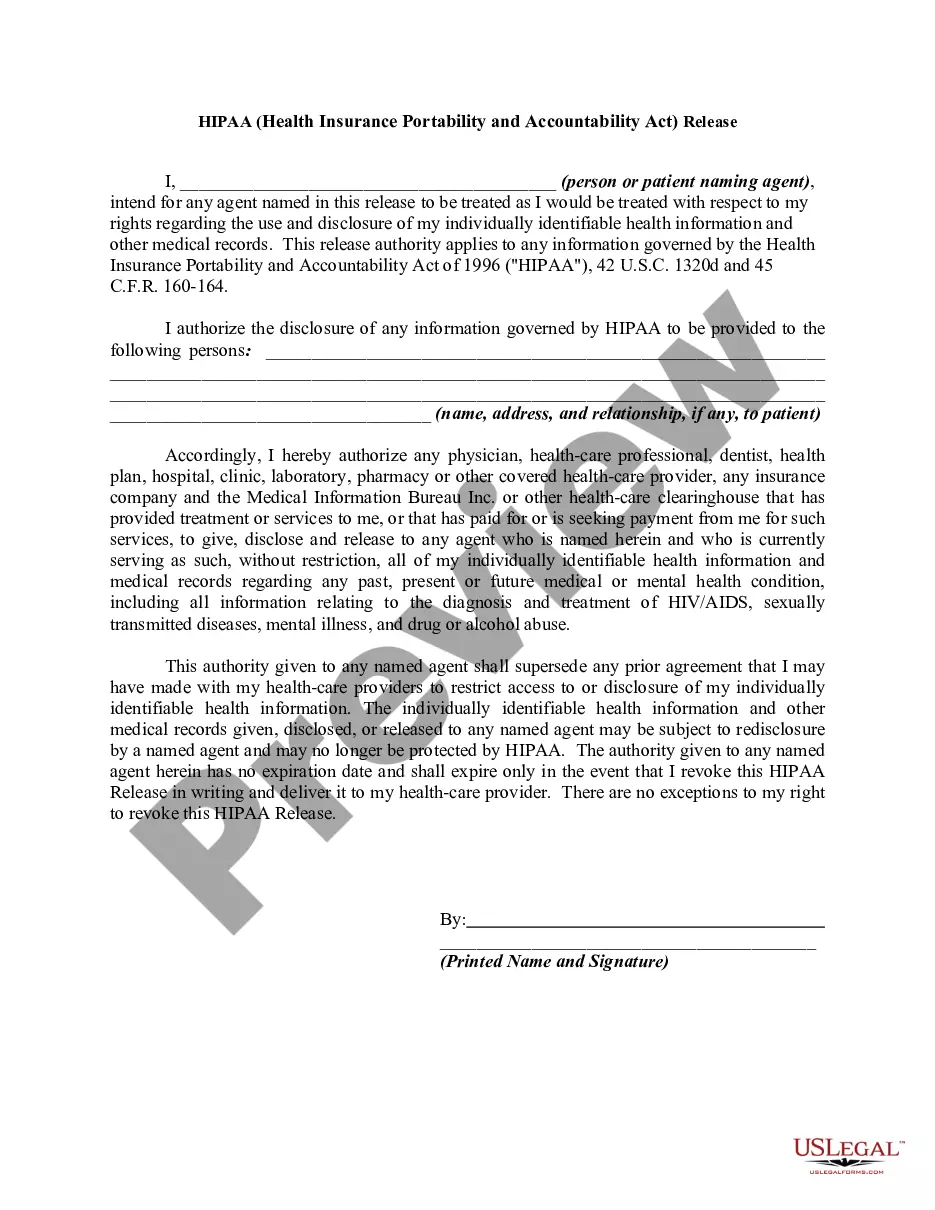
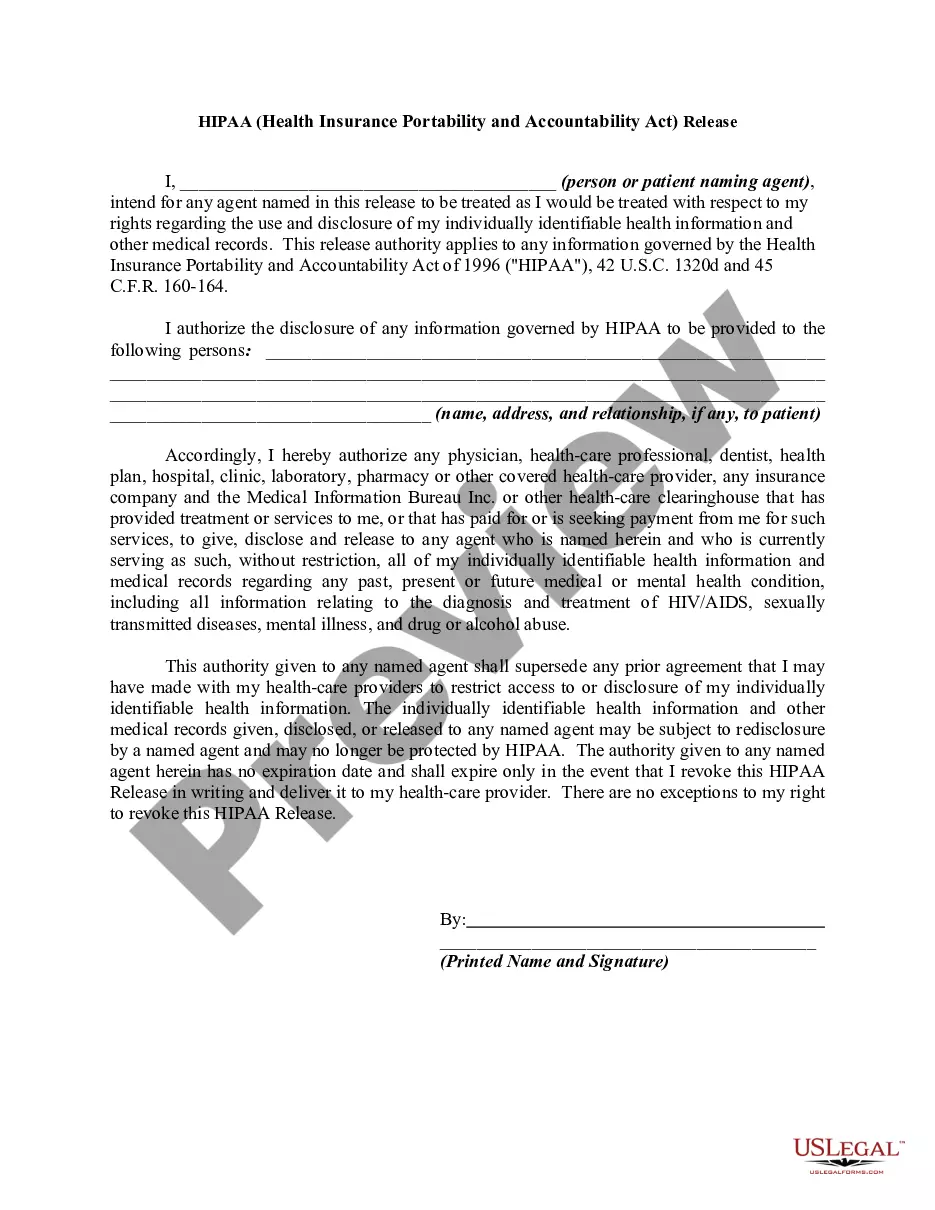
The HIPAA Release Form for Medical Records is a legal document that allows individuals to authorize the disclosure of their protected health information to designated recipients. This form is crucial for maintaining privacy and ensuring that health information can be shared legally, as mandated by the Health Insurance Portability and Accountability Act (HIPAA). Unlike other medical release forms, this specific document establishes the rights of the agent acting on behalf of the patient concerning their health information.
Main sections of this form
- Patient's name and the name of the agent authorized to receive health information.
- Specific details about the health information being disclosed.
- Identification of the healthcare providers authorized to release information.
- Statement of the supersession of previous agreements regarding health information disclosure.
- Authority expiration details, including the revocation process.
When to use this document
This form is suitable for situations where a patient wishes to allow a designated person, such as a family member, friend, or caregiver, to access and manage their medical records. This can be important when seeking treatment, handling medical emergencies, or managing health-related documentation while ensuring compliance with HIPAA regulations.
Intended users of this form
- Patients who want to grant access to their health records.
- Individuals seeking to share their medical information with family members or healthcare agents.
- Caregivers representing patients who may be unable to manage their health information independently.
Completing this form step by step
- Identify the patient and the agent by entering their full names.
- Specify the information to be disclosed by checking relevant categories if applicable.
- List the healthcare providers authorized to release the information.
- Review the authorization terms, including rights to revoke at any time.
- Sign and date the form in the designated area.
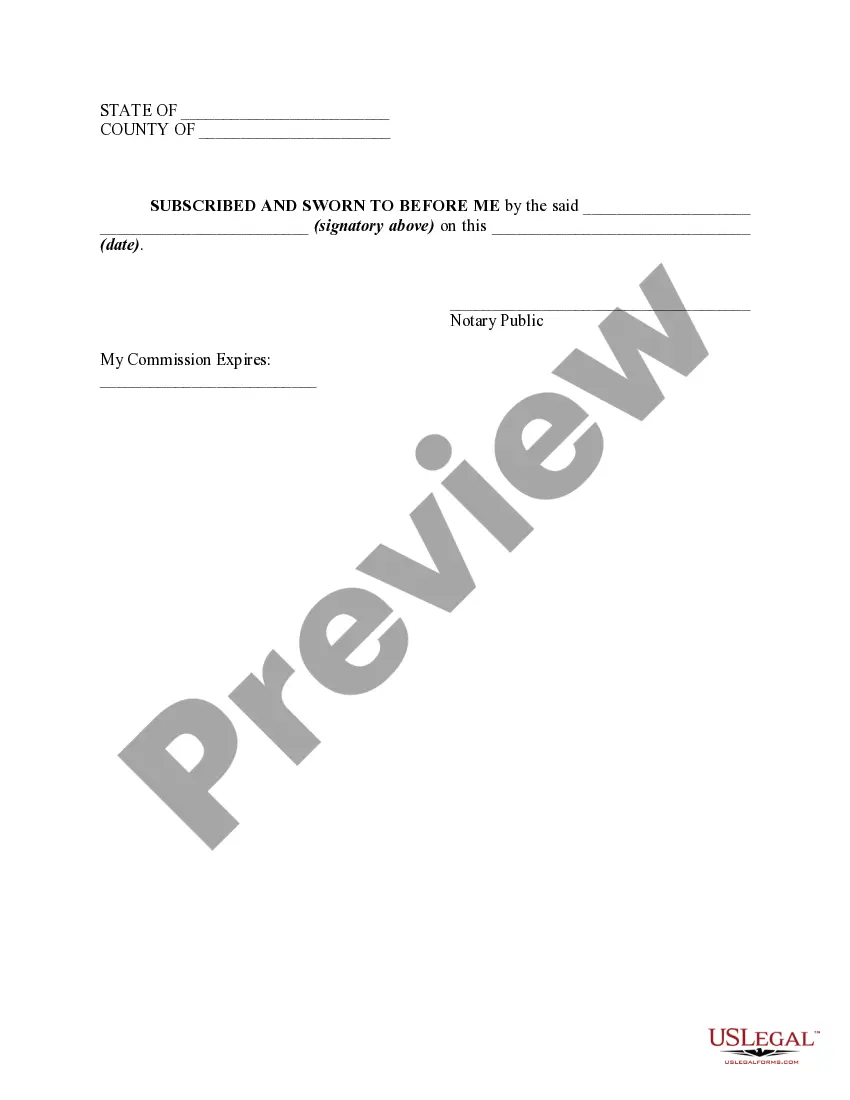
Does this form need to be notarized?
This form does not typically require notarization unless specified by local law. However, it is recommended to check state regulations or consult a legal advisor to ensure compliance.
Get your form ready online
Our built-in tools help you complete, sign, share, and store your documents in one place.
Make edits, fill in missing information, and update formatting in US Legal Forms—just like you would in MS Word.
Download a copy, print it, send it by email, or mail it via USPS—whatever works best for your next step.
Sign and collect signatures with our SignNow integration. Send to multiple recipients, set reminders, and more. Go Premium to unlock E-Sign.
If this form requires notarization, complete it online through a secure video call—no need to meet a notary in person or wait for an appointment.
We protect your documents and personal data by following strict security and privacy standards.

Make edits, fill in missing information, and update formatting in US Legal Forms—just like you would in MS Word.

Download a copy, print it, send it by email, or mail it via USPS—whatever works best for your next step.

Sign and collect signatures with our SignNow integration. Send to multiple recipients, set reminders, and more. Go Premium to unlock E-Sign.

If this form requires notarization, complete it online through a secure video call—no need to meet a notary in person or wait for an appointment.

We protect your documents and personal data by following strict security and privacy standards.
Common mistakes to avoid
- Not clearly identifying the agent authorized to receive medical information.
- Failing to include specific details about the health information being released.
- Not signing and dating the form, rendering it invalid.
Advantages of online completion
- Convenience of filling out the form online from any location.
- Editability to customize the form according to individual needs before downloading.
- Reliability of using a document crafted by licensed attorneys for compliance.
Main things to remember
- The HIPAA Release Form for Medical Records is essential for authorizing the disclosure of health information.
- It should accurately name the patient and the authorized agent while detailing the information to be disclosed.
- Understand your rights to revoke the authorization and confirm the formâs compliance with state laws.
Looking for another form?

Form popularity
FAQ
No, you should not sign the HIPAA authorization for the release of your medical records. Often, the insurance company will act as though they cannot begin to decide how much money to offer you until they have all of your medical records.
A HIPAA-compliant HIPAA release form must, at the very least, contain the following information: A description of the information that will be used/disclosed. The purpose for which the information will be disclosed. The name of the person or entity to whom the information will be disclosed.
Home address. date of birth. gender.
A Medical Records Release Form (also known as a Medical Information Release Form) is a form used to request that a health care provider (physician, dentist, hospital, chiropractor, psychiatrist, etc.)The automated form allows you to request information to be sent to multiple individuals and organizations at once.
Covered entities that are health plans face an additional requirement every three years to notify individuals covered by the plan of the availability of the notice and how to obtain it.
No, a HIPAA Authorization does not need to be notarized. In fact, you don't even need a witness to see you sign the form.
Q: Do I need to notarize the signed form? A: No. The HIPAA Privacy Rule does not require you to notarize authorization forms or have a witness.
A HIPAA-compliant HIPAA release form must, at the very least, contain the following information: A description of the information that will be used/disclosed. The purpose for which the information will be disclosed. The name of the person or entity to whom the information will be disclosed.