Second Amendment of Trust Agreement
What is this form?
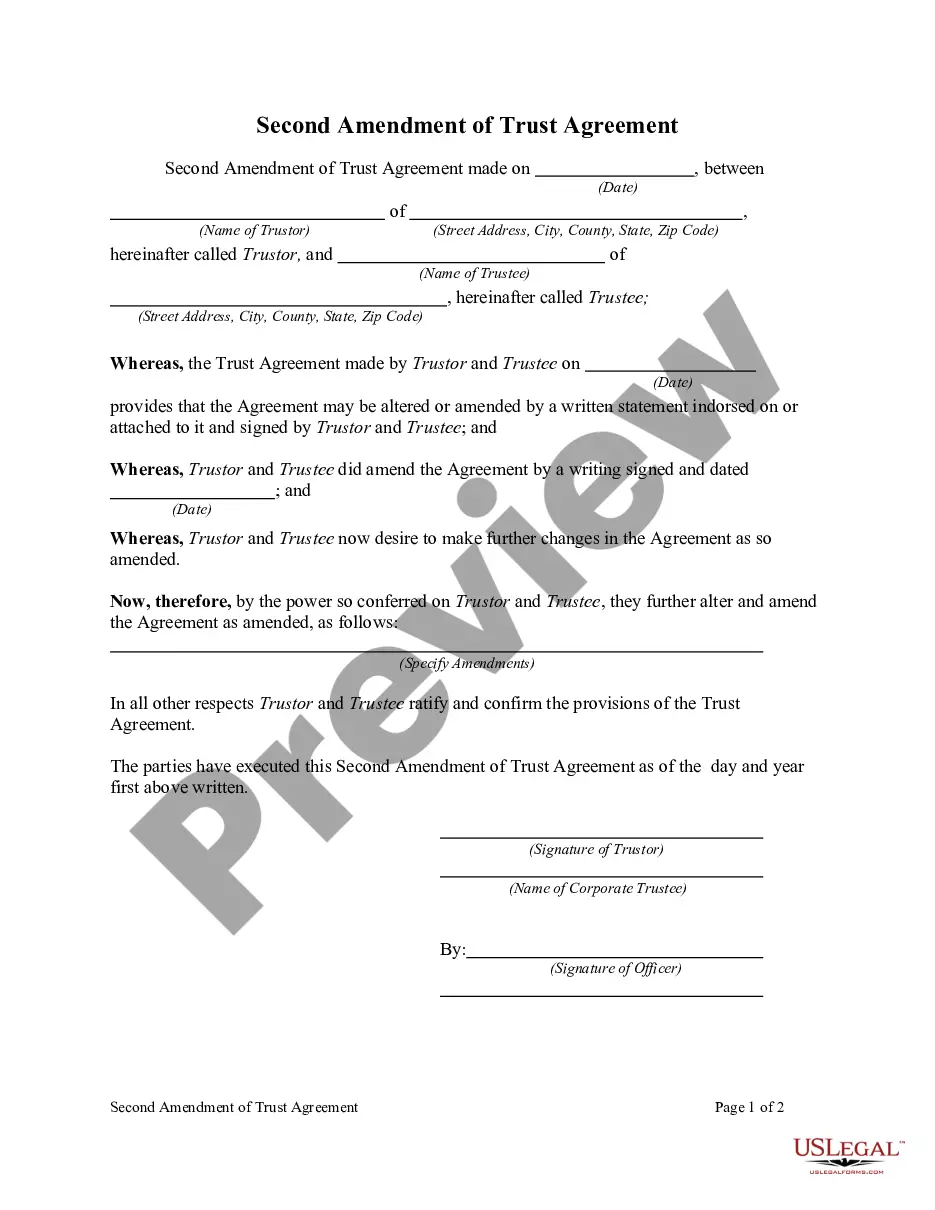
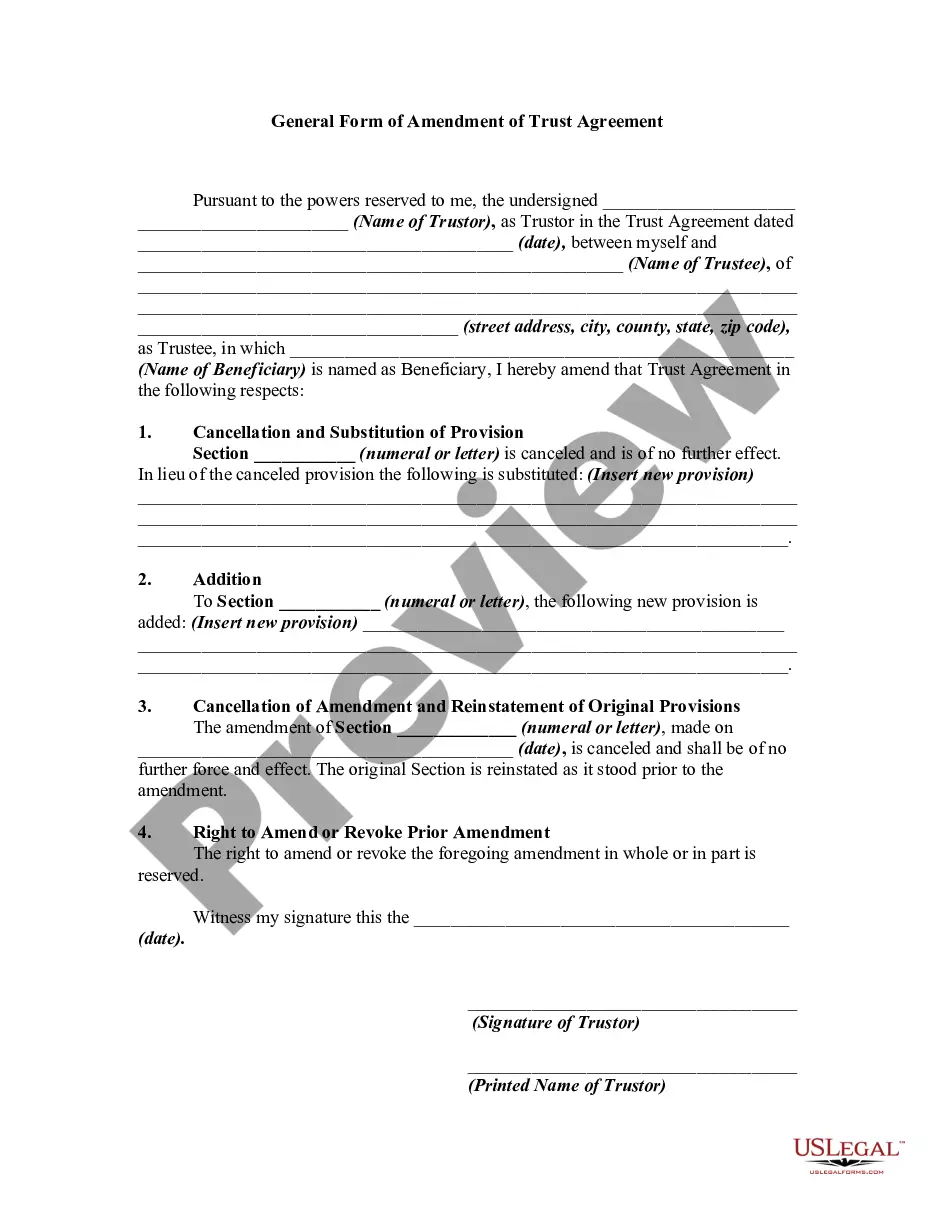
The Second Amendment of Trust Agreement is a legal document used to update an existing trust. This form allows you to make changes to the trust's terms, beneficiaries, or structure without needing to create a new trust. It differs from a Trust Agreement since it specifically focuses on amendments to existing trusts.
What’s included in this form
- Identification of the trust being amended.
- Details of the amendments, including changes to beneficiaries or assets.
- Signature section for the trustors and witnesses, if required.
- Effective date of the amendments.

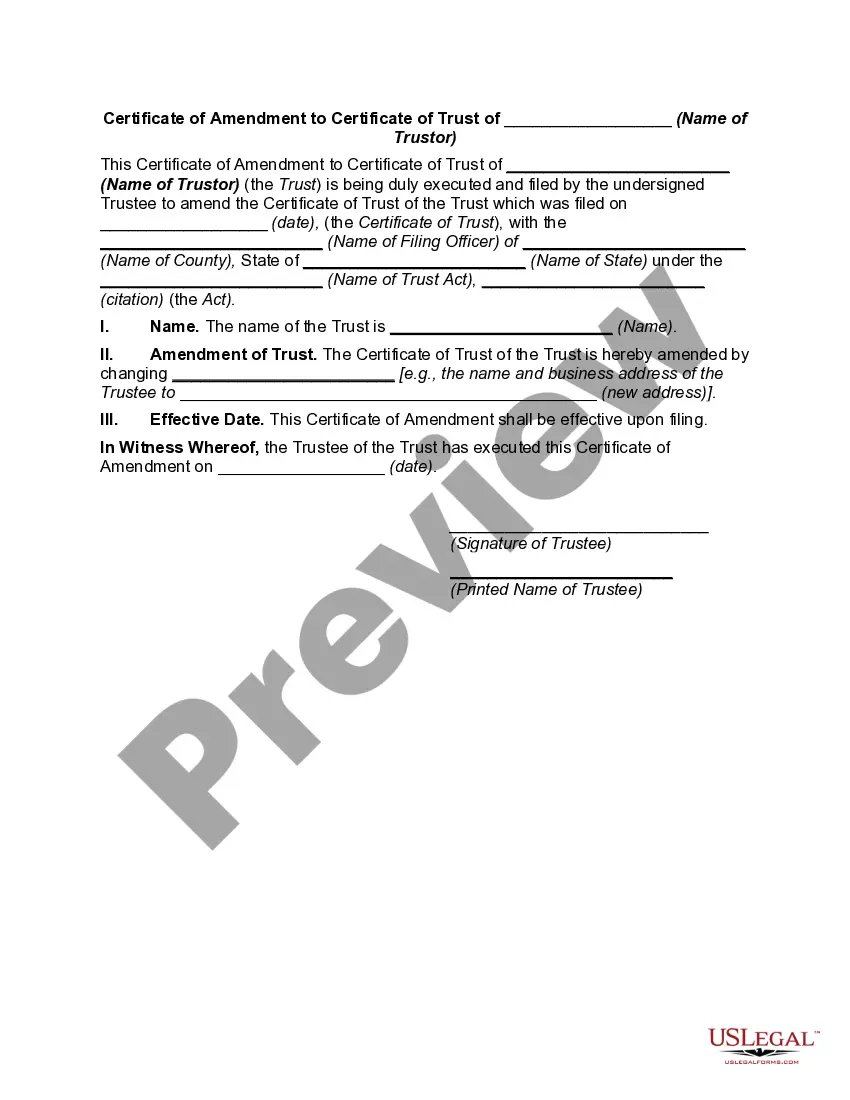
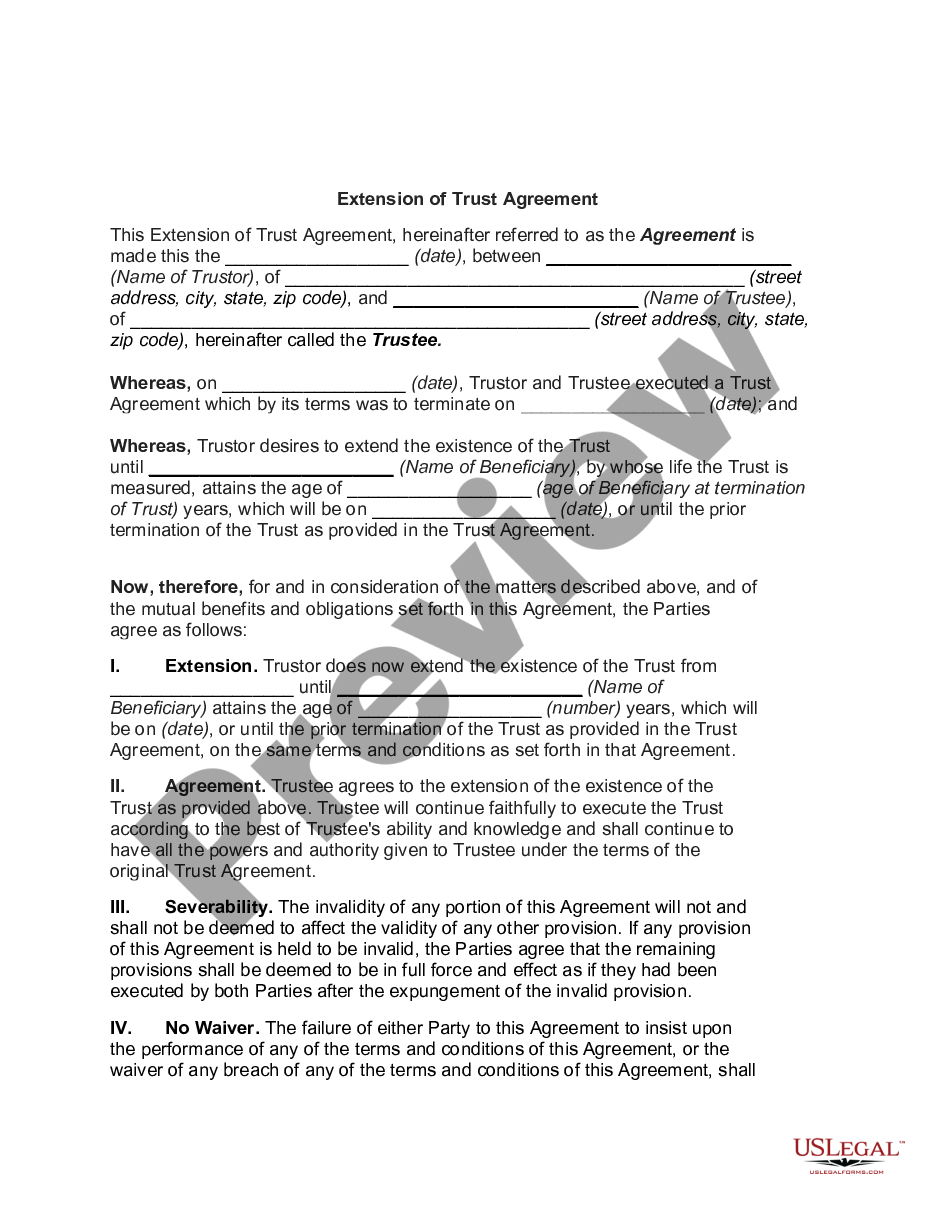
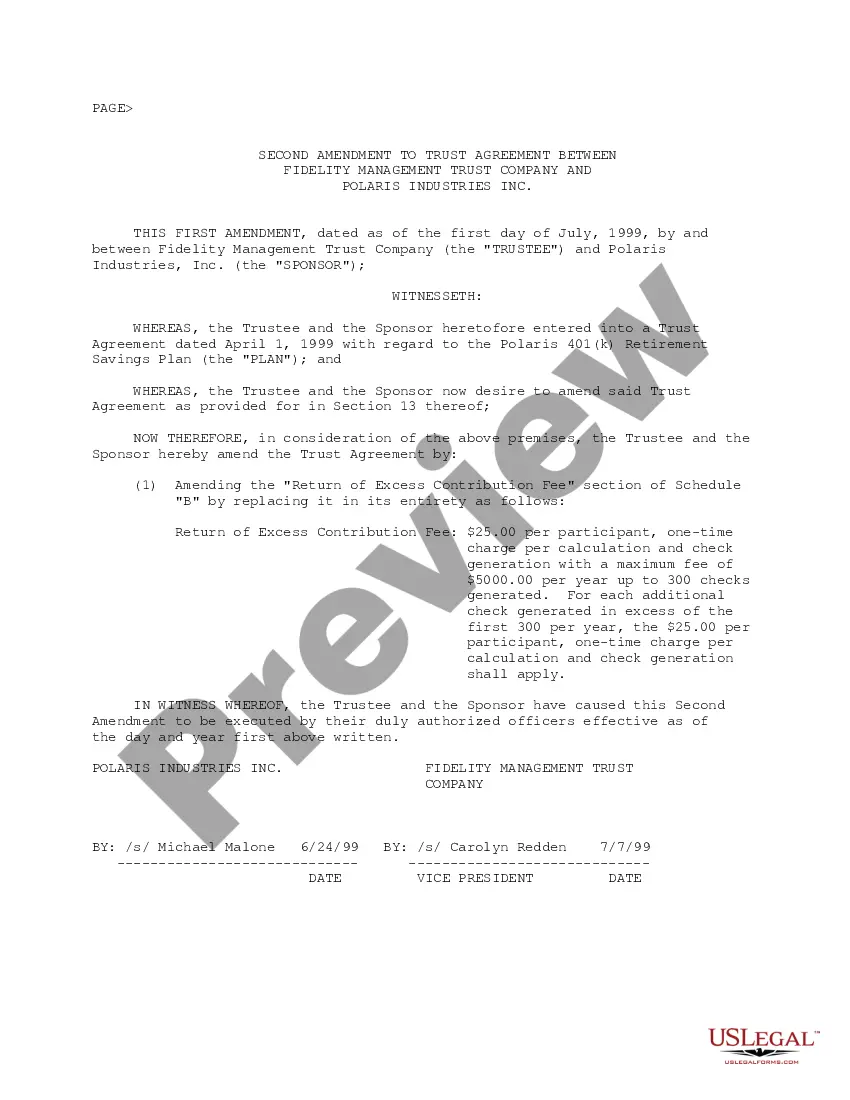
When this form is needed
This form is relevant when you need to change the terms of an existing trust due to changes in circumstances, such as a change in beneficiaries, modifications in asset distributions, or updates in the trust management. It's also useful when the trustor wishes to clarify or correct terms that may have been misinterpreted previously.
Who should use this form
- Trustors who wish to amend the terms of their existing trusts.
- Beneficiaries seeking to update their interests in a trust.
- Legal professionals managing trust agreements for clients.
How to complete this form
- Identify the existing trust by name and date.
- Clearly outline the specific changes you want to make to the trust.
- Include the effective date of these amendments.
- Ensure all trustors sign the document, and have it witnessed if required by your state.
- Keep a copy of the amendment with the original trust document.
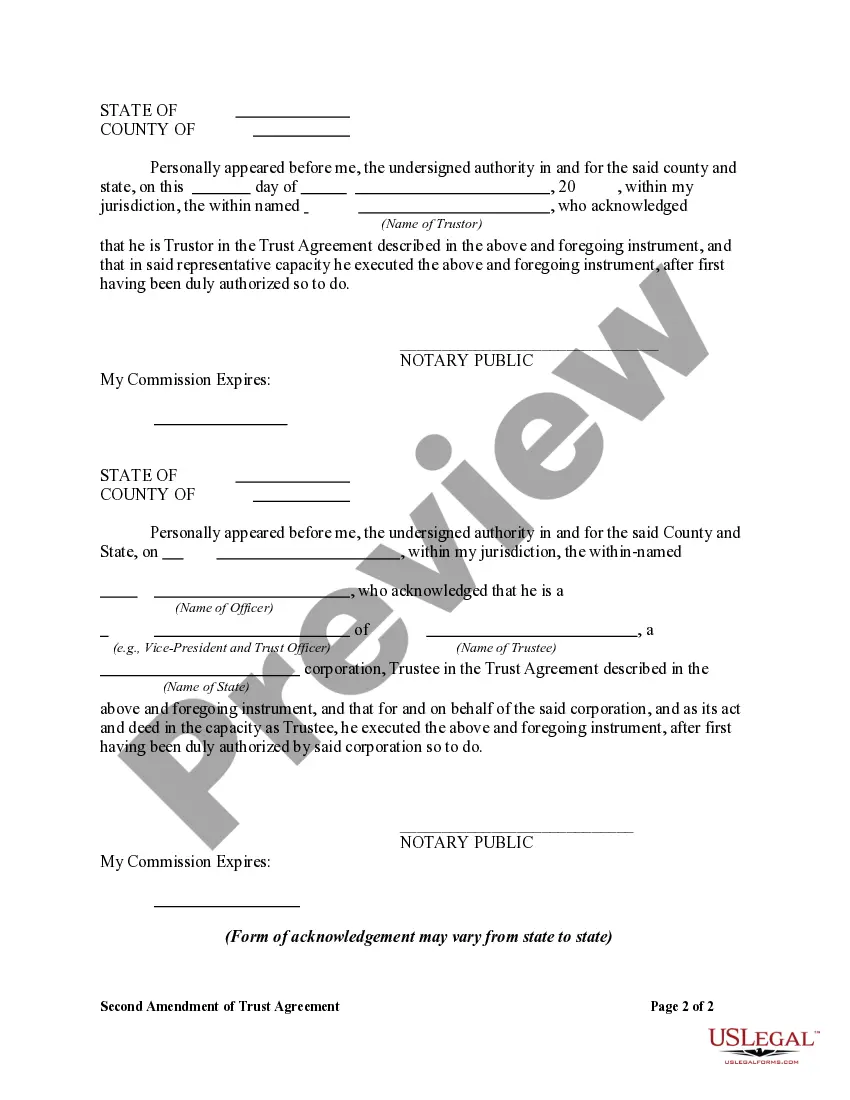
Does this form need to be notarized?
This form does not typically require notarization unless specified by local law. It's advisable to review state-specific regulations or consult with a legal professional if you have any questions about notarization requirements.
Get your form ready online
Our built-in tools help you complete, sign, share, and store your documents in one place.
Make edits, fill in missing information, and update formatting in US Legal Forms—just like you would in MS Word.
Download a copy, print it, send it by email, or mail it via USPS—whatever works best for your next step.
Sign and collect signatures with our SignNow integration. Send to multiple recipients, set reminders, and more. Go Premium to unlock E-Sign.
If this form requires notarization, complete it online through a secure video call—no need to meet a notary in person or wait for an appointment.
We protect your documents and personal data by following strict security and privacy standards.

Make edits, fill in missing information, and update formatting in US Legal Forms—just like you would in MS Word.

Download a copy, print it, send it by email, or mail it via USPS—whatever works best for your next step.

Sign and collect signatures with our SignNow integration. Send to multiple recipients, set reminders, and more. Go Premium to unlock E-Sign.

If this form requires notarization, complete it online through a secure video call—no need to meet a notary in person or wait for an appointment.

We protect your documents and personal data by following strict security and privacy standards.
Typical mistakes to avoid
- Failing to clearly specify the amendments, which can cause confusion.
- Not including the effective date of the changes.
- Forgetting to have the form signed by all necessary parties.
- Neglecting to check if witnessing or notarization is required in your state.
Why use this form online
- Convenience of completing the form at your own pace.
- Editability allows for adjustments before finalizing.
- Access to professionally drafted documents ensures legal reliability.
What to keep in mind
- The Second Amendment of Trust Agreement allows for modifications to existing trusts.
- It is critical to ensure all amendments are clearly articulated.
- Understanding local laws is essential for compliance and validity of the form.
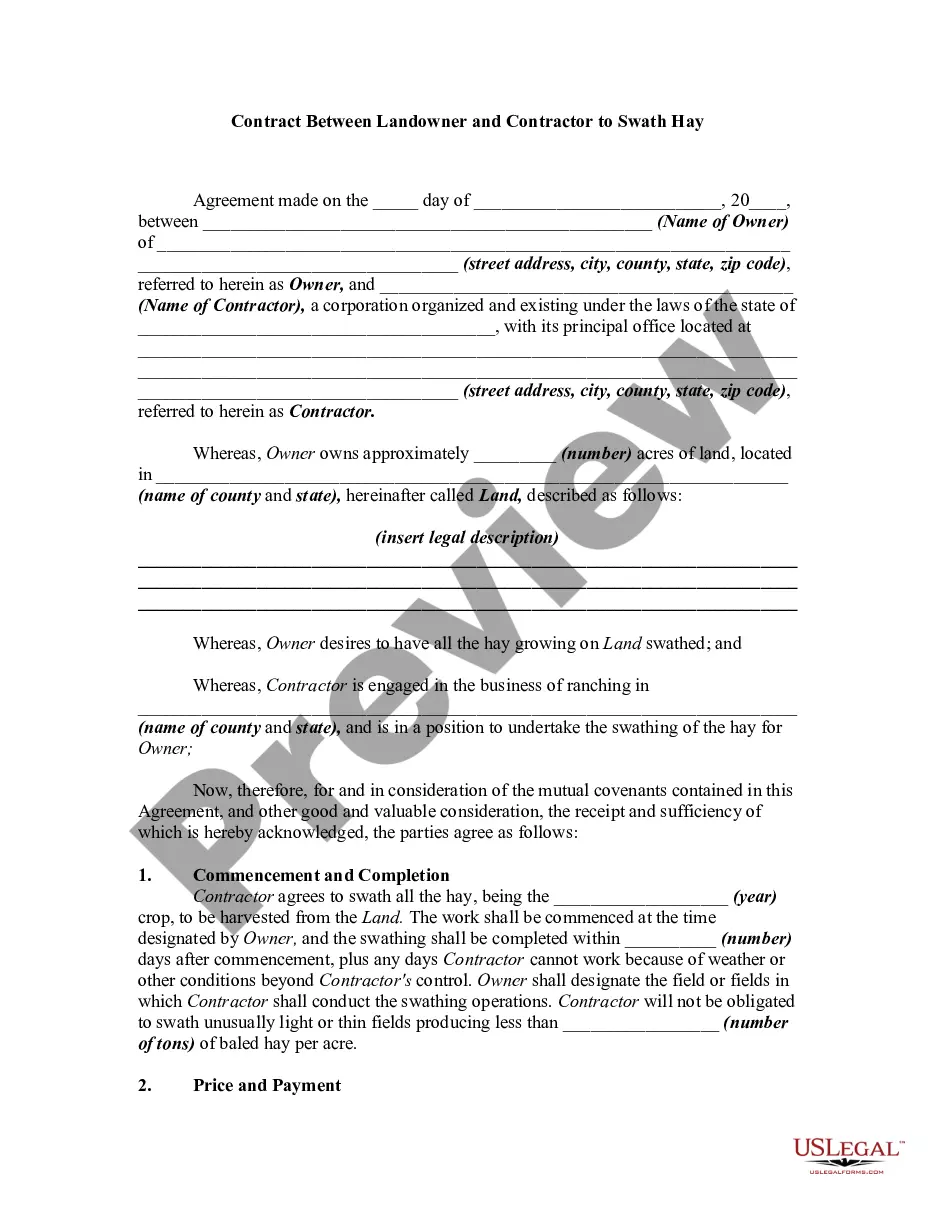
Looking for another form?
Form popularity
FAQ
To create a valid living trust, you must sign the trust document. In most places, a living trust document, unlike a will, does not need to be signed in front of witnesses.
An amendment to a trust is not required to be notarized or witnessed unless the terms of the original trust require it.
You can do this by simply signing your name and putting your title of executor of the estate afterward. One example of an acceptable signature would be Signed by Jane Doe, Executor of the Estate of John Doe, Deceased. Of course, many institutions may not simply take your word that you are the executor of the estate.
Question: Can a Trustee or Successor Trustee designate an authorized signer on the trust's banking accounts who is not listed in the trust document? Generally, the answer to this question is no, they can not.
When signing anything on behalf of the trust, always sign as John Smith, Trustee. By signing as Trustee, you will not be personally liable for that action as long as that action is within the scope of your authority under the trust.
Endorsing the Check As the trustee or successor trustee, you must endorse the check. Sign your name just as you are identified in the trust document, for example "Jane Doe, Trustee, John Doe Revocable Trust." If another trustee is named, you do not need her signature to make the deposit.
Revoking or amending a revocable living trust can be done with or without an attorney. You can amend a living trust without having to go to court. There are a few ways to do this. You can do it yourself, using living trust forms you find online, you can use an online service, or you can use an attorney.
Just about any writing will suffice to make a valid Trust amendment. Having the writing typed is not legally required. That's really the point of Trust amendments, to allow a Settlor to express his or her intent as easily as possible. As long as the Trust terms are followed, any writing will do.