Service Invoice 1
Understanding this form
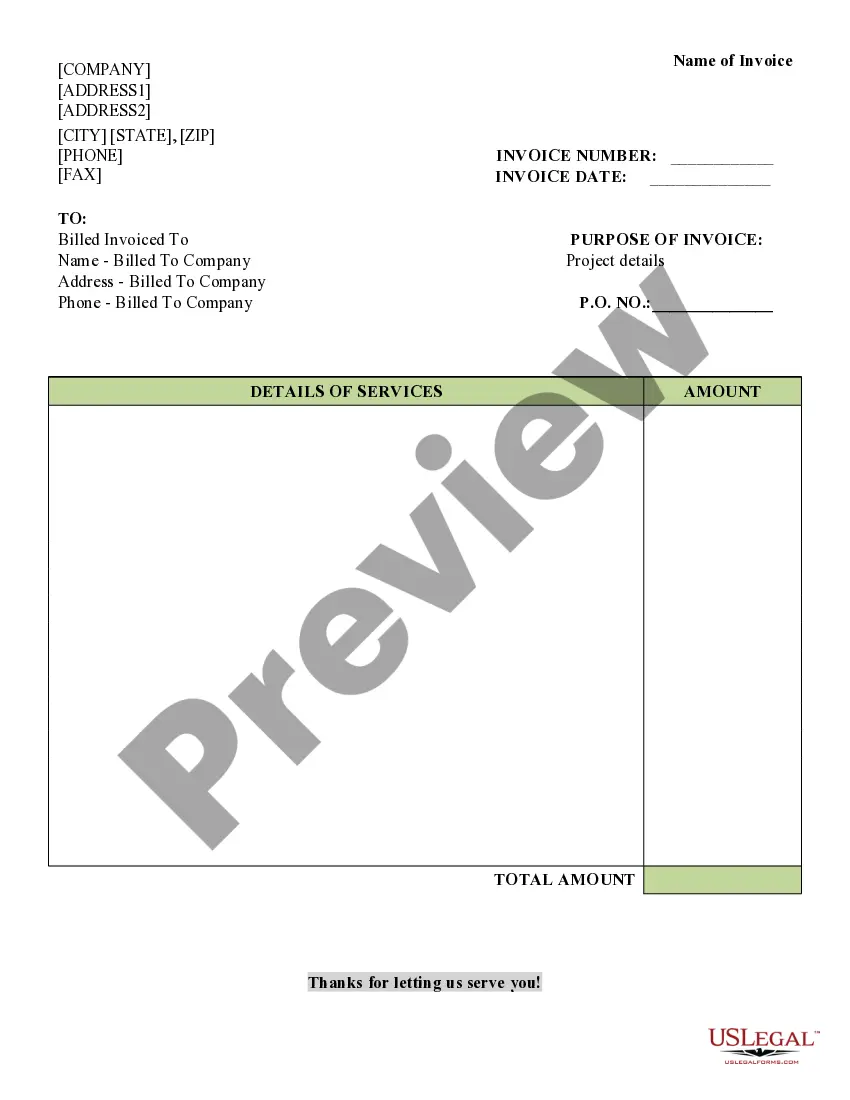
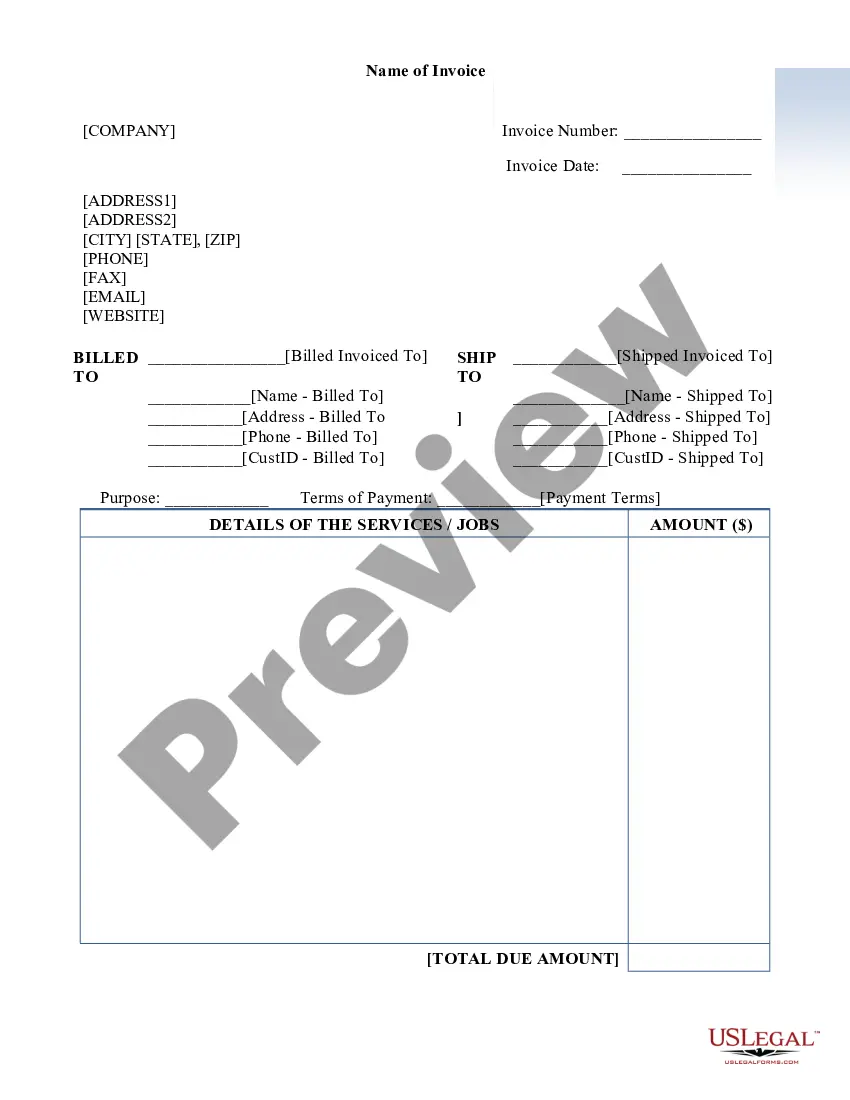
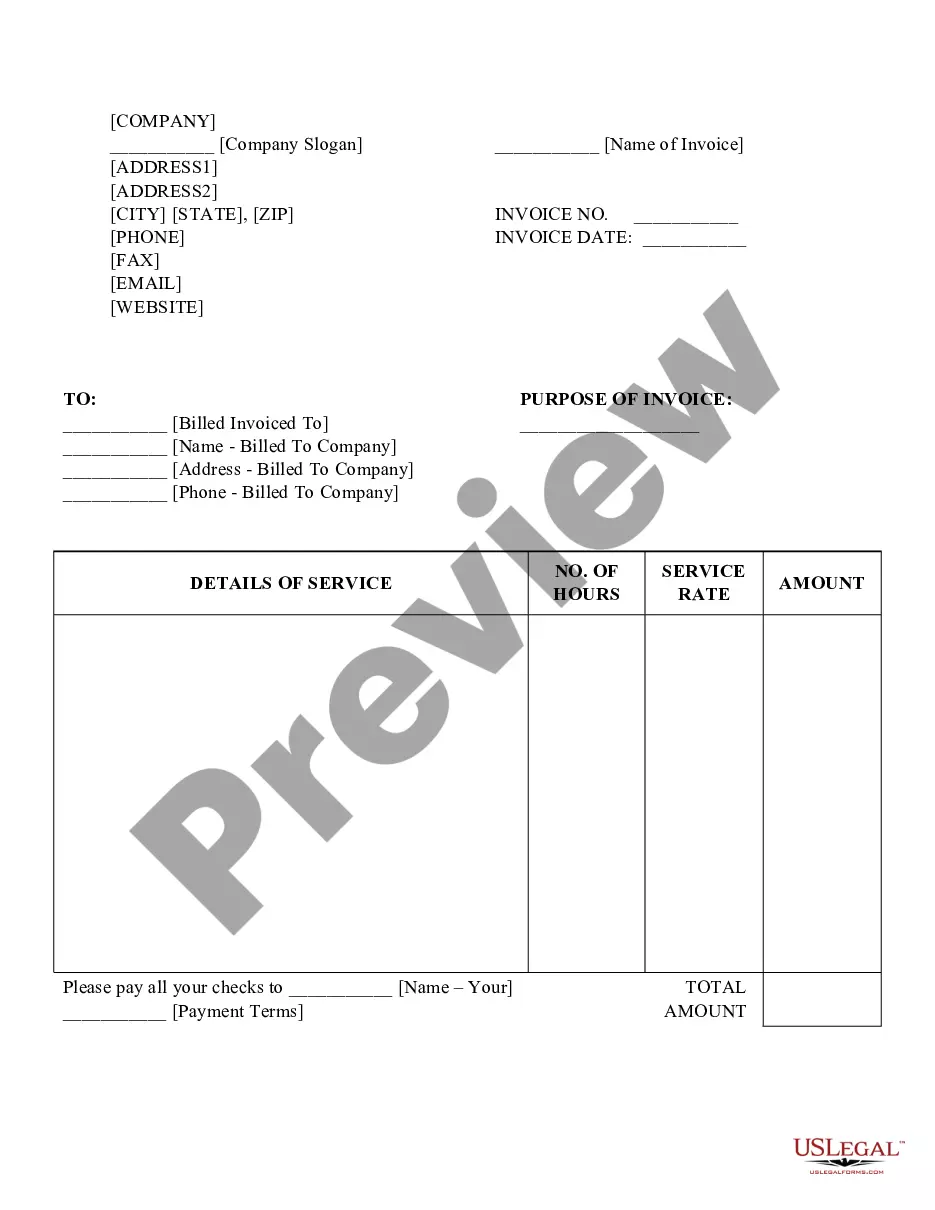
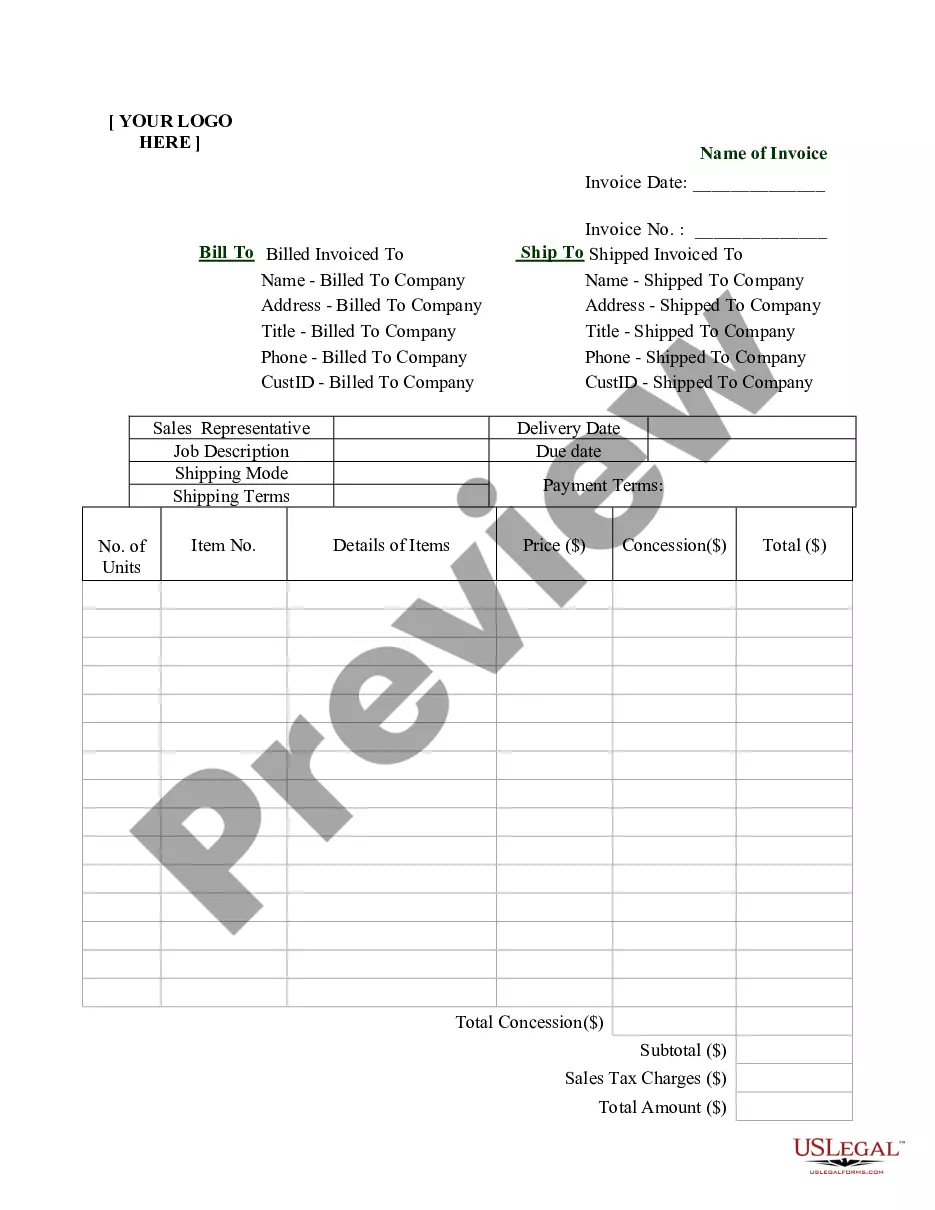
The Service Invoice 1 is a document used by businesses to request payment for services rendered. This form outlines the services provided, the amounts due, and information pertaining to the payer, making it distinct from other forms like receipts or purchase orders. The Service Invoice 1 ensures clarity in the billing process and serves as a formal request for payment, which can help in maintaining accurate financial records.
What’s included in this form
- Invoice Number: Unique identifier for the invoice.
- Invoice Date: The date when the invoice is issued.
- Billed To: Contact information for the individual or company being billed.
- Details of Services: Descriptions and individual costs of the services provided.
- Total Amount: The total due for payment.


When this form is needed
This form is ideal for service providers who want to formally request payment from clients after completing a job. Common scenarios include freelance work, consulting services, maintenance services, or any situation where clear communication of service details and payment terms is necessary.
Who can use this document
- Freelancers and independent contractors.
- Service businesses such as plumbers, electricians, or consultants.
- Businesses that require formal documentation for billing clients.
- Any organization that needs to track payments for services provided.
How to complete this form
- Identify the invoice number for record-keeping.
- Enter the date the invoice is issued.
- Fill in the contact details of the party being billed.
- Detail the services provided, including descriptions and amounts.
- Calculate and enter the total amount due.
Notarization guidance
This form usually doesn’t need to be notarized. However, local laws or specific transactions may require it. Our online notarization service, powered by Notarize, lets you complete it remotely through a secure video session, available 24/7.
Get your form ready online
Our built-in tools help you complete, sign, share, and store your documents in one place.
Make edits, fill in missing information, and update formatting in US Legal Forms—just like you would in MS Word.
Download a copy, print it, send it by email, or mail it via USPS—whatever works best for your next step.
Sign and collect signatures with our SignNow integration. Send to multiple recipients, set reminders, and more. Go Premium to unlock E-Sign.
If this form requires notarization, complete it online through a secure video call—no need to meet a notary in person or wait for an appointment.
We protect your documents and personal data by following strict security and privacy standards.

Make edits, fill in missing information, and update formatting in US Legal Forms—just like you would in MS Word.

Download a copy, print it, send it by email, or mail it via USPS—whatever works best for your next step.

Sign and collect signatures with our SignNow integration. Send to multiple recipients, set reminders, and more. Go Premium to unlock E-Sign.

If this form requires notarization, complete it online through a secure video call—no need to meet a notary in person or wait for an appointment.

We protect your documents and personal data by following strict security and privacy standards.
Common mistakes
- Forgetting to include the invoice number, which can cause confusion.
- Omitting service descriptions or details, leading to disputes.
- Not specifying payment terms or due date, which may delay payment.
- Calculating totals incorrectly, resulting in payment issues.
Advantages of online completion
- Convenience of filling out and downloading the form from anywhere.
- Editability to customize the invoice as needed.
- Reliable format created by licensed attorneys.
- Efficient record-keeping with clearly formatted documents.
Looking for another form?
Form popularity
FAQ
How to Invoice for Services Develop a Service-Based Invoice Template.List Your Business Name and Contact Information.Include Your Client's Name and Contact Details.Assign a Service Invoice Number.Write the Issuing Date for Your Service Invoice.List All Services Rendered.Include Applicable Taxes for Your Services.
: an itemized statement of goods or services with their prices and the terms of sale. invoice. 2 of 2 verb. invoiced; invoicing. : to submit an invoice for : bill.
Service invoices include information such as the name of the service provider, the name of the client, the date of service, a description of the services provided, the amount charged for the services, and any applicable taxes or fees.
Invoices sent to customers are recorded as journal entries in the accounting journal. The journal entry is recorded by entering the total amount due from the invoice as a debit on accounts receivable and a credit on the sales account.
An invoice prepared and issued by a service-oriented business for its services is called a service invoice. Service invoices help in keeping the business organised and help keep track of services rendered to various clients.
When the invoice is paid, the amount is recorded as a debit to the accounts payable account; thus, lowering the credit balance. The higher the accounts payable, the higher its credit balance is, and the lower the accounts payable, the lower its credit balance.
Invoices are generally recorded in the accounts payable section if you have received an invoice from the supplier. If you send an invoice to your client, then invoices are recorded in the accounts receivable section. How do you record an invoice on a balance sheet?
While it's up to you, most people would agree that the most convenient first invoice number should be '01'. Though, others prefer to add another zero, making the first number in the sequence '001'. From there, you can add unique identifiers such as customer numbers, a code for your business, or the date.
When you send an invoice to a customer, you enter it as a journal entry to the accounting journal. For the journal entry, you can document the total amount due from the invoice as a debit in the accounts receivable account. You also list the total amount due from the invoice as a credit in the sales account.