Email Subscription and Option to Unsubscribe
Overview of this form
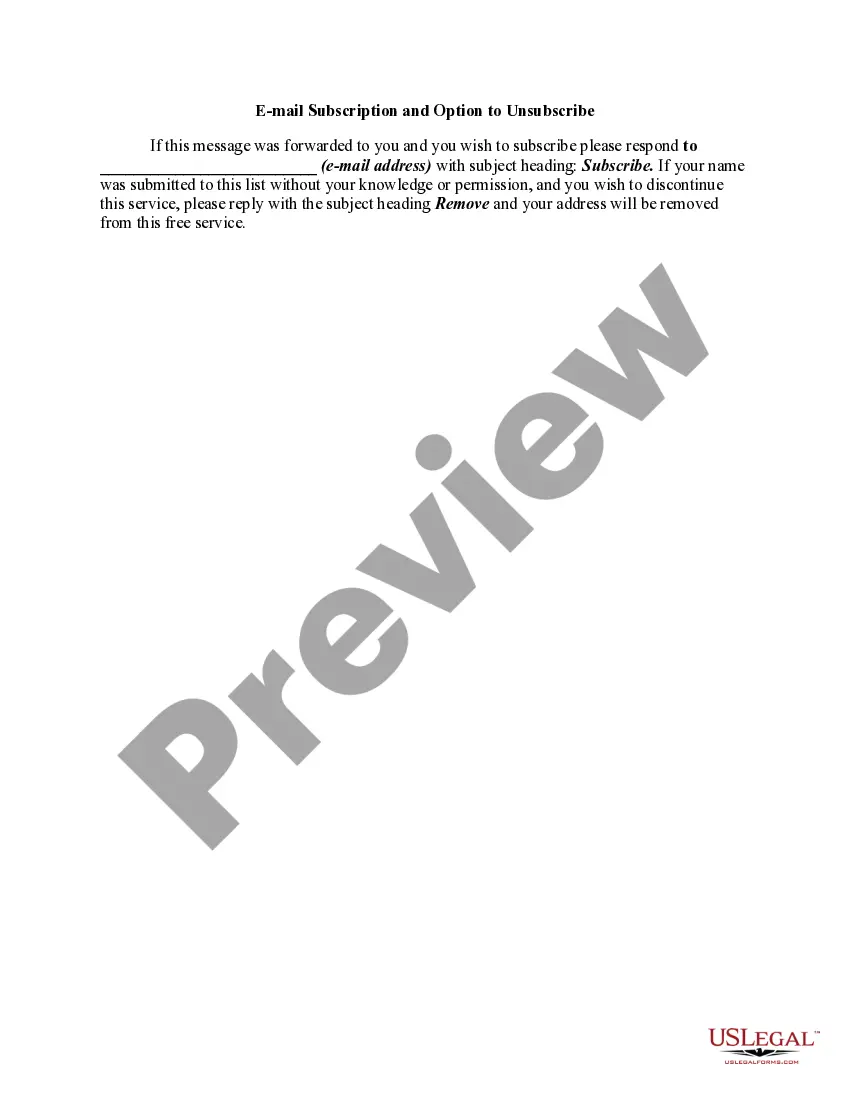
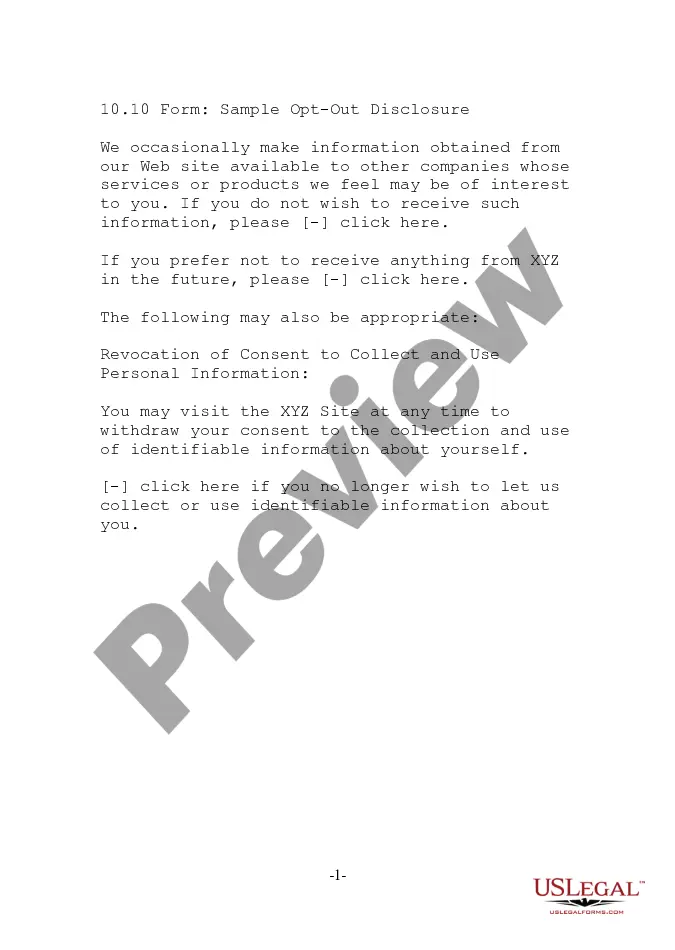
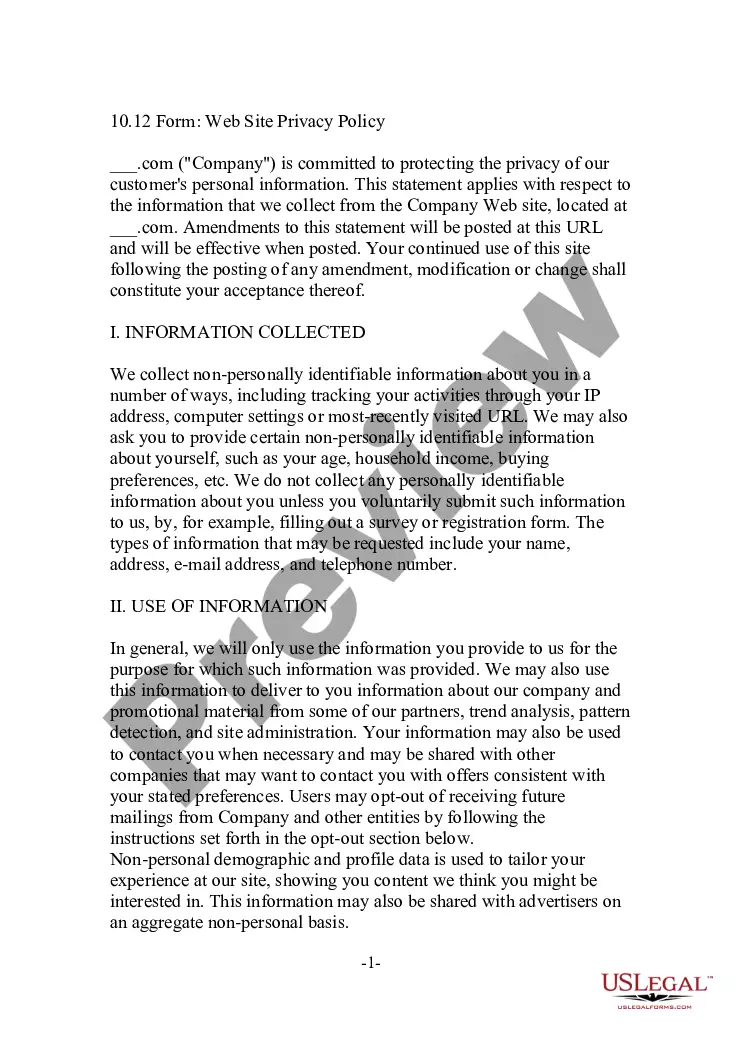
The Email Subscription and Option to Unsubscribe form is a legal document that allows individuals to manage their email subscriptions. This form distinguishes itself by offering a clear method for subscribers to either join an email list or remove themselves from it. It is particularly useful for businesses seeking to comply with regulations regarding unsolicited emails and ensuring that recipients have control over their contact preferences.
Form components explained
- Instructions for subscribing to the email list.
- Option to unsubscribe and remove personal information.
- Space to specify the email address for communication.
- Subject headings to facilitate the unsubscribe process.
When to use this form
This form is useful when a business wants to establish an email subscription list while ensuring legal compliance. It should be used if you need to provide potential customers the option to subscribe to marketing materials while also allowing those who no longer wish to receive emails to unsubscribe easily.
Who this form is for
- Businesses looking to develop an email marketing list.
- Marketing professionals managing email communications.
- Organizations seeking to comply with email marketing laws.
- Individuals who wish to control their subscription status.
Completing this form step by step
- Identify the individuals or organizations that will manage the email list.
- Provide a designated email address for subscription requests.
- Clearly state the subject lines to use for subscribing and unsubscribing.
- Inform recipients of the process for opting out of the email list.
Notarization guidance
In most cases, this form does not require notarization. However, some jurisdictions or signing circumstances might. US Legal Forms offers online notarization powered by Notarize, accessible 24/7 for a quick, remote process.
Get your form ready online
Our built-in tools help you complete, sign, share, and store your documents in one place.
Make edits, fill in missing information, and update formatting in US Legal Forms—just like you would in MS Word.
Download a copy, print it, send it by email, or mail it via USPS—whatever works best for your next step.
Sign and collect signatures with our SignNow integration. Send to multiple recipients, set reminders, and more. Go Premium to unlock E-Sign.
If this form requires notarization, complete it online through a secure video call—no need to meet a notary in person or wait for an appointment.
We protect your documents and personal data by following strict security and privacy standards.

Make edits, fill in missing information, and update formatting in US Legal Forms—just like you would in MS Word.

Download a copy, print it, send it by email, or mail it via USPS—whatever works best for your next step.

Sign and collect signatures with our SignNow integration. Send to multiple recipients, set reminders, and more. Go Premium to unlock E-Sign.

If this form requires notarization, complete it online through a secure video call—no need to meet a notary in person or wait for an appointment.

We protect your documents and personal data by following strict security and privacy standards.
Avoid these common issues
- Not providing clear instructions for unsubscribing.
- Failing to include a valid email address for responses.
- Using confusing subject lines that make it difficult for users to unsubscribe.
Benefits of completing this form online
- Easy editing to fit specific business needs.
- Convenient access for both businesses and consumers.
- Downloadable format for offline use and distribution.
Legal use & context
This form serves to protect businesses from complaints and potential penalties related to unsolicited email communications. It ensures that recipients are aware of their subscription status and can easily opt out if they choose to do so.
What to keep in mind
- The form is essential for managing email subscriptions effectively.
- It provides an easy process for individuals to opt in or out of email lists.
- Users should adhere to the specified instructions for both subscribing and unsubscribing.
Looking for another form?

Form popularity
FAQ
Create a new Email or Email template. Add a new row. Drag the Text content option to the row. Click the Text box. Click the Special links dropdown. Select Frequently Used > Unsubscribe Link. Click the link icon. If you need to make any edits, such as the link's text or the link type, you can do so here.
Type some unsubscribe instructions in your email and highlight the text that you would like to use as your unsubscribe link. Click Insert/Hyperlink. Select Mailto: as the Type and enter your email address followed by. So, your full mailto: unsubscribe link will look something like:
On your Android phone or tablet, open the Gmail app . Open an email from the sender you want to unsubscribe from. At the bottom of the message, tap Unsubscribe or Change preferences. If you don't see these options, the sender didn't give information required for unsubscribing.
Create a new Email or Email template. Add a new row. Drag the Text content option to the row. Click the Text box. Click the Special links dropdown. Select Frequently Used > Unsubscribe Link. Click the link icon. If you need to make any edits, such as the link's text or the link type, you can do so here.
In most cases, the Unsubscribe button is hidden at the bottom of the letter, made so small that it is almost impossible to find it. A small unsubscribe button at the very bottom of the email And even if you find the button, it may not be the end.
Type some unsubscribe instructions in your email and highlight the text that you would like to use as your unsubscribe link. Click Insert/Hyperlink. Select Mailto: as the Type and enter your email address followed by. So, your full mailto: unsubscribe link will look something like:
In Outlook, click the "Get Add-Ins" button on the "Home" ribbon tab and find the "Unsubscribe" add-in. You company admin might need to allow this add-in to be installed.
Create a new Email or Email template. Add a new row. Drag the Text content option to the row. Click the Text box. Click the Special links dropdown. Select Frequently Used > Unsubscribe Link. Click the link icon. If you need to make any edits, such as the link's text or the link type, you can do so here.
On Microsoft Outlook Similarly, Outlook offers the option to unsubscribe at the top of an opened email. Available on both desktop and mobile apps, Outlook will show you a link to unsubscribe at the top of the email above the sender information. Click this to unsubscribe and confirm.