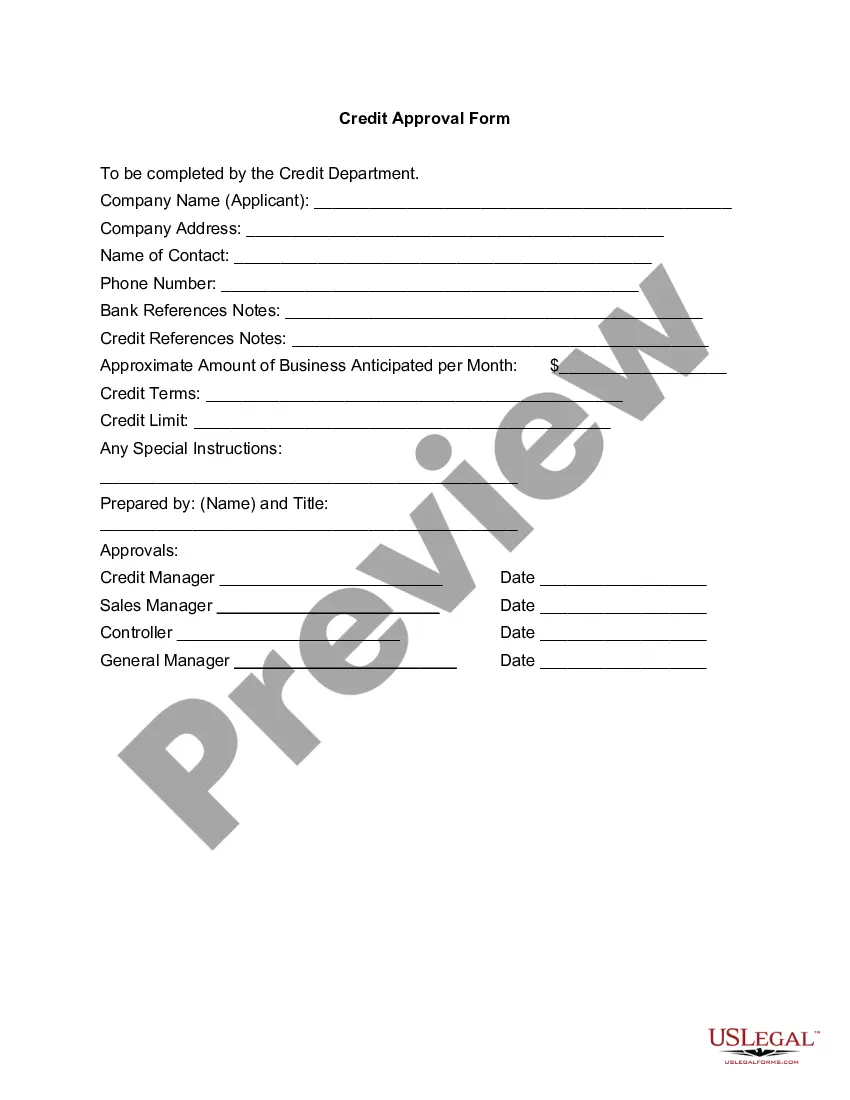
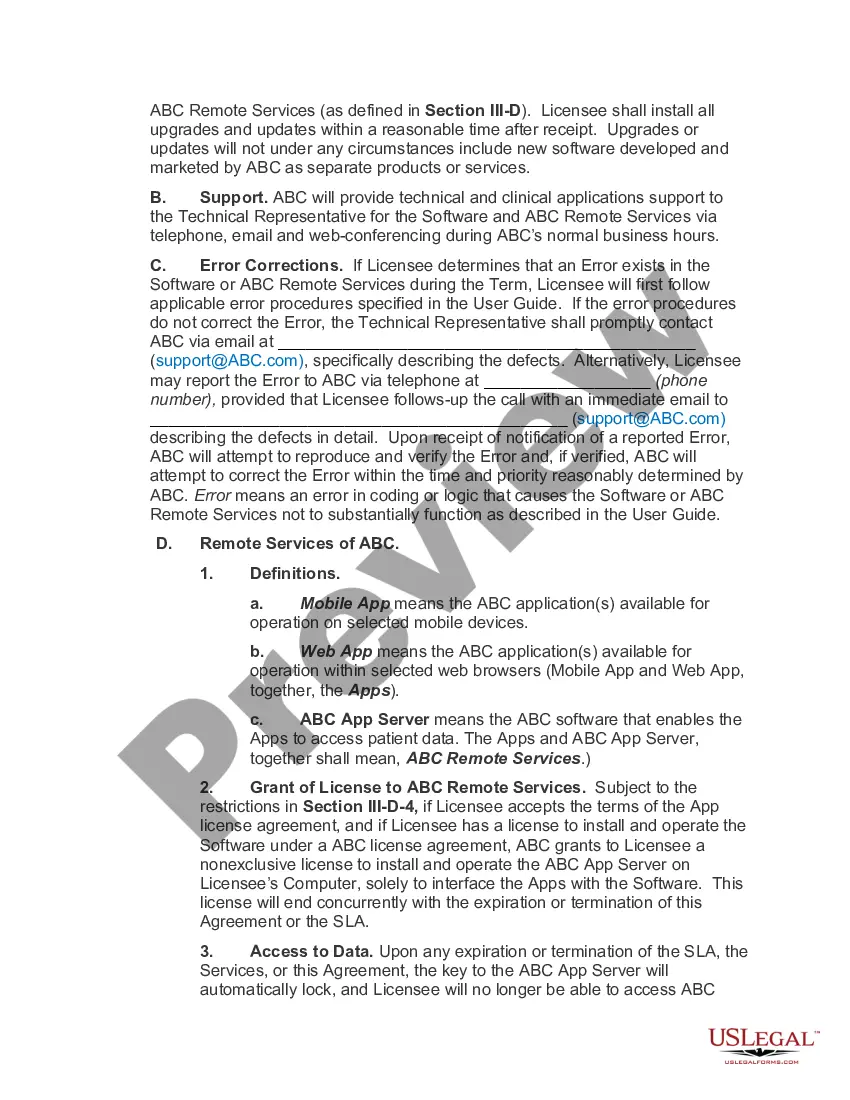
Texas Software Assurance Agreement
Description
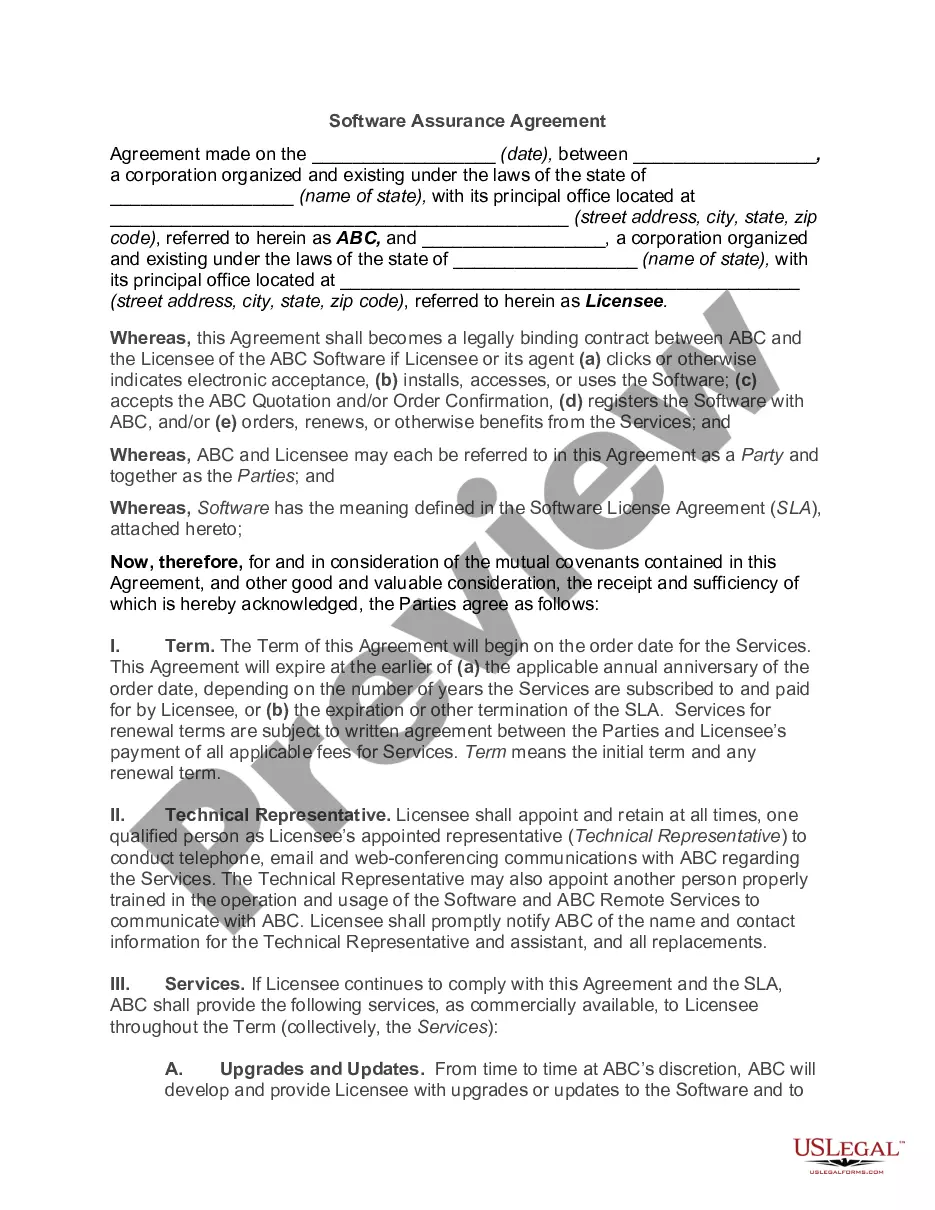
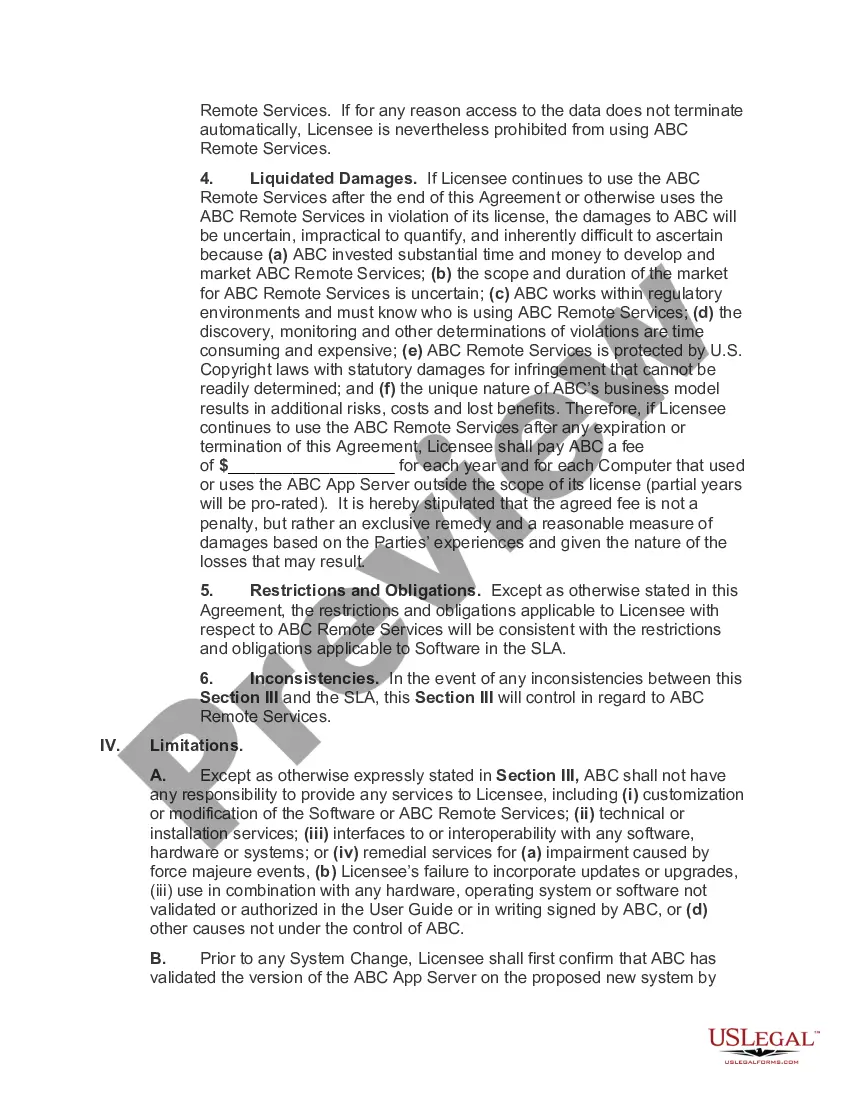
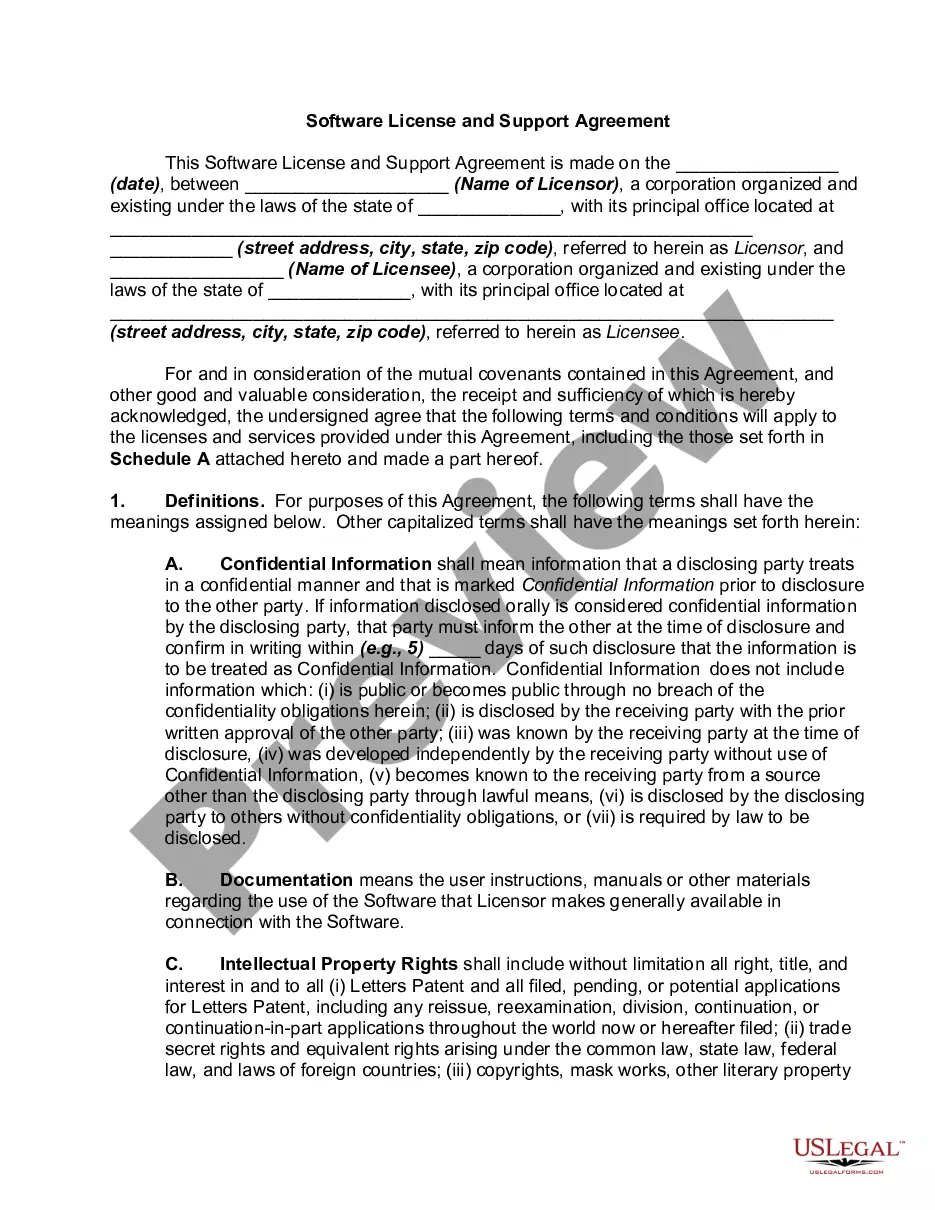
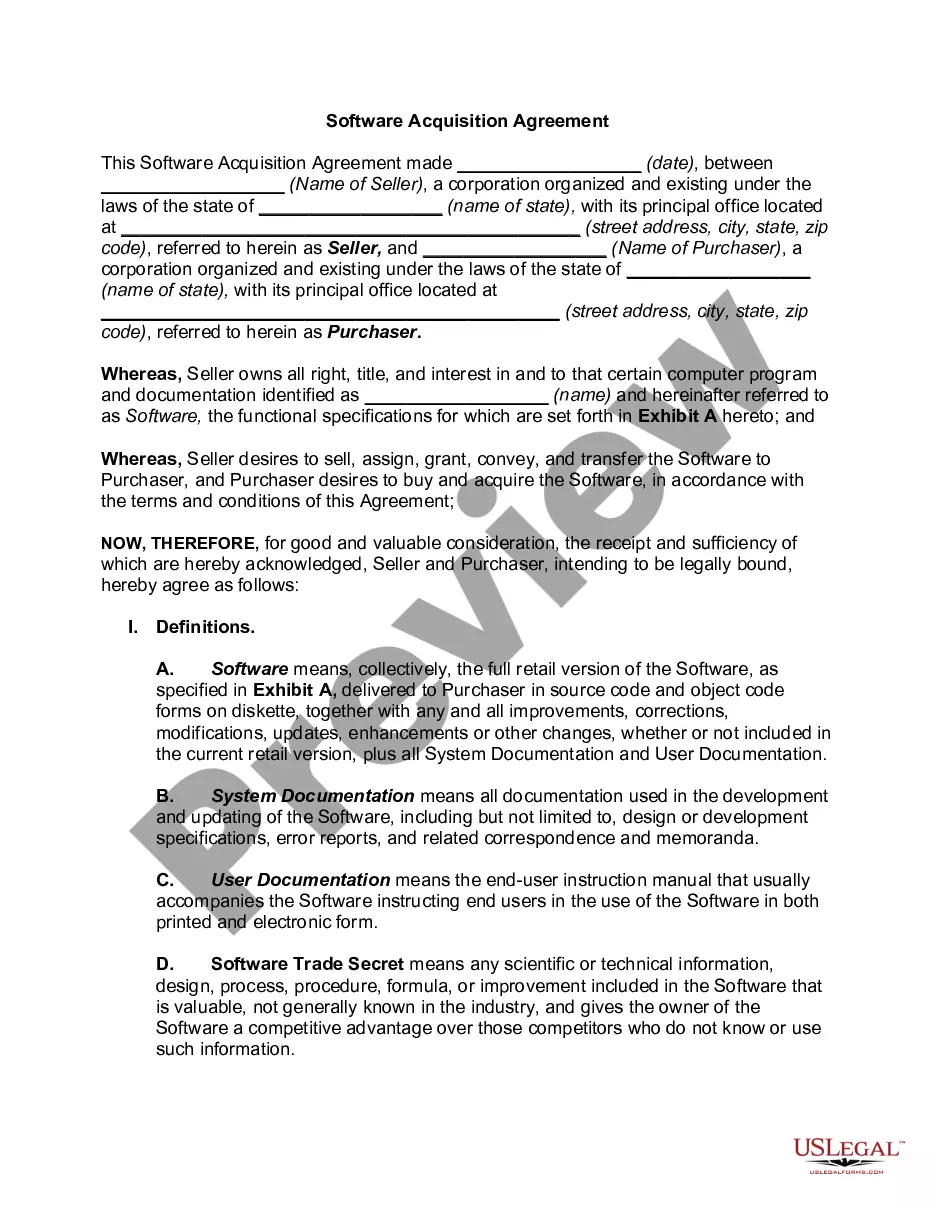
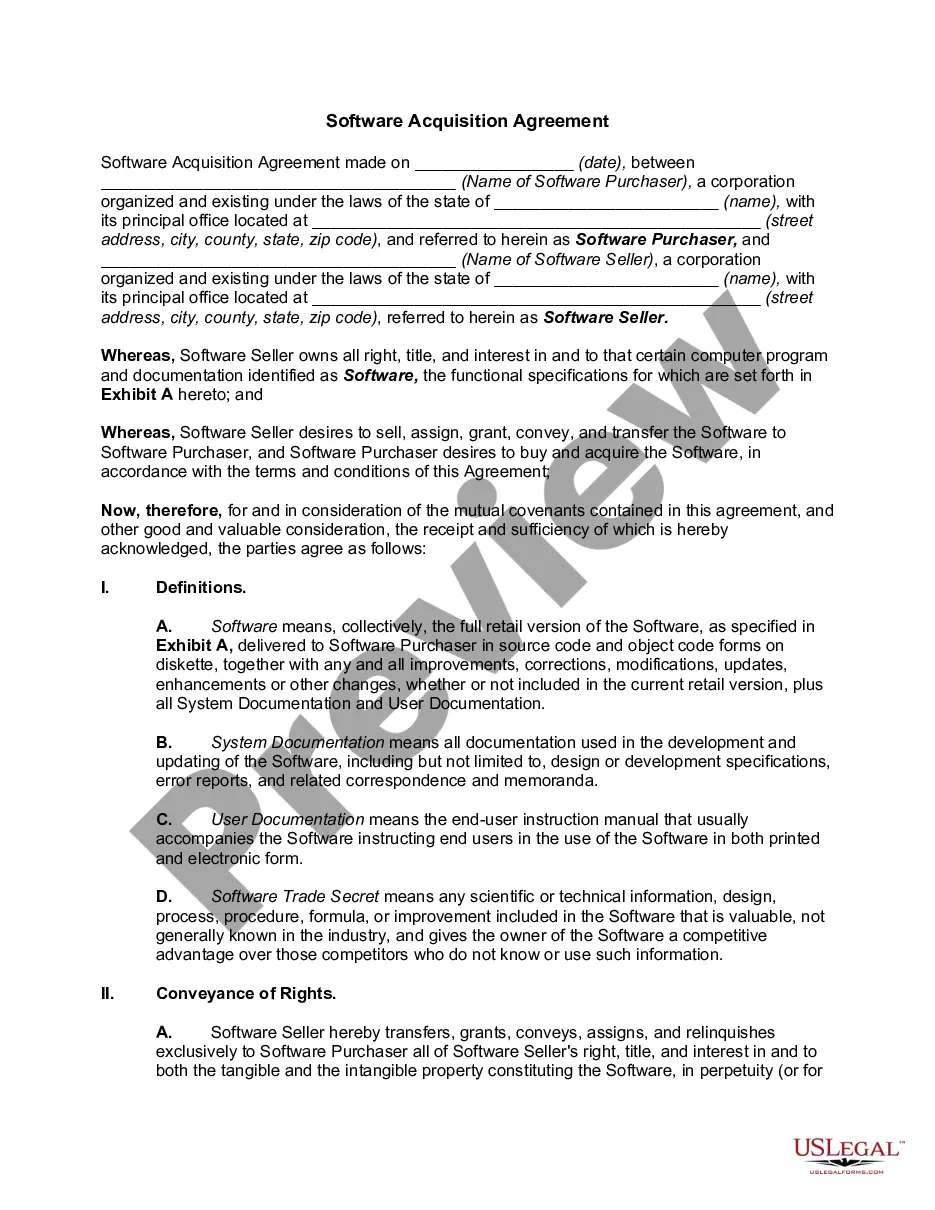
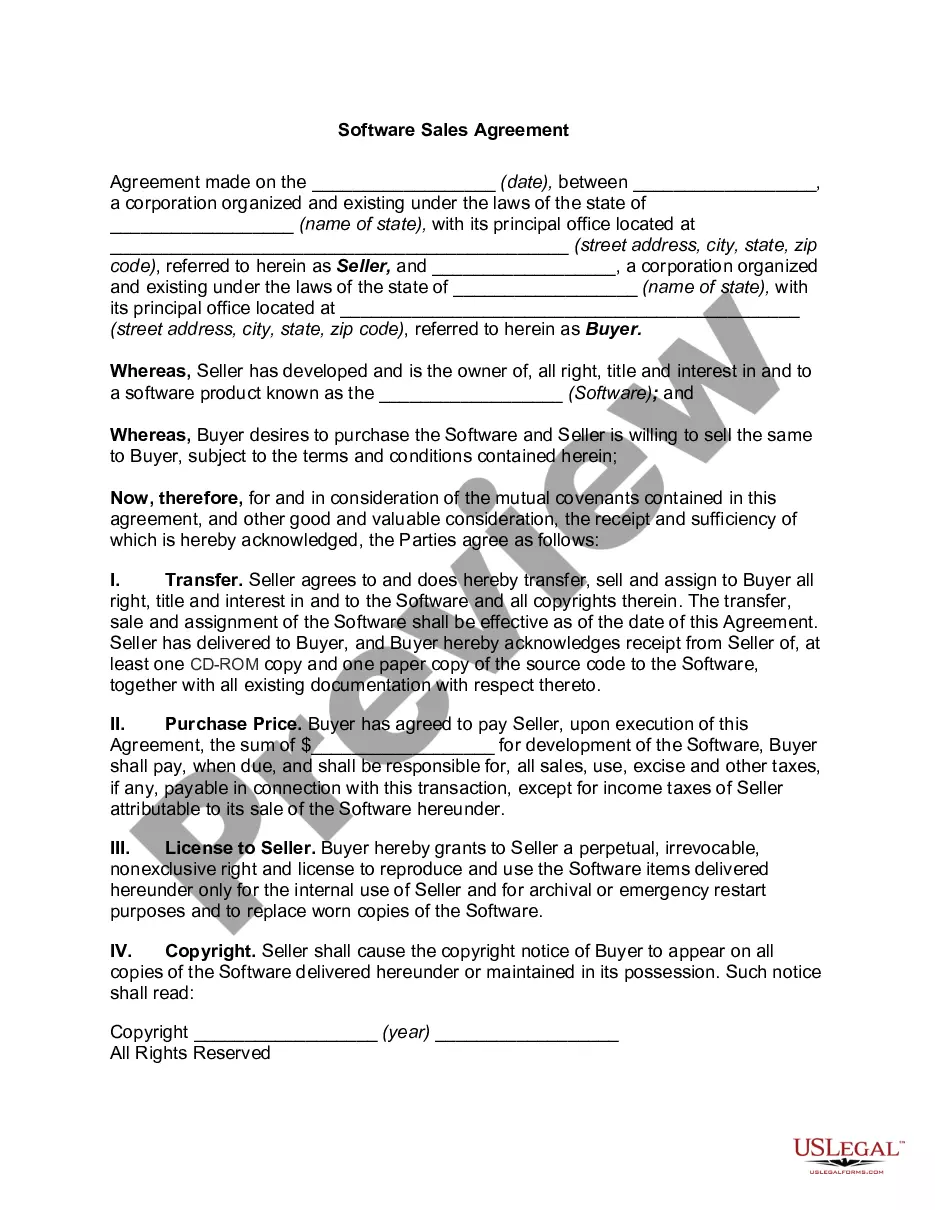
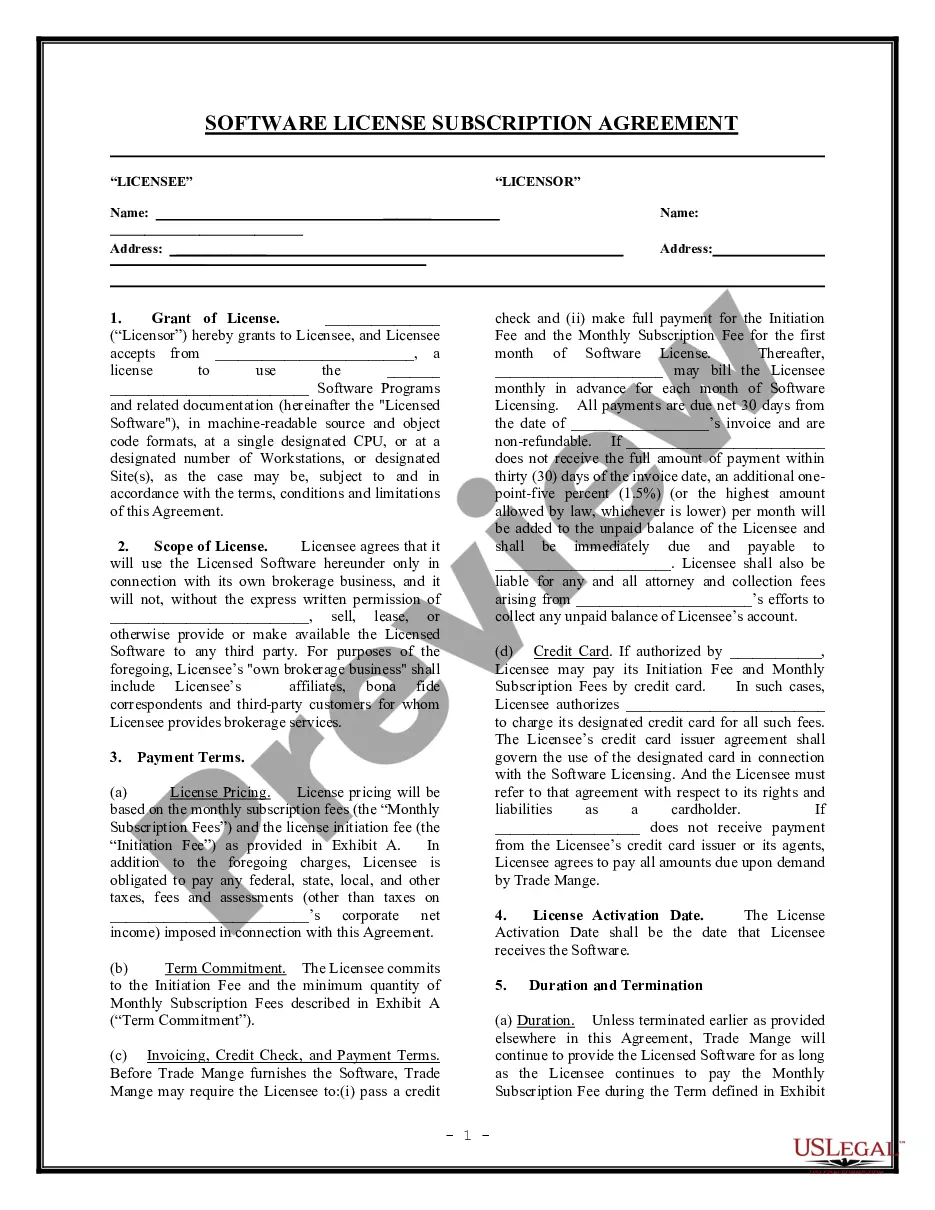
Get your form ready online
Our built-in tools help you complete, sign, share, and store your documents in one place.
Make edits, fill in missing information, and update formatting in US Legal Forms—just like you would in MS Word.
Download a copy, print it, send it by email, or mail it via USPS—whatever works best for your next step.
Sign and collect signatures with our SignNow integration. Send to multiple recipients, set reminders, and more. Go Premium to unlock E-Sign.
If this form requires notarization, complete it online through a secure video call—no need to meet a notary in person or wait for an appointment.
We protect your documents and personal data by following strict security and privacy standards.

Make edits, fill in missing information, and update formatting in US Legal Forms—just like you would in MS Word.

Download a copy, print it, send it by email, or mail it via USPS—whatever works best for your next step.

Sign and collect signatures with our SignNow integration. Send to multiple recipients, set reminders, and more. Go Premium to unlock E-Sign.

If this form requires notarization, complete it online through a secure video call—no need to meet a notary in person or wait for an appointment.

We protect your documents and personal data by following strict security and privacy standards.
Looking for another form?
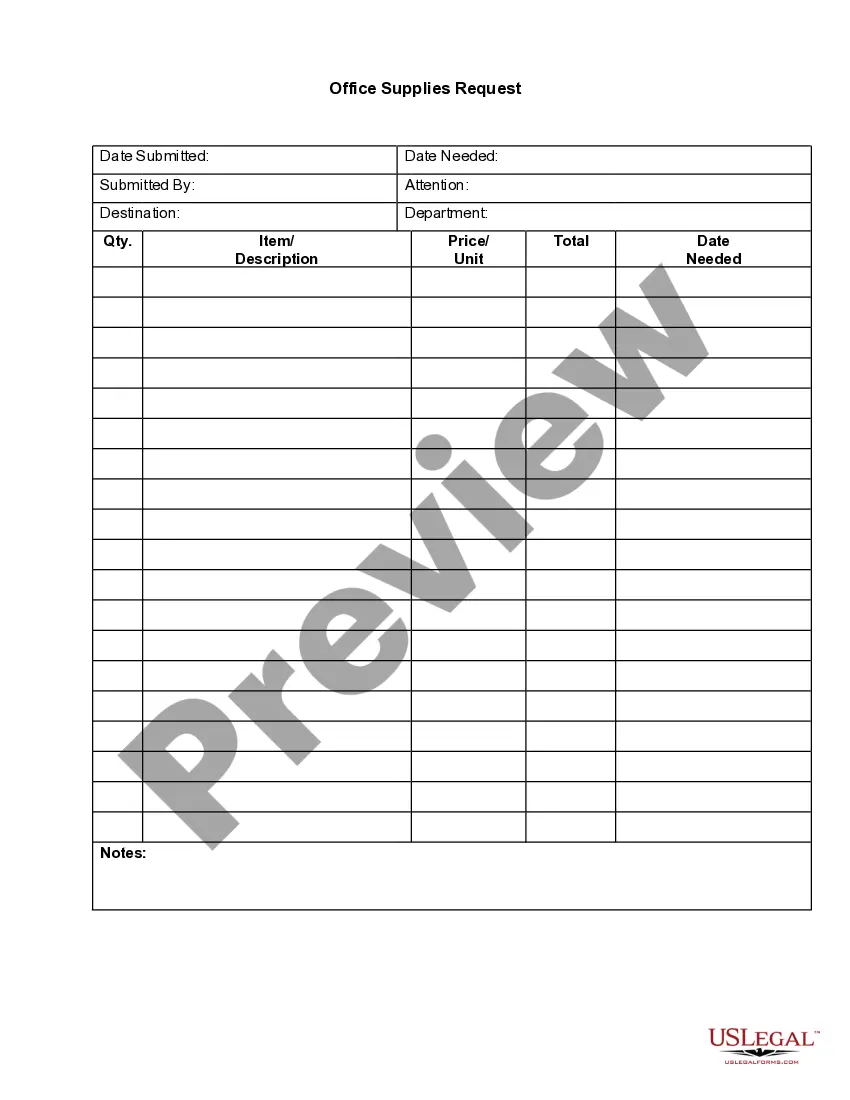





How to fill out Software Assurance Agreement?
US Legal Forms - one of the most substantial collections of legal documents in the United States - offers a variety of legal form templates that you can download or print.
By using the website, you can access thousands of forms for business and personal use, organized by categories, states, or keywords. You can find the latest versions of forms like the Texas Software Assurance Agreement in mere seconds.
If you already hold a membership, sign in and access the Texas Software Assurance Agreement from the US Legal Forms library. The Download button will be visible on every form you view. You can access all previously downloaded forms in the My documents section of your account.
Complete the payment. Use your credit card or PayPal account to finalize the transaction.
Select the format and download the form to your device. Make adjustments. Complete, edit, print, and sign the downloaded Texas Software Assurance Agreement. Each template you add to your account does not expire and is yours indefinitely. Thus, if you wish to download or print another copy, simply navigate to the My documents section and click on the form you desire. Access the Texas Software Assurance Agreement with US Legal Forms, the most comprehensive library of legal document templates. Utilize countless professional and state-specific templates that cater to your business or personal requirements.
- Ensure that you have selected the correct form for your city/county.
- Click the Review button to examine the form's contents.
- Read the form description to ensure you've selected the correct one.
- If the form does not meet your requirements, utilize the Search bar at the top of the screen to locate one that does.
- If you are satisfied with the form, confirm your choice by selecting the Get now button.
- Then, choose your preferred pricing plan and enter your credentials to register for an account.
Form popularity
FAQ
What does Software Assurance do? Microsoft Software Assurance provides licenses for version upgrades. Software Assurance customers automatically receive licensing rights that will allow them to deploy new software versions whenever they are released.
In the CSP program, the software is licensed (L only) and does not include the option to add the Software Assurance (SA) maintenance program.
Definition(s): The level of confidence that software is free from vulnerabilities, either intentionally designed into the software or accidentally inserted at any time during its life cycle, and that the software functions as intended by the purchaser or user.
Microsoft Software Assurance (SA) is a Microsoft maintenance program aimed at business users who use Microsoft Windows, Microsoft Office, and other server and desktop applications.
A comprehensive program that includes a unique set of technologies, services, and rights for using Microsoft products efficiently, Software Assurance helps keep your business up to date and ready to respond quickly to change and opportunity.
Software Assurance provides you with the tools you need to do more with your Microsoft IT investments. Software Assurance is only available through Volume Licensing and is purchased when you buy or renew a Volume Licensing agreement. It is included with some agreements and is an optional purchase with others.
Software Assurance benefits expire after two years, though they can be renewed for a fee up to 90 days before the date they expire. There is no grace period after the end of the benefit period to renew. Software Assurance benefits add value to your products but are not part of them.
Software Assurance provides you with the tools you need to do more with your Microsoft IT investments. Software Assurance is only available through Volume Licensing and is purchased when you buy or renew a Volume Licensing agreement. It is included with some agreements and is an optional purchase with others.
Sign into the Volume Licensing Service Centre. Choose Software or click View Software Assurance Benefits in the Entitlements section of the VLSC home page to display the Software Assurance Summary page.