Texas Employee Authorization fo Release/Closure of Personal Information
Overview of this form
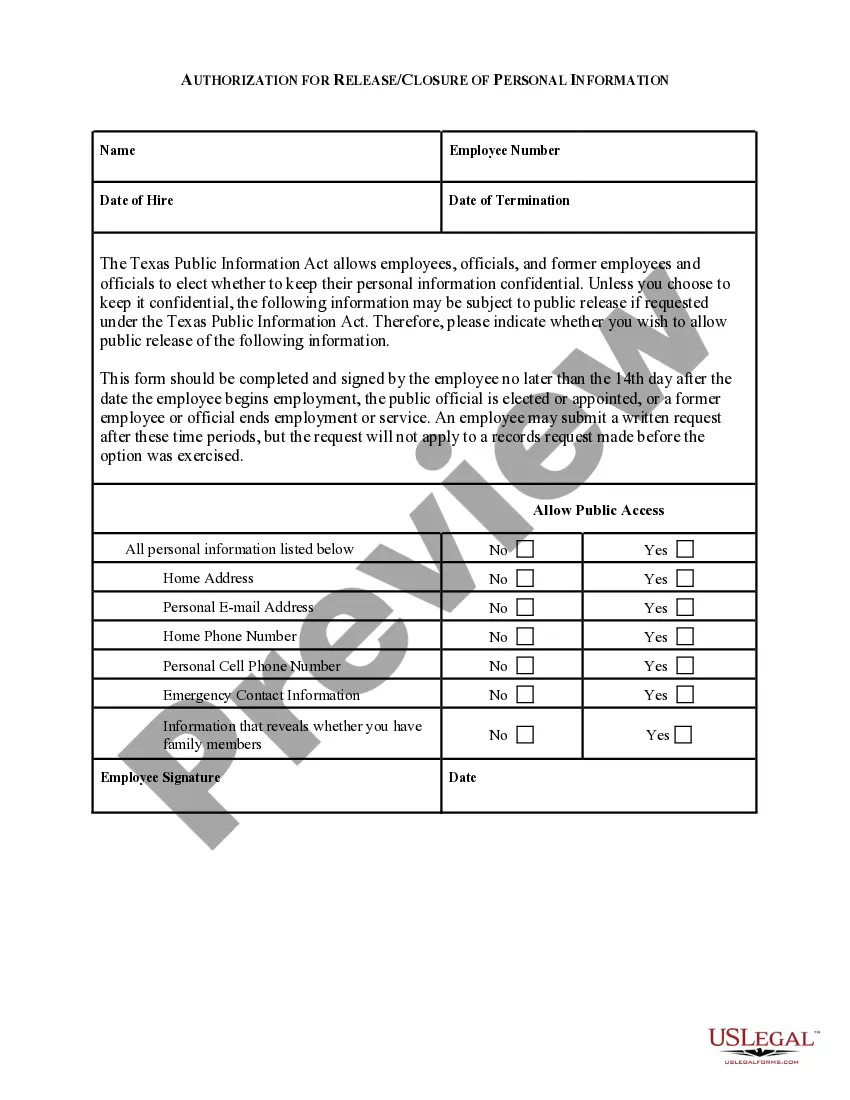
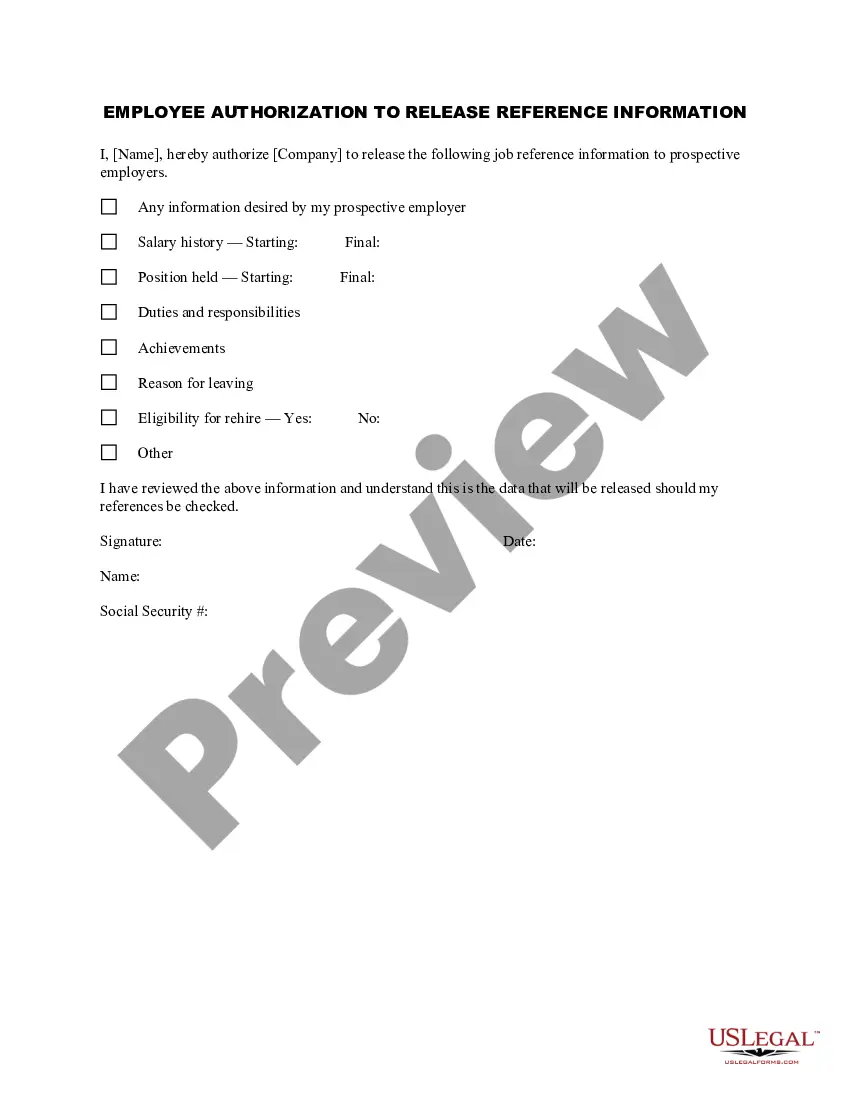
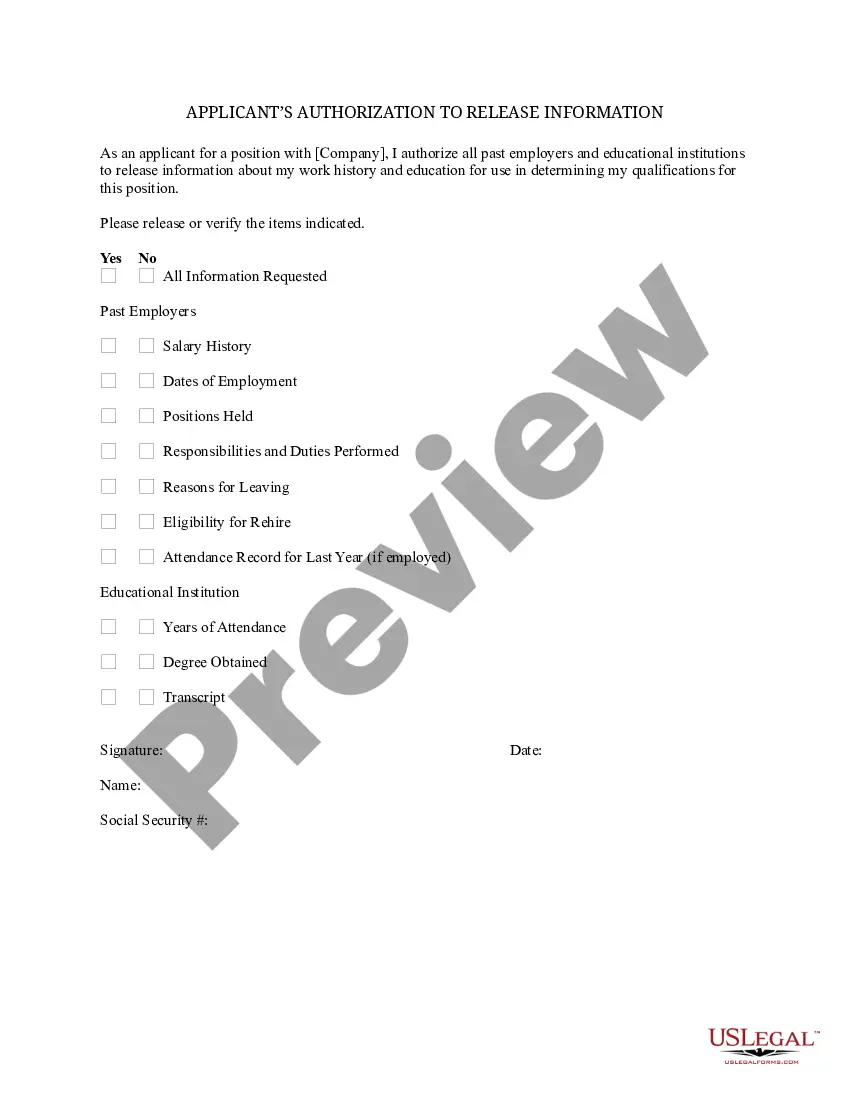
The Employee Authorization for Release/Closure of Personal Information is a legal document designed for public school employees in Texas. This form allows them to specify which personal details they want to keep confidential under the Texas Public Information Act. Unlike other forms, this document focuses specifically on the confidentiality of personal information, ensuring that employees have control over what is disclosed to the public.
Form components explained
- Name and employee number sections for identification purposes.
- Dates of hire and termination, indicating employment status.
- Option to allow public access to various personal information fields.
- Employee signature and date for validation of the request.
- Clear indication of what personal information can be kept confidential.

When to use this document
This form should be used by public school employees within 14 days of starting their job or when an official ends their service. It is applicable whenever an employee wants to protect their personal information from public disclosure, especially in situations where they may be concerned about privacy or safety.
Who needs this form
- Public school employees in Texas.
- Public officials elected or appointed in Texas.
- Former public employees or officials who wish to request confidentiality.
Instructions for completing this form
- Fill in your name and employee number at the top of the form.
- Enter your date of hire and, if applicable, your date of termination.
- Indicate your preferences for allowing public access to your personal information by checking "Yes" or "No" for each item listed.
- Sign and date the form to confirm your decisions regarding confidentiality.
- Submit the completed form to your school district's administration office within the designated timeframe.
Is notarization required?
This form does not typically require notarization unless specified by local law. Ensure to check with your schoolâs administration for any additional requirements.
Get your form ready online
Our built-in tools help you complete, sign, share, and store your documents in one place.
Make edits, fill in missing information, and update formatting in US Legal Forms—just like you would in MS Word.
Download a copy, print it, send it by email, or mail it via USPS—whatever works best for your next step.
Sign and collect signatures with our SignNow integration. Send to multiple recipients, set reminders, and more. Go Premium to unlock E-Sign.
If this form requires notarization, complete it online through a secure video call—no need to meet a notary in person or wait for an appointment.
We protect your documents and personal data by following strict security and privacy standards.

Make edits, fill in missing information, and update formatting in US Legal Forms—just like you would in MS Word.

Download a copy, print it, send it by email, or mail it via USPS—whatever works best for your next step.

Sign and collect signatures with our SignNow integration. Send to multiple recipients, set reminders, and more. Go Premium to unlock E-Sign.

If this form requires notarization, complete it online through a secure video call—no need to meet a notary in person or wait for an appointment.

We protect your documents and personal data by following strict security and privacy standards.
Avoid these common issues
- Submitting the form after the 14-day deadline, which may limit confidentiality options.
- Not signing or dating the form, rendering it invalid.
- Failing to clearly indicate preferences for each personal information category.
Why use this form online
- Convenient access to the form at any time.
- Easily editable to ensure accurate information is provided.
- Reliable format created by licensed attorneys to ensure compliance with legal standards.
Looking for another form?
Form popularity
FAQ
Every company you've ever worked for has their own record on you.
EEOC Regulations require that employers keep all personnel or employment records for one year. If an employee is involuntarily terminated, his/her personnel records must be retained for one year from the date of termination.
Employment records, also known as personnel files, are records kept by an employer that track an employee's relationship with the company. These records can include basic information collected during the interview process, including: Name. Contact information. Employment history.
Those requesting employment or salary verification may access THE WORK NUMBER® online at using DOL's code: 10915. You may also contact the service directly via phone at: 1-800-367-5690.
This usually includes job descriptions, employment applications, resumes, interview notes, and references. It's also a good idea to keep a record of any signed acknowledgments as a written record that an employee has understood all policies contained within your employee handbook.
Employers should maintain benefits records such as plan documents, form 5500, financial statements, election forms, plan termination records, trust reports, 401(k) forms, COBRA documentation, and other benefits documentation for six years following employee separation from the organization.
How to organize personnel files Determine which documents to store. Review company policy, federal law and state regulations to learn which documents to include in a personnel file.Choose a filing method.Format your documents.Learn who can access the files.Create a file retention policy.Update the files as needed.