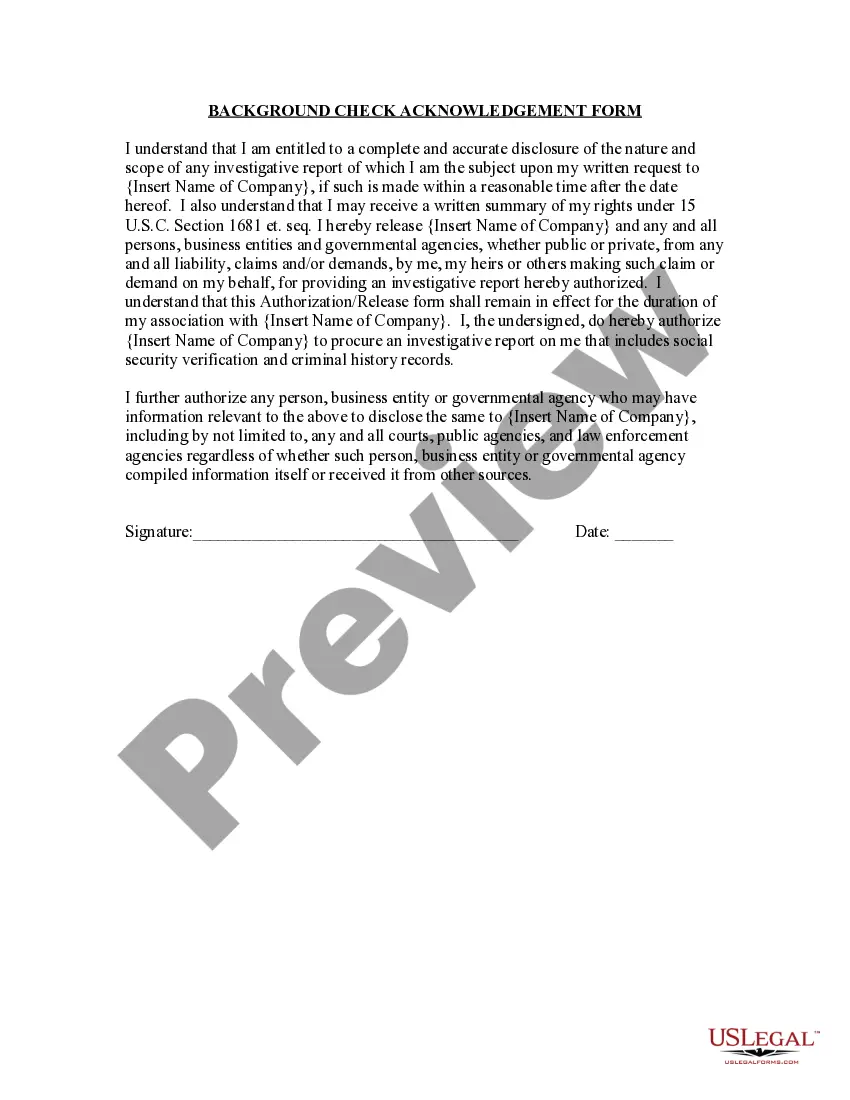
Tennessee Background Check Acknowledgment Form
Description

Get your form ready online
Our built-in tools help you complete, sign, share, and store your documents in one place.
Make edits, fill in missing information, and update formatting in US Legal Forms—just like you would in MS Word.
Download a copy, print it, send it by email, or mail it via USPS—whatever works best for your next step.
Sign and collect signatures with our SignNow integration. Send to multiple recipients, set reminders, and more. Go Premium to unlock E-Sign.
If this form requires notarization, complete it online through a secure video call—no need to meet a notary in person or wait for an appointment.
We protect your documents and personal data by following strict security and privacy standards.

Make edits, fill in missing information, and update formatting in US Legal Forms—just like you would in MS Word.

Download a copy, print it, send it by email, or mail it via USPS—whatever works best for your next step.

Sign and collect signatures with our SignNow integration. Send to multiple recipients, set reminders, and more. Go Premium to unlock E-Sign.

If this form requires notarization, complete it online through a secure video call—no need to meet a notary in person or wait for an appointment.

We protect your documents and personal data by following strict security and privacy standards.
Looking for another form?






How to fill out Background Check Acknowledgment Form?
You may spend countless hours online trying to locate the legal document template that meets the federal and state requirements you need.
US Legal Forms offers a vast array of legal templates that can be reviewed by professionals.
You can conveniently download or print the Tennessee Background Check Acknowledgment Form from the service.
If available, use the Preview button to browse through the document template as well.
- If you possess a US Legal Forms account, you can Log In and click on the Download button.
- Afterward, you may complete, modify, print, or sign the Tennessee Background Check Acknowledgment Form.
- Every legal document template you purchase is yours permanently.
- To obtain another copy of any purchased form, go to the My documents tab and click on the respective button.
- If you are visiting the US Legal Forms website for the first time, follow the simple instructions provided below.
- First, make sure you've selected the correct document template for your state/city of preference.
- Review the form details to ensure you've chosen the right document.
Form popularity
FAQ
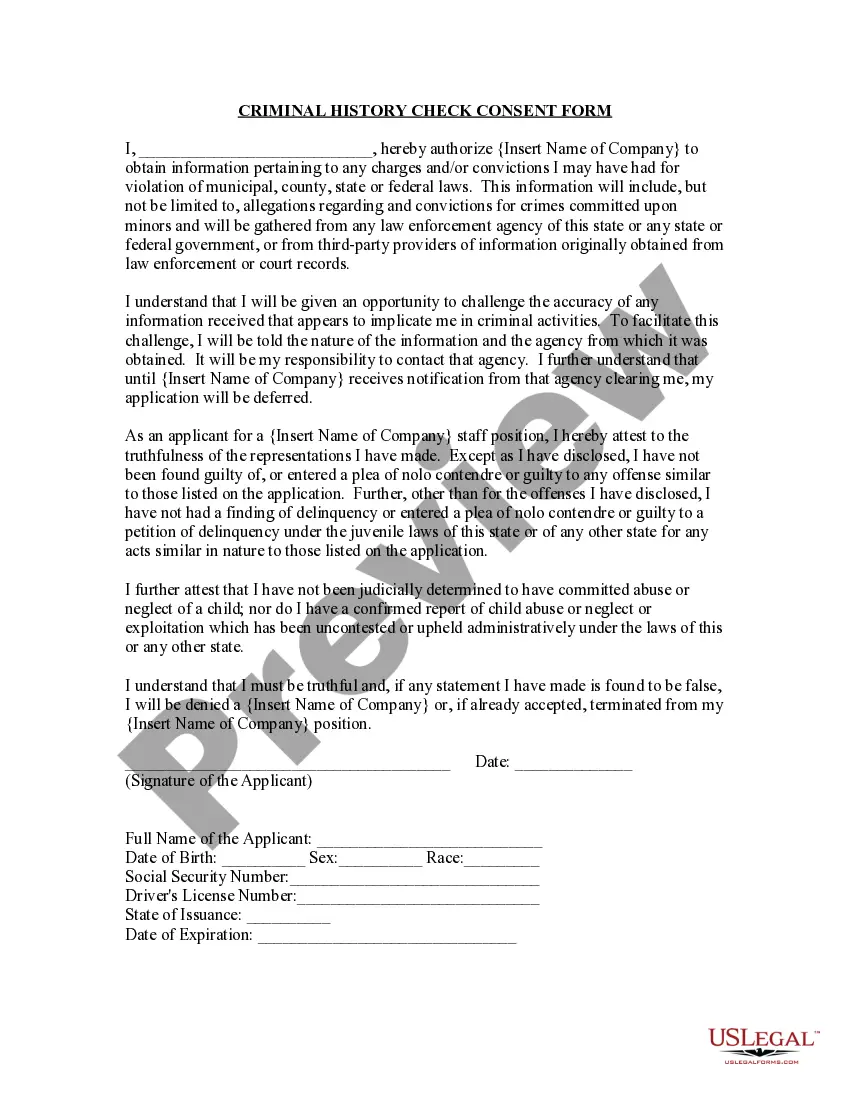
Do I Have to Give My Approval for a Background Check? Even though state laws allow employers to run an employee background check, it does not give them permission to do so without the employee's consent. Employers must notify job applicants in writing that a background check will be run.
The form used for any national security investigation is the SF-86 (Questionnaire for National Security Positions).
How long does it take to get the results of a background check? Normally, the process only takes a few days. If you have not received your results within five days, please contact your Licensing Program Evaluator. Do not send applicants to be reprinted at this point.
Updated March 26, 2022. A background check authorization form is a release given to allow someone else to perform credit and criminal background checks. A person that is agreeing to have their information looked up must provide consent to the requesting party.
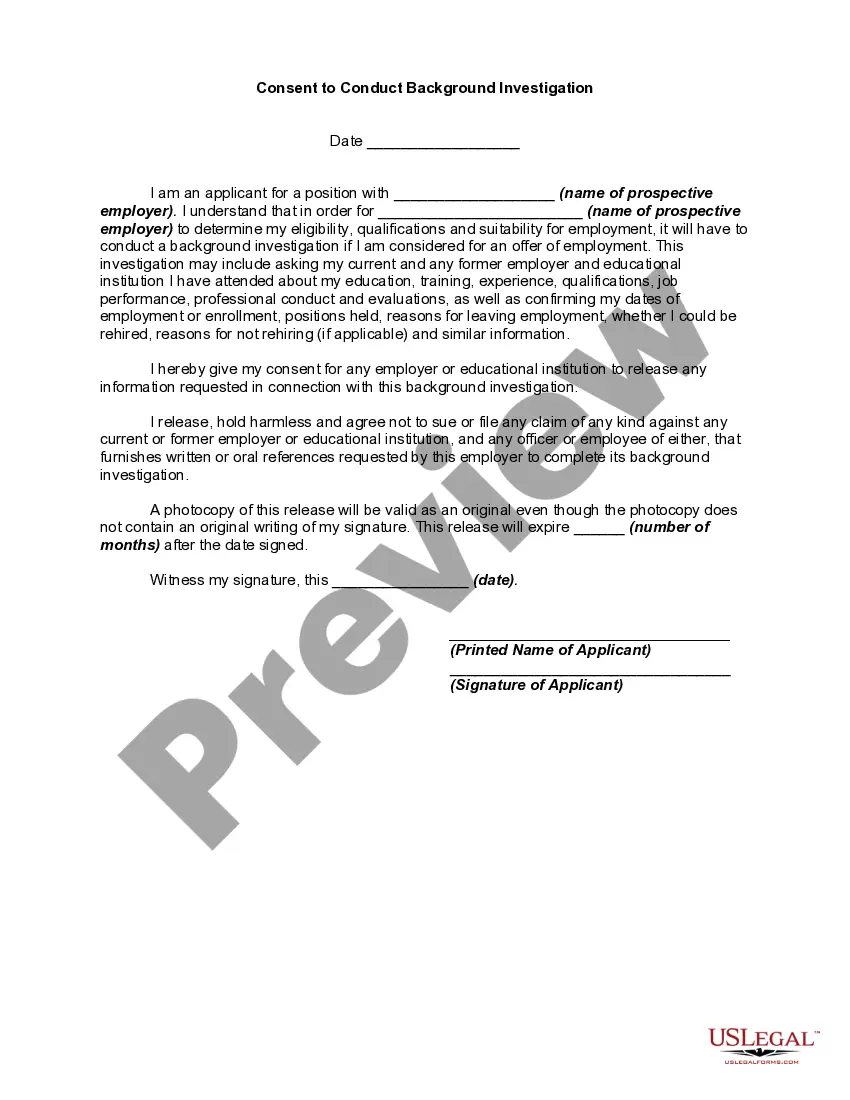
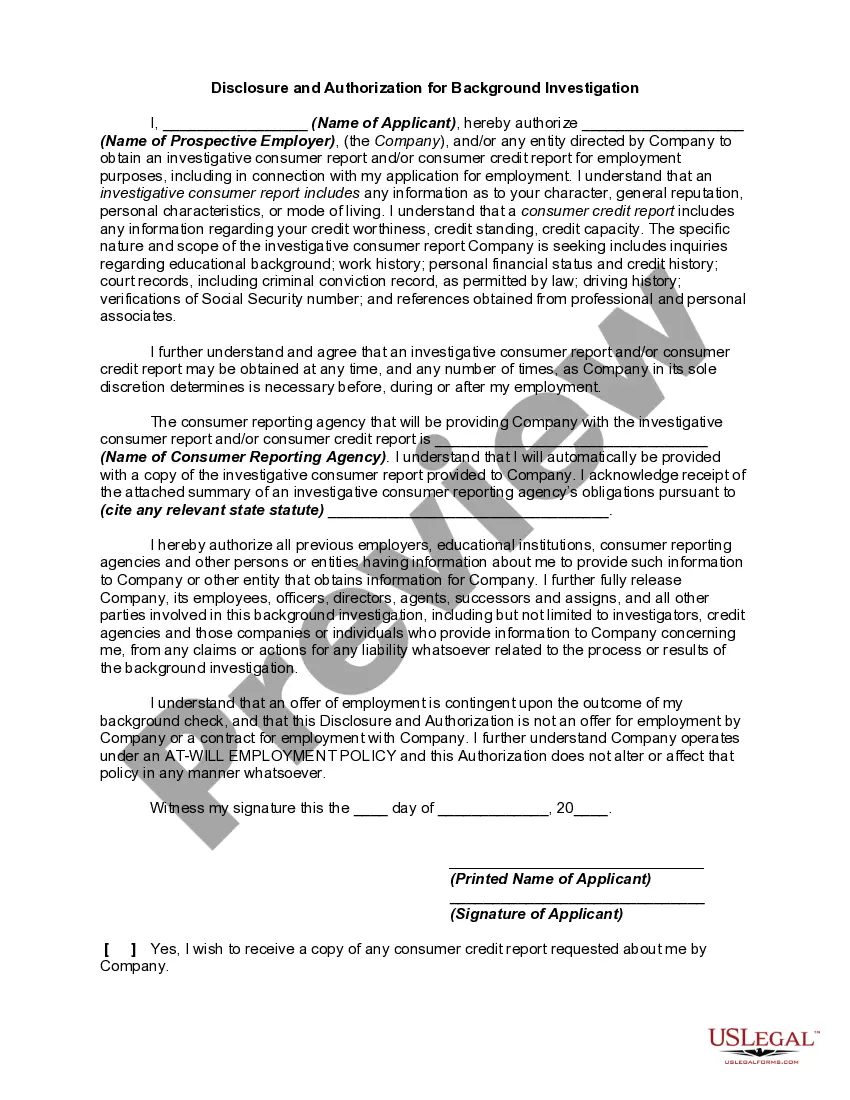
I, Insert applicant name hereby authorize Insert company name (the Company) of Insert company address and/or its agents to make investigation of my background, references, character, past employment, consumer reports, education, and criminal history record information which may be in any state or local files,
There are plenty of reasons a person may not pass a background check, including criminal history, education discrepancies, poor credit history, damaged driving record, false employment history, and a failed drug test.
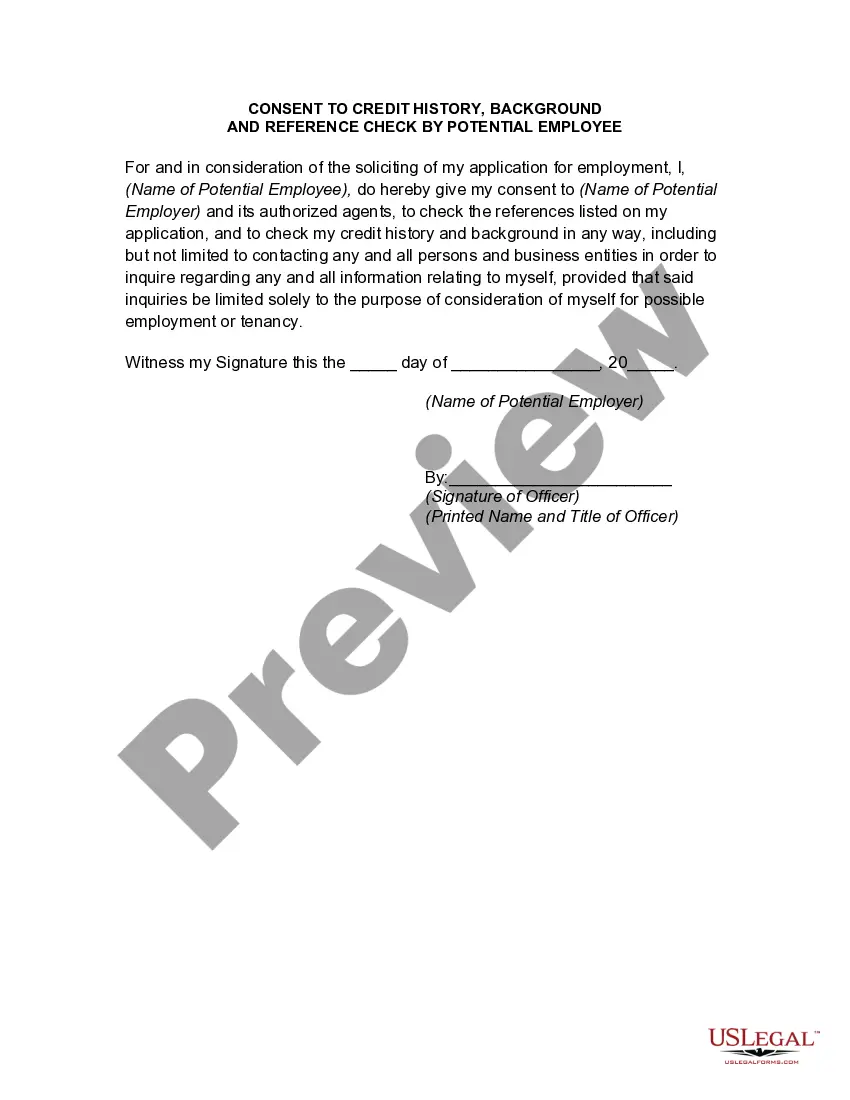
A background check authorization form is a release given to allow someone else to perform credit and criminal background checks. A person that is agreeing to have their information looked up must provide consent to the requesting party.
When you are viewing your background check, right click on the report and select 'Print'. You can also press Ctrl+P on your keyboard. 3. On the left pane, click the 'Change' button under Destination, and choose Save as PDF or choose the name of the printer where you want the report printed.
The form used for any national security investigation is the SF-86 (Questionnaire for National Security Positions).
Which Details Should be Filled on Background Verifiation Form. Last worked employer details like name of the company, address, salary, work tenure, reporting manager name, and contact details. All previous employers' details with whom the applicant has worked.