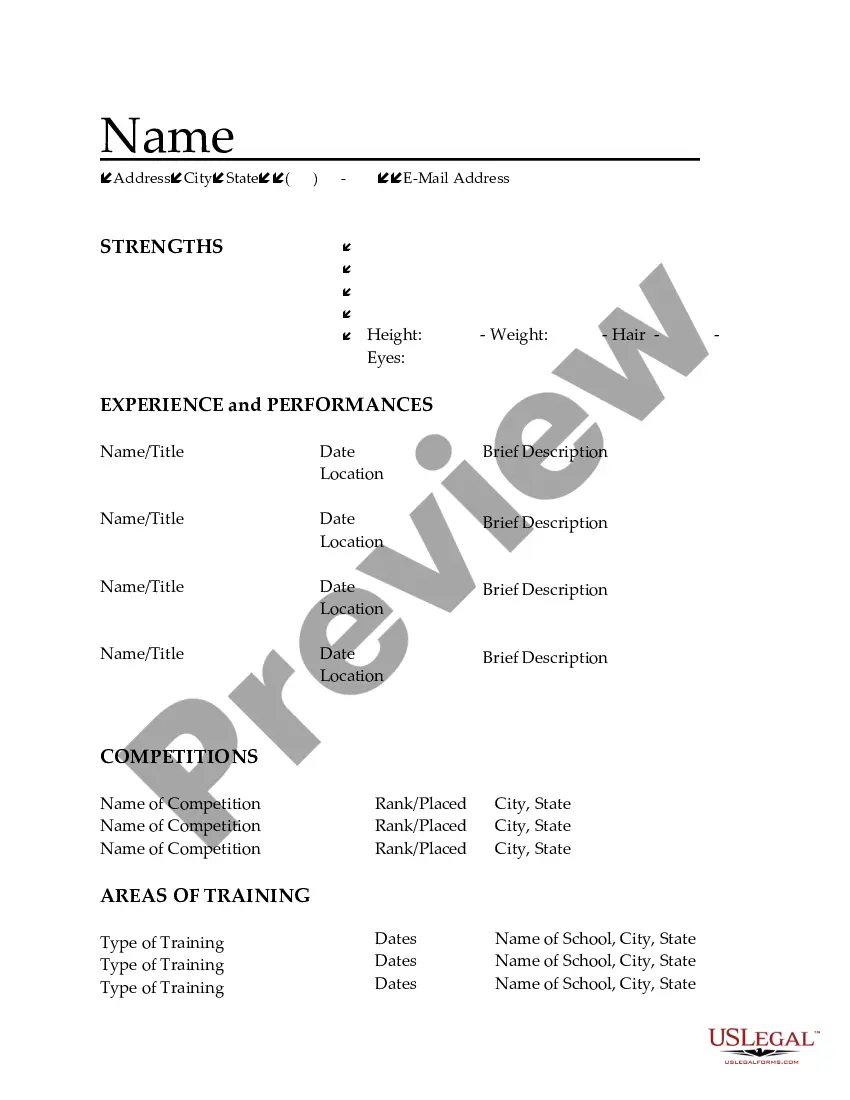
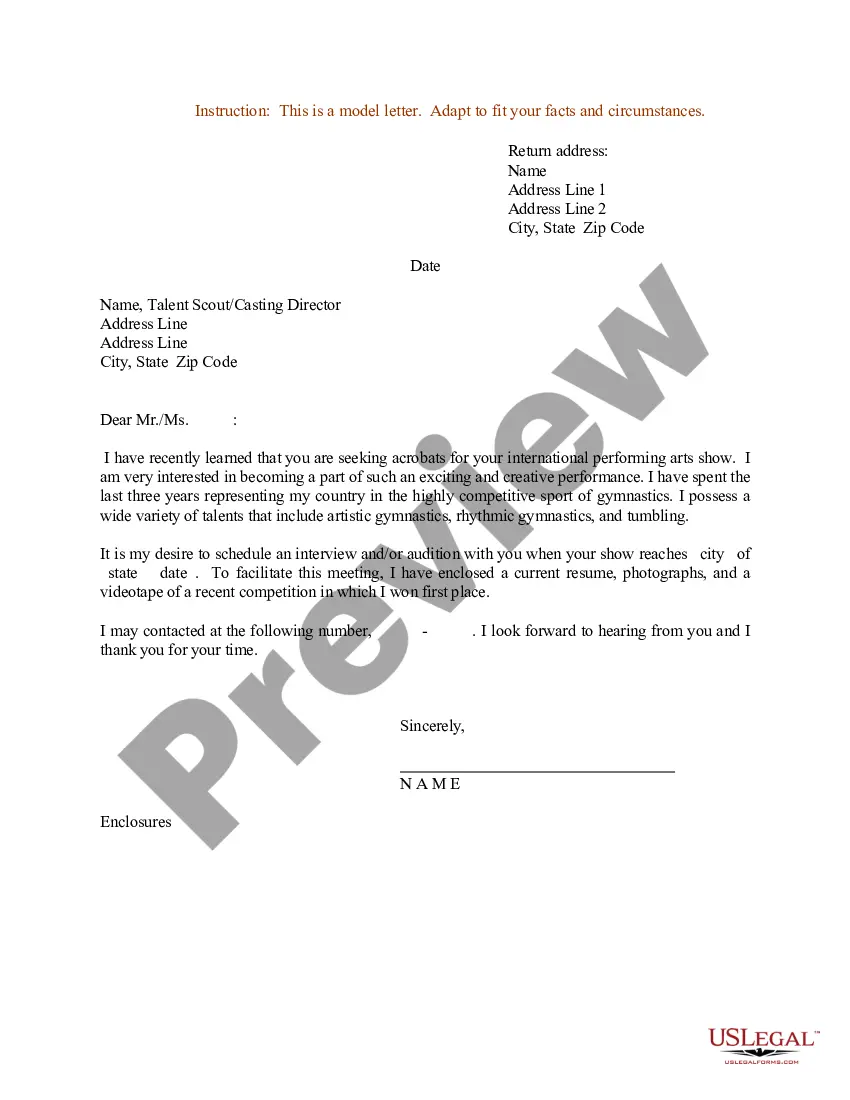
South Dakota Resume for Acrobats
Description
Get your form ready online
Our built-in tools help you complete, sign, share, and store your documents in one place.
Make edits, fill in missing information, and update formatting in US Legal Forms—just like you would in MS Word.
Download a copy, print it, send it by email, or mail it via USPS—whatever works best for your next step.
Sign and collect signatures with our SignNow integration. Send to multiple recipients, set reminders, and more. Go Premium to unlock E-Sign.
If this form requires notarization, complete it online through a secure video call—no need to meet a notary in person or wait for an appointment.
We protect your documents and personal data by following strict security and privacy standards.

Make edits, fill in missing information, and update formatting in US Legal Forms—just like you would in MS Word.

Download a copy, print it, send it by email, or mail it via USPS—whatever works best for your next step.

Sign and collect signatures with our SignNow integration. Send to multiple recipients, set reminders, and more. Go Premium to unlock E-Sign.

If this form requires notarization, complete it online through a secure video call—no need to meet a notary in person or wait for an appointment.

We protect your documents and personal data by following strict security and privacy standards.
Looking for another form?

How to fill out Resume For Acrobats?
You may allocate time on the web looking for the sanctioned document template that meets the local and national criteria you require. US Legal Forms offers a vast array of legal forms that have been reviewed by experts.
You can easily download or print the South Dakota Resume for Acrobats from their platform. If you already possess a US Legal Forms account, you can sign in and click the Obtain button. Subsequently, you can complete, modify, print, or sign the South Dakota Resume for Acrobats.
Every legal document template you acquire is yours indefinitely. To obtain another copy of any purchased form, navigate to the My documents tab and click the corresponding button. If you are using the US Legal Forms website for the first time, follow the simple instructions below: First, ensure that you have selected the appropriate document template for the county/city of your choice.
Make changes to your document if necessary. You can complete, modify, sign, and print the South Dakota Resume for Acrobats. Access and print numerous document templates using the US Legal Forms website, which offers the largest collection of legal forms. Utilize professional and state-specific templates to address your business or personal needs.
- Review the form description to confirm you have chosen the correct template.
- If available, use the Preview button to browse the document template as well.
- To find an additional version of the document, use the Search field to locate the template that meets your requirements and criteria.
- Once you have identified the template you desire, click Get now to proceed.
- Select the pricing plan you prefer, enter your credentials, and register for your account on US Legal Forms.
- Complete the transaction. You can use your credit card or PayPal account to purchase the legal form.
- Choose the format of the document and download it to your device.
Form popularity
FAQ
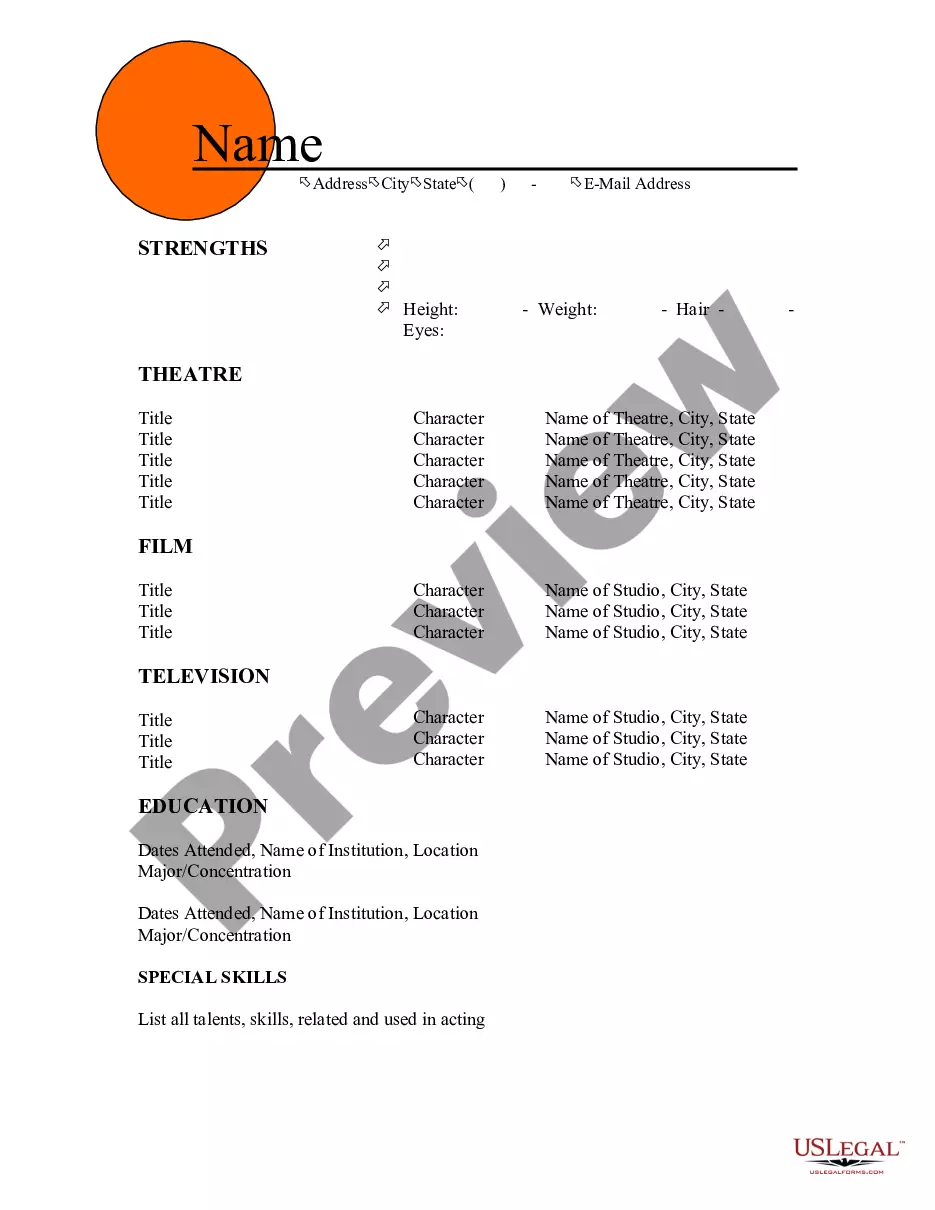
Your dance resume should include your name, contact information, a summary of your dance training, performance experience, and any relevant skills. Additionally, consider adding sections for awards, certifications, and notable performances. A well-organized South Dakota Resume for Acrobats will present your qualifications clearly, making it easier for casting directors and employers to see your potential.
A targeted resume is specifically tailored to match the requirements of a job description. This type of resume allows you to emphasize the experiences and skills that align closely with what the employer seeks. When crafting your South Dakota Resume for Acrobats, ensure that you highlight relevant acrobatic skills and performances that will appeal to potential employers in the dance industry.
If you lack formal experience, start by emphasizing your training, workshops, and relevant coursework in acrobatics or dance. Highlight any performances you participated in, even if they were informal or for school projects. A well-structured South Dakota Resume for Acrobats can also include your passion for dance, your commitment to learning, and any related skills that enhance your candidacy.
A CV, or curriculum vitae, provides a comprehensive overview of your academic and professional history, including all your qualifications and achievements. In contrast, a dance resume focuses more specifically on your performance experience, skills, and training relevant to dance. When creating a South Dakota Resume for Acrobats, prioritize showcasing your unique talents and experiences that align with the acrobatics field.