South Carolina Business Incorporation Questionnaire

State:
Multi-State
Control #:
US-Q1019
Format:
Word; 
Rich Text
Instant download

Description

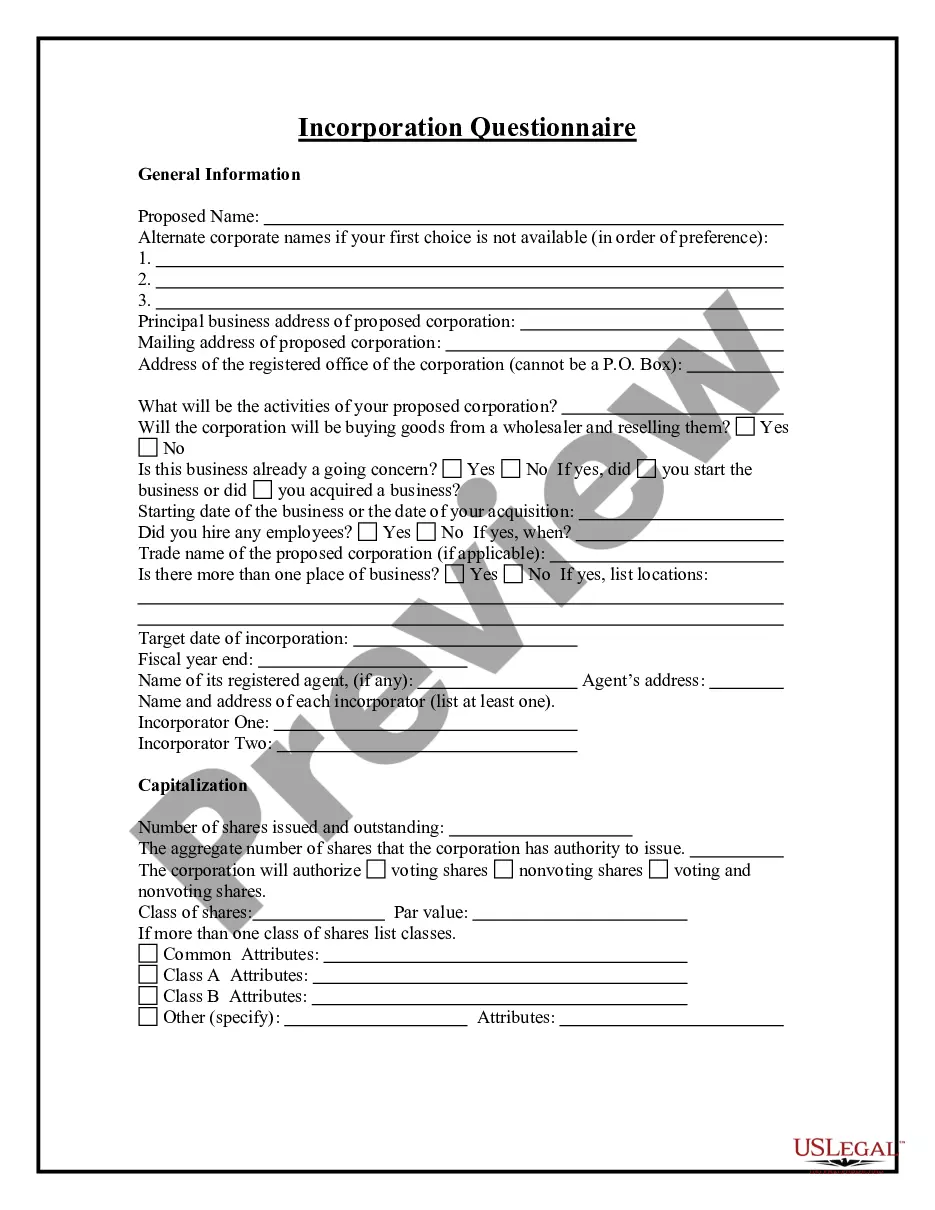
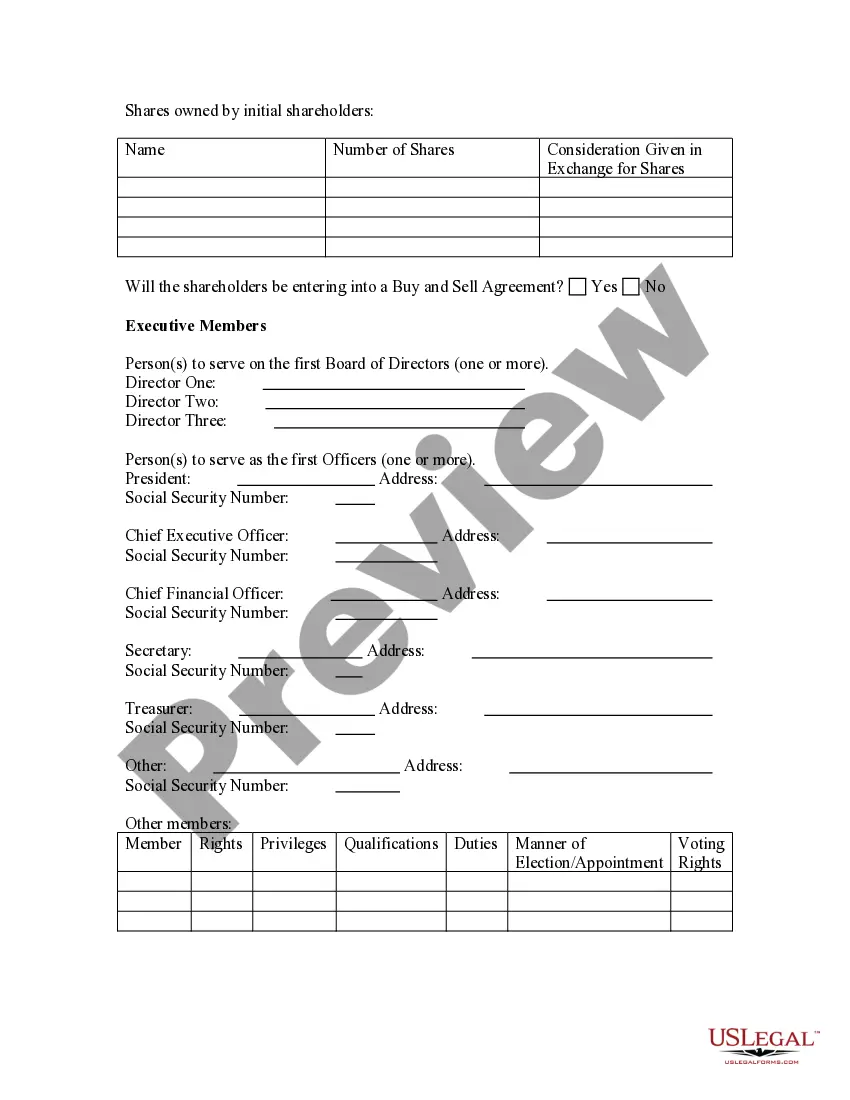
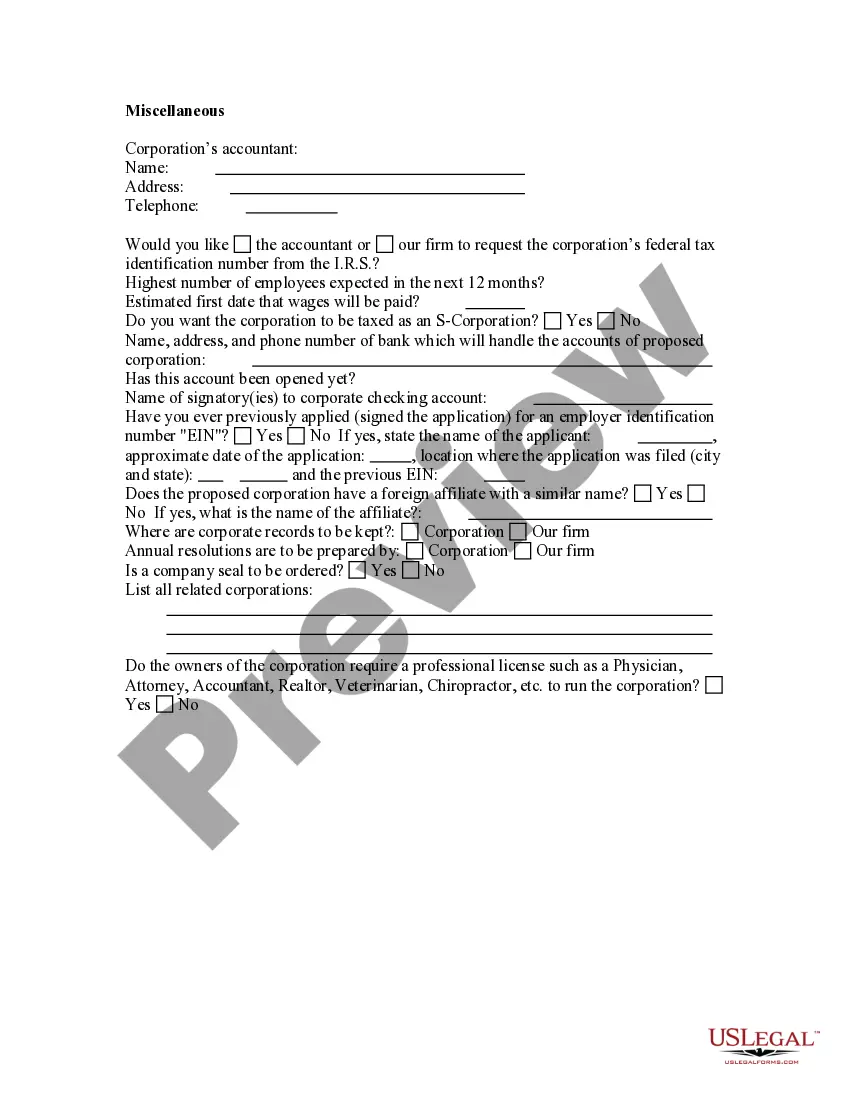
This form addresses important considerations that may effect the legal rights and obligations of the parties during the process of incorporating a business. This questionnaire enables those seeking legal help to effectively identify and prepare their issues and problems. Thorough advance preparation enhances the attorney’s case evaluation and can significantly reduce costs associated with case preparation.


This questionnaire may also be used by an attorney as an important information gathering and issue identification tool when forming an attorney-client relationship with a new client. This form helps ensure thorough case preparation and effective evaluation of a new client’s needs. It may be used by an attorney or new client to save on attorney fees related to initial interviews.
Free preview
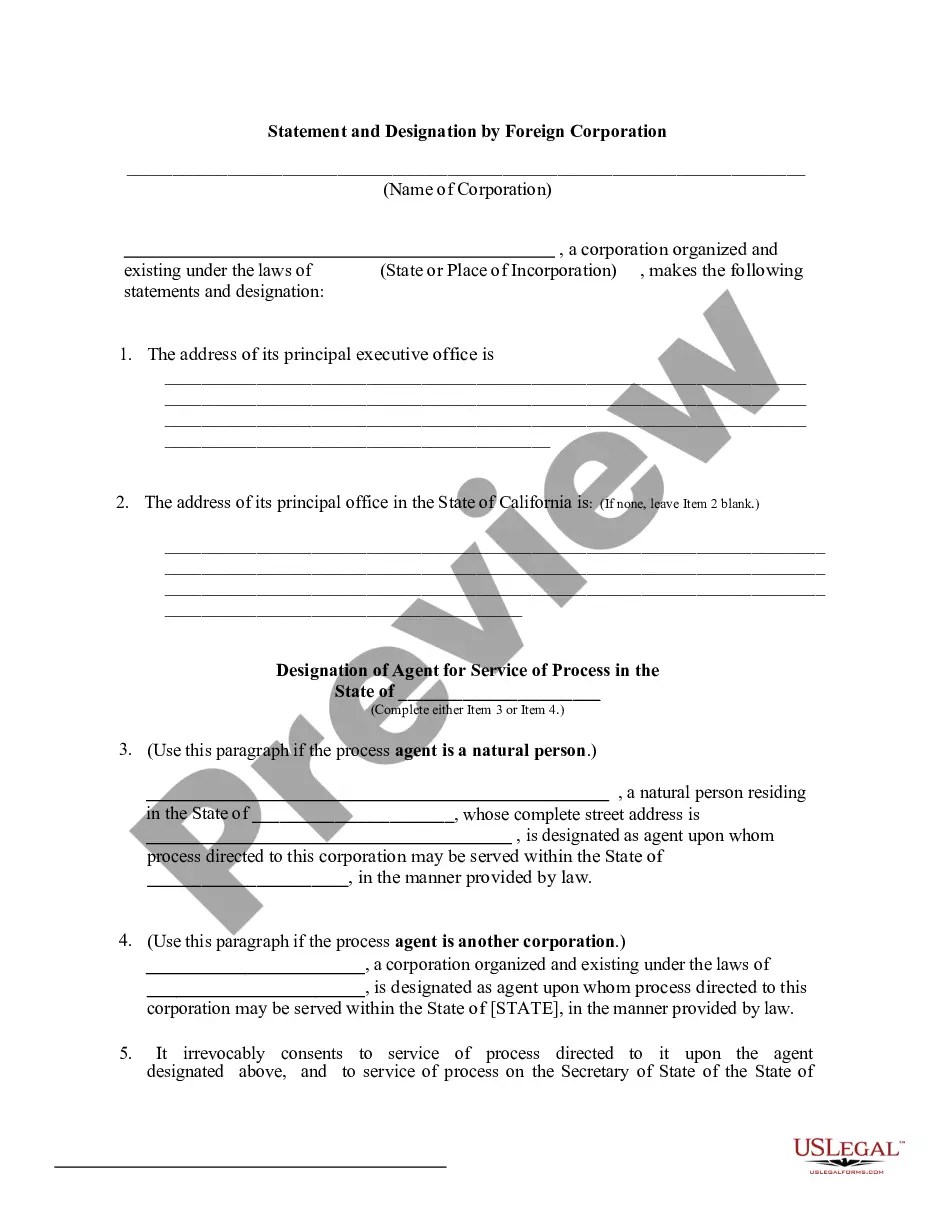
  • Preview Business Incorporation Questionnaire
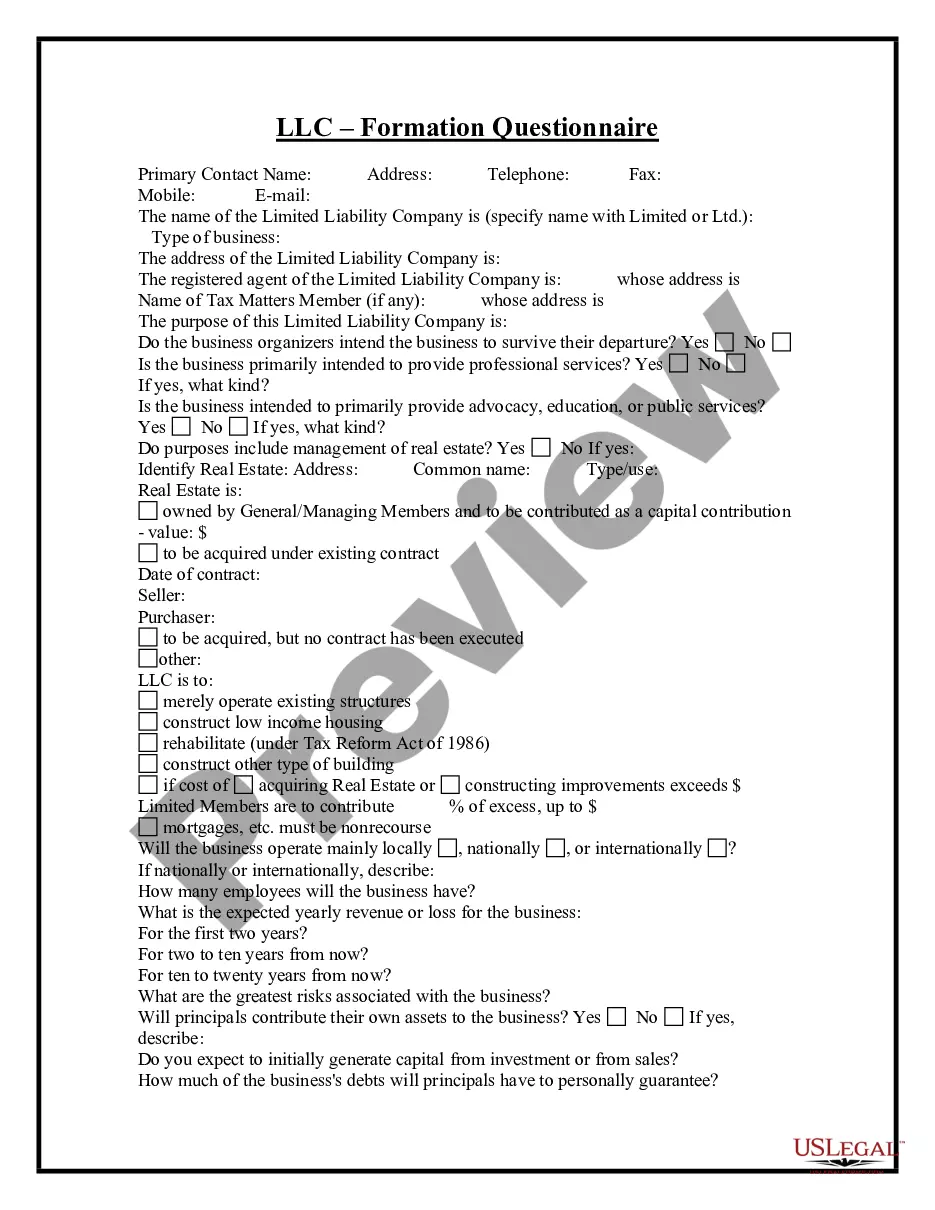
  • Preview Business Incorporation Questionnaire
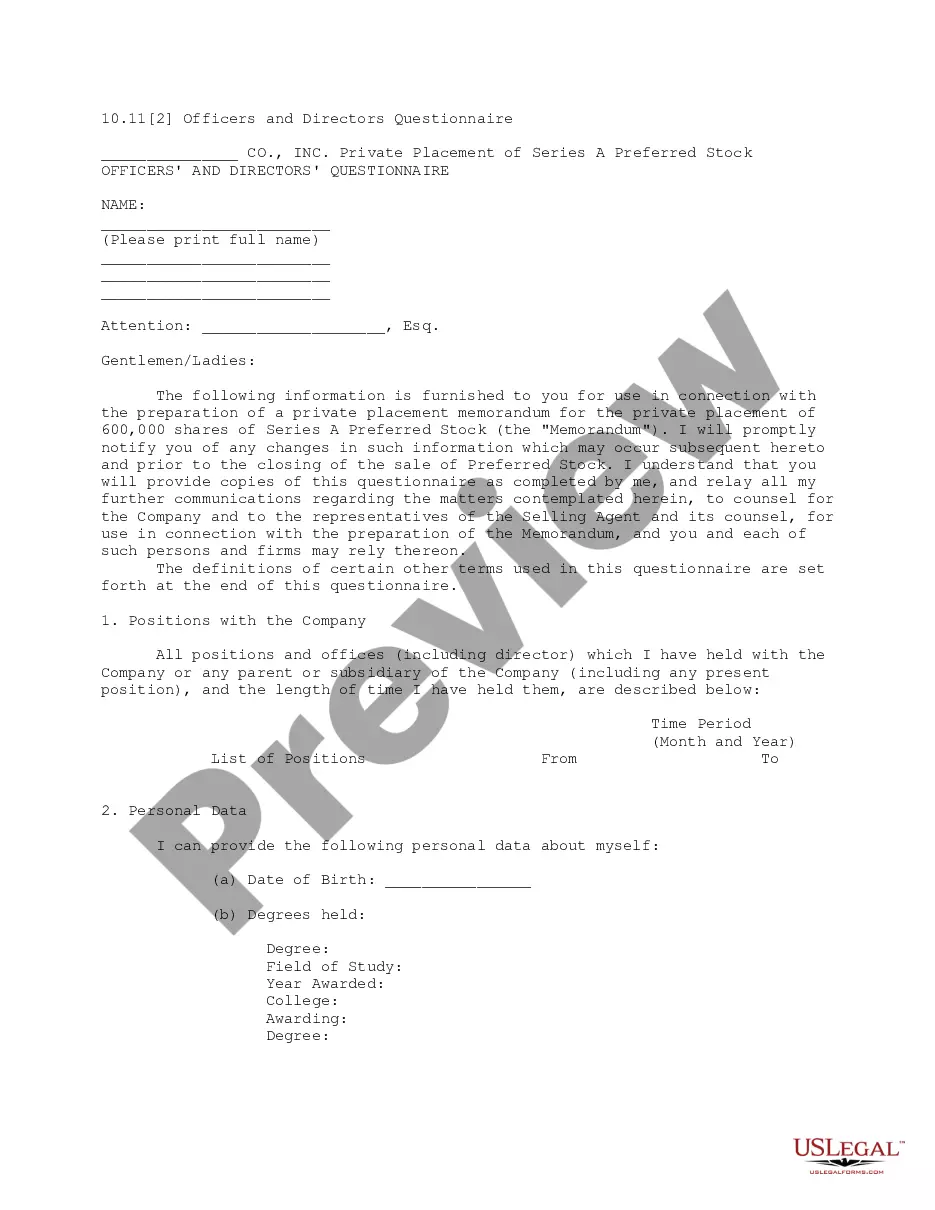
  • Preview Business Incorporation Questionnaire

Get your form ready online

Our built-in tools help you complete, sign, share, and store your documents in one place.

Built-in online Word editor

Make edits, fill in missing information, and update formatting in US Legal Forms—just like you would in MS Word.

Export easily

Download a copy, print it, send it by email, or mail it via USPS—whatever works best for your next step.

E-sign your document

Sign and collect signatures with our SignNow integration. Send to multiple recipients, set reminders, and more. Go Premium to unlock E-Sign.

Notarize online 24/7

If this form requires notarization, complete it online through a secure video call—no need to meet a notary in person or wait for an appointment.

Store your document securely

We protect your documents and personal data by following strict security and privacy standards.

Form selector

Make edits, fill in missing information, and update formatting in US Legal Forms—just like you would in MS Word.

Form selector

Download a copy, print it, send it by email, or mail it via USPS—whatever works best for your next step.

Form selector

Sign and collect signatures with our SignNow integration. Send to multiple recipients, set reminders, and more. Go Premium to unlock E-Sign.

Form selector

If this form requires notarization, complete it online through a secure video call—no need to meet a notary in person or wait for an appointment.

Form selector

We protect your documents and personal data by following strict security and privacy standards.

Looking for another form?

This field is required
Ohio
Select state

How to fill out Business Incorporation Questionnaire?

US Legal Forms - one of the largest collections of legal documents in the country - provides a vast selection of legal document templates that you can download or print. By using the website, you will access thousands of templates for business and personal purposes, organized by categories, states, or keywords. You can find the latest versions of forms like the South Carolina Business Incorporation Questionnaire in just moments.

If you already have an account, Log In and download the South Carolina Business Incorporation Questionnaire from the US Legal Forms library. The Download button will appear on each form you view. You can access all previously obtained forms in the My documents section of your account.

To use US Legal Forms for the first time, here are some simple tips to help you get started: Ensure you have selected the correct form for your area/state. Click the Preview button to review the content of the form. Check the form’s description to confirm that you have chosen the correct one. If the form does not suit your needs, utilize the Search box at the top of the screen to find one that does.

Access the South Carolina Business Incorporation Questionnaire with US Legal Forms, the most extensive library of legal document templates. Utilize a wide array of professional and state-specific templates that meet your business or personal needs and requirements.

  1. When you are satisfied with the form, confirm your choice by clicking the Buy now button.
  2. Then, select the pricing plan you prefer and provide your information to register for an account.
  3. Process the payment. Use your credit card or PayPal account to complete the transaction.
  4. Choose the file format and download the form to your device.
  5. Make edits. Complete, modify, and print and sign the downloaded South Carolina Business Incorporation Questionnaire.
  6. Each template you added to your account does not expire and is yours indefinitely. Therefore, to download or print another copy, simply go to the My documents section and click on the form you need.

Form popularity

FAQ

To verify a business in South Carolina, you can utilize the online resources provided by the South Carolina Secretary of State. By searching the business name, you can access critical information about its registration status and compliance. This verification process is essential for ensuring that you engage with legitimate businesses.

Finding articles of incorporation in South Carolina is simple. You can request them through the South Carolina Secretary of State's office or access them online via their business database. These documents provide essential information about the company's structure and are crucial for understanding its legal standing.

To verify business ownership, you can check the South Carolina Secretary of State’s database by searching for the business name. The results will show you the registered details, including the owner's name. This process is straightforward and allows you to confirm ownership easily.

To check if a business is registered in South Carolina, simply access the South Carolina Secretary of State's online business database. Enter the business name or entity number to retrieve registration details. This method is efficient and allows you to confirm a business's status quickly.

You can check if a business is registered online by visiting the South Carolina Secretary of State's website. There, you can search the business name to find registration information. This online tool is user-friendly and provides you with the details you need to verify the legitimacy of a business.

To incorporate a business in South Carolina, you should start by completing the South Carolina Business Incorporation Questionnaire. This document will guide you through the necessary steps, including choosing a business name, filing articles of incorporation, and obtaining an Employer Identification Number (EIN). After you have submitted your paperwork, you’ll receive confirmation of your incorporation.

You do not necessarily need an attorney to incorporate in South Carolina. Many individuals successfully complete the incorporation process on their own by utilizing resources such as the South Carolina Business Incorporation Questionnaire. However, consulting an attorney can provide peace of mind and ensure that you meet all legal requirements.

Trusted and secure by over 3 million people of the world’s leading companies

South Carolina Business Incorporation Questionnaire