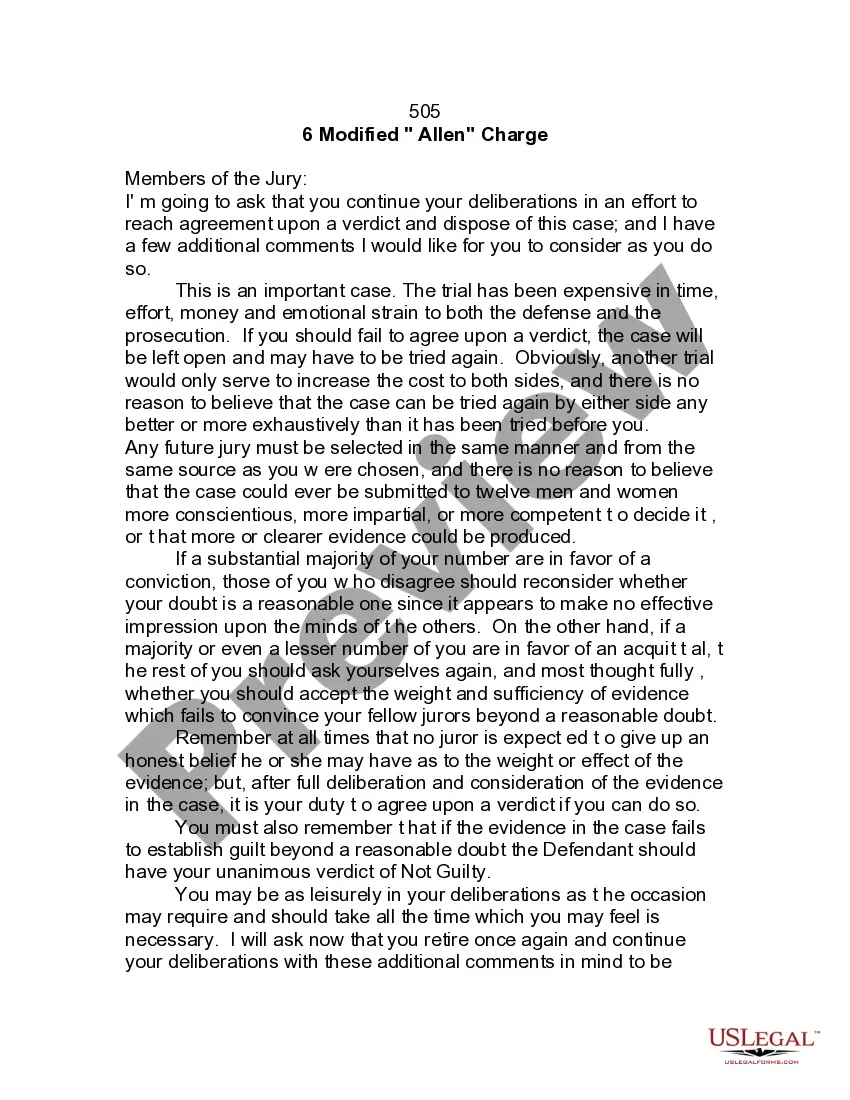
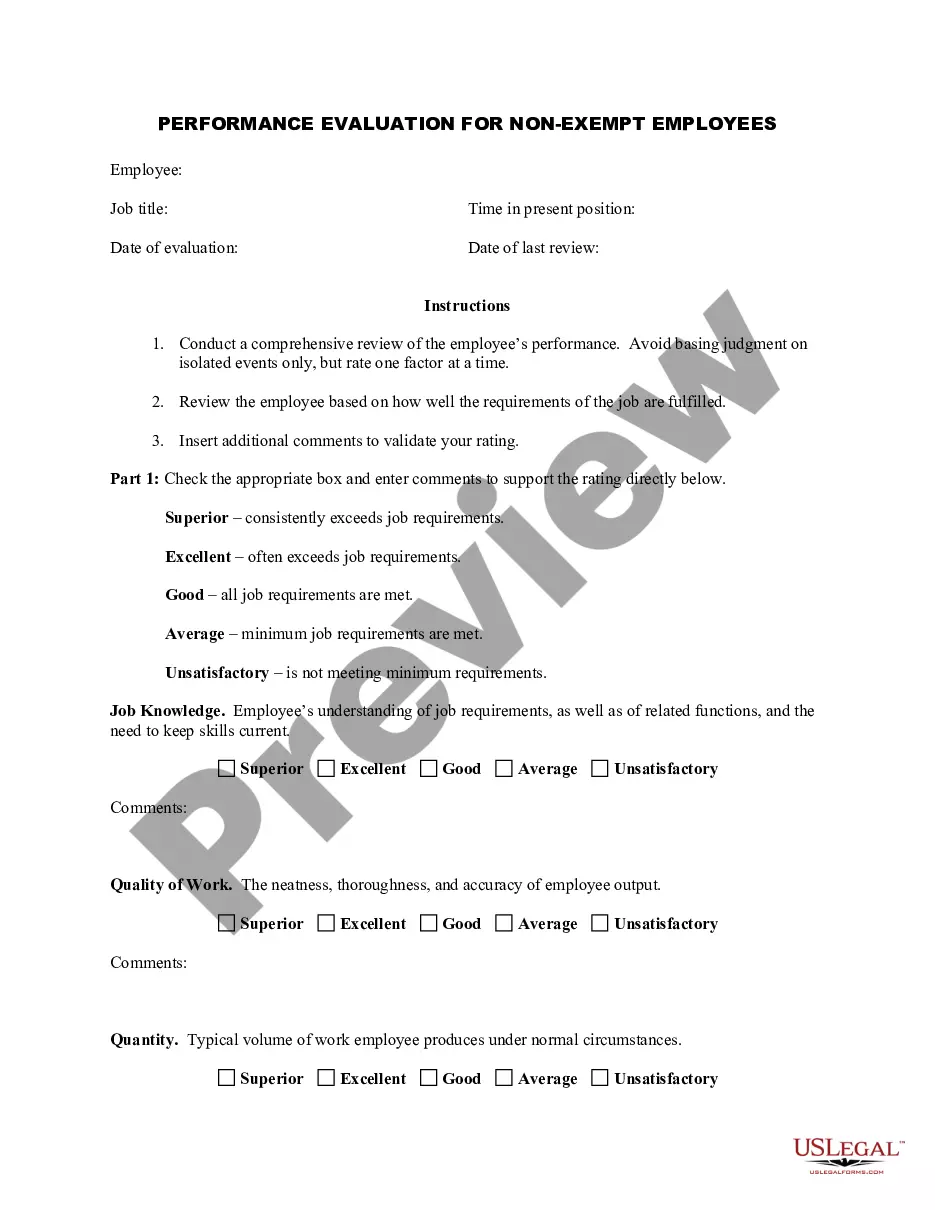
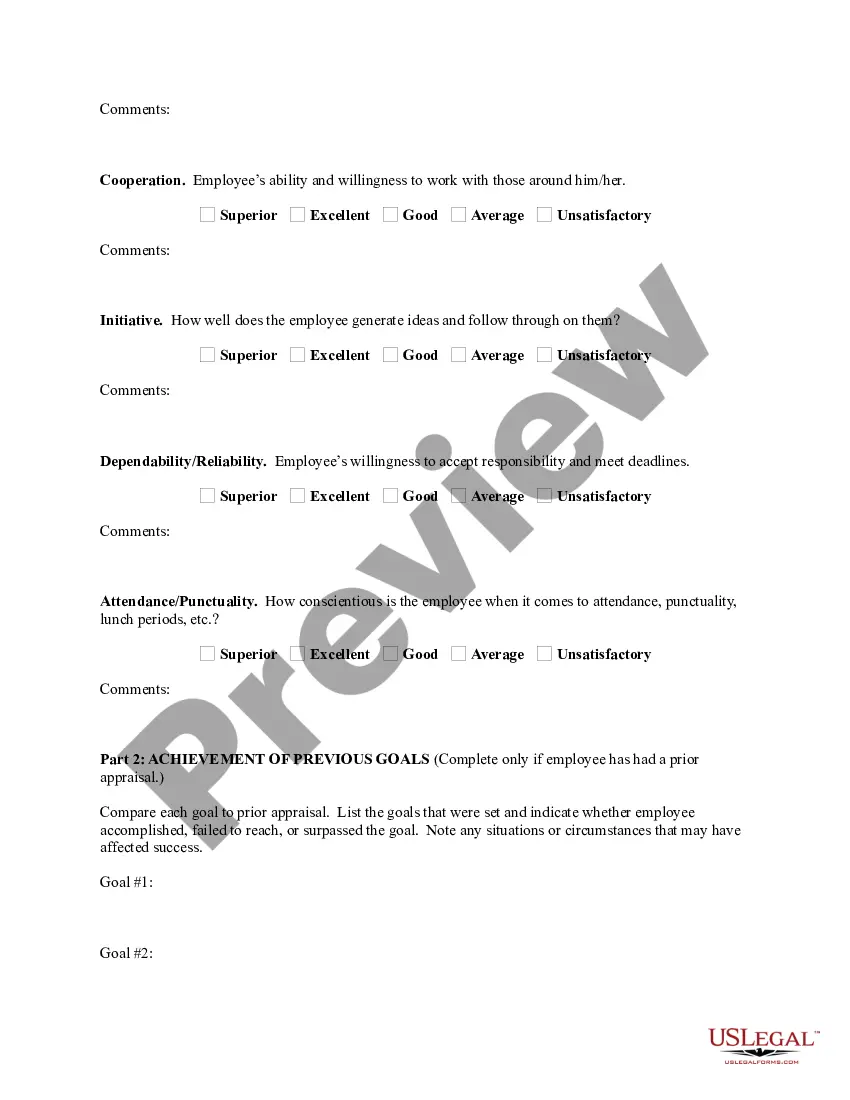
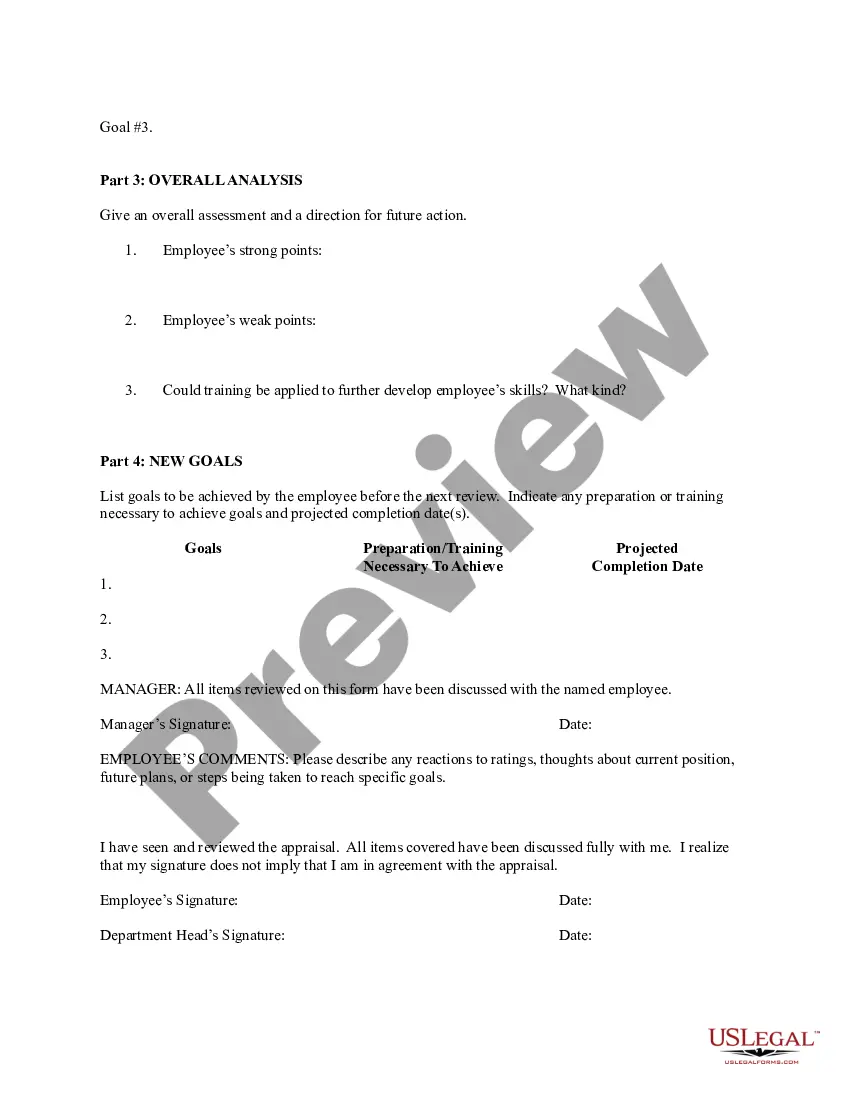
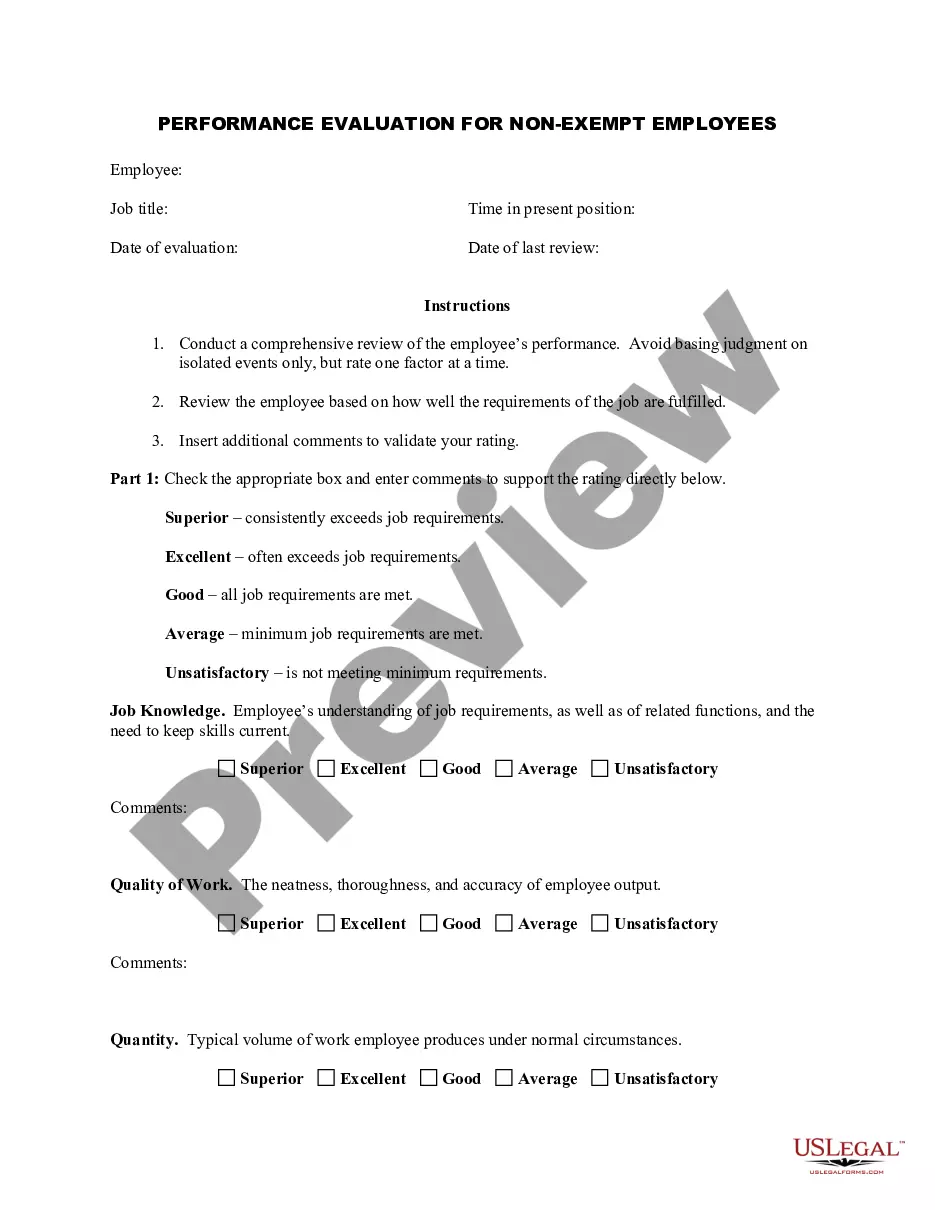
Rhode Island Employee Evaluation Form for Sole Trader
Description
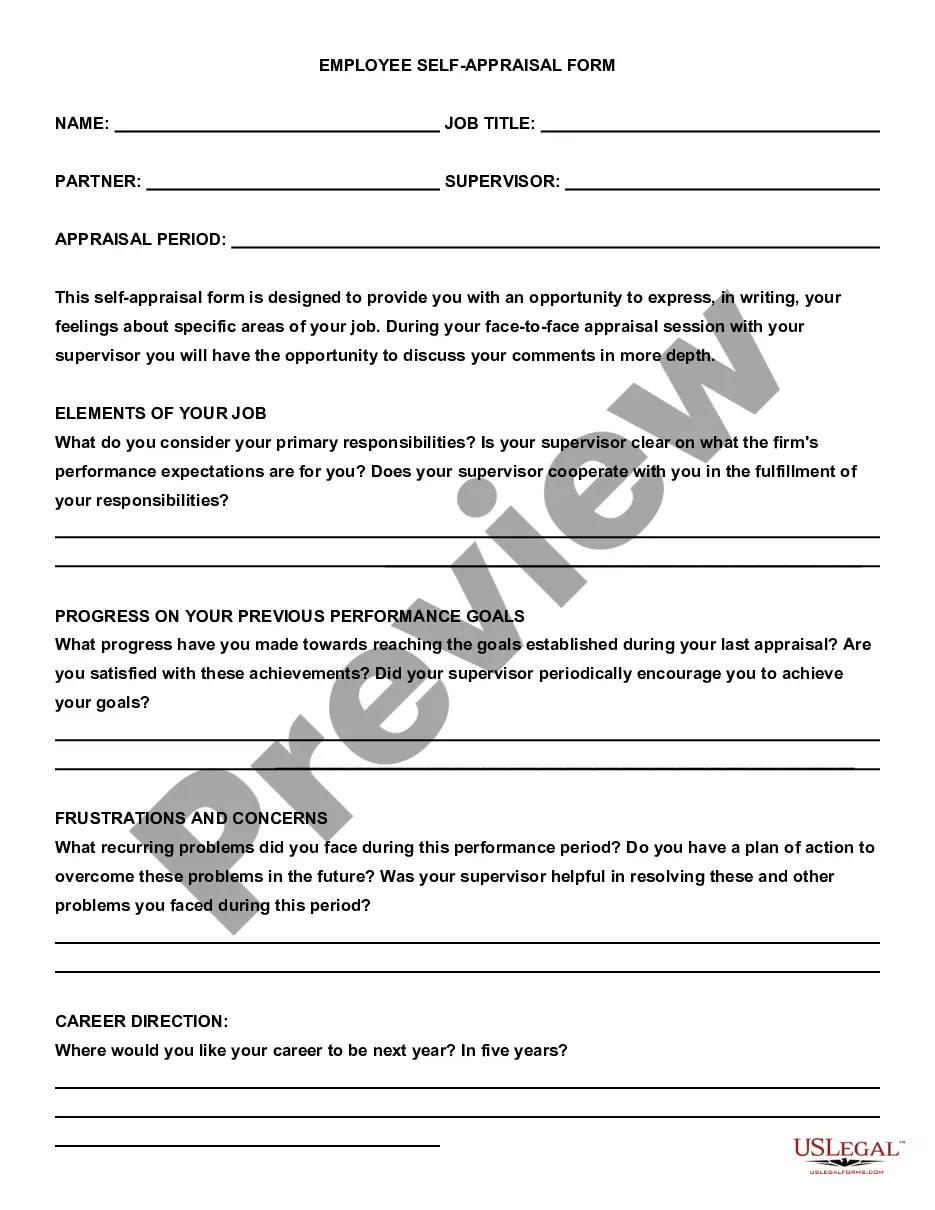
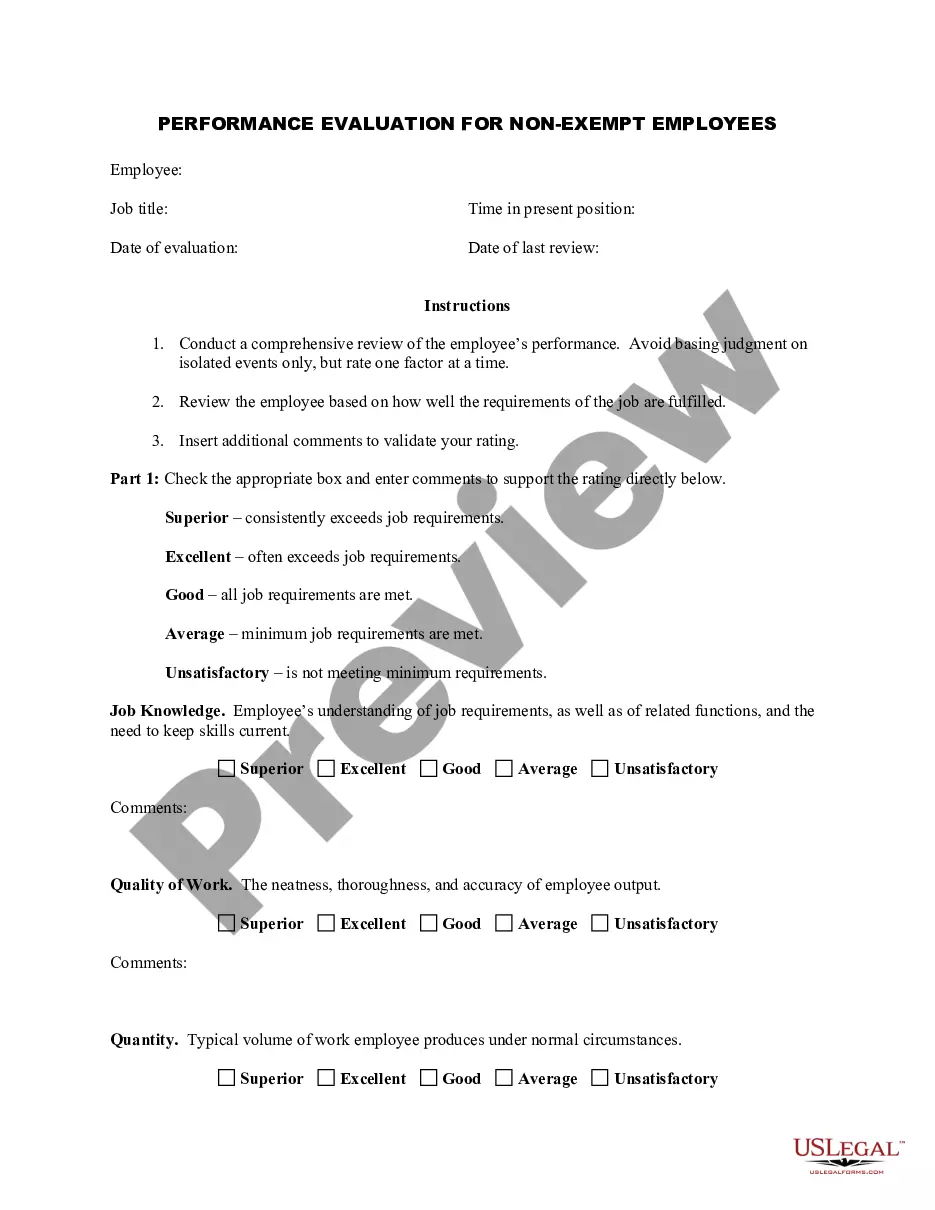
Get your form ready online
Our built-in tools help you complete, sign, share, and store your documents in one place.
Make edits, fill in missing information, and update formatting in US Legal Forms—just like you would in MS Word.
Download a copy, print it, send it by email, or mail it via USPS—whatever works best for your next step.
Sign and collect signatures with our SignNow integration. Send to multiple recipients, set reminders, and more. Go Premium to unlock E-Sign.
If this form requires notarization, complete it online through a secure video call—no need to meet a notary in person or wait for an appointment.
We protect your documents and personal data by following strict security and privacy standards.
Make edits, fill in missing information, and update formatting in US Legal Forms—just like you would in MS Word.
Download a copy, print it, send it by email, or mail it via USPS—whatever works best for your next step.
Sign and collect signatures with our SignNow integration. Send to multiple recipients, set reminders, and more. Go Premium to unlock E-Sign.
If this form requires notarization, complete it online through a secure video call—no need to meet a notary in person or wait for an appointment.
We protect your documents and personal data by following strict security and privacy standards.
Looking for another form?
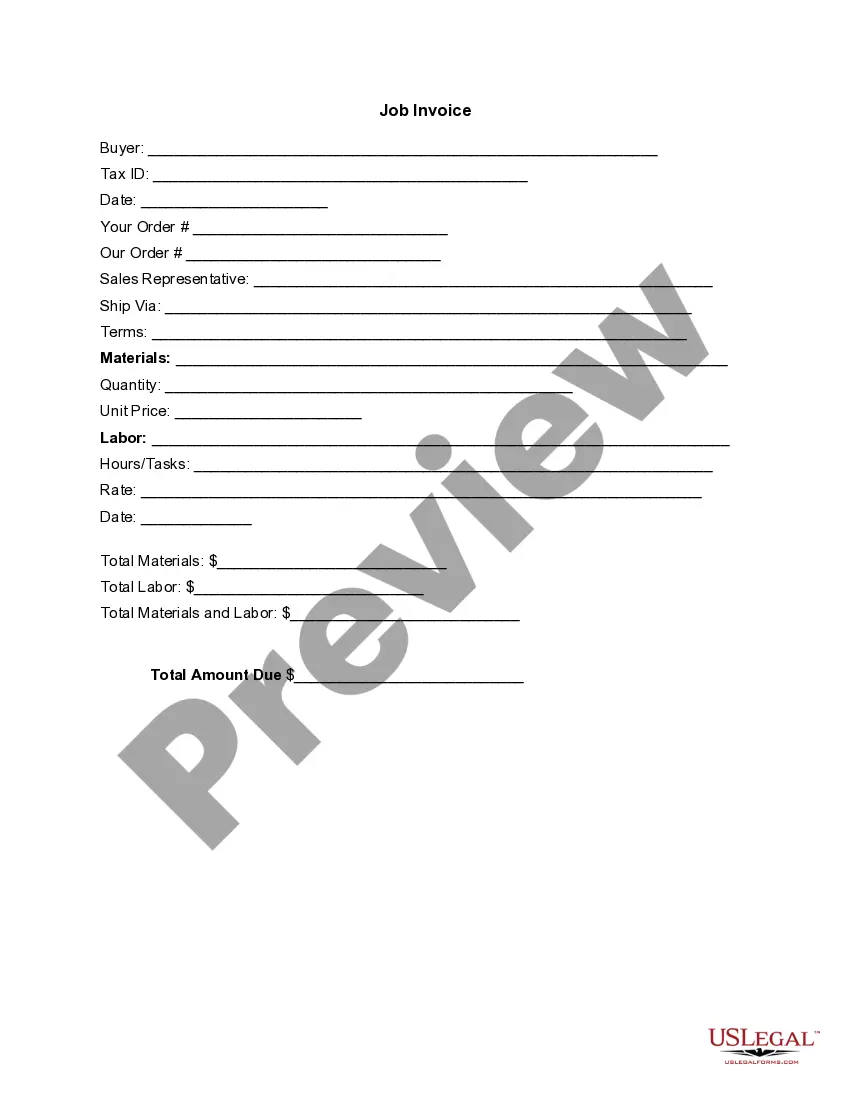







How to fill out Employee Evaluation Form For Sole Trader?
If you want to obtain, download, or print legal document templates, utilize US Legal Forms, the premier collection of legal forms available online.
Take advantage of the site’s easy and straightforward search to find the documents you need.
A selection of templates for business and personal use are categorized by type and claims, or keywords.
Step 4. Once you have identified the desired form, click the Get now button. Choose the pricing plan you prefer and enter your details to register for an account.
Step 5. Complete the payment process. You can use your credit card or PayPal account to finish the transaction. Step 6. Select the format of the legal form and download it to your device. Step 7. Complete, edit, and print or sign the Rhode Island Employee Evaluation Form for Sole Trader.
Every legal document template you purchase is yours forever. You will have access to every form you've acquired in your account. Browse the My documents section and select a form to print or download again.
Complete, download, and print the Rhode Island Employee Evaluation Form for Sole Trader with US Legal Forms. There are numerous professional and state-specific forms you can use for your business or personal requirements.
- Use US Legal Forms to find the Rhode Island Employee Evaluation Form for Sole Trader in just a few clicks.
- If you are already a US Legal Forms user, Log Into your account and click the Get button to acquire the Rhode Island Employee Evaluation Form for Sole Trader.
- You can also access forms you've previously purchased in the My documents tab of your account.
- If you are using US Legal Forms for the first time, follow the steps below.
- Step 1. Make sure you have selected the form for the correct region/state.
- Step 2. Use the Preview option to review the form's information. Remember to check the description.
- Step 3. If you are dissatisfied with the form, utilize the Search box at the top of the screen to find alternative versions of the legal form template.
Form popularity
FAQ
In Rhode Island, the self-employment tax consists of Social Security and Medicare taxes, which together total 15.3%. This tax is applicable to your net earnings from self-employment. It is essential to keep accurate records and track earnings to ensure compliance with state tax regulations. To assist with filing, consider using the Rhode Island Employee Evaluation Form for Sole Trader available through uslegalforms.
UMass employees who reside in Rhode Island use the RI-W4 form to instruct how RI state taxes should be calculated and withheld.
Form RI-W3 - Transmittal of Wage and Tax Statements. INFORMATION FOR EMPLOYERS FILING TRANSMITTAL OF WAGE AND TAX STATEMENTS. 1. The employer's name and address should be pre-printed on the form.
Unemployment benefits available to gig workers, self-employed, small business owners. CRANSTON, R.I. (WJAR) Jobless benefits during the coronavirus crisis are being extended to those who typically would not qualify for unemployment insurance.
You can claim anywhere between 0 and 3 allowances on the 2019 W4 IRS form, depending on what you're eligible for. Generally, the more allowances you claim, the less tax will be withheld from each paycheck. The fewer allowances claimed, the larger withholding amount, which may result in a refund.
The following states opted to create their own state W-4 forms: Delaware, Idaho, Nebraska, Oregon, South Carolina, and Wisconsin whereas Colorado, New Mexico, North Dakota, and Utah will adopt the new inputs that the 2020 Federal W-4 put forth.
You must complete Form RI W-4 for your employer(s). Once you have completed Form RI W-4 for your employer, Form RI W-4 only needs to be completed if you are making changes to your withholding allowance or have a new employer. Form RI W-4 must be completed each year if you claim EXEMPT or EXEMPT-MS on line 3 below.
How to fill out a W-4: step by stepStep 1: Enter your personal information.Step 2: Account for all jobs you and your spouse have.Step 3: Claim your children and other dependents.Step 4: Make other adjustments.Step 5: Sign and date your form.
How to file a W-4 form in 5 StepsStep 1: Enter your personal information. The first step is filling out your name, address and Social Security number.Step 2: Multiple jobs or spouse works.Step 3: Claim dependents.Step 4: Factor in additional income and deductions.Step 5: Sign and file with your employer.
Federal Form W-4 can no longer be used for Rhode Island withholding purposes. You must complete Form RI W-4 for your employer(s). Once you have completed Form RI W-4 for your employer, Form RI W-4 only needs to be completed if you are making changes to your withholding allowance or have a new employer.