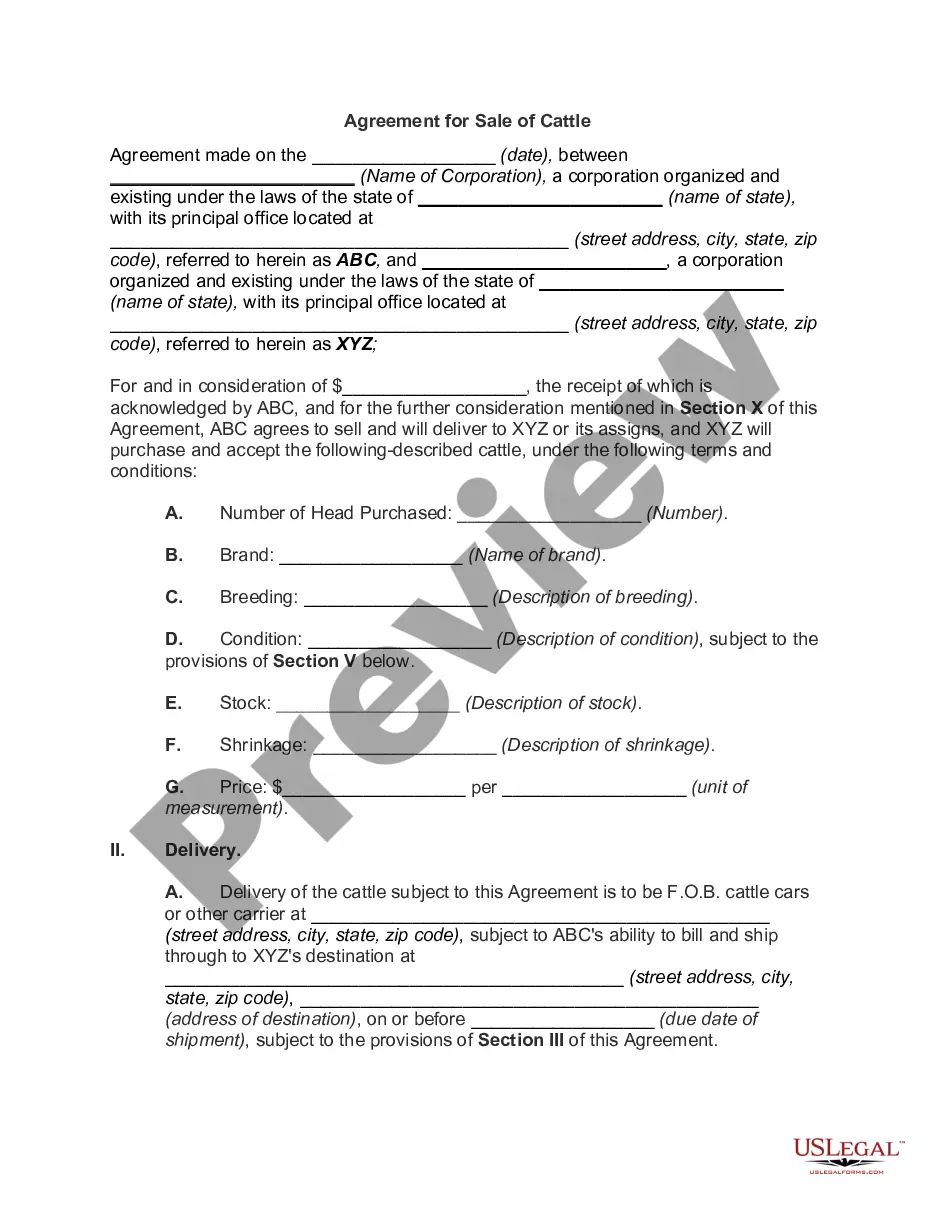
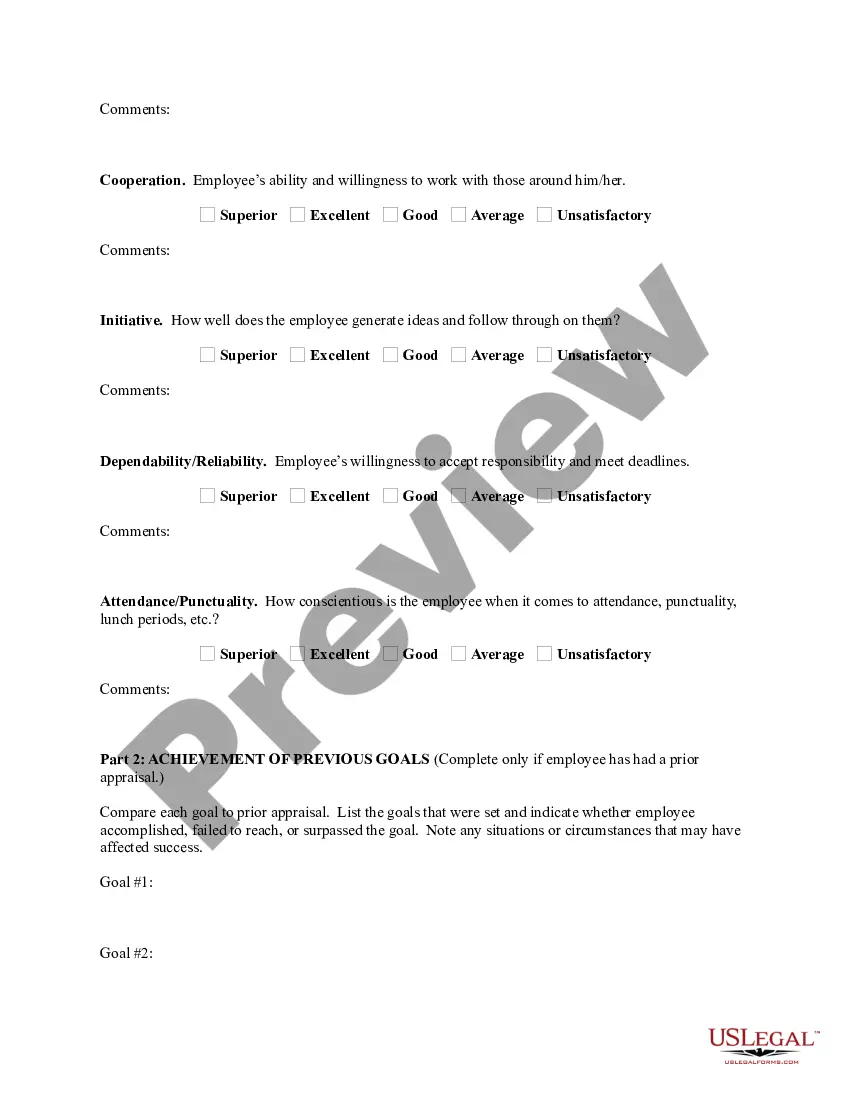
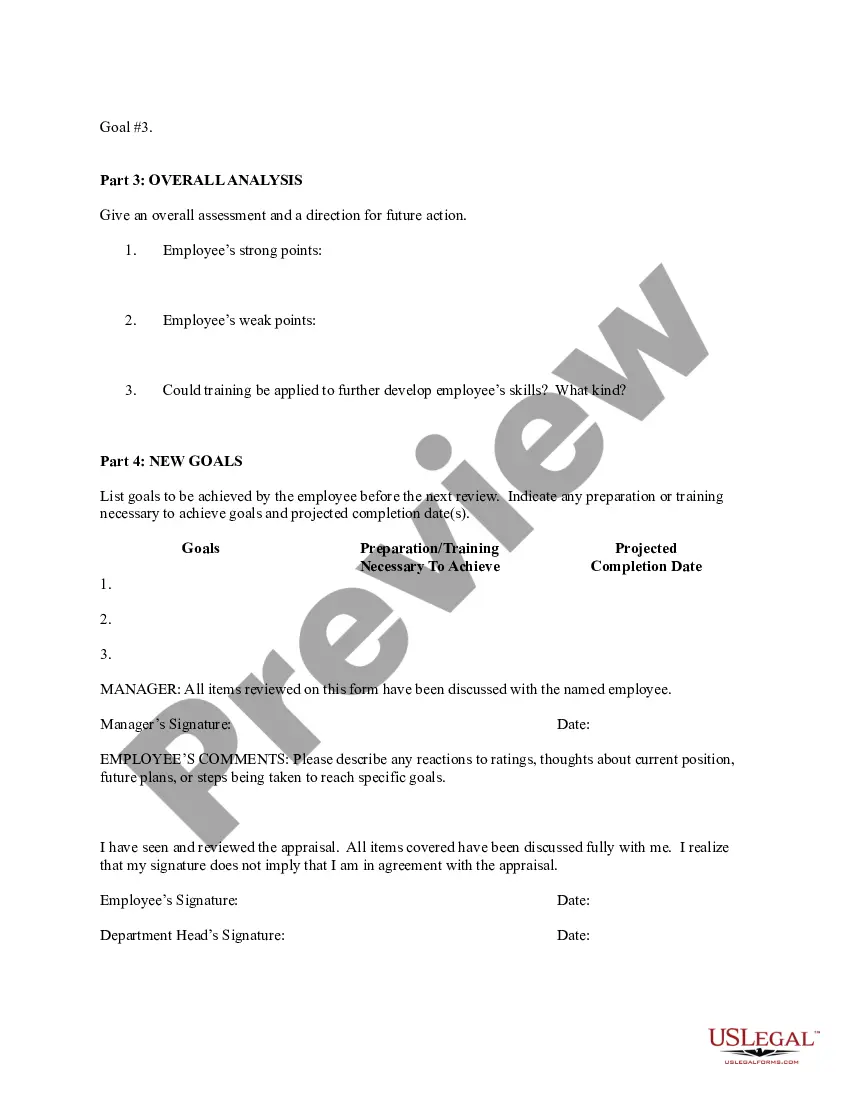
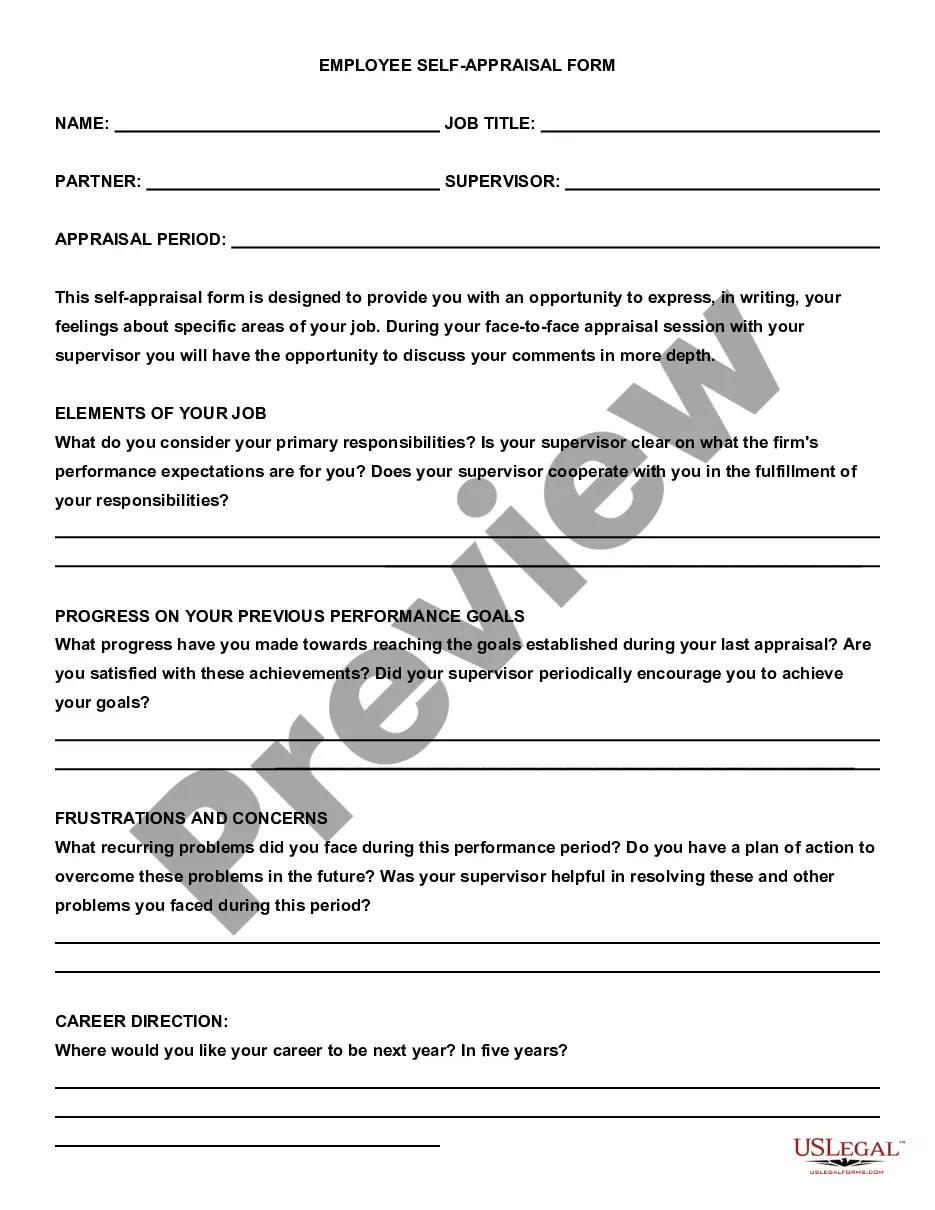
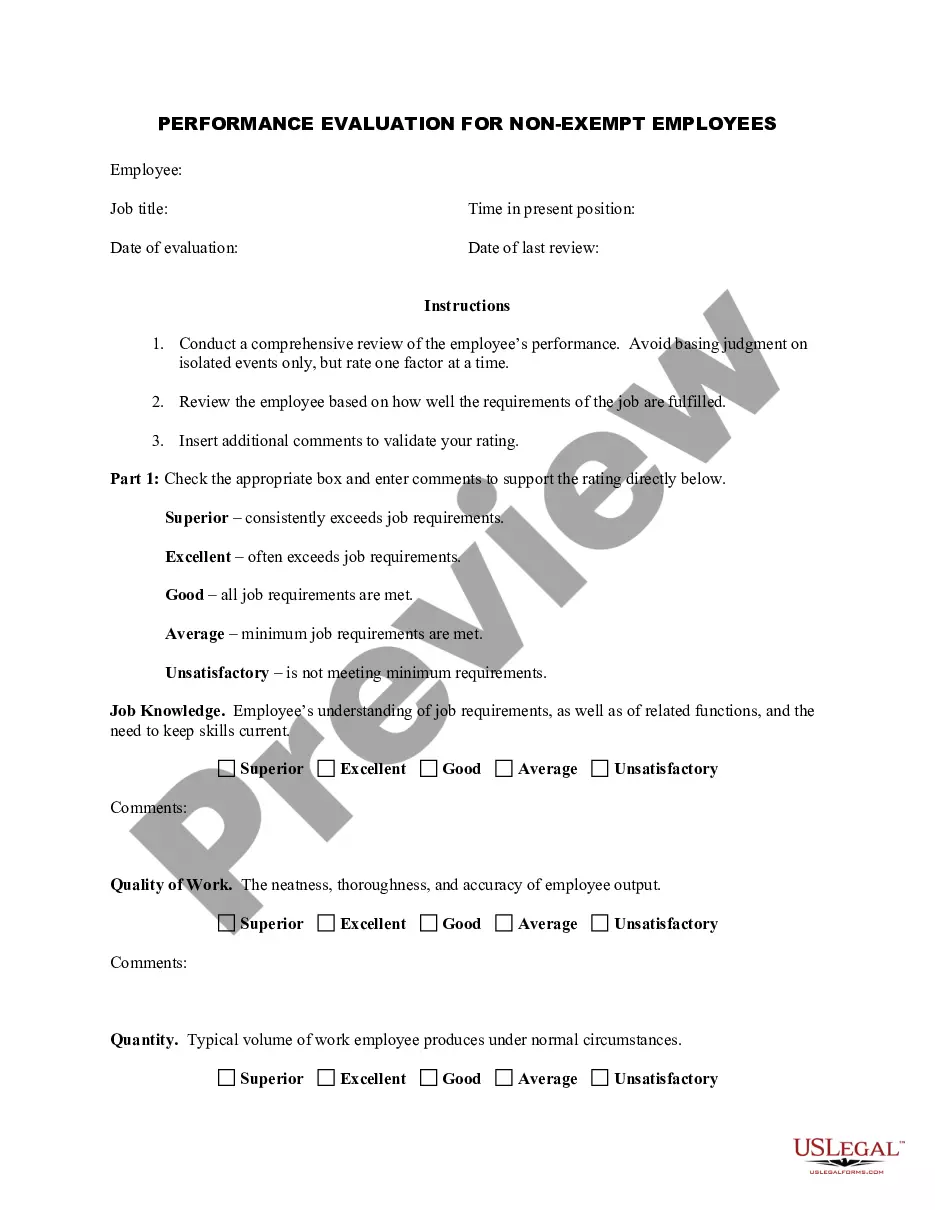
Rhode Island Employee Evaluation Form for Consultant
Description
Get your form ready online
Our built-in tools help you complete, sign, share, and store your documents in one place.
Make edits, fill in missing information, and update formatting in US Legal Forms—just like you would in MS Word.
Download a copy, print it, send it by email, or mail it via USPS—whatever works best for your next step.
Sign and collect signatures with our SignNow integration. Send to multiple recipients, set reminders, and more. Go Premium to unlock E-Sign.
If this form requires notarization, complete it online through a secure video call—no need to meet a notary in person or wait for an appointment.
We protect your documents and personal data by following strict security and privacy standards.

Make edits, fill in missing information, and update formatting in US Legal Forms—just like you would in MS Word.

Download a copy, print it, send it by email, or mail it via USPS—whatever works best for your next step.

Sign and collect signatures with our SignNow integration. Send to multiple recipients, set reminders, and more. Go Premium to unlock E-Sign.

If this form requires notarization, complete it online through a secure video call—no need to meet a notary in person or wait for an appointment.

We protect your documents and personal data by following strict security and privacy standards.
Looking for another form?
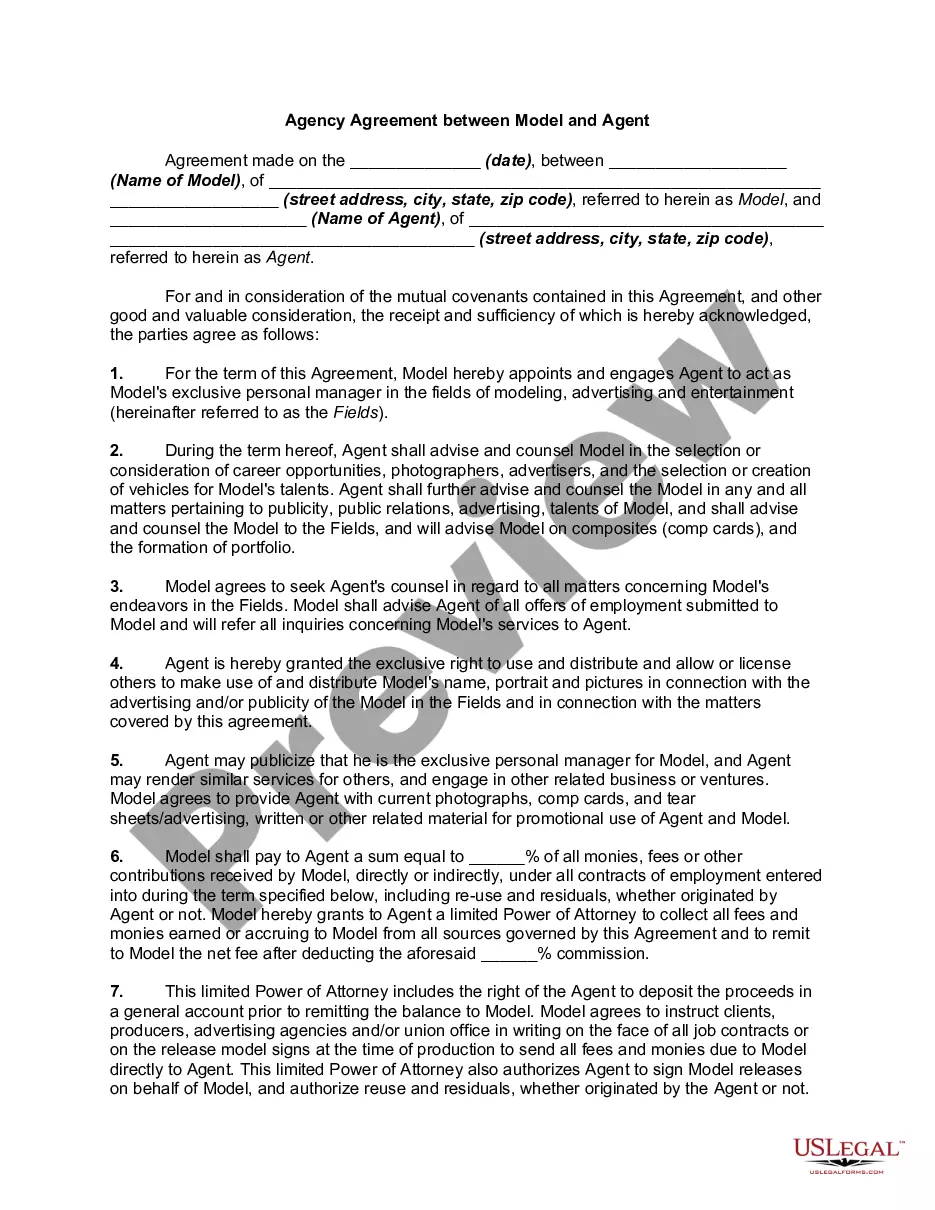


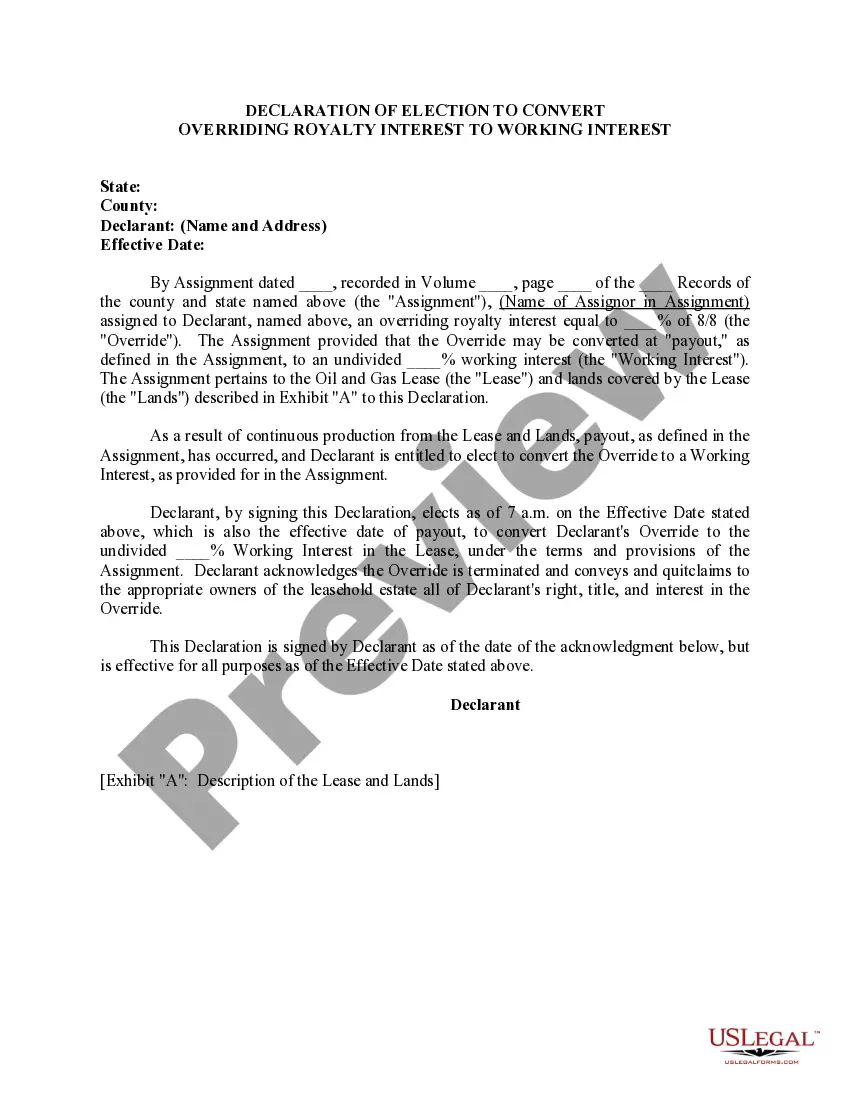


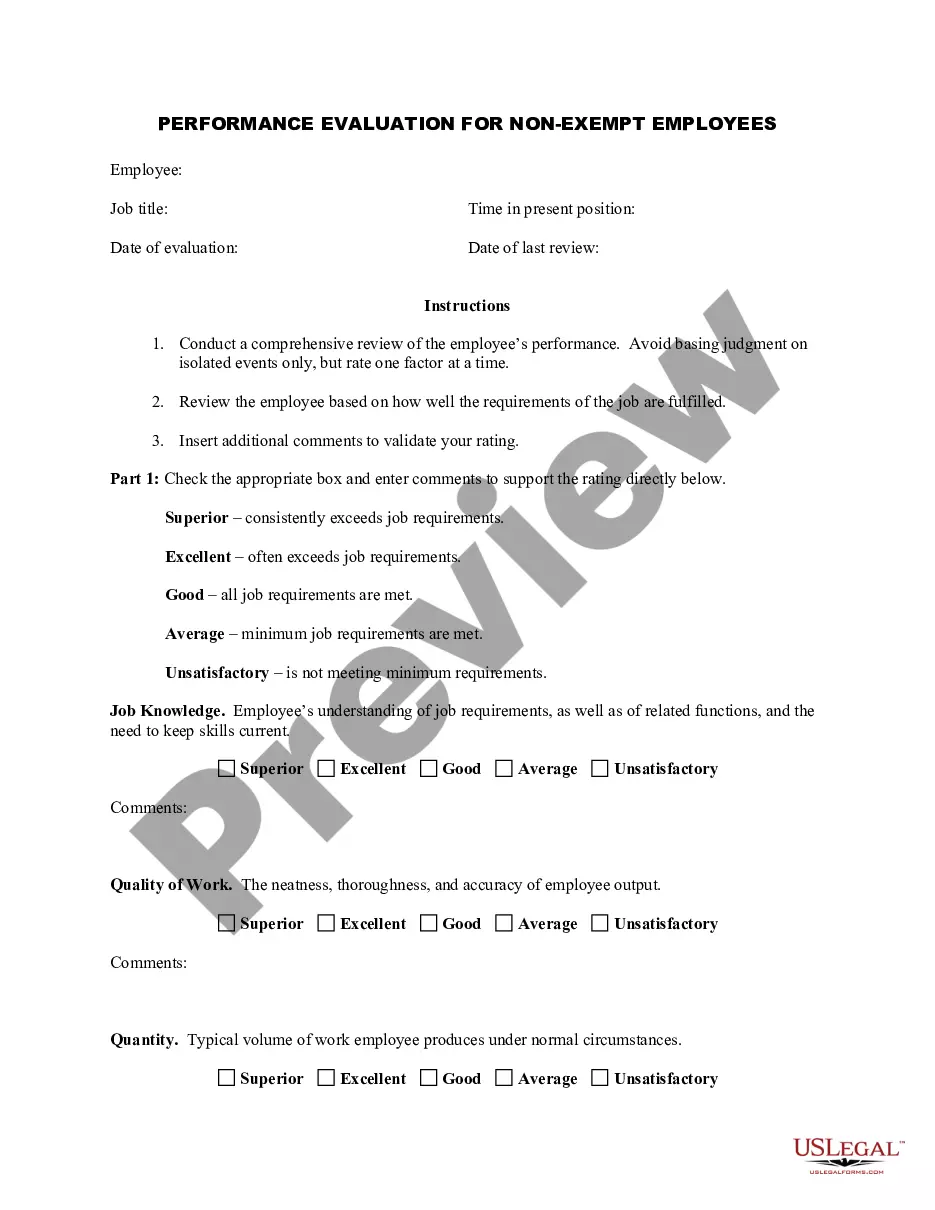
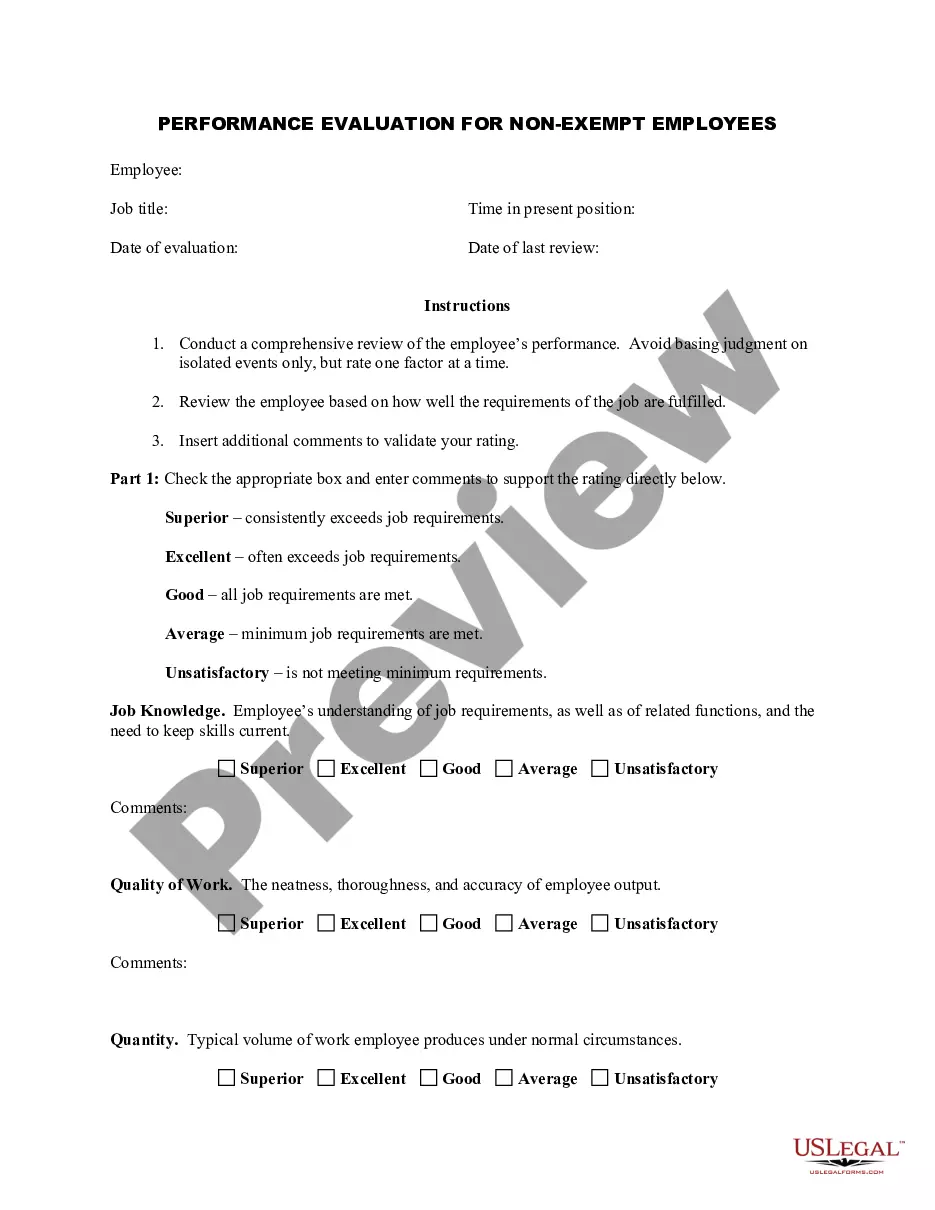
How to fill out Employee Evaluation Form For Consultant?
You might spend hours online searching for the legal document template that satisfies the federal and state requirements you need.
US Legal Forms provides a vast array of legal documents that are reviewed by experts.
You can easily obtain or print the Rhode Island Employee Evaluation Form for Consultant from my service.
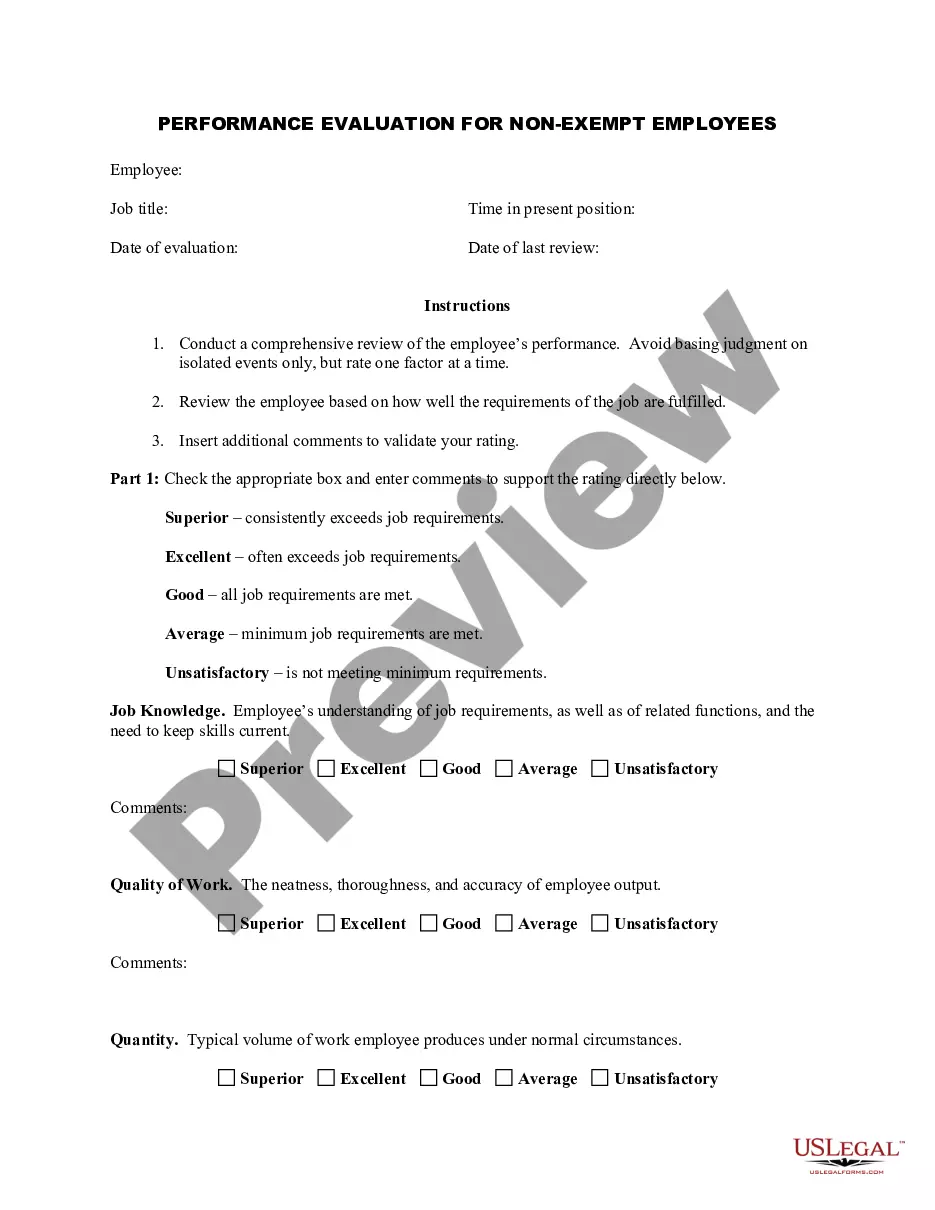
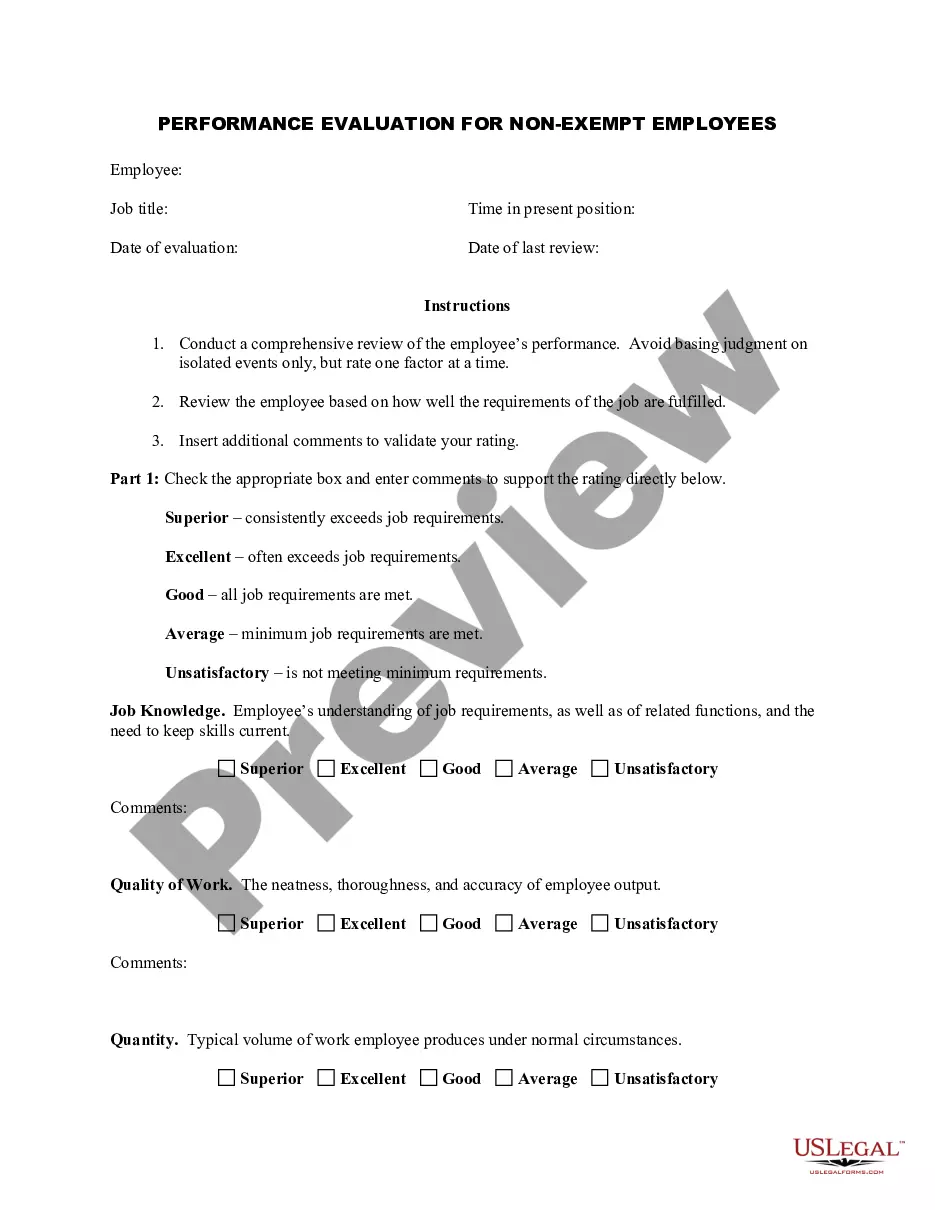
Check the form details to make sure you have chosen the right one. If available, take advantage of the Review option to review the document template as well.
- If you already possess a US Legal Forms account, you can Log In and click the Acquire button.
- After that, you can fill out, modify, print, or sign the Rhode Island Employee Evaluation Form for Consultant.
- Every legal document template you download is yours permanently.
- To obtain an additional copy of any downloaded form, go to the My documents section and select the appropriate option.
- If you are using the US Legal Forms website for the first time, follow the simple instructions below.
- First, ensure that you have selected the correct document template for your chosen county/area.
Form popularity
FAQ
4 Tips for Writing an Effective Self-EvaluationBe specific and provide examples. Specificity helps contextualize claims.Back up your contributions with metrics.Frame weaknesses as opportunities.Keep track of your accomplishments throughout the year.
How to get started writing your self-evaluationReflect on feedback.Make a list of your top accomplishments and identify areas for improvements.Gather analytics to show impact.Make a commitment to improve.Set a SMART goal for yourself.Create a plan of action.Communication.Job Performance.More items...
A. "You communicate your ideas and vision clearly so others can understand it easily and quickly." b. "He appreciates the efforts taken by others to achieve a target and encourages them to be better."
For most staff positions, the job performance areas that should be included on a performance evaluation form are job knowledge and skills, quality of work, quantity of work, work habits and attitude.
An independent contractor is not eligible for workers' compensation benefits.
How to write an employee evaluationReview the employee's job description. Get a current copy of each person's job description and review the requirements.Highlight areas of improvement.Compare strengths and weaknesses.Recommend actionable goals.Provide constructive feedback.Welcome employee input.
Employee Evaluation Form Template includes fields for employee information (employee name, job title/department, reviewer name/title, review period, today's date), ratings by customizable skill area with comments (work quality, productivity, communication, collaboration, initiative, punctuality), an auto-calculated
What to Include in an Employee Evaluation Form?Employee and reviewer information. The form must have basic information about both parties involved.Review period.An easy-to-understand rating system.Evaluation points.Goals.Extra space for comments.Signatures.Scorecard.More items...?
When you fill the form:Be honest and critical. Analyze your failures and mention the reasons for it.Keep the words minimal.Identify weaknesses.Mention your achievements.Link achievements to the job description and the organization's goals.Set the goals for the next review period.Resolve conflicts and grievances.