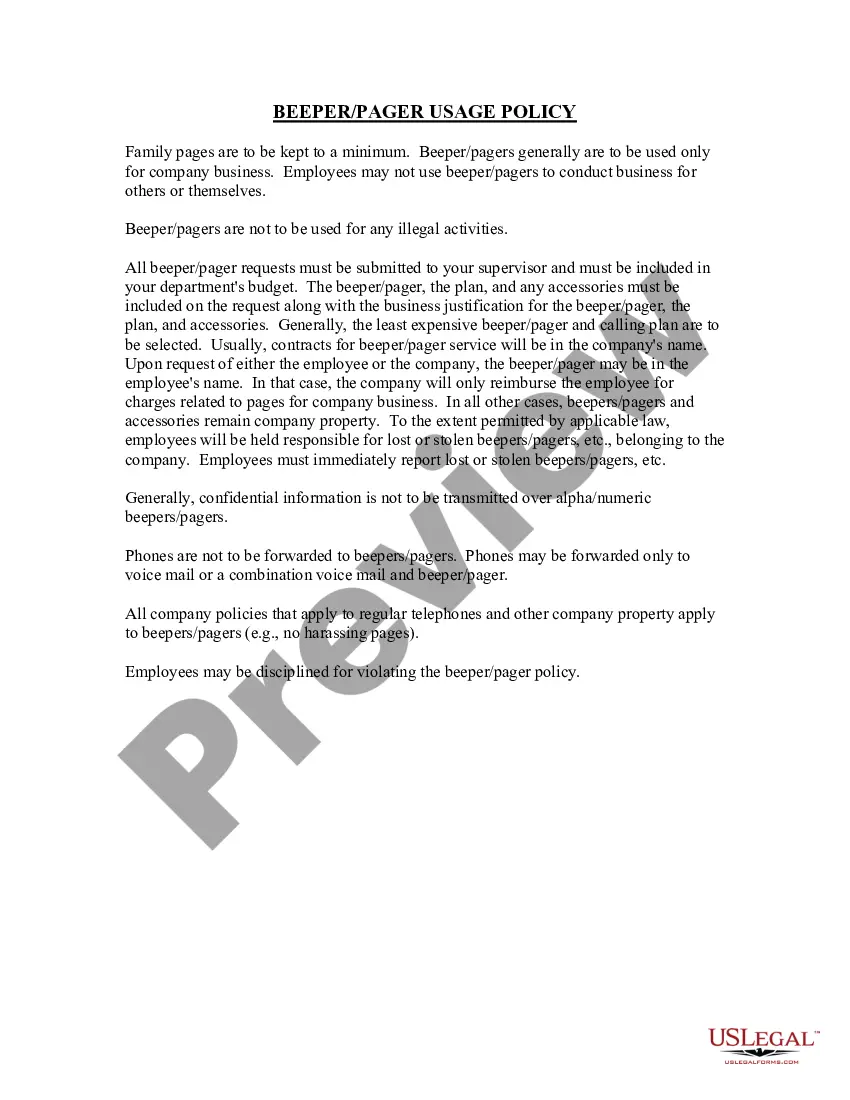
Oregon Beeper Pager Usage Policy
Description

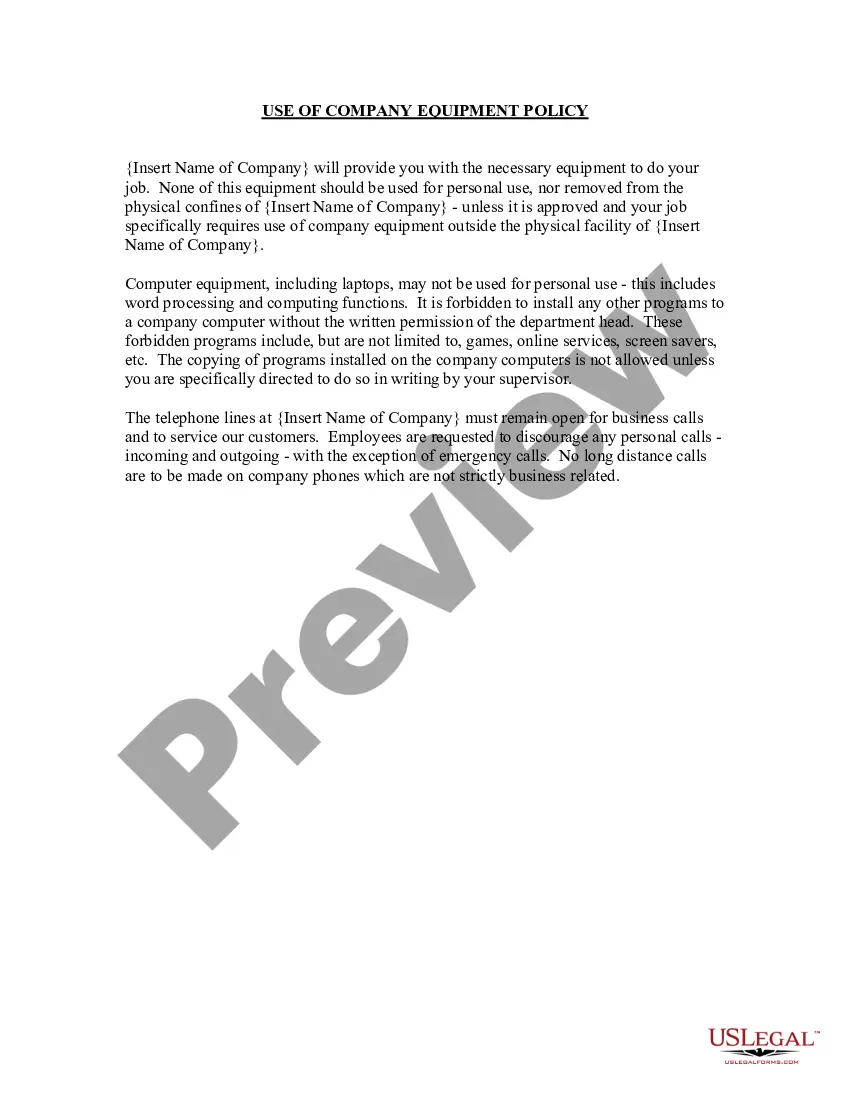

Get your form ready online
Our built-in tools help you complete, sign, share, and store your documents in one place.
Make edits, fill in missing information, and update formatting in US Legal Forms—just like you would in MS Word.
Download a copy, print it, send it by email, or mail it via USPS—whatever works best for your next step.
Sign and collect signatures with our SignNow integration. Send to multiple recipients, set reminders, and more. Go Premium to unlock E-Sign.
If this form requires notarization, complete it online through a secure video call—no need to meet a notary in person or wait for an appointment.
We protect your documents and personal data by following strict security and privacy standards.

Make edits, fill in missing information, and update formatting in US Legal Forms—just like you would in MS Word.

Download a copy, print it, send it by email, or mail it via USPS—whatever works best for your next step.

Sign and collect signatures with our SignNow integration. Send to multiple recipients, set reminders, and more. Go Premium to unlock E-Sign.

If this form requires notarization, complete it online through a secure video call—no need to meet a notary in person or wait for an appointment.

We protect your documents and personal data by following strict security and privacy standards.
Looking for another form?
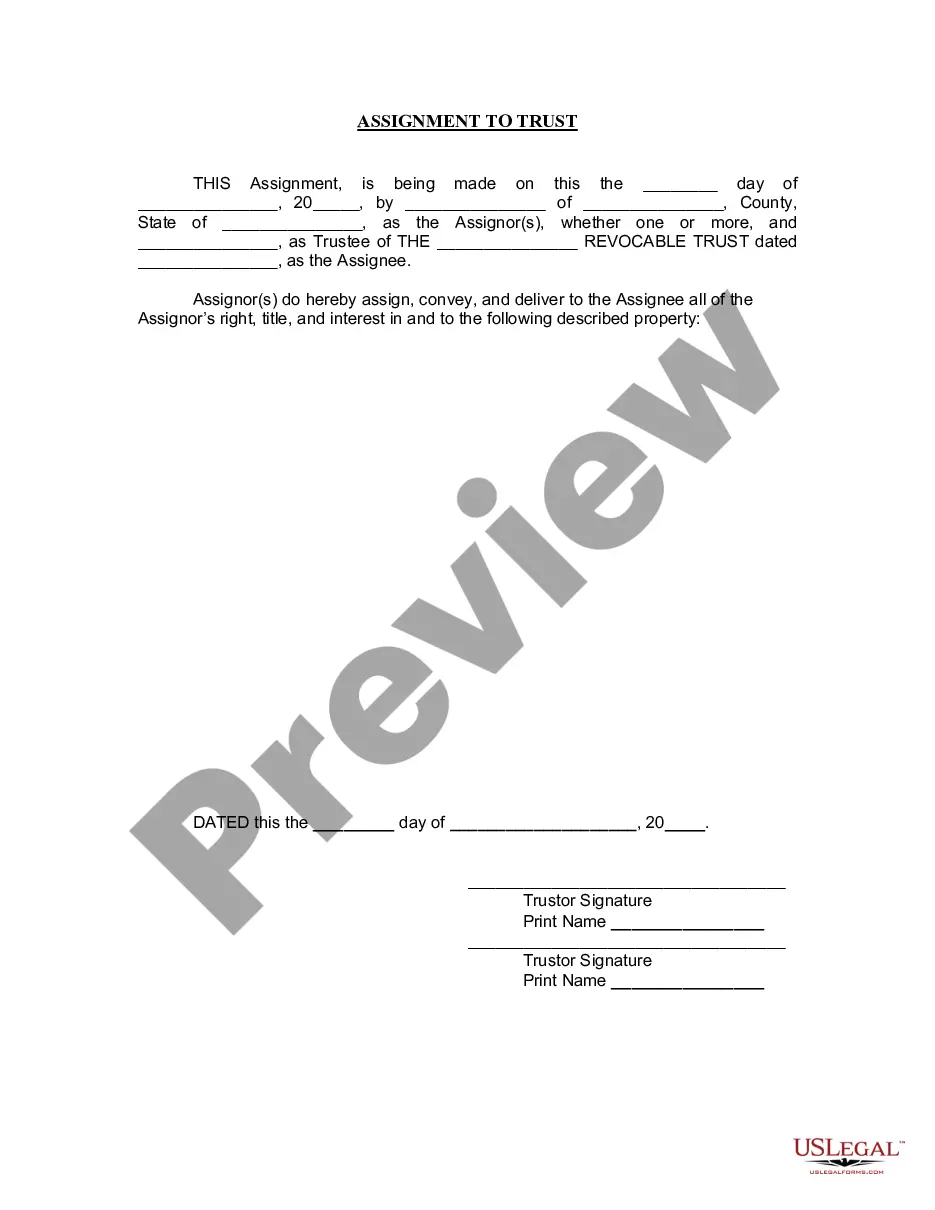




How to fill out Beeper Pager Usage Policy?
If you seek thorough, acquire, or printing legitimate document templates, utilize US Legal Forms, the largest collection of legal forms available online.
Employ the site's straightforward and efficient search feature to locate the documents you require.
An array of templates for business and personal purposes are organized by categories and states, or keywords.
Step 4. Once you have found the form you need, click on the Get now button. Choose the payment plan you prefer and input your details to register for the account.
Step 5. Complete the transaction. You may use your Visa or MasterCard or PayPal account to finalize the payment.
- Use US Legal Forms to locate the Oregon Beeper Pager Usage Policy within a few clicks.
- If you are already a US Legal Forms user, Log In to your account and then click the Obtain option to find the Oregon Beeper Pager Usage Policy.
- You can also access forms you previously downloaded in the My documents tab of your account.
- If you are using US Legal Forms for the first time, follow these steps.
- Step 1. Ensure you have selected the form for the correct city/state.
- Step 2. Use the Review option to check the form's details. Remember to read through the explanation.
- Step 3. If you are not satisfied with the template, utilize the Search field at the top of the screen to find alternative versions in the legal form template.
Form popularity
FAQ
To text 'I love you' on a pager, you can either use an alphanumeric pager to type out the message directly or use a numeric code that represents those words. The message should be concise, as pagers often have character limits. Referring to the Oregon Beeper Pager Usage Policy may provide specific texting examples and best practices.
How to send a pageDial 7 or 10-digit pager number and enter the call back number after the prompt.Dial overdial #, enter PIN # and enter the call back number after the prompt.Voicemail subscribers can receive numeric and/or voice messages.
Spok Mobile allows hospitals to send messages to Spok pager numbers and have them go to the right person's smartphone. Smartphone users simply download an app to connect to the software. All of this is accomplished without changing the way messages are sent or updating pager numbers.
Go to mypager.stanford.edu and click Enroll in Spok Mobile. Complete the online form. You will receive a welcome email from Spok Mobile within an hour that includes registration instructions. Complete the registration instructions to start sending and receiving messages.
Yes, pagers are still alive today and embraced by the same groups who used the very first versions: public safety and healthcare professionals. Even with the proliferation of smartphones, pagers remain popular in these industries because of the reliability of the paging networks.
In the Sign Up for Spok Mobile screen, enter your email address. After your email is entered, click Sign Up . You receive an email from Spok Mobile that includes your registration username and password that are used to register your device. Download and install the application on your device.
Dial the telephone number that you wish the beeper's owner to call . Press the "pound" key on the phone after inputting the telephone number. The page will be sent once the "pound" key is pressed.
With these pagers, each device is programmed with a unique encryption key. Messages are encrypted as they enter the Spok network, sent over the satellite network to the transmitters and then sent over the air to the device, where they are decrypted for display to the user.
How to send a pageDial 7 or 10-digit pager number and enter the call back number after the prompt.Dial overdial #, enter PIN # and enter the call back number after the prompt.Voicemail subscribers can receive numeric and/or voice messages.
With these pagers, each device is programmed with a unique encryption key. Messages are encrypted as they enter the Spok network, sent over the satellite network to the transmitters and then sent over the air to the device, where they are decrypted for display to the user.