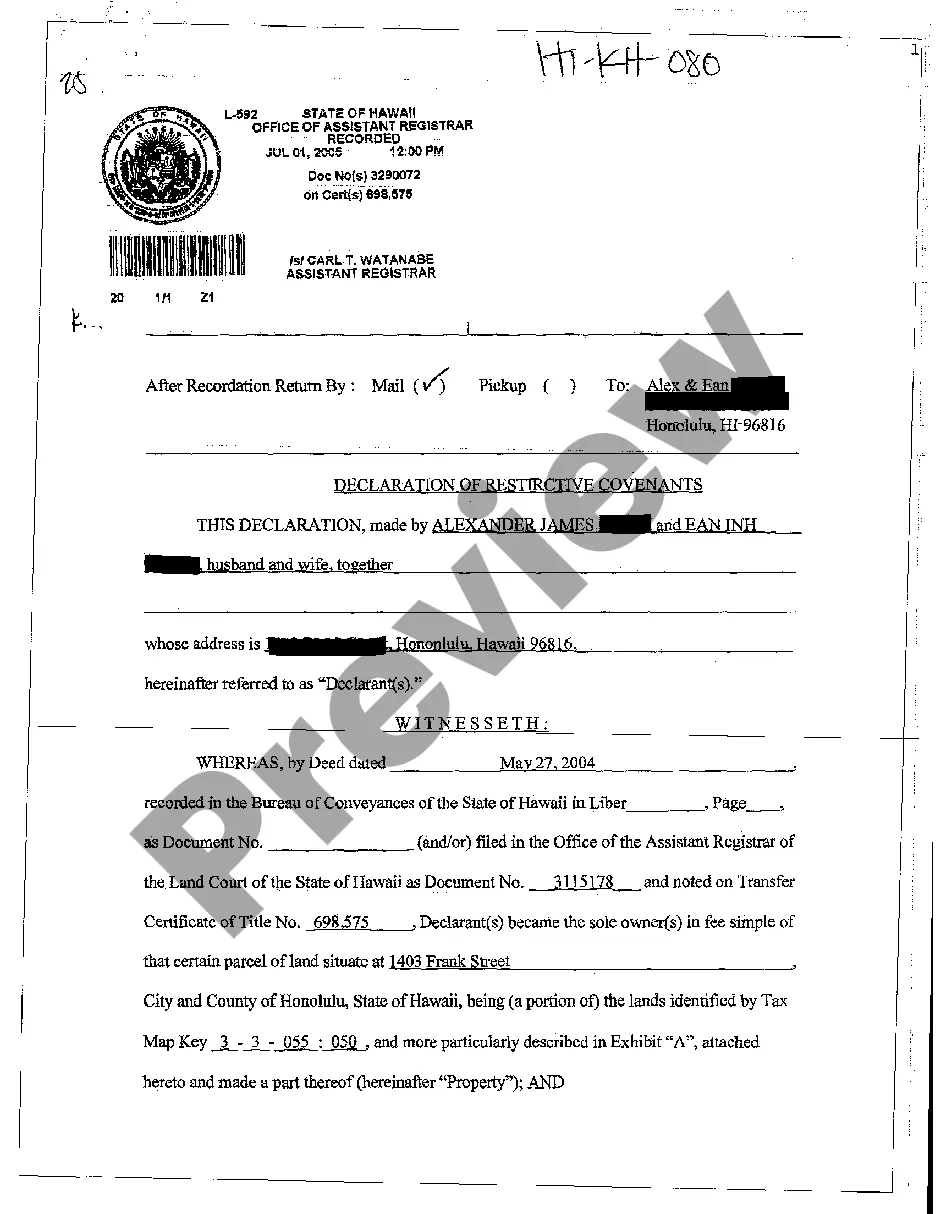
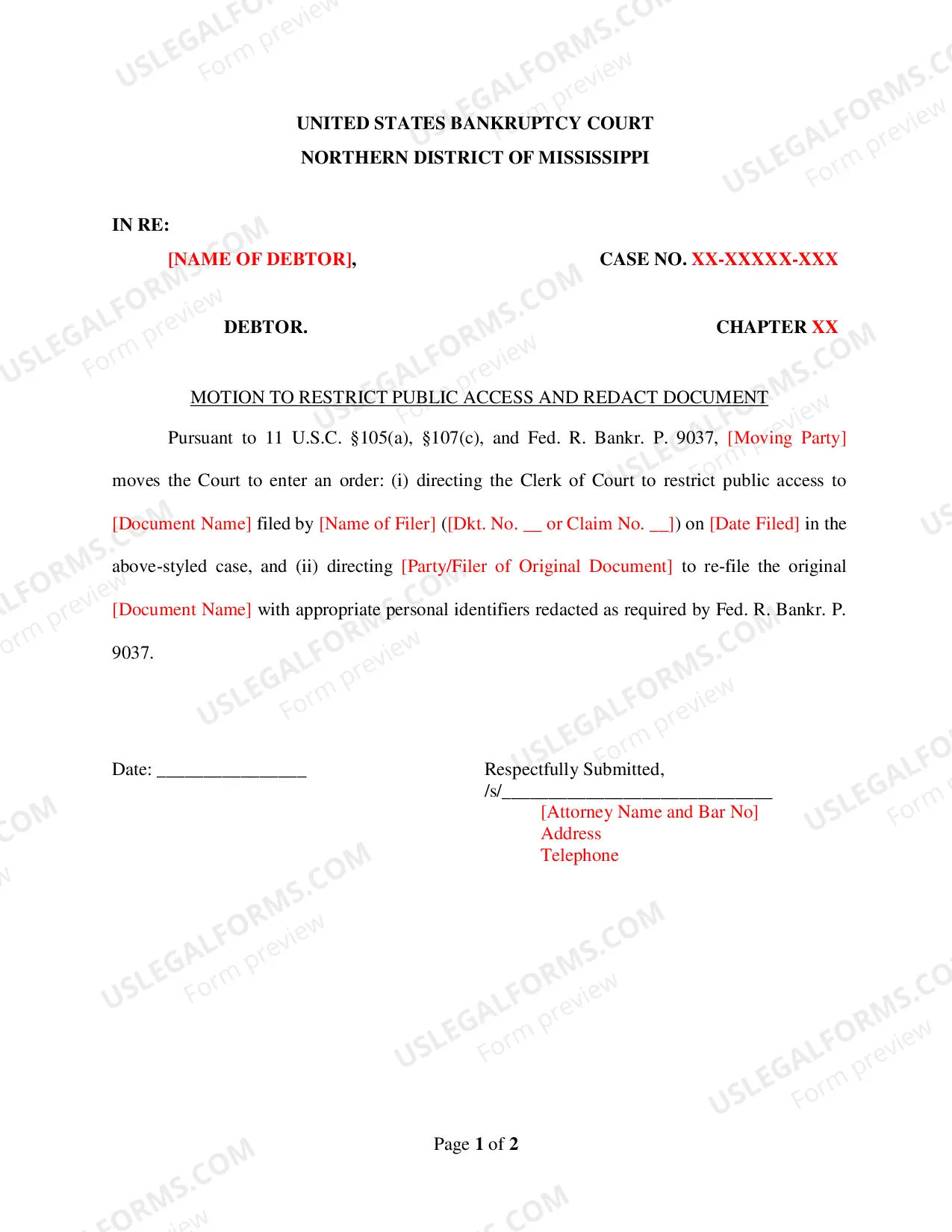
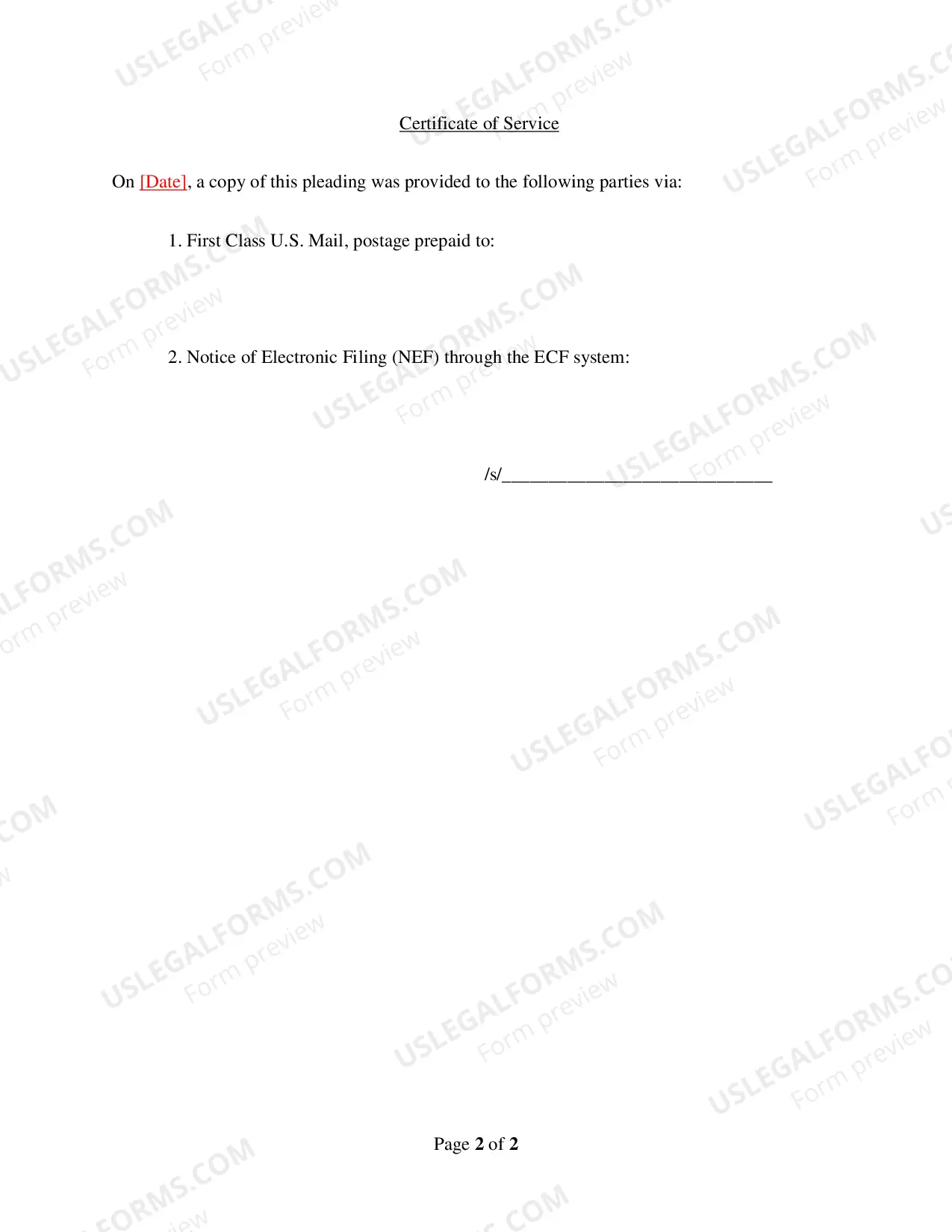
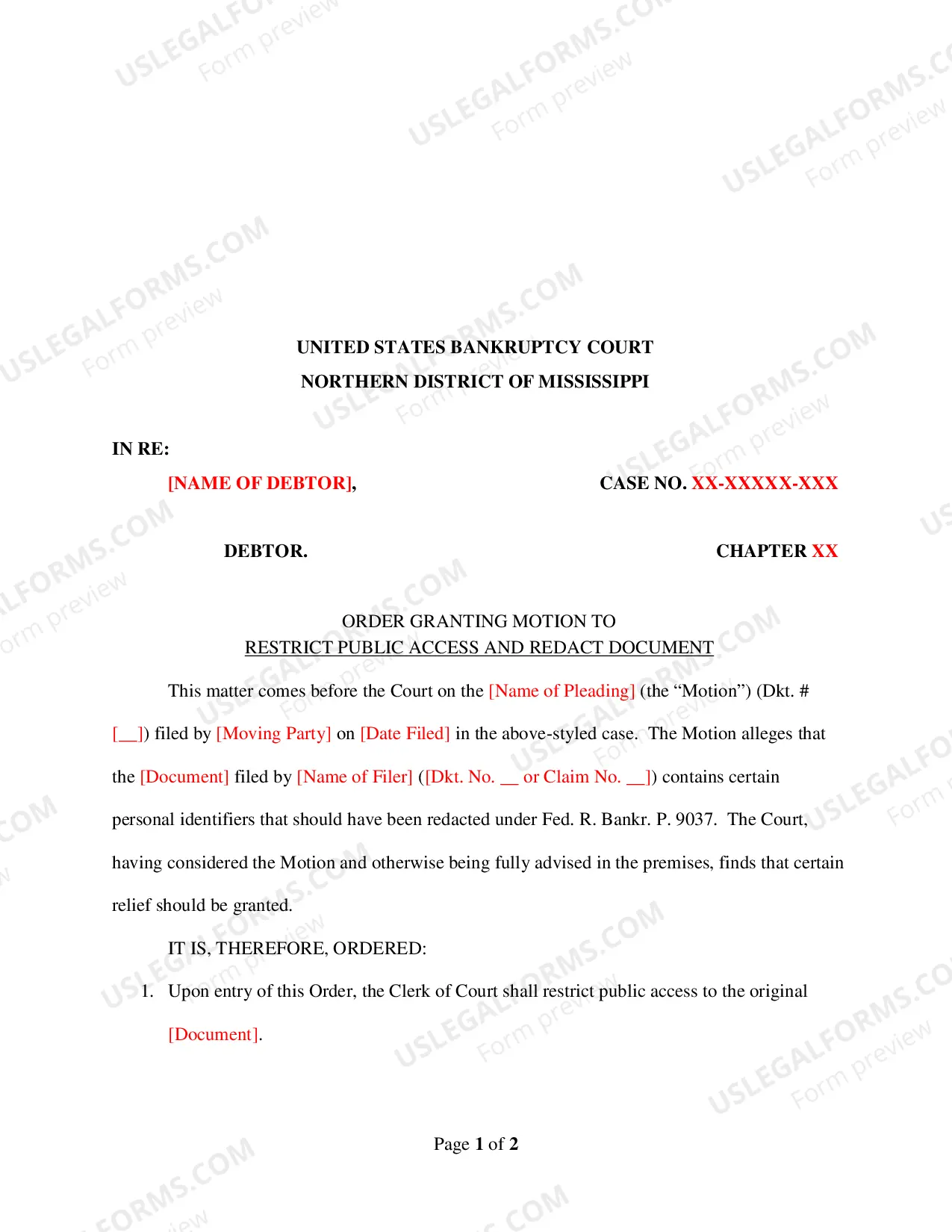
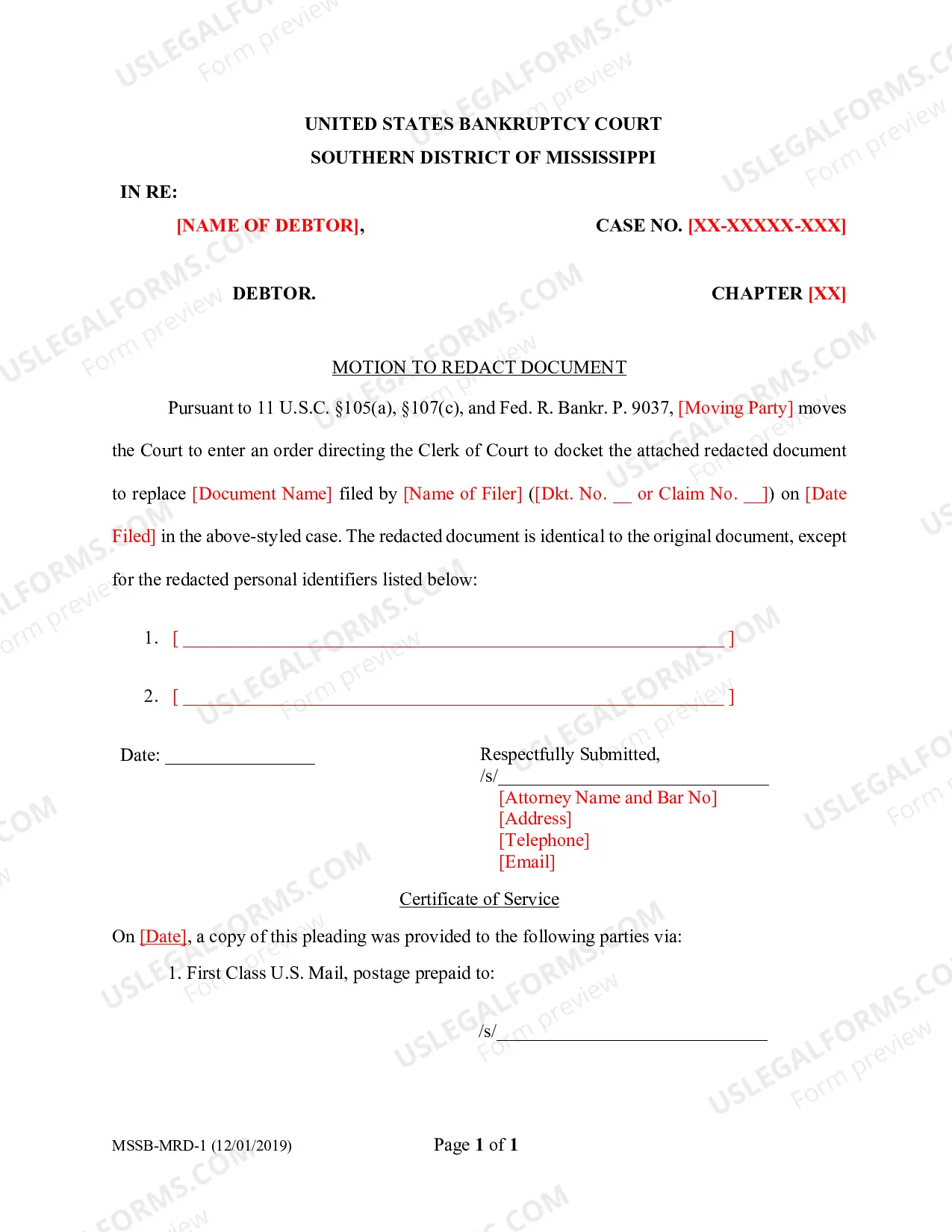
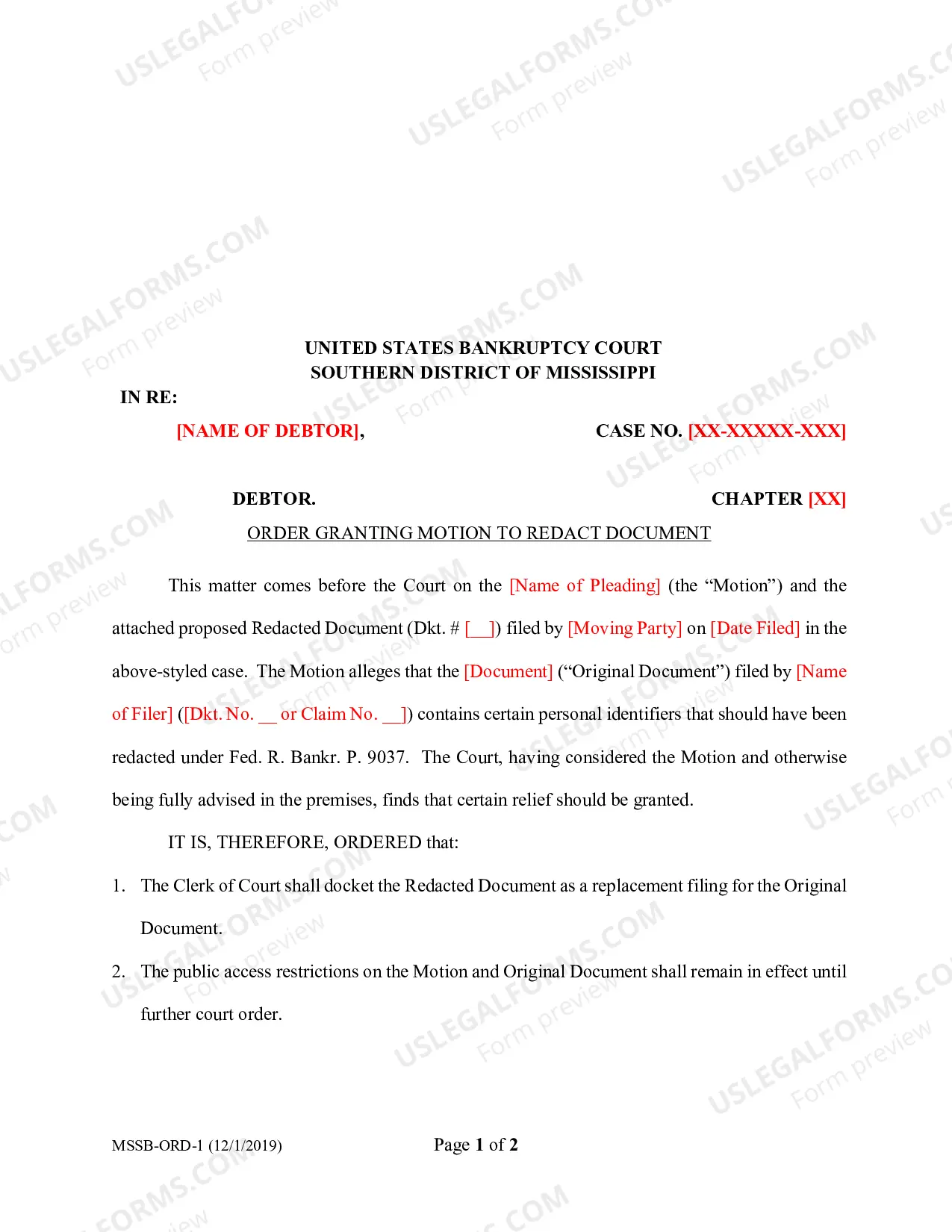
Mississippi Motion to Restrict Public Access and Redact Document is a legal procedure used to prevent the public from accessing certain documents and/or redacting certain information from documents that are part of a legal case. This motion is typically used to protect confidential information from becoming public knowledge. The motion protects third-party interests, as well as the interests of the parties involved in the case. There are two types of Mississippi Motion to Restrict Public Access and Redact Document: 1) Motion to Redact; and 2) Motion to Restrict Public Access. Motion to Redact is used to request the court to redact certain portions of a document that may contain confidential information. Motion to Restrict Public Access is used to request the court to restrict public access to documents, usually for reasons of privacy or security.
Mississippi Motion to Restrict Public Access and Redact Document
Description
Get your form ready online
Our built-in tools help you complete, sign, share, and store your documents in one place.
Make edits, fill in missing information, and update formatting in US Legal Forms—just like you would in MS Word.
Download a copy, print it, send it by email, or mail it via USPS—whatever works best for your next step.
Sign and collect signatures with our SignNow integration. Send to multiple recipients, set reminders, and more. Go Premium to unlock E-Sign.
If this form requires notarization, complete it online through a secure video call—no need to meet a notary in person or wait for an appointment.
We protect your documents and personal data by following strict security and privacy standards.

Make edits, fill in missing information, and update formatting in US Legal Forms—just like you would in MS Word.

Download a copy, print it, send it by email, or mail it via USPS—whatever works best for your next step.

Sign and collect signatures with our SignNow integration. Send to multiple recipients, set reminders, and more. Go Premium to unlock E-Sign.

If this form requires notarization, complete it online through a secure video call—no need to meet a notary in person or wait for an appointment.

We protect your documents and personal data by following strict security and privacy standards.
Looking for another form?

How to fill out Mississippi Motion To Restrict Public Access And Redact Document?
If you’re seeking a method to adequately prepare the Mississippi Motion to Limit Public Access and Edit Document without employing a legal expert, then you’re precisely in the correct location.
US Legal Forms has established itself as the most comprehensive and trustworthy collection of formal templates for every personal and business circumstance. Every document you discover on our online platform is composed in accordance with federal and state regulations, ensuring that your files are organized.
Another fantastic aspect of US Legal Forms is that you will never lose the documents you purchased - you can access any of your downloaded forms in the My documents tab of your profile whenever you require it.
- Ensure the document you view on the page aligns with your legal circumstances and state regulations by reviewing its text description or browsing through the Preview mode.
- Enter the document title in the Search tab at the top of the page and select your state from the list to locate an alternative template in case of any discrepancies.
- Repeat the content verification process and click Buy now when you are assured that the paperwork meets all requirements.
- Log in to your account and click Download. Sign up for the service and choose the subscription plan if you do not already possess one.
- Utilize your credit card or the PayPal option to acquire your US Legal Forms subscription. The form will be available for download immediately after.
- Select the format in which you wish to save your Mississippi Motion to Limit Public Access and Edit Document and download it by clicking the respective button.
- Upload your template to an online editor for quick completion and signing, or print it out to prepare your physical copy manually.