Office of Children with Special Needs Preschool Special Education Program Medicaid Consent Form - Minnesota
What is this form?
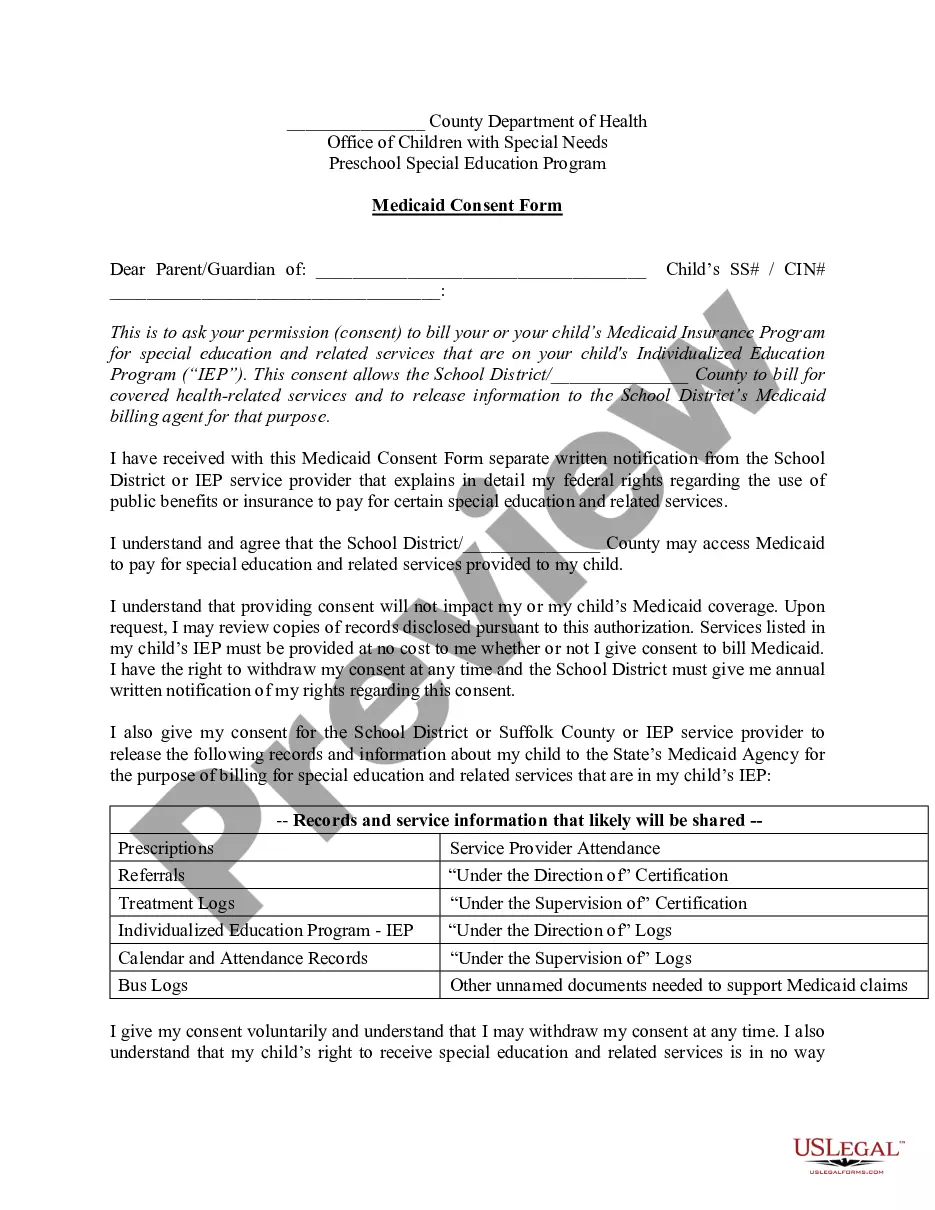
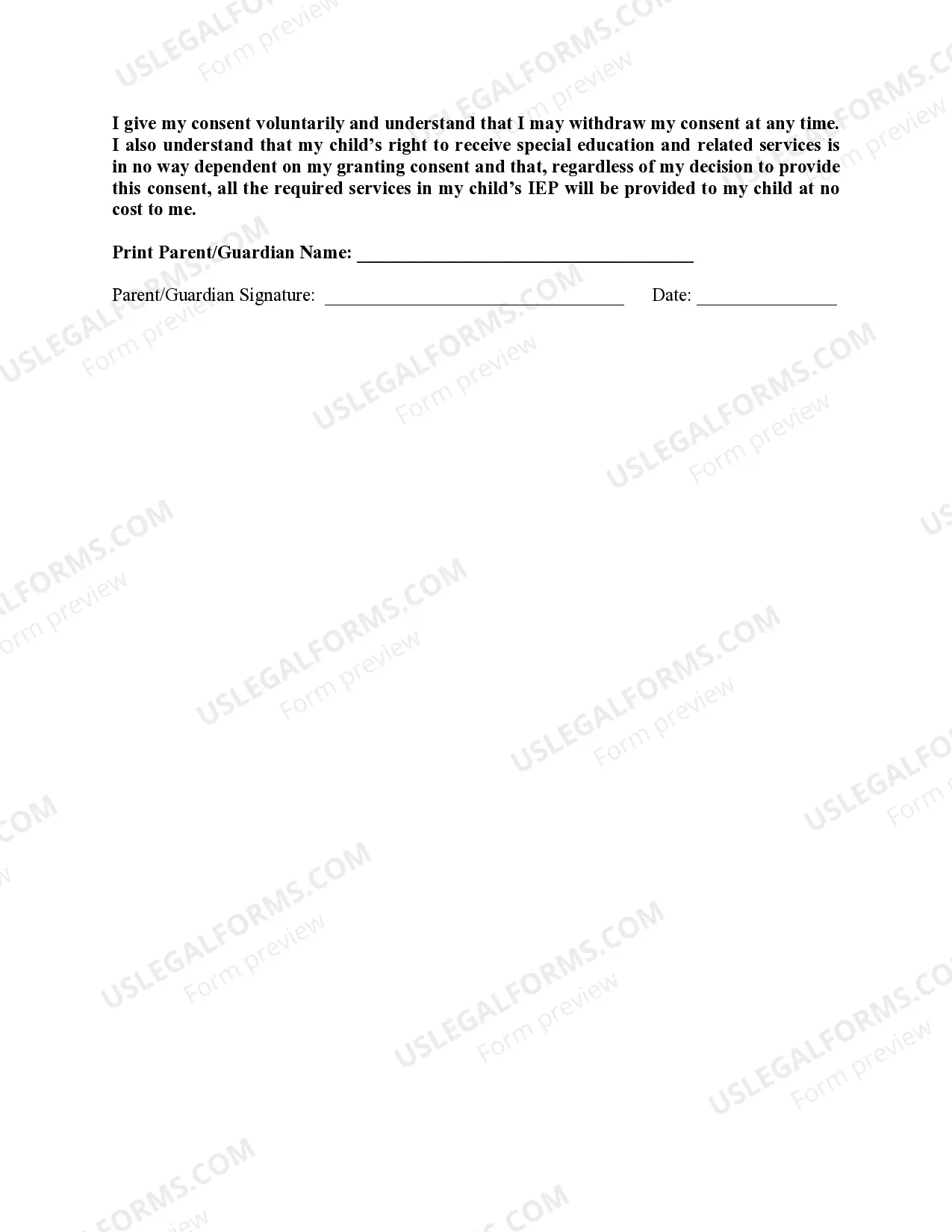
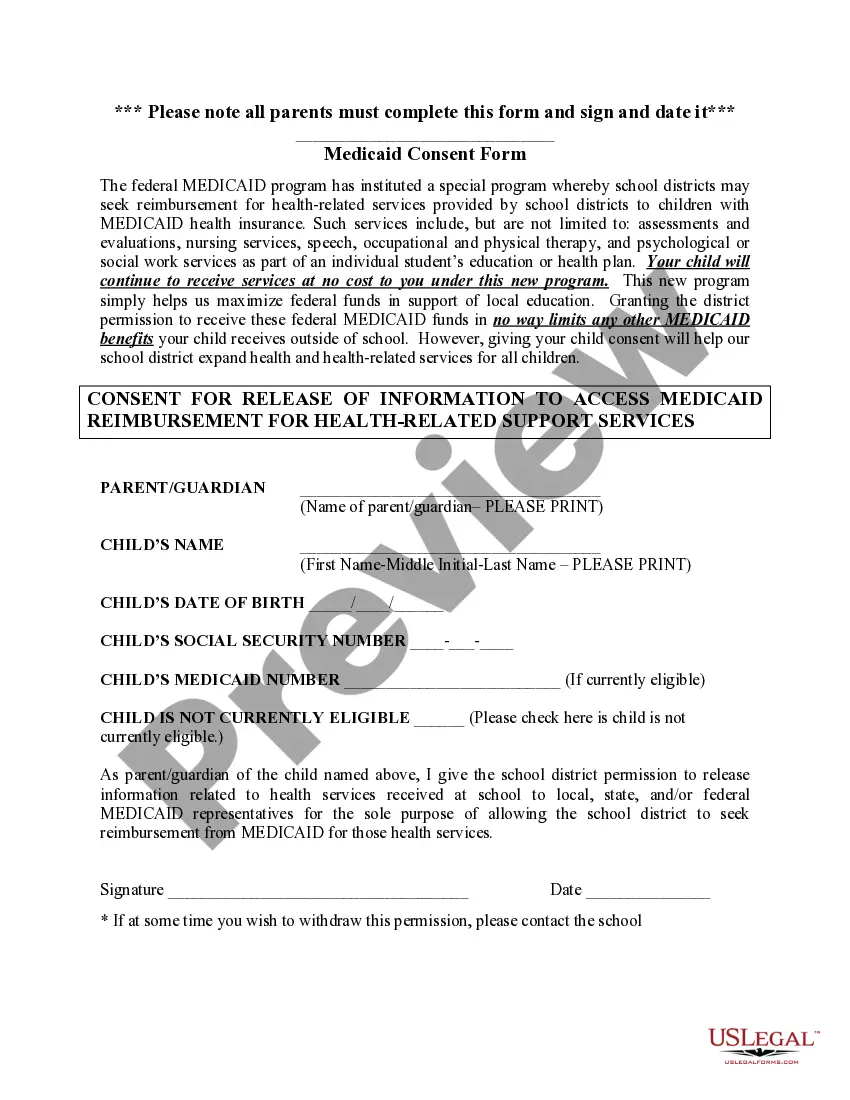
The Office of Children with Special Needs Preschool Special Education Program Medicaid Consent Form - Minnesota allows parents or guardians to grant consent for their child's preschool to access Medicaid information. This access is crucial for funding special education and related services outlined in the child's Individualized Education Program (IEP). This form is distinct from other consent forms as it specifically pertains to services covered under Medicaid and the special education framework in Minnesota.
Form components explained
- Childâs identification details including name and social security number.
- Consent for billing Medicaid for services on the childâs IEP.
- Explanation of parental rights regarding the use of public benefits.
- List of records and information that may be shared with Medicaid.
- Signature line for the parent/guardian and date of consent.

When to use this form
This form should be used when a child enrolled in a Minnesota preschool requires access to Medicaid to cover the costs of special education and related services as specified in their IEP. Parents or guardians need to provide consent for the school district to bill Medicaid and obtain necessary information related to the childâs services.
Who this form is for
- Parents or guardians of preschool-aged children receiving special education services in Minnesota.
- School districts or preschool administrators responsible for managing IEP services.
- Qualified special education service providers involved in the child's educational plan.
Steps to complete this form
- Enter the child's full name and social security number in the designated fields.
- Review the consent section to understand your rights and responsibilities.
- Sign and date the form to indicate your consent.
- Keep a copy of the completed form for your records.
- Submit the form to the appropriate school district or preschool administration.
Is notarization required?
This form does not typically require notarization unless specified by local law. You simply need to complete and submit it to the relevant educational authority.
Get your form ready online
Our built-in tools help you complete, sign, share, and store your documents in one place.
Make edits, fill in missing information, and update formatting in US Legal Forms—just like you would in MS Word.
Download a copy, print it, send it by email, or mail it via USPS—whatever works best for your next step.
Sign and collect signatures with our SignNow integration. Send to multiple recipients, set reminders, and more. Go Premium to unlock E-Sign.
If this form requires notarization, complete it online through a secure video call—no need to meet a notary in person or wait for an appointment.
We protect your documents and personal data by following strict security and privacy standards.
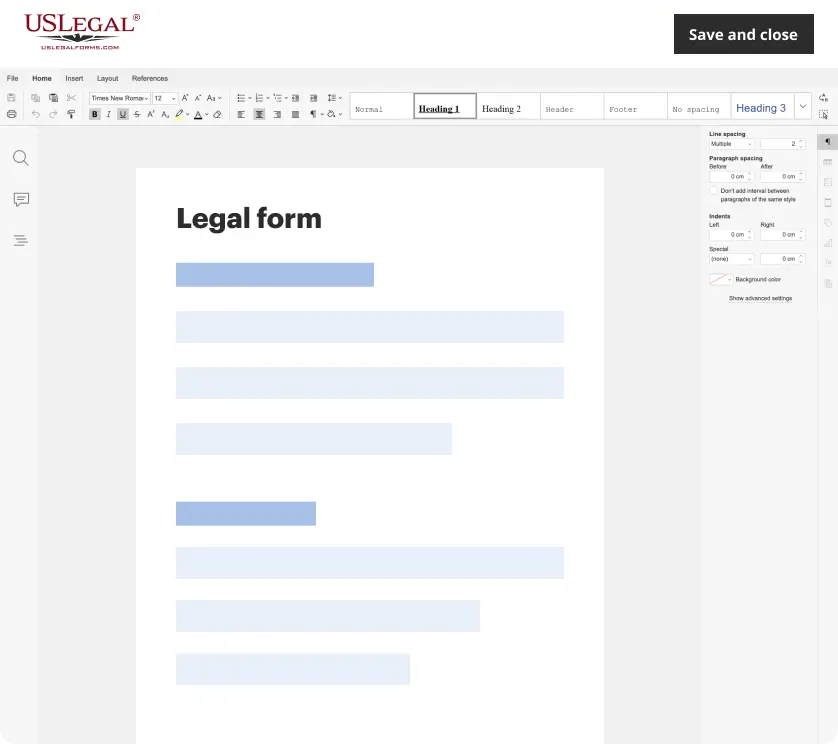
Make edits, fill in missing information, and update formatting in US Legal Forms—just like you would in MS Word.
Download a copy, print it, send it by email, or mail it via USPS—whatever works best for your next step.
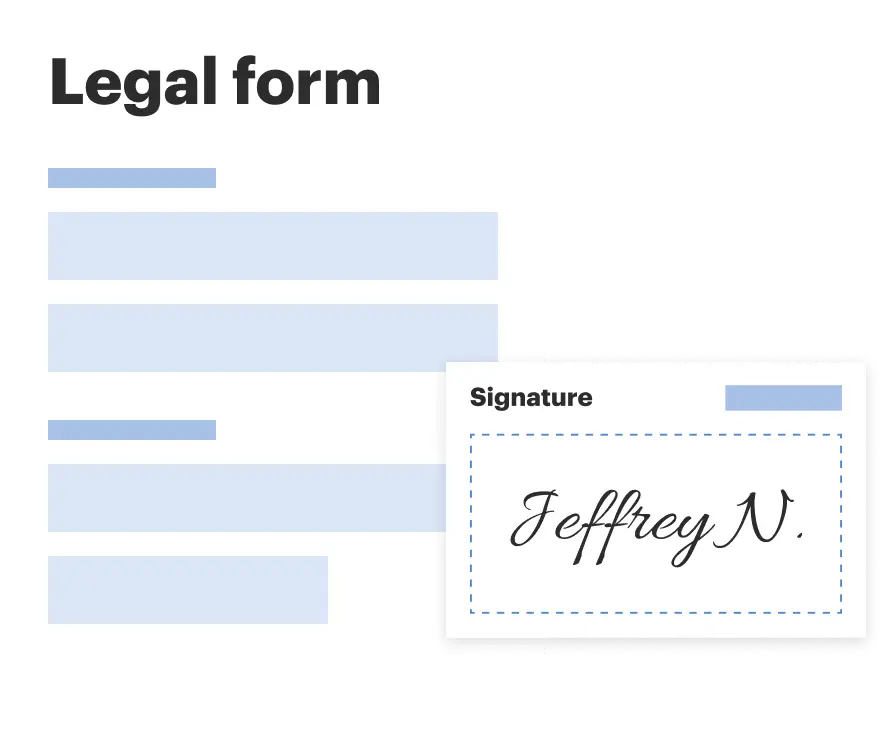
Sign and collect signatures with our SignNow integration. Send to multiple recipients, set reminders, and more. Go Premium to unlock E-Sign.
If this form requires notarization, complete it online through a secure video call—no need to meet a notary in person or wait for an appointment.
We protect your documents and personal data by following strict security and privacy standards.
Common mistakes
- Failing to provide accurate identification information for the child.
- Not signing or dating the form, which invalidates the consent.
- Overlooking the review of rights associated with Medicaid consent.
Benefits of completing this form online
- Convenient access to download and complete the form from home.
- Editable fields ensure accurate information before submission.
- Reliable templates drafted by licensed attorneys to comply with legal standards.
Key takeaways
- This form grants a preschool permission to access Medicaid to fund special education services.
- Consent can be withdrawn at any time without affecting the provision of services.
- It's essential to understand your rights regarding Medicaid and special education.