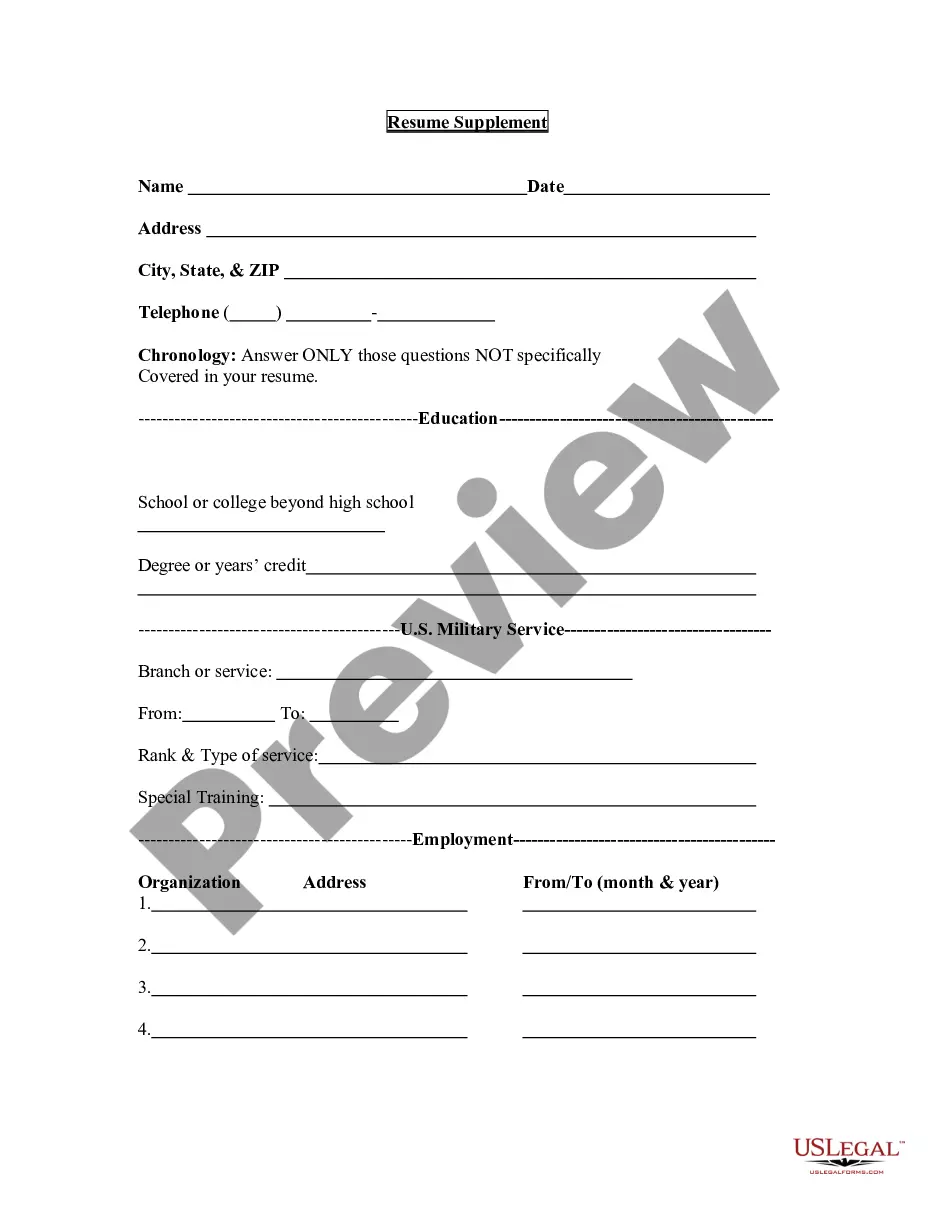
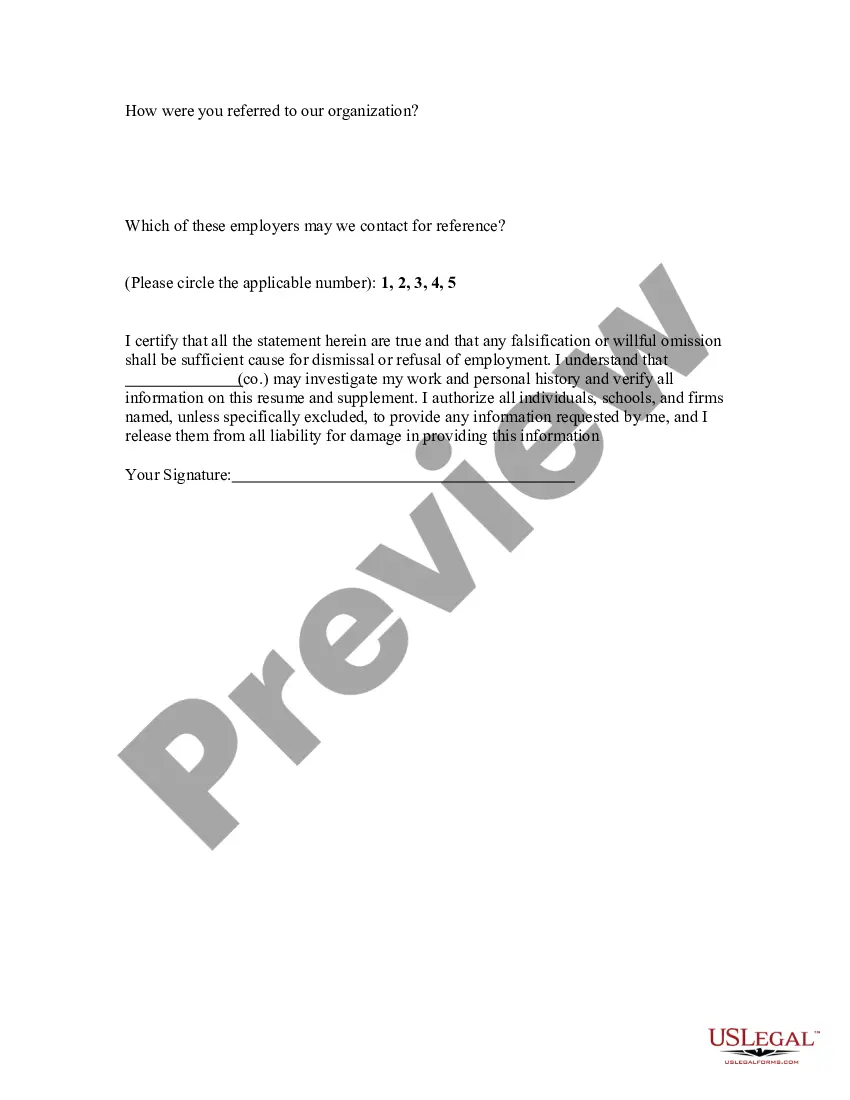
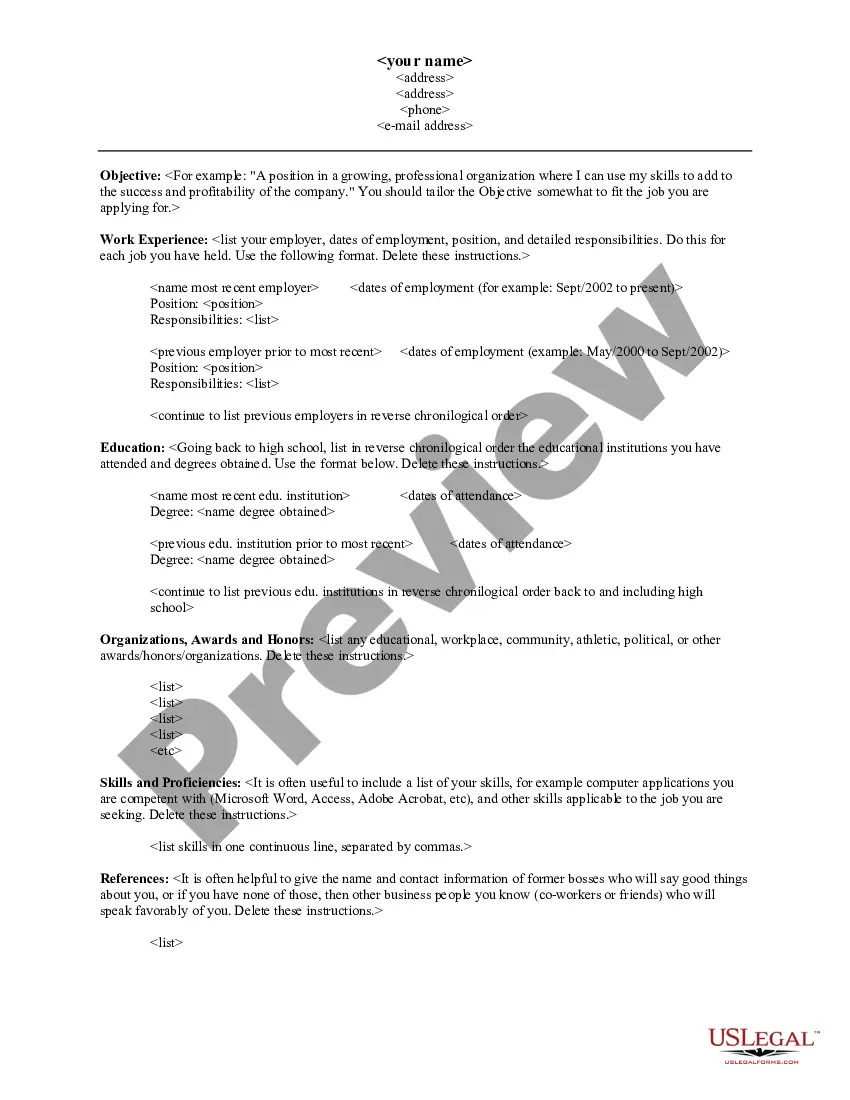
Maryland Resume Supplement
Description


Get your form ready online
Our built-in tools help you complete, sign, share, and store your documents in one place.
Make edits, fill in missing information, and update formatting in US Legal Forms—just like you would in MS Word.
Download a copy, print it, send it by email, or mail it via USPS—whatever works best for your next step.
Sign and collect signatures with our SignNow integration. Send to multiple recipients, set reminders, and more. Go Premium to unlock E-Sign.
If this form requires notarization, complete it online through a secure video call—no need to meet a notary in person or wait for an appointment.
We protect your documents and personal data by following strict security and privacy standards.

Make edits, fill in missing information, and update formatting in US Legal Forms—just like you would in MS Word.

Download a copy, print it, send it by email, or mail it via USPS—whatever works best for your next step.

Sign and collect signatures with our SignNow integration. Send to multiple recipients, set reminders, and more. Go Premium to unlock E-Sign.

If this form requires notarization, complete it online through a secure video call—no need to meet a notary in person or wait for an appointment.

We protect your documents and personal data by following strict security and privacy standards.
Looking for another form?


How to fill out Resume Supplement?
If you need to finalize, acquire, or print legal document templates, utilize US Legal Forms, the largest assortment of legal forms that can be accessed online.
Leverage the site's straightforward and user-friendly search to find the documents you seek.
A collection of templates for business and personal purposes is organized by categories and states, or keywords.
Each legal document template you purchase is yours indefinitely.
You have access to every form you've acquired in your account. Click on the My documents section and select a form to print or download again. Complete and download, and print the Maryland Resume Supplement with US Legal Forms. There are thousands of professional and state-specific forms available for your business or personal needs.
- Use US Legal Forms to locate the Maryland Resume Supplement in just a few clicks.
- If you are already a US Legal Forms client, Log In to your account and click the Download button to access the Maryland Resume Supplement.
- You can also retrieve forms you previously acquired in the My documents section of your account.
- If you are using US Legal Forms for the first time, adhere to the instructions below.
- Step 1. Confirm that you have chosen the form for your specific city/state.
- Step 2. Use the Preview feature to review the form's details. Remember to read the summary.
- Step 3. If you are dissatisfied with the form, utilize the Search bar at the top of the screen to find alternative versions of the legal form template.
- Step 4. Once you have identified the form you need, click the Purchase now button. Choose the pricing plan you prefer and input your details to set up an account.
- Step 5. Complete the transaction. You can use your Visa or MasterCard or PayPal account to finalize the transaction.
- Step 6. Select the format of the legal form and download it onto your device.
- Step 7. Complete, modify and print or sign the Maryland Resume Supplement.
Form popularity
FAQ
As of now, unemployment benefits in Maryland are not set to reach $600 per week as a standard. Changes in benefit amounts often depend on federal policies and economic conditions. Monitoring updates and resources, such as those available through the Maryland Resume Supplement, can help you stay informed on potential increases in unemployment benefits.
Inactive - A claim becomes inactive in a circumstance where a claimant was receiving benefits, returned to work, and reported wages greater than his/her weekly benefit amount. A claimant is considered not unemployed if they are earning more than his/her weekly benefit amount.
A weekly claim certification can be filed by internet (Webcert) or telephone (Telecert). Both methods of filing are available 7 days a week, 24 hours per day. If you do not file weekly claim certifications, benefits cannot be paid. You may file a Webcert over the internet at .
No matter when or how they file, Marylanders become eligible for benefits starting the day after they separated from employment. Your payment will be backdated to the date you became unemployed, not when your claim was processed. If you are determined to be eligible, you will be paid for all benefits due.
Use EDD Tele-Cert to certify for your unemployment benefits by phone. EDD Tele-Cert provides: Automated service 24 hours a day, 7 days a week. Certification for available weeks with one phone call. Easier processing than certifying by mail so you can receive your benefits faster.
We recommend that you certify for benefits with UI Online because it is a fast, convenient, and a secure way to certify. You can also certify by phone using EDD Tele-CertSM at 1-866-333-4606.
You may file your weekly claim certifications (request for payment) through your BEACON 2.0 portal or by phone (410-949-0022 or 800-827-4839). Your weekly claim certification must be filed between a.m. Sunday and by p.m. Saturday ET, immediately following the week for which you are requesting benefits.
REOPEN INACTIVE CLAIM ONLINE: UI claimants can now reopen their inactive claim entirely online by clicking on the "Reopen Claim" button on the left side of their BEACON portal and following the instructions. Claimants will only see this button if their status is inactive.
Visit Ask EDD to request to backdate your claim if you think it has the wrong start date. Select Unemployment Insurance Benefits, then Claim Questions, then Backdate the Effective Date of my UI Claim Due to COVID-19. In your UI Online account, select Contact Us to request a change.
Section 8-101 of Maryland's Unemployment Insurance Law states that claims are effective only from the week that they are filed and will not be backdated. Therefore, if a claimant is eligible, that person can only be paid benefits from the time that they filed.