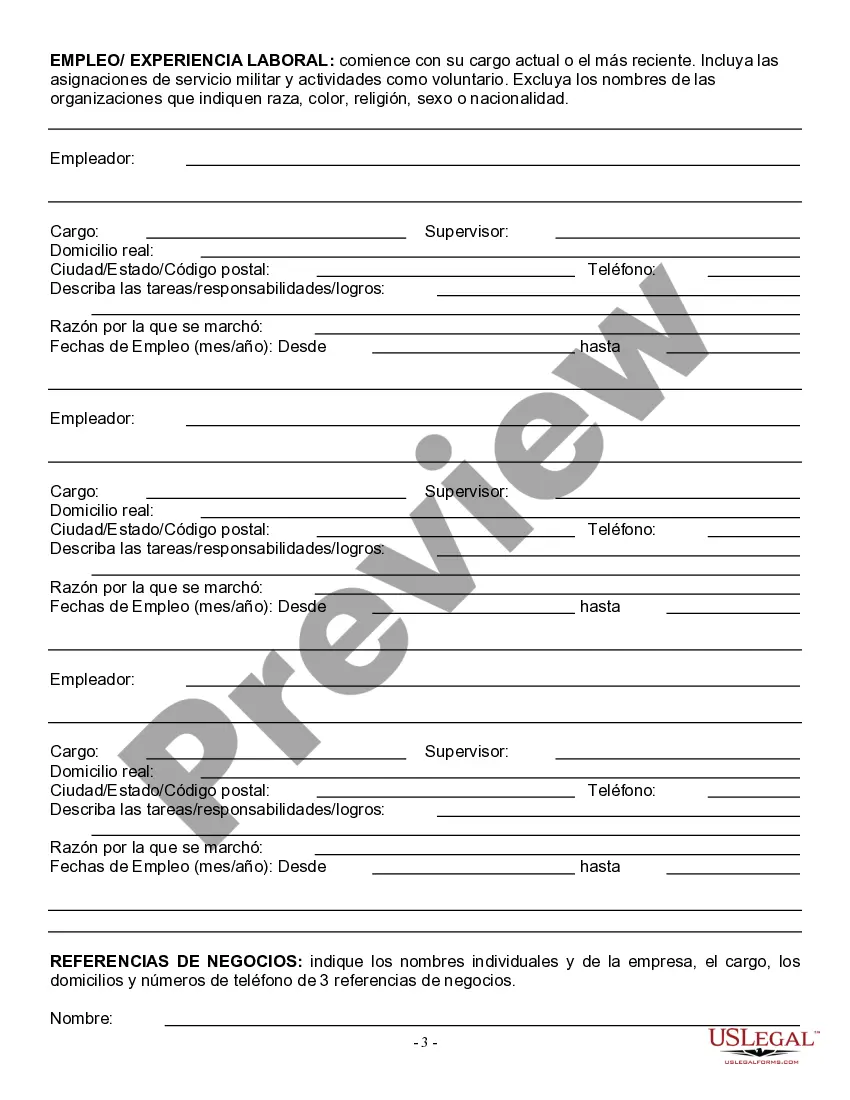
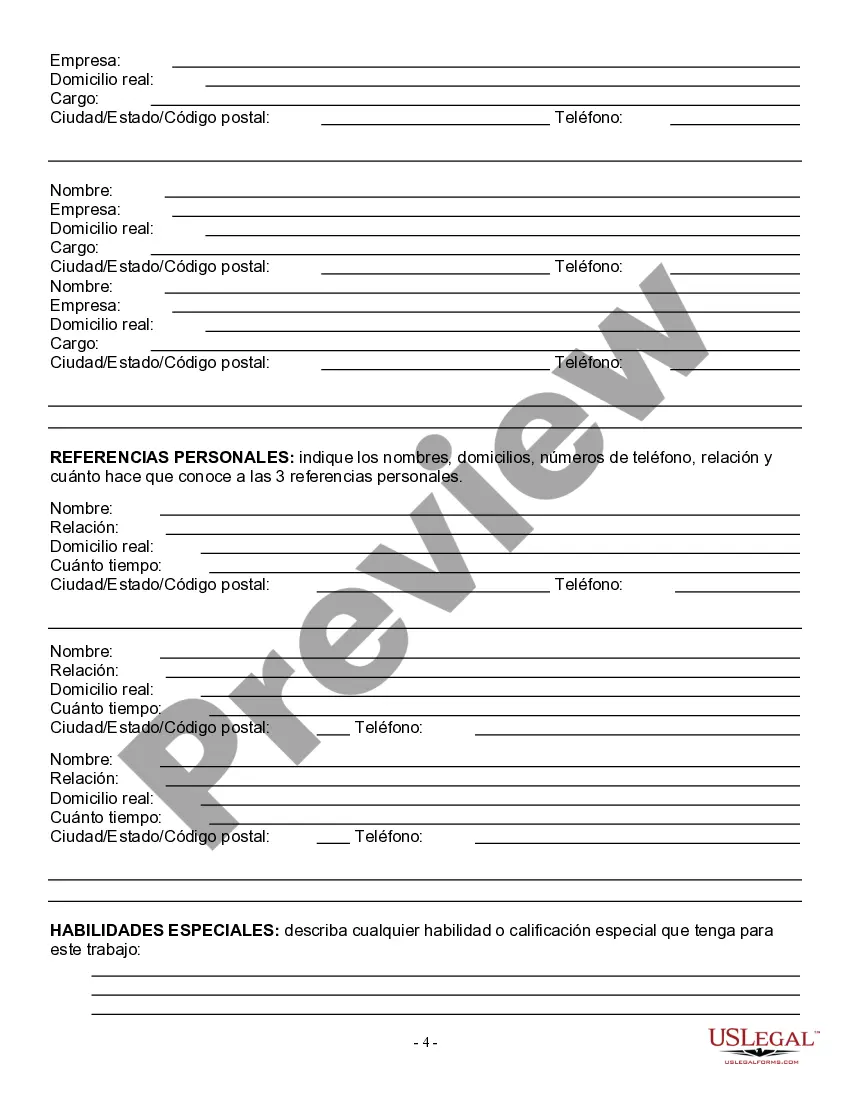
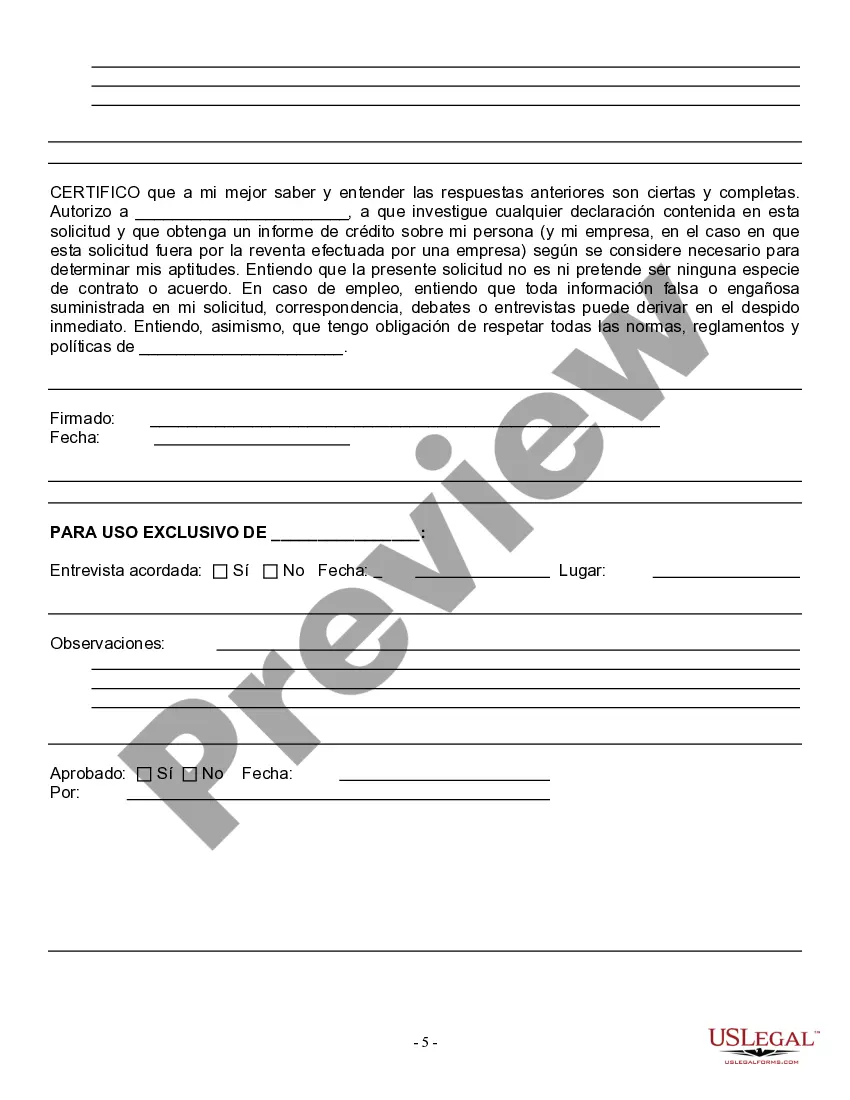
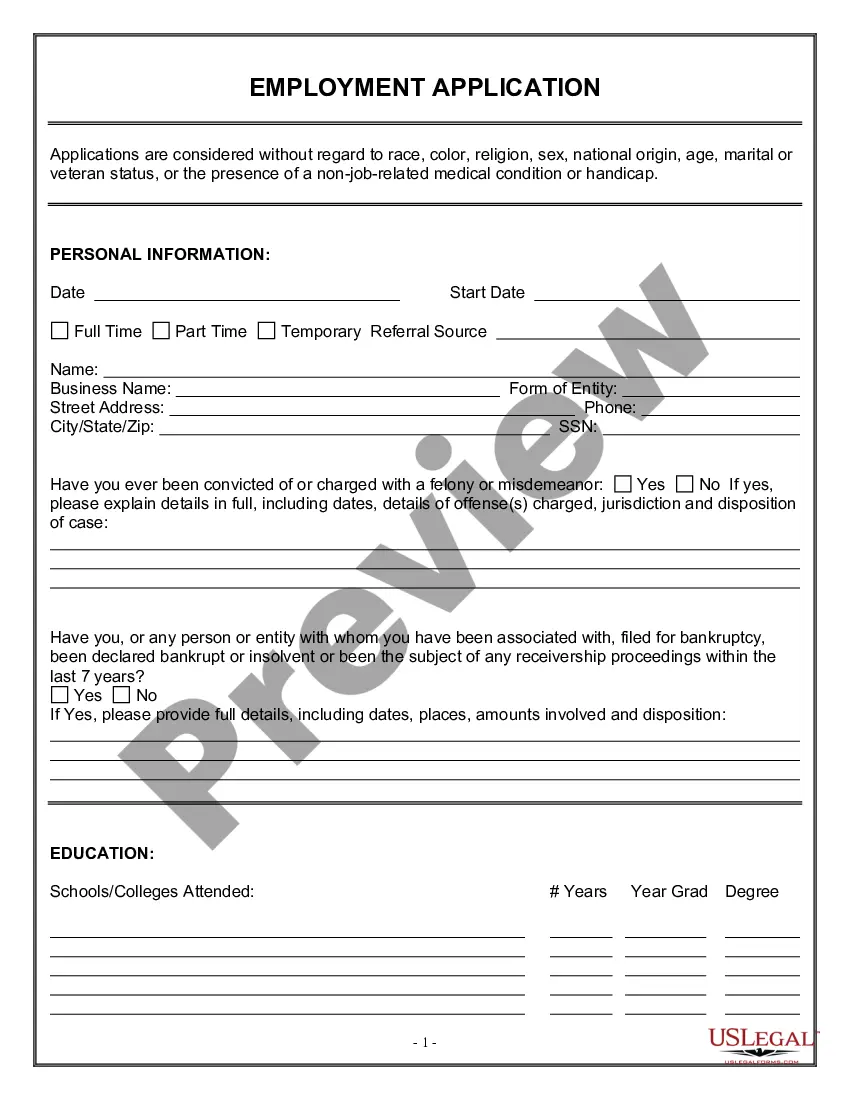
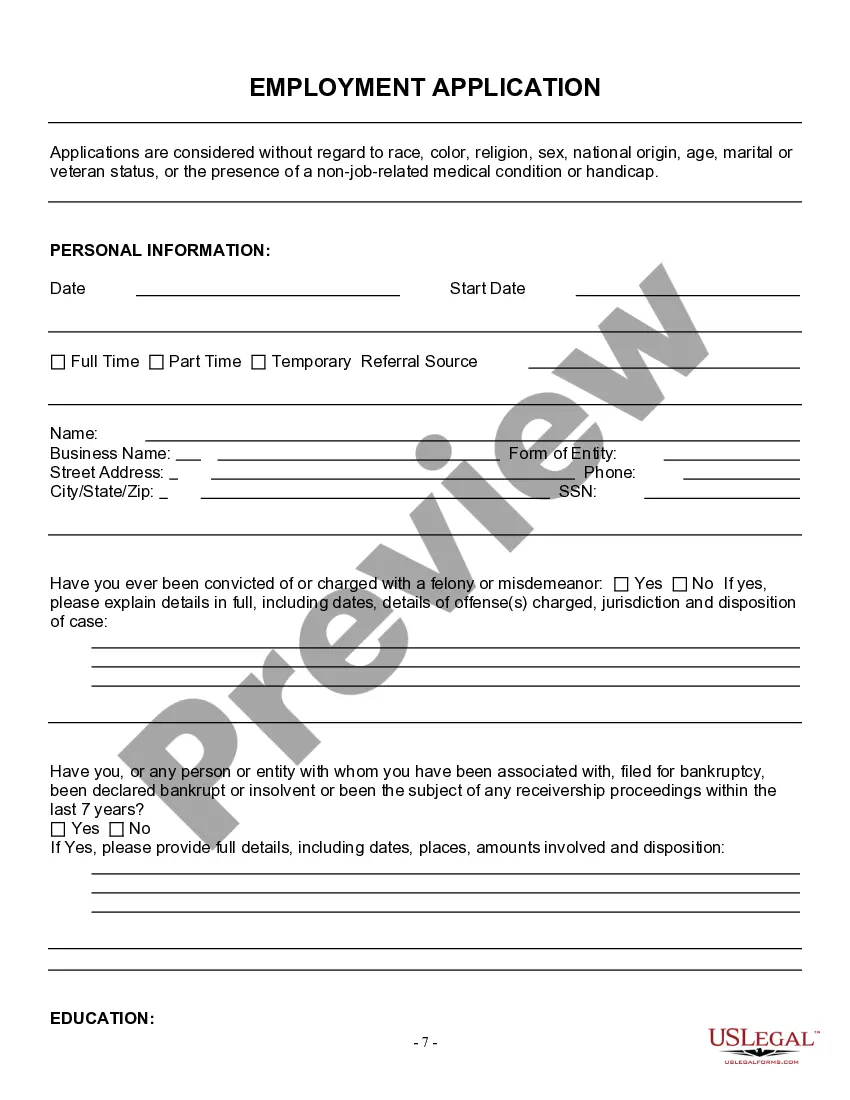
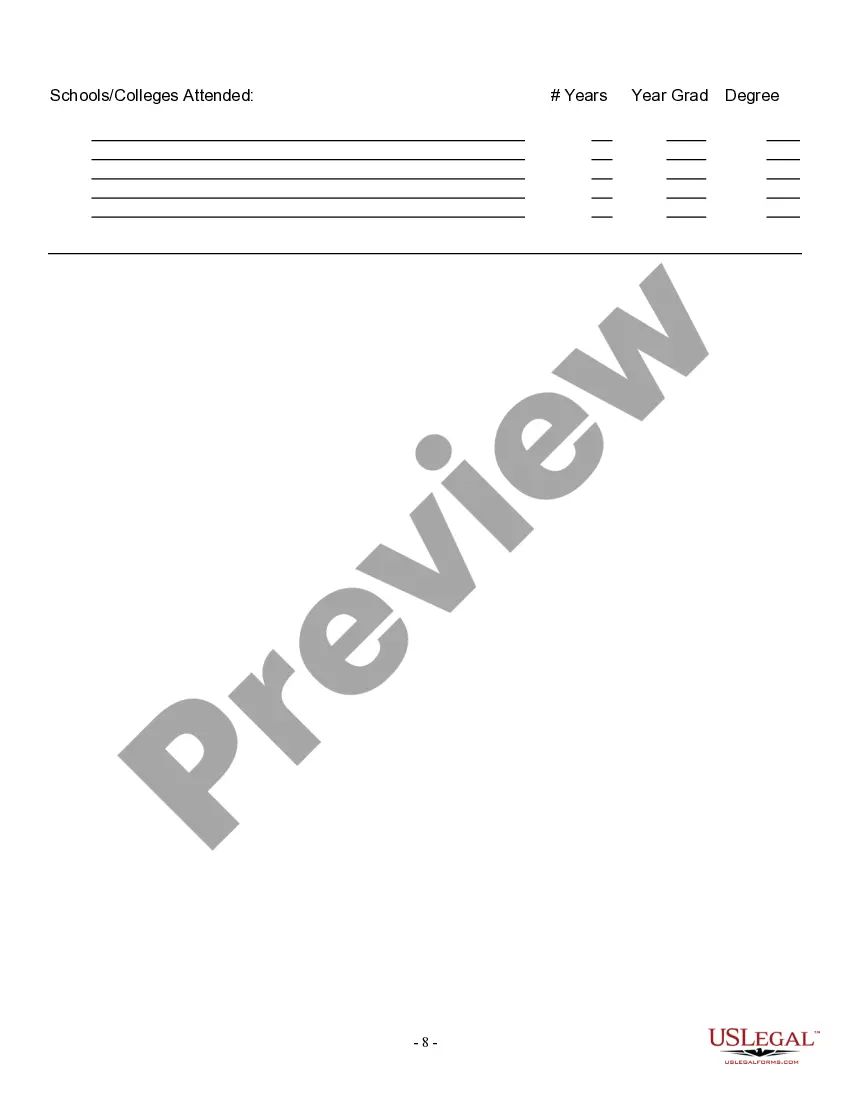
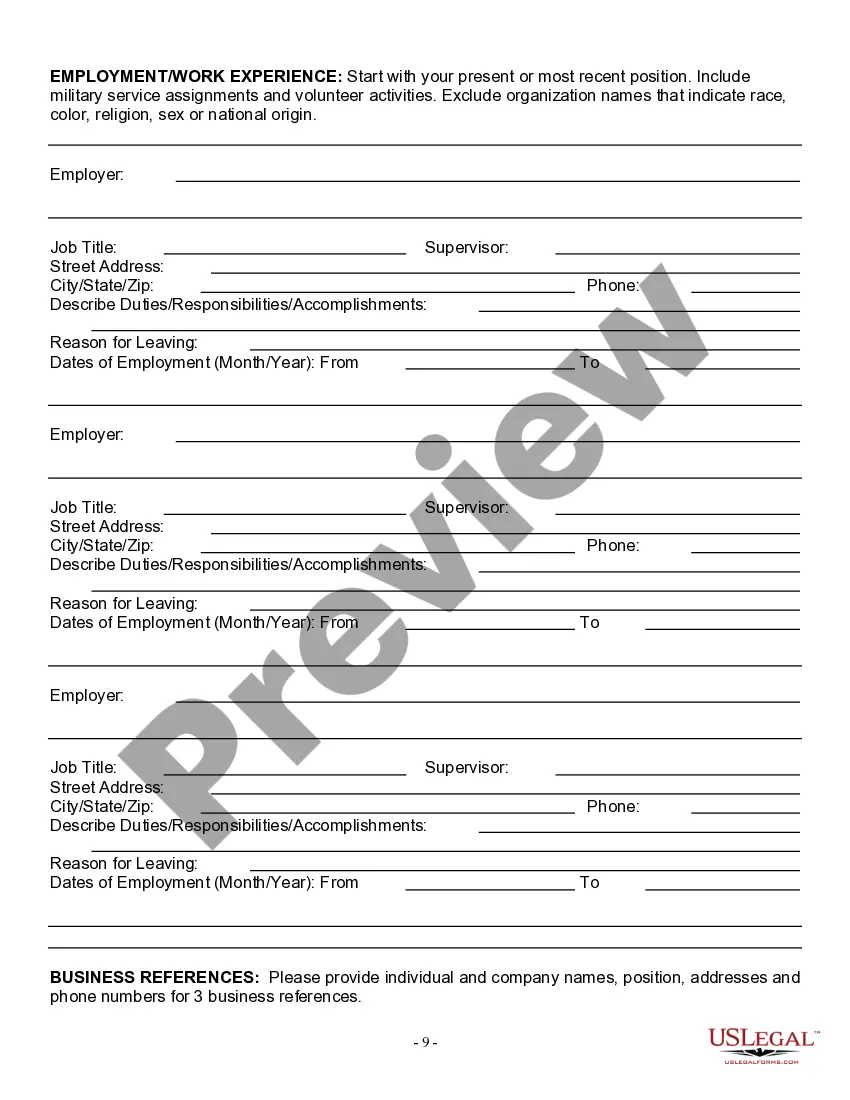
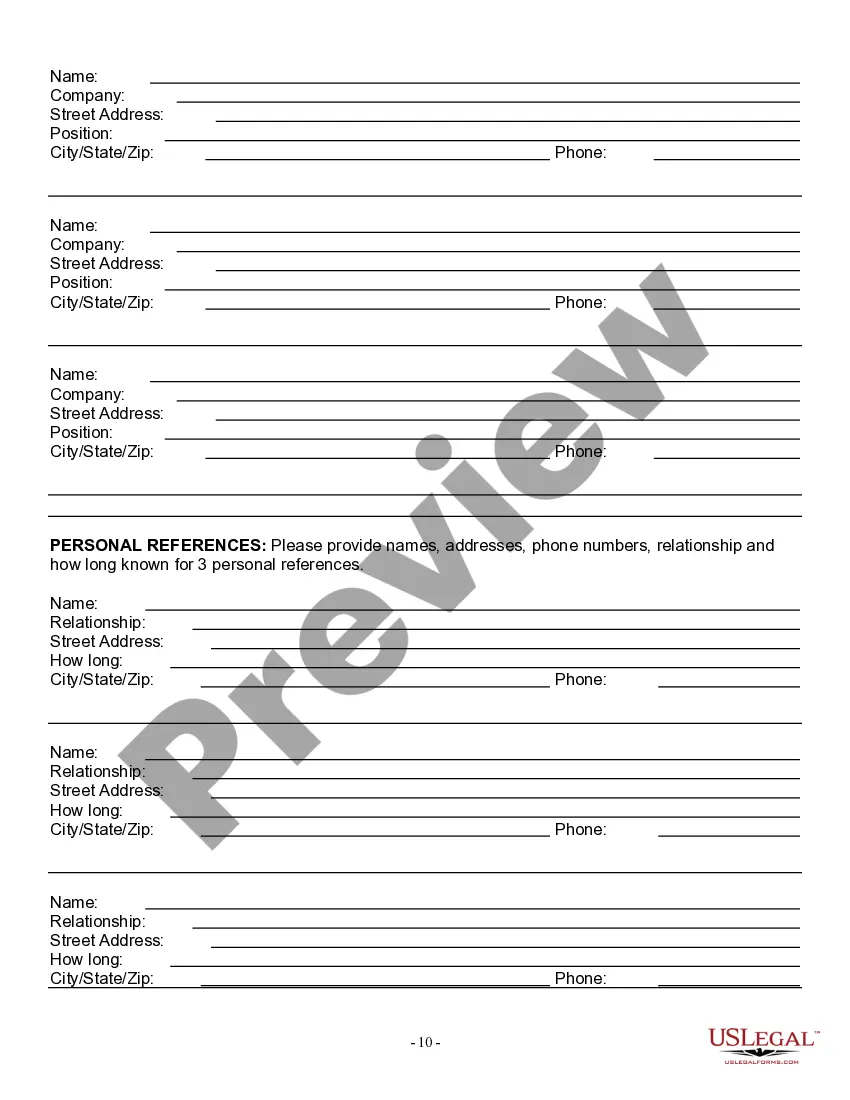
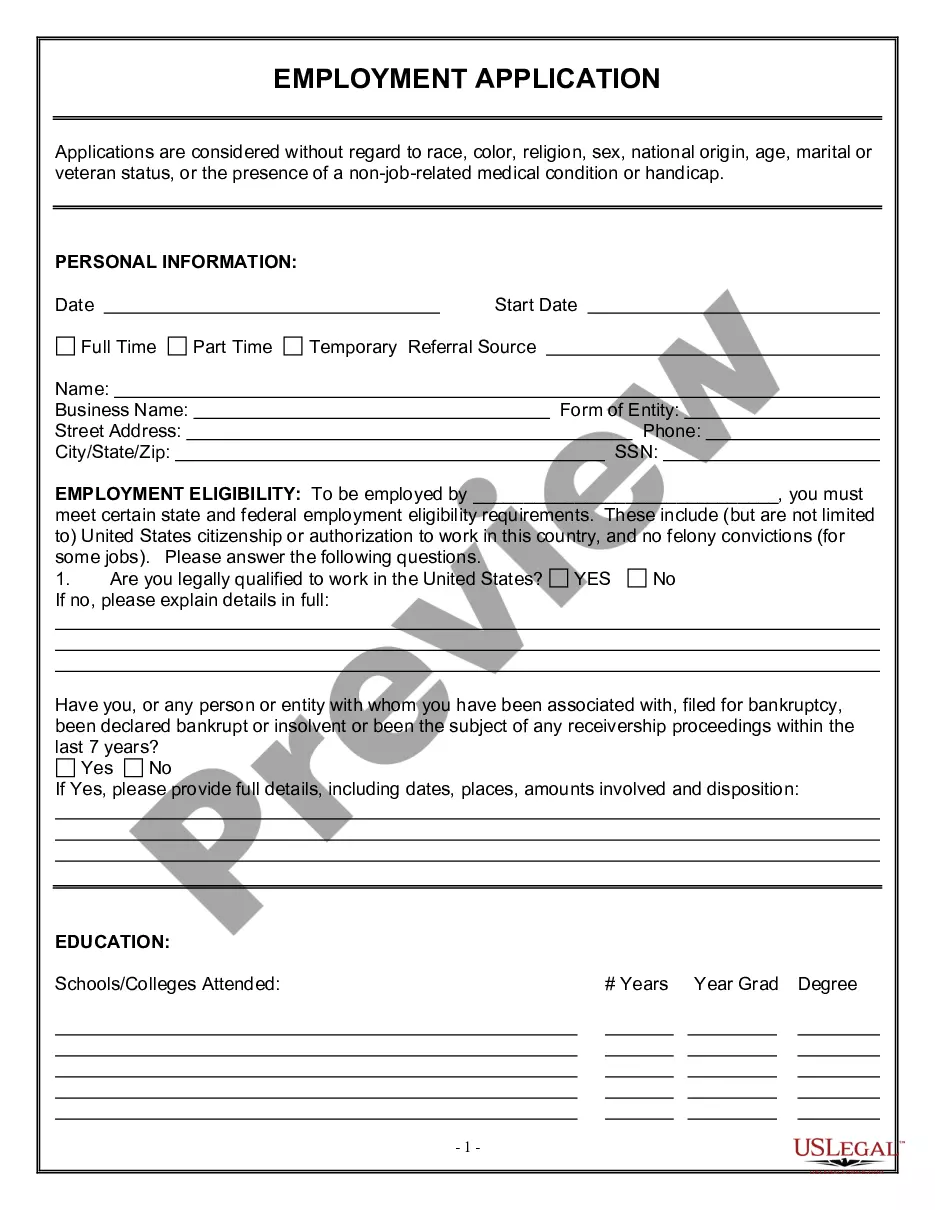
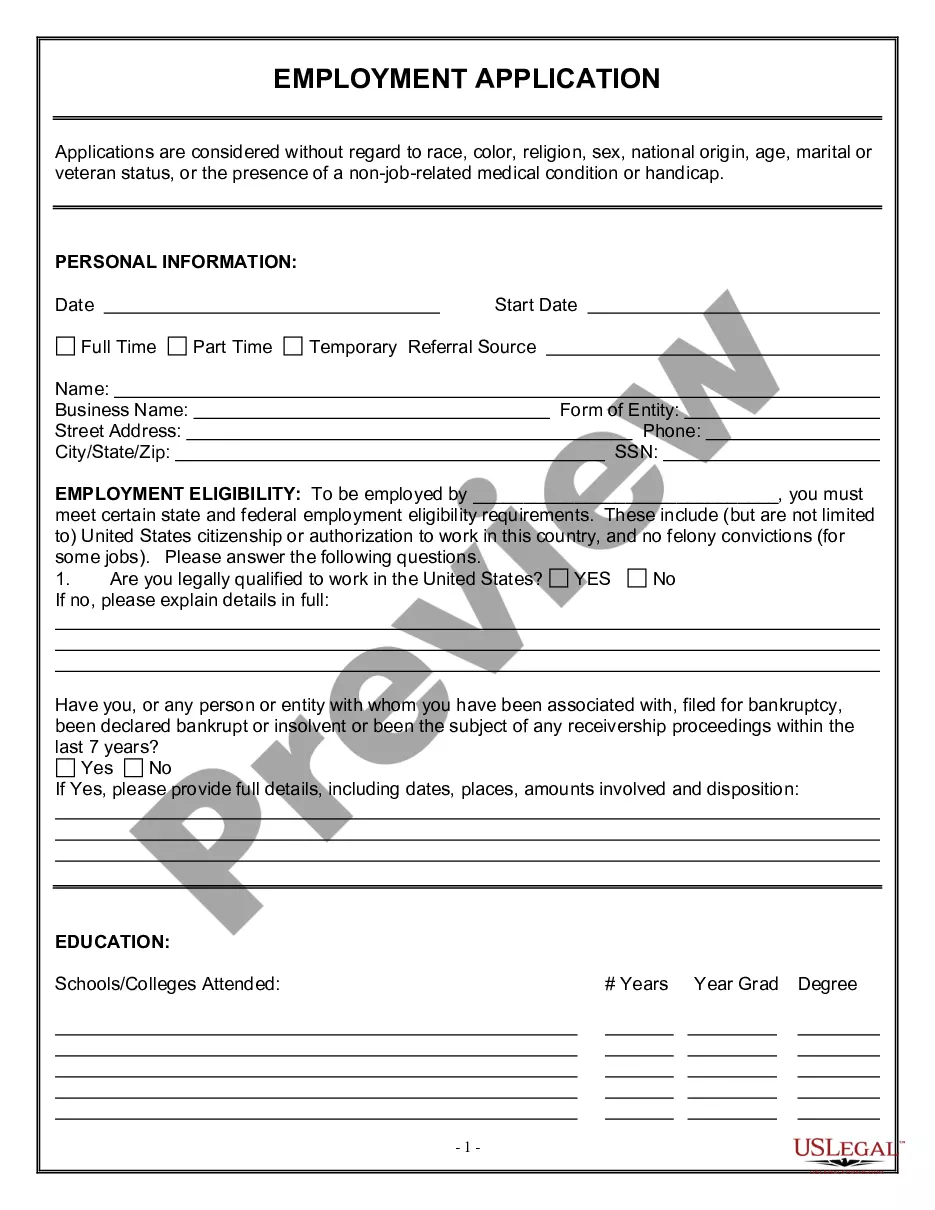
For your convenience, the complete English version of this form is attached below the Spanish version. This form is an Employment Application. The form provides that applications are considered without regard to race, color, religion, or veteran status.
Maryland Solicitud de Empleo - Employment Application
Instant download
Description
Para su conveniencia, debajo del texto en español le brindamos la versión completa de este formulario en inglés. Se trata de una solicitud de empleo. El mismo establece que las solicitudes se consideran independientemente de la raza, el color, la religión o su condición de veterano.
Free preview





Get your form ready online
Our built-in tools help you complete, sign, share, and store your documents in one place.
Built-in online Word editor
Make edits, fill in missing information, and update formatting in US Legal Forms—just like you would in MS Word.
Export easily
Download a copy, print it, send it by email, or mail it via USPS—whatever works best for your next step.
E-sign your document
Sign and collect signatures with our SignNow integration. Send to multiple recipients, set reminders, and more. Go Premium to unlock E-Sign.
Notarize online 24/7
If this form requires notarization, complete it online through a secure video call—no need to meet a notary in person or wait for an appointment.
Store your document securely
We protect your documents and personal data by following strict security and privacy standards.

Make edits, fill in missing information, and update formatting in US Legal Forms—just like you would in MS Word.

Download a copy, print it, send it by email, or mail it via USPS—whatever works best for your next step.

Sign and collect signatures with our SignNow integration. Send to multiple recipients, set reminders, and more. Go Premium to unlock E-Sign.

If this form requires notarization, complete it online through a secure video call—no need to meet a notary in person or wait for an appointment.

We protect your documents and personal data by following strict security and privacy standards.
Looking for another form?

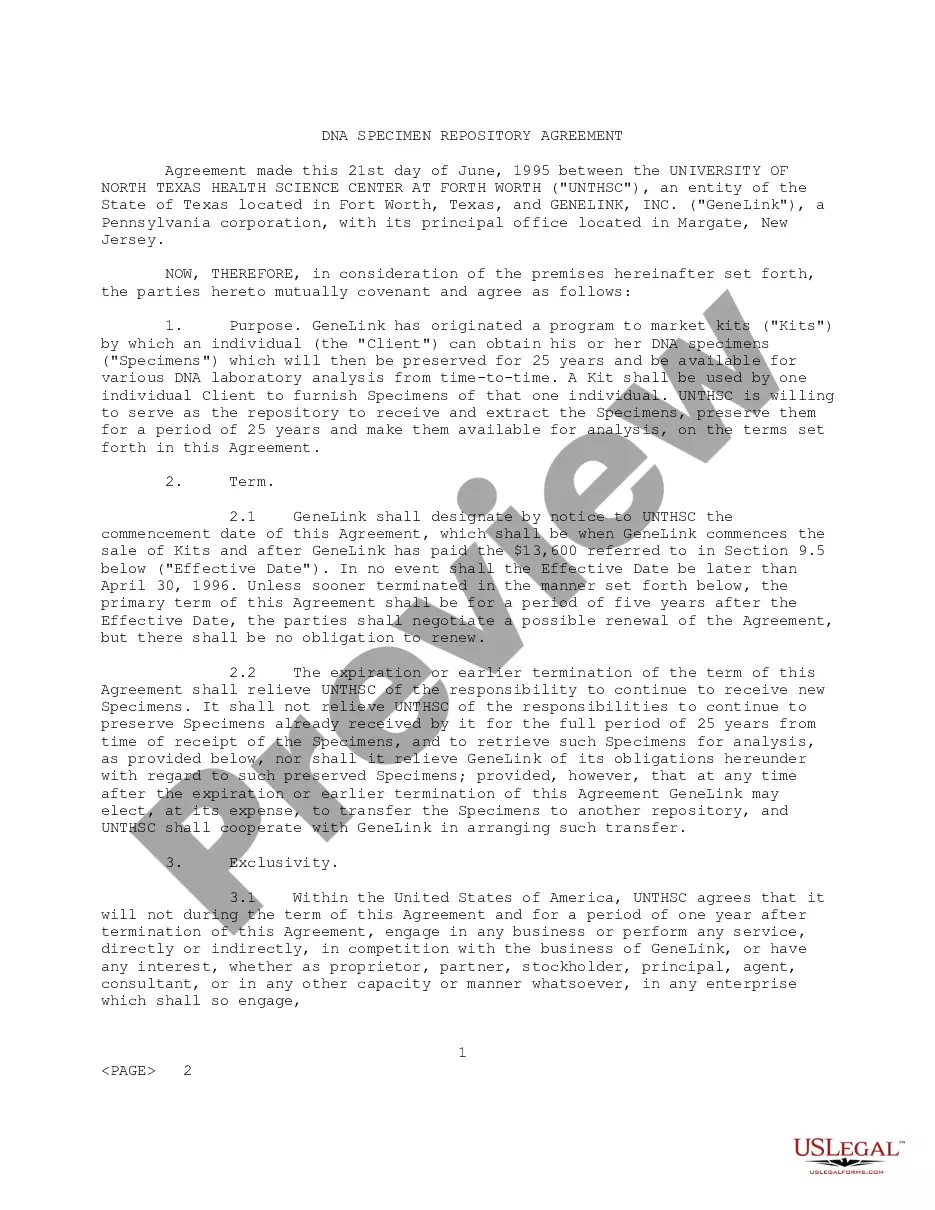
How to fill out Solicitud De Empleo - Employment Application?
If you need to compile, retrieve, or print legal document templates, utilize US Legal Forms, the largest repository of legal forms available online.
Leverage the site's straightforward and user-friendly search feature to locate the documents you require. Various templates for business and personal purposes are organized by categories and states, or keywords.
Use US Legal Forms to find the Maryland Employment Application in just a few clicks.
Every legal document template you purchase is yours indefinitely. You have access to every form you downloaded within your account. Select the My documents section and choose a form to print or download again.
Be proactive and download, print the Maryland Employment Application using US Legal Forms. There are numerous professional and state-specific forms available for your business or personal needs.
- If you are already a US Legal Forms user, Log In to your account and click the Download button to obtain the Maryland Employment Application.
- You can also access forms you previously downloaded in the My documents section of your account.
- If you are using US Legal Forms for the first time, follow the instructions below.
- Step 1. Ensure you have selected the form for your specific city/state.
- Step 2. Use the Review feature to browse through the form's content. Remember to read the description.
- Step 3. If you are not satisfied with the form, use the Search area at the top of the screen to find other versions of the legal form template.
- Step 4. Once you have found the form you want, select the Purchase now button. Choose your preferred payment plan and enter your details to create an account.
- Step 5. Complete the transaction. You can use your credit card or PayPal account to finalize the purchase.
- Step 6. Choose the format of the legal form and download it to your device.
- Step 7. Complete, modify, and print or sign the Maryland Employment Application.
Form popularity
FAQ
If you do not receive your payment, you can let us know by sending a message through the secure messaging system in your online account or by calling us at 888-209-8124. To contact us about your increased benefit rate through our online system, log in to labor.ny.gov/signin with your NY.gov username and password.
To receive unemployment insurance benefits, you need to file a claim with the unemployment insurance program in the state where you worked. Depending on the state, claims may be filed in person, by telephone, or online.
Live Agent: If you need to reach a live claims agent to file a new claim or inquire about an existing claim, call 667-207-6520. Live claims agents are available from a.m. to p.m., Monday through Friday.
If you are unemployed, you may file a claim for unemployment insurance benefits in BEACON 2.0 or by telephone at 667-207-6520.Appeals.Apply for Unemployment Insurance Benefits in Your BEACON 2.0 Portal.Assistance from the Maryland Department of Human Resources.More items...
Please be assured that Maryland does not have a waiting week like many other states do. No matter when or how they file, Marylanders become eligible for benefits starting the day after they separated from employment. Your payment will be backdated to the date you became unemployed, not when your claim was processed.
Go to at least 24 hours after you have filed your claim. 2. Or, log in to your Jobs4TN.gov account. On your dashboard, select Claim Summary under the Unemployment Services box.
By certifying for unemployment benefits, you are declaring by law that you meet the eligibility requirements to collect benefits. As a result, you will receive a benefit payment after you complete your certification. If you do not receive a payment within 10 days of certifying, there may be an issue with your claim.
To check the status of your claim, go to ui.ok.gov. You will find information regarding the status of your application, recent activity, monetary entitlement, and determinations of eligibility.
Once your application has been approved, the Department of Labor will send a Monetary Determination with information on your weekly benefit amount. After making your claim, it will take between two to three weeks to receive it. Delays may be caused if the state needs additional information before sending payment.