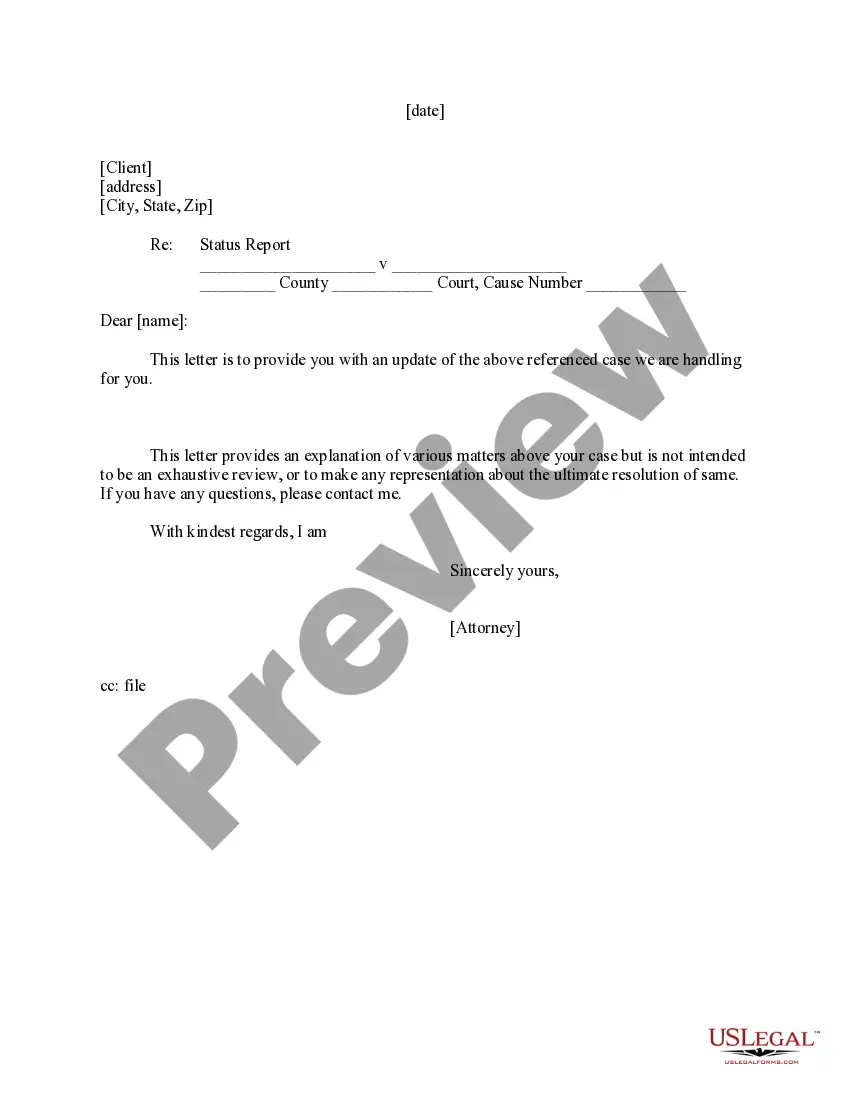
Letter to Client - Status Report
About this form
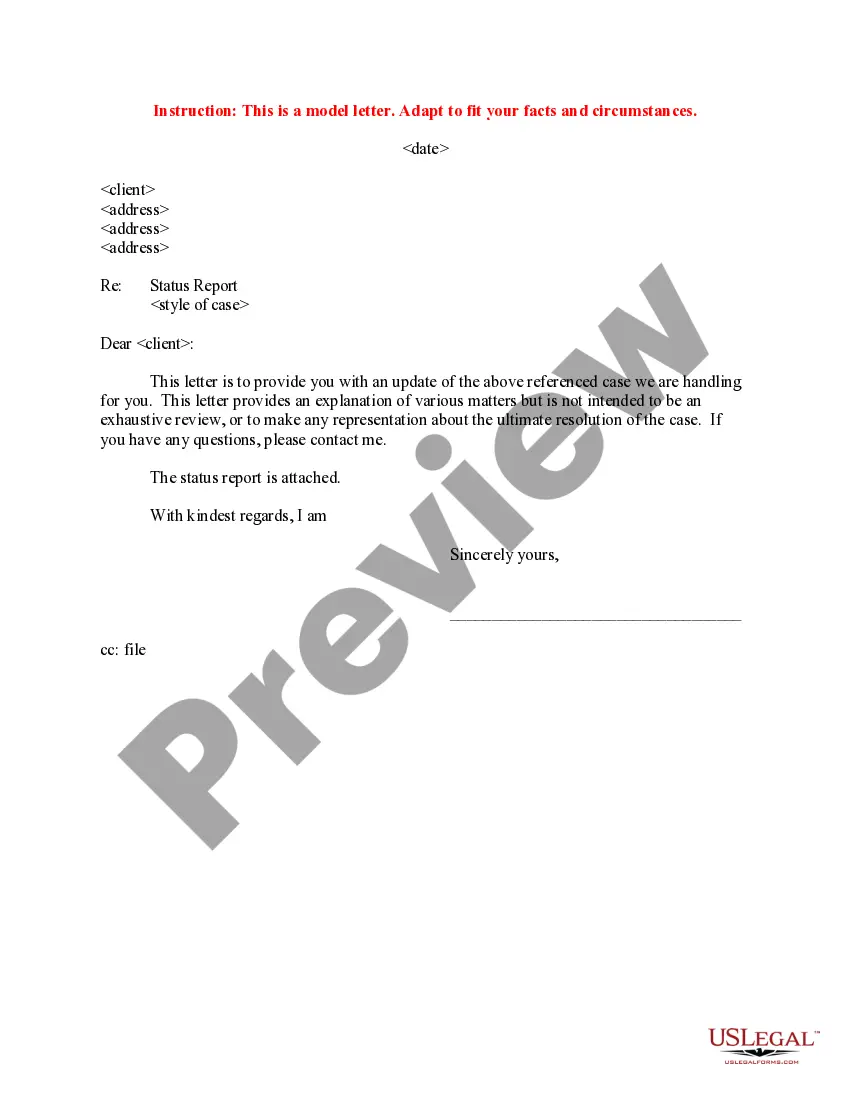
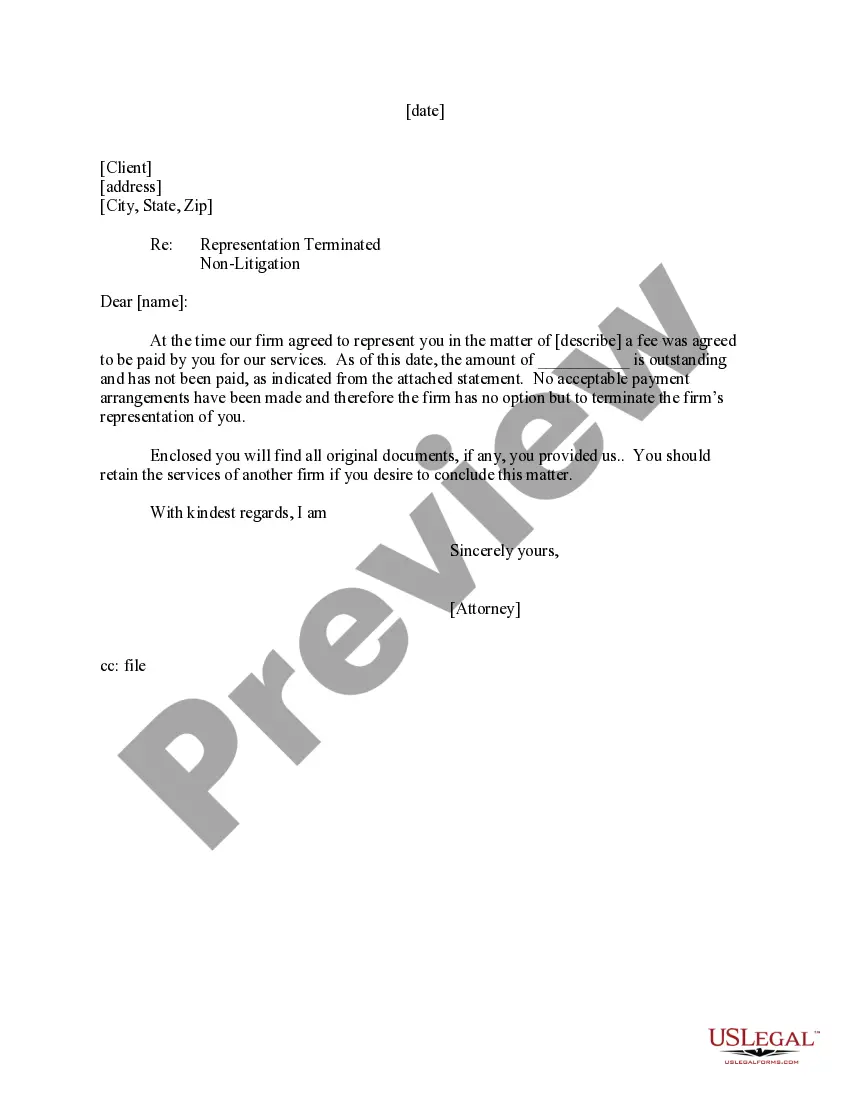
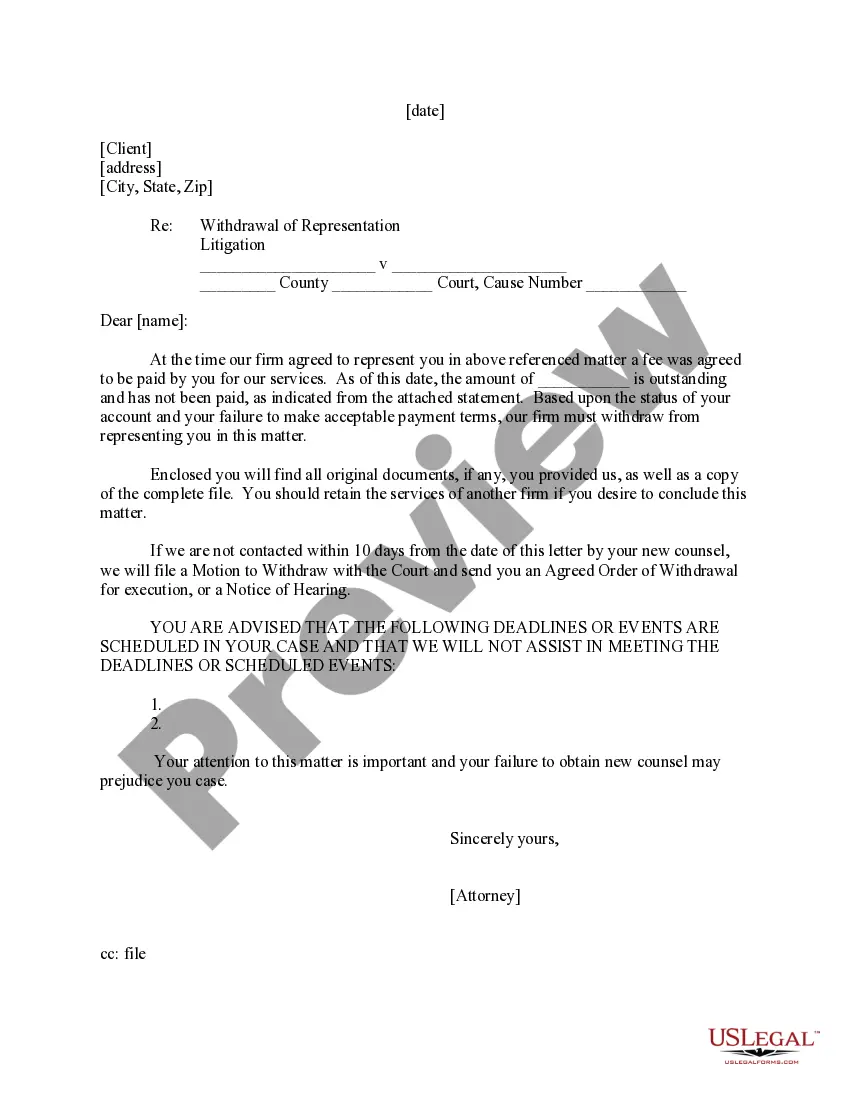
The Letter to Client - Status Report is a legal document used by attorneys to communicate updates on ongoing cases to their clients. Unlike other client communication templates, this form specifically addresses the status of a case without providing an exhaustive review of its details. This ensures that clients remain informed about their legal matters while managing their expectations regarding outcomes.
Key components of this form
- Client address: The recipient's address, including city, state, and zip code.
- Subject line: Clearly states the purpose of the letter.
- Case identification: References the parties involved and the cause number.
- Update section: Provides a summary of updates and information about the case.
- Attorney signature: Personal sign-off from the attorney representing the client.
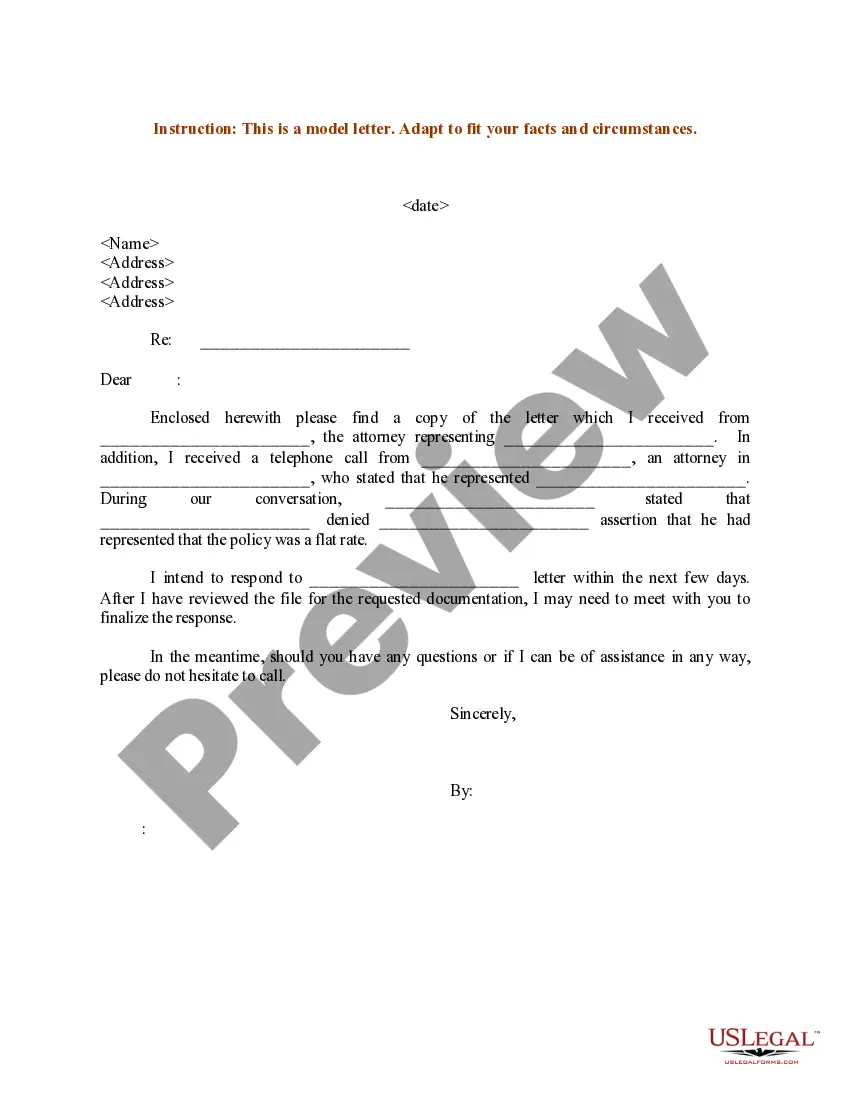
When to use this form
This form should be used whenever an attorney needs to provide an update to a client regarding the status of their case. It is particularly useful during critical phases of litigation, when there are changes to case strategy, or when court dates are approaching. Regular updates can help foster trust and transparency between the attorney and the client.
Intended users of this form
- Attorneys representing clients in various legal matters.
- Law firms looking to maintain clear communication with their clients.
- Independent legal practitioners needing a standardized method for status updates.
Completing this form step by step
- Identify the client: Enter the client's full address at the top of the letter.
- Fill in the subject: Clearly state the purpose as "Status Report."
- Reference the case: Include the names of the parties involved and the court details.
- Draft the update: Provide essential information about the case progression.
- Sign the letter: Conclude the letter with the attorney's name and signature.
Notarization guidance
This form does not typically require notarization to be legally valid. However, some jurisdictions or document types may still require it. US Legal Forms provides secure online notarization powered by Notarize, available 24/7 for added convenience.
Get your form ready online
Our built-in tools help you complete, sign, share, and store your documents in one place.
Make edits, fill in missing information, and update formatting in US Legal Forms—just like you would in MS Word.
Download a copy, print it, send it by email, or mail it via USPS—whatever works best for your next step.
Sign and collect signatures with our SignNow integration. Send to multiple recipients, set reminders, and more. Go Premium to unlock E-Sign.
If this form requires notarization, complete it online through a secure video call—no need to meet a notary in person or wait for an appointment.
We protect your documents and personal data by following strict security and privacy standards.

Make edits, fill in missing information, and update formatting in US Legal Forms—just like you would in MS Word.

Download a copy, print it, send it by email, or mail it via USPS—whatever works best for your next step.

Sign and collect signatures with our SignNow integration. Send to multiple recipients, set reminders, and more. Go Premium to unlock E-Sign.

If this form requires notarization, complete it online through a secure video call—no need to meet a notary in person or wait for an appointment.

We protect your documents and personal data by following strict security and privacy standards.
Common mistakes to avoid
- Failing to update the client on significant case developments.
- Neglecting to include necessary case identification details.
- Using unclear language or legal jargon that may confuse the client.
Advantages of online completion
- Convenient access to legal templates anytime and anywhere.
- Editable formats that allow customization for specific case needs.
- Reliable templates drafted by licensed attorneys, ensuring professional standards.
Looking for another form?
Form popularity
FAQ
Include a working title and the words "Progress Report" at the top of the page. Use section headings in the report to simplify both the writing and reading process. Open the report with a "Scope and Purpose" section, where you give a condensed version of your future report's introduction and objective.
Include an introductory note. Write a summary. Pinpoint overall timeline completion. Touch upon budget status. Cover upcoming project items or milestones. Focus on action items. Keep a pulse on project risks, issues, and mitigation plans.
Project Name / Client Name. This step should be obvious. Project Vision. Project Health. What We Completed This TIMEFRAME. What We Plan To Complete Next TIMEFRAME. Issues/Roadblocks. Upcoming Tasks & Milestones.
The work that's been completed. The plan for what will follow. The summary of the project budget and schedule. A list of action items. Any issues and risks, and what's being done about them.
I would like to have an update on the project by date and time you want the update. I'd appreciate it if you could make this a priority.
Always let people know why you're writing. This is true for almost all emails. Give them the news, good or bad, as simply as possible. Develop trust by making yourself available to them.
Name your report. Indicate whether the project is currently on track, at risk, or off track. Give a quick summary of the status report. Pick two to three key areas or milestones to highlight in your report. Add a high-level overview of each key area.