Sample Letter to Client - Status Report
About this form
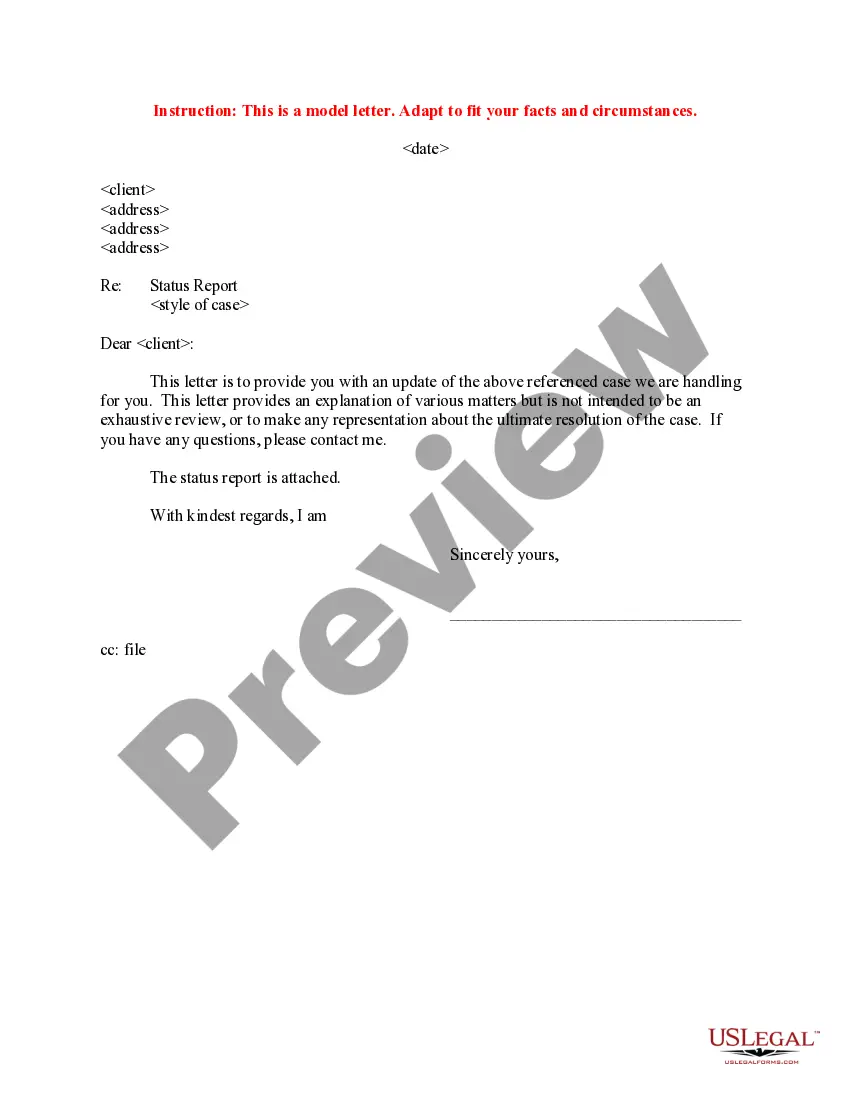
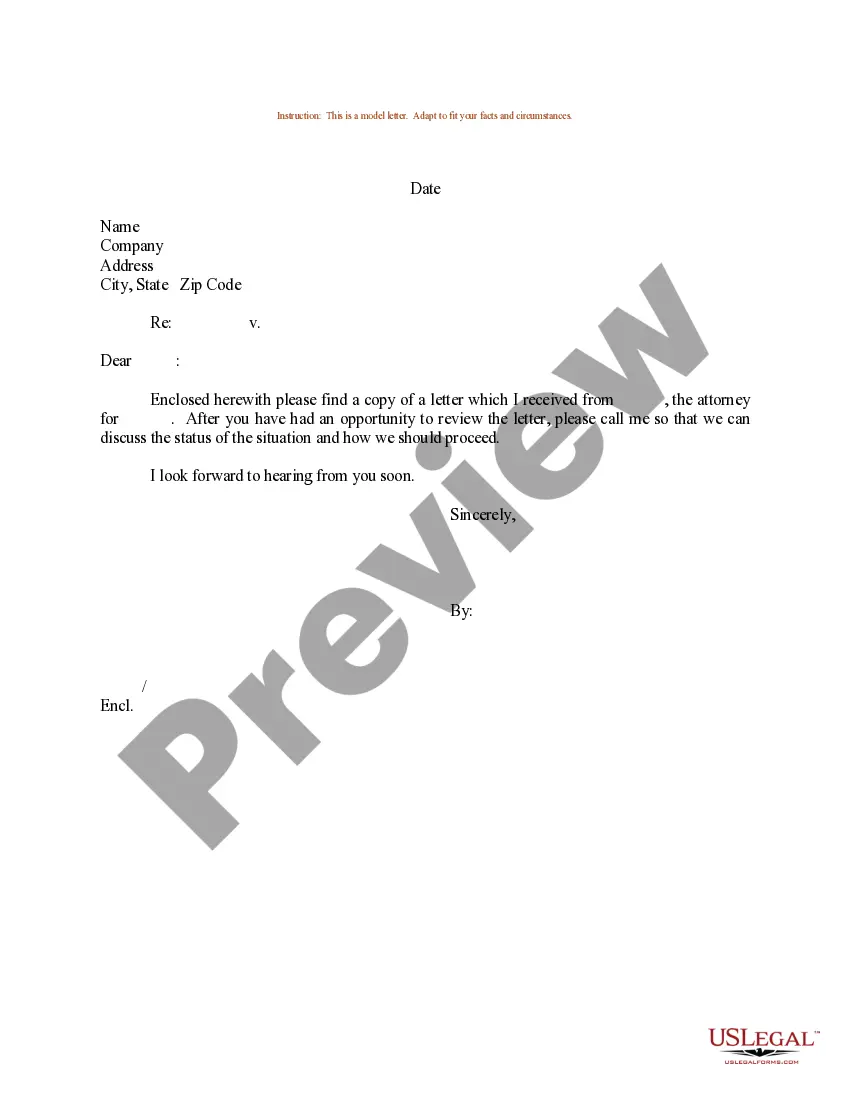
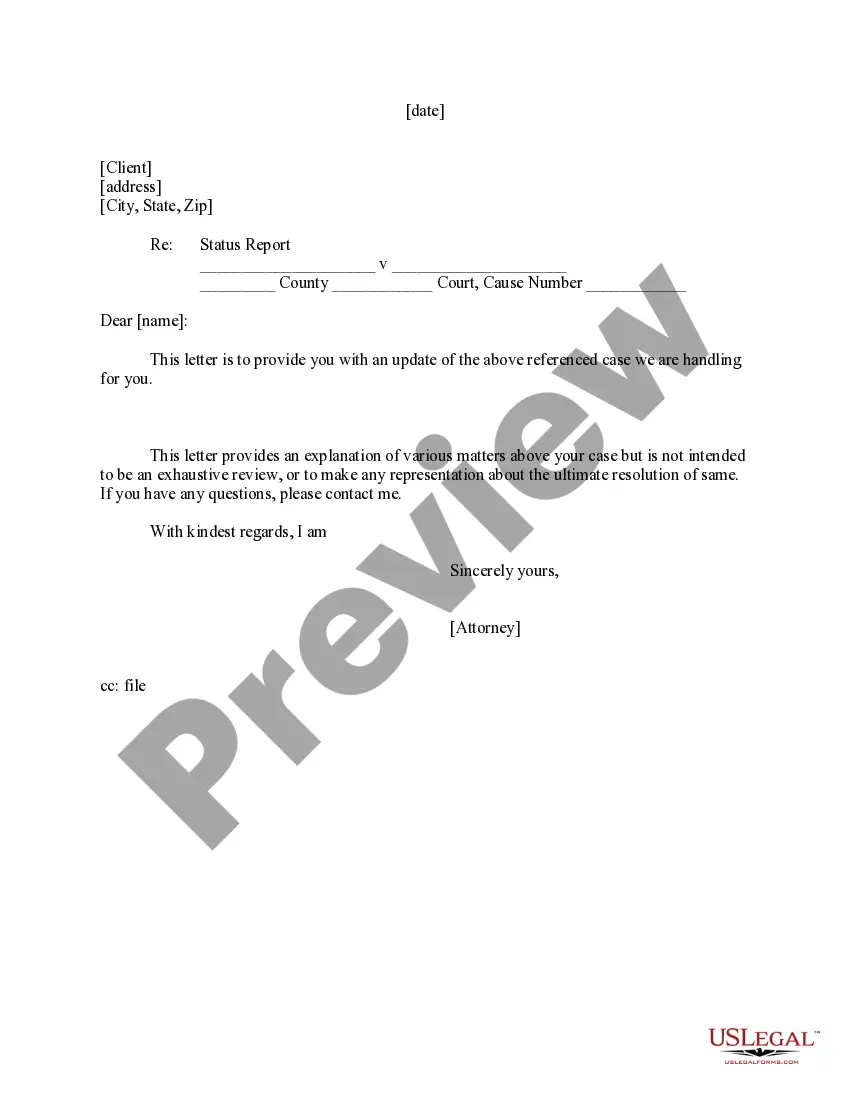
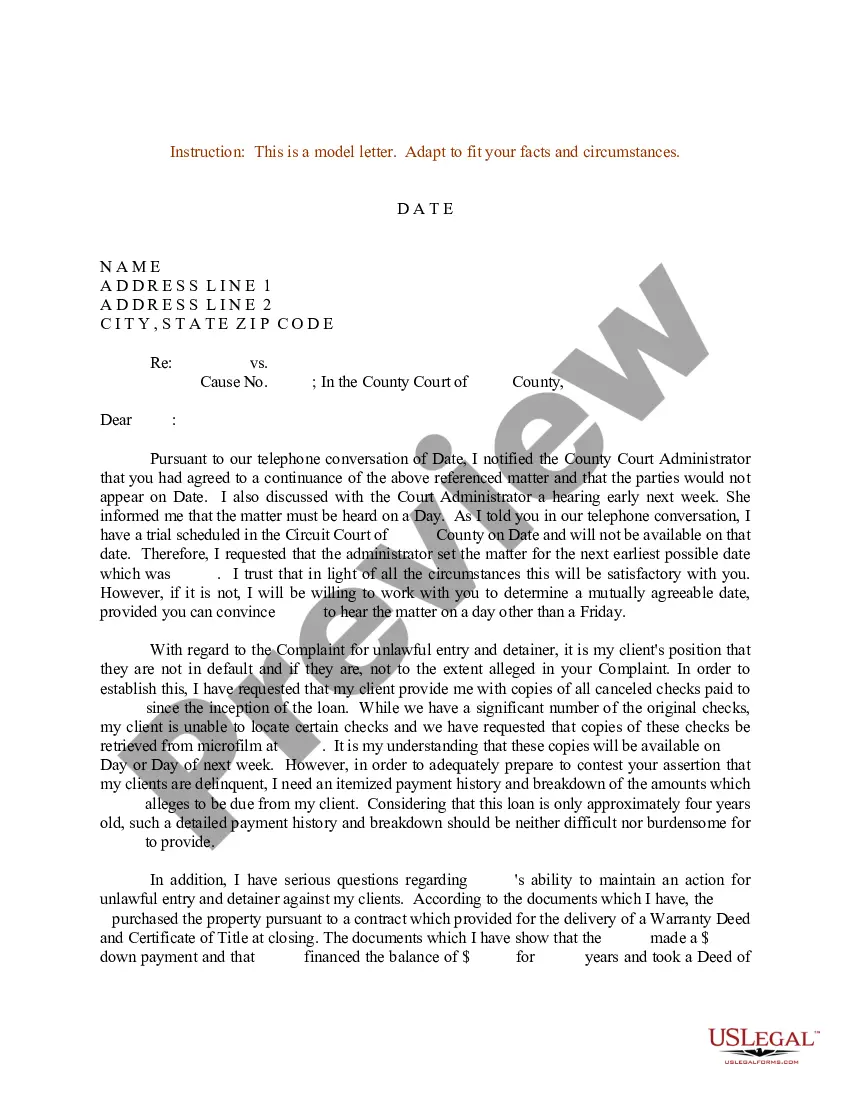
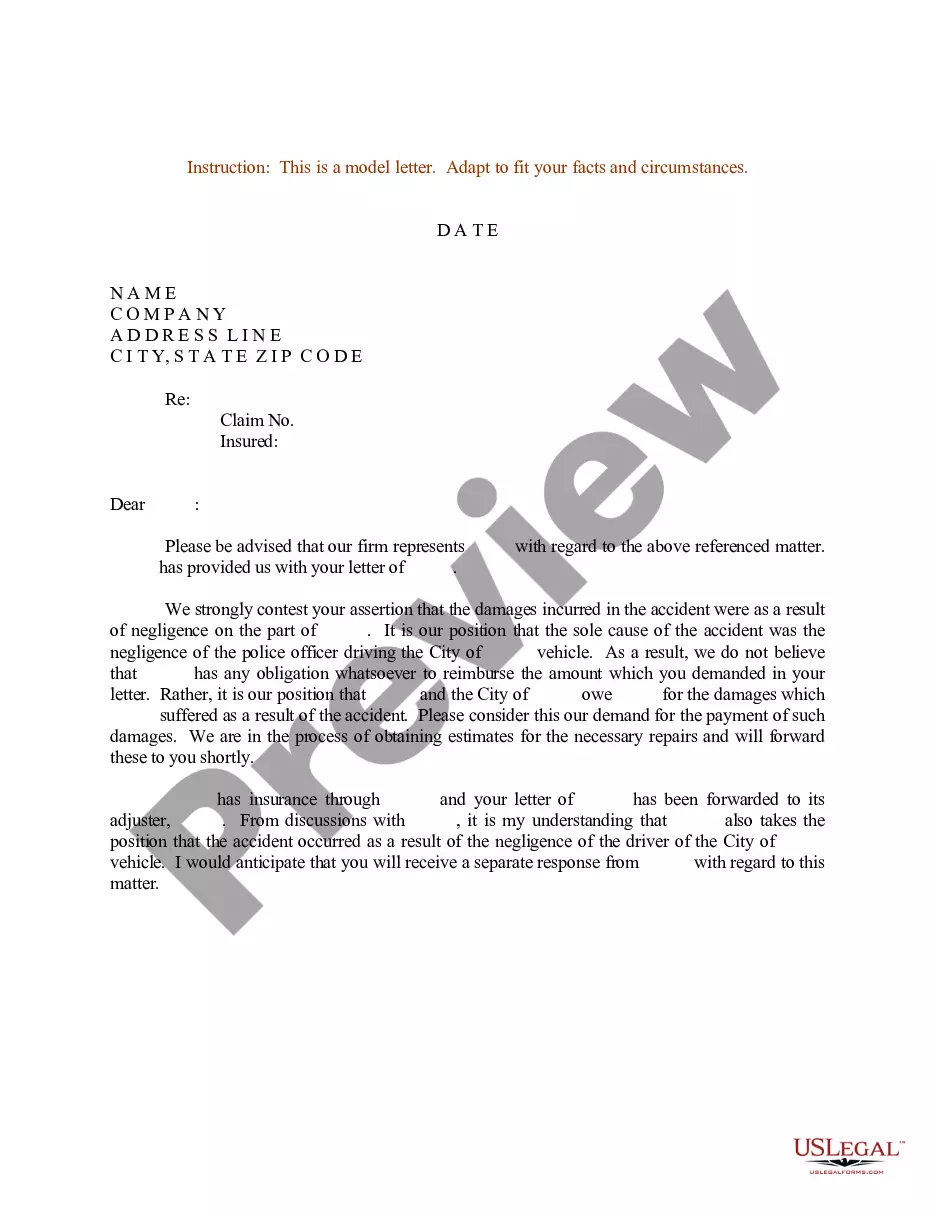
The Sample Letter to Client - Status Report is a template designed to help attorneys communicate updates regarding a client's case. This letter serves to inform clients about the status and any pertinent developments in their legal matters. It is essential for maintaining clear communication, which differentiates this form from more detailed legal documents that may require additional information or context.
What’s included in this form
- Date of the letter
- Client's name and address
- Case reference information
- Status report content
- Closing remarks and signature block
When to use this document
This letter is useful when an attorney needs to provide a client with an update on their ongoing legal case. It can be particularly beneficial after significant developments, meetings, or milestones in the case, ensuring that clients feel informed and engaged throughout the legal process.
Who should use this form
This form is intended for:
- Attorneys representing clients in various cases
- Legal professionals looking to maintain transparent communication
- Law firms seeking a standardized way to update clients
Completing this form step by step
- Enter the date of the letter at the top.
- Add the client's name and address in the designated section.
- Reference the case in the appropriate clause.
- Provide a summary of the current status of the case.
- Sign and date the letter at the bottom.
Is notarization required?
This form does not typically require notarization unless specified by local law.
Get your form ready online
Our built-in tools help you complete, sign, share, and store your documents in one place.
Make edits, fill in missing information, and update formatting in US Legal Forms—just like you would in MS Word.
Download a copy, print it, send it by email, or mail it via USPS—whatever works best for your next step.
Sign and collect signatures with our SignNow integration. Send to multiple recipients, set reminders, and more. Go Premium to unlock E-Sign.
If this form requires notarization, complete it online through a secure video call—no need to meet a notary in person or wait for an appointment.
We protect your documents and personal data by following strict security and privacy standards.

Make edits, fill in missing information, and update formatting in US Legal Forms—just like you would in MS Word.

Download a copy, print it, send it by email, or mail it via USPS—whatever works best for your next step.

Sign and collect signatures with our SignNow integration. Send to multiple recipients, set reminders, and more. Go Premium to unlock E-Sign.

If this form requires notarization, complete it online through a secure video call—no need to meet a notary in person or wait for an appointment.

We protect your documents and personal data by following strict security and privacy standards.
Common mistakes to avoid
- Failing to update the case reference information.
- Omitting a clear summary of the case status.
- Not addressing the letter to the correct client.
Benefits of completing this form online
- Convenient access to a professionally drafted template.
- Editability allows customization to fit individual client needs.
- Reliable content drafted by licensed attorneys, ensuring legal validity.
Quick recap
- The Sample Letter to Client - Status Report is essential for clear communication about ongoing legal matters.
- Using a template can help save time and ensure professionalism in client correspondence.
- Attorneys should avoid common mistakes to maintain clarity and accuracy in their updates.
Looking for another form?

Form popularity
FAQ
The work that's been completed. The plan for what will follow. The summary of the project budget and schedule. A list of action items. Any issues and risks, and what's being done about them.
I would like to have an update on the project by date and time you want the update. I'd appreciate it if you could make this a priority.
Name your report. Indicate whether the project is currently on track, at risk, or off track. Give a quick summary of the status report. Pick two to three key areas or milestones to highlight in your report. Add a high-level overview of each key area.
Name your report. Indicate whether the project is currently on track, at risk, or off track. Give a quick summary of the status report. Pick two to three key areas or milestones to highlight in your report. Add a high-level overview of each key area.
Always let people know why you're writing. This is true for almost all emails. Give them the news, good or bad, as simply as possible. Develop trust by making yourself available to them.
Brief Summary. The top management can't remember everything all the time so it's best to always give a summary of your project's objectives. Date. The aim here is record keeping. Daily Deliverables. Headline. Tasks. Results. Challenges and Roadblocks. Action Items For Next Week.
Project Name / Client Name. This step should be obvious. Project Vision. Project Health. What We Completed This TIMEFRAME. What We Plan To Complete Next TIMEFRAME. Issues/Roadblocks. Upcoming Tasks & Milestones.
Include an introductory note. Write a summary. Pinpoint overall timeline completion. Touch upon budget status. Cover upcoming project items or milestones. Focus on action items. Keep a pulse on project risks, issues, and mitigation plans.