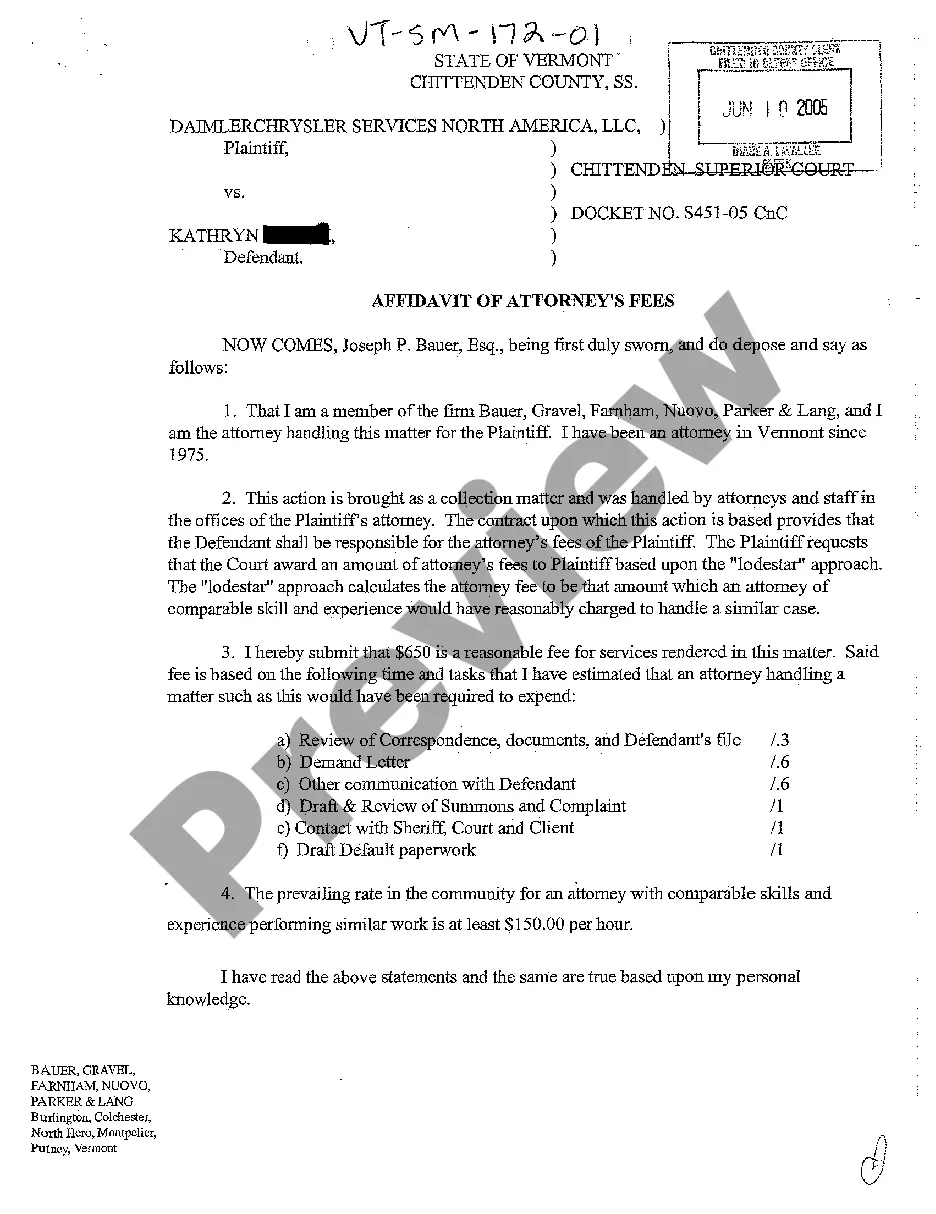
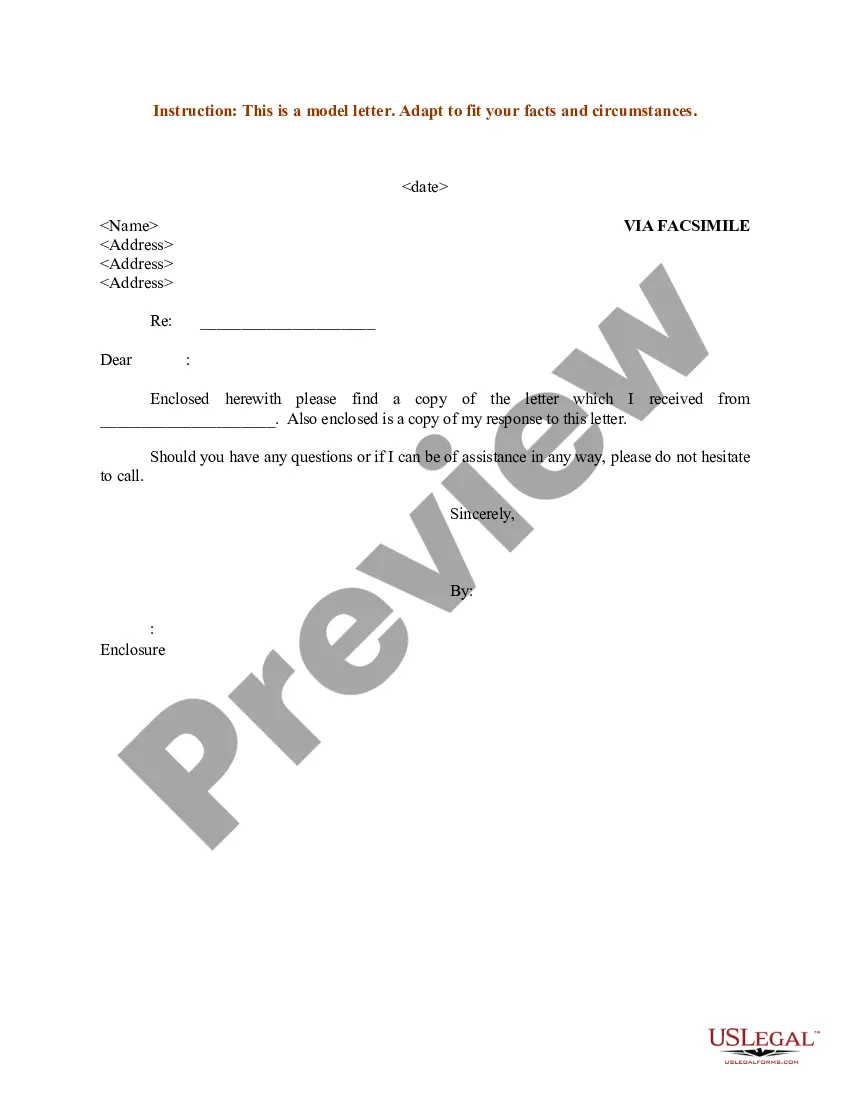
Sample Letter Sent to Client via Fax
About this form
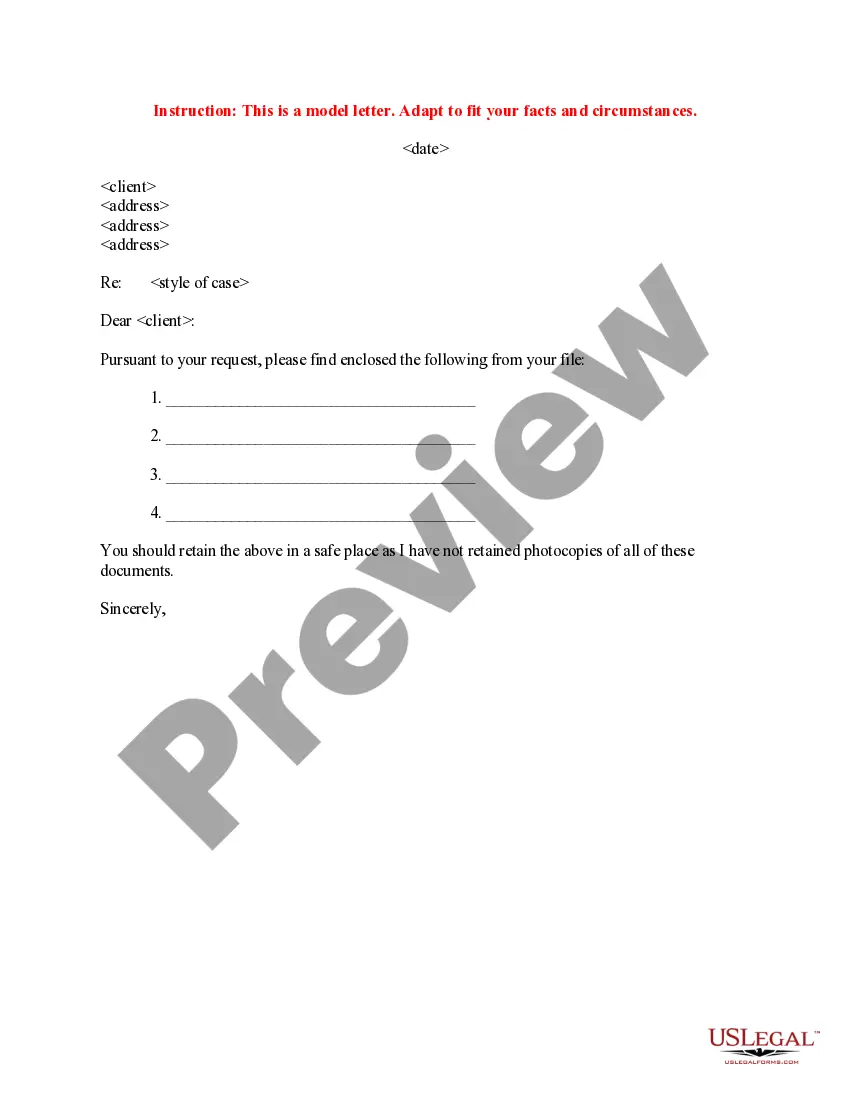
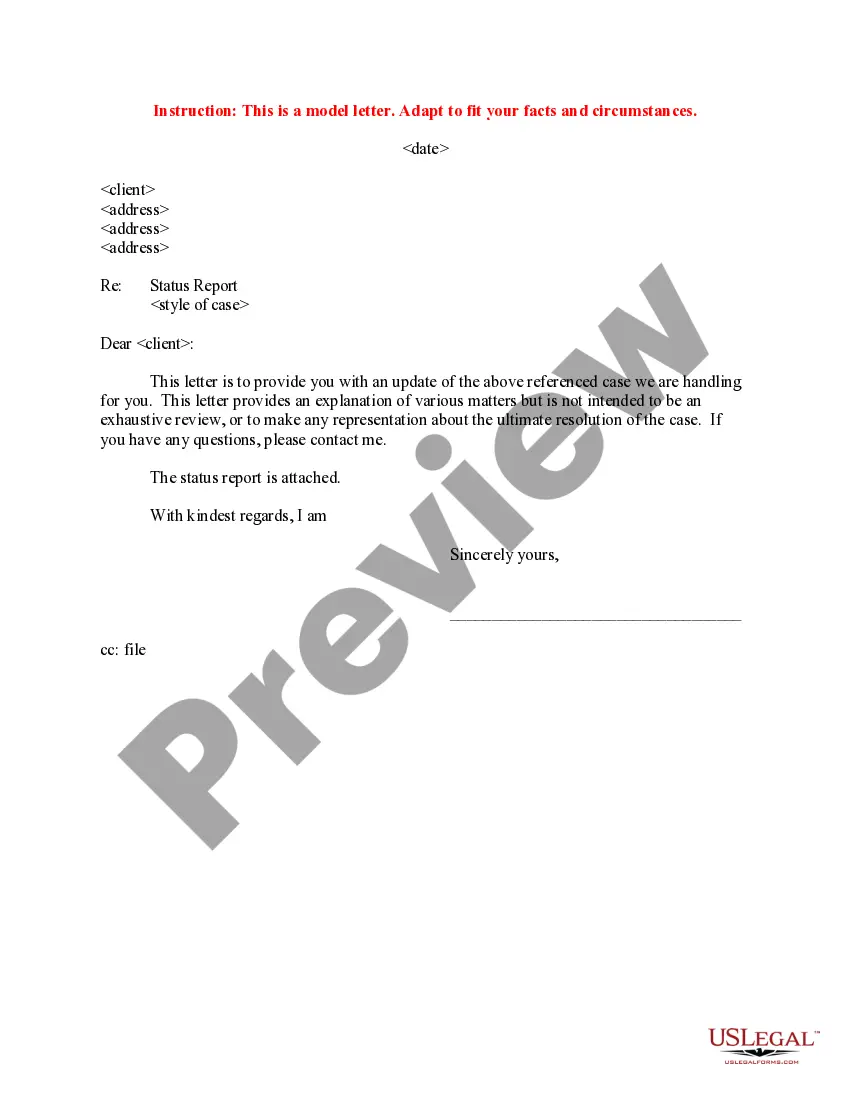
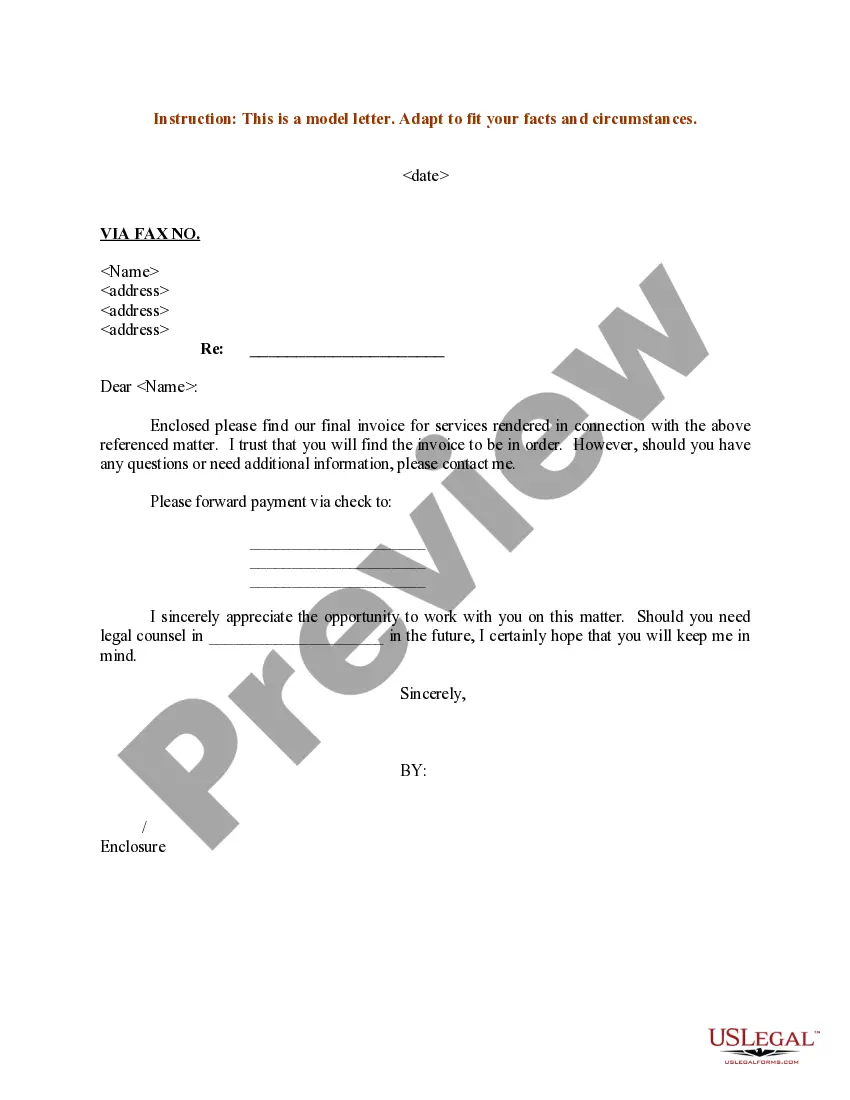
This Sample Letter Sent to Client via Fax is a legal document template designed for communication between a professional and their client. The purpose of this form is to provide a structured format for sending important messages through fax. Unlike informal letters, this form ensures that all necessary details are included, providing a clear and professional communication method in legal and business environments.
What’s included in this form
- Date: Indicates when the letter is sent.
- Recipient's Name: The name of the client being addressed.
- Method of Delivery: Specifies that the letter is sent via facsimile.
- Recipient's Address: Provides the complete mailing address of the client.
- Subject Line: A space for indicating the purpose of the fax communication.
When this form is needed
This form is useful in various scenarios, such as when a professional needs to send essential information, updates, or notices to a client securely and effectively. It is appropriate in situations requiring legal communication, confirmation of discussions, or the provision of important documents that necessitate a formal notification.
Intended users of this form
Typically, the following individuals or entities should use this form:
- Attorneys sending correspondence to clients.
- Financial advisors communicating with clients.
- Real estate professionals notifying clients about transactions.
- Any professional in need of formal client communication via fax.
Steps to complete this form
- Enter the date of the fax at the top of the letter.
- Include the full name of the client as the recipient.
- Specify the method of delivery as "VIA FACSIMILE."
- Fill in the recipient's complete address in the designated fields.
- Provide a brief subject line that summarizes the content of the letter.
Does this document require notarization?
Notarization is not commonly needed for this form. However, certain documents or local rules may make it necessary. Our notarization service, powered by Notarize, allows you to finalize it securely online anytime, day or night.
Get your form ready online
Our built-in tools help you complete, sign, share, and store your documents in one place.
Make edits, fill in missing information, and update formatting in US Legal Forms—just like you would in MS Word.
Download a copy, print it, send it by email, or mail it via USPS—whatever works best for your next step.
Sign and collect signatures with our SignNow integration. Send to multiple recipients, set reminders, and more. Go Premium to unlock E-Sign.
If this form requires notarization, complete it online through a secure video call—no need to meet a notary in person or wait for an appointment.
We protect your documents and personal data by following strict security and privacy standards.

Make edits, fill in missing information, and update formatting in US Legal Forms—just like you would in MS Word.

Download a copy, print it, send it by email, or mail it via USPS—whatever works best for your next step.

Sign and collect signatures with our SignNow integration. Send to multiple recipients, set reminders, and more. Go Premium to unlock E-Sign.

If this form requires notarization, complete it online through a secure video call—no need to meet a notary in person or wait for an appointment.

We protect your documents and personal data by following strict security and privacy standards.
Common mistakes to avoid
- Failing to include the recipient's full name, leading to miscommunication.
- Leaving the subject line blank, making the purpose of the letter unclear.
- Inaccuracies in the recipient's address which may cause delivery issues.
- Not including the date, which may affect the letter's legal standing.
Benefits of using this form online
- Convenience: Easily downloadable and can be filled out at any time.
- Editability: The Word format allows for easy customization of the content.
- Reliable: Helps ensure consistent and professional communication.
Legal use & context
- Designed for effective communication, crucial in legal contexts.
- Ensures a formal record of correspondence with clients.
- Holds validity as an official communication once transmitted.
What to keep in mind
- The Sample Letter Sent to Client via Fax is essential for professional communication.
- It is crucial to fill in all required fields accurately.
- Using this form can help avoid common pitfalls in client correspondence.
Looking for another form?
Form popularity
FAQ
The salutation of a business email is similar to the salutation of a business letter. If you don't know the person's name, use To Whom it May Concern or use the person's title, such as "Dear Office Manager." If you do know the person's name, use the full name or last name, such as "Dear Robert Jones" or "Dear Mr.
I would also be grateful if you could send me 2026 . I would therefore be grateful if you could send me 2026 . Could you therefore please send me 2026 ? Could you therefore send me 2026 ? Could you also send me 2026 ?
Keep it simple. Keep it neat and clean. Give as much information as necessary to keep the recipient wanting to read through the rest of the fax. Pay attention to the recipient's business hours. Long letters are less likely to be read, so keep your fax cover to one page.
Date. Provide the date on which you plan to submit the letter to the receiver. Inside Address. In this section of the letter, you have to write the full name of the receiver and if he/she has any title or ranking. Greeting. Body. Complimentary Close. Signature.
Explain precisely what your request is. Mention the reason for the request. Use polite language and a professional tone. Demonstrate respect and gratitude to the reader. The content of the letter should be official. You may provide contact information where you can be reached.
You start the email or letter by explaining what you are writing about (the topic/subject) and what the email's purpose is (i.e. you want to ask them some questions or for something). Then in the next section, you ask them the questions or requests.
Salutation: The salutation of a formal email is similar to the salutation of a letter. When writing to someone you do not know by name, you put To Whom it May Concern. When applying for a job, you would address the person by, Dear Hiring Manager. If you do know the recipient's name, you put Dear Mr./Ms.
Formal Salutations Unknown Recipient: There are two traditionally acceptable salutations when you are writing a business letter to an unknown recipient. To whom it may concern or Dear Sir or Madam show respect to anyone who is the intended reader.
Be concise. State the purpose of your formal letter in the first paragraph and don't veer from the subject. Use an appropriate tone. Proofread. Use proper format and presentation. Heading. Inside address. Salutation. Body.