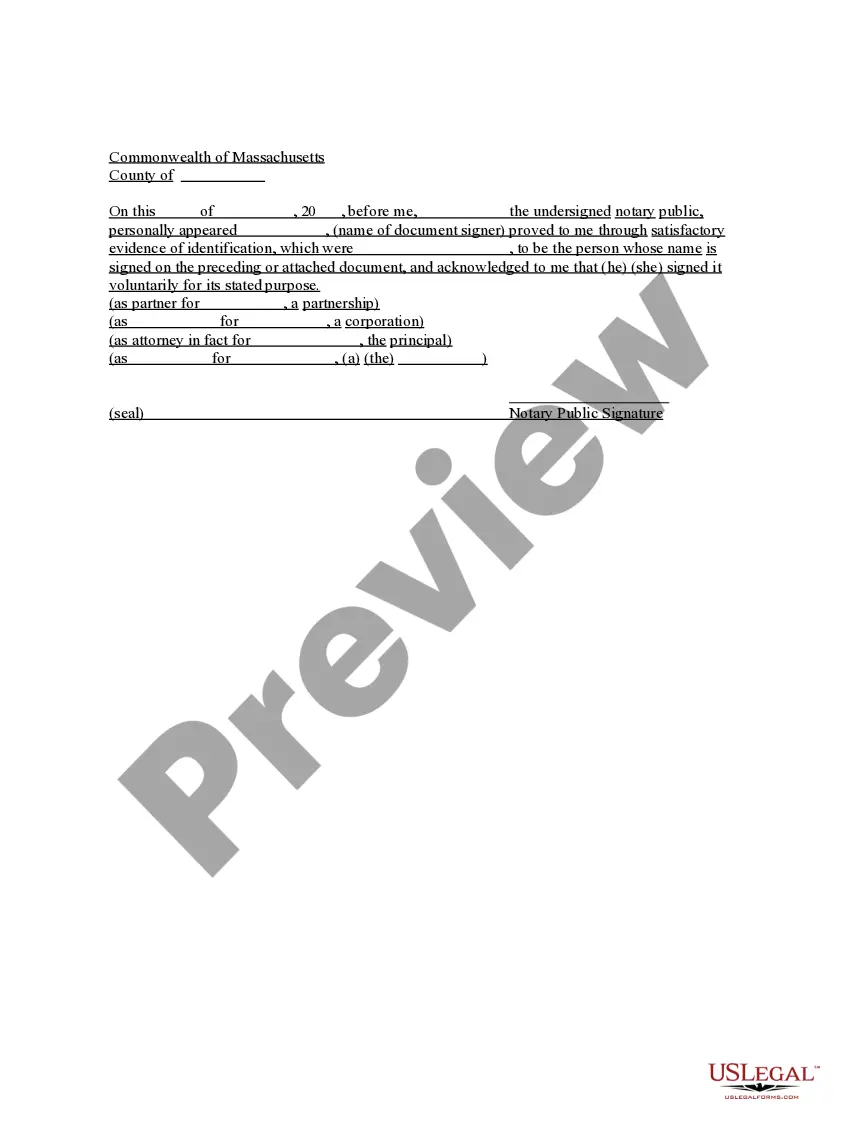
Massachusetts Acknowledgment for Corporation
What is this form?
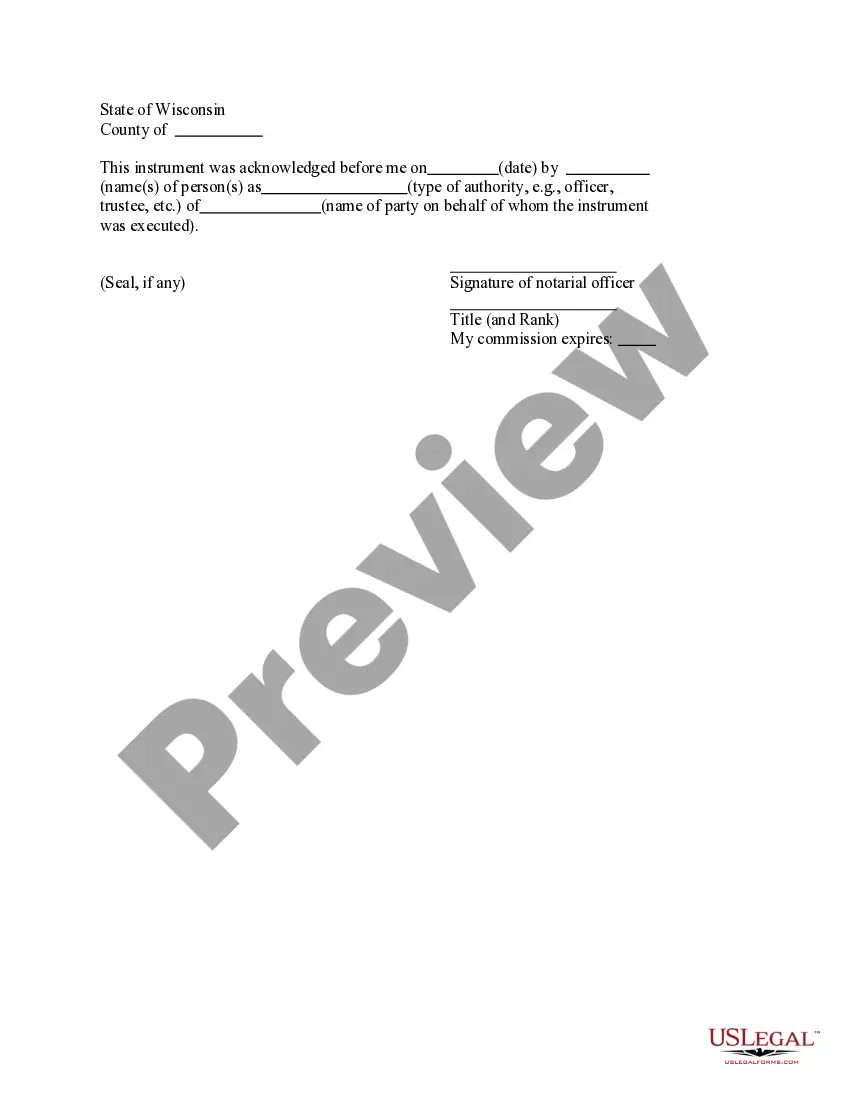
The acknowledgment for corporation is a legal document used to confirm the identity of individuals signing important documents on behalf of a corporation. This form may differ from similar documents by providing a structured way to notarize signatures specifically for corporate representatives, ensuring that the signatory is authorized and acting on behalf of the corporation voluntarily.
Key components of this form
- Identification of the document signer
- Confirmation of voluntary signature
- Seal of the notary public
- Details of the corporation involved
- Signature and date fields for both the notary and the signatory

Situations where this form applies
This form is typically used when a corporate representative needs to validate their identity and authority to sign legal documents, such as contracts, corporate resolutions, or agreements, in the presence of a notary public. It ensures that the signed documents are legally binding and enforceable.
Intended users of this form
- Corporation officers or directors
- Authorized representatives signing on behalf of a corporation
- Notaries public witnessing corporate signatures
How to complete this form
- Enter the name of the document signer and their role in the corporation.
- Provide satisfactory identification to the notary public to confirm identity.
- Ensure the signer acknowledges that they are signing voluntarily.
- The notary public must complete their section, including placing their seal.
- Have the document signed and dated where indicated.
Does this form need to be notarized?
Notarization is required for this form to take effect. Our online notarization service, powered by Notarize, lets you verify and sign documents remotely through an encrypted video session, available 24/7.
Get your form ready online
Our built-in tools help you complete, sign, share, and store your documents in one place.
Make edits, fill in missing information, and update formatting in US Legal Forms—just like you would in MS Word.
Download a copy, print it, send it by email, or mail it via USPS—whatever works best for your next step.
Sign and collect signatures with our SignNow integration. Send to multiple recipients, set reminders, and more. Go Premium to unlock E-Sign.
If this form requires notarization, complete it online through a secure video call—no need to meet a notary in person or wait for an appointment.
We protect your documents and personal data by following strict security and privacy standards.

Make edits, fill in missing information, and update formatting in US Legal Forms—just like you would in MS Word.

Download a copy, print it, send it by email, or mail it via USPS—whatever works best for your next step.

Sign and collect signatures with our SignNow integration. Send to multiple recipients, set reminders, and more. Go Premium to unlock E-Sign.

If this form requires notarization, complete it online through a secure video call—no need to meet a notary in person or wait for an appointment.

We protect your documents and personal data by following strict security and privacy standards.
Common mistakes
- Failing to verify the identity of the signer.
- Not including the notary seal or signature.
- Leaving fields incomplete or improperly filled out.
- Using the form without confirming compliance with state laws.
Benefits of completing this form online
- Immediate access to legally compliant templates.
- Editability to ensure all information is accurate before printing.
- Downloadable formats for easy distribution and storage.
- Guidance through the completion process ensures accuracy.
Looking for another form?
Form popularity
FAQ
Step 1: Require Personal Appearance. Step 2: Check Over The Document. Step 3: Carefully Identify The Signer. Step 4: Record Your Journal Entry. Step 5: Complete The Notarial Certificate. A Last Note: Never Give Advice.
The certificate of a notary public, justice of the peace, or other authorized officer, attached to a deed, mortgage, or other instrument, setting forth that the parties thereto personally appeared before him on such a date and acknowledged the instrument to be their free and voluntary act and deed. Read v.
Require Personal Appearance. Review The Document. Screen The Signer And Verify The Facts. Record The Notarization. Complete The Notarization.
As long as the signer is personally present before the notary and acknowledges the signature, then the notary can proceed with performing the notarial act. A notary's certificate of acknowledgment should always reflect the date on which the signer personally appeared before the notary.
It depends. You may notarize a document that does not have pre-printed notarial wording as long as the signer tells you what type of notarization is needed.As nonattorneys, Notaries cannot decide the type of notarization to perform on a document because the choice can have important legal ramifications.
In general, a contract does not need to be notarized or witnessed to be binding.But for most contracts, we do not generally require them to be witnessed or notarized, to be "legal." The notary removes the issue as to the identity of the parties signing the contract.
Only you, as the notary, may make corrections to the notary certificate. Illegible/ Expired Notary Seal: Stamp impressions that are too dark, too light, incomplete, smudged, or in any way unreadable may cause an otherwise acceptable document to be rejected for its intended use.
The purpose of an acknowledgment is for a signer, whose identity has been verified, to declare to a Notary or notarial officer that he or she has willingly signed a document.The signer may either sign the document before appearing before you, or in your presence.