North Dakota Closing Statement

What is this form?
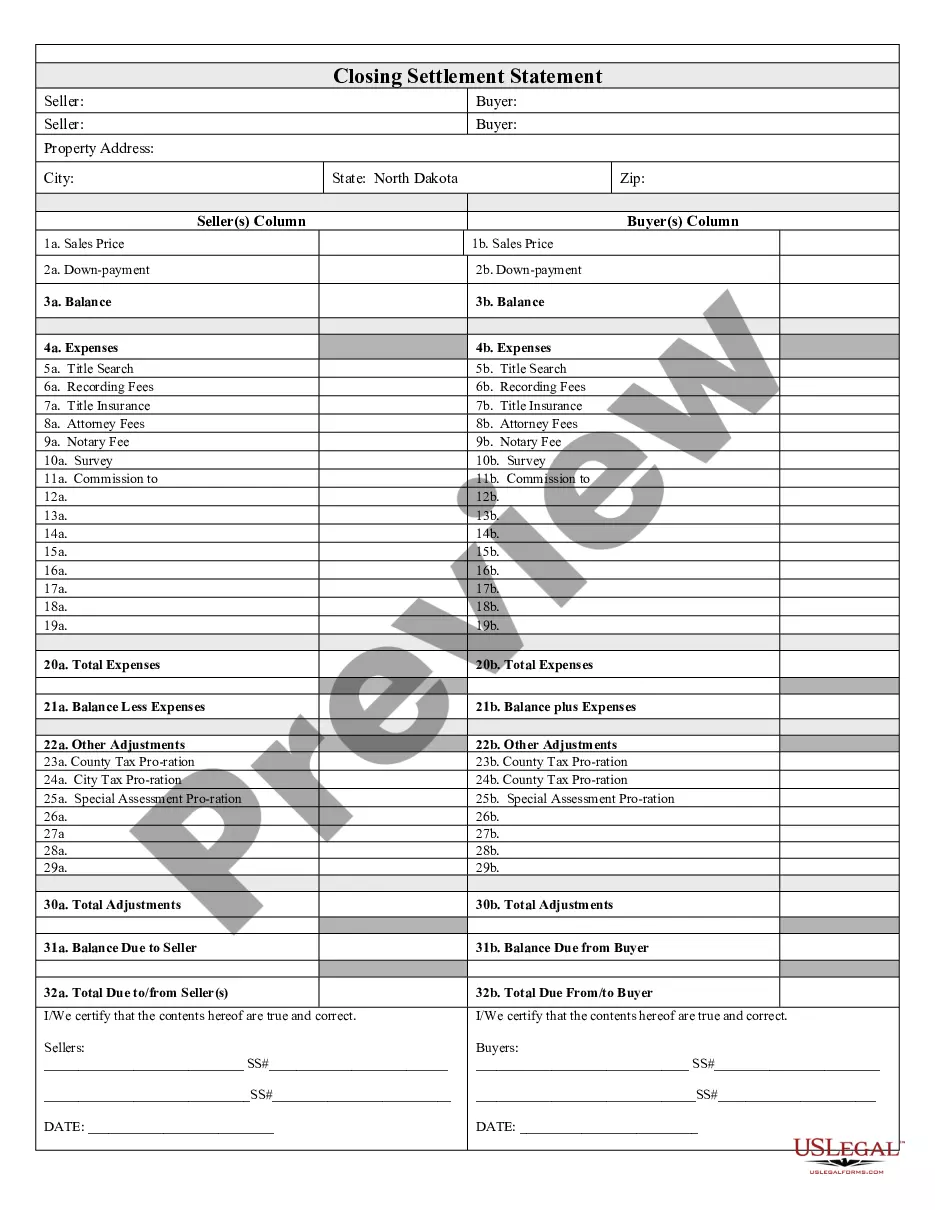
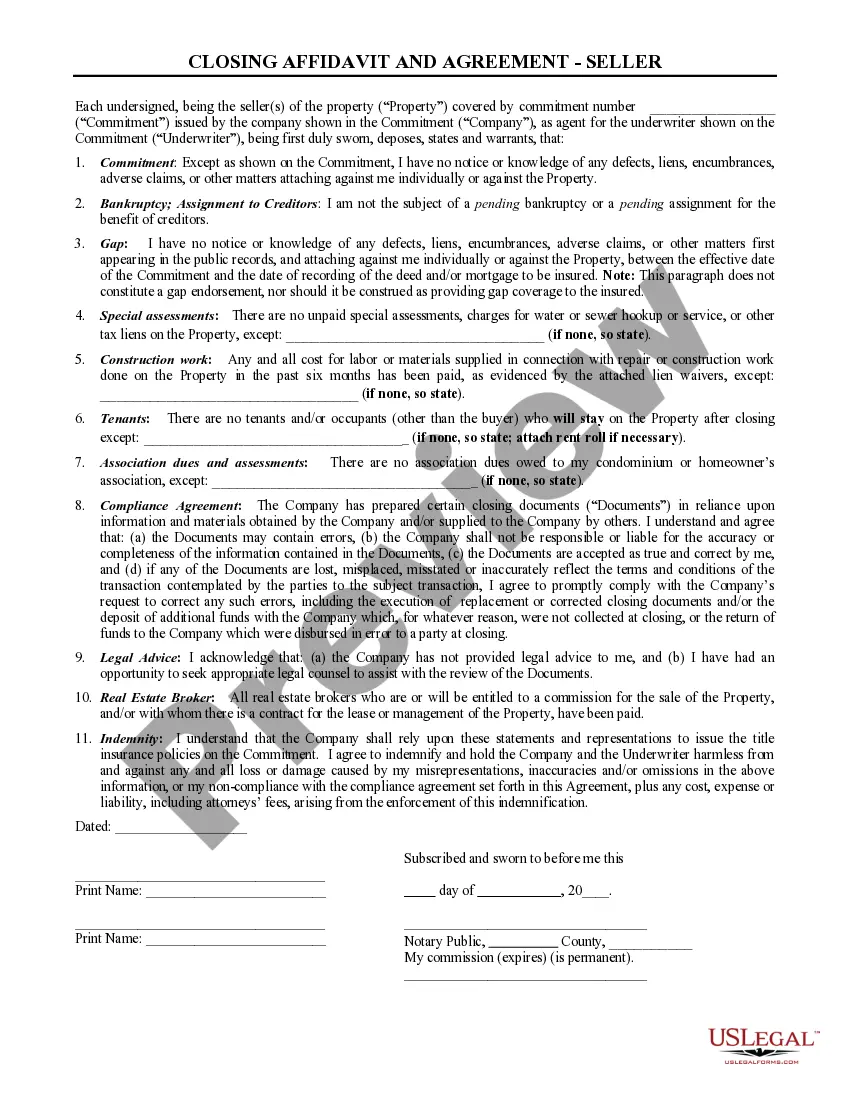
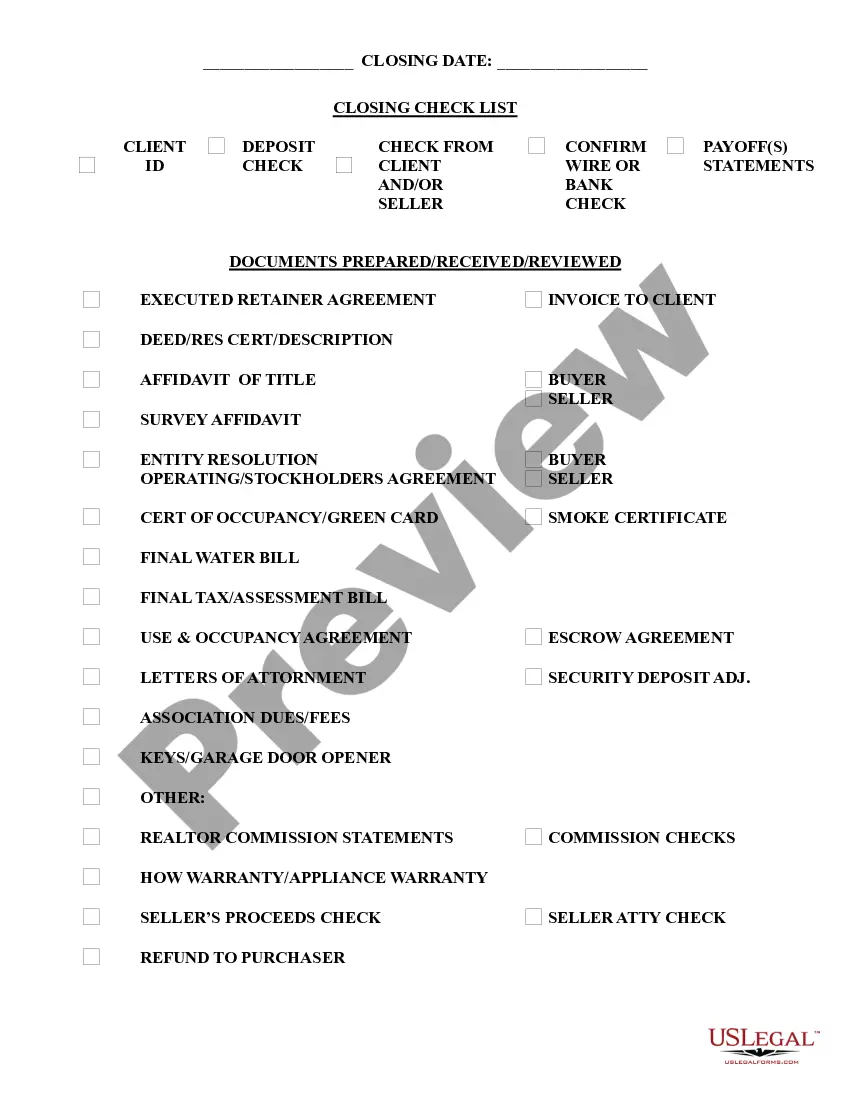
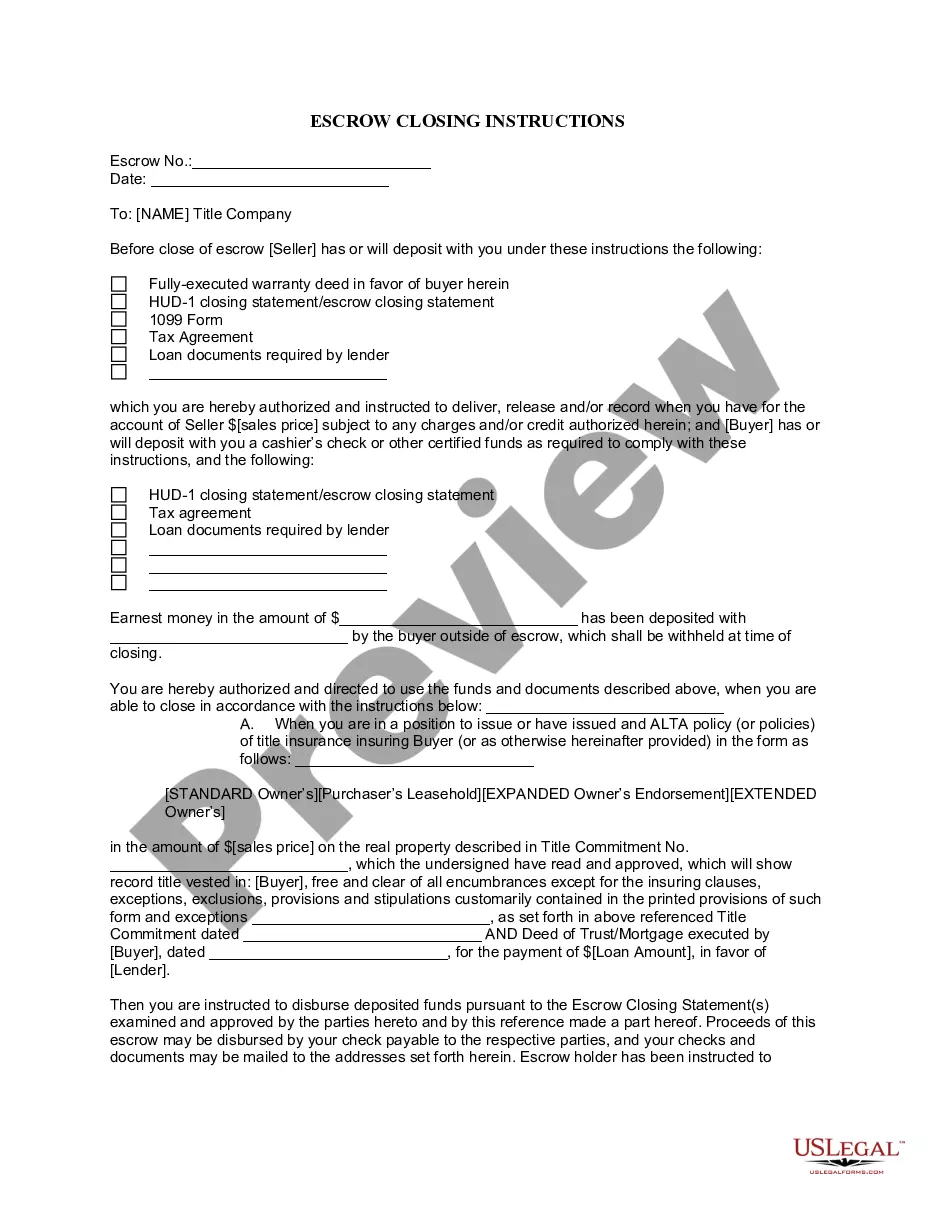
The Closing Statement is a vital document in real estate transactions, specifically for cash sales or owner-financed deals. This form outlines all financial details related to the sale, including expenses, fees, and final balances. Unlike other real estate forms, the Closing Statement is signed by both the buyer and seller, ensuring transparency and mutual agreement on the financial aspects of the transaction.
Key parts of this document
- Balance: Shows the remaining amount due after all expenses are deducted.
- Expenses: Lists fees associated with the transaction, such as title search, recording fees, and attorney fees.
- Title Insurance: Specifies costs related to protecting against defects in the title.
- Notary Fee: Includes any charges for notarizing the document.
- Adjustments: Details prorated taxes and other financial adjustments required for the settlement.
- Final Balances: Indicates the total amounts due to or from the seller and buyer.

Situations where this form applies
This form should be used during any real estate closing where the transaction is settled in cash or through owner financing. It is instrumental in clearly documenting the financial obligations and agreements between the seller and buyer, making it essential for smooth transaction completion.
Intended users of this form
- Home buyers and sellers engaged in cash transactions.
- Real estate agents facilitating a transaction.
- Individuals using owner financing in real estate deals.
- Attorneys managing real estate closings.
How to prepare this document
- Identify the parties involved: List the names of the buyer(s) and seller(s) at the top of the form.
- Specify the property: Clearly describe the property being sold, including its address.
- Document all expenses: Enter each fee associated with the transaction as outlined in the key components, ensuring accuracy.
- Calculate final balances: Using the expenses and any adjustments, determine the total due to or from the seller and buyer.
- Sign and date the document: Both parties must verify and sign the form, confirming the information is true and correct.
Does this document require notarization?
This form must be notarized to be legally valid. US Legal Forms provides secure online notarization powered by Notarize, allowing you to complete the process through a verified video call.
Get your form ready online
Our built-in tools help you complete, sign, share, and store your documents in one place.
Make edits, fill in missing information, and update formatting in US Legal Forms—just like you would in MS Word.
Download a copy, print it, send it by email, or mail it via USPS—whatever works best for your next step.
Sign and collect signatures with our SignNow integration. Send to multiple recipients, set reminders, and more. Go Premium to unlock E-Sign.
If this form requires notarization, complete it online through a secure video call—no need to meet a notary in person or wait for an appointment.
We protect your documents and personal data by following strict security and privacy standards.

Make edits, fill in missing information, and update formatting in US Legal Forms—just like you would in MS Word.

Download a copy, print it, send it by email, or mail it via USPS—whatever works best for your next step.

Sign and collect signatures with our SignNow integration. Send to multiple recipients, set reminders, and more. Go Premium to unlock E-Sign.

If this form requires notarization, complete it online through a secure video call—no need to meet a notary in person or wait for an appointment.

We protect your documents and personal data by following strict security and privacy standards.
Common mistakes to avoid
- Inaccurate calculations of expenses or final balances.
- Not entering all necessary expenses, leading to incomplete documentation.
- Failure to have both buyer and seller sign the form.
- Neglecting to clearly identify the property details.
Advantages of online completion
- Convenience of accessing and downloading the form from anywhere.
- Editability to customize the document according to specific transaction details.
- Reliability from using attorney-drafted documents, ensuring legal accuracy.