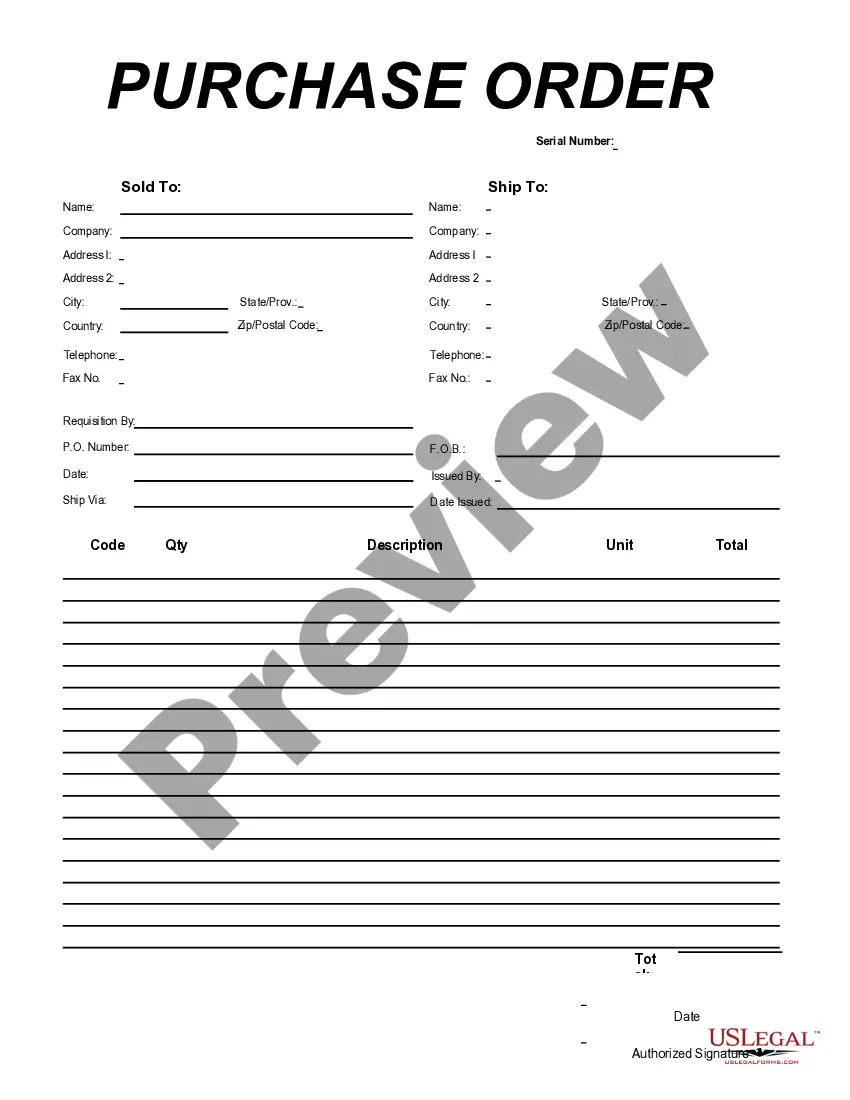
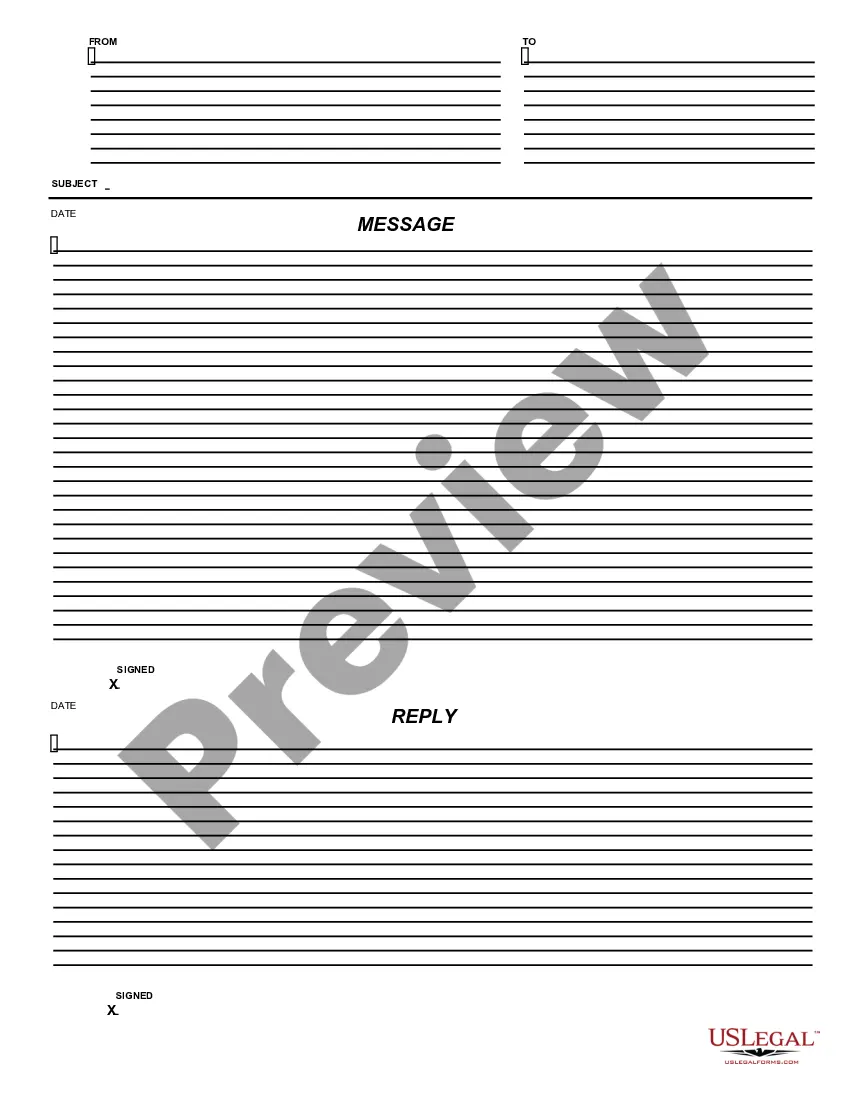
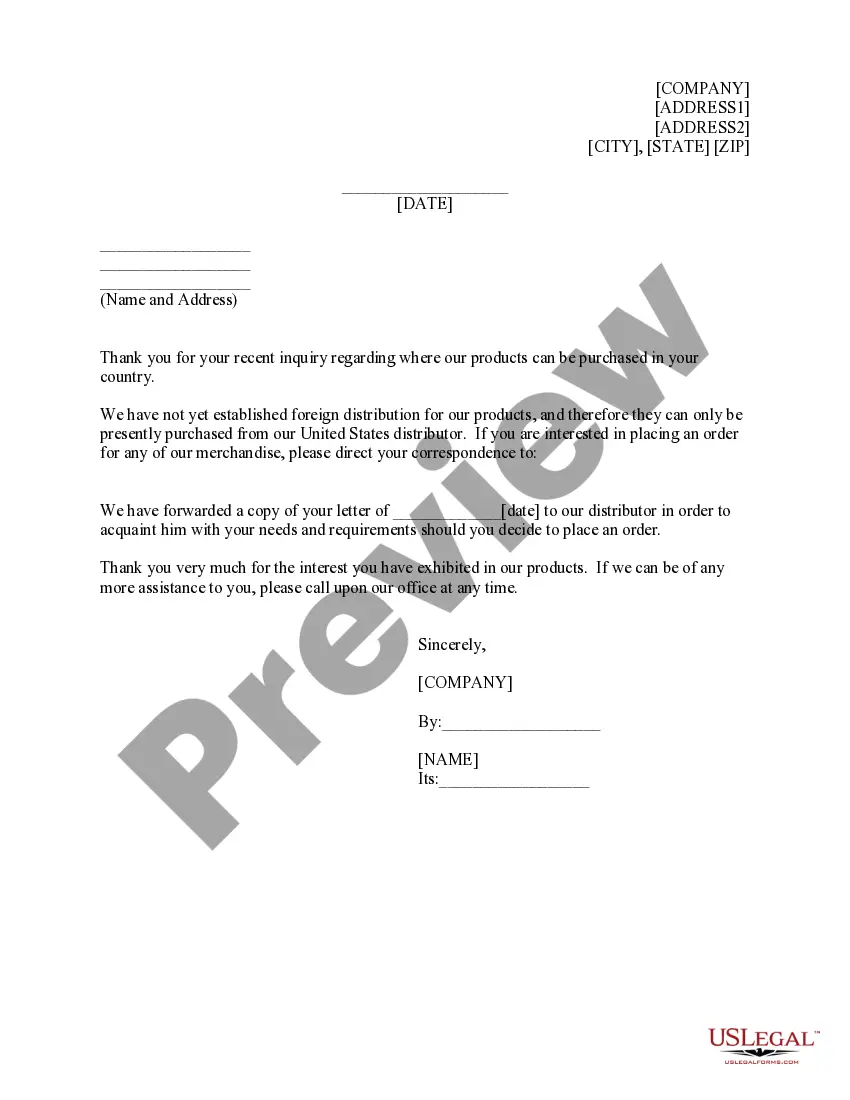
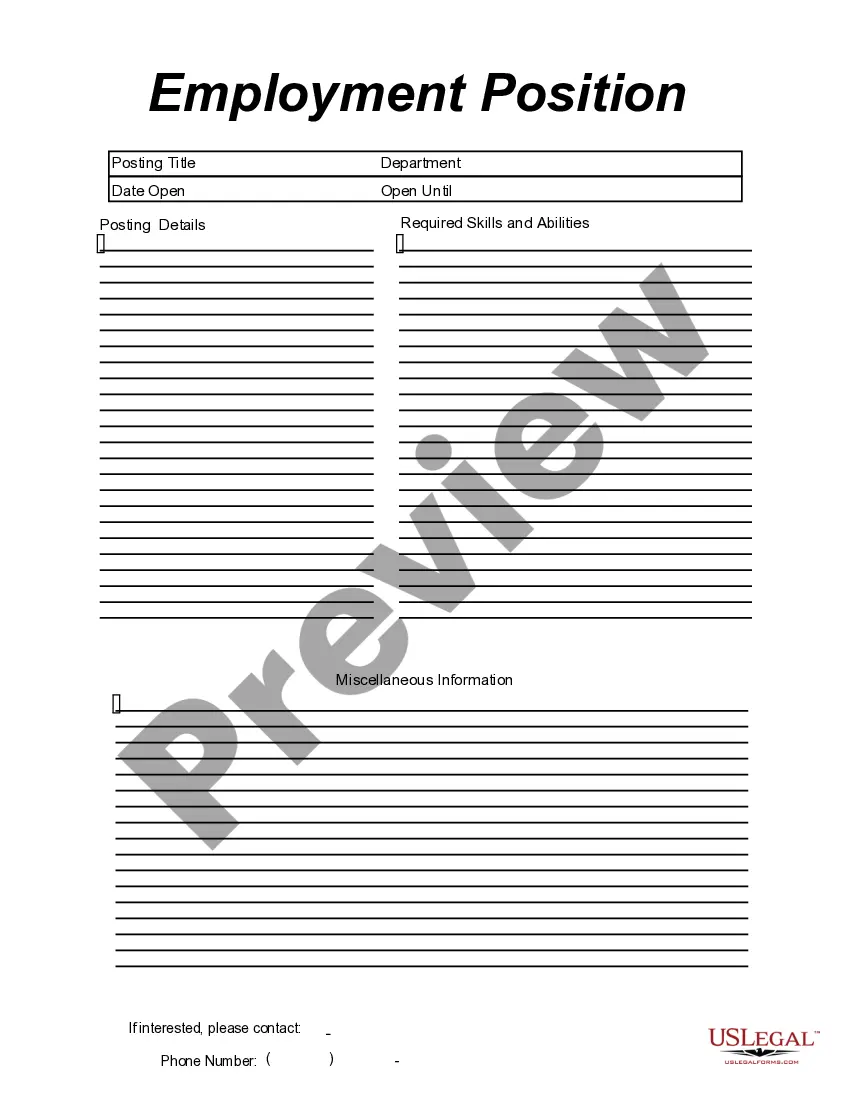
This form is a business type form that is formatted to allow you to complete the form using Adobe Acrobat or Word. The word files have been formatted to allow completion by entry into fields. Some of the forms under this category are rather simple while others are more complex. The formatting is worth the small cost.
District of Columbia Message - Reply
Category:
State:
Multi-State
Control #:
US-164-AZ
Format:
Word;
PDF;
Rich Text
Instant download
Description

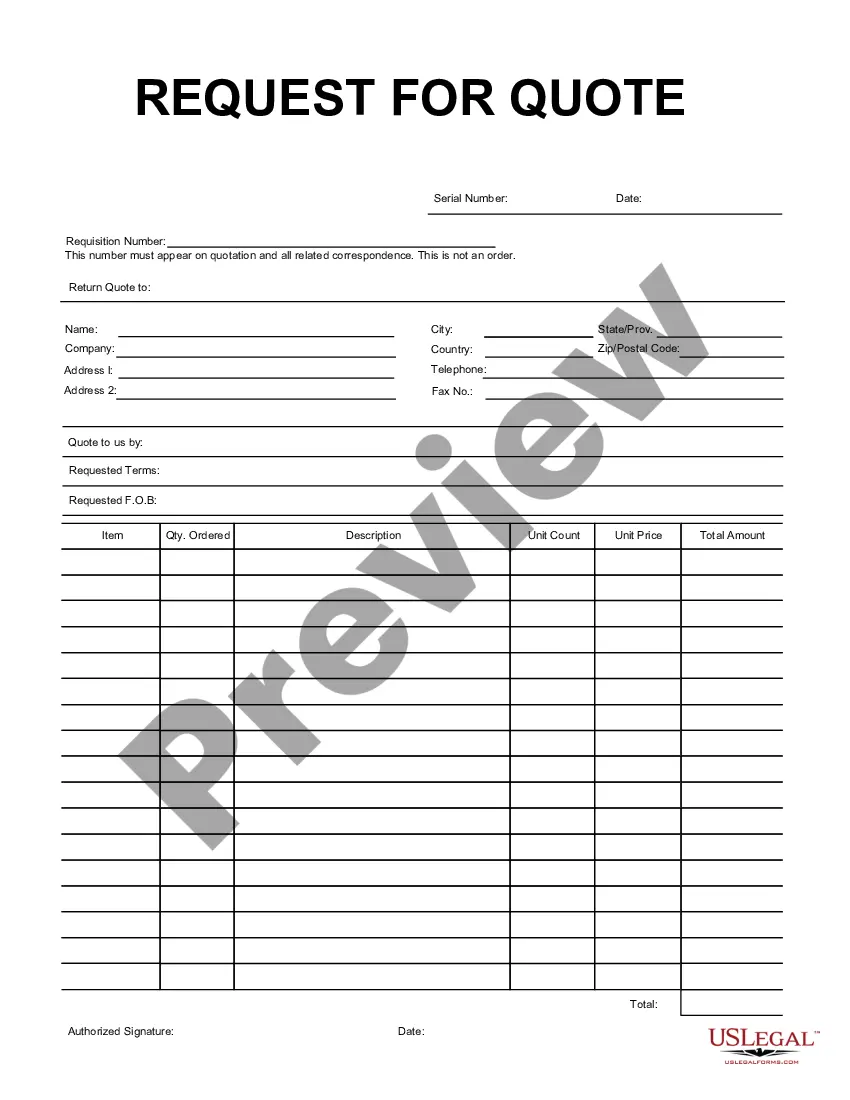
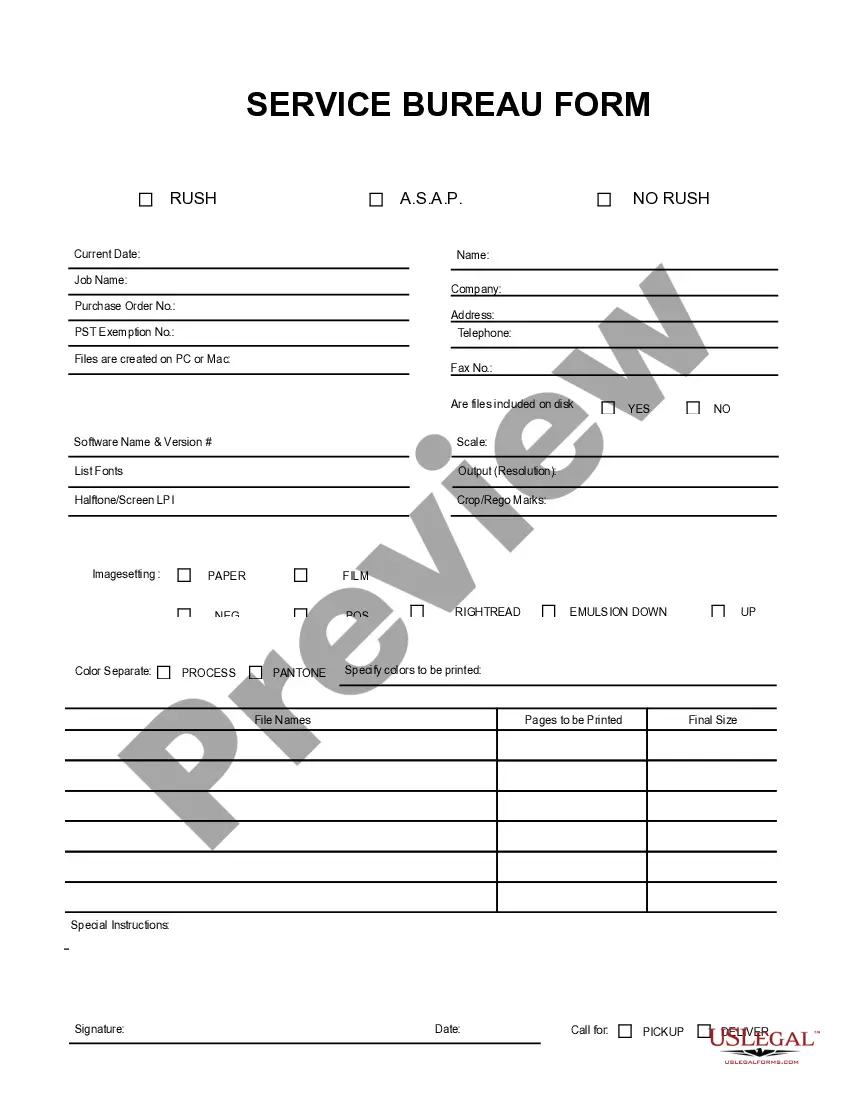
Get your form ready online
Our built-in tools help you complete, sign, share, and store your documents in one place.
Built-in online Word editor
Make edits, fill in missing information, and update formatting in US Legal Forms—just like you would in MS Word.
Export easily
Download a copy, print it, send it by email, or mail it via USPS—whatever works best for your next step.
E-sign your document
Sign and collect signatures with our SignNow integration. Send to multiple recipients, set reminders, and more. Go Premium to unlock E-Sign.
Notarize online 24/7
If this form requires notarization, complete it online through a secure video call—no need to meet a notary in person or wait for an appointment.
Store your document securely
We protect your documents and personal data by following strict security and privacy standards.

Make edits, fill in missing information, and update formatting in US Legal Forms—just like you would in MS Word.

Download a copy, print it, send it by email, or mail it via USPS—whatever works best for your next step.

Sign and collect signatures with our SignNow integration. Send to multiple recipients, set reminders, and more. Go Premium to unlock E-Sign.

If this form requires notarization, complete it online through a secure video call—no need to meet a notary in person or wait for an appointment.

We protect your documents and personal data by following strict security and privacy standards.
Looking for another form?
How to fill out Message - Reply?
Have you ever found yourself in a situation where you need documents for either business or personal reasons almost every day.
There are numerous authentic document templates available online, but locating reliable ones can be challenging.
US Legal Forms offers thousands of form templates, including the District of Columbia Message - Reply, designed to meet state and federal regulations.
Choose a convenient document format and download your copy.
You can find all the document templates you have purchased in the My documents list. You can download another copy of the District of Columbia Message - Reply anytime if needed. Just follow the necessary form to retrieve or print the document template.
Utilize US Legal Forms, the most extensive collection of legitimate forms, to save time and prevent mistakes. The service offers professionally crafted legal document templates that you can use for various purposes. Create an account on US Legal Forms and start simplifying your life.
- If you are already acquainted with the US Legal Forms website and possess an account, simply Log In.
- After that, you can download the District of Columbia Message - Reply template.
- If you do not have an account and wish to use US Legal Forms, follow these steps.
- Find the form you require and ensure it is for your correct city/state.
- Use the Preview button to review the template.
- Read the description to ensure you have selected the correct form.
- If the form is not what you're looking for, use the Search field to find a form that fits your needs.
- Once you find the right form, click Acquire now.
- Select the pricing plan you prefer, complete the required information to create your account, and pay for your order using your PayPal or credit card.
Form popularity
FAQ
When writing Washington, D.C. in a paper, ensure to use the full name first followed by the abbreviation in parentheses for subsequent mentions. This method maintains clarity and informs your readers about the location effectively. Precision in referencing locations is essential, particularly in contexts involving legal content like the District of Columbia Message - Reply.
When including Washington, D.C. on a resume, use 'Washington, D.C.' to indicate the location accurately. You might say, 'Worked in Washington, D.C. as a policy analyst.' Consistency across your document is key, so be sure to always write it the same way. This approach ensures that your potential employers understand your work location clearly, especially in a District of Columbia Message - Reply context.
To write Washington, D.C. in a sentence, you should always include the comma and abbreviate 'District of Columbia' correctly. For example, you might say, 'The District of Columbia is home to many historic landmarks.' This structure keeps your writing clear and precise. If you're drafting a District of Columbia Message - Reply, remember to use full titles where appropriate.
When writing Washington, D.C. in a list, ensure you format it consistently with the appropriate punctuation. You can write it as 'Washington, D.C.' or simply 'D.C.' according to the context. Using 'Washington, D.C.' clarifies that you are referring to the capital of the United States. If you're creating a District of Columbia Message - Reply, using the complete name helps to maintain clarity.