Reference Request Notice
Understanding this form
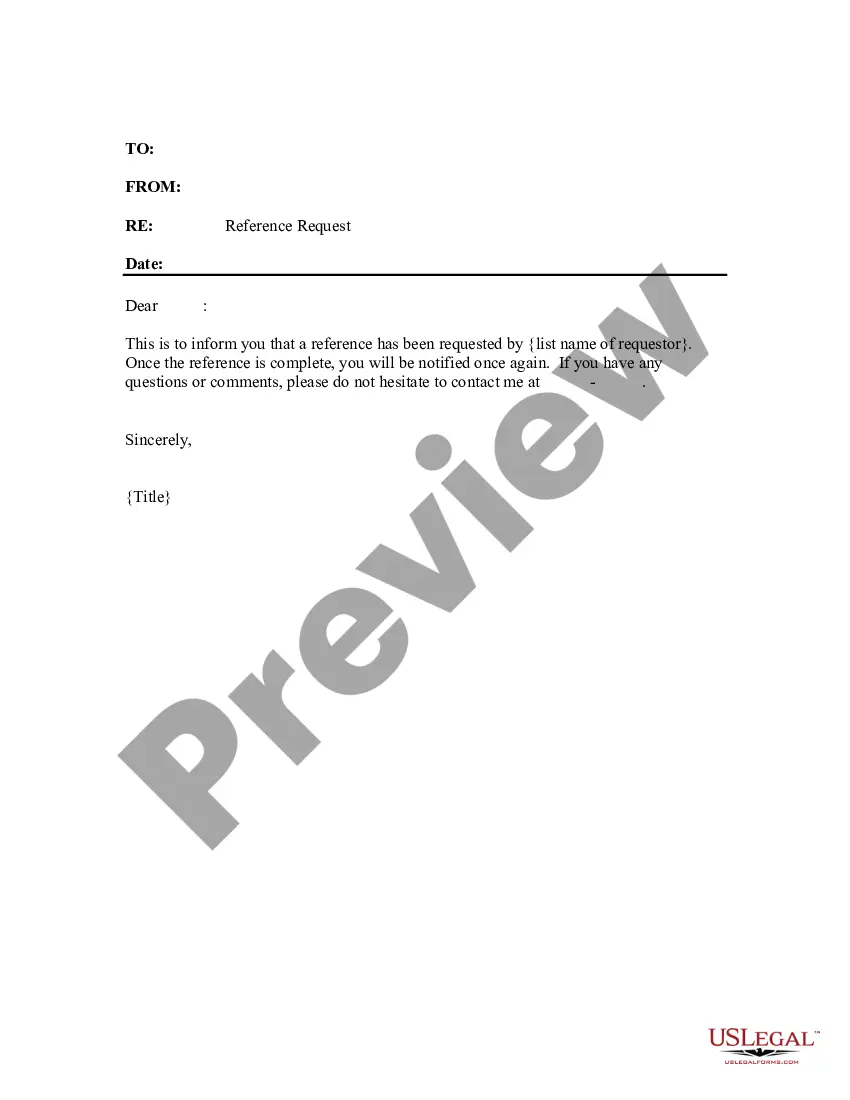
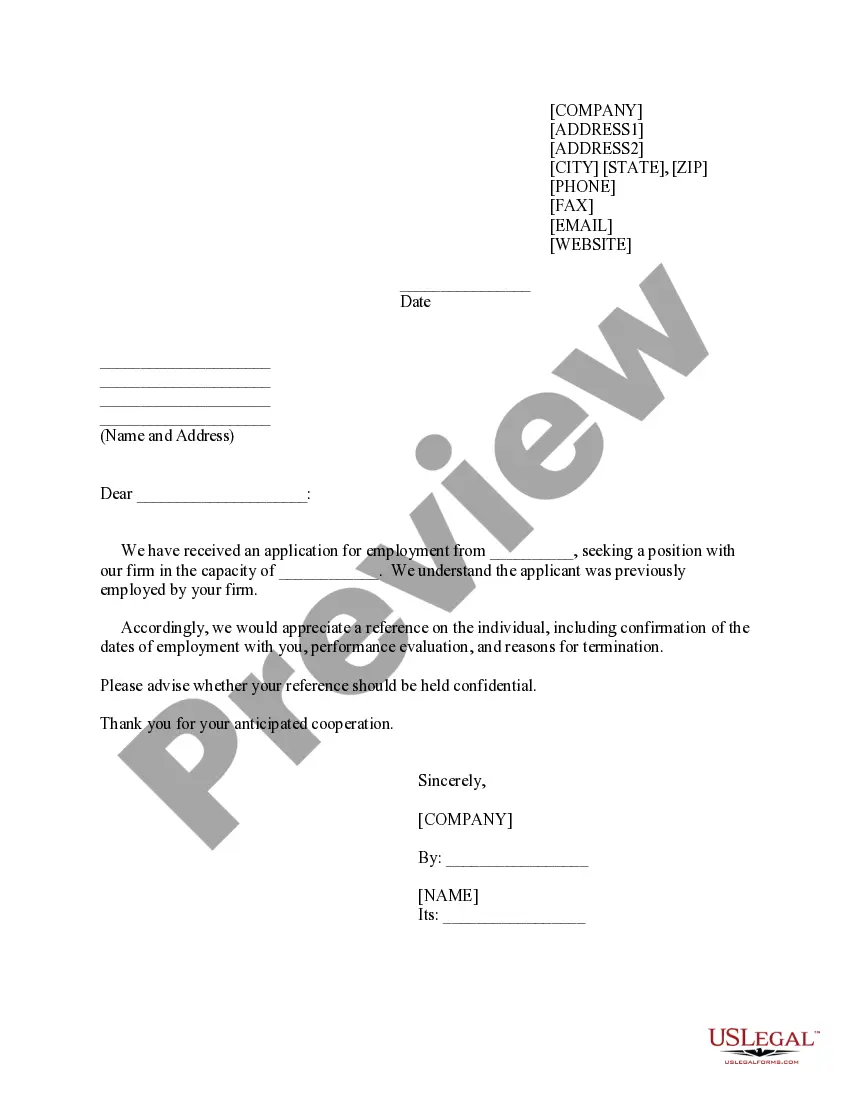
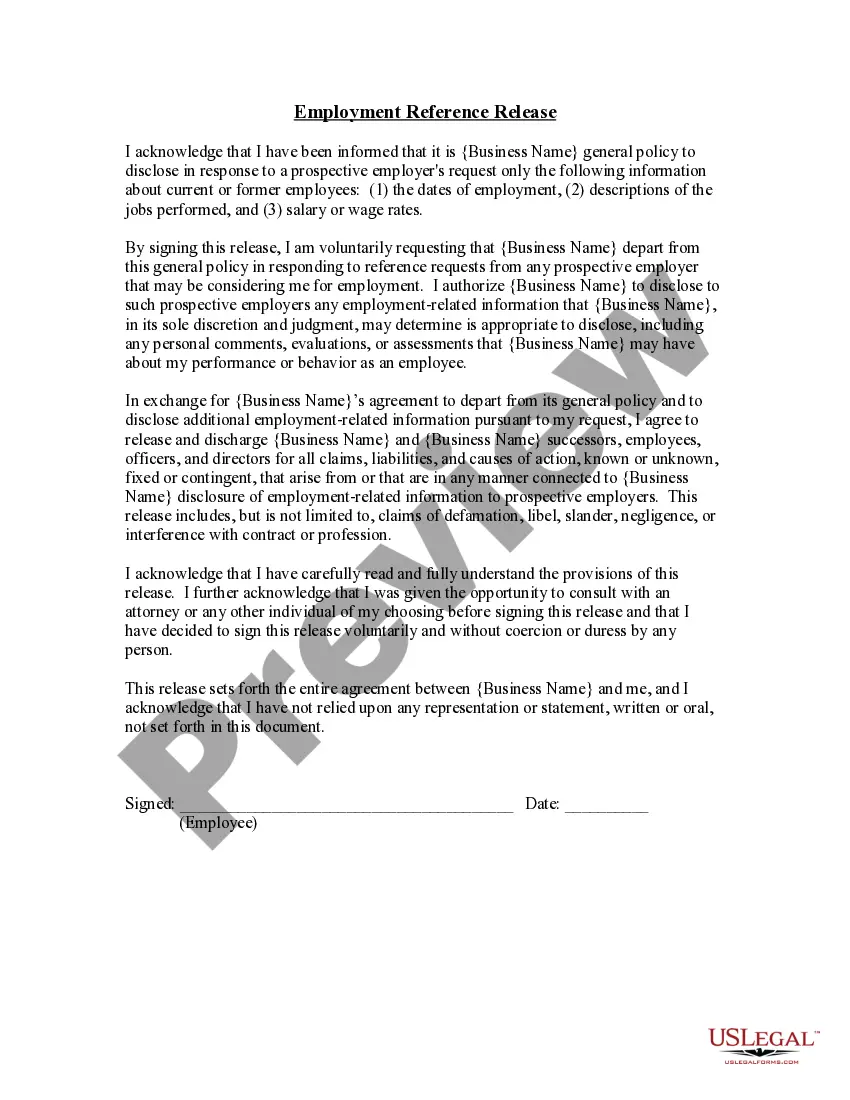
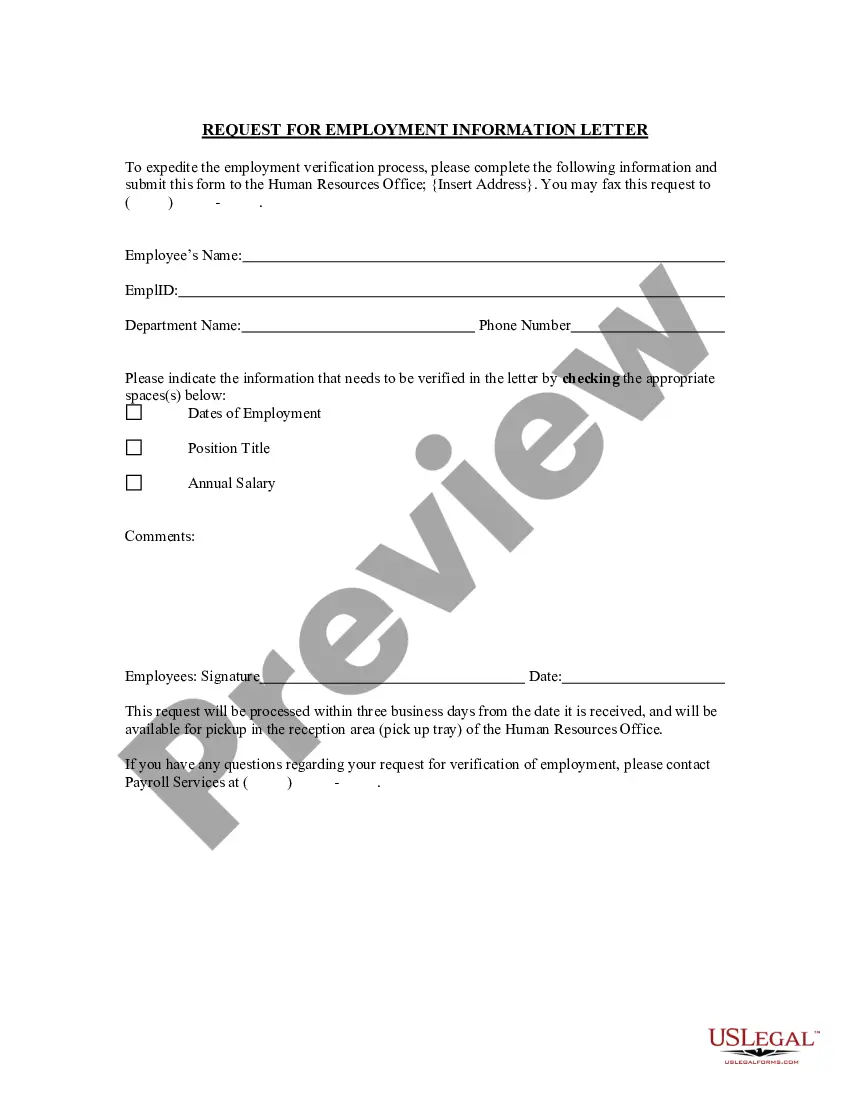
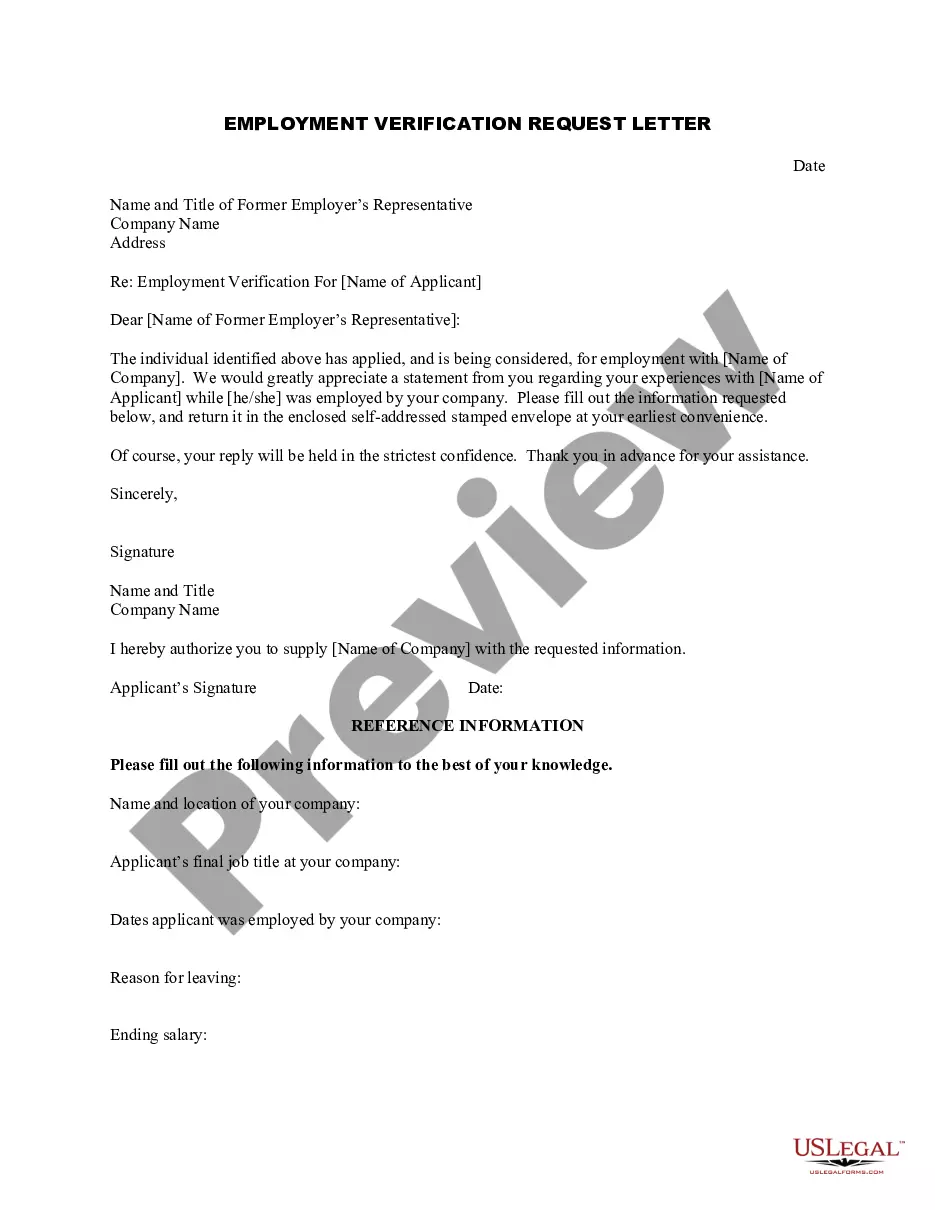
The Reference Request Notice is a document used by management to inform an employee about a third-party request for their employment reference. This form is essential for maintaining transparency between employers and employees during the reference-checking process. It differs from other employment-related forms by specifically addressing the communication of reference requests, ensuring that employees are aware of inquiries made about their professional background.
Key components of this form
- Identifies the employee involved in the reference request
- Specifies the third party making the reference request
- Indicates the date of the request received
- Provides management's acknowledgment of the request
- Includes contact details for follow-up
When to use this document
This form should be used when a third party, such as a potential employer or a background screening service, contacts your organization to request a reference for an employee. It acts as a formal notification to the employee, ensuring they are aware that their professional background is being checked and providing them with the opportunity to prepare or respond appropriately.
Intended users of this form
- Human resources personnel
- Managers in charge of employee relations
- Business owners needing to verify employee references
- Any authorized representative responding to reference requests
Steps to complete this form
- Identify the employee's name and position.
- Enter the name of the third party requesting the reference.
- Specify the date you received the reference request.
- Acknowledge the request and notify the employee via the form.
- Add your contact information for any follow-up questions.
Notarization requirements for this form
In most cases, this form does not require notarization. However, some jurisdictions or signing circumstances might. US Legal Forms offers online notarization powered by Notarize, accessible 24/7 for a quick, remote process.
Get your form ready online
Our built-in tools help you complete, sign, share, and store your documents in one place.
Make edits, fill in missing information, and update formatting in US Legal Forms—just like you would in MS Word.
Download a copy, print it, send it by email, or mail it via USPS—whatever works best for your next step.
Sign and collect signatures with our SignNow integration. Send to multiple recipients, set reminders, and more. Go Premium to unlock E-Sign.
If this form requires notarization, complete it online through a secure video call—no need to meet a notary in person or wait for an appointment.
We protect your documents and personal data by following strict security and privacy standards.

Make edits, fill in missing information, and update formatting in US Legal Forms—just like you would in MS Word.

Download a copy, print it, send it by email, or mail it via USPS—whatever works best for your next step.

Sign and collect signatures with our SignNow integration. Send to multiple recipients, set reminders, and more. Go Premium to unlock E-Sign.

If this form requires notarization, complete it online through a secure video call—no need to meet a notary in person or wait for an appointment.

We protect your documents and personal data by following strict security and privacy standards.
Typical mistakes to avoid
- Failing to include all relevant employee details.
- Omitting the date of the request received.
- Not providing clear contact information for follow-up.
- Neglecting to inform the employee before responding to the third party.
Benefits of completing this form online
- Easy to download and fill out, saving time.
- Editable template allows customization to fit your needs.
- Reliability of professionally drafted forms ensures legal soundness.
Legal use & context
- The notice serves as evidence that the employee was informed of the reference request.
- It helps protect the employer against potential claims regarding improper handling of reference inquiries.
Key takeaways
- The Reference Request Notice ensures employees are informed of reference inquiries.
- Use this form to maintain transparency and communication during the reference check process.
- Complete all required fields to avoid common mistakes and ensure clarity.
Looking for another form?
Form popularity
FAQ
Always ask before including someone as a reference. Send a polite email or call them on the phone, offering a few details about the request including timelines. After your reference agrees, send them your updated resume and details about the position. Follow up in a timely manner, thanking them for their reference.
Be honest about what you are and are not willing to say to the recruiter. Ask the candidate to refresh your memory about his top accomplishments and contributions if you haven't worked together in awhile. Convey enthusiasm about your colleague and her ability to do the job well.
When you don't know the person well enough, it can be tempting to just ignore their request.If you know the person well, but feel you can't give a positive recommendation, you should explain that you don't think you're the right person to do it. Where possible, respond to the request in writing.
Carefully choose your references. Choose your references based on those who know you best. Ask early. It is generally best to send your request for a recommendation at least 2 weeks before you will need it. Use a little flattery. Ask nicely. Provide all the necessary details. Give your reference a way out.
Unless your business is regulated by the Financial Services Authority, generally there is no legal obligation on an employer to provide a reference for an employee or ex-employee and you are entitled to refuse to provide one.
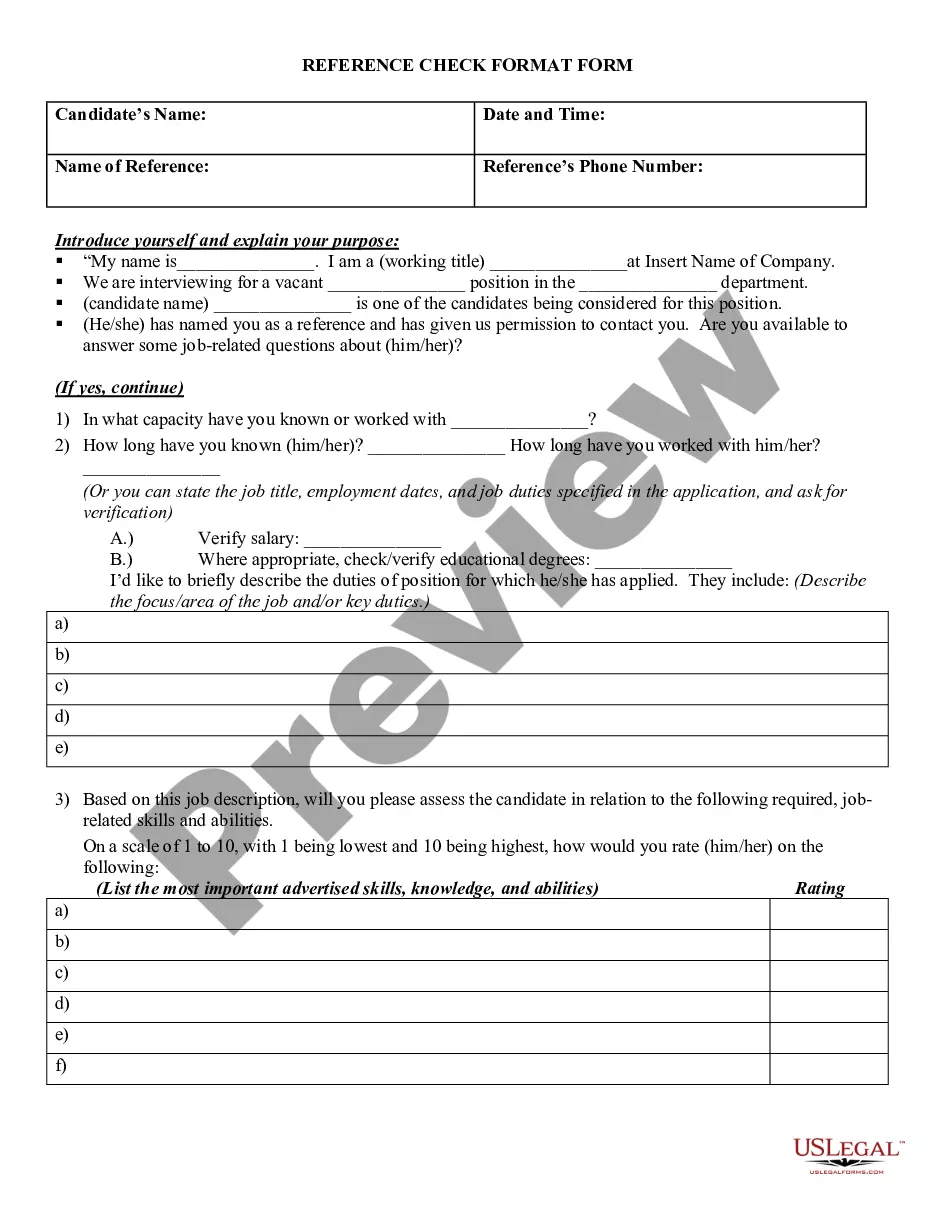
Create a word document that contains the reference check questions to attach to the email. Leave adequate space for the reference to provide a response. Personalize the questions to include the candidate's name and any details the reference might need to know to assist them in his/her response.
Start by explaining your relationship to the candidate. Include long you've known the candidate. Add positive personal qualities with specific examples. Close with a statement of recommendation. Offer your contact information.
Keep the information factual. Avoid opinions about issues such as personal conflicts. Qualify what you say. For example, It was our experience2026 or In this situation2026 Make your praise specific. Refer to specific tasks or projects. Avoid examples that highlight a candidate's weaknesses.
You can ask someone to be a reference through a phone call, letter or email if you cannot meet them in person. First, make a list of the people you would like to be your references. Choose people who respect your work and will likely give you a positive review.