Arizona Acknowledgment for Translator's Oath
What is this form?
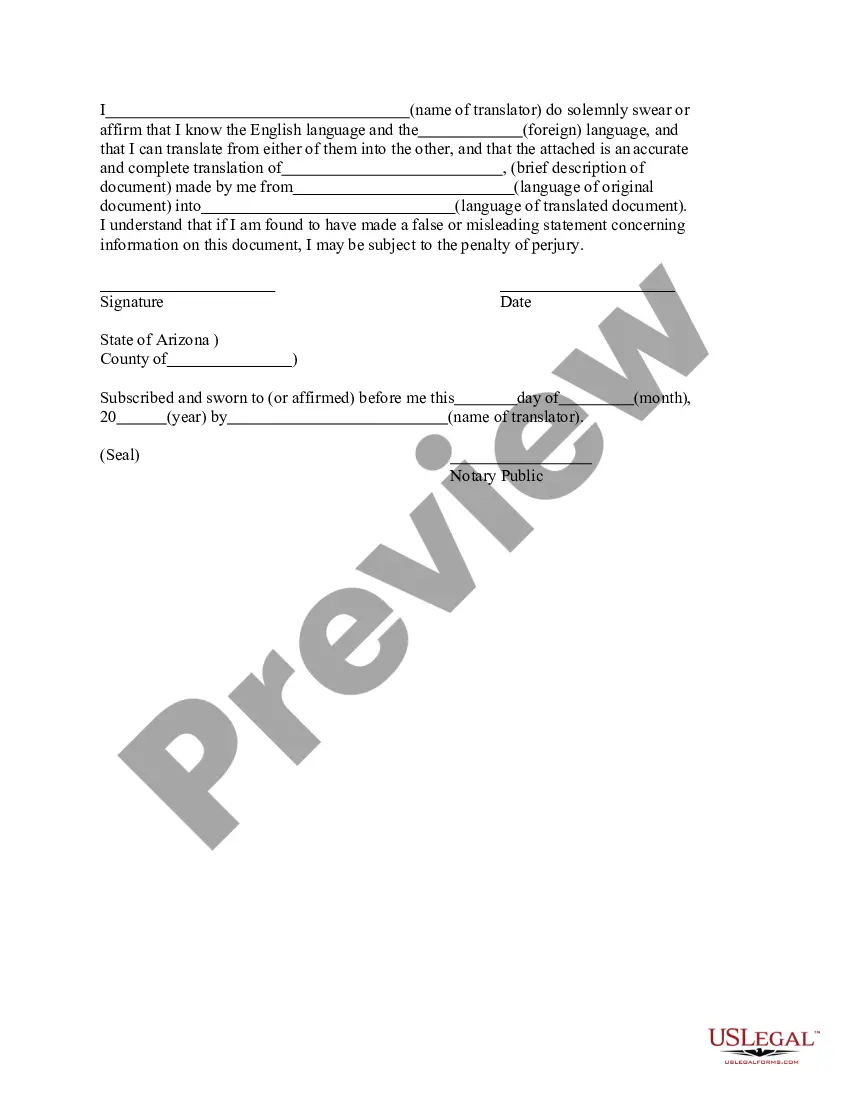
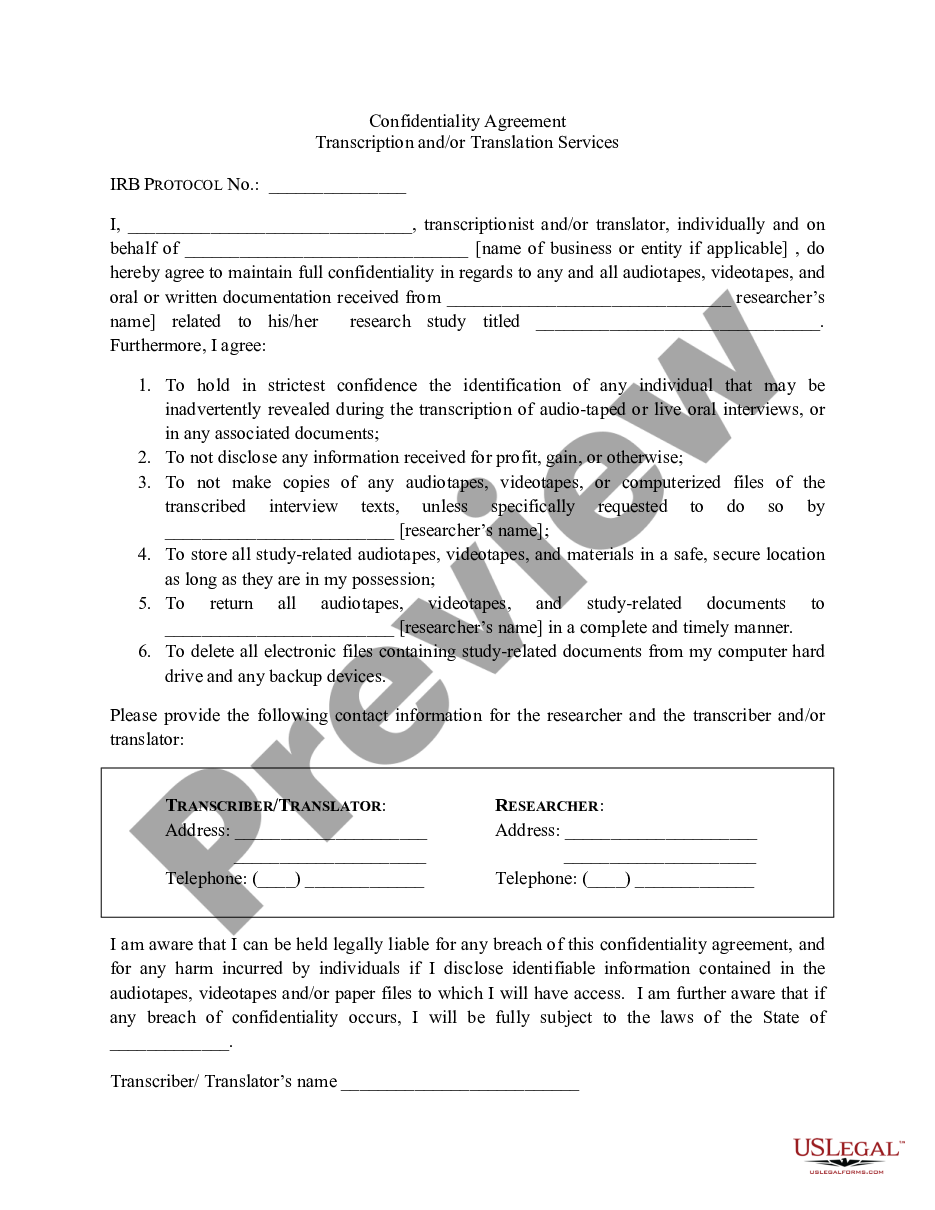
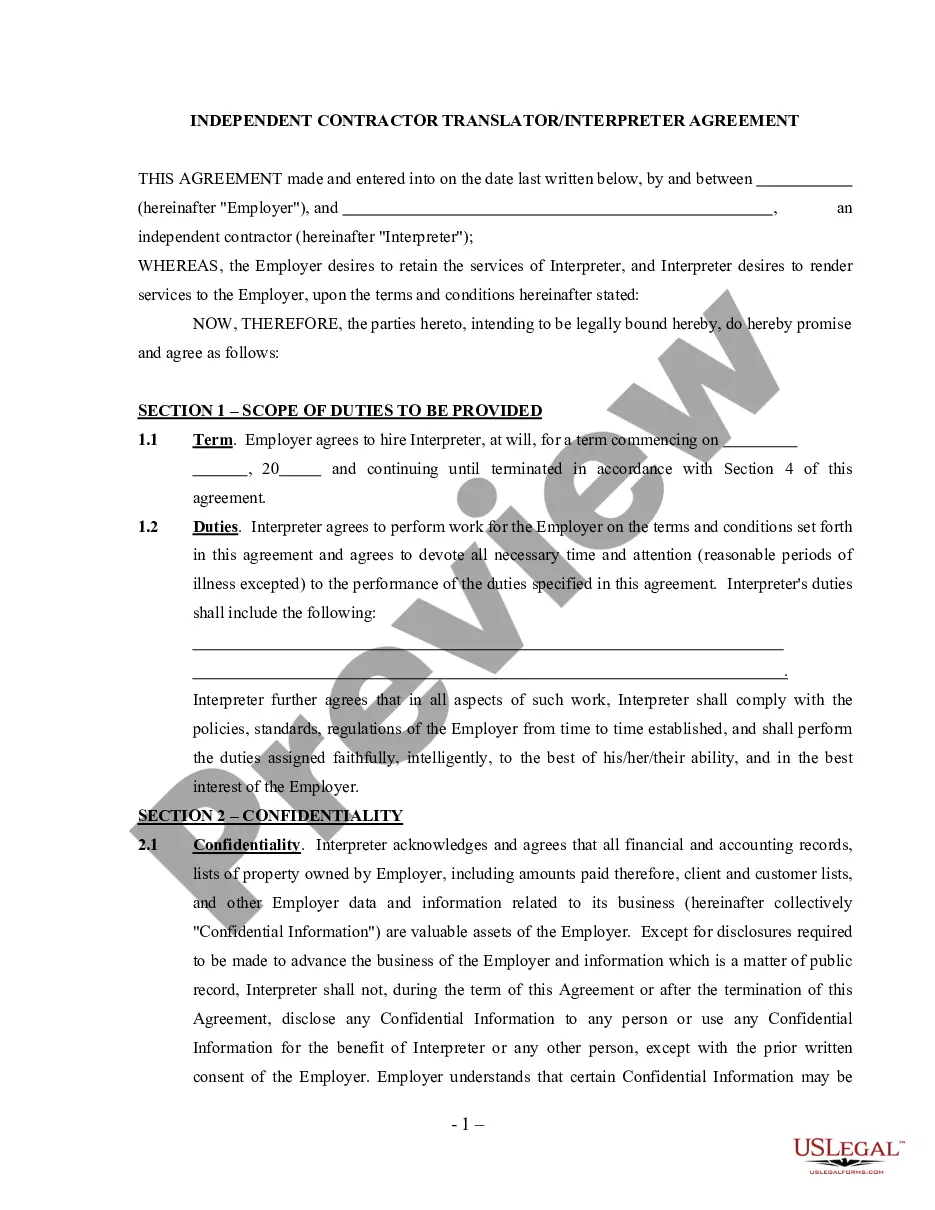
The Acknowledgment for Translator's Oath is a legal document used to affirm the qualifications of a translator. This form is essential for verifying that the translator can accurately translate documents between languages. Unlike other translation certifications, this oath specifically includes an affirmation of the translator's abilities and the accuracy of their translations, making it crucial in legal and official settings.
Form components explained
- Name of the translator
- Affirmation of language proficiency
- Statement regarding the accuracy of the translation
- Details of the document being translated
- Signature and date fields
- Notary public section (if applicable)
When to use this document
This form is typically used when a legal document needs to be translated and submitted in a different language. It is often required in immigration cases, court proceedings, and other legal scenarios where the accuracy of translation is crucial. By providing this acknowledgment, the translator confirms their competence and the fidelity of their work.
Who this form is for
- Professional translators who are translating legal documents
- Lawyers or legal professionals requiring certified translations
- Individuals submitting documents to courts or immigration offices
- Organizations needing to provide translations for official purposes
How to complete this form
- Identify the full name of the translator.
- State the languages being translated between.
- Provide a brief description of the document being translated.
- Acknowledge the accuracy of the translation.
- Sign and date the form in the presence of a notary public if required.
Notarization requirements for this form
Notarization is required for this form to take effect. Our online notarization service, powered by Notarize, lets you verify and sign documents remotely through an encrypted video session, available 24/7.
Get your form ready online
Our built-in tools help you complete, sign, share, and store your documents in one place.
Make edits, fill in missing information, and update formatting in US Legal Forms—just like you would in MS Word.
Download a copy, print it, send it by email, or mail it via USPS—whatever works best for your next step.
Sign and collect signatures with our SignNow integration. Send to multiple recipients, set reminders, and more. Go Premium to unlock E-Sign.
If this form requires notarization, complete it online through a secure video call—no need to meet a notary in person or wait for an appointment.
We protect your documents and personal data by following strict security and privacy standards.

Make edits, fill in missing information, and update formatting in US Legal Forms—just like you would in MS Word.

Download a copy, print it, send it by email, or mail it via USPS—whatever works best for your next step.

Sign and collect signatures with our SignNow integration. Send to multiple recipients, set reminders, and more. Go Premium to unlock E-Sign.

If this form requires notarization, complete it online through a secure video call—no need to meet a notary in person or wait for an appointment.

We protect your documents and personal data by following strict security and privacy standards.
Typical mistakes to avoid
- Failing to include all required signatures.
- Not properly identifying the languages involved.
- Leaving out the description of the document being translated.
- Not having the form notarized when required.
Benefits of using this form online
- Immediate access to properly drafted legal forms.
- Ability to fill out and edit forms easily.
- Secure and reliable way to meet legal obligations.
- Convenience of getting forms completed without the need for physical visits.
Looking for another form?
Form popularity
FAQ
An Arizona Acknowledgment for Translator's Oath is a legal form used to verify a translator’s qualifications and the accuracy of their translations. It requires the translator to affirm language proficiency and the fidelity of the work, plus details of the document being translated and the translator’s signature and date. A notary public section is included if applicable.
Yes. A notary may certify the signature on the Arizona Acknowledgment for Translator's Oath when the notary is authorized to take acknowledgments in Arizona and the form requires it. The document includes a notary public section (if applicable), where the notary verifies identity and affixes an official seal or stamp.
A notary acknowledgement form in Arizona is a document used to confirm the identity of a signer and that their signature was made voluntarily, with a notary public witnessing and affixing a seal. The Arizona Acknowledgment for Translator's Oath includes a notary public section (if applicable) to serve the same purpose for the translator’s oath.
An example is an affirmation of language proficiency and a declaration that the translation is accurate to the translator’s best ability. This form requires these statements to establish the translator’s competence and fidelity for official use. Together with the translator’s name, the document translated, and the date, the statement helps verify legitimacy in legal or administrative proceedings.
This notary acknowledgement is used to verify the translator’s signature and identity, ensuring the document can be used in official contexts such as courts or immigration proceedings. It provides formal attestation that the signer appeared before the notary and signed the acknowledgment.
This form adds translator-specific attestations beyond a standard notary acknowledgment, including an affirmation of language proficiency and a statement regarding the accuracy of the translation, along with required details about the document translated. It may include a notary section, but its core purpose is to certify translator qualifications, not only signature authentication.