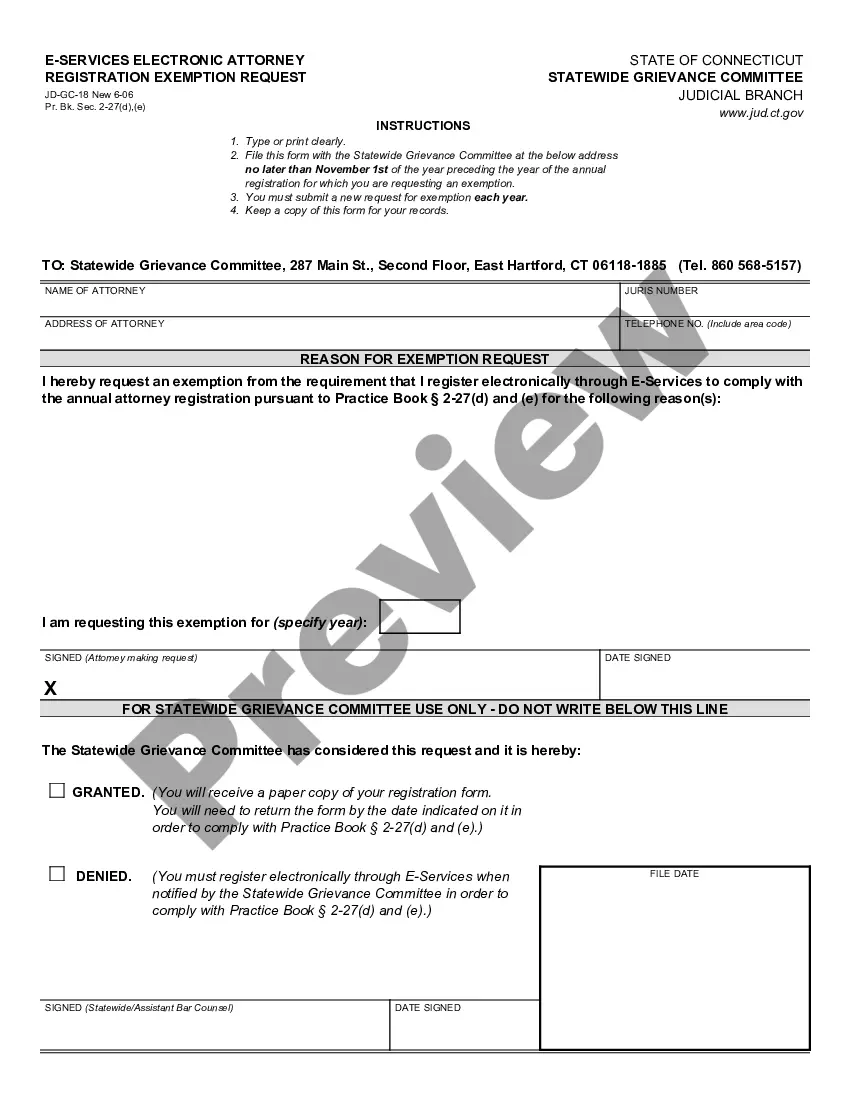
Alabama Request for Production
What is this form?
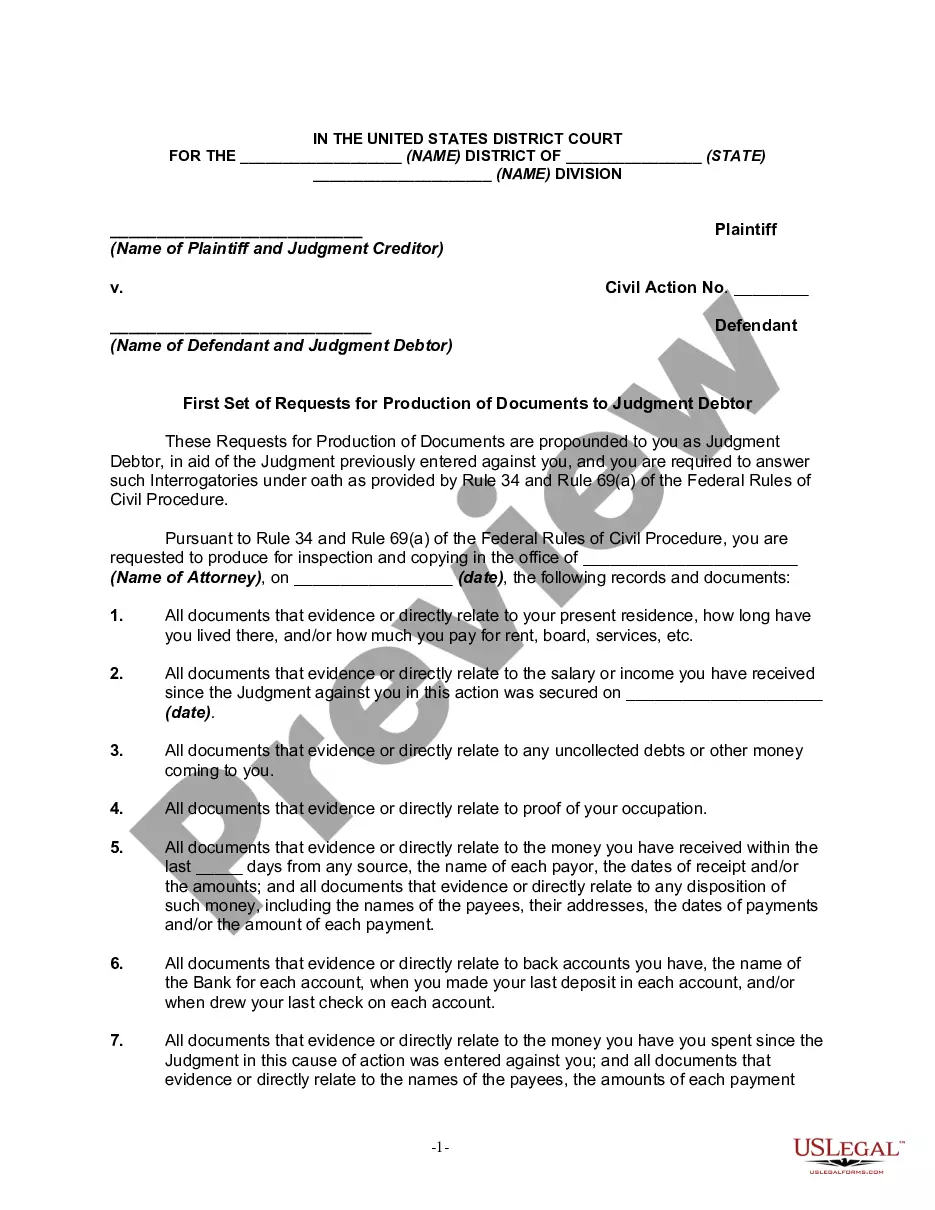
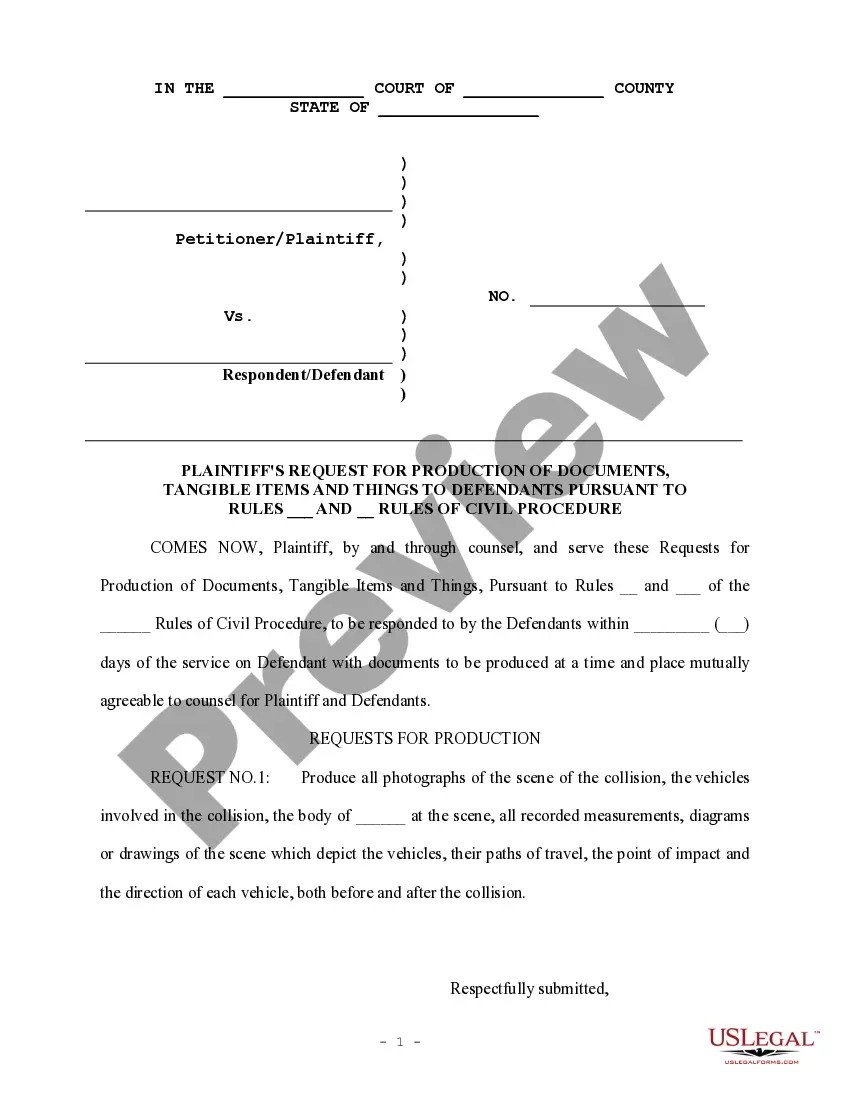
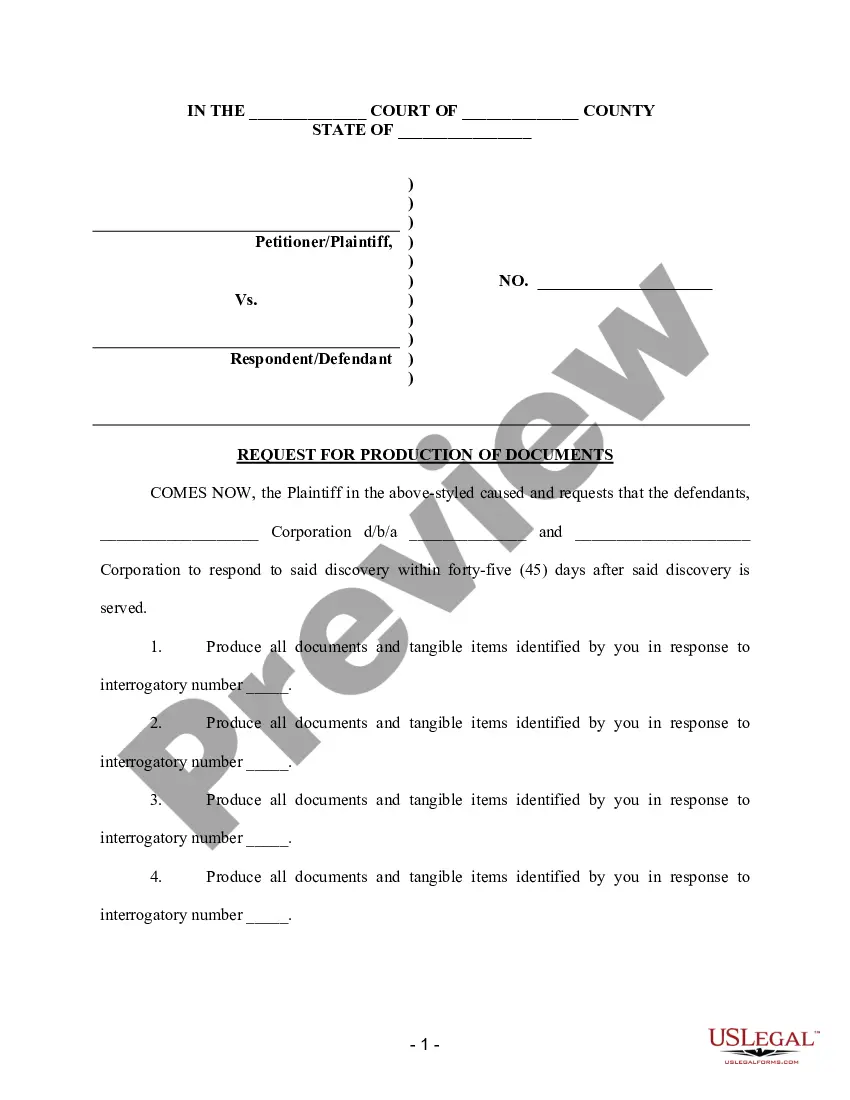
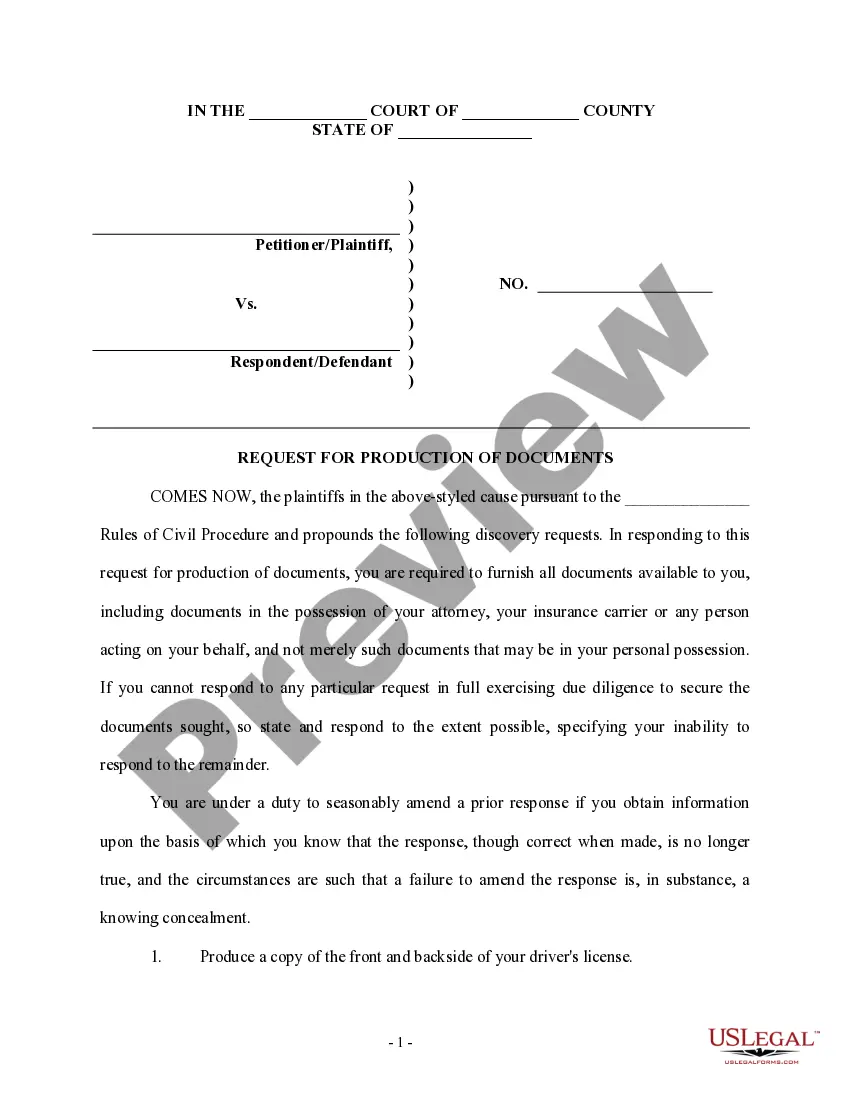
The Request for Production is a legal document used during the discovery phase of litigation. It enables one party (the Plaintiff) to request specific documents and materials from another party (the Defendant) that are relevant to a case, such as violations of OSHA regulations. This form serves a critical function in gathering evidence and understanding the basis of a claim or defense, distinguishing it from other discovery tools, like interrogatories or depositions.
Form components explained
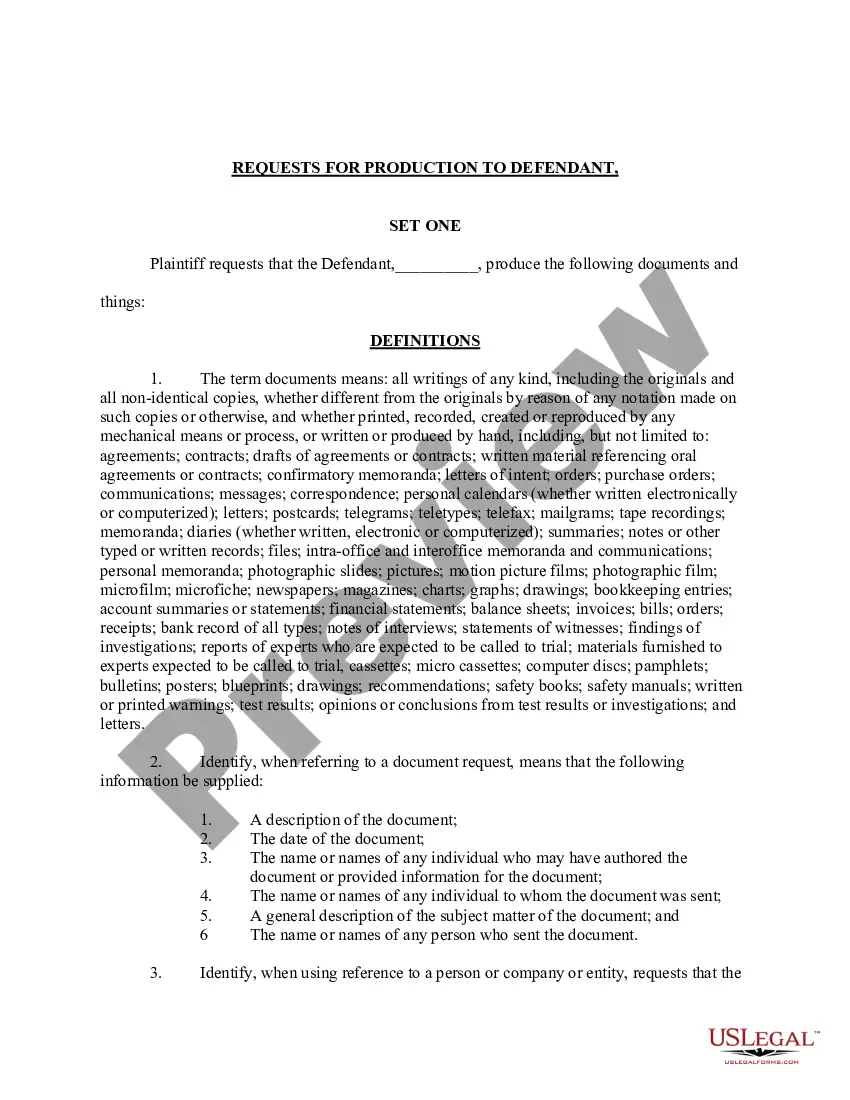
- Definitions of crucial terms such as "documents" and "identify."
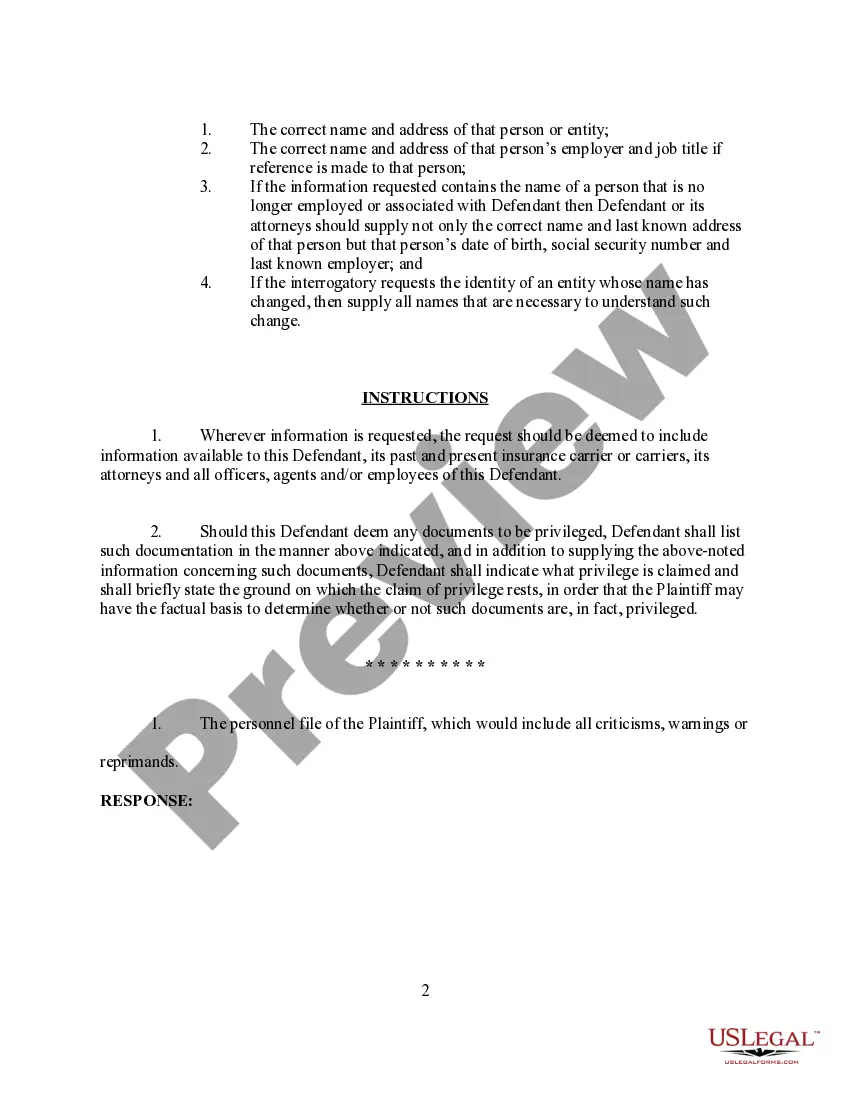
- Instructions for the Defendant on how to respond to the production requests.
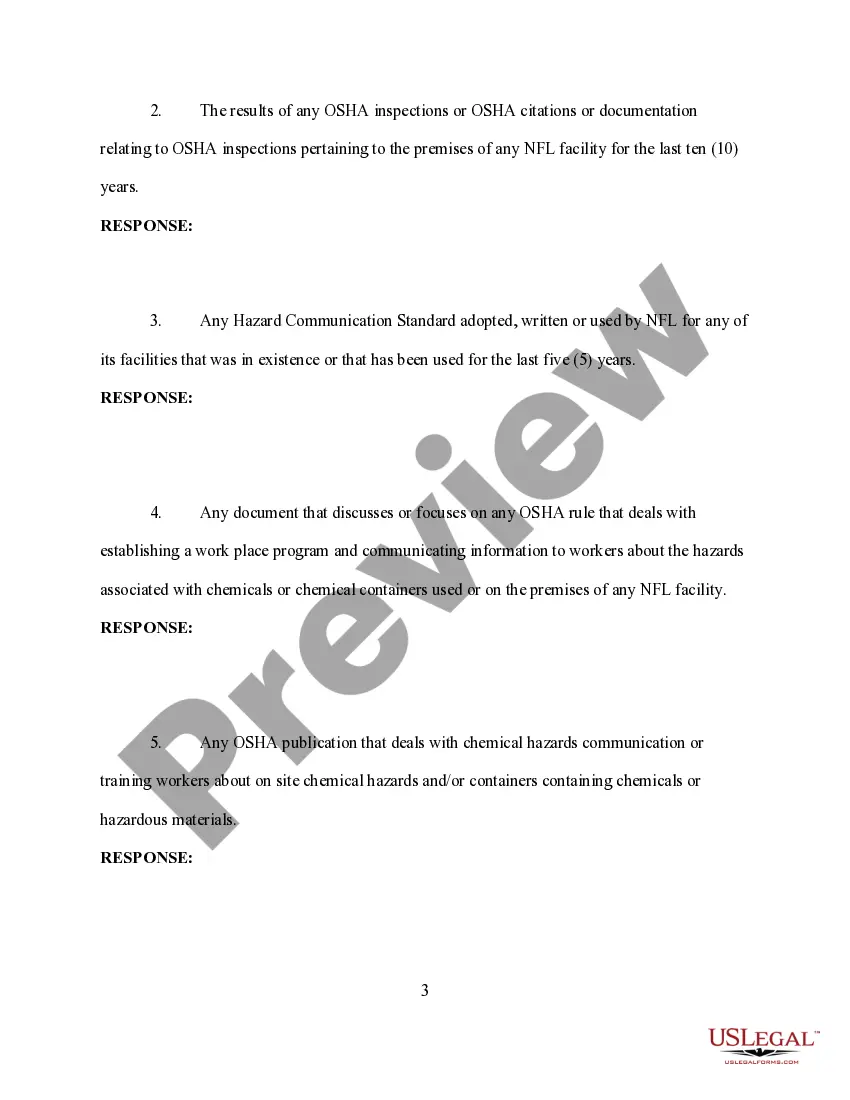
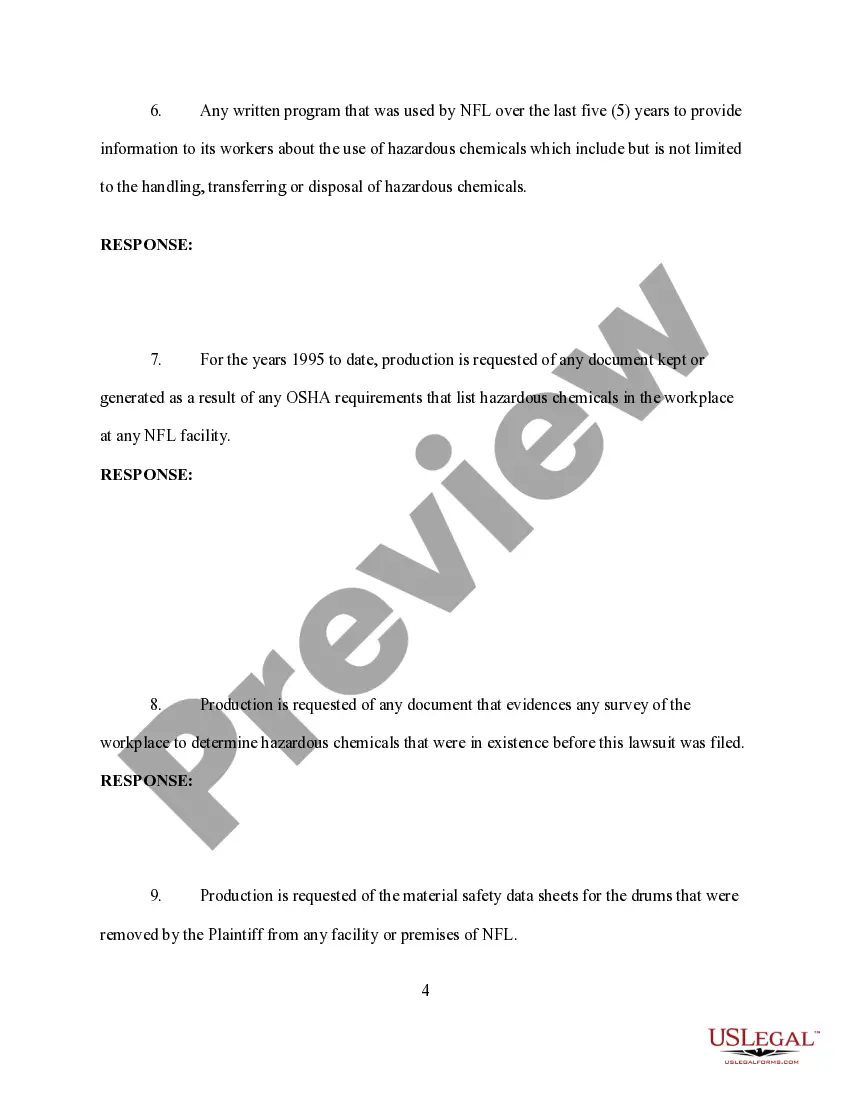
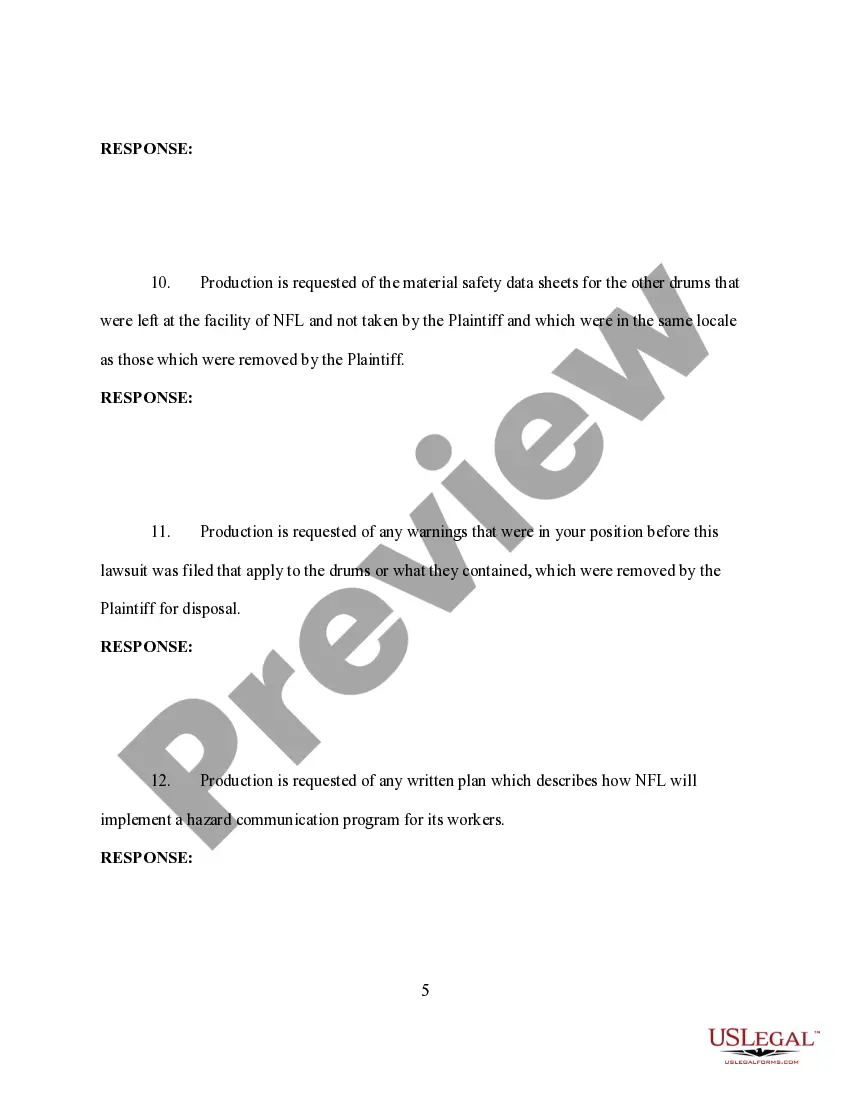
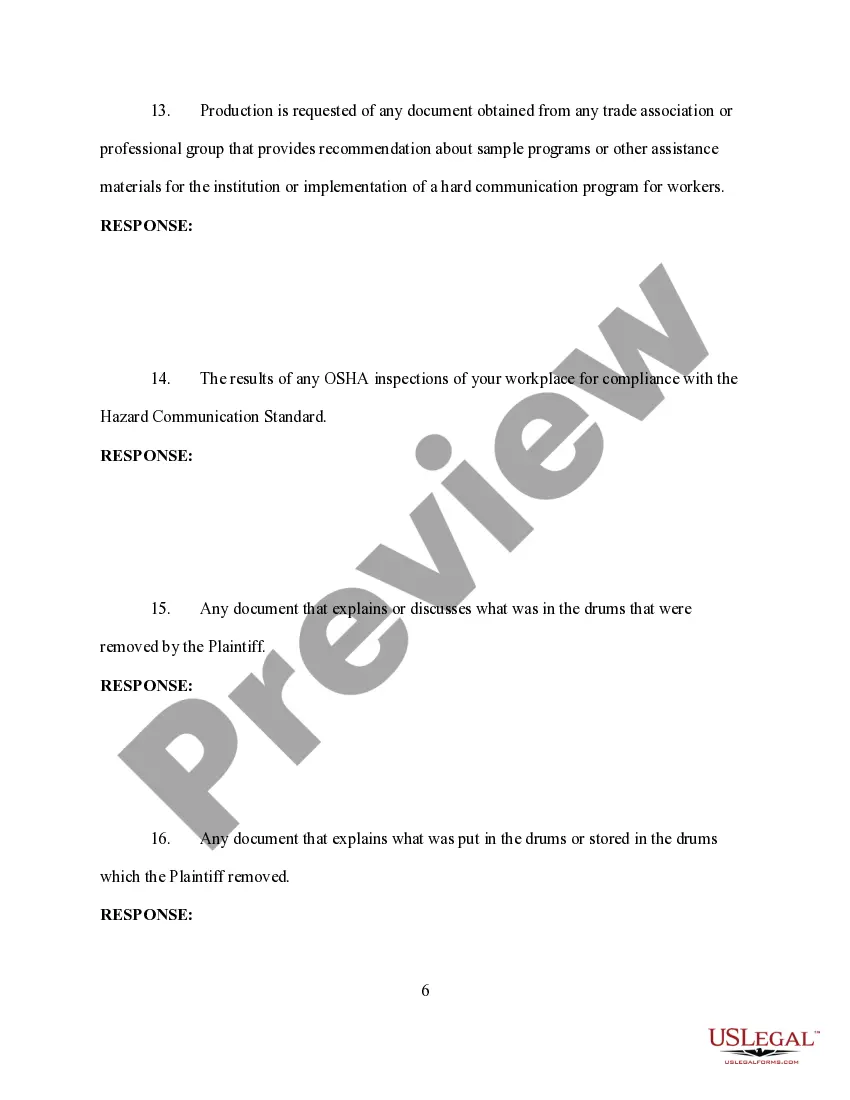
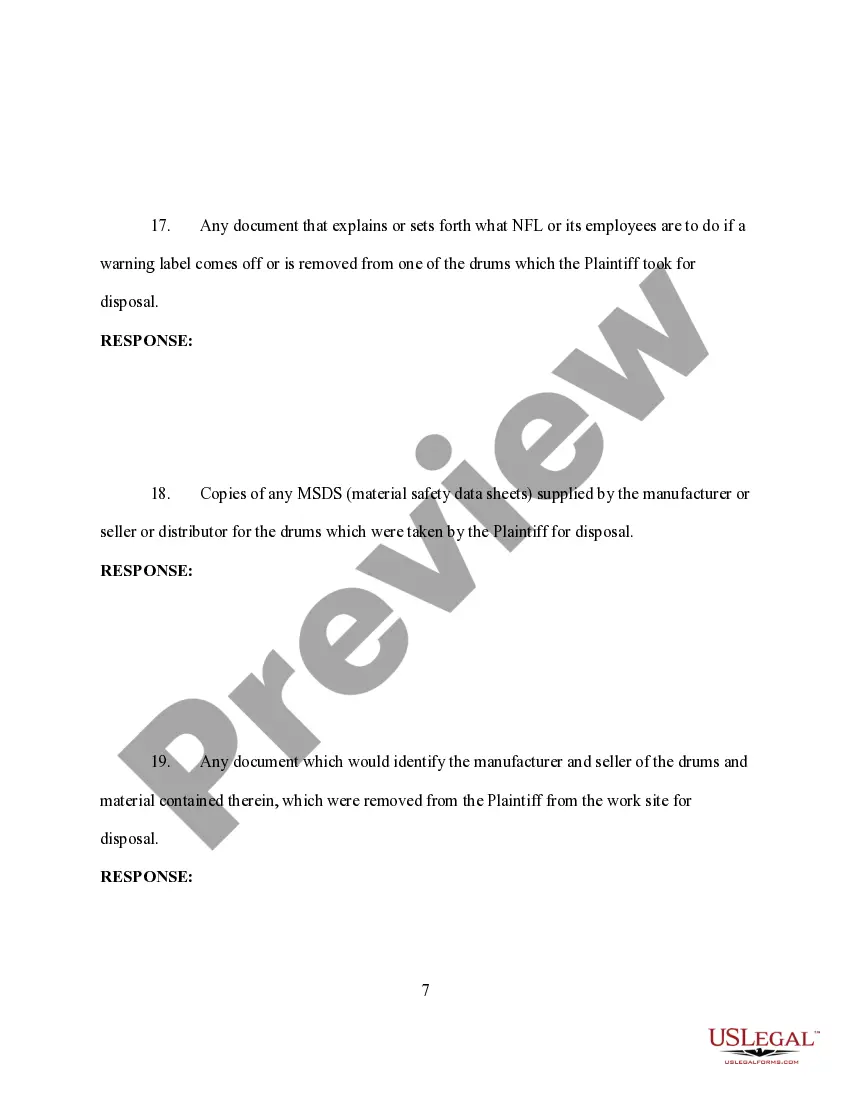
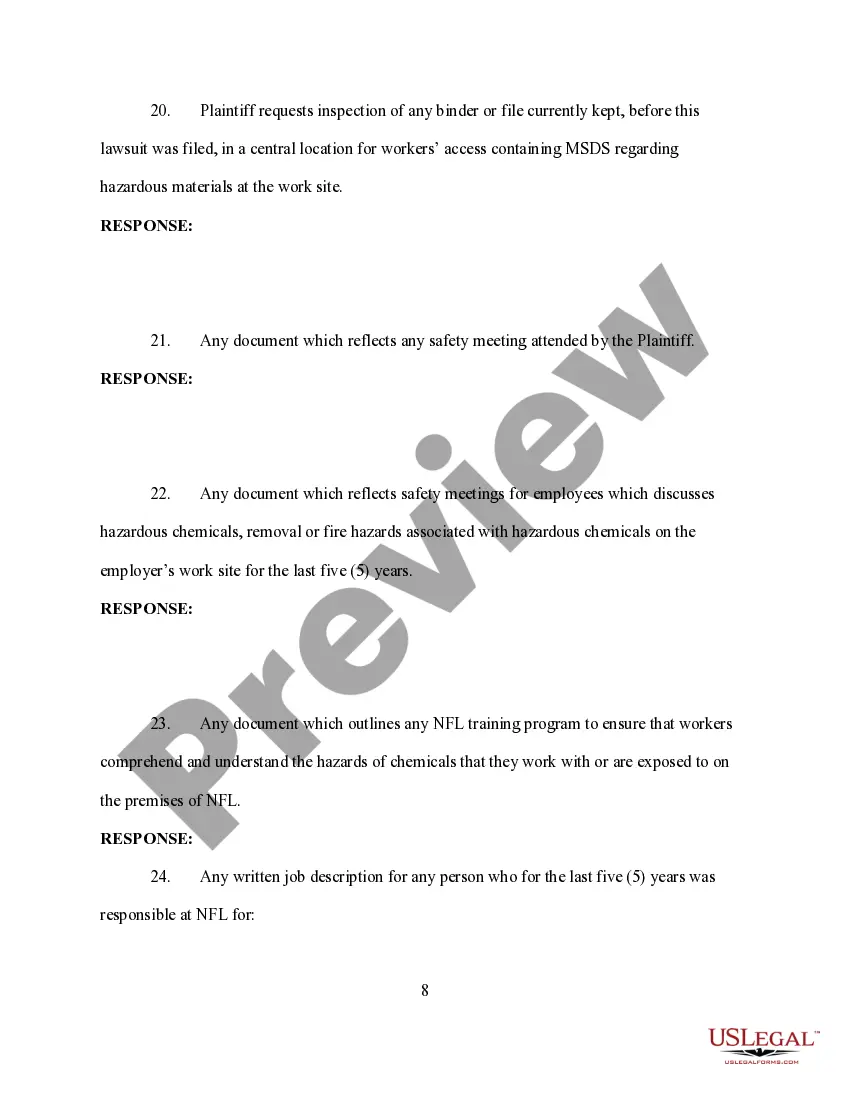
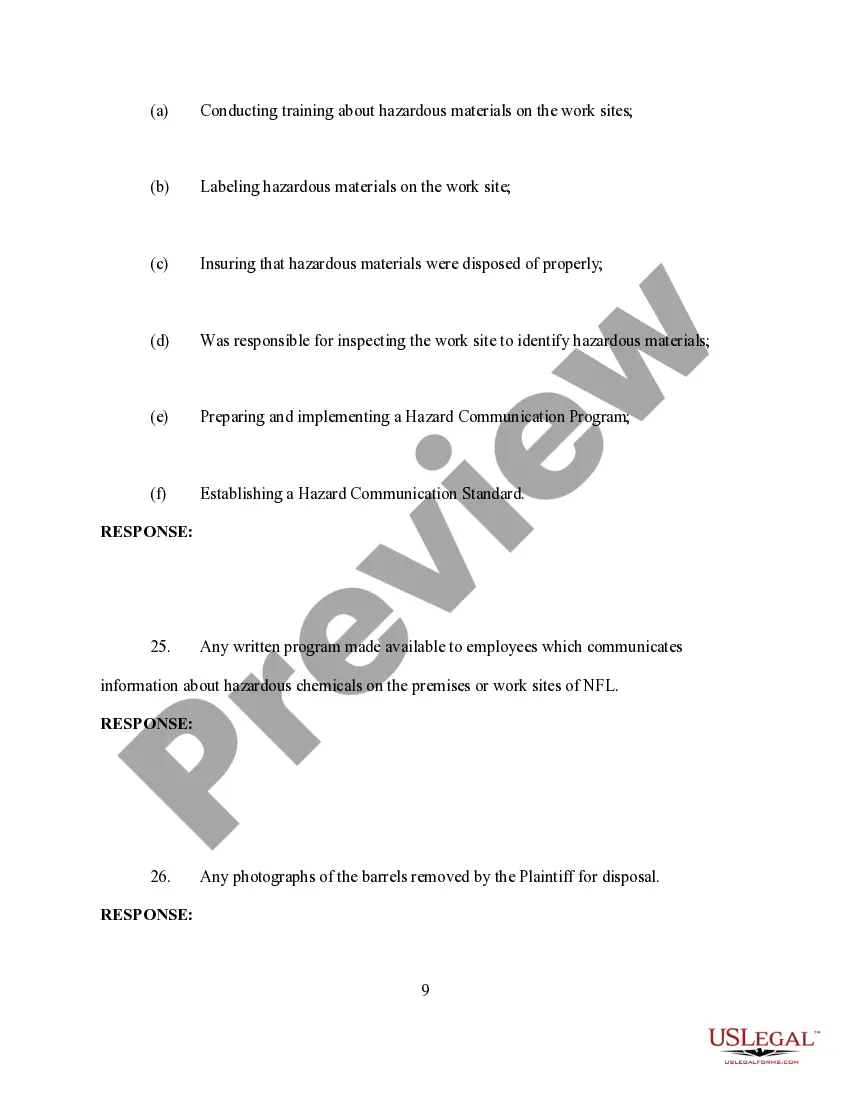
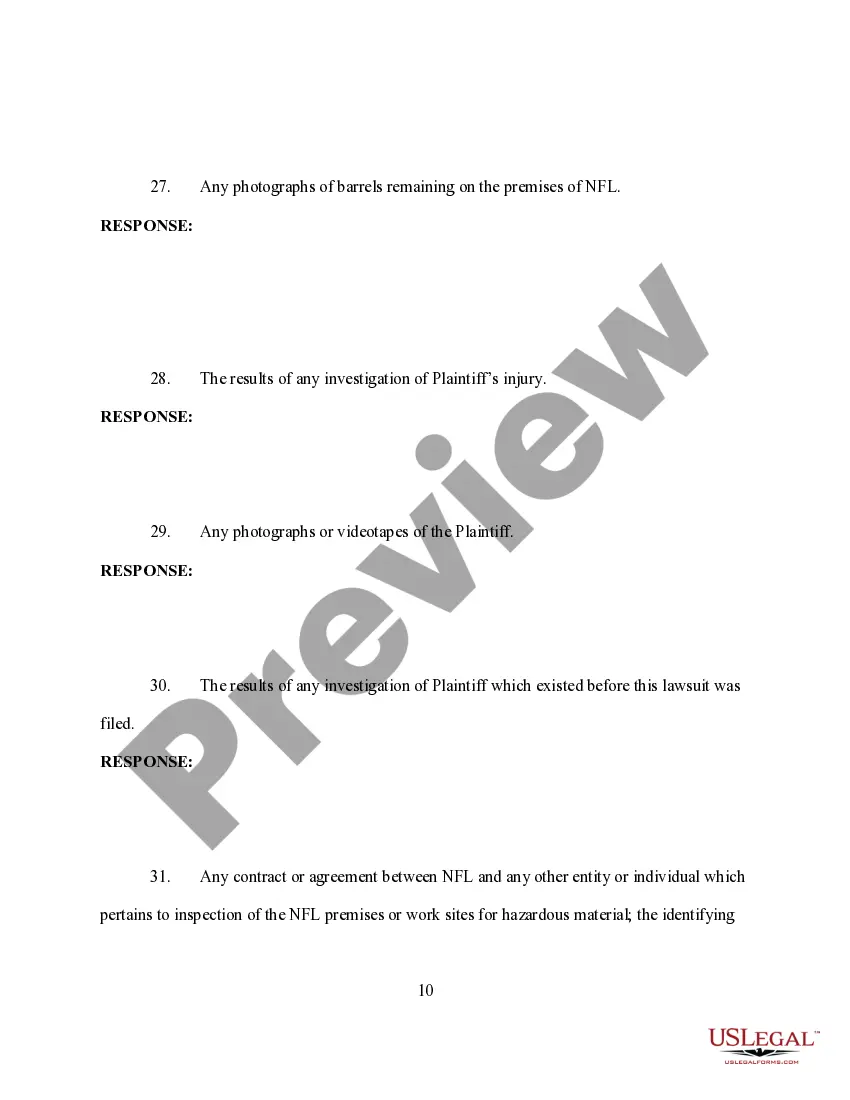
- A list of specific requests for documents related to OSHA regulations and workplace safety.
- Clarifications on privileges regarding document disclosure.
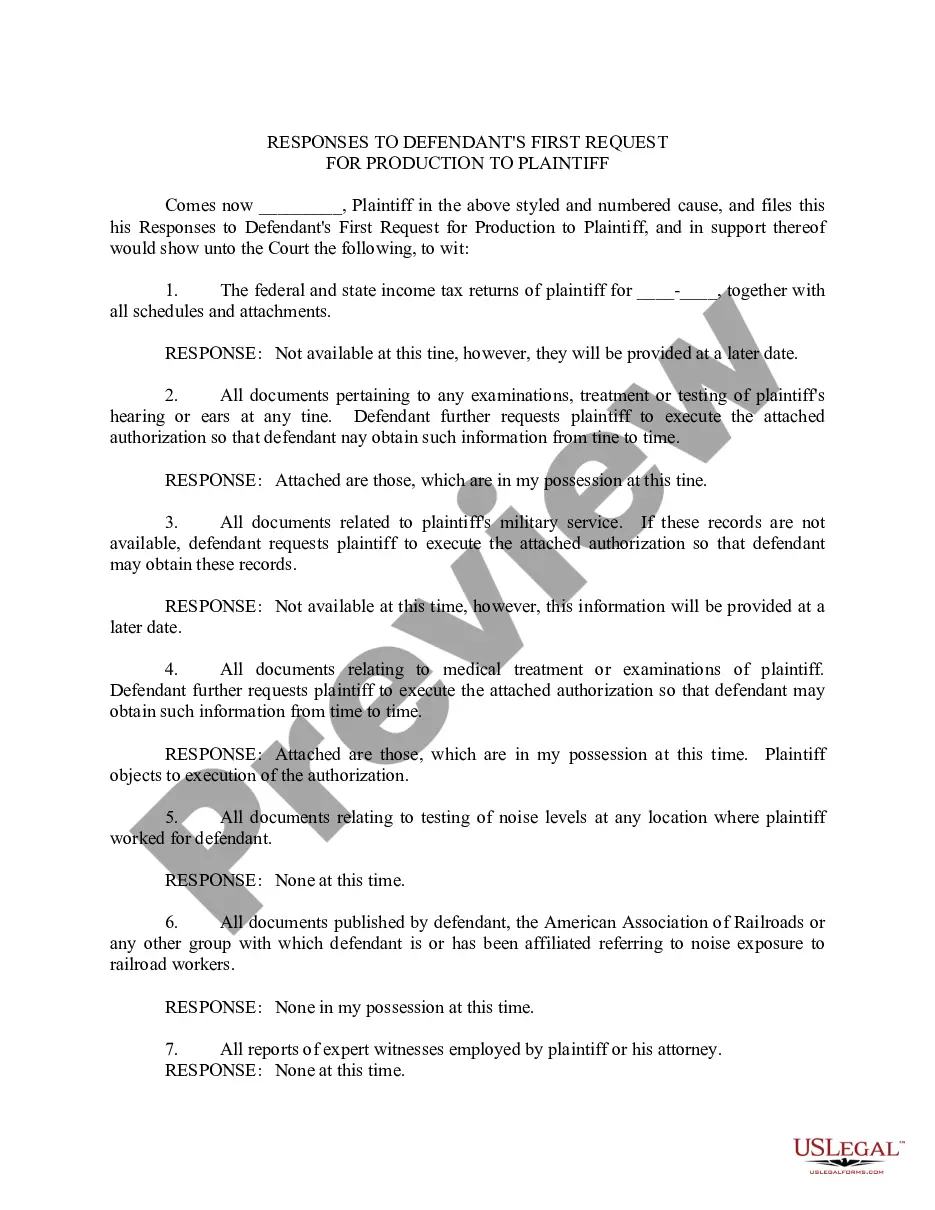
- A section for responses to each production request, allowing the Defendant to address each item requested.

When to use this form
This form is used when a Plaintiff needs to gather documents from a Defendant related to claims involving workplace safety violations or OSHA regulations. It is essential in cases where discovering pertinent evidence can significantly impact the outcome of a litigation. Situations may include personal injury claims from workplace incidents, disputes involving safety compliance, or investigations into hazardous material handling at a work site.
Intended users of this form
This form is suitable for:
- Plaintiffs seeking to enforce their rights during litigation.
- Individuals or parties involved in litigation related to workplace safety and health regulations.
- Legal representatives or attorneys managing discovery processes in such cases.
Steps to complete this form
- Identify the parties involved in the legal case, entering the Plaintiffâs and Defendantâs details.
- Clearly list each document request, specifying the documents needed for review and any relevant context.
- Ensure that each request is distinct and comprehensive to avoid ambiguity.
- Provide specific definitions and required information as outlined in the instructions section.
- Submit the form according to the local court's filing procedures while keeping a copy for your records.
Notarization requirements for this form
This form does not typically require notarization unless specified by local law. Always check your jurisdiction's requirements to ensure compliance.
Get your form ready online
Our built-in tools help you complete, sign, share, and store your documents in one place.
Make edits, fill in missing information, and update formatting in US Legal Forms—just like you would in MS Word.
Download a copy, print it, send it by email, or mail it via USPS—whatever works best for your next step.
Sign and collect signatures with our SignNow integration. Send to multiple recipients, set reminders, and more. Go Premium to unlock E-Sign.
If this form requires notarization, complete it online through a secure video call—no need to meet a notary in person or wait for an appointment.
We protect your documents and personal data by following strict security and privacy standards.

Make edits, fill in missing information, and update formatting in US Legal Forms—just like you would in MS Word.

Download a copy, print it, send it by email, or mail it via USPS—whatever works best for your next step.

Sign and collect signatures with our SignNow integration. Send to multiple recipients, set reminders, and more. Go Premium to unlock E-Sign.

If this form requires notarization, complete it online through a secure video call—no need to meet a notary in person or wait for an appointment.

We protect your documents and personal data by following strict security and privacy standards.
Common mistakes
- Failing to provide clear definitions for terms used in the requests.
- Making overly broad requests that could be deemed as fishing expeditions.
- Not following local court rules regarding the presentation and submission of the form.
- Neglecting to list documents claimed as privileged adequately.
Why use this form online
- Convenient access to a legally vetted template that saves time.
- Editability allows for customization to fit your specific case needs.
- Reliable format that meets necessary legal standards for discovery requests.
Legal use & context
- The Request for Production is a critical part of the discovery process in civil litigation.
- It is enforceable under the rules of civil procedure across various jurisdictions.
- Responses to the requests can significantly impact the outcome of a case, either strengthening claims or defenses.
Looking for another form?
Form popularity
FAQ
If your Letter 12C indicates that Form 8962, Premium Tax Credit was missing and not attached to your return, you will need to send the completed Form 8962 to the IRS. You do NOT need to amend your return, so there is no need to submit Form 1040-X, Amended Return.
Yes, you can obtain a copy of your Form 1095-A through the Health Care Marketplace website https://www.healthcare.gov/ or through the State HealthCare Marketplace you purchased it from.
Log in to your HealthCare.gov account. Under "Your Existing Applications," select your 2020 application not your 2021 application. Select Tax Forms from the menu on the left. Download all 1095-As shown on the screen.
Form 8962 is a form you must file with your federal income tax return for a year if you received an advanced premium tax credit through the Marketplace during that year.
Log in to your HealthCare.gov account. Under "Your Existing Applications," select your 2020 application not your 2021 application. Select Tax Forms from the menu on the left. Download all 1095-As shown on the screen.
There is no longer a Federal Mandate to have Health Insurance and you do not have to file Form 1095-B on your 2020 Tax return: Prepare and eFile Your 2020 Taxes here on eFile.com. As stated above, there is no longer an individual mandate and you will not pay a penalty if you did not have health insurance in 2020.
What if I file but don't include Form 8962? For any year when you received advanced premium tax credits, you are required to file a federal income tax return, including Form 8962. If you fail to do this it is called failure to reconcile you may be unable to apply for premium tax credits for the following year.
Form 8962 is used to calculate the amount of premium tax credit you're eligible to claim if you paid premiums for health insurance purchased through the Health Insurance Marketplace. Claiming the premium tax credit could reduce your tax liability for the year.
Do I need my Form 1095-C to file my taxes? No, you do not need to send a copy of your 1095-C to the IRS when filing your tax return. However, you should keep the form with your tax records.If you have additional questions about your 1095-C, please contact your employer.