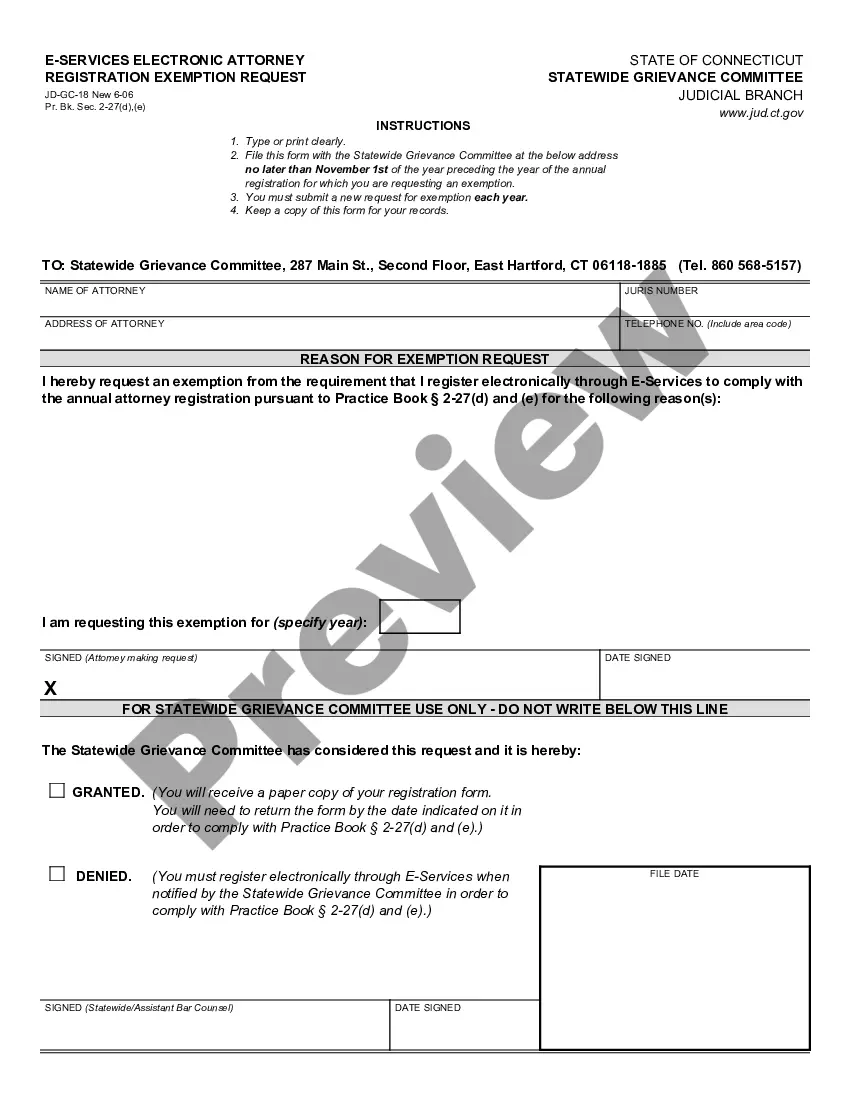
Connecticut E-Services Electronic Attorney Registration Exemption Request
Overview of this form
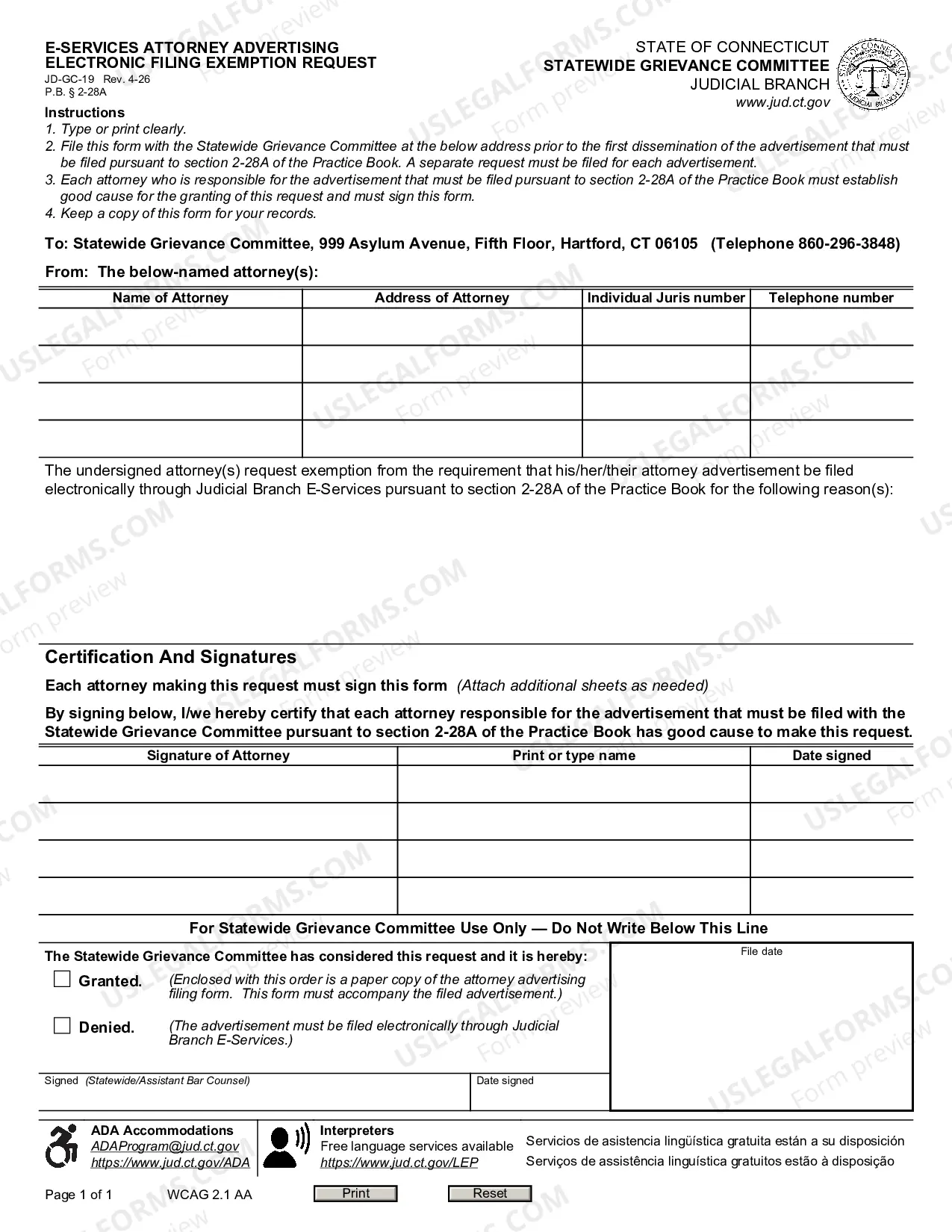
The E-Services Electronic Attorney Registration Exemption Request is a legal document used by attorneys in Connecticut to request an exemption from the electronic registration requirements mandated by the Connecticut judicial system. This form differs from other registration forms in that it specifically addresses situations where an attorney cannot register electronically and seeks approval from the Statewide Grievance Committee for an exemption.
Key components of this form
- Attorney's name and address for identification.
- Specific year for which the exemption is being requested.
- Reason for the exemption, clearly stated by the attorney.
- Signature of the attorney making the request, along with the date signed.
- Contact information, including telephone number, for follow-up.
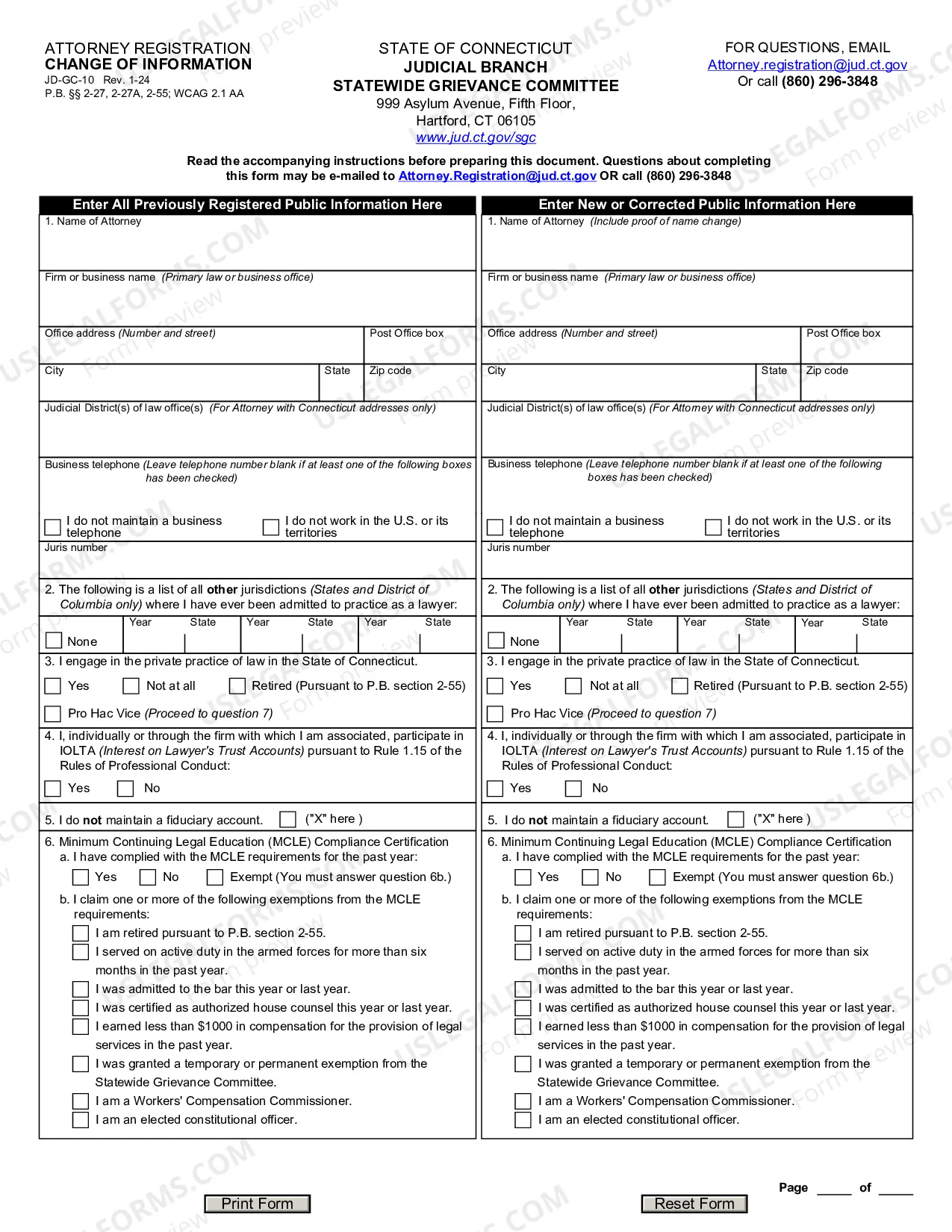
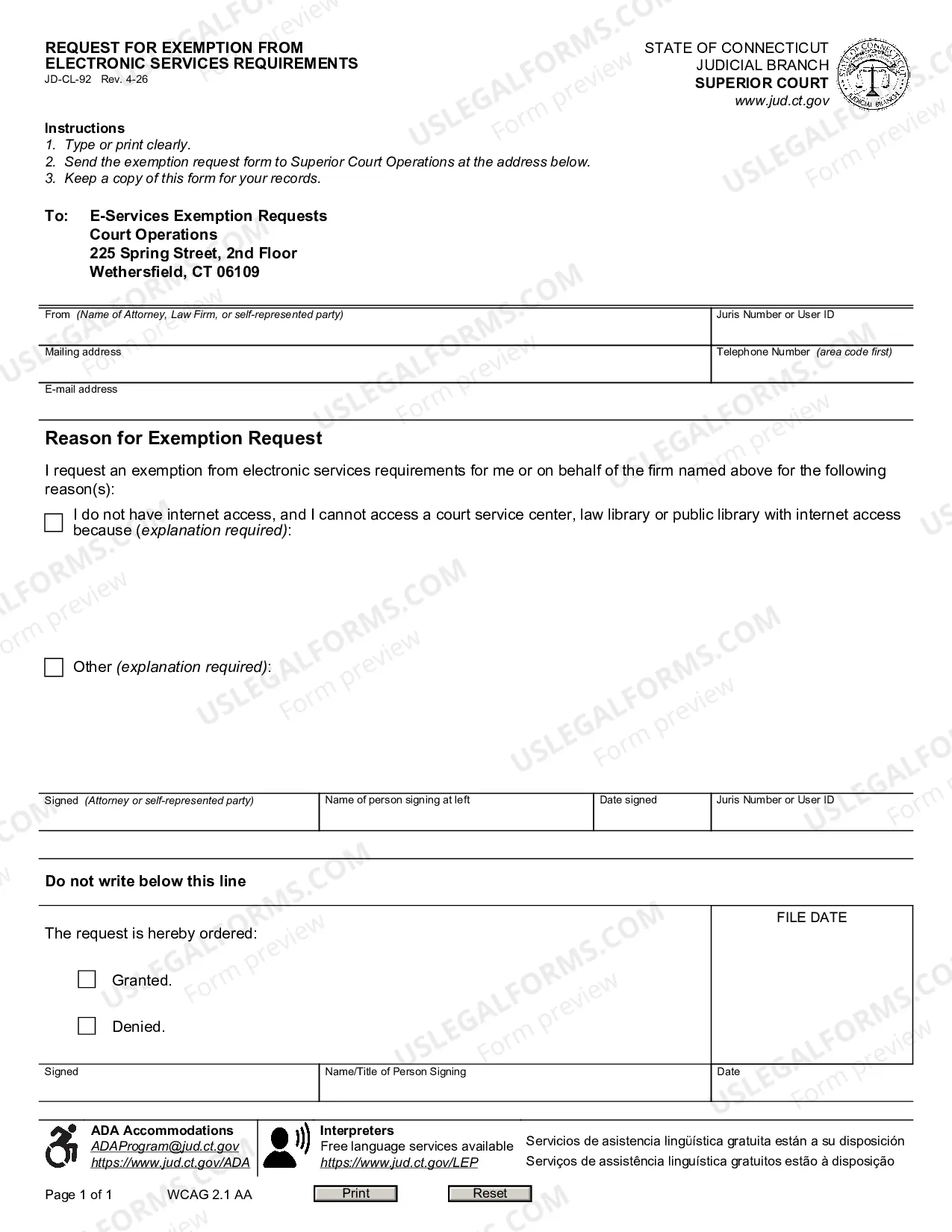
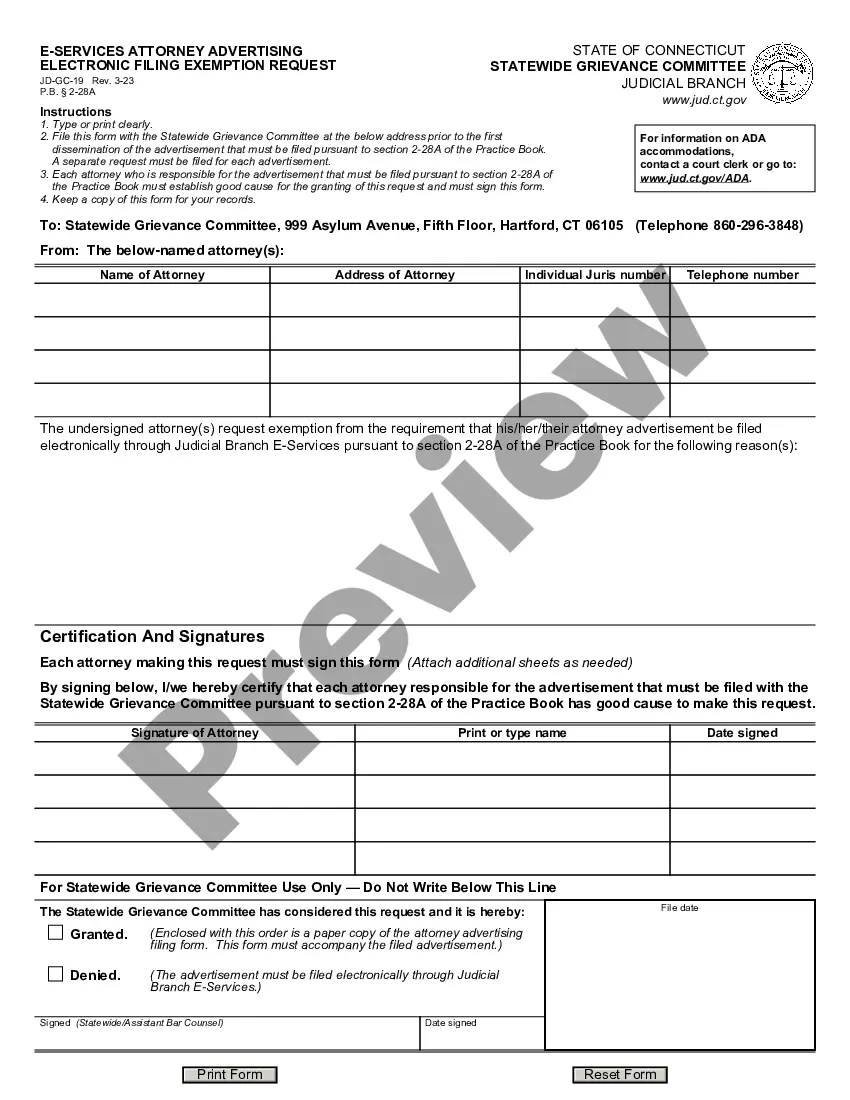
Common use cases
This form should be used when an attorney in Connecticut seeks an exemption from the requirement to register electronically through the E-Services system. It is necessary to submit this request before November 1st of the year preceding the annual registration deadline, particularly when the attorney has a valid reason that prevents electronic registration.
Who this form is for
- Attorneys currently practicing in Connecticut.
- Those who are unable to register electronically for valid reasons.
- Attorneys seeking to comply with the Connecticut Practice Book § 2-27(d),(e) registration requirements.
How to complete this form
- Provide your name and address in the designated field.
- Indicate the specific year for which you are seeking an exemption.
- Clearly state the reason for your exemption request.
- Sign and date the form in the indicated sections.
- Include your telephone number so the committee can contact you if needed.
- Submit the completed form to the Statewide Grievance Committee by the deadline.
Is notarization required?
This form does not typically require notarization unless specified by local law. Attorneys should ensure they follow all submission guidelines to avoid delays in processing their exemption requests.
Get your form ready online
Our built-in tools help you complete, sign, share, and store your documents in one place.
Make edits, fill in missing information, and update formatting in US Legal Forms—just like you would in MS Word.
Download a copy, print it, send it by email, or mail it via USPS—whatever works best for your next step.
Sign and collect signatures with our SignNow integration. Send to multiple recipients, set reminders, and more. Go Premium to unlock E-Sign.
If this form requires notarization, complete it online through a secure video call—no need to meet a notary in person or wait for an appointment.
We protect your documents and personal data by following strict security and privacy standards.

Make edits, fill in missing information, and update formatting in US Legal Forms—just like you would in MS Word.

Download a copy, print it, send it by email, or mail it via USPS—whatever works best for your next step.

Sign and collect signatures with our SignNow integration. Send to multiple recipients, set reminders, and more. Go Premium to unlock E-Sign.

If this form requires notarization, complete it online through a secure video call—no need to meet a notary in person or wait for an appointment.

We protect your documents and personal data by following strict security and privacy standards.
Avoid these common issues
- Not submitting the form by the November 1st deadline.
- Failing to provide a clear reason for the exemption request.
- Not signing or dating the form before submission.
- Omitting contact information, making it difficult for the committee to reach you.
Why complete this form online
- Easy access to download the form directly from your device.
- Convenience of completing the form at your own pace.
- Reduced risk of errors through guided instructions.
- Secure storage of your completed form for future reference.
Looking for another form?

Form popularity
FAQ
If you need to contact the Connecticut Governor's office, you can call (860) 566-4840. This line can assist you with various state-related inquiries, including the Connecticut E-Services Electronic Attorney Registration Exemption Request. They can guide you to the right resources or provide necessary information about state services. Having this number handy can help you navigate any government-related questions more efficiently.
The Attorney General of Connecticut serves as the state's chief legal officer, representing the state in legal matters. This office provides legal advice to state agencies and protects public interests through various legal actions. Additionally, the Attorney General oversees consumer protection efforts and addresses issues such as fraud and unfair practices. If you have questions related to the Connecticut E-Services Electronic Attorney Registration Exemption Request, they can provide guidance and support.
The attorney occupational tax in Connecticut can vary, but it typically is around $450 annually. Being aware of this tax is crucial for budgeting as an attorney in Connecticut. Utilizing the Connecticut E-Services Electronic Attorney Registration Exemption Request can assist you in managing your tax responsibilities and keeping your practice compliant.
Yes, evictions are public record in Connecticut, and they can be accessed by anyone interested. This openness helps maintain transparency in legal disputes and tenant-landlord relationships. If you need guidance on how to navigate these records, the Connecticut E-Services Electronic Attorney Registration Exemption Request provides resources and support to assist you.
For those looking to register as an attorney in Connecticut, the phone number for the attorney registration office is essential. You can reach the Connecticut State Bar Association at (860) 566-4415 for inquiries related to registration. When you process your Connecticut E-Services Electronic Attorney Registration Exemption Request, it's beneficial to have this contact information handy for any follow-up questions you may have.
A client security fund acts as a safety net for clients who suffer losses due to unethical actions by attorneys. In Connecticut, this fund helps ensure that clients receive compensation when attorneys fail to meet their obligations. By supporting the integrity of legal practice, Connecticut E-Services Electronic Attorney Registration Exemption Request emphasizes the importance of accountability in the profession.