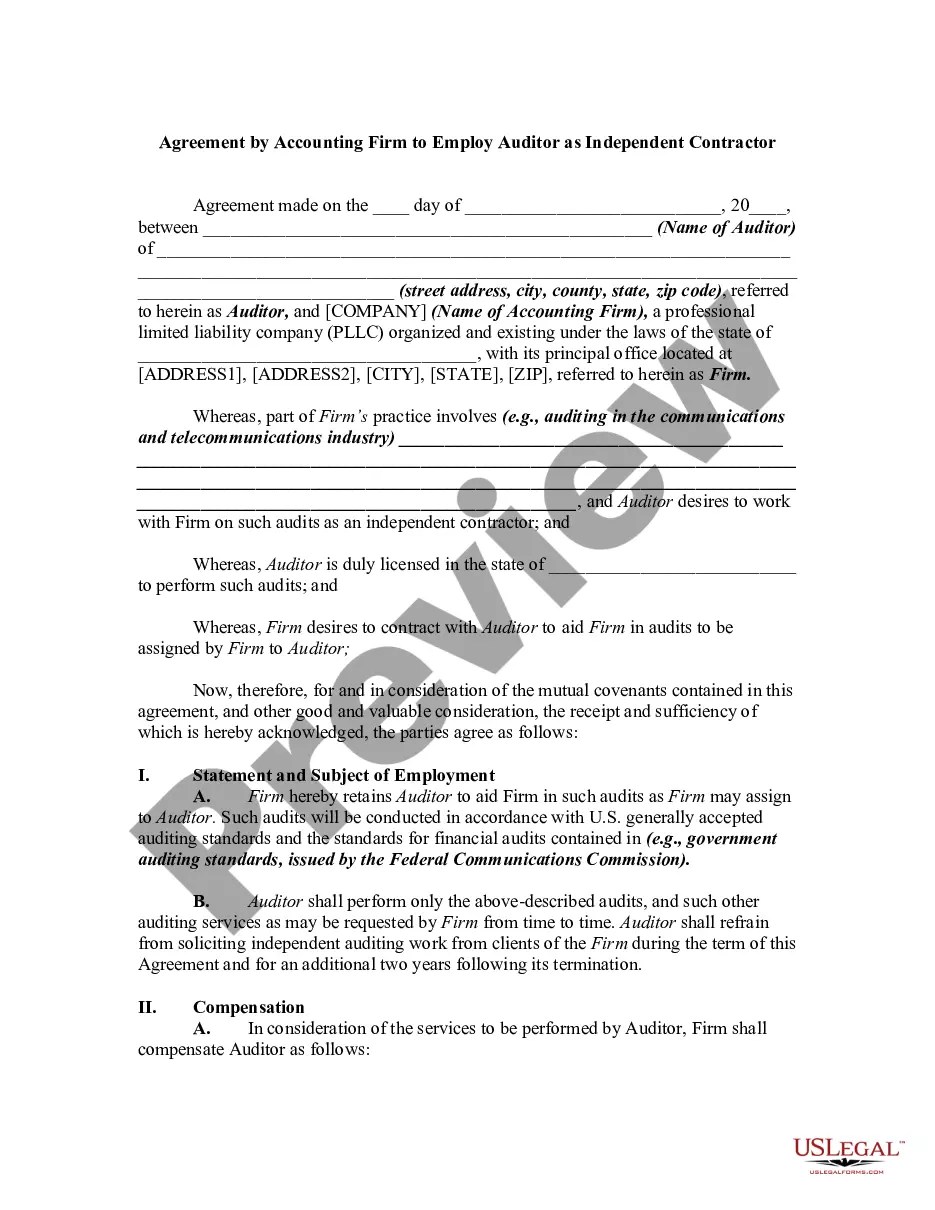
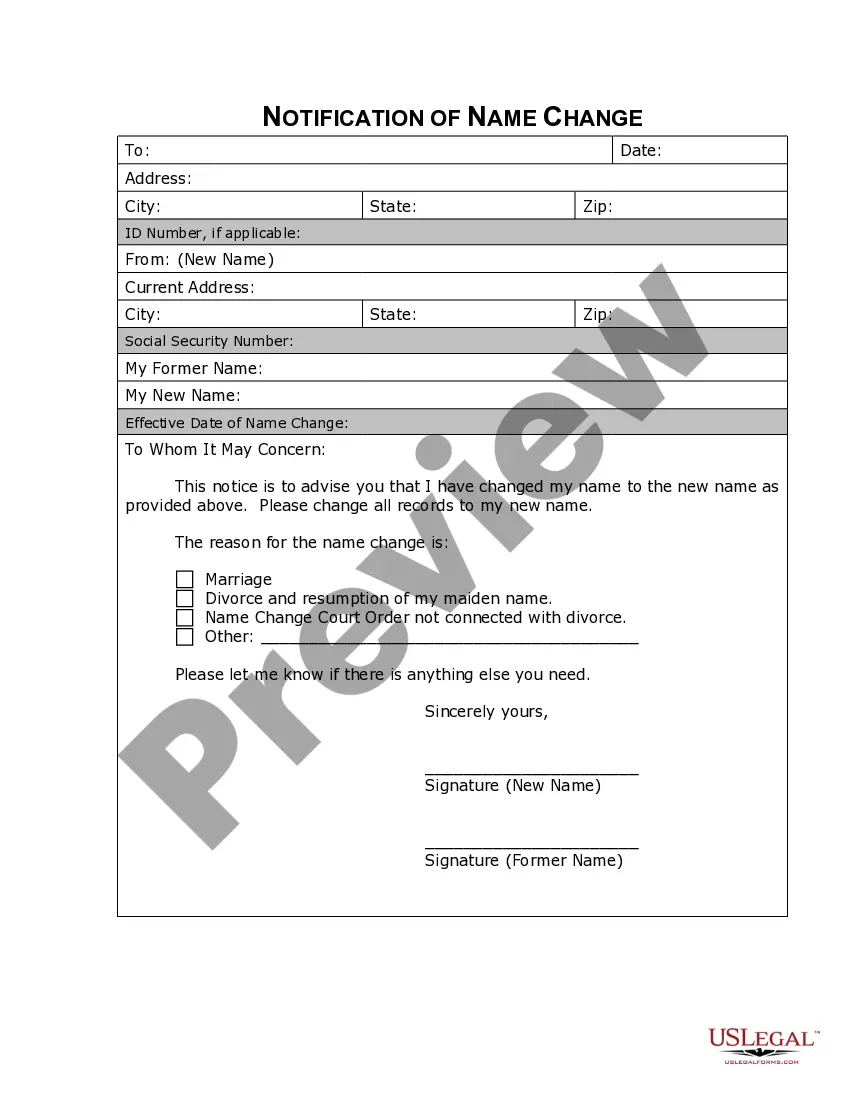
Georgia Name Change Notification Form
What is this form?
The Name Change Notification Form is a legal document used to inform various entities, such as companies, organizations, and government agencies, about your change of name after you've completed the legal process. This form ensures that official records are updated, distinguishing it from less formal name change notifications that may not have legal standing.
What’s included in this form
- Header section for your previous name and new name.
- List of the organizations and agencies being notified.
- Space for your contact information and signature.
- Section to specify the effective date of the name change.
- Additional instructions or notes if needed.

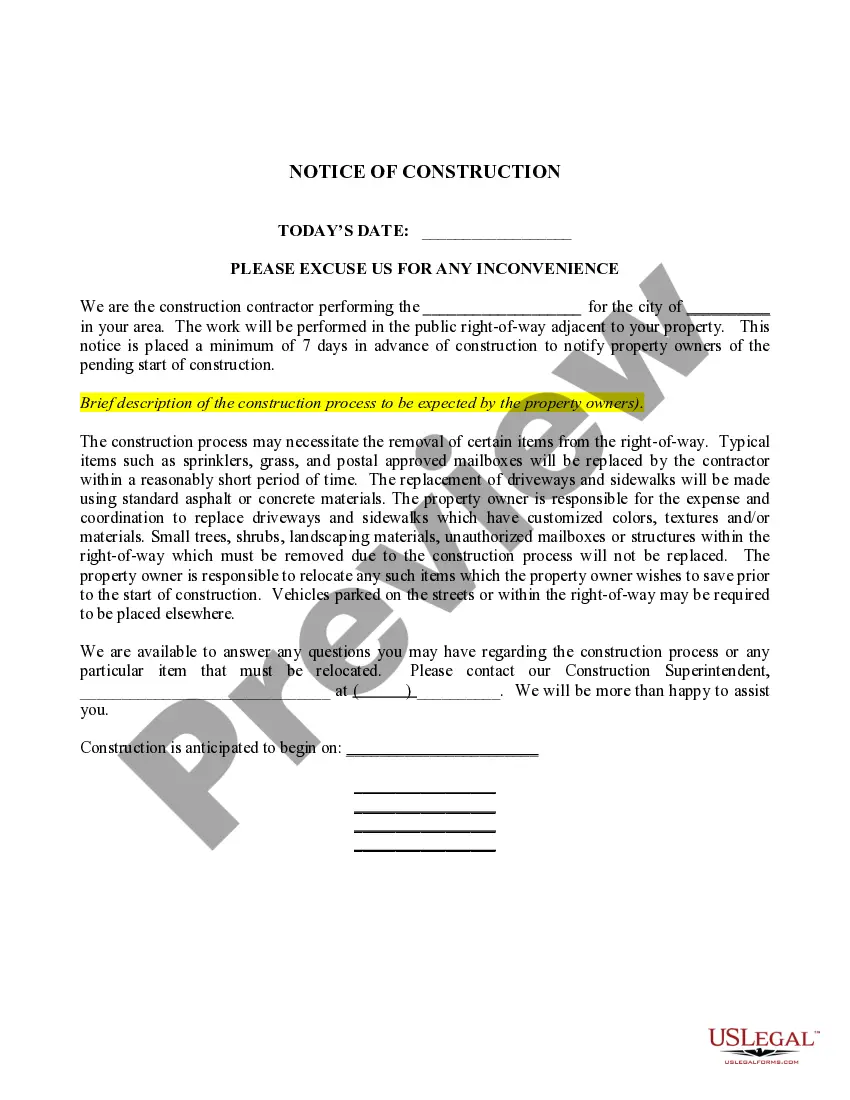



Situations where this form applies
This form is necessary after you have legally changed your nameâwhether through marriage, divorce, or personal preferenceâand need to notify others to update official records. It's commonly used when updating your name on accounts, identification documents, or applications to prevent confusion in legal and financial matters.
Intended users of this form
- Individuals who have legally changed their name.
- Anyone needing to update personal information with various organizations.
- Individuals looking to ensure consistency in their official records.
Instructions for completing this form
- Identify your previous legal name and your new legal name.
- List all the companies, organizations, and agencies you wish to notify.
- Provide your current contact information for follow-up communications.
- Include the effective date of your name change.
- Sign and date the form where indicated.
Notarization requirements for this form
This form does not typically require notarization unless specified by local law. However, it is advisable to check state-specific requirements to ensure compliance.
Get your form ready online
Our built-in tools help you complete, sign, share, and store your documents in one place.
Make edits, fill in missing information, and update formatting in US Legal Forms—just like you would in MS Word.
Download a copy, print it, send it by email, or mail it via USPS—whatever works best for your next step.
Sign and collect signatures with our SignNow integration. Send to multiple recipients, set reminders, and more. Go Premium to unlock E-Sign.
If this form requires notarization, complete it online through a secure video call—no need to meet a notary in person or wait for an appointment.
We protect your documents and personal data by following strict security and privacy standards.

Make edits, fill in missing information, and update formatting in US Legal Forms—just like you would in MS Word.

Download a copy, print it, send it by email, or mail it via USPS—whatever works best for your next step.

Sign and collect signatures with our SignNow integration. Send to multiple recipients, set reminders, and more. Go Premium to unlock E-Sign.

If this form requires notarization, complete it online through a secure video call—no need to meet a notary in person or wait for an appointment.

We protect your documents and personal data by following strict security and privacy standards.
Mistakes to watch out for
- Failing to notify all relevant organizations.
- Using incorrect or outdated personal information.
- Not signing the form before submission.
Benefits of using this form online
- Convenient access to download and fill out the form from anywhere.
- Editable templates allow for quick adjustments to personal information.
- Reliability of using professionally drafted legal forms.
Looking for another form?
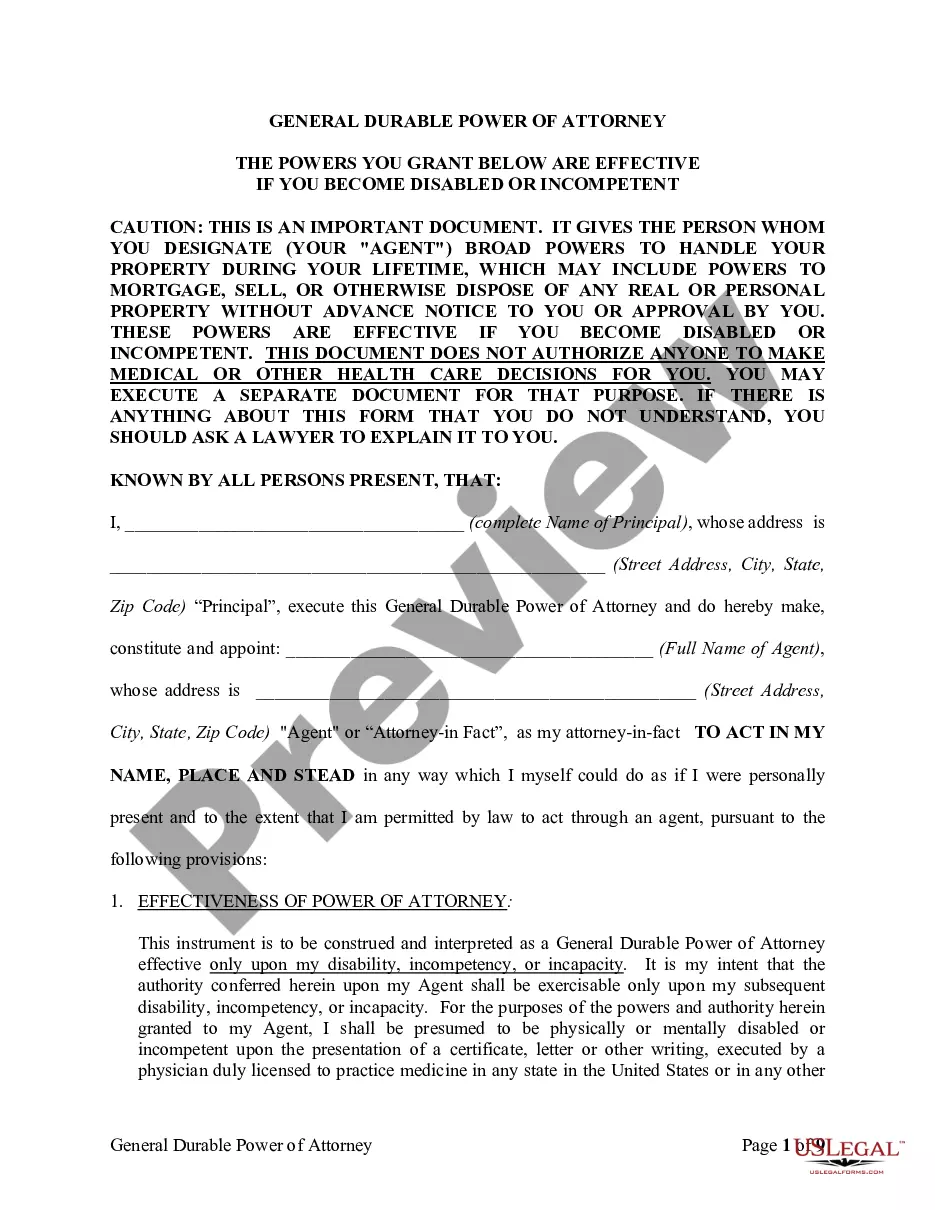

Form popularity
FAQ
When applying for a name change in Georgia, you typically need to provide identification, such as a driver's license or passport. A completed Georgia Name Change Notification Form is essential, as well as any legal documents that support your name change request, like marriage certificates or divorce decrees if applicable. Ensure that all documents are accurate and complete to avoid delays in processing your application.
To change your name in Georgia, you must be a legal adult or have parental consent if you're a minor. First, you need to complete a Georgia Name Change Notification Form, which outlines your current name and the desired new name. Additionally, you must provide a valid reason for the name change, such as marriage, divorce, or personal preference. It's essential to ensure your name change does not infringe on the rights of others or is not sought for fraudulent purposes.
Social Security Administration. Department of Motor Vehicles. Passport Office. Post Office. IRS. Voter Registration. Banks and other financial institutions. Credit Card companies (or issuers)
Yes you can be traced if you change it by deed poll. All deed polls are published in The Gazette, an arcane publication of official 'stuff' this is then used by various govt and private organisations to update their records. It is a public document.Some may only change your details with a deed poll.
The passport office (see more details below) The DVLA (driving licence, vehicle registration) HM Revenue and Customs. Child Benefit. Local Authority (Council tax and electoral register) Land Registry. Student Loans. Your employer.
Step 1 Fill out Petition. Step 2 Prepare Verification Form. Step 3 Fill out Notice of Petition. Step 4 Sign Documents in front of a Notary Public. Step 5 Prepare Information Form. Step 6 Make Copies. Step 7 File with a Clerk of the Superior Court.
Federal IDs and Records: To obtain a legal name change in Georgia, an applicant must submit a petition to the court. Within seven days of filing the petition, the applicant must publish notice of the name change in the county's "official legal organ" once a week for four weeks.
Georgia requires this to happen once a week for four weeks, and it's got to include your current name, desired name, and the when and where of the petition's filing. And it needs to say that anyone interested or affected can file objections. Once completed, you'll need proof of publication to show the court.
File a Petition to Change Name of Adult. First, you will need to file a Petition to Change Name of Adult with the Superior Court Family Court Division in the county where you live. Publish Notice of Your Request for Name Change. Request and Attend Your Name Change Hearing. Notify Government Agencies.
Step 1 Fill out Petition. Step 2 Prepare Verification Form. Step 3 Fill out Notice of Petition. Step 4 Sign Documents in front of a Notary Public. Step 5 Prepare Information Form. Step 6 Make Copies. Step 7 File with a Clerk of the Superior Court.