Organizational Chart For Business
Description
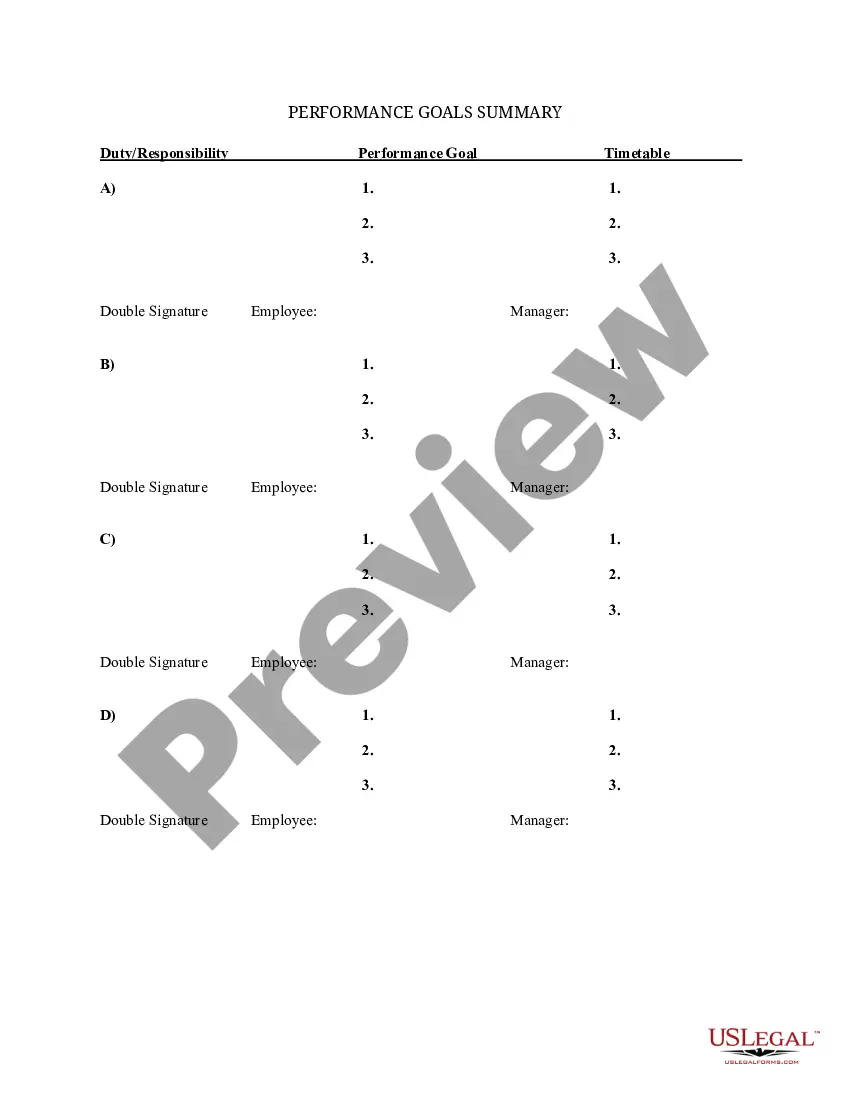
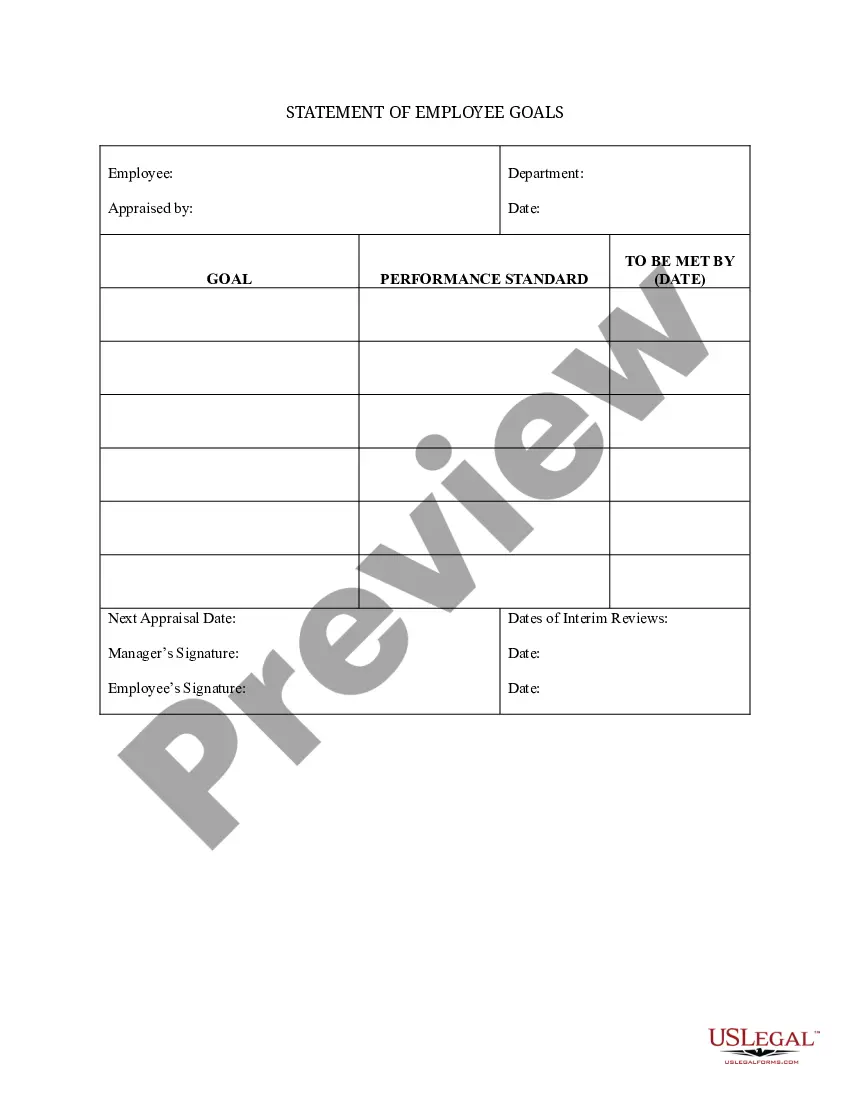




How to fill out Summary Of Departmental Goals - Individual Employee Chart?
Managing legal documents and processes can be a lengthy addition to your daily routine.
Organizational Structure for Companies and similar forms often necessitate that you look for them and comprehend how to fill them out properly.
Consequently, whether you are handling financial, legal, or personal affairs, utilizing a comprehensive and user-friendly online collection of forms whenever you require it will be greatly beneficial.
US Legal Forms is the leading online resource for legal templates, featuring over 85,000 state-specific documents and diverse tools to help you complete your paperwork with ease.
Is this your first time using US Legal Forms? Register and create a free account in a few minutes, granting you access to the form library and Organizational Structure for Companies. Then, follow the steps outlined below to fill out your form: Make sure you have located the correct form by utilizing the Preview feature and reviewing the form details. Select Buy Now once you are ready, and choose the subscription option that suits your requirements. Click Download, then complete, eSign, and print the form. US Legal Forms has 25 years of experience assisting clients in managing their legal documents. Acquire the form you need today and streamline any process effortlessly.
- Uncover the repository of relevant documents available with just one click.
- US Legal Forms provides state- and county-specific forms available for download anytime.
- Safeguard your document management processes with a high-quality service that enables you to create any form within minutes without additional or hidden fees.
- Simply Log In to your account, locate Organizational Structure for Companies, and download it immediately from the My documents section.
- You can also retrieve previously downloaded forms.
Form popularity
FAQ
The best Microsoft program to create an organizational chart for business is Microsoft Visio. Visio specializes in diagramming and offers a vast range of templates specifically designed for org charts. With Visio, you can link data sources to your chart, ensuring that any changes are automatically updated. If you are looking for a comprehensive solution, Visio stands out as an effective option.
The easiest program to create an organizational chart for business is a dedicated diagramming tool like SmartDraw. This software offers pre-made templates, allowing you to get started quickly. Additionally, you can easily export your chart to various formats, making it perfect for presentations or reports. For teams looking for simplicity and efficiency, SmartDraw is an excellent choice.
The easiest way to create an organizational chart for business is by using online tools like Lucidchart or Canva. These platforms provide user-friendly interfaces and drag-and-drop functionalities, making it simple to visualize team structures. As you create your org chart, you can customize it with colors and shapes that reflect your brand. This approach saves time and enhances visual clarity.
Yes, you can use Excel to create an organizational chart for business. Excel offers basic shapes and SmartArt features that allow you to design structured charts easily. Simply select the 'Insert' tab, choose 'SmartArt', and pick an appropriate layout for your org chart. This method is feasible for small businesses or teams that already utilize Excel for their operations.
To arrange an organizational chart effectively, begin by identifying the main divisions of your business. Place upper management at the top, followed by middle management, and then rank-and-file employees below. Ensure that you use clear lines to depict reporting relationships and include labels for each position. An organized chart for business can streamline your operational flow and enhance communication, making it easier for everyone to see their role within the company.
An organizational chart is a visual representation of a company's structure, outlining roles, teams, and reporting relationships. For example, a simple organizational chart for a small business may include the owner at the top, followed by managers overseeing various departments like sales, marketing, and finance. This chart helps illustrate how different positions collaborate and contribute to the business's success. Utilizing an organizational chart for business allows for quick reference and understanding of the company layout.
To write an organizational structure for your business plan, start by defining key roles and responsibilities within your company. Create a clear hierarchy to show reporting relationships and team functions. This structure helps clarify decision-making and communication pathways, ultimately supporting your overall business strategy. Using an organizational chart for business can visually represent this structure, making it easier for stakeholders to understand.
Organizational chart in business refers to a detailed representation of a company's structure, highlighting the relationships between employees and teams. It acts as a roadmap, guiding individuals through their roles and how they fit into the larger entity. Understanding what an organizational chart means in business helps employees gain insight into their contributions and the organization's overall objectives. By leveraging tools on the uslegalforms platform, businesses can easily create and customize their organizational charts for optimal clarity.
An organizational chart in business is a schematic diagram that outlines the reporting structure within a company. It illustrates how different roles and departments interconnect, creating clarity around decision-making processes. By implementing an organizational chart for business, organizations can enhance their operational efficiency and foster collaboration among team members. This visual aid streamlines communication and helps employees navigate their work environment.
The four types of organizational chart for business are hierarchical, matrix, flat, and functional. A hierarchical chart shows a traditional top-down structure with clear reporting lines. A matrix chart presents a more flexible approach, displaying dual reporting relationships. Meanwhile, flat charts promote open communication by minimizing levels of management, and functional charts emphasize roles based on specific functions across the organization.
