Checklist - For Establishing a Website
What this document covers
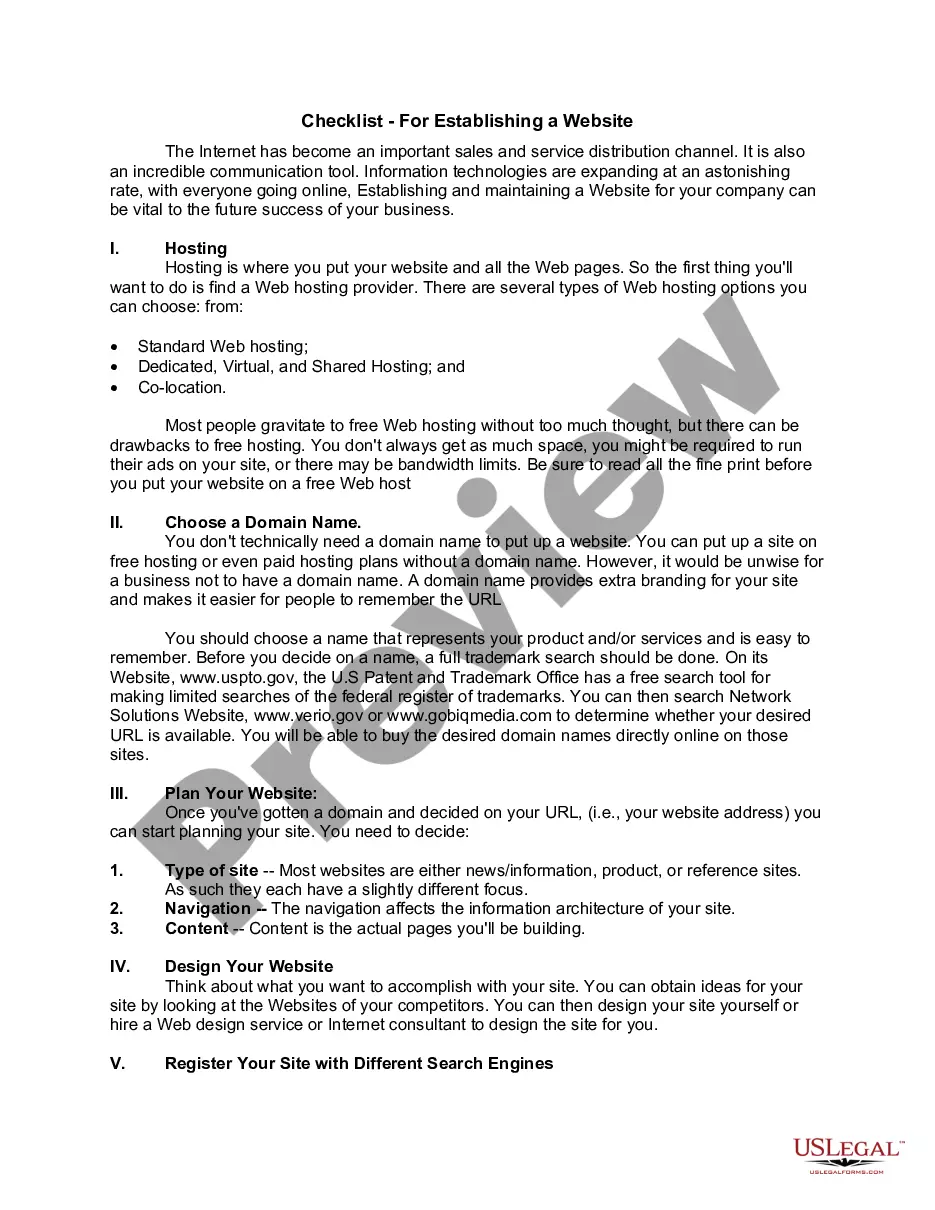
The Checklist for Establishing a Website is a comprehensive guide designed to assist users in navigating the essential steps required to create an effective online presence for their business. This form differs from other legal documents by focusing specifically on the procedural aspects of website setup, ensuring that users can strategically approach their online launch and marketing efforts.
Main sections of this form
- Hosting options and considerations.
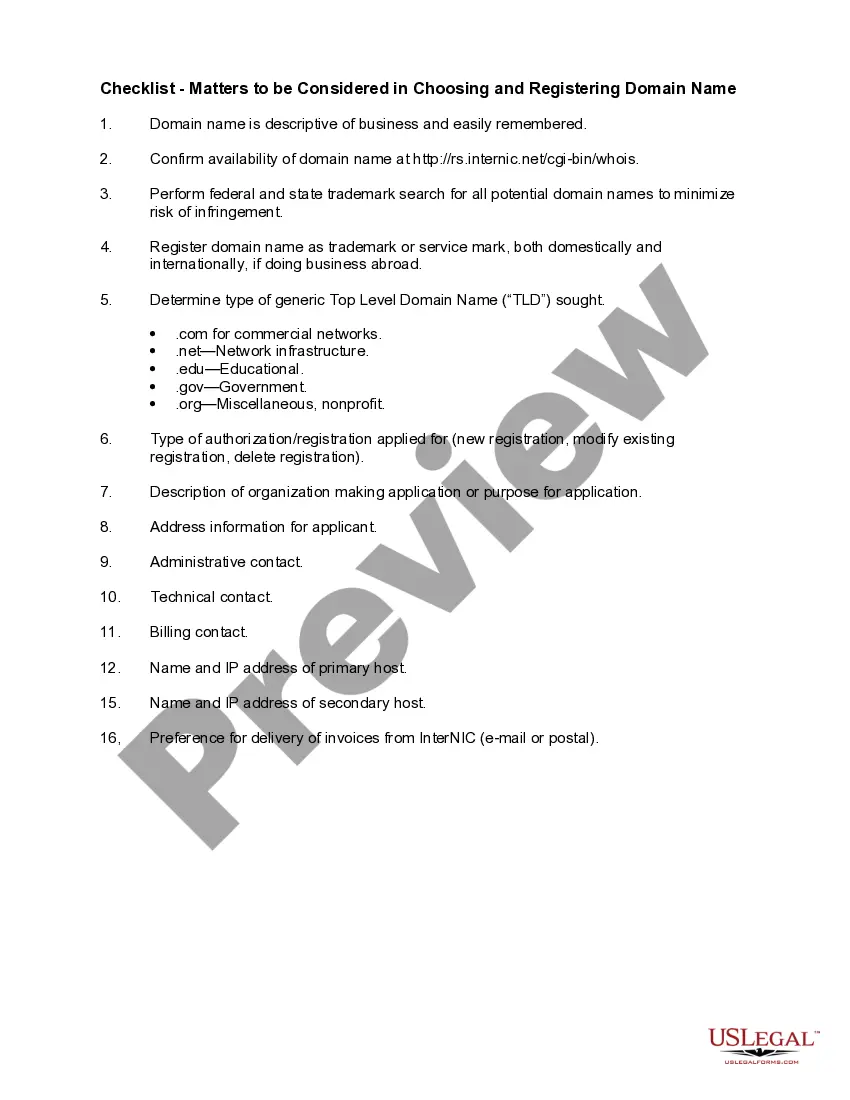
- Guidance on choosing an appropriate domain name.
- Planning the website's structure and content.
- Designing the website to meet business objectives.
- Registering the site with various search engines.
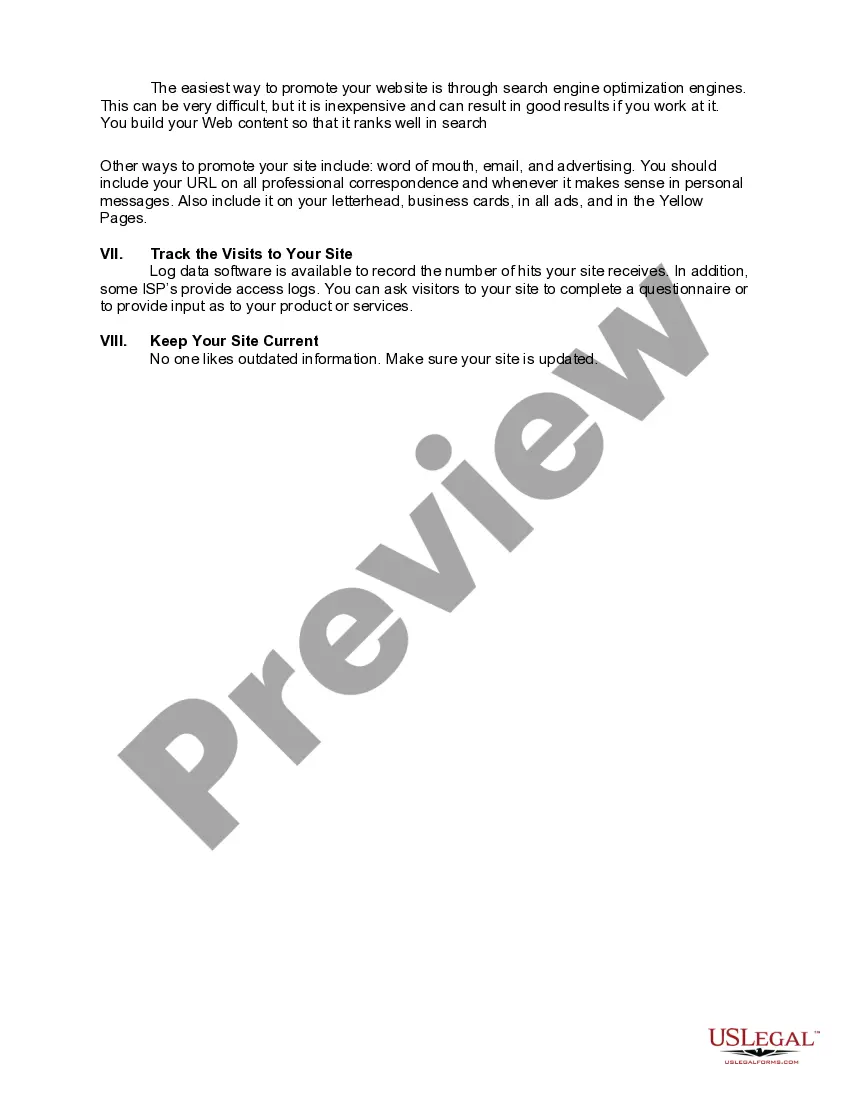
- Promoting the website through various channels.
- Tracking website visits and maintaining current content.
When this form is needed
This checklist should be used by businesses and individuals who are looking to establish a professional website. It is particularly relevant for those new to online business, as well as entrepreneurs seeking to enhance their existing digital presence. By following this structure, users can ensure they address all critical aspects of website creation and marketing.
Who should use this form
- Small business owners wanting to establish an online presence.
- Startups looking to launch their first website.
- Individuals interested in creating a personal or portfolio website.
- Marketing professionals developing websites for clients.
How to complete this form
- Determine the type of web hosting that meets your needs, considering options such as free versus paid services.
- Choose a domain name that is representative of your brand and check its availability.
- Plan the website content and navigation to ensure a user-friendly experience.
- Design the website or hire a professional to help structure it effectively.
- Register your site with major search engines to enhance visibility.
- Promote your website and keep content updated to engage visitors consistently.
Is notarization required?
This form does not typically require notarization to be legally valid. However, some jurisdictions or document types may still require it. US Legal Forms provides secure online notarization powered by Notarize, available 24/7 for added convenience.
Get your form ready online
Our built-in tools help you complete, sign, share, and store your documents in one place.
Make edits, fill in missing information, and update formatting in US Legal Forms—just like you would in MS Word.
Download a copy, print it, send it by email, or mail it via USPS—whatever works best for your next step.
Sign and collect signatures with our SignNow integration. Send to multiple recipients, set reminders, and more. Go Premium to unlock E-Sign.
If this form requires notarization, complete it online through a secure video call—no need to meet a notary in person or wait for an appointment.
We protect your documents and personal data by following strict security and privacy standards.

Make edits, fill in missing information, and update formatting in US Legal Forms—just like you would in MS Word.

Download a copy, print it, send it by email, or mail it via USPS—whatever works best for your next step.

Sign and collect signatures with our SignNow integration. Send to multiple recipients, set reminders, and more. Go Premium to unlock E-Sign.

If this form requires notarization, complete it online through a secure video call—no need to meet a notary in person or wait for an appointment.

We protect your documents and personal data by following strict security and privacy standards.
Avoid these common issues
- Forgetting to research domain name availability, leading to potential branding issues.
- Choosing a web host without understanding their limitations.
- Neglecting website maintenance and updates, resulting in outdated information.
- Overlooking the importance of search engine optimization in website design.
Benefits of using this form online
- Easy access to comprehensive guidelines for website creation.
- Edit and customize the checklist to suit specific business needs.
- Reliable information drafted by licensed attorneys, ensuring legal considerations are covered.
- Streamlined process for establishing a website without the need for extensive legal knowledge.
Legal use & context
- This checklist serves as a general guideline and is not a legally binding document.
- Following the steps outlined can help ensure your website operates within legal parameters.
- Consider consulting legal professionals for specific concerns related to your business's online activities.
Main things to remember
- Creating a website is essential for modern business success.
- Plan thoroughly to ensure all aspects of website creation are addressed.
- Utilizing this checklist leads to a more effective online presence.
Looking for another form?
Form popularity
FAQ
Register Your Domain Name. Organise Webhosting. Choose Colours and Fonts for Your Brand. Get a Logo Created. Gather Information for Your Website. Source and Create Images and Banners. Create Videos and Upload Them to Video Hosting Platform. Plan Layout and Structure of Your Website.
1) Content. 2) Usability. 3) Aesthetics. 4) Visibility. 5) Interaction.
The basic elements of website is Home page, Web pages and Links and banners.
Add visuals that create certain emotions. Establish trust with color. Keep F-pattern design. Make navigation as easy as possible. Pay attention to your text. Optimize your site for Google. Make your site mobile-friendly. 9 Valuable Lessons and Tips for Entrepreneurs.
Mobile Compatibility. Accessible to All Users. Well Planned Information Architecture. Well-Formatted Content That Is Easy to Scan. Fast Load Times. Browser Consistency. Effective Navigation. Good Error Handling.
HTML and CSS. HTML and CSS are the basic languages of websites, and you need both to make a good website. Website Scripting. Every website needs HTML and CSS. Web Browsers. Domain and Hosting. File Transfer Protocol. Optional: Analytics Software. Optional: Search Engine Optimization. Optional: Validation.
An effective website design should fulfill its intended function by conveying its particular message whilst simultaneously engaging the visitor. Several factors such as consistency, colours, typography, imagery, simplicity and functionality all contribute to good website design.
1 Navigation. The website design should be easy to navigate and the menu items should easily accessible from any page. 2 Visual Design. 3 Content. 4 Web Friendly. 5 Interaction. 6 Information Accessibility. 7 Intuitiveness. 8 Branding.