Web Site Update Checklist
Understanding this form
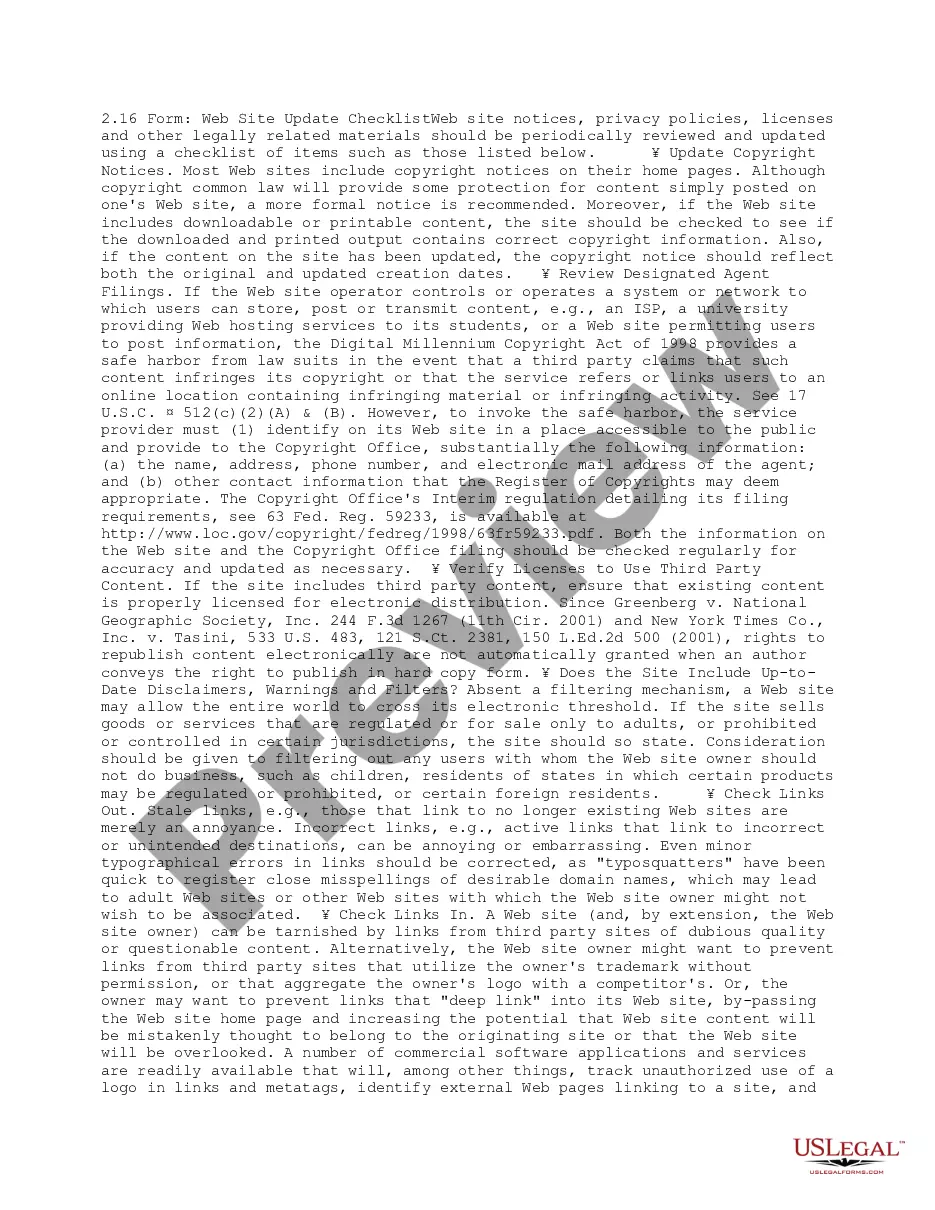
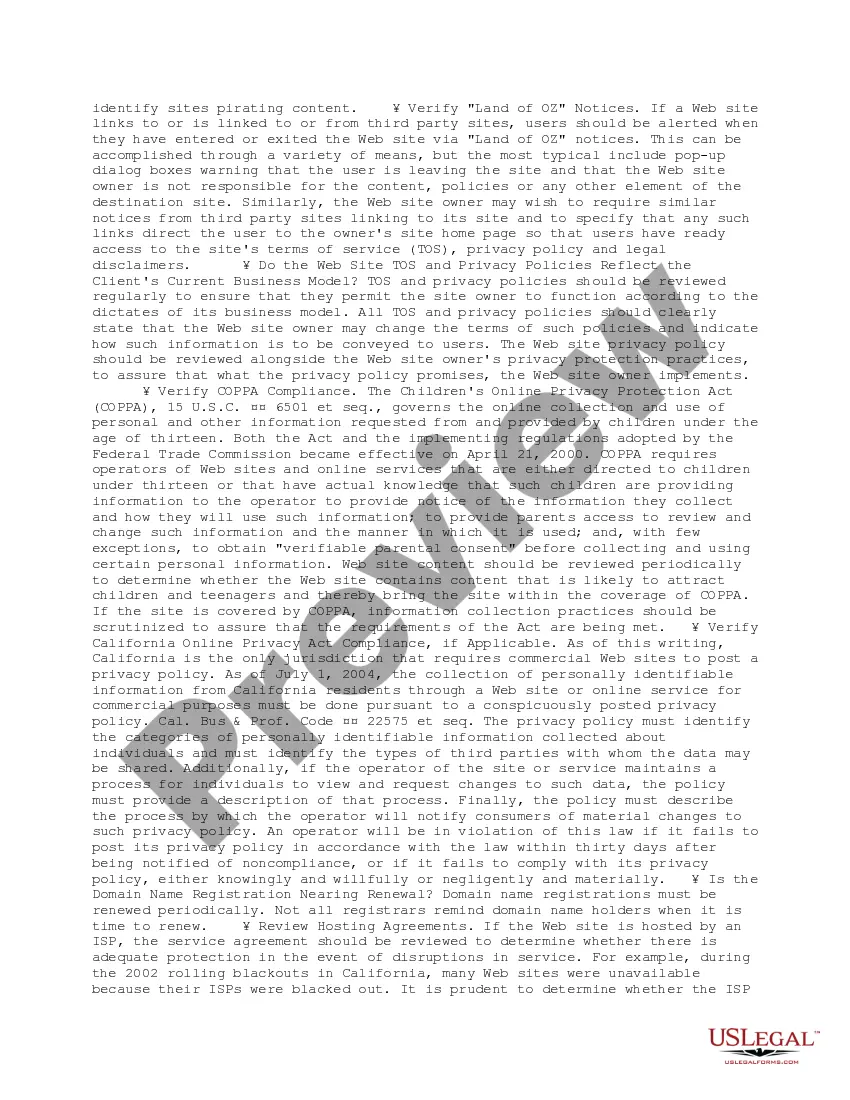
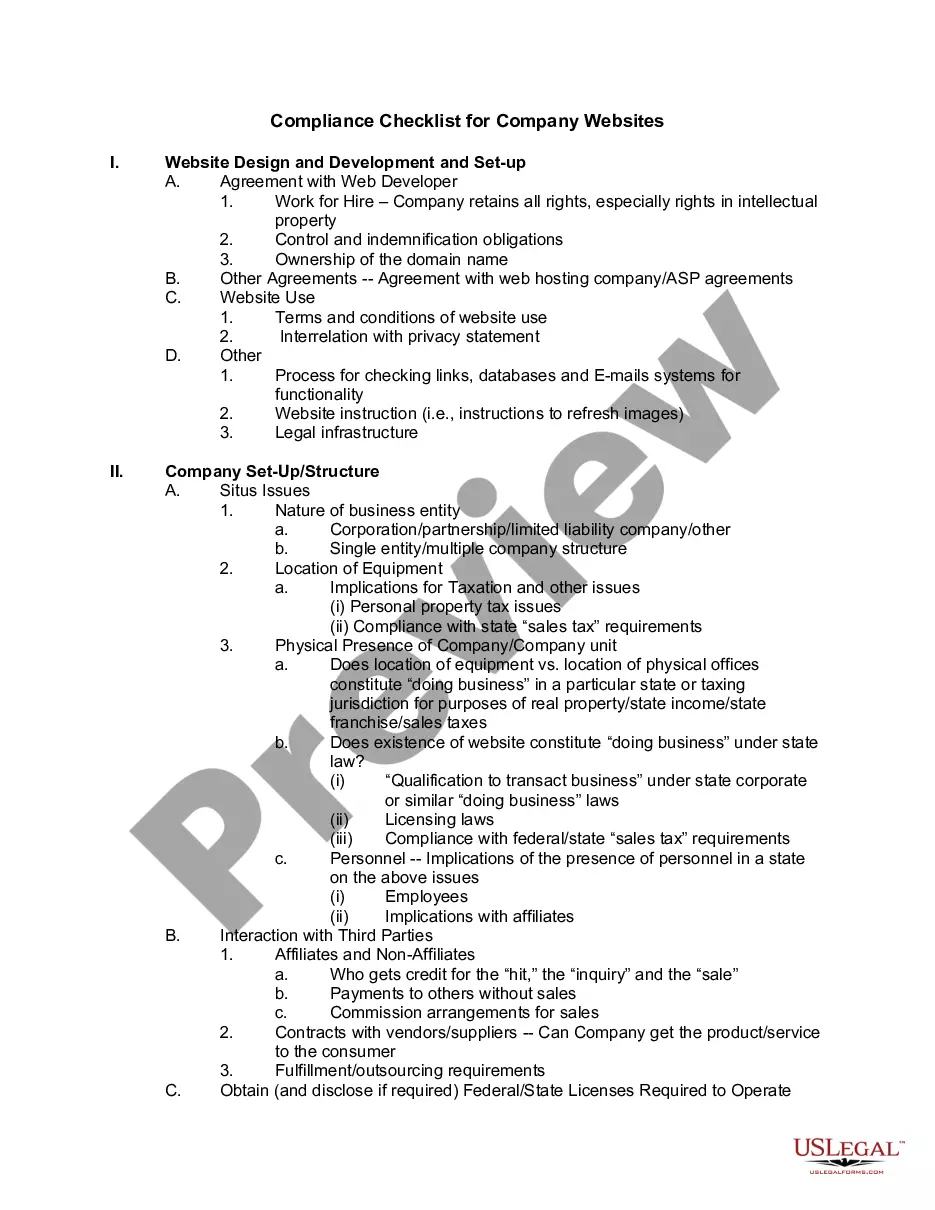
The Web Site Update Checklist is a comprehensive tool designed to help website owners keep their online content current and legally compliant. This checklist summarizes the essential materials that should be reviewed regularly, including copyright notices, privacy policies, and licenses for third-party content. By using this form, website operators can ensure that their sites meet legal requirements and provide users with accurate and updated information, distinguishing it from standard maintenance to ensure legal soundness.
Key parts of this document
- Update copyright notices on the homepage and downloadable content.
- Verify designated agent filings to comply with the Digital Millennium Copyright Act.
- Check licenses for using third-party content to ensure proper compliance.
- Review disclaimers, warnings, and filtering mechanisms as needed.
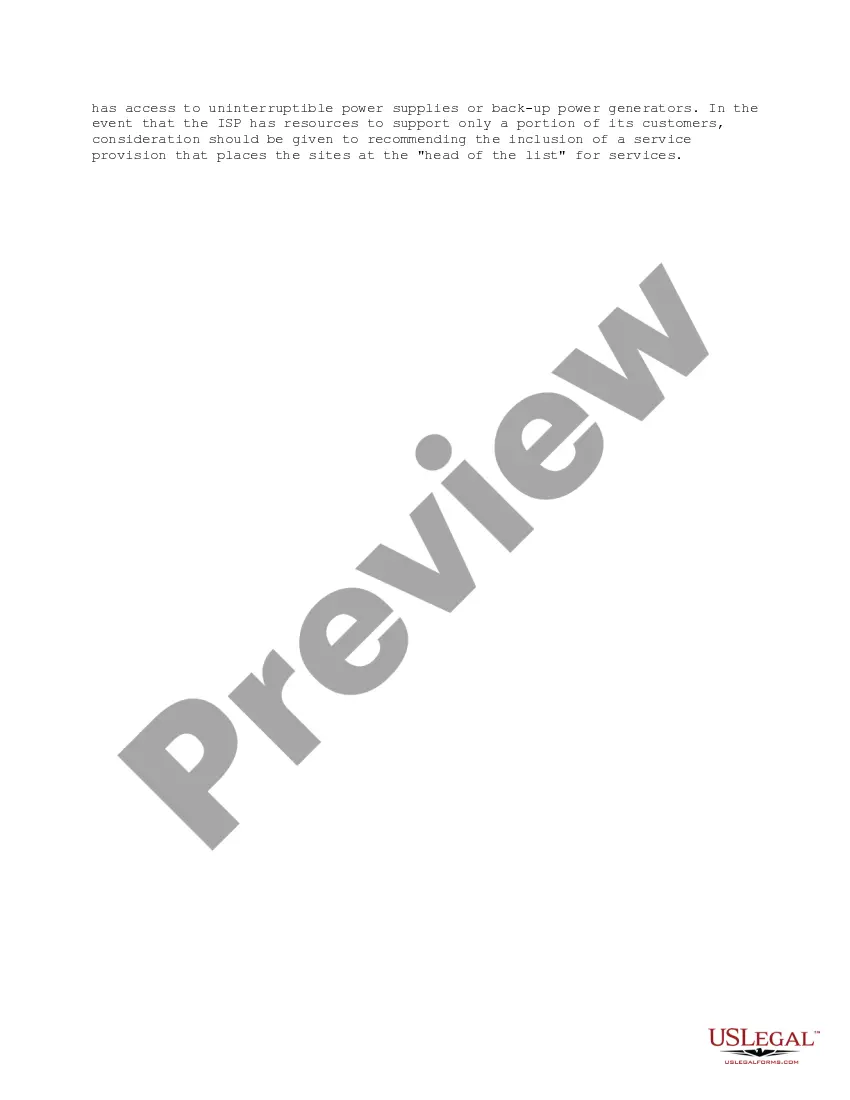
- Inspect both inbound and outbound links for accuracy and functionality.
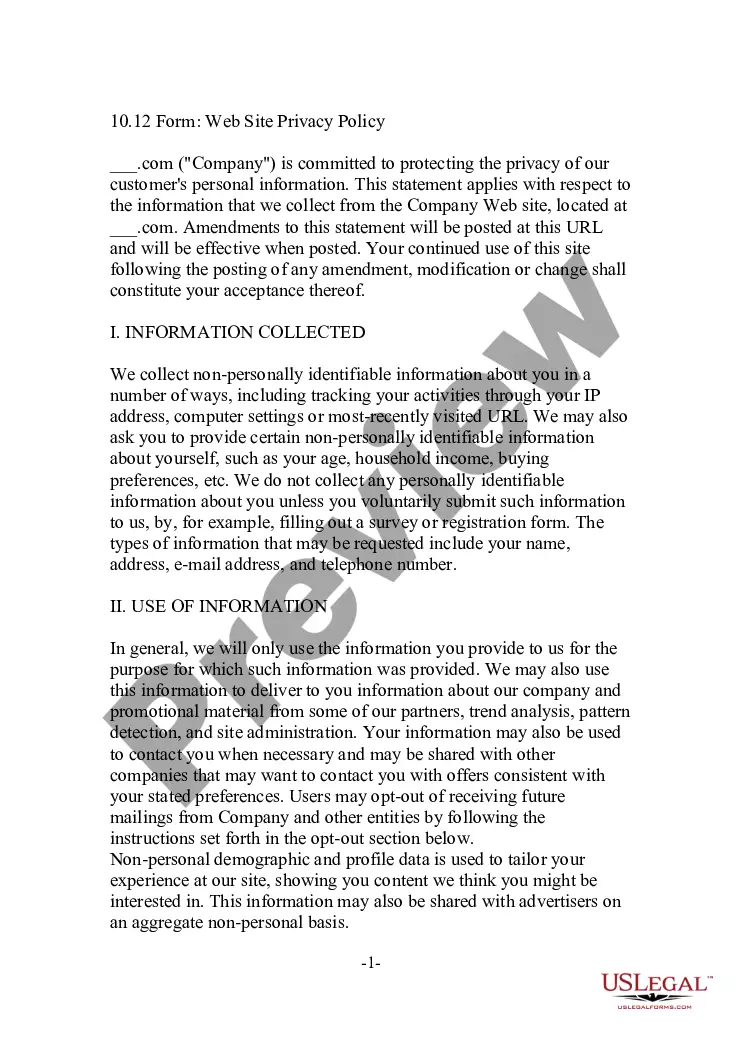
- Confirm the website's Terms of Service and privacy policy reflect current practices.
When this form is needed
This checklist is valuable for website owners and managers who wish to maintain legal compliance and ensure user trust. Use it when updating site content, implementing new features, or periodically reviewing your site's legal standing. It is particularly important during major content updates, after receiving user feedback about website functionality, or when new legal regulations are introduced that may affect your site.
Who can use this document
- Website owners and operators
- Web developers and digital content managers
- Small business owners with online services
- Legal compliance officers in charge of maintaining website integrity
Completing this form step by step
- Review existing copyright notices and update them as necessary.
- Confirm the designated agent details for copyright compliance are accurate.
- Ensure all third-party content is properly licensed and documented.
- Check all links on the site for functionality and relevance.
- Revise Terms of Service and privacy policy to align with the current business model.
Is notarization required?
Notarization is not commonly needed for this form. However, certain documents or local rules may make it necessary. Our notarization service, powered by Notarize, allows you to finalize it securely online anytime, day or night.
Get your form ready online
Our built-in tools help you complete, sign, share, and store your documents in one place.
Make edits, fill in missing information, and update formatting in US Legal Forms—just like you would in MS Word.
Download a copy, print it, send it by email, or mail it via USPS—whatever works best for your next step.
Sign and collect signatures with our SignNow integration. Send to multiple recipients, set reminders, and more. Go Premium to unlock E-Sign.
If this form requires notarization, complete it online through a secure video call—no need to meet a notary in person or wait for an appointment.
We protect your documents and personal data by following strict security and privacy standards.

Make edits, fill in missing information, and update formatting in US Legal Forms—just like you would in MS Word.

Download a copy, print it, send it by email, or mail it via USPS—whatever works best for your next step.

Sign and collect signatures with our SignNow integration. Send to multiple recipients, set reminders, and more. Go Premium to unlock E-Sign.

If this form requires notarization, complete it online through a secure video call—no need to meet a notary in person or wait for an appointment.

We protect your documents and personal data by following strict security and privacy standards.
Typical mistakes to avoid
- Neglecting to update copyright notices after content revision.
- Forgetting to review the designated agent information, leading to noncompliance.
- Failing to verify licenses for third-party content regularly.
- Overlooking minor typographical errors in links that can lead to misdirection.
Why complete this form online
- Convenient access to a comprehensive checklist.
- Easy to edit and customize based on specific website needs.
- Reliable format drafted by legal experts to ensure thoroughness and compliance.
Legal use & context
- This form helps in maintaining compliance with federal and state regulations.
- Regular updates reduce legal risks and ensure user trust in the website.
- The checklist serves as evidence of due diligence in legal compliance efforts.
Main things to remember
- The Web Site Update Checklist is crucial for maintaining website compliance.
- Regularly reviewing and updating legal content safeguards against legal issues.
- This form is beneficial for a wide range of users, from website owners to legal advisors.
Looking for another form?
Form popularity
FAQ
Review your content. The whole point of having a website is to publish content on the internet, so it makes sense to start your review by checking the live content. Check for broken links. Make sure your theme is fit for purpose. Review your security. Clean out the website's backend. Evaluate your hosting.
Plan out the content. Use brain/habit research to your advantage. Chunk and schedule. Post consistently.
Firstly go to Configuration and select Website Pages from the dropdown menu to the right of Manage. Select List. Look for the page title you wish to change. Double click the page to open it. Update the Content and/or Title.
Step 1: Determine the Purpose of the Website Content. Step 2: Research the Audience. Step 3: Research Competing Websites. Step 4: Plan How the Content Fits Together on Your Website. Step 5: Write the Content for Each Page. Step 6: Add Non-Copy Page Elements. Step 7: Make Edits. Step 8: Optimize the Page for SEO.
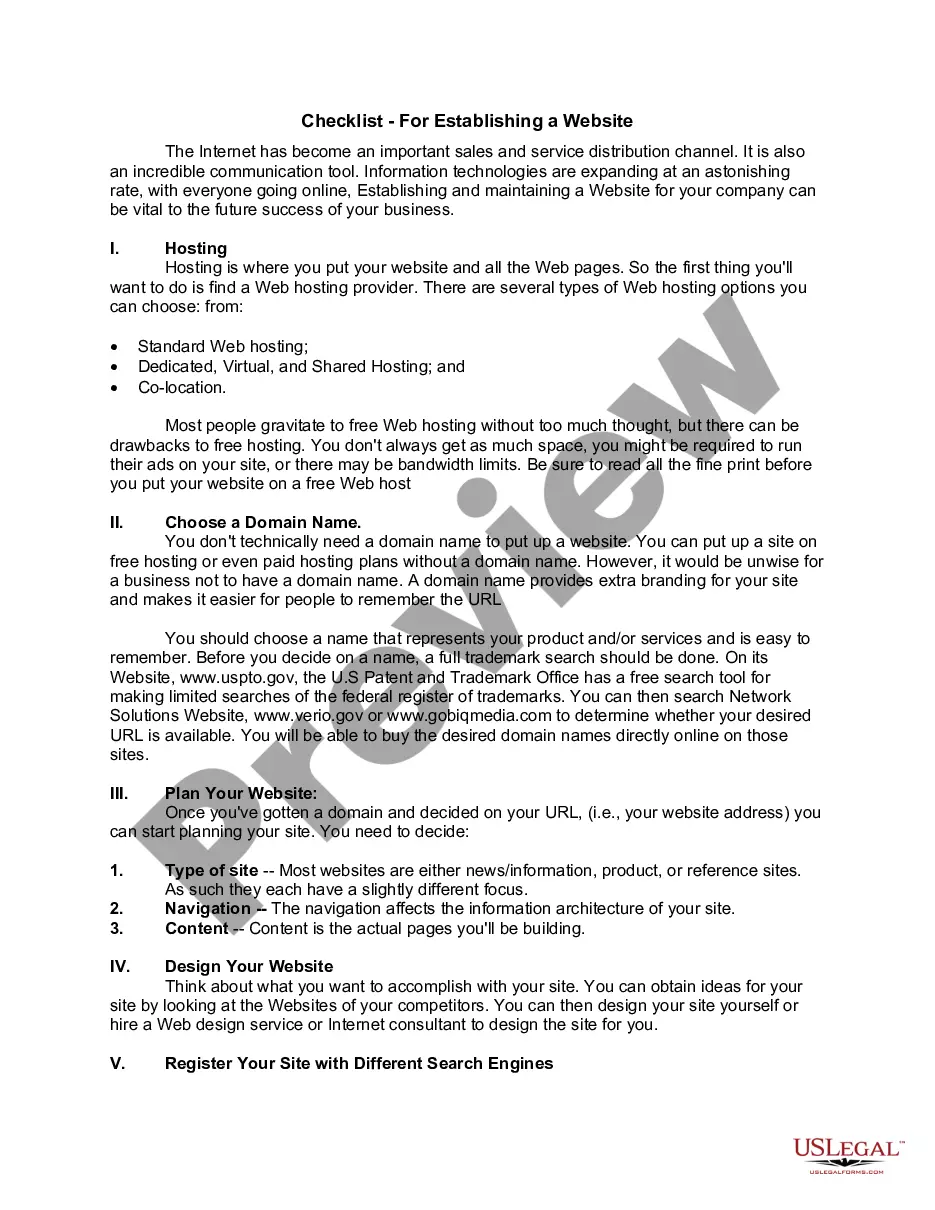
Purpose and Goals. Determine the purpose of your website. Domain Name. Priorities. Site Pages and Features. DIY vs. Website Builder. Hosting. Connect Your Domain Name to Your Website.
Check for little errors. Don't make the mistake of having a typo on a key page. Make sure you have a contact page. Test your site's usability. Make sure your navigation works. Check for mobile-friendliness. Review browser compatibility. Run compatibility testing. Get ready for 404s.
Guest post on an Authority site. Appear on Podcasts. Pay Influencers in your niche to Reach their followers. Post on the blog and Email your Subscribers to share the News. Share on your Facebook, Twitter and Linkedin pages. Ask your team to share the News.
List out action items, roles, and responsibilities. Prepare for worst-case scenarios. Set a launch date. Set up a staging site. Confirm testing procedures. Start a post-launch enhancement list. Maintain a contact list of stakeholders. Start testing.
Never copy text from somewhere else. Avoid plagiarism by citing research and using your own words to describe the concept. Always use multiple sources when researching. Give your text a unique structure. Use your own unique style. Use your own reasoning.