Expense Form Document For Taxes
Description
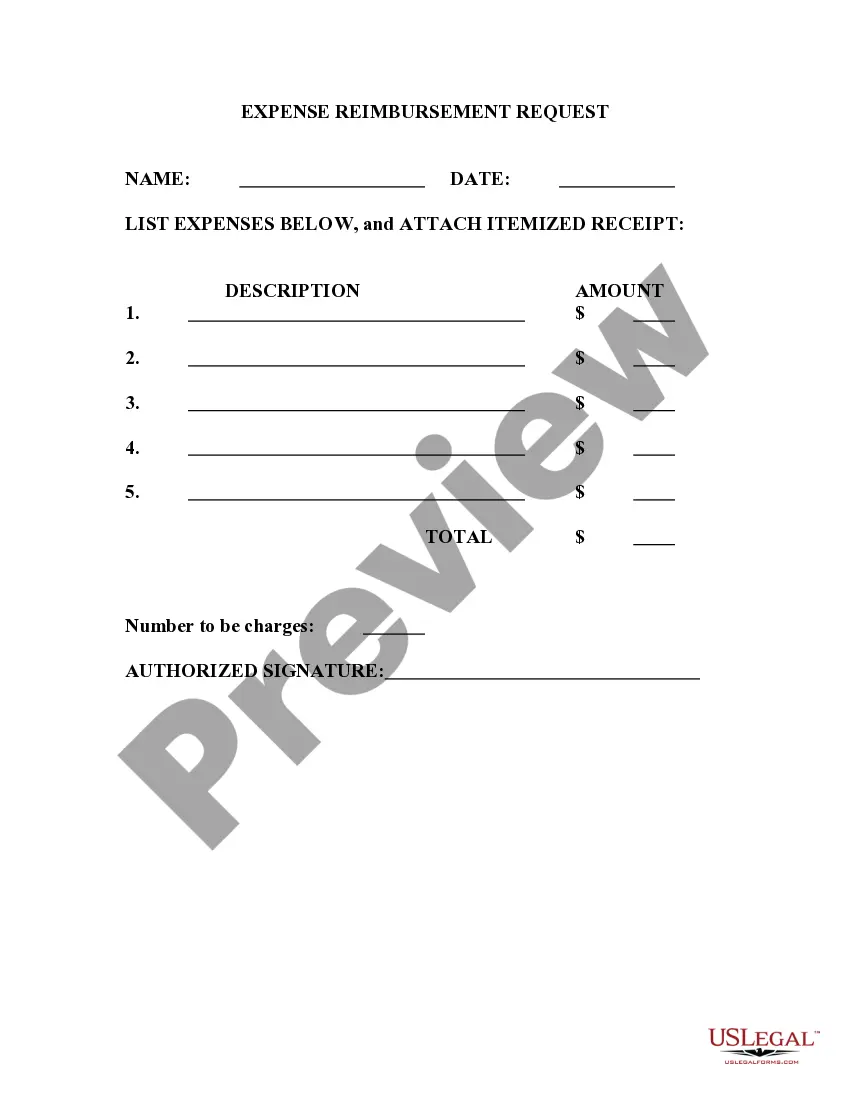
Get your form ready online
Our built-in tools help you complete, sign, share, and store your documents in one place.
Make edits, fill in missing information, and update formatting in US Legal Forms—just like you would in MS Word.
Download a copy, print it, send it by email, or mail it via USPS—whatever works best for your next step.
Sign and collect signatures with our SignNow integration. Send to multiple recipients, set reminders, and more. Go Premium to unlock E-Sign.
If this form requires notarization, complete it online through a secure video call—no need to meet a notary in person or wait for an appointment.
We protect your documents and personal data by following strict security and privacy standards.

Make edits, fill in missing information, and update formatting in US Legal Forms—just like you would in MS Word.

Download a copy, print it, send it by email, or mail it via USPS—whatever works best for your next step.

Sign and collect signatures with our SignNow integration. Send to multiple recipients, set reminders, and more. Go Premium to unlock E-Sign.

If this form requires notarization, complete it online through a secure video call—no need to meet a notary in person or wait for an appointment.

We protect your documents and personal data by following strict security and privacy standards.
Looking for another form?
How to fill out Expense Account Form?
Finding a reliable source to obtain the latest and suitable legal templates is a significant part of managing bureaucracy.
Identifying the correct legal documents requires precision and meticulousness, which is why it's essential to source Expense Form Document For Taxes exclusively from trustworthy providers, such as US Legal Forms. An incorrect template will squander your time and delay the situation you're facing. With US Legal Forms, you have minimal worries.
Once you have the form on your device, you can modify it using the editor or print it out to complete manually. Eliminate the inconvenience associated with your legal paperwork. Explore the comprehensive US Legal Forms library to find legal templates, assess their relevance to your situation, and download them instantly.
- Utilize the library navigation or search bar to locate your template.
- Access the form’s details to verify if it aligns with the requirements of your state and area.
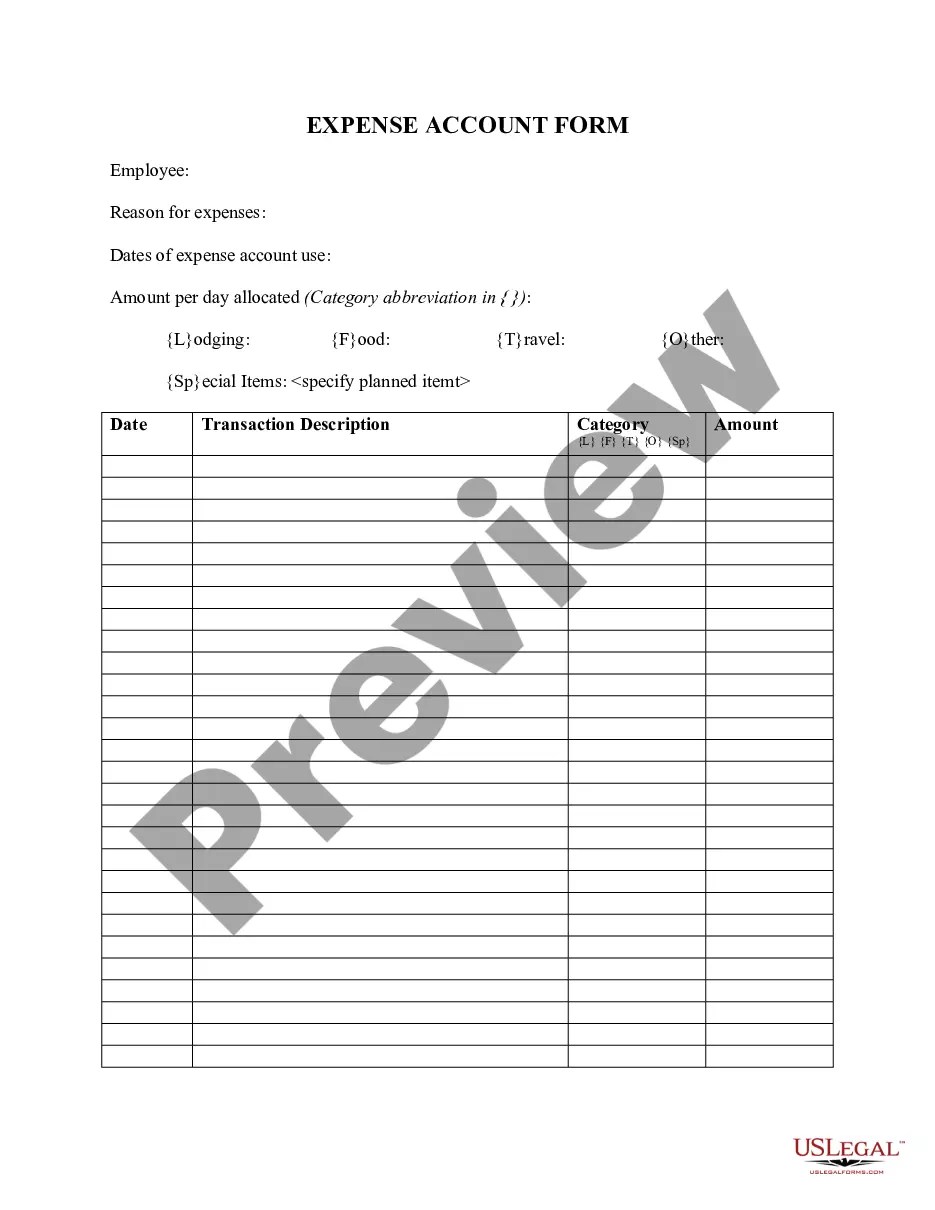
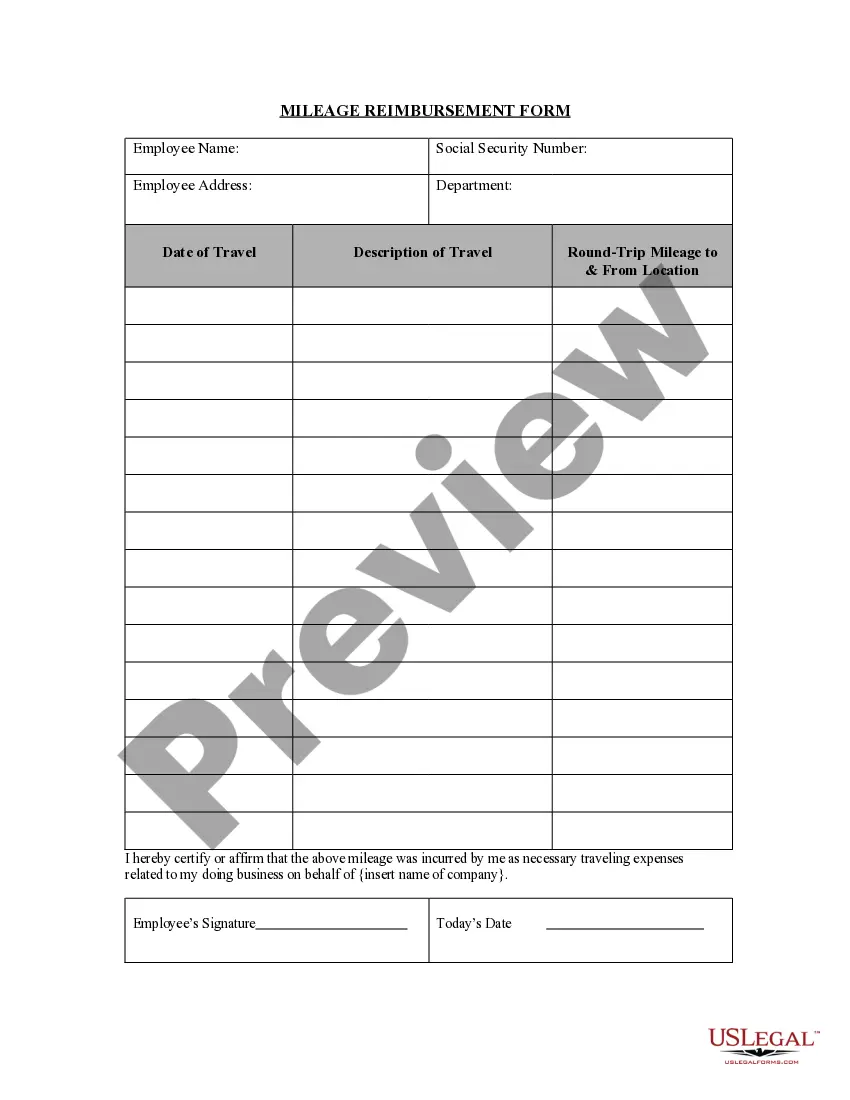
- View the form preview, if accessible, to confirm that the template is indeed the one you need.
- Continue the search and seek the appropriate template if the Expense Form Document For Taxes does not meet your necessities.
- If you are confident about the form’s applicability, download it.
- If you are a registered user, click Log in to verify and access your chosen forms in My documents.
- If you do not yet have an account, click Buy now to acquire the form.
- Select the pricing option that best suits your needs.
- Proceed to the registration to complete your transaction.
- Conclude your purchase by selecting a payment method (credit card or PayPal).
- Choose the file format for downloading Expense Form Document For Taxes.
Form popularity
FAQ
Keep records of all your business expenses as proof of your costs. Add up all your allowable expenses for the tax year and put the total amount on your Self Assessment tax return. You do not need to send in proof of expenses when you submit your tax return.
Five methods for keeping financial records are described in this NebGuide: envelope system, ? calendar system, ? checkbook/debit card system, ? ledger system, and ? home computer software system. This system involves placing cash in envelopes or other containers marked for each budget expense category.
What information will I need to fill in a Self Assessment tax return? your ten-digit Unique Taxpayer Reference (UTR) your National Insurance number. details of your untaxed income from the tax year, including income from self-employment, dividends and interest on shares. records of any expenses relating to self-employment.
Claim tax relief for your job expenses Overview. Working from home. Uniforms, work clothing and tools. Vehicles you use for work. Professional fees and subscriptions. Travel and overnight expenses. Buying other equipment.
As with assets and liability items, items of income and expense are recorded in nominal ledger accounts ing to set rules. Expenses are always recorded as debit entries in expense accounts and income items are always recorded as credit entries in income accounts.