Time Sheet With Lunch Break
Description
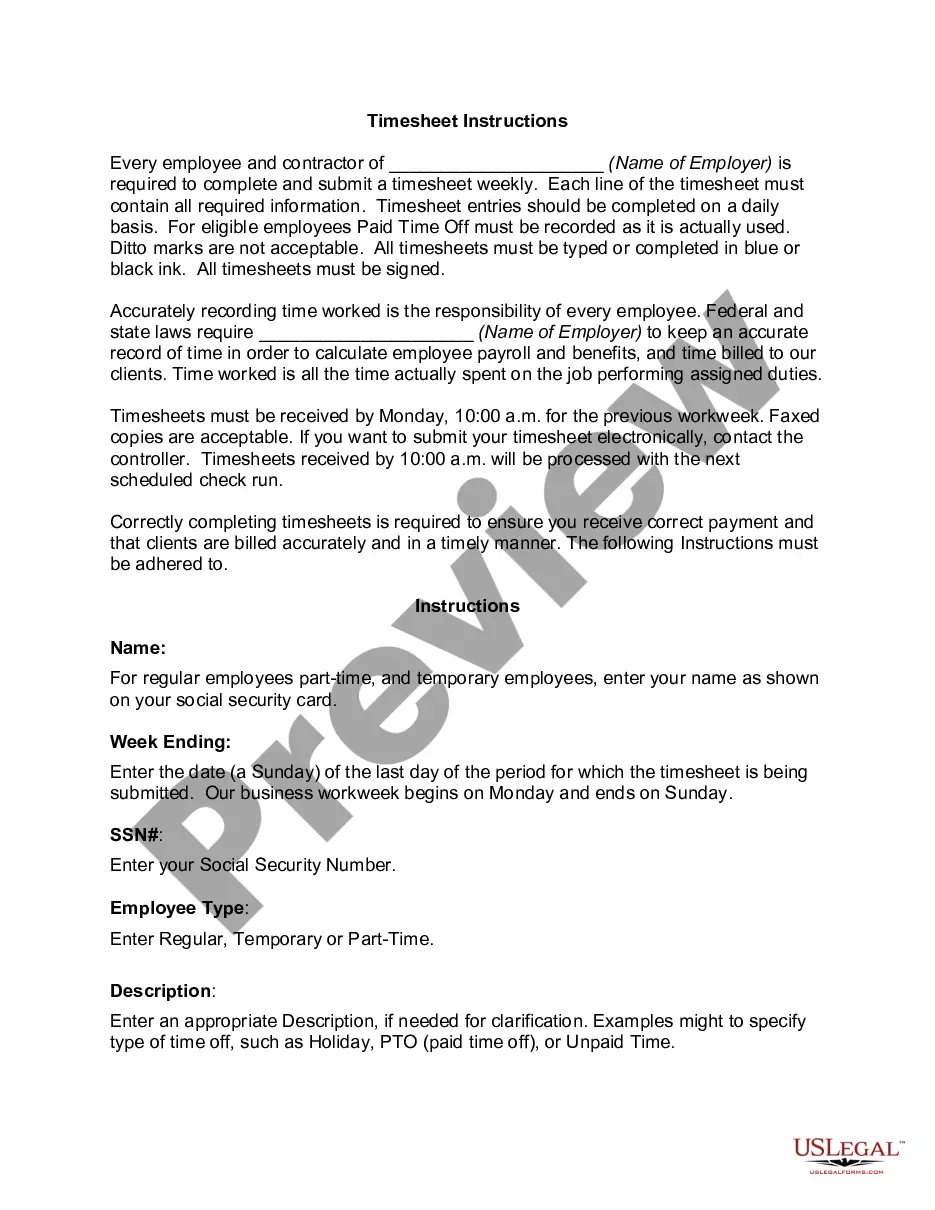
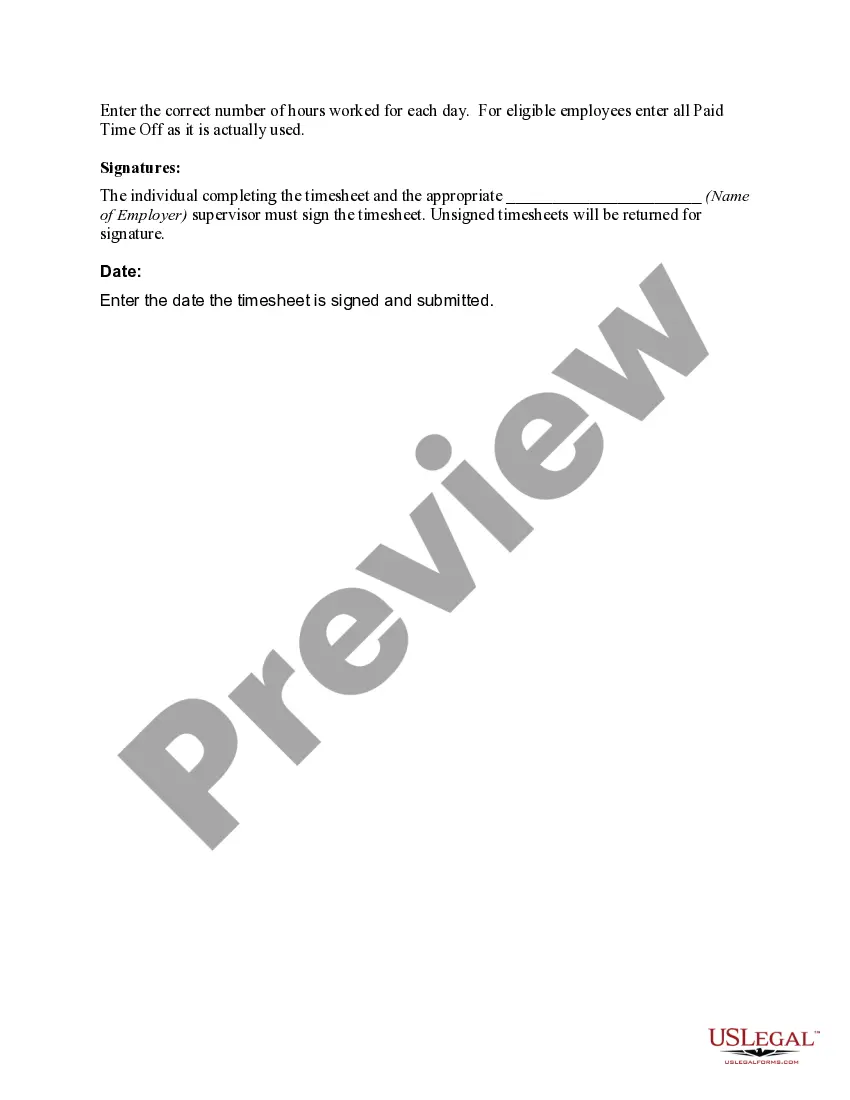
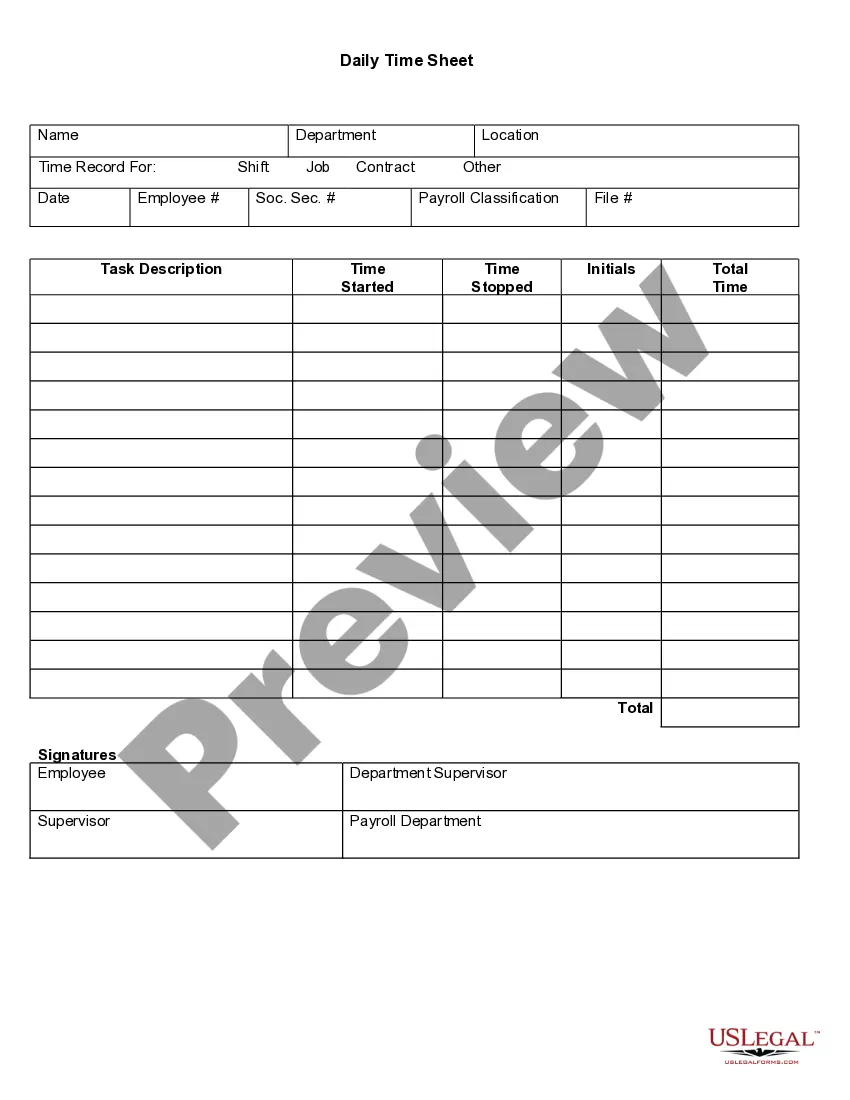




How to fill out Time Sheet Instructions?
Creating legal documents from the ground up can frequently feel a bit daunting. Specific situations may require extensive research and significant financial resources. If you are looking for a simpler and more affordable method to generate a Time Sheet With Lunch Break or other documentation without unnecessary hurdles, US Legal Forms is available to assist you.
Our digital library features over 85,000 current legal templates that encompass nearly every facet of your financial, legal, and personal concerns. With just a few clicks, you can quickly obtain state- and county-compliant forms meticulously prepared by our legal experts.
Utilize our platform whenever you require trustworthy and dependable services that enable you to swiftly find and download the Time Sheet With Lunch Break. If you are already familiar with our services and have set up an account previously, just Log In to your account, select your desired form, and download it immediately or re-download it anytime from the My documents section.
No account? That’s not an issue. Setting one up takes just a few minutes, allowing you to browse the catalog. However, before rushing to download the Time Sheet With Lunch Break, heed these suggestions.
- Review the document preview and descriptions to confirm you have located the form you seek.
- Ensure the template you choose adheres to the regulations and laws relevant to your state and county.
- Select the most suitable subscription plan to acquire the Time Sheet With Lunch Break.
- Download the form, then fill it out, sign it, and print it.
Form popularity
FAQ
To manually enter time in Workday, go to the time entry section and choose the date you want to change. You can then input your start and end times, making sure to also document your lunch break on the time sheet with lunch break. This ensures that your hours reflect your actual work and rest periods correctly.
To fill out a time log, make sure to document your hours worked each day. Be specific about the start and end times, and include your lunch break in the time sheet with lunch break to ensure everything is recorded accurately. This practice not only helps in payroll but also improves your time management skills.
Adding time on the Workday app is straightforward. Open the app, navigate to your time entry, and select the date you want to update. Here, you can input your working hours alongside any breaks, including your lunch break, all within the time sheet with lunch break.
To add a lunch break in Workday, access your time entry section, and locate the field for breaks. Enter the duration of your lunch break accurately on your time sheet with lunch break. This step is vital for ensuring that your time records are precise, reflecting both your work and break periods.
In Workday, lunch breaks are typically not counted as work hours. It is essential to properly indicate your lunch break in the time sheet with lunch break to avoid confusion. This will ensure that your total hours worked reflect only your actual productive time.
Filling out a time management sheet involves recording the hours worked and break times for each day. Start by entering your start time and end time for your shift. Don't forget to accurately note your lunch break on the time sheet with lunch break, which helps in maintaining compliance and ensuring you get the proper rest times.
To enter lunch time in Workday, first navigate to the time tracking section. You need to select the date and time period you want to update. Then, simply record your lunch break duration in the appropriate field on your time sheet with lunch break, ensuring that it accurately reflects your time off for lunch.
Counting an hour typically involves measuring the elapsed time from a specific start point to an endpoint. For a time sheet with lunch break, ensure that any breaks, like a lunch break, are subtracted from the total time. This way, you can report only the hours you worked accurately.
To count your hours, start by tracking your daily working times. Subtract any breaks taken from your total time worked to arrive at your effective hours. Effective tracking is crucial for maintaining an accurate time sheet with lunch break, especially if you need to report your hours.
If you work from 8 am to 5 pm with a 30-minute lunch break, you would be working 8 hours total. However, after deducting your 30-minute break, your effective working hours would be 7.5 hours. This calculation is essential for an accurate time sheet with lunch break.