Small Business Inventory For Sale
Description
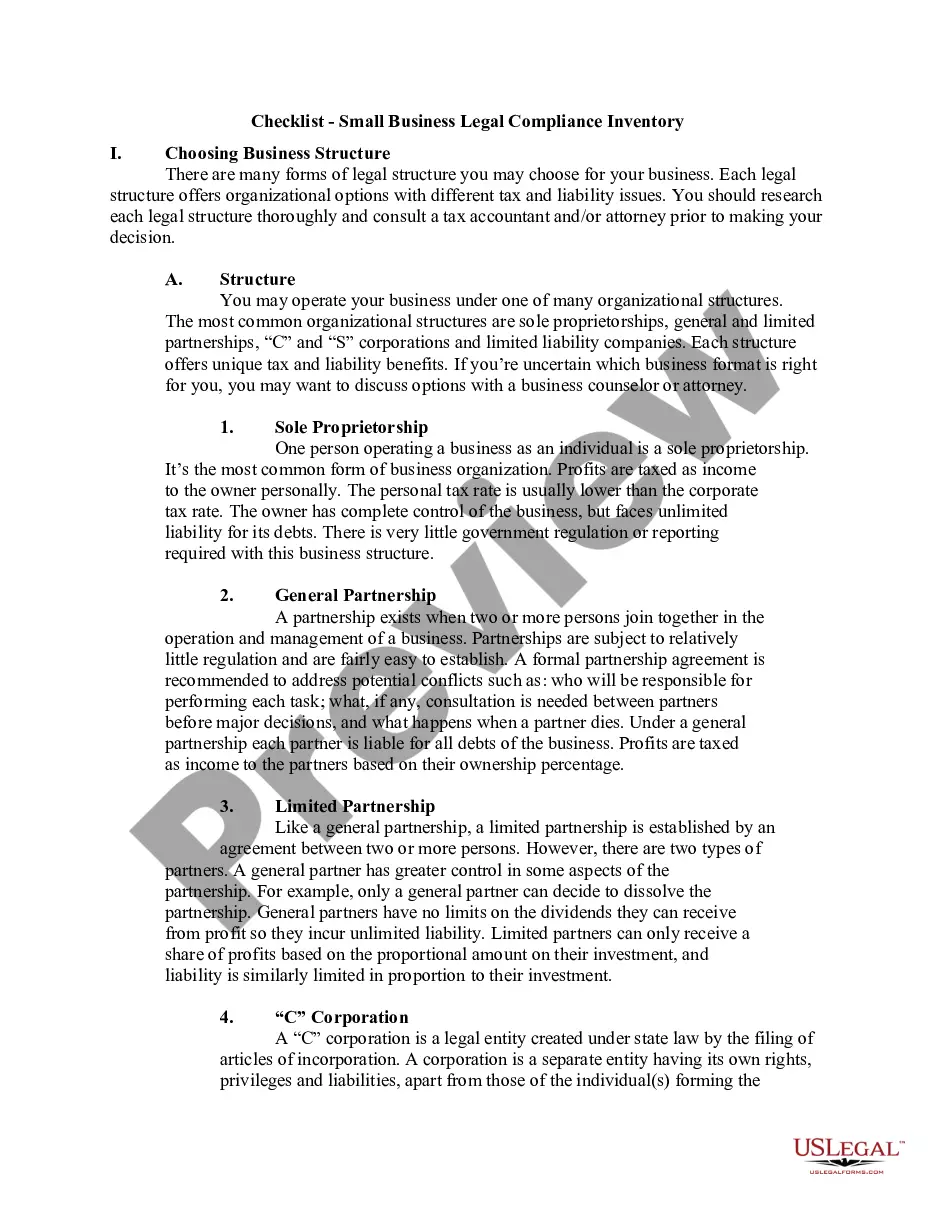
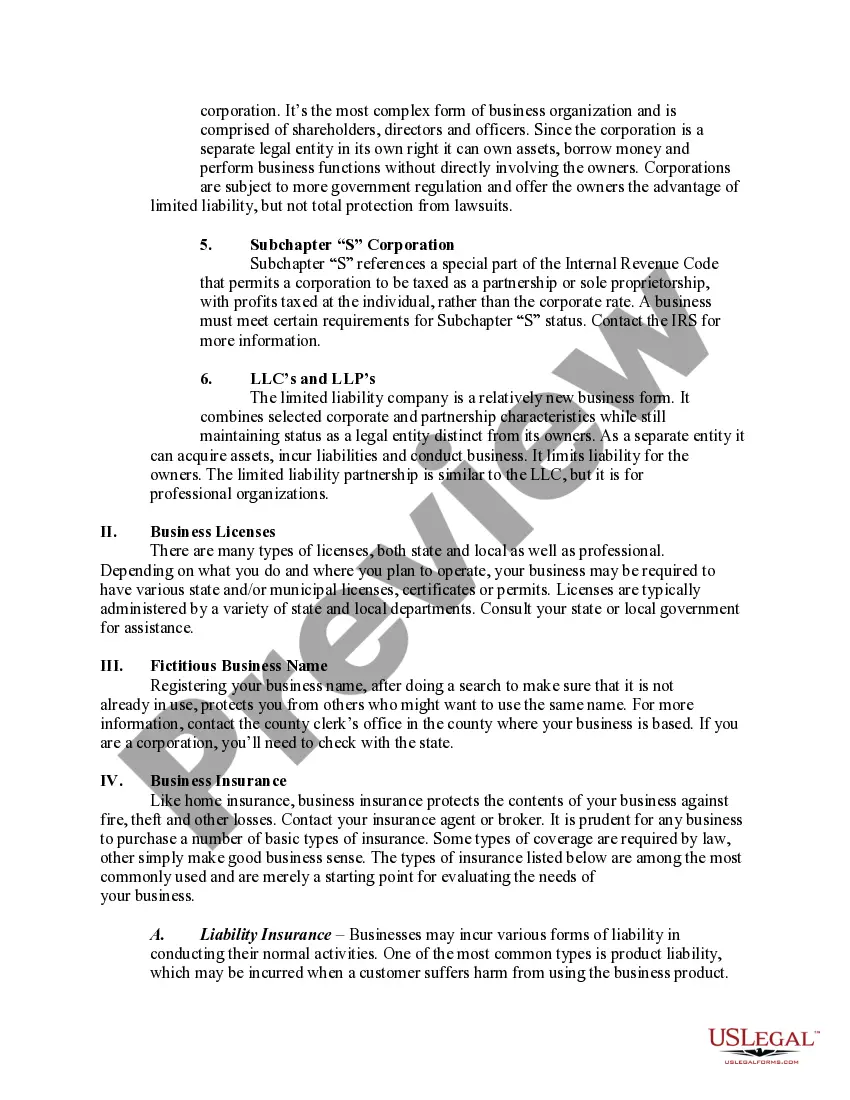
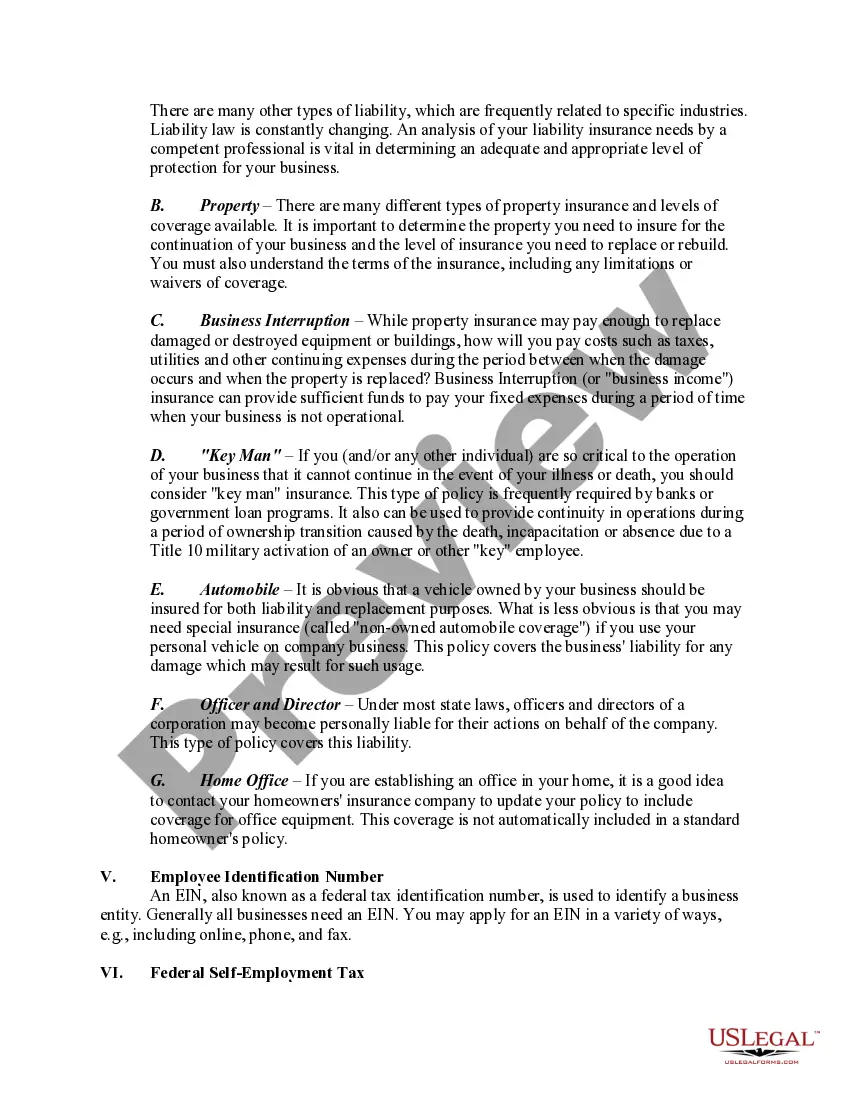
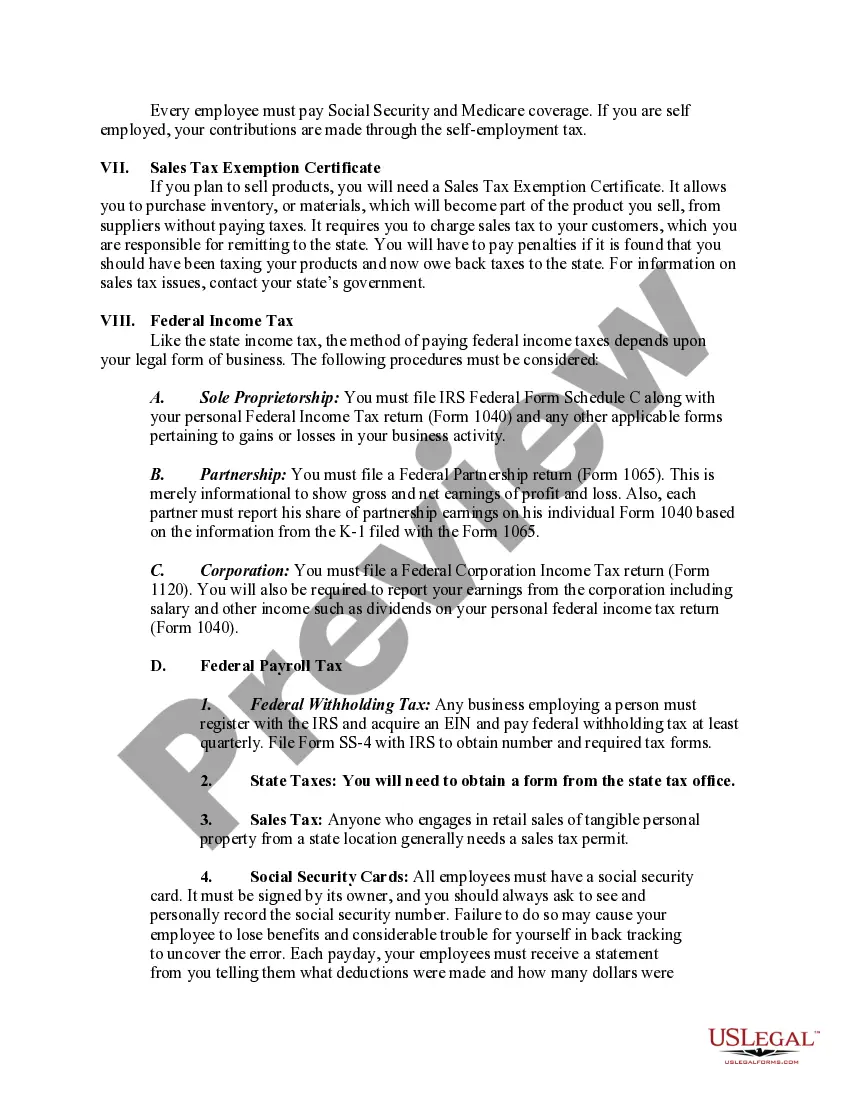
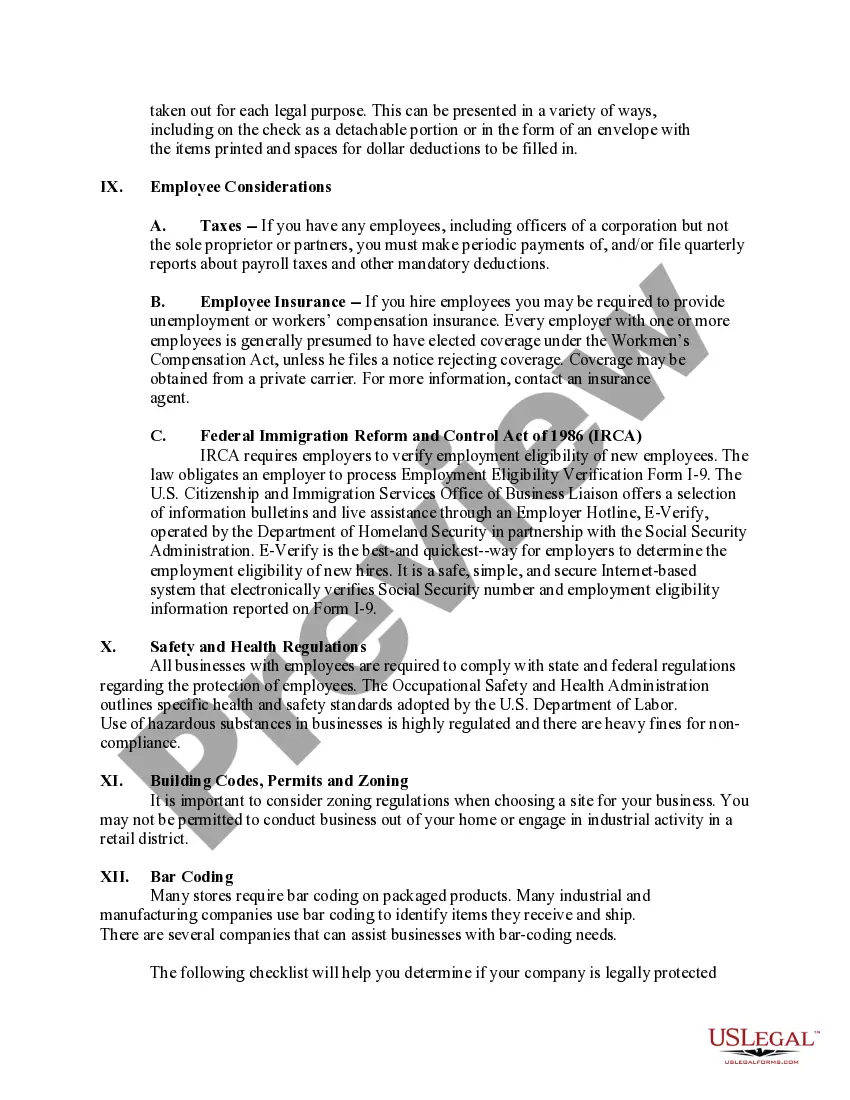
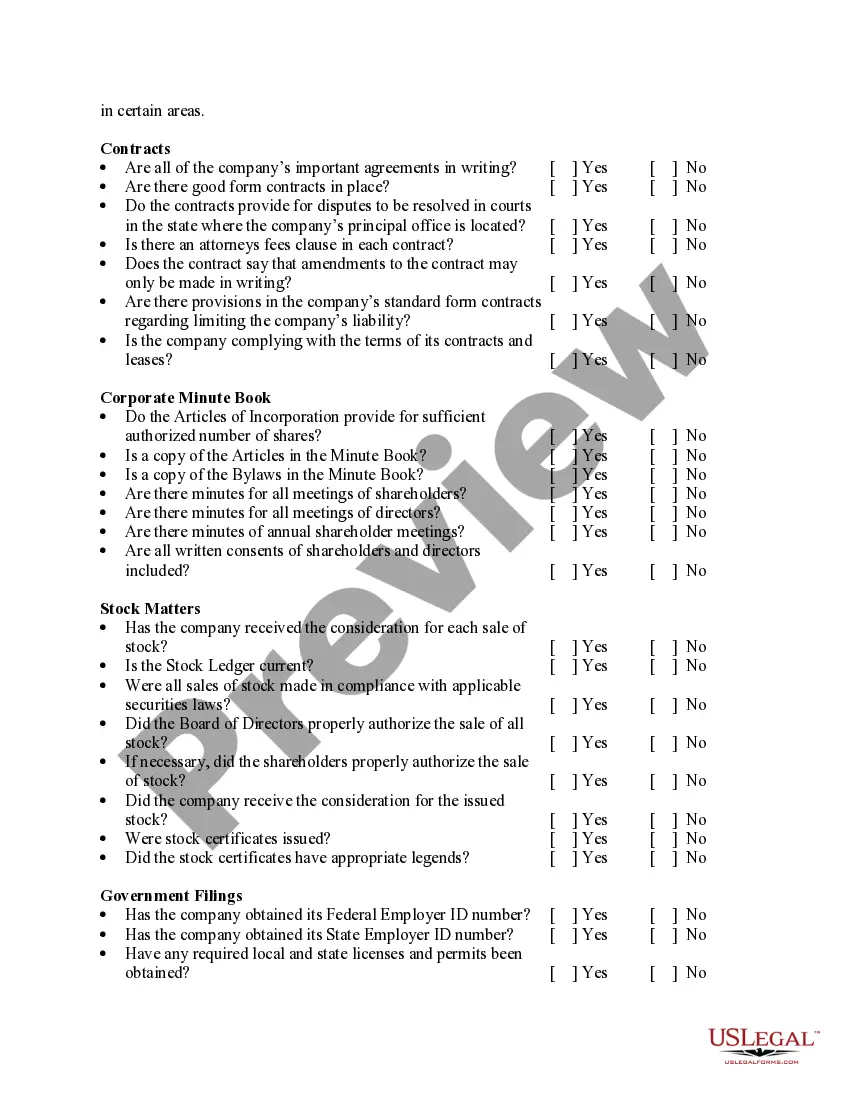
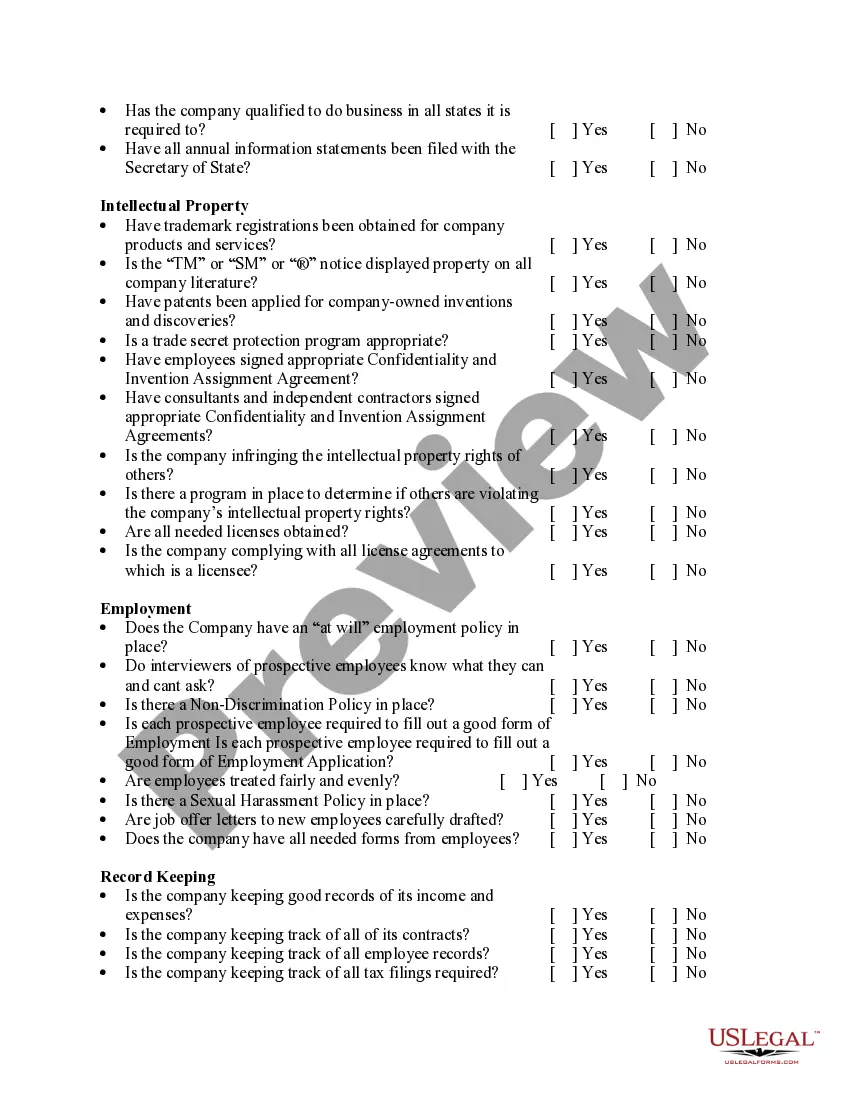

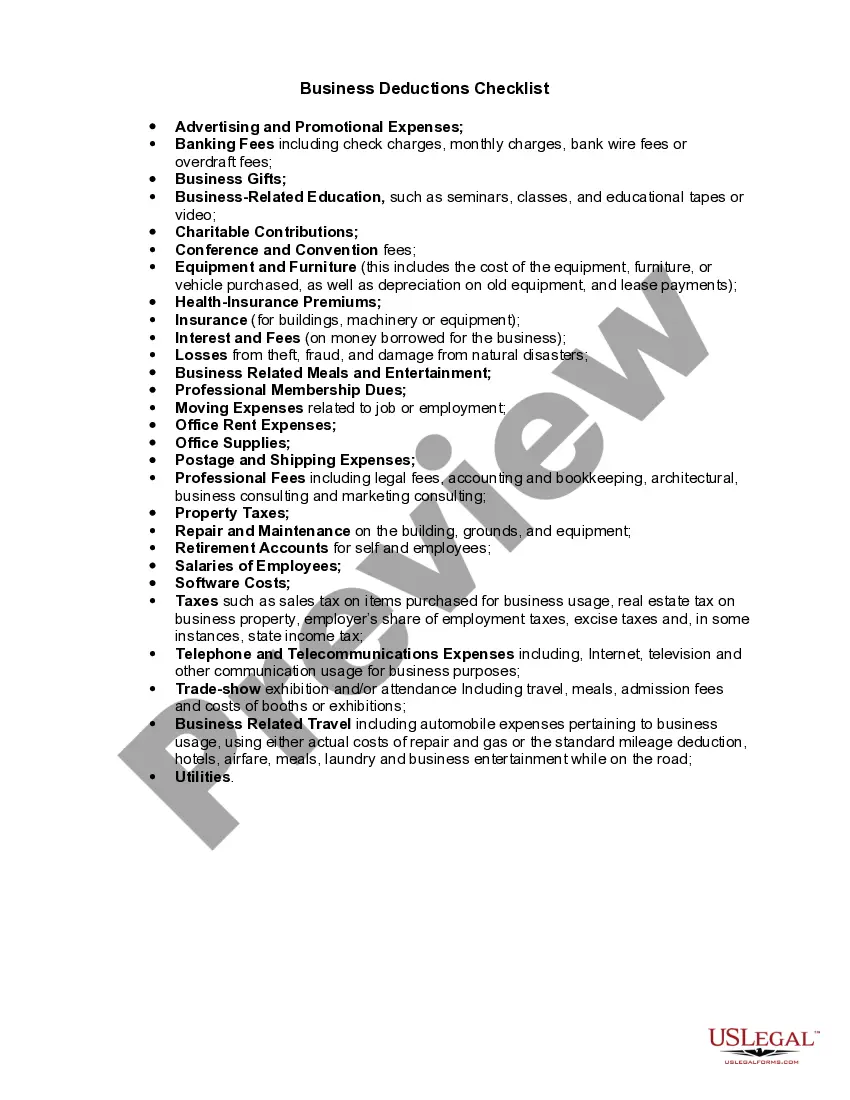
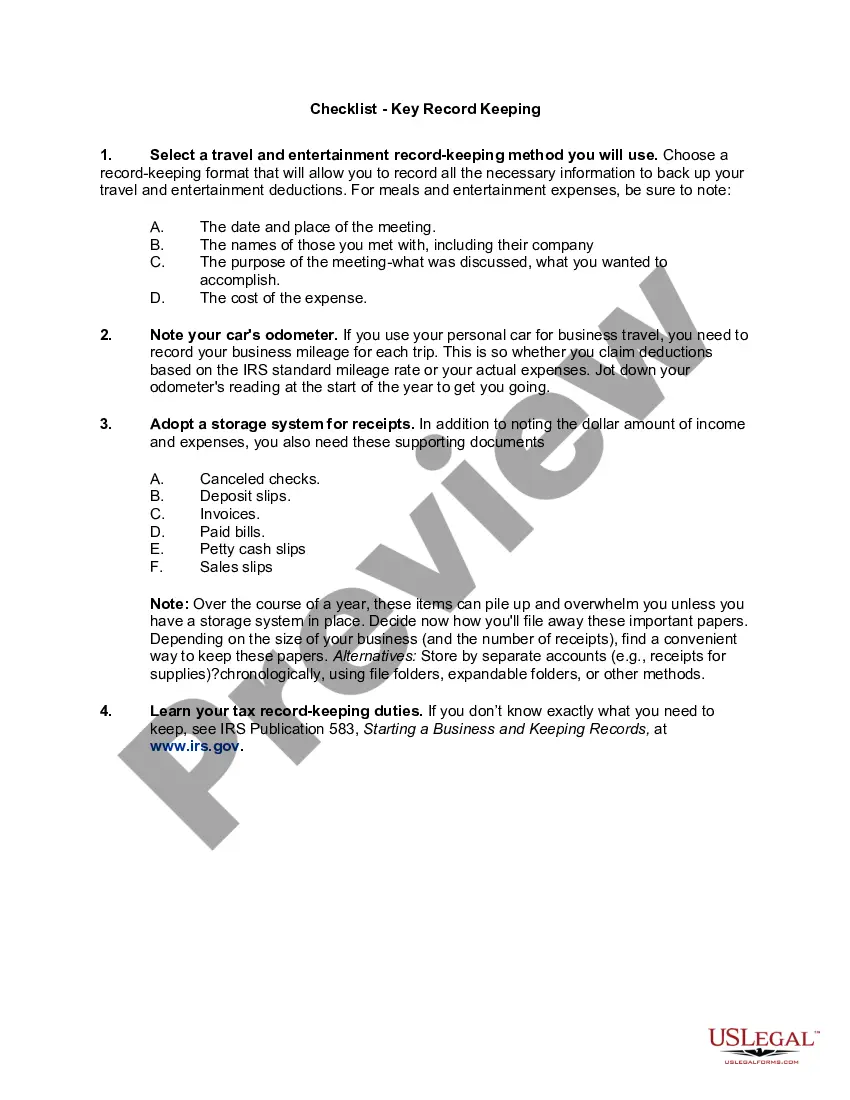
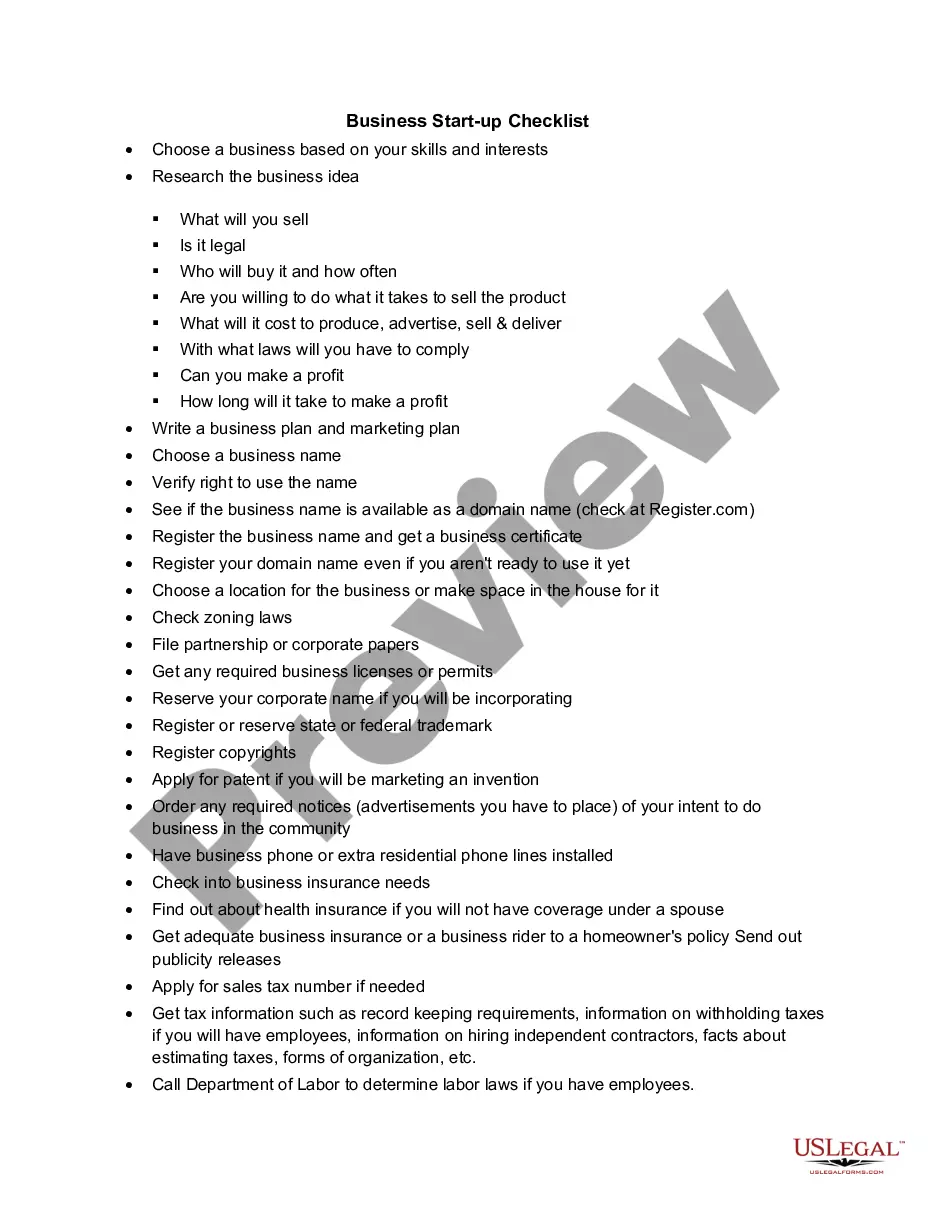
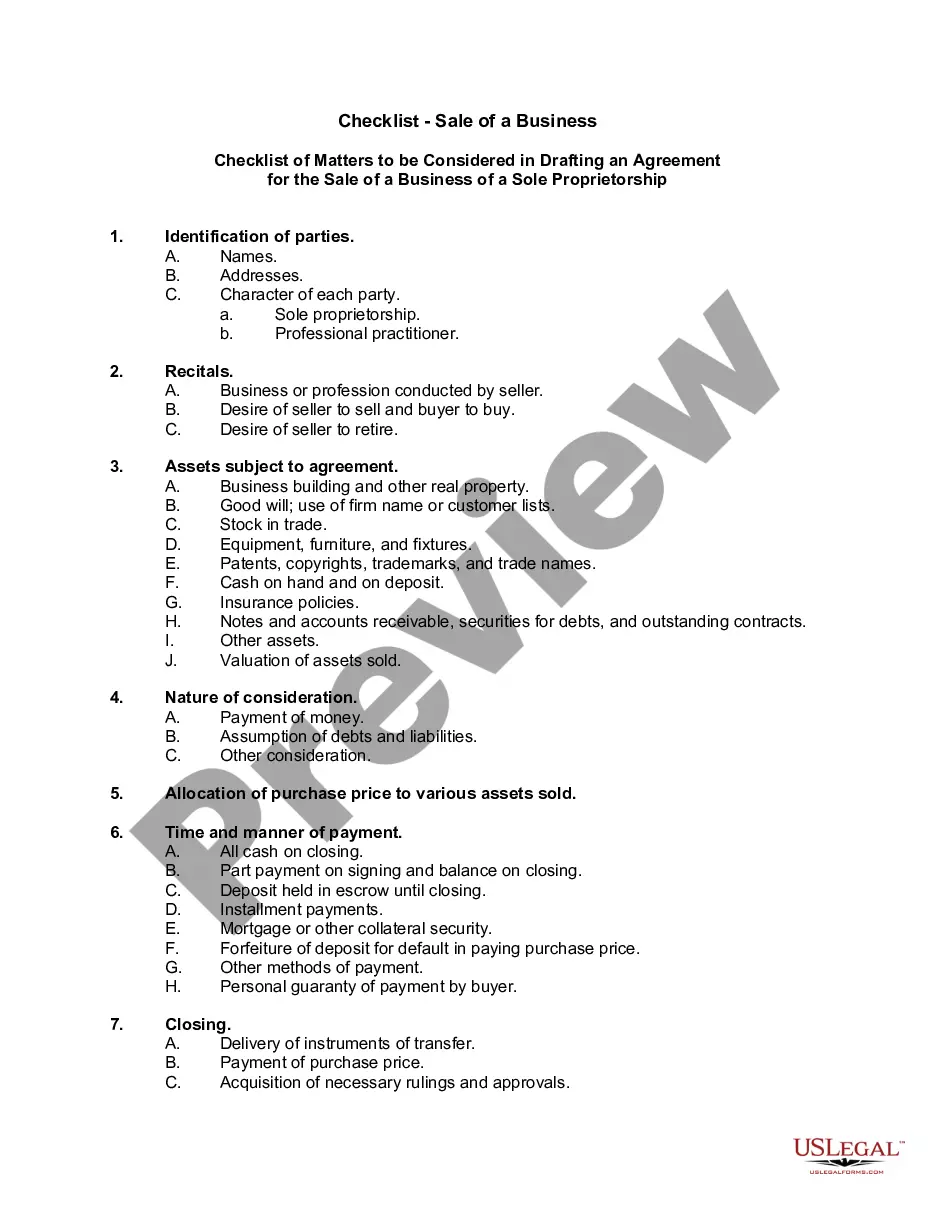
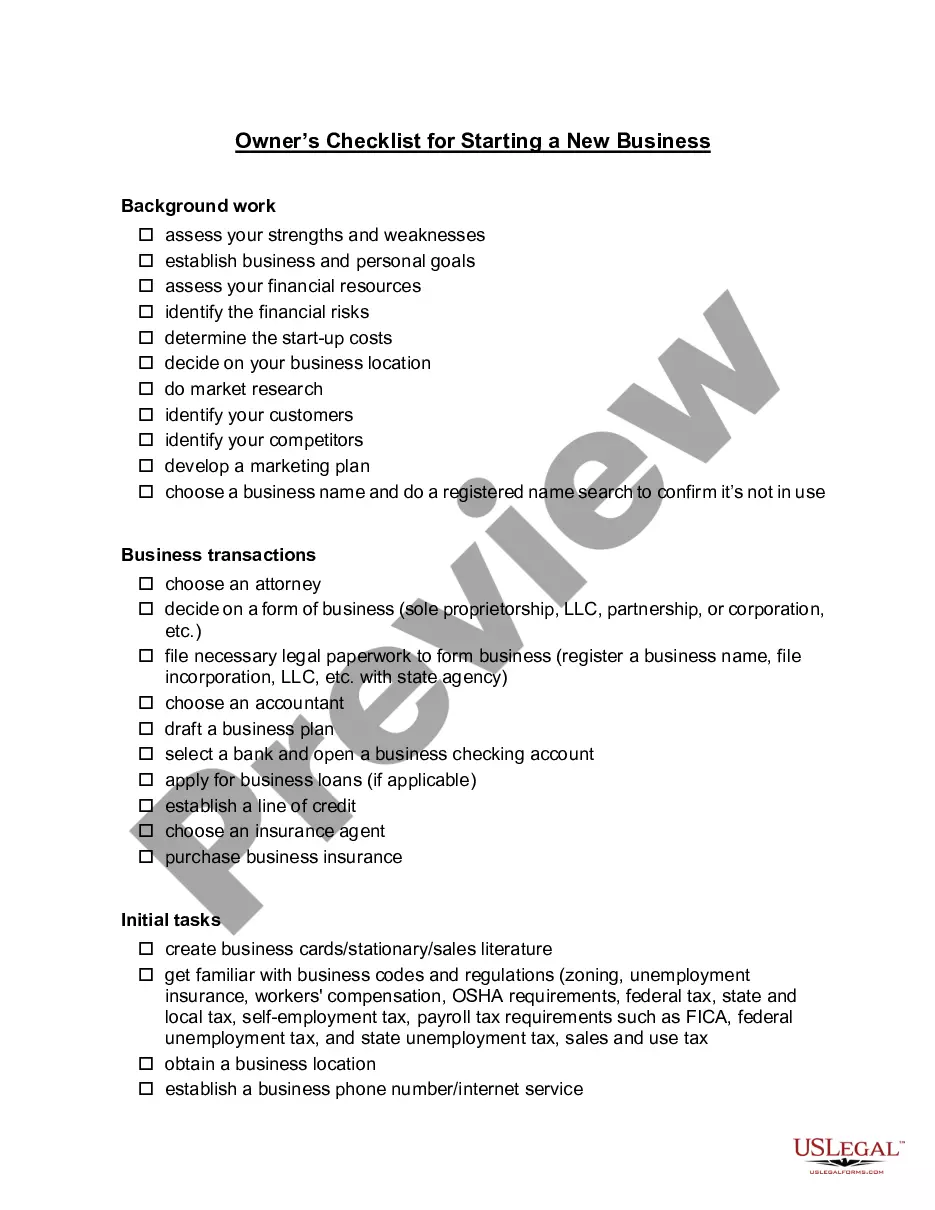
Get your form ready online
Our built-in tools help you complete, sign, share, and store your documents in one place.
Make edits, fill in missing information, and update formatting in US Legal Forms—just like you would in MS Word.
Download a copy, print it, send it by email, or mail it via USPS—whatever works best for your next step.
Sign and collect signatures with our SignNow integration. Send to multiple recipients, set reminders, and more. Go Premium to unlock E-Sign.
If this form requires notarization, complete it online through a secure video call—no need to meet a notary in person or wait for an appointment.
We protect your documents and personal data by following strict security and privacy standards.

Make edits, fill in missing information, and update formatting in US Legal Forms—just like you would in MS Word.

Download a copy, print it, send it by email, or mail it via USPS—whatever works best for your next step.

Sign and collect signatures with our SignNow integration. Send to multiple recipients, set reminders, and more. Go Premium to unlock E-Sign.

If this form requires notarization, complete it online through a secure video call—no need to meet a notary in person or wait for an appointment.

We protect your documents and personal data by following strict security and privacy standards.
Looking for another form?








How to fill out Checklist - Small Business Legal Compliance Inventory?
Managing legal documents can be perplexing, even for seasoned professionals.
If you are looking for a Small Business Inventory For Sale and lack the time to seek the appropriate and current version, the processes can be challenging.
US Legal Forms meets any requirements you may have, ranging from individual to business documents, all located in one convenient place.
Utilize sophisticated tools to complete and manage your Small Business Inventory For Sale.
Here are the steps to follow after acquiring the form you need: Confirm it is the correct document by reviewing it and going through its details, ensure that the template is valid in your state or county, click Buy Now when you are ready, choose a subscription option, select the format you need, and Download, fill out, sign, print, and send your documents. Enjoy the US Legal Forms online library, supported by 25 years of expertise and reliability. Transform your daily document management into a straightforward and efficient process today.
- Access a valuable collection of articles, guides, and manuals related to your circumstances and requirements.
- Reduce time and effort spent searching for the documents you need, and use US Legal Forms’ advanced search and Preview function to find and acquire your Small Business Inventory For Sale.
- If you have a subscription, Log In to your US Legal Forms account, search for the document, and obtain it.
- Visit the My documents section to check the documents you have previously downloaded and to organize your files as you see fit.
- If this is your first experience with US Legal Forms, create an account to gain unlimited access to all the library's advantages.
- A powerful online form library can significantly benefit those wishing to navigate these challenges effectively.
- US Legal Forms stands as a leader in online legal documents, providing over 85,000 state-specific legal forms at your disposal.
- With US Legal Forms, you can access a variety of legal and business forms tailored to your state or county.
Form popularity
FAQ
Set up an inventory ledger The most barebones method of tracking inventory is to set up a manual inventory or sales ledger. You can do this with most accounting software, a spreadsheet, or even a physical notebook. Any time you make a sale or a purchase, record it in the ledger.
What to Include on Inventory Lists Name of the item. SKU (stock-keeping unit), serial number and/or barcode that identifies an item. Category and/or brief item description. Name of manufacturer or supplier. Unit cost. Sale price. Quantity in stock. Total value.
The simplest way to track inventory is to manually count your inventory every two weeks and compare the numbers versus sales. That's known as periodic inventory. There is also perpetual inventory, where inventory management systems like BinWise are used and integrated into your business's POS.
To calculate your inventory to sales ratio, you'll need your average inventory for the period you're tracking and your net sales. You can find the latter by subtracting any sales returns from your gross (or total) sales. To find the inventory to sales ratio, simply divide your average inventory by your net sales.
What to Include on Inventory Lists Name of the item. SKU (stock-keeping unit), serial number and/or barcode that identifies an item. Category and/or brief item description. Name of manufacturer or supplier. Unit cost. Sale price. Quantity in stock. Total value.