Supplier Evaluation Form In Excel
Description
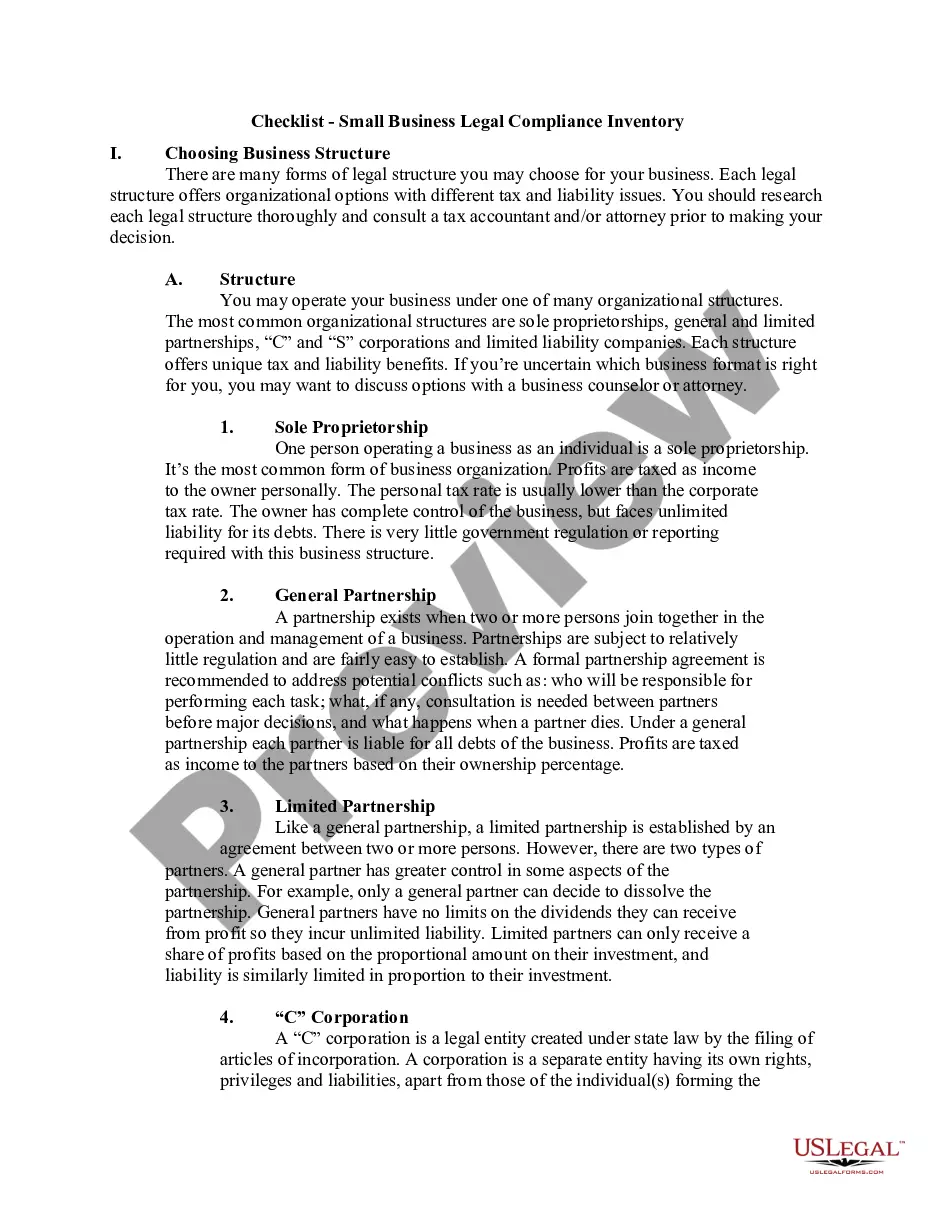
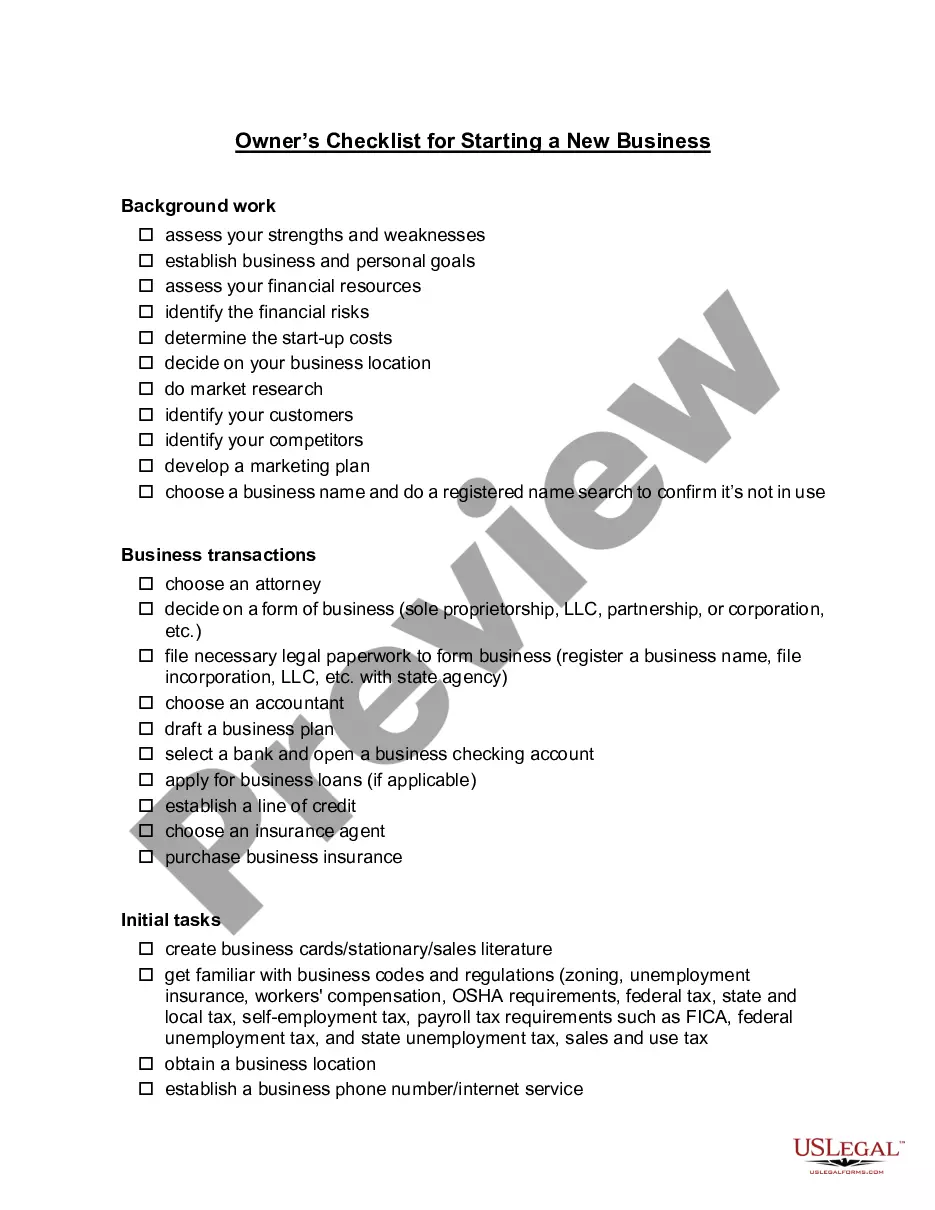
Get your form ready online
Our built-in tools help you complete, sign, share, and store your documents in one place.
Make edits, fill in missing information, and update formatting in US Legal Forms—just like you would in MS Word.
Download a copy, print it, send it by email, or mail it via USPS—whatever works best for your next step.
Sign and collect signatures with our SignNow integration. Send to multiple recipients, set reminders, and more. Go Premium to unlock E-Sign.
If this form requires notarization, complete it online through a secure video call—no need to meet a notary in person or wait for an appointment.
We protect your documents and personal data by following strict security and privacy standards.

Make edits, fill in missing information, and update formatting in US Legal Forms—just like you would in MS Word.

Download a copy, print it, send it by email, or mail it via USPS—whatever works best for your next step.

Sign and collect signatures with our SignNow integration. Send to multiple recipients, set reminders, and more. Go Premium to unlock E-Sign.

If this form requires notarization, complete it online through a secure video call—no need to meet a notary in person or wait for an appointment.

We protect your documents and personal data by following strict security and privacy standards.
Looking for another form?










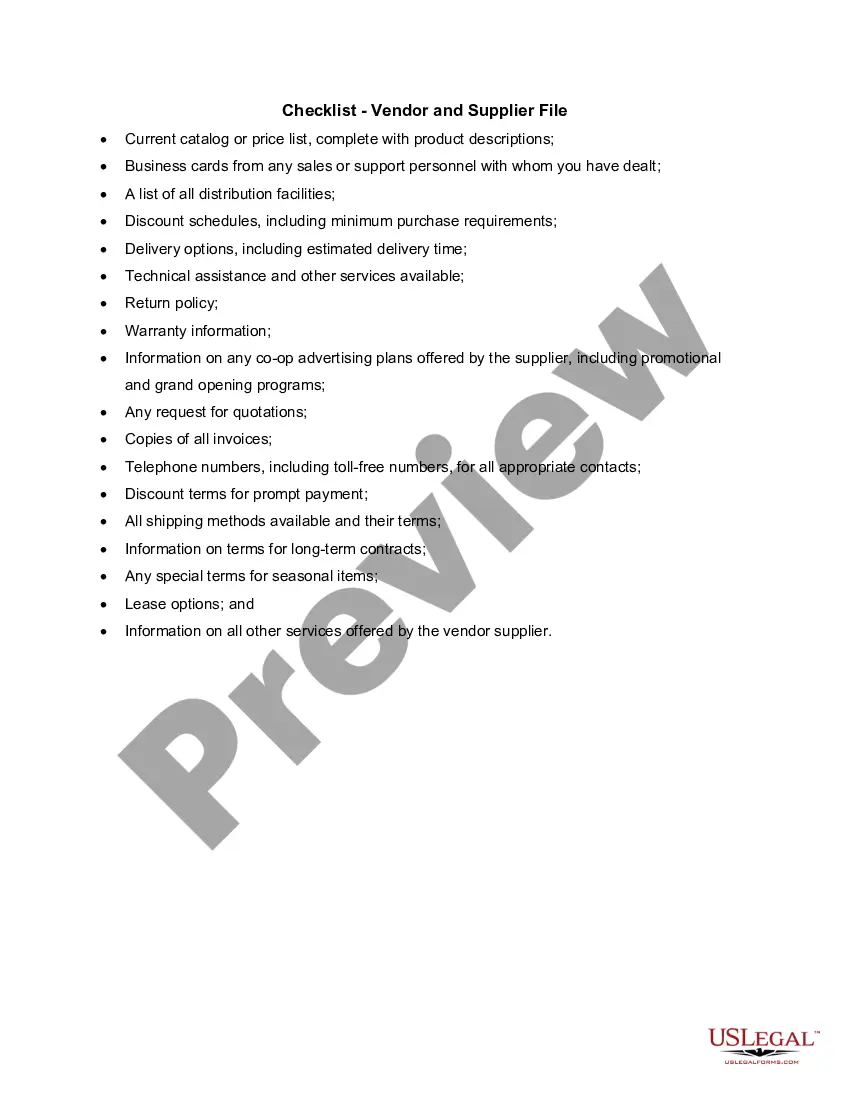
How to fill out Checklist - Vendor And Supplier File?
Legal document management can be daunting, even for the most experienced professionals.
When you're looking for a Supplier Evaluation Form In Excel and lack the time to search for the correct and current version, the tasks can be challenging.
US Legal Forms meets any requirements you may have, from personal to business documents, all in one location.
Utilize advanced tools to complete and manage your Supplier Evaluation Form In Excel.
Here are the steps to follow after accessing the form you need: Verify that this is the correct form by previewing it and examining its details. Ensure that the template is accepted in your state or county. Click Buy Now when you're ready. Select a subscription plan. Choose the format you prefer, and Download, complete, sign, print, and submit your document. Benefit from the US Legal Forms web library, backed by 25 years of expertise and dependability. Transform your daily document management into a seamless and user-friendly process today.
- Access a repository of articles, tutorials, and guides relevant to your circumstances and needs.
- Save time and energy searching for the documents you require, and use US Legal Forms’ advanced search and Preview feature to locate Supplier Evaluation Form In Excel and download it.
- If you have a subscription, Log In to your US Legal Forms account, search for the form, and download it.
- Check your My documents tab to review the documents you've previously downloaded and manage your folders as desired.
- If it’s your first time with US Legal Forms, create an account and gain unlimited access to all features of the library.
- An extensive online form library can be transformative for anyone wishing to navigate these scenarios effectively.
- US Legal Forms is a leader in online legal documents, offering over 85,000 state-specific legal forms accessible at any time.
- With US Legal Forms, you can access state- or county-specific legal and business documents.
Form popularity
FAQ
The formula for supplier performance can vary, but a common approach is to evaluate performance through a weighted scoring system based on your selected KPIs. For example, you might calculate an overall score by assigning weights to each KPI according to its importance. This method provides a comprehensive view of supplier performance. Utilizing a supplier evaluation form in excel can simplify this calculation and help visualize the results.
To fill a supplier evaluation form, begin by reviewing the criteria and questions outlined in the form. Ensure you provide accurate data and specific examples where applicable. Use clear and concise language to describe your observations and experiences with the supplier. This structured process can be easily managed using a supplier evaluation form in excel, making it efficient to capture and analyze the necessary information.
Evaluating supplier performance involves collecting data across various metrics, analyzing trends, and comparing results against established benchmarks. You can use a supplier evaluation form in excel to organize this information effectively. Regular evaluations allow you to identify potential issues and recognize top-performing suppliers. This systematic approach fosters better relationships and enhances overall supply chain efficiency.
Key Performance Indicators (KPIs) for measuring supplier performance include on-time delivery rates, defect rates, responsiveness, and compliance with specifications. These metrics give you a clear view of how well suppliers meet your expectations. By tracking these KPIs over time, you can make data-driven decisions and adjustments. Utilizing a supplier evaluation form in excel can streamline this process, making it easier to monitor these indicators effectively.
A supplier evaluation survey should focus on key characteristics such as clarity, relevance, comprehensiveness, ease of use, and actionable insights. Clarity ensures that questions are easily understood, while relevance keeps the survey focused on essential supplier aspects. Comprehensive surveys cover all necessary areas, and ease of use encourages participation. Finally, actionable insights help you make informed decisions based on the gathered data, particularly when using a supplier evaluation form in excel.
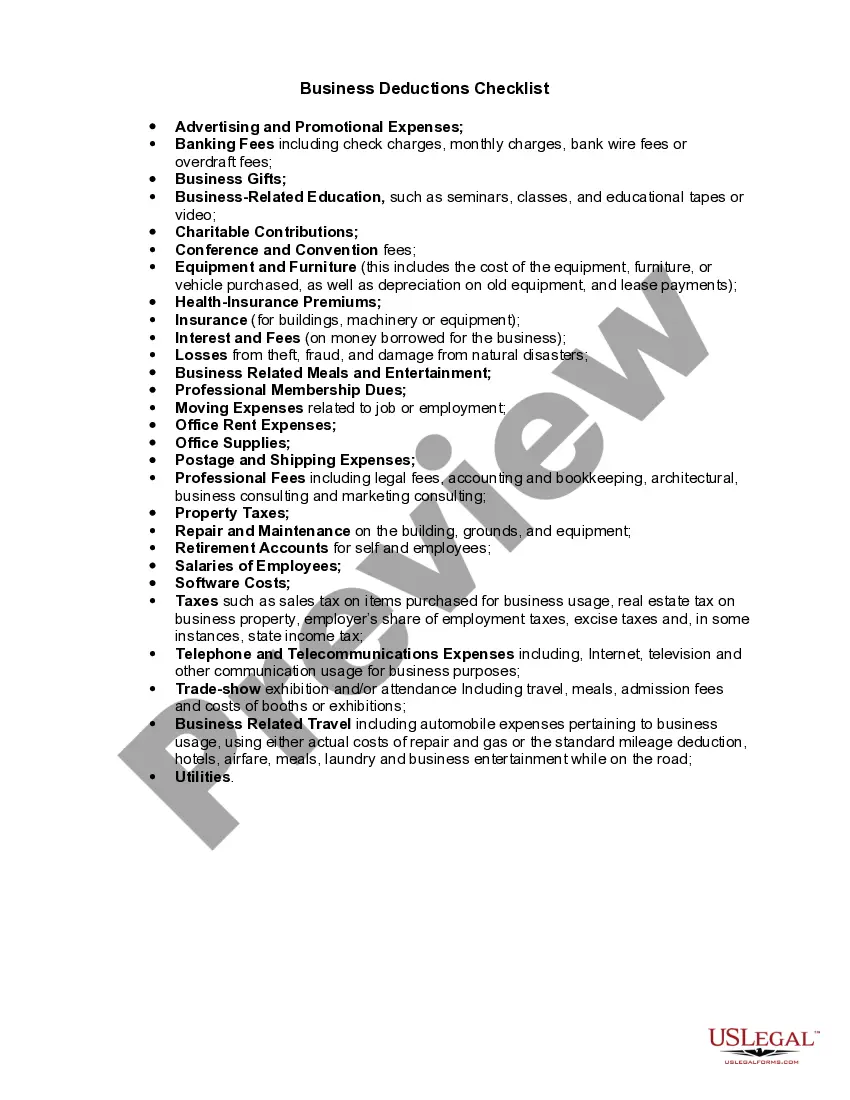
In any supplier evaluation, whether for a new or current vendor, it's important to gauge the company's production capacity, performance, risk, quality, and environmental impact.
This index is calculated for each item or commodity provided by the supplier and has a base value of 1. It is represented by the following formula: SPI = (Purchase Price + Nonperformance Cost) / (Purchase Price). As derived from the equation, the closer SPI is to 1, the better the supplier.
7 Steps for Evaluating Supplier Performance, Supply Chain Management Align performance goals. ... Choose evaluation approach. ... Develop information collection method. ... Design a robust assessment system. ... Roll out the system. ... Provide actionable feedback. ... Showcase results.
There are several steps you can take to evaluate a supplier: Define your metrics. ... Identify potential vendors. ... Create an evaluation process. ... Communicate with vendors. ... Understanding business needs. ... Defining performance indicators. ... Improving vendor relationships. ... Identifying risks.
Supplier delivery performance will be scored as percent hits of total deliveries less premium freight occurrences. The score will be calculated using the following formula: Delivery performance = (100 x (hits / total deliveries)) ? premium freight deliveries.