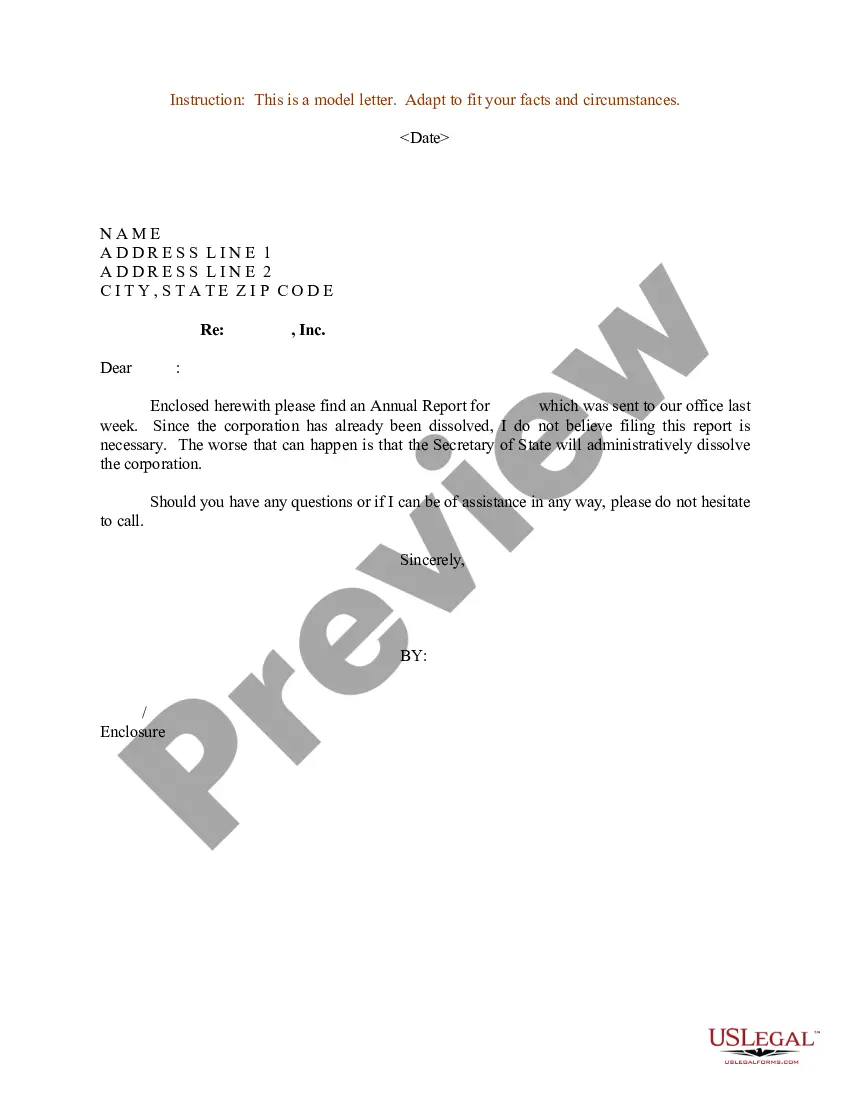
Annual Report Format Sample Format
Description
Get your form ready online
Our built-in tools help you complete, sign, share, and store your documents in one place.
Make edits, fill in missing information, and update formatting in US Legal Forms—just like you would in MS Word.
Download a copy, print it, send it by email, or mail it via USPS—whatever works best for your next step.
Sign and collect signatures with our SignNow integration. Send to multiple recipients, set reminders, and more. Go Premium to unlock E-Sign.
If this form requires notarization, complete it online through a secure video call—no need to meet a notary in person or wait for an appointment.
We protect your documents and personal data by following strict security and privacy standards.

Make edits, fill in missing information, and update formatting in US Legal Forms—just like you would in MS Word.

Download a copy, print it, send it by email, or mail it via USPS—whatever works best for your next step.

Sign and collect signatures with our SignNow integration. Send to multiple recipients, set reminders, and more. Go Premium to unlock E-Sign.

If this form requires notarization, complete it online through a secure video call—no need to meet a notary in person or wait for an appointment.

We protect your documents and personal data by following strict security and privacy standards.
Looking for another form?
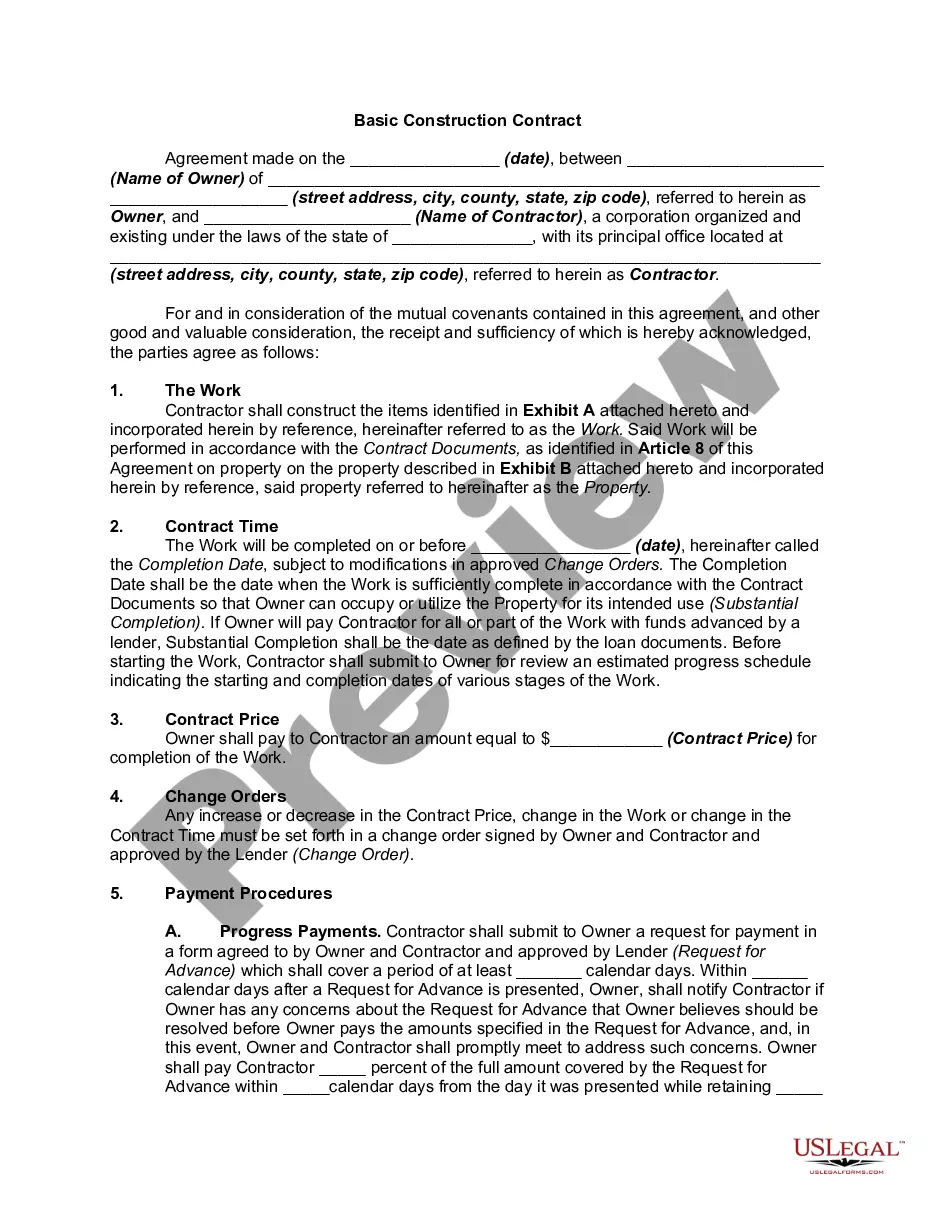
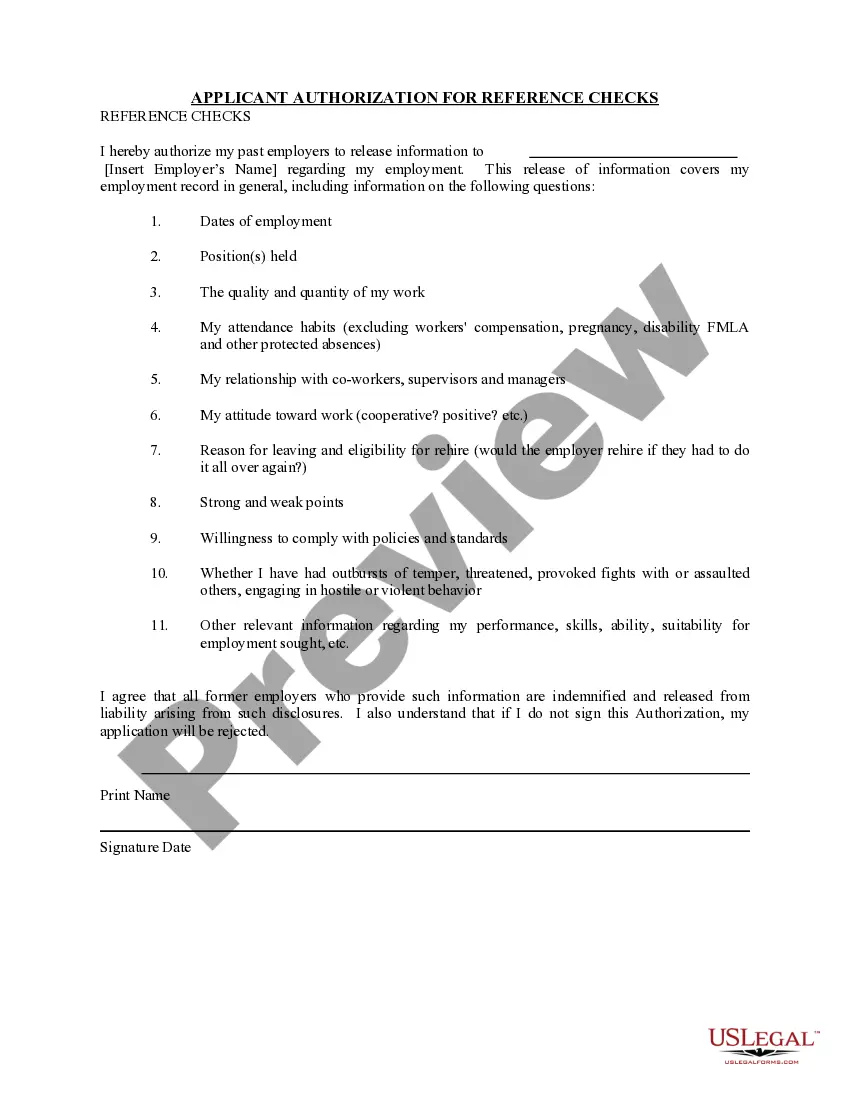
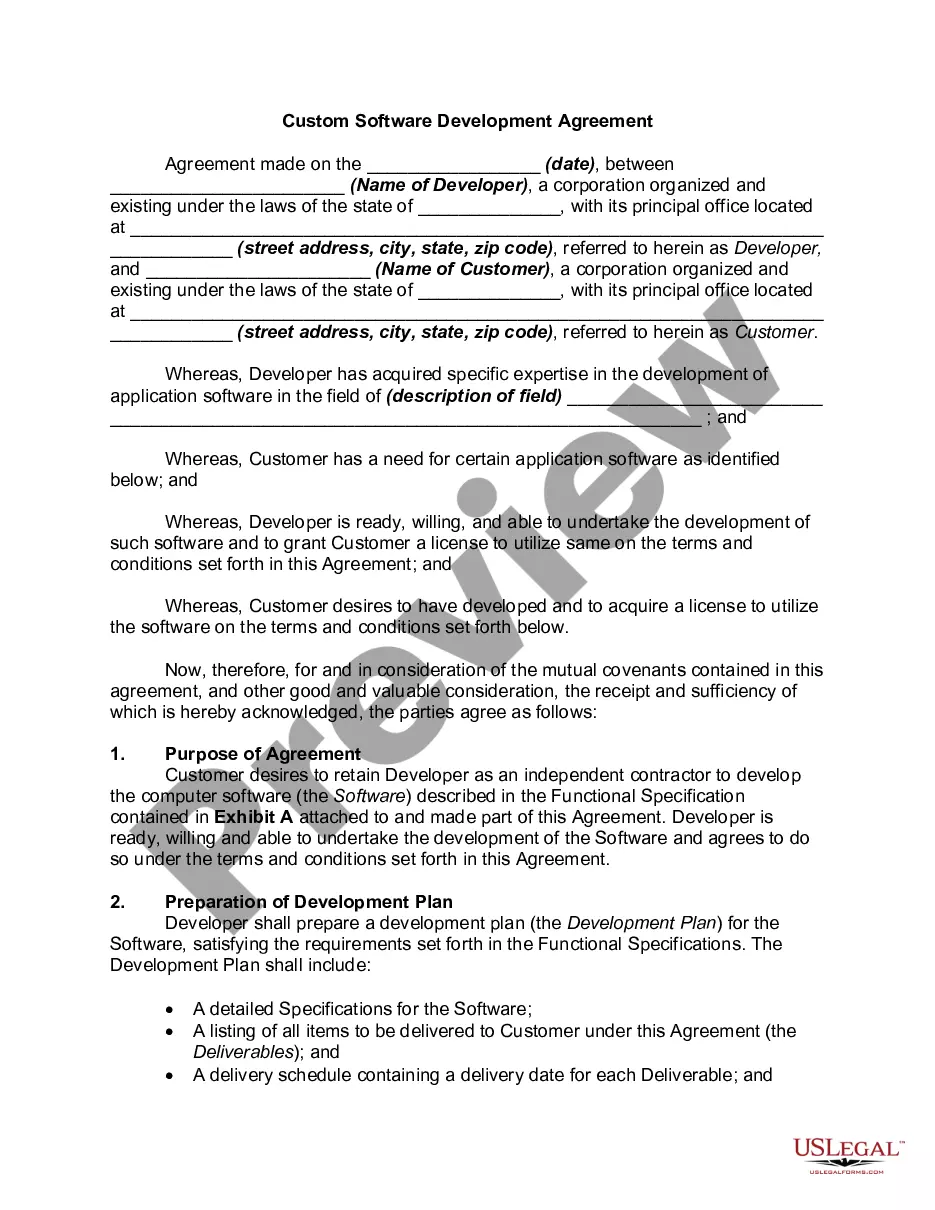
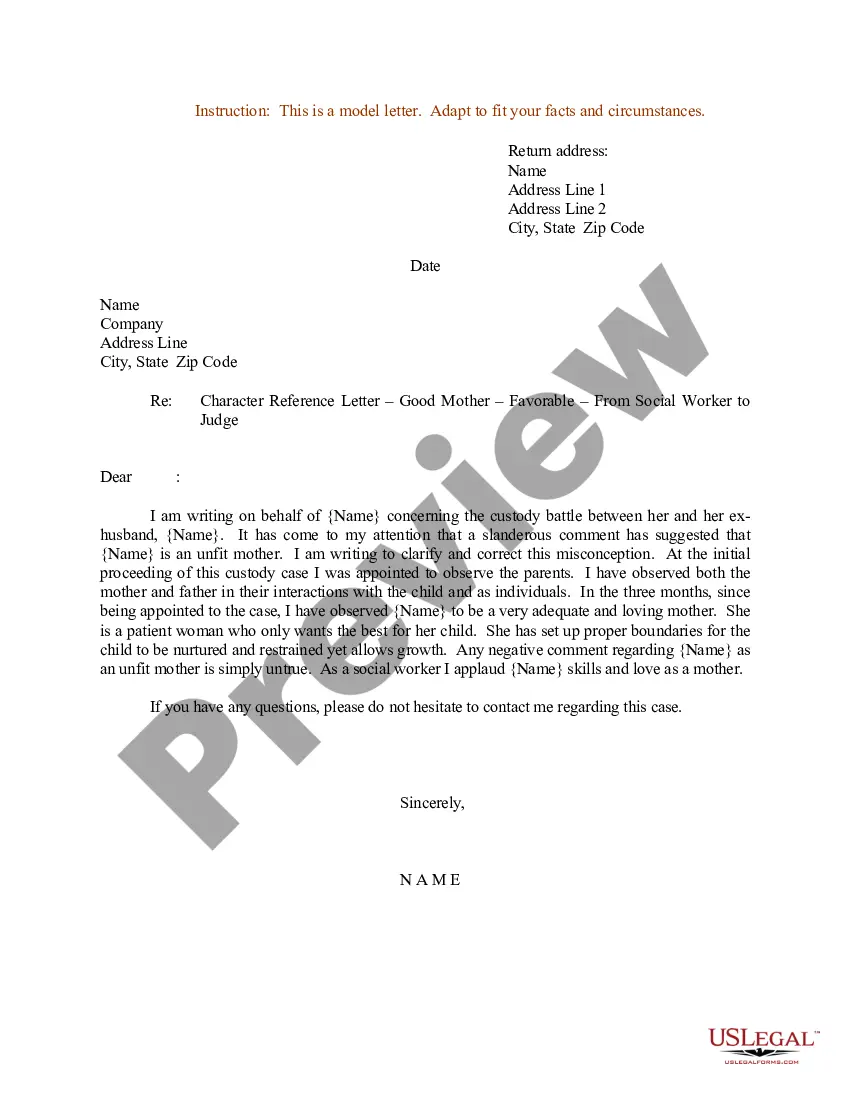
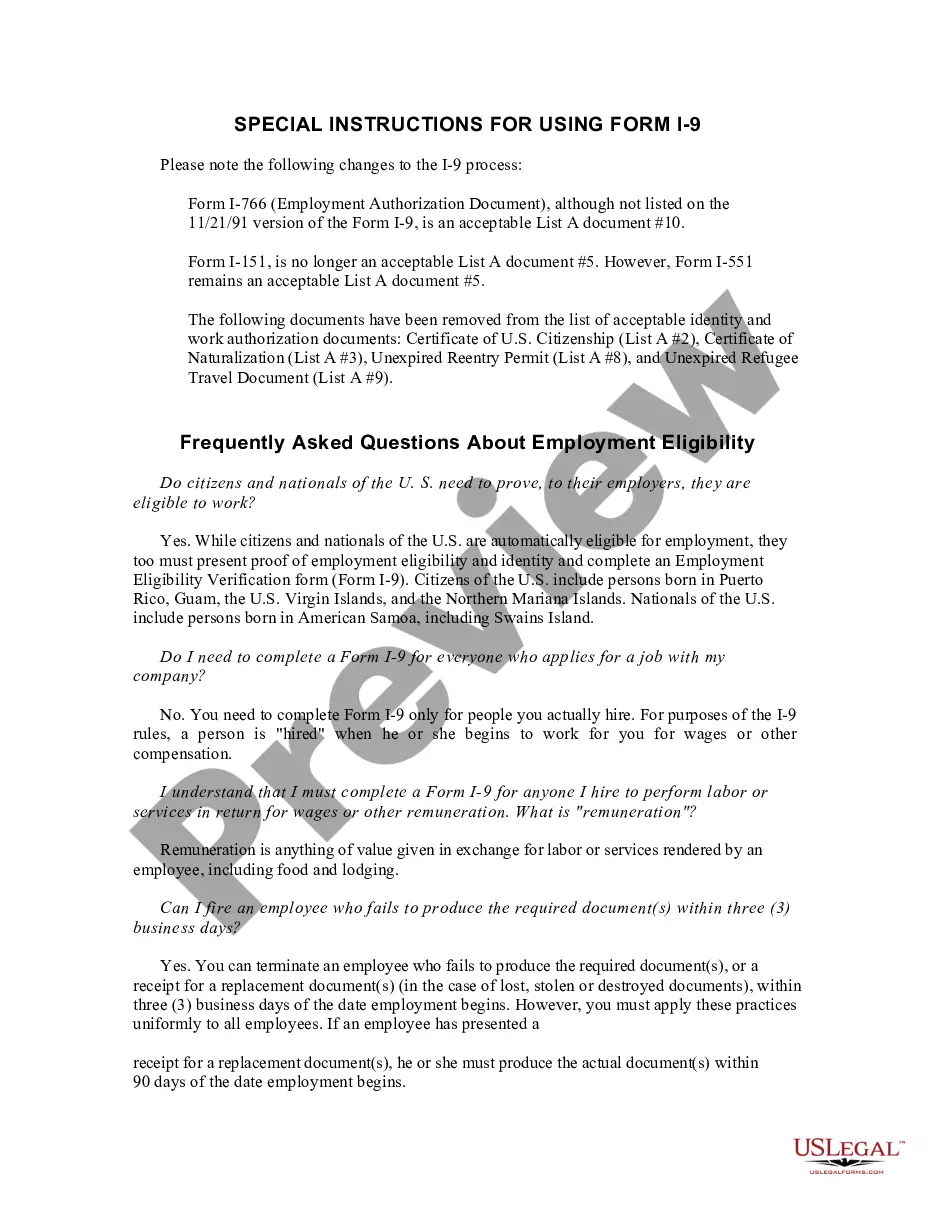
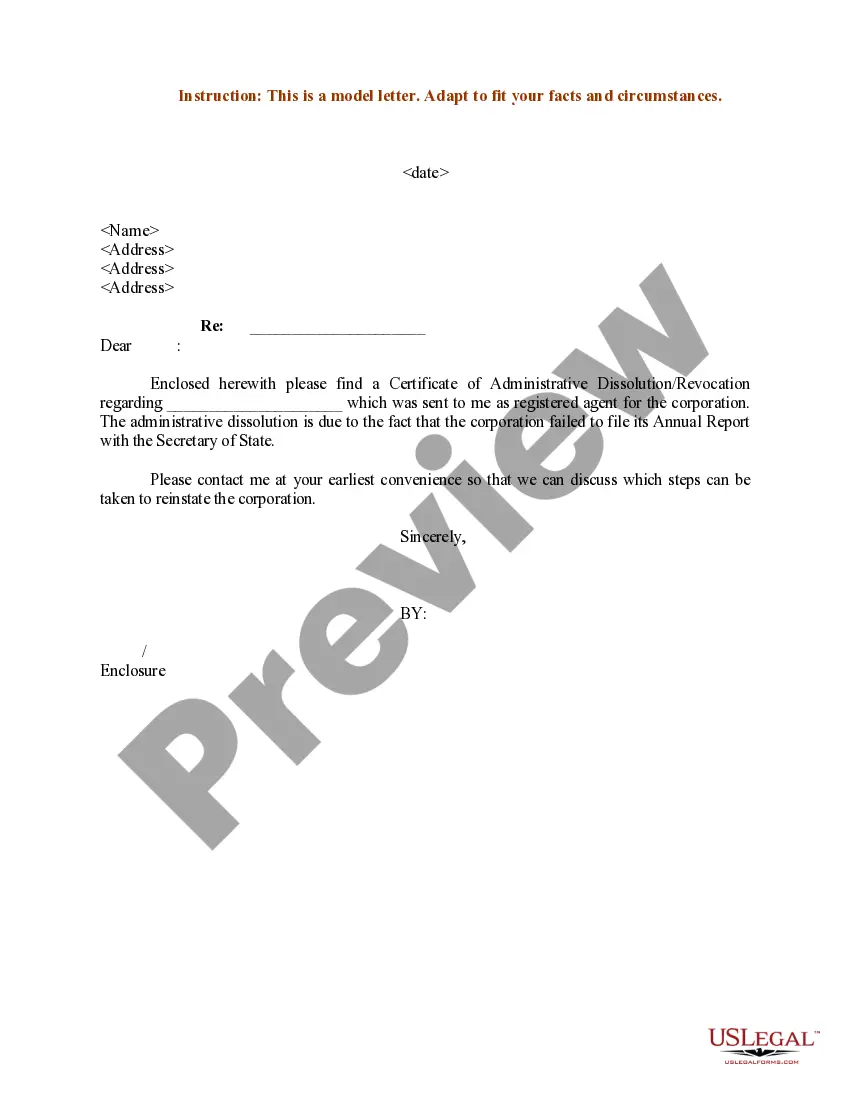
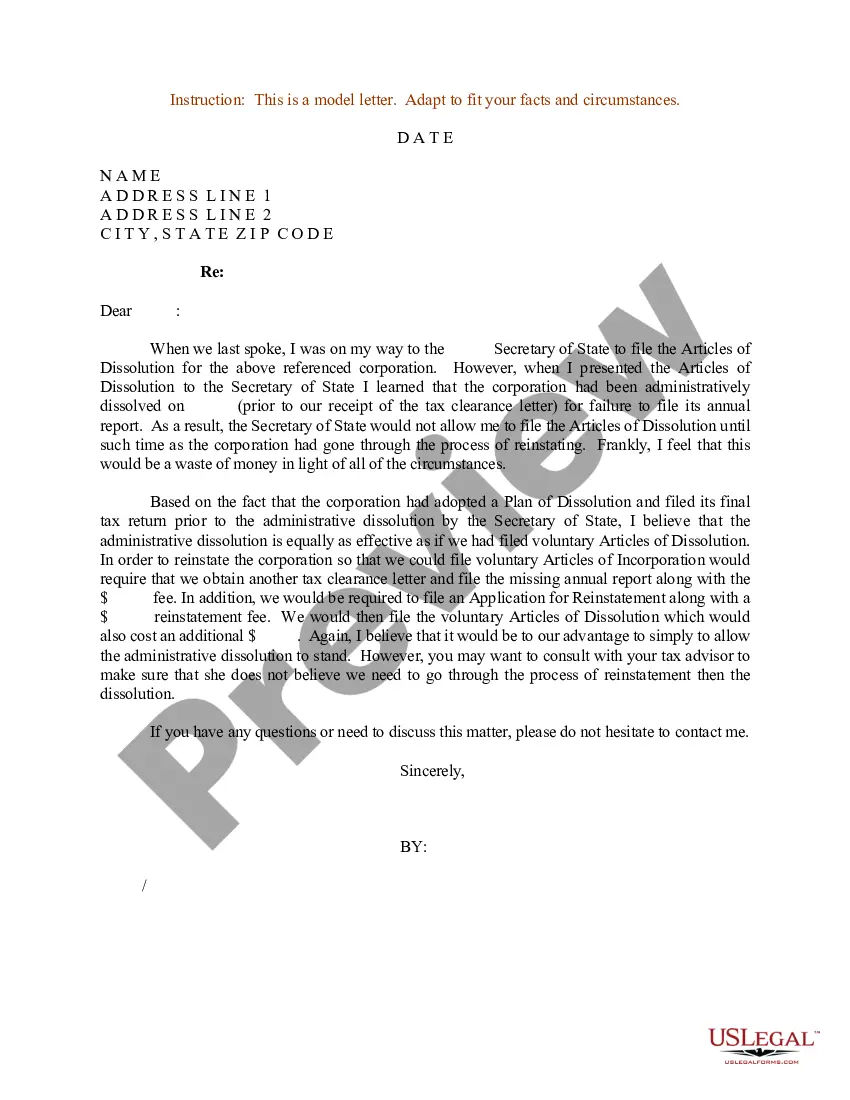
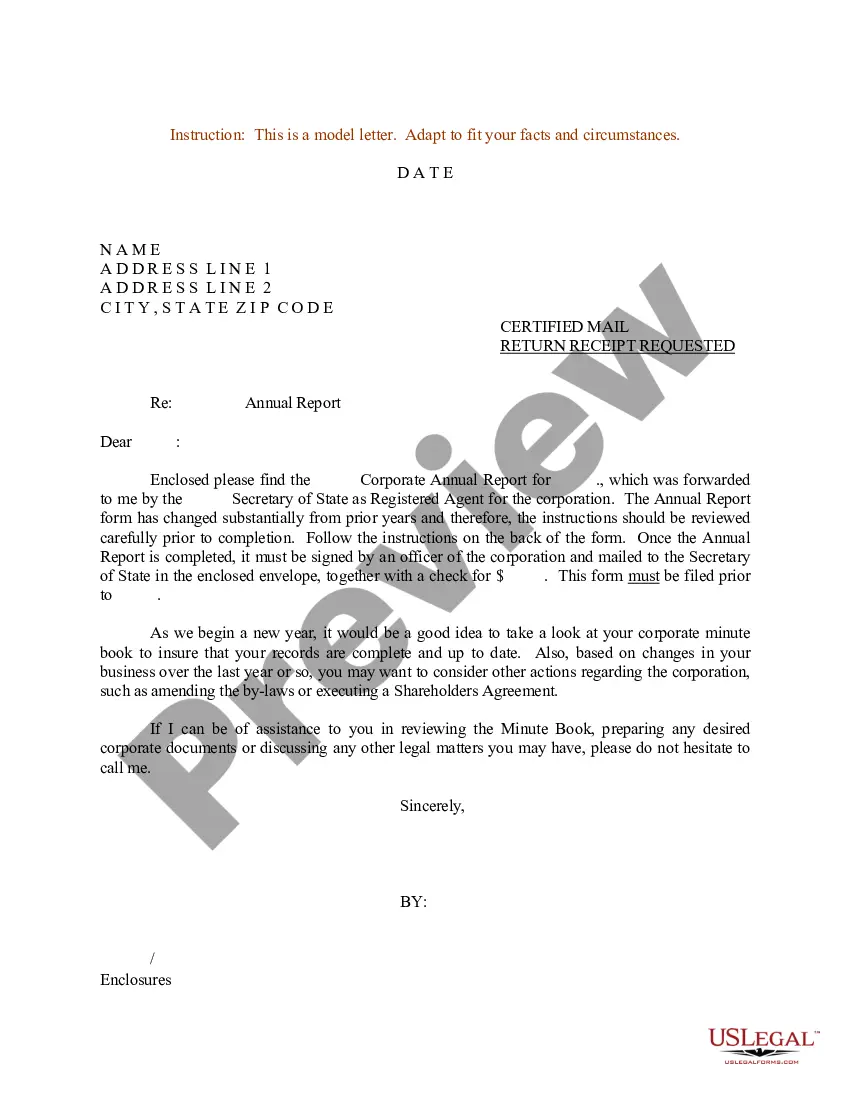
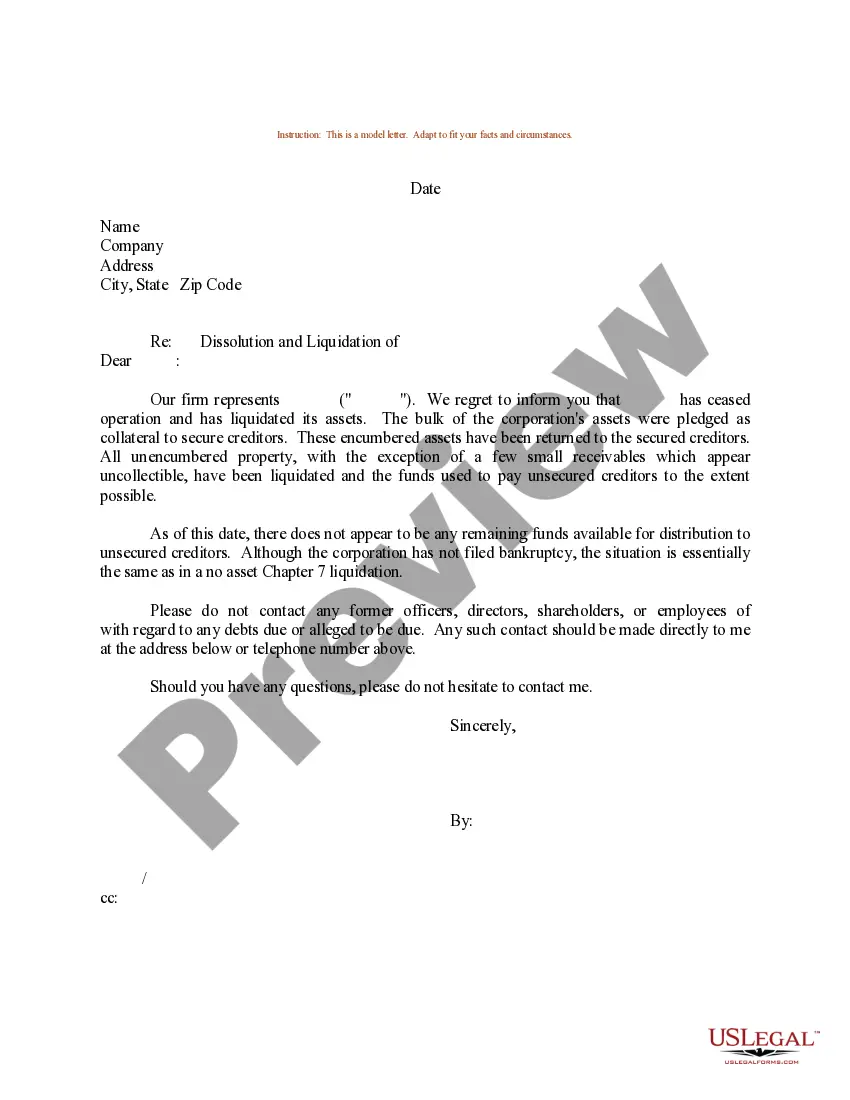
How to fill out Sample Letter For Annual Report - Dissolved Corporation?
The Yearly Report Template Example you observe on this page is a reusable formal layout created by expert lawyers in accordance with federal and state laws.
For over 25 years, US Legal Forms has supplied individuals, businesses, and legal professionals with more than 85,000 validated, state-specific documents for any business and personal situation. It’s the quickest, simplest, and most dependable method to acquire the paperwork you require, as the service assures the utmost level of data safety and anti-malware defense.
Register for US Legal Forms to have authenticated legal templates for all of life’s circumstances at your fingertips.
- Search for the document you require and examine it.
- Sign up and Log In.
- Obtain the editable template.
- Fill out and sign the documents.
- Download your paperwork again.
Form popularity
FAQ
Generally, these are the 7 must-have pages: Cover Page. Table of content. Note From CEO, Chief Operating Officer, or Director. Executive Summary. Financial Overview. Project Overview. Projections.
The following stages are involved in writing a report: ? planning your work; ? collecting your information; ? organising and structuring your information; ? writing the first draft; ? checking and re-drafting.
Example report structure Introduction. 1.1 Purpose of the report. 1.2 Issues to be discussed and their significance. 1.3 Research methods. 1.4 Limitations and assumptions. Discussion. 2.1 Literature review. 2.1.1 Issue 1. 2.1.2 Issue 2. ... Conclusions. Recommendations. 4.1 Recommendation 1. 4.2 Recommendation 2. References. Appendices.
Guidelines for Reports Title page: The title page often includes a descriptive title (not just ?Report?), author's name, class and section numbers, and date of submission. ... Table of Contents. List of Illustrations. Executive Summary. Introduction. Body (e.g., method, findings, research, results) Conclusions.
Highlight your key points Your executive summary should not be a summary of your entire annual report. It should focus on the most important and relevant aspects of your organization's performance and strategy. You should highlight your key achievements, challenges, and goals in a clear and concise way.