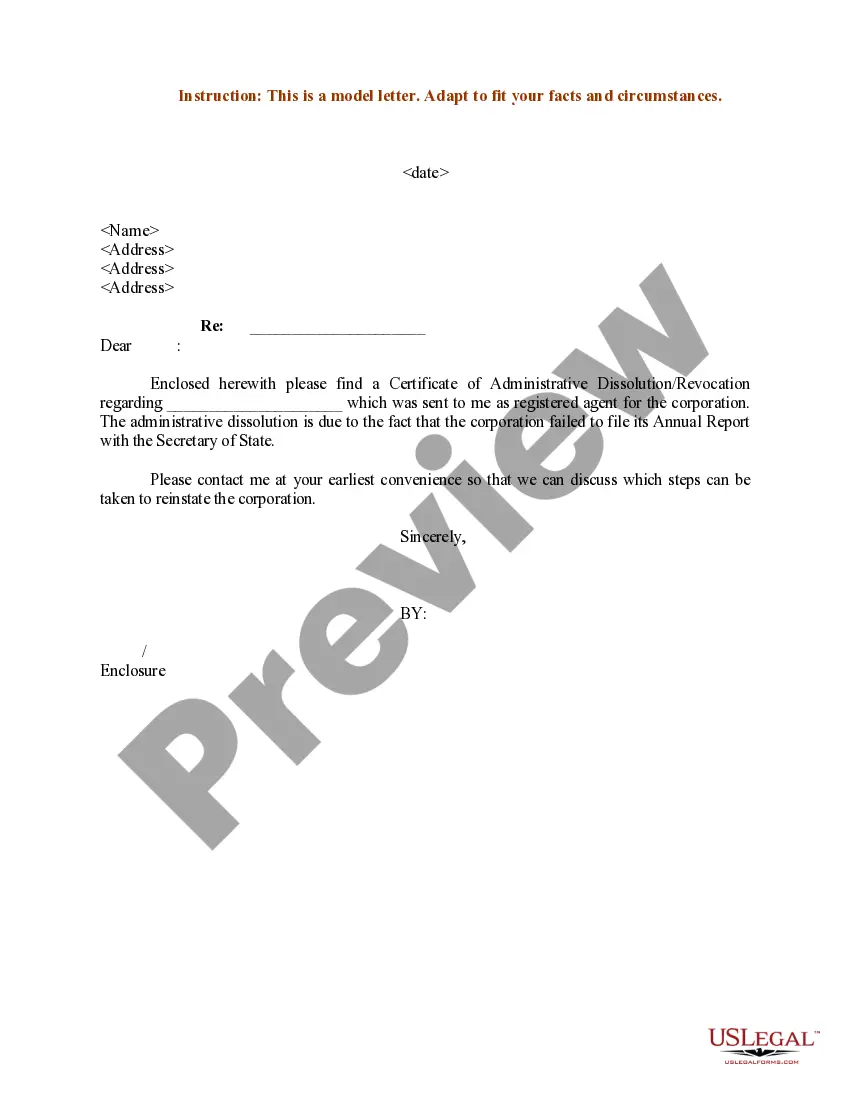
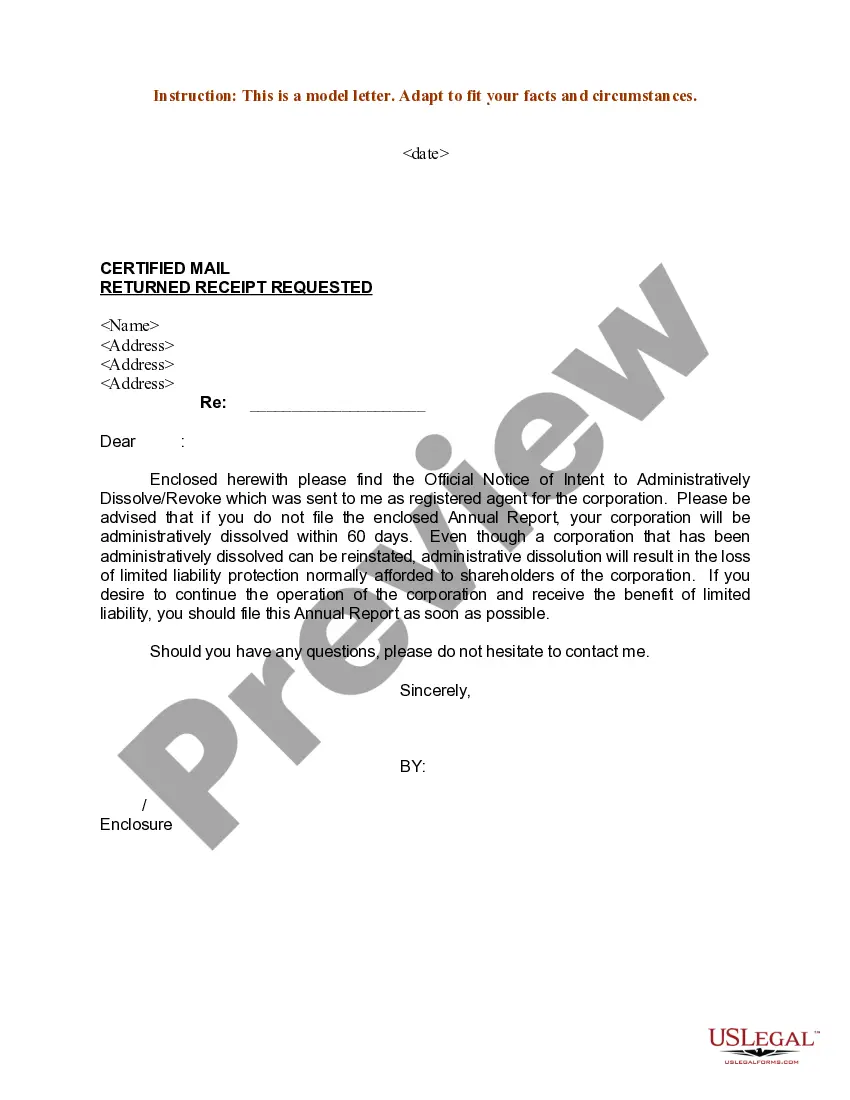
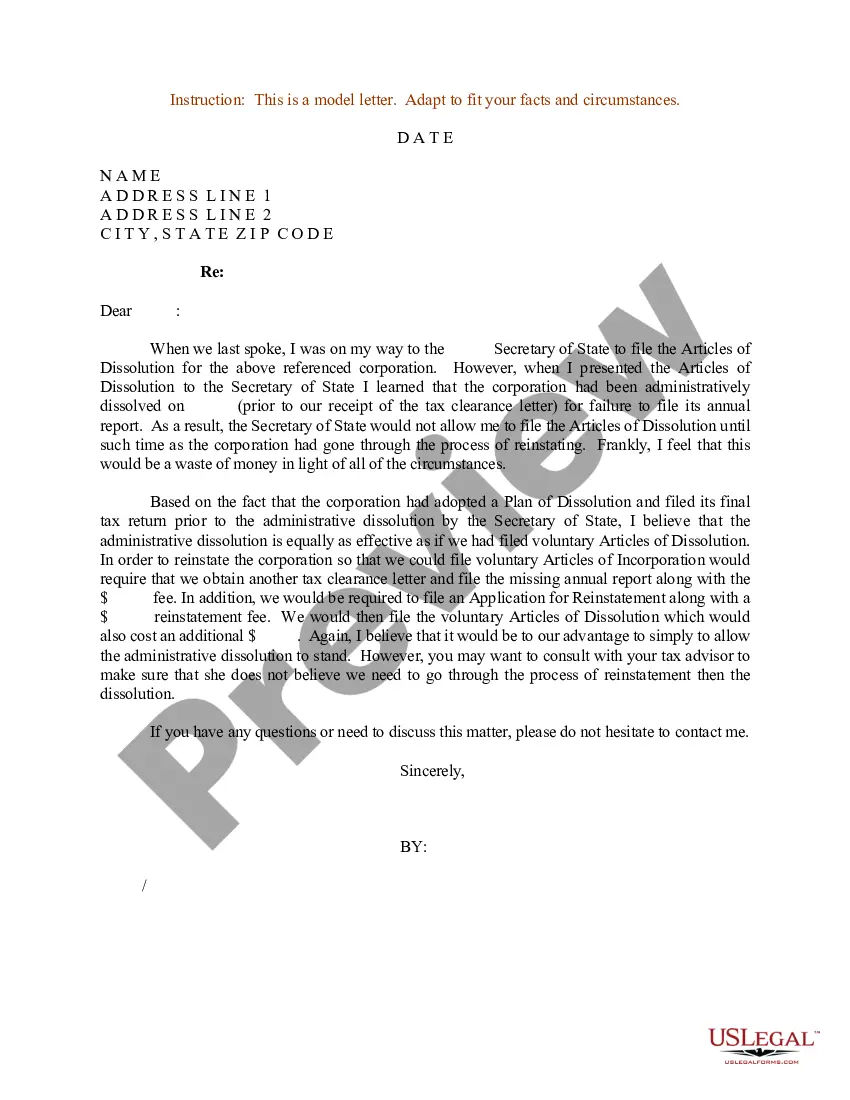
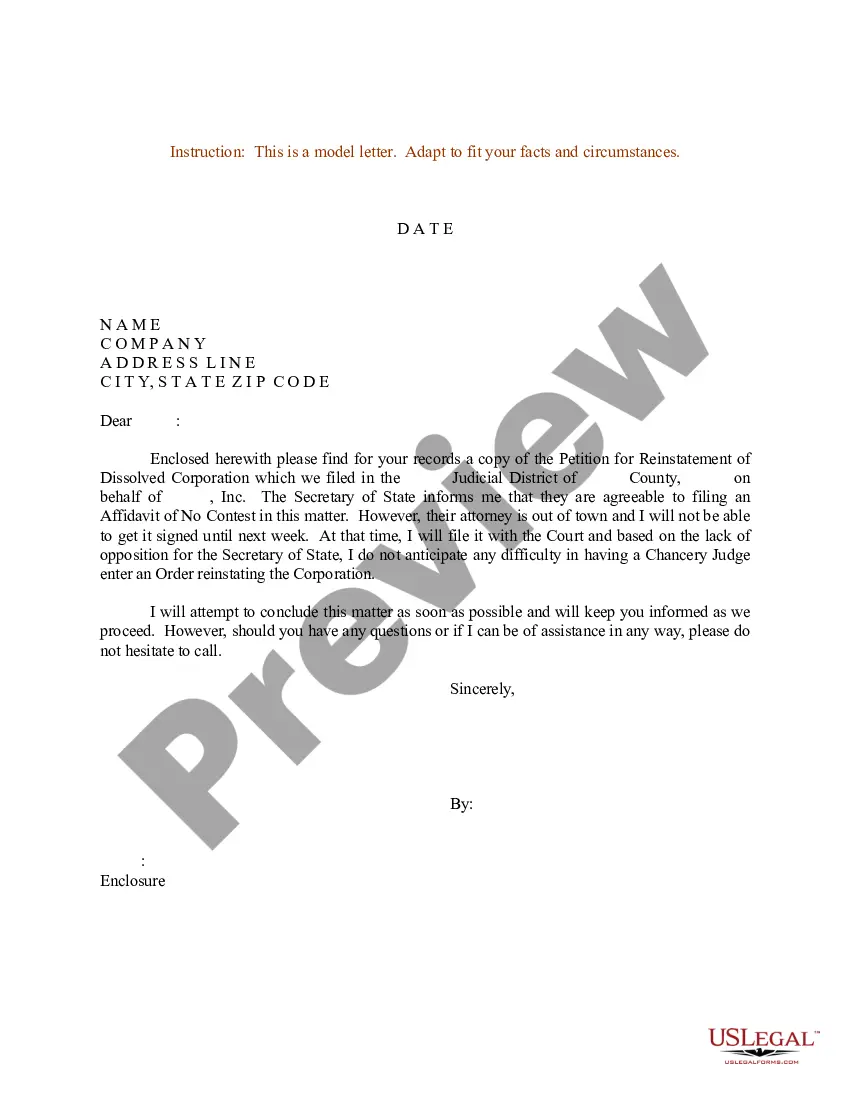
Admin Dissolution For Annual
Description
Get your form ready online
Our built-in tools help you complete, sign, share, and store your documents in one place.
Make edits, fill in missing information, and update formatting in US Legal Forms—just like you would in MS Word.
Download a copy, print it, send it by email, or mail it via USPS—whatever works best for your next step.
Sign and collect signatures with our SignNow integration. Send to multiple recipients, set reminders, and more. Go Premium to unlock E-Sign.
If this form requires notarization, complete it online through a secure video call—no need to meet a notary in person or wait for an appointment.
We protect your documents and personal data by following strict security and privacy standards.

Make edits, fill in missing information, and update formatting in US Legal Forms—just like you would in MS Word.

Download a copy, print it, send it by email, or mail it via USPS—whatever works best for your next step.

Sign and collect signatures with our SignNow integration. Send to multiple recipients, set reminders, and more. Go Premium to unlock E-Sign.

If this form requires notarization, complete it online through a secure video call—no need to meet a notary in person or wait for an appointment.

We protect your documents and personal data by following strict security and privacy standards.
Looking for another form?

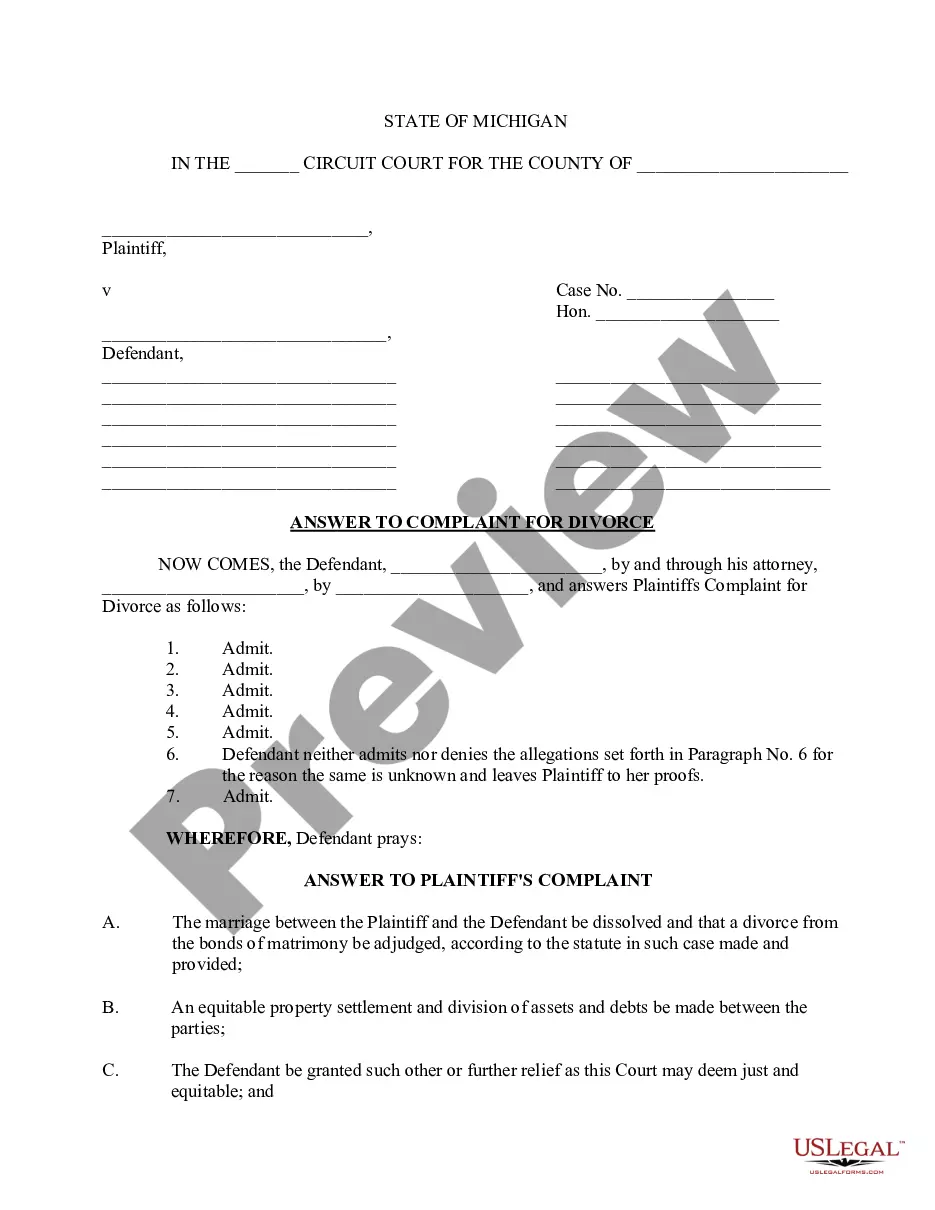
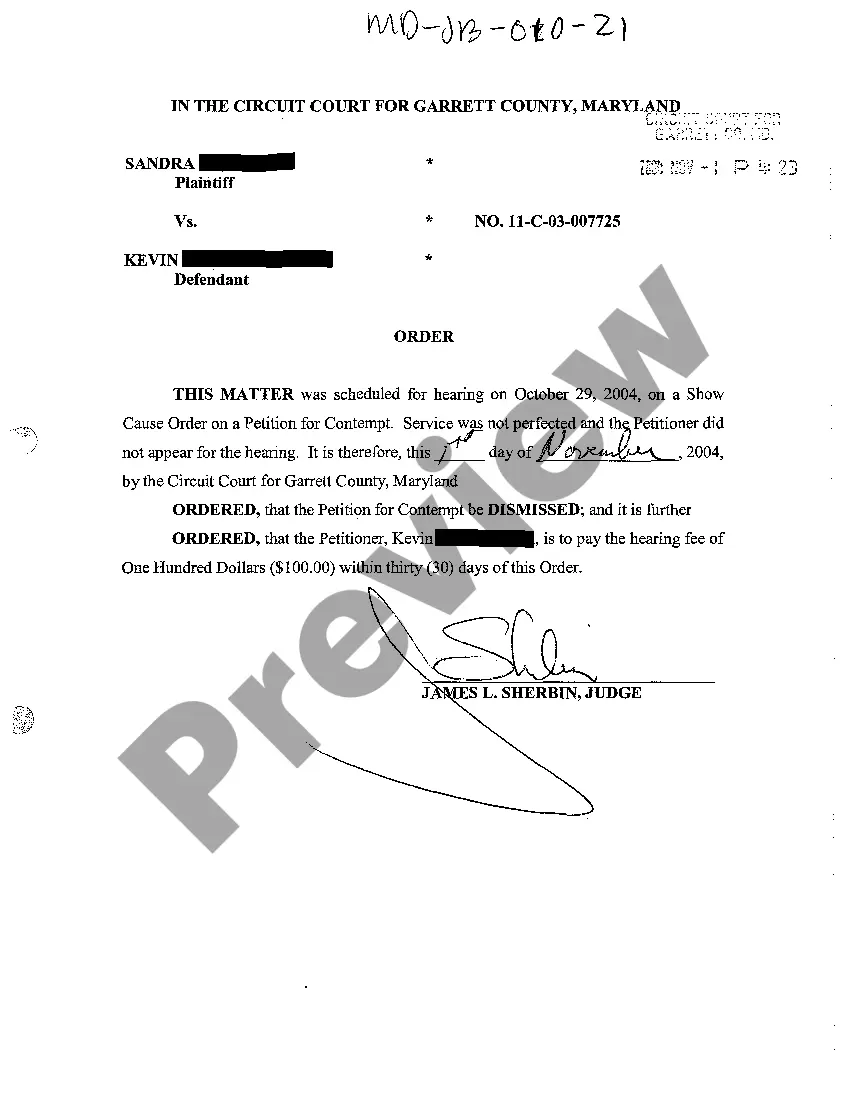
How to fill out Sample Letter For Certificate Of Administrative Dissolution - Revocation?
The Administrator Dissolution For Yearly you observe on this webpage is a multi-usable official template created by professional attorneys in compliance with federal and local statutes.
For over 25 years, US Legal Forms has supplied individuals, organizations, and lawyers with more than 85,000 authenticated, state-specific documents for any business and personal situation. It’s the quickest, simplest, and most dependable method to acquire the paperwork you require, as the service ensures the utmost level of data protection and anti-malware security.
Retrieve your documents once more as needed. Access the My documents section in your profile to redownload any previously saved forms.
- Search for the document you need and verify it.
- Look through the file you sought and preview it or review the form description to confirm it matches your requirements. If it doesn't, utilize the search option to find the appropriate one. Click Buy Now when you have found the template you require.
- Select and sign in.
- Choose the pricing plan that fits you and establish an account. Use PayPal or a credit card for a swift payment. If you already possess an account, Log In and verify your subscription to continue.
- Acquire the fillable template.
- Pick the format you desire for your Administrator Dissolution For Yearly (PDF, Word, RTF) and store the sample on your device.
- Complete and sign the document.
- Print out the template to finalize it manually. Alternatively, employ an online multifunctional PDF editor to swiftly and accurately complete and endorse your form with an eSignature.
Form popularity
FAQ
Typical collateral For example, if you take out a loan to buy new machinery, the lender might file a UCC-1 lien and claim that new machinery as collateral on the loan. You would, of course, work with your lender to designate what the collateral will be before you sign any documentation committing to the loan.
Uniform Commercial Code (UCC) filings allow creditors to notify other creditors about a debtor's assets used as collateral for a secured transaction. UCC liens filed with Secretary of State offices act as a public notice by the "creditor" of the creditor's interest in the property.
A UCC filing won't impact your business credit scores directly because it doesn't indicate anything about your ability to repay your debts. However, it can affect your ability to get credit again in the future.
The UCC filing establishes a lien against the collateral the borrower uses to secure the loan ? giving the lender the right to claim that collateral as repayment in the case of default. However, in many cases, the terms UCC lien and UCC filing are used interchangeably.
What does UCC stand for? UCC stands for Uniform Commercial Code. The UCC is a set of laws concerning commercial transactions, such as the sale of goods. It also covers secured transactions, where a lender gains the right to foreclose on a borrower's collateral should the borrower default on the loan.
UCC Financing Statements: Most filings are effective for five years.
A creditor files a UCC-1 to provide notice to interested parties that he or she has a security interest in a debtor's personal property. This personal property is being used as collateral in some type of secured transaction, usually a loan or a lease.
Uniform Commercial Code (UCC) filings allow creditors to notify other creditors about a debtor's assets used as collateral for a secured transaction. UCC liens filed with Secretary of State offices act as a public notice by the "creditor" of the creditor's interest in the property.