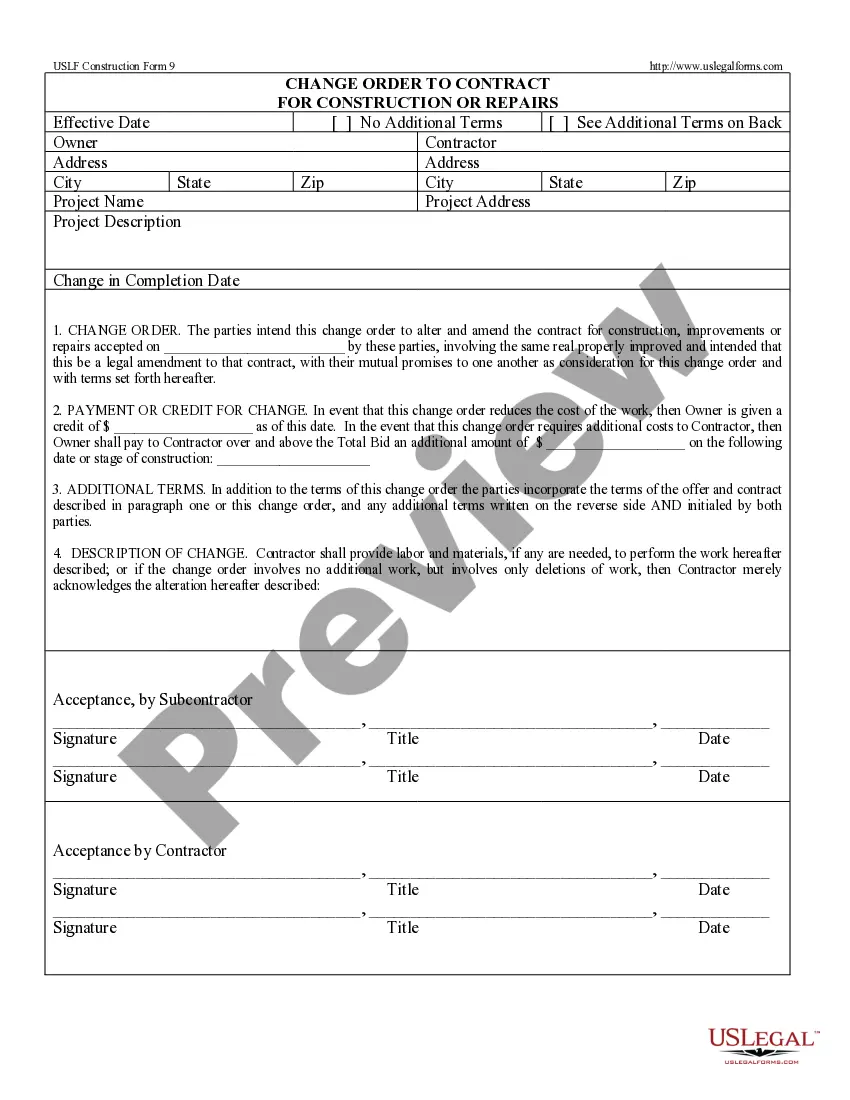
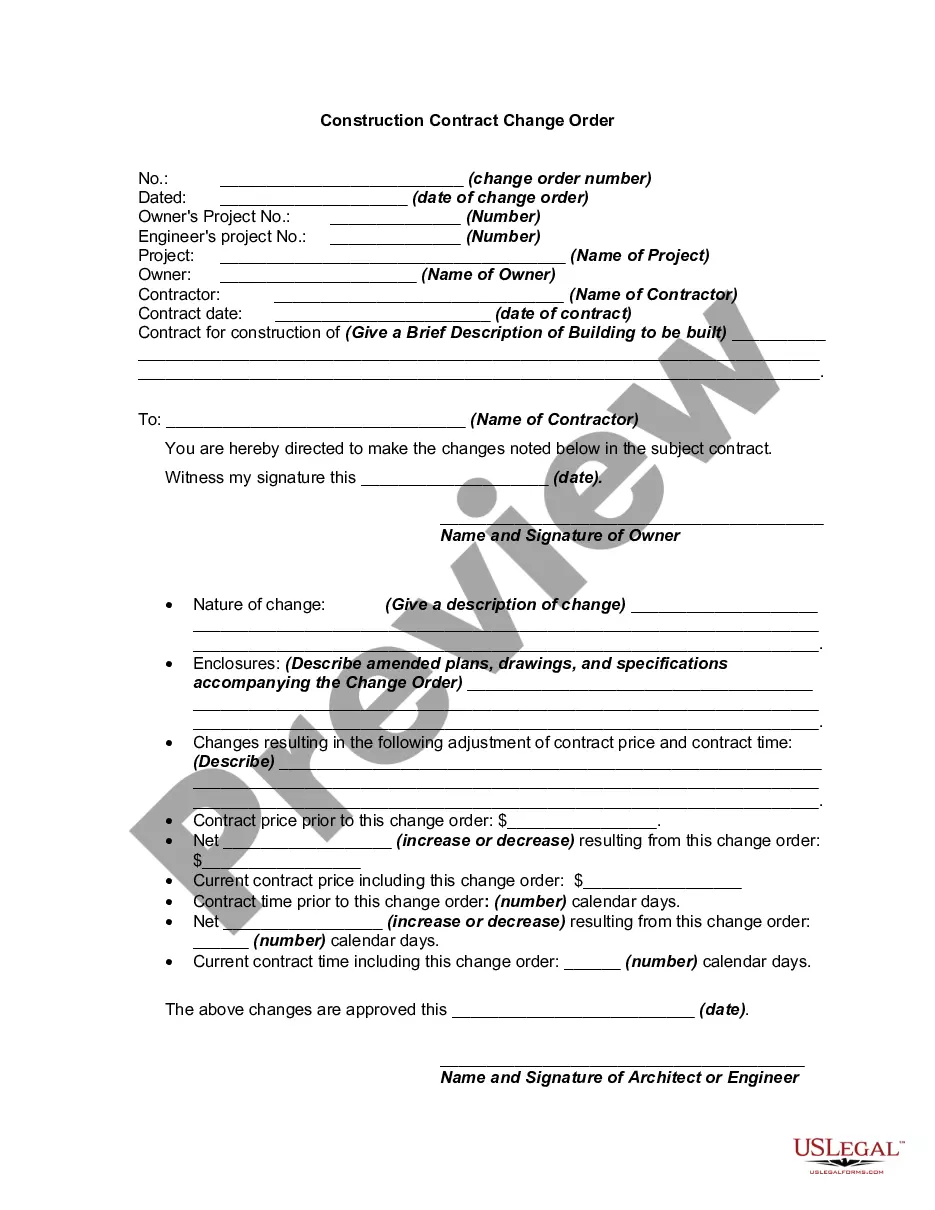
Change Order Contractor Form For 1099
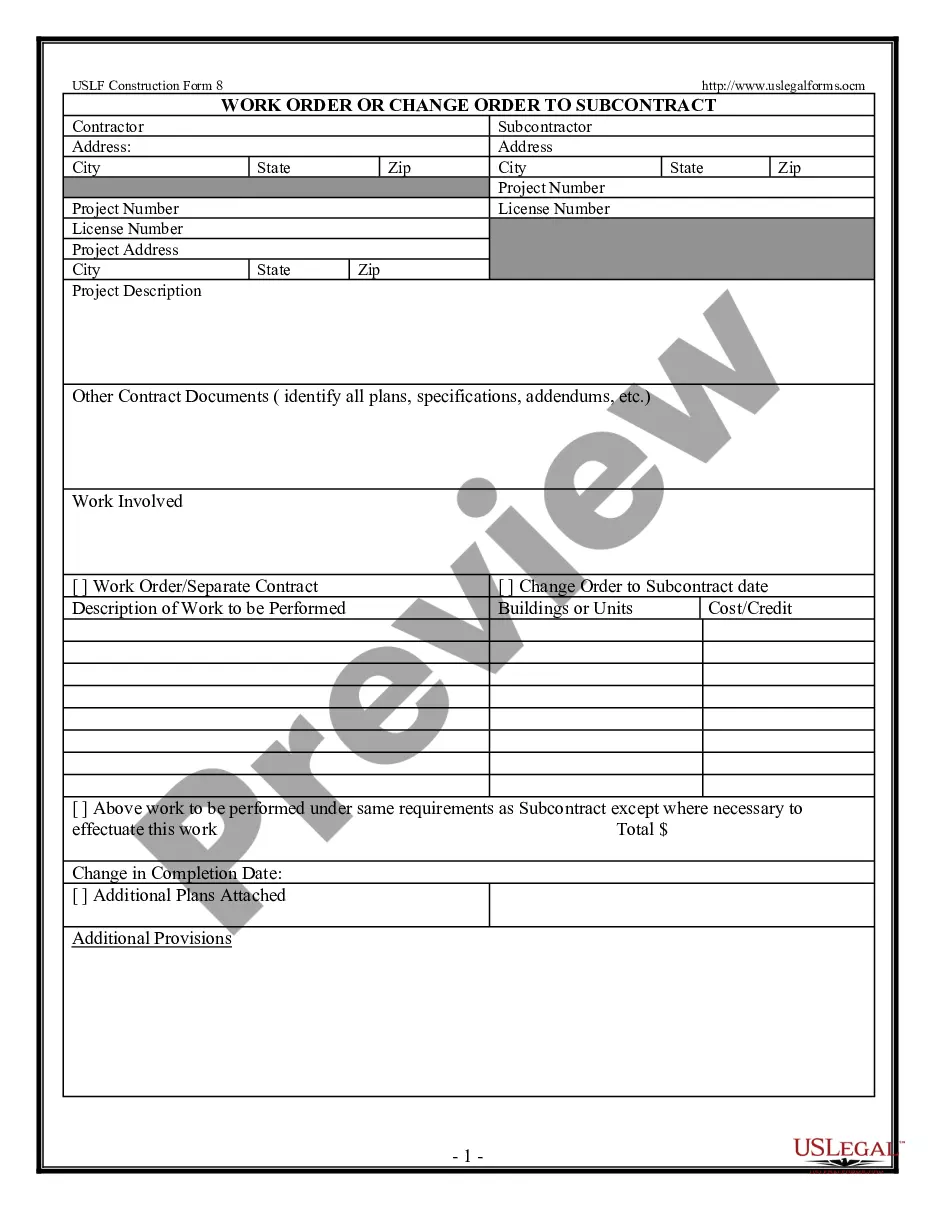
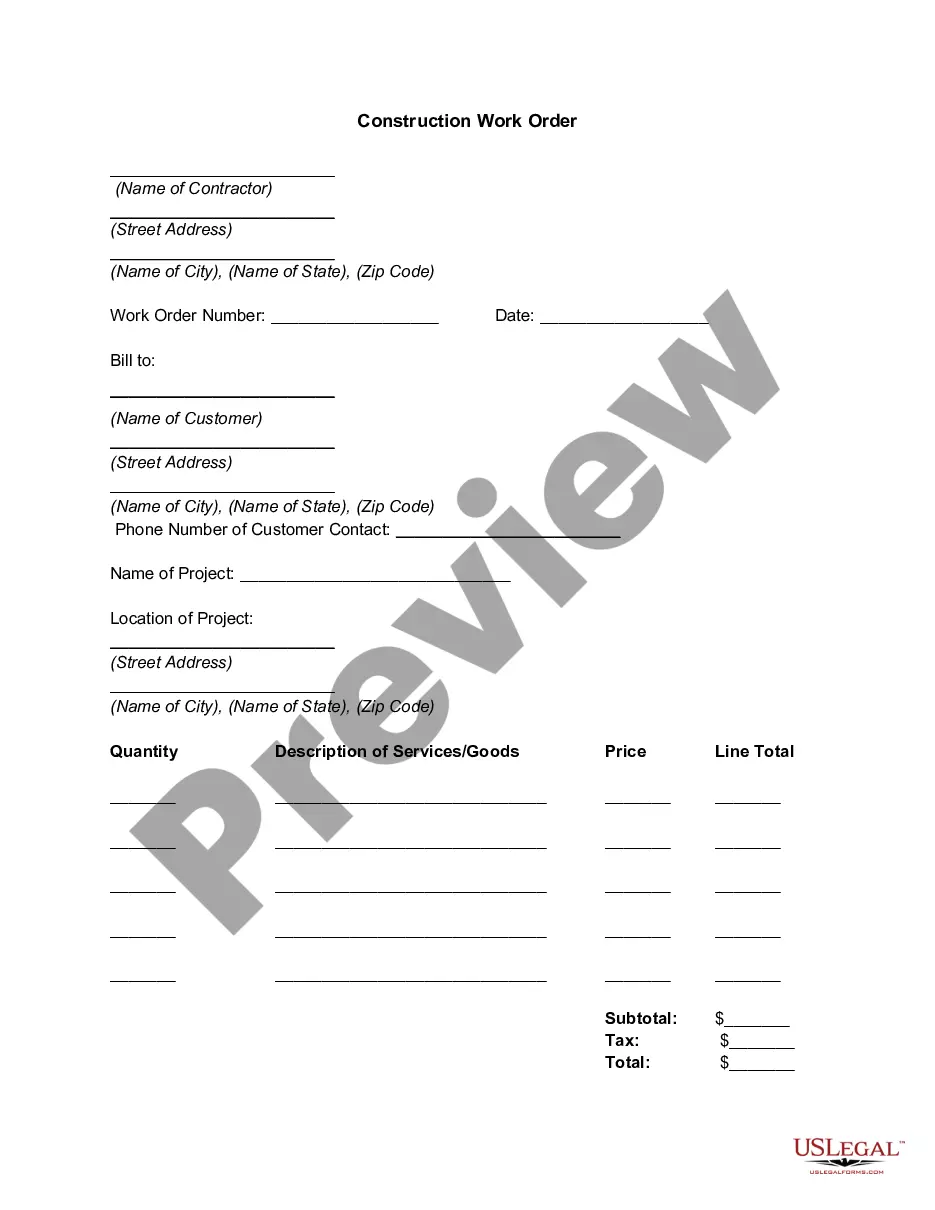
Description
Get your form ready online
Our built-in tools help you complete, sign, share, and store your documents in one place.
Make edits, fill in missing information, and update formatting in US Legal Forms—just like you would in MS Word.
Download a copy, print it, send it by email, or mail it via USPS—whatever works best for your next step.
Sign and collect signatures with our SignNow integration. Send to multiple recipients, set reminders, and more. Go Premium to unlock E-Sign.
If this form requires notarization, complete it online through a secure video call—no need to meet a notary in person or wait for an appointment.
We protect your documents and personal data by following strict security and privacy standards.

Make edits, fill in missing information, and update formatting in US Legal Forms—just like you would in MS Word.

Download a copy, print it, send it by email, or mail it via USPS—whatever works best for your next step.

Sign and collect signatures with our SignNow integration. Send to multiple recipients, set reminders, and more. Go Premium to unlock E-Sign.

If this form requires notarization, complete it online through a secure video call—no need to meet a notary in person or wait for an appointment.

We protect your documents and personal data by following strict security and privacy standards.
Looking for another form?






How to fill out Change Order For Construction Or Repairs By Contractor?
The Change Order Contractor Form For 1099 displayed on this webpage is a reusable official template crafted by professional attorneys in accordance with federal and local regulations.
For over 25 years, US Legal Forms has supplied individuals, companies, and lawyers with more than 85,000 authenticated, state-specific documents for any business and personal circumstances. It’s the fastest, easiest, and most reliable method to acquire the papers you require, as the service ensures the utmost level of data security and anti-malware safeguards.
Select the format you desire for your Change Order Contractor Form For 1099 (PDF, DOCX, RTF) and save the document on your device.
- Search for the document you need and review it.
- Browse through the sample you looked for and preview it or read the form description to verify it meets your requirements. If it doesn’t, utilize the search feature to discover the appropriate one. Click Buy Now when you have found the template you need.
- Register and Log In.
- Choose the pricing plan that fits you and create an account. Use PayPal or a credit card to make a quick payment. If you already have an account, Log In and check your subscription to continue.
- Obtain the editable template.
Form popularity
FAQ
Basic 1099-NEC Filing Instructions. To complete a 1099-NEC, you'll need to supply the following data: Business information ? Your Federal Employer ID Number (EIN), your business name and your business address. Recipient's ID Number ? The recipient's Social Security number or Federal Employer ID Number (EIN).
6 things every change order should include Project and contact information. The change order form should include: ... Dates of the change. The change order form should include the date that you complete the change order. ... Details of the work. ... Updated schedule. ... Cost of the change. ... Updated contract value.
Generally, there are four types of change orders. These are Time and Material, Lump Sum, Zero Cost, and Unitary Cost change orders. A lump sum change order is used when the defined change in the work scope is quantifiable, and a definite price developed.
How is Form 1099-NEC completed? Obtain a copy of Form 1099-NEC from the IRS or a payroll service provider. Provide the name and address of both the payer and the recipient. Calculate the total compensation paid. Note the amount of taxes withheld if backup withholding applied.
Classic examples of change orders include the owner's desire to move the location of a wall to accommodate some other design element, adding a window where there was none in the original plans, or changing the finish of the floors from tile to terrazzo.