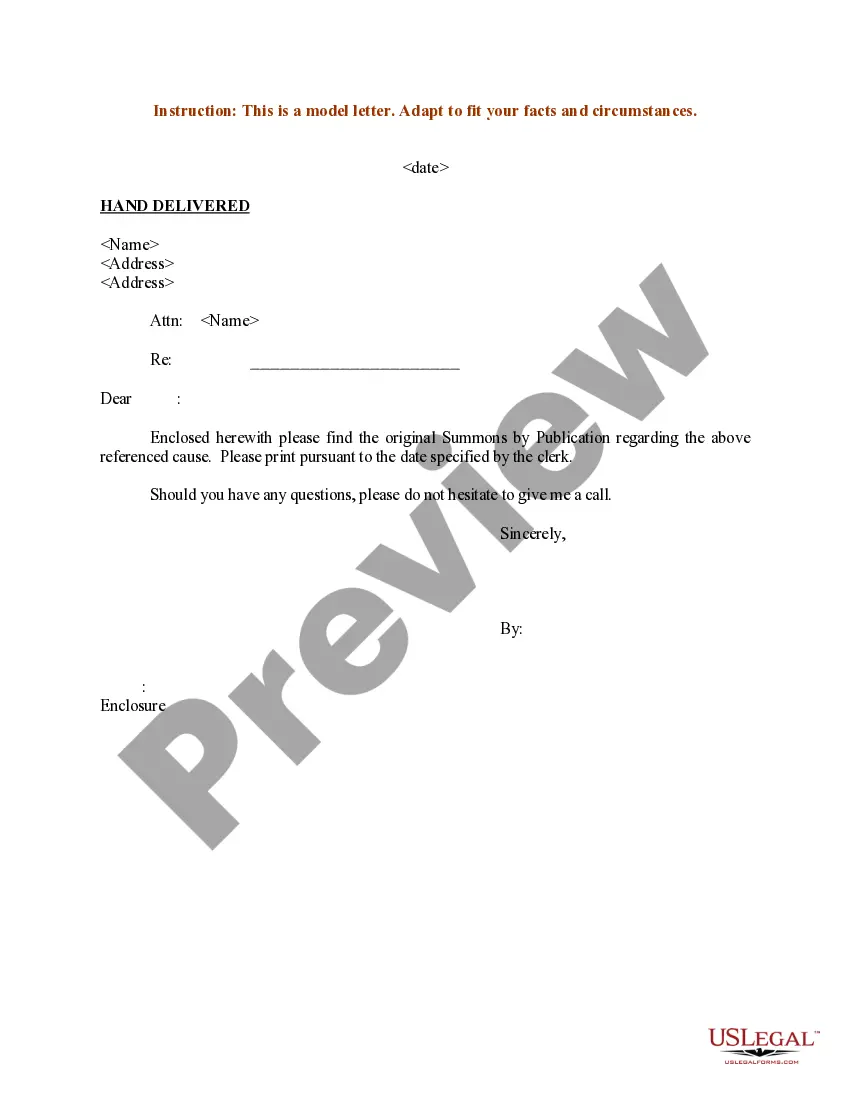
Hand Delivery Letter Format With Letter
Description
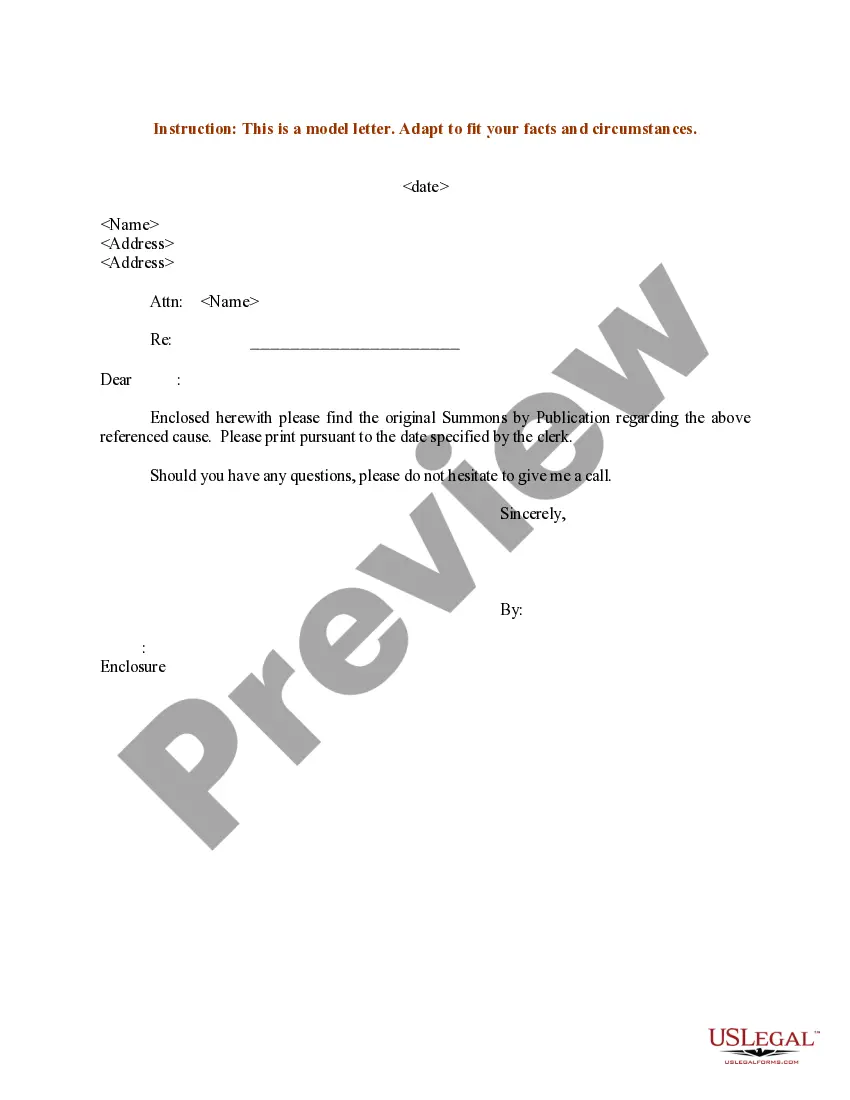
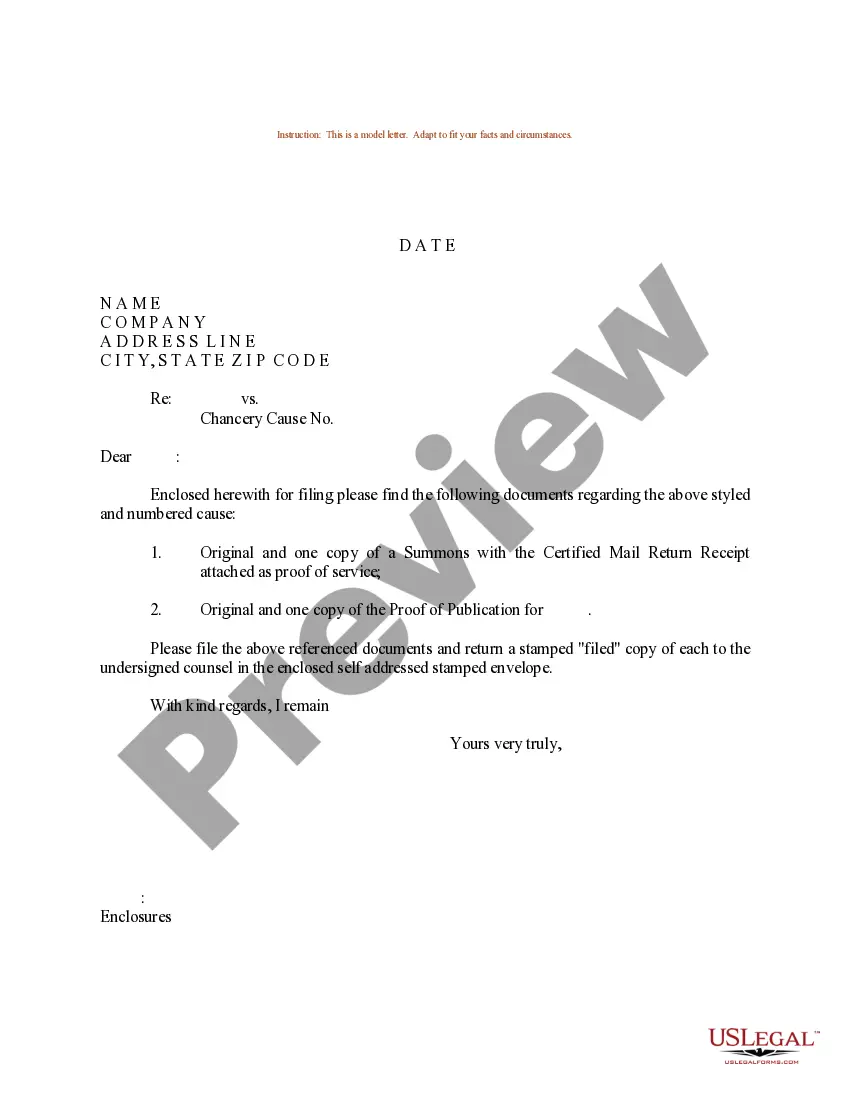
Get your form ready online
Our built-in tools help you complete, sign, share, and store your documents in one place.
Make edits, fill in missing information, and update formatting in US Legal Forms—just like you would in MS Word.
Download a copy, print it, send it by email, or mail it via USPS—whatever works best for your next step.
Sign and collect signatures with our SignNow integration. Send to multiple recipients, set reminders, and more. Go Premium to unlock E-Sign.
If this form requires notarization, complete it online through a secure video call—no need to meet a notary in person or wait for an appointment.
We protect your documents and personal data by following strict security and privacy standards.

Make edits, fill in missing information, and update formatting in US Legal Forms—just like you would in MS Word.

Download a copy, print it, send it by email, or mail it via USPS—whatever works best for your next step.

Sign and collect signatures with our SignNow integration. Send to multiple recipients, set reminders, and more. Go Premium to unlock E-Sign.

If this form requires notarization, complete it online through a secure video call—no need to meet a notary in person or wait for an appointment.

We protect your documents and personal data by following strict security and privacy standards.
Looking for another form?
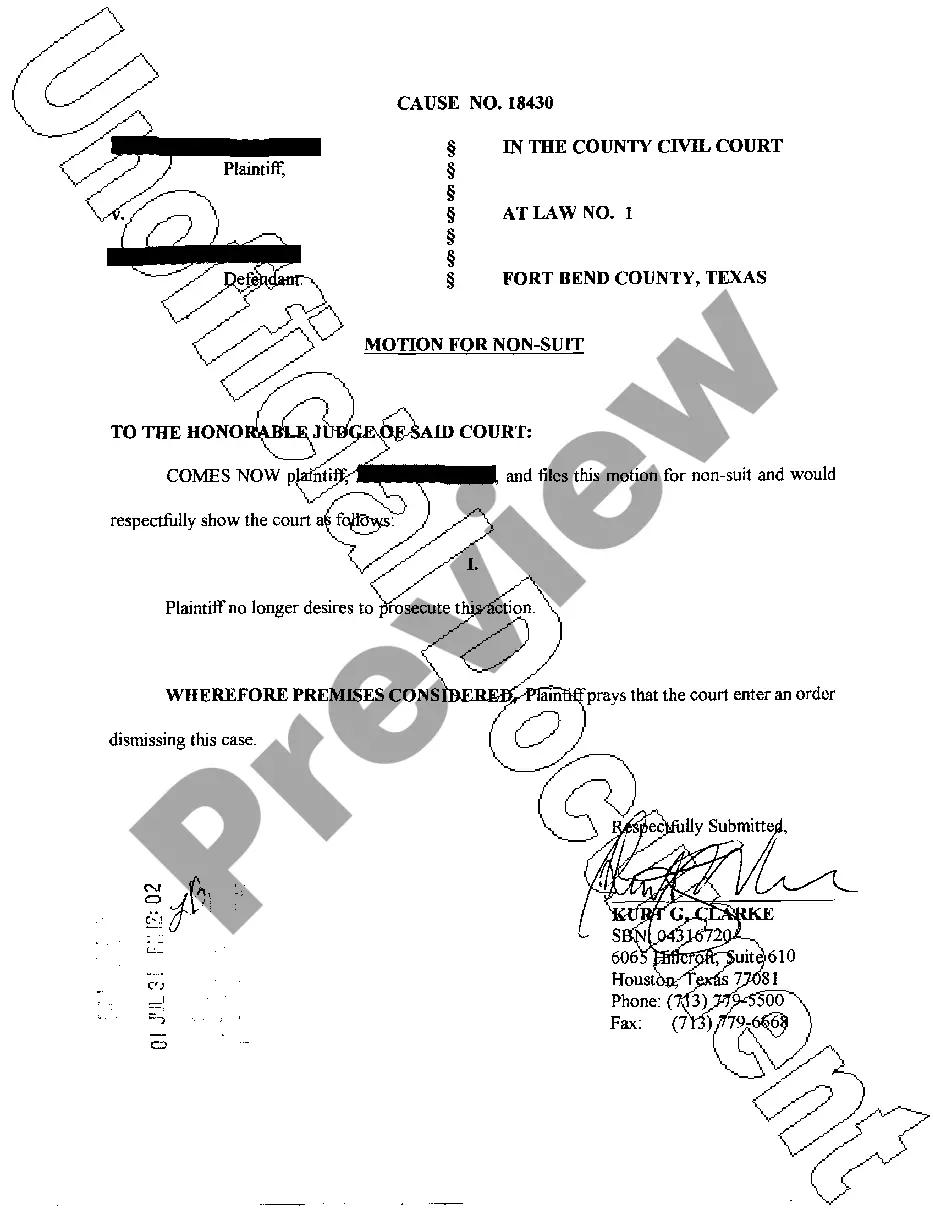
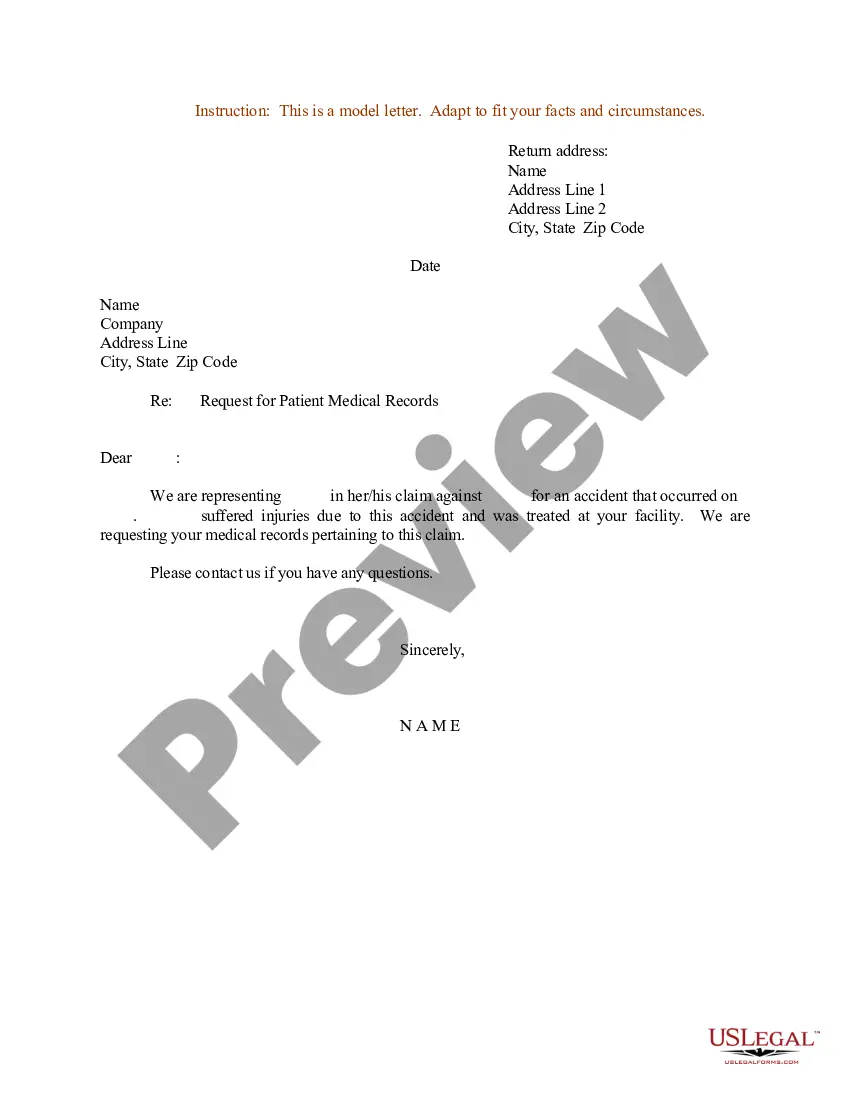


How to fill out Sample Letter For Summons By Publication - Hand Delivered?
Managing legal paperwork and functions may prove to be a lengthy addition to your schedule.
Hand Delivery Letter Format With Letter and similar documents usually require you to look for them and navigate the process to complete them efficiently.
Consequently, whether you are managing financial, legal, or personal issues, utilizing a comprehensive and user-friendly online repository of forms when you require it will be quite beneficial.
US Legal Forms is the premier online service for legal templates, providing over 85,000 state-specific forms along with a range of tools that will assist you in finalizing your documents swiftly.
Is this your first time utilizing US Legal Forms? Sign up and create a free account in just a few minutes to gain access to the form library and Hand Delivery Letter Format With Letter. Then, follow the steps outlined below to complete your form: Ensure you have located the correct form using the Preview feature and reviewing the form details. Select Buy Now when ready, and choose the monthly subscription plan that suits your requirements. Click Download, then complete, eSign, and print the form. US Legal Forms has 25 years of experience assisting clients in managing their legal documents. Find the form you need today and streamline any process effortlessly.
- Browse the collection of relevant documents available to you with just one click.
- US Legal Forms provides state- and county-specific forms ready for download at any time.
- Safeguard your document management processes with a top-notch service that enables you to create any form within minutes without additional or concealed charges.
- Simply Log In to your account, locate Hand Delivery Letter Format With Letter, and download it instantly from the My documents section.
- You can also retrieve forms that you have downloaded previously.
Form popularity
FAQ
The sender's address usually is included in letterhead. If you are not using letterhead, include the sender's address at the top of the letter one line above the date. Do not write the sender's name or title, as it is included in the letter's closing. Include only the street address, city, and zip code.
You're not asking the Post Office to deliver your letter, so you don't need a stamp. Just write ?BY HAND? on the front and put a return address on the back to clarify to your recipient where the letter is coming from.
In Canada, people usually write the date, the month and then the year like this: 4 April 2021. The recipient's contact information: Below the date, include the recipient's name, job title, company and company address. This way, the reader can make sure the letter goes to the correct person.
How to write a formal letter Write your name and contact information. ... Include the date. ... Include the recipient's name and contact information. ... Write a subject line for AMS style. ... Write a salutation for block style. ... Write the body of the letter. ... Include a sign-off. ... Proofread your letter.
The logical place for notations such as Personal, Confidential, Registered or Hand-delivered is at the left margin, just below the date line, where the reader would probably look first upon opening the letter. Such notations may be in capital letters or with an initial capital and boldface.