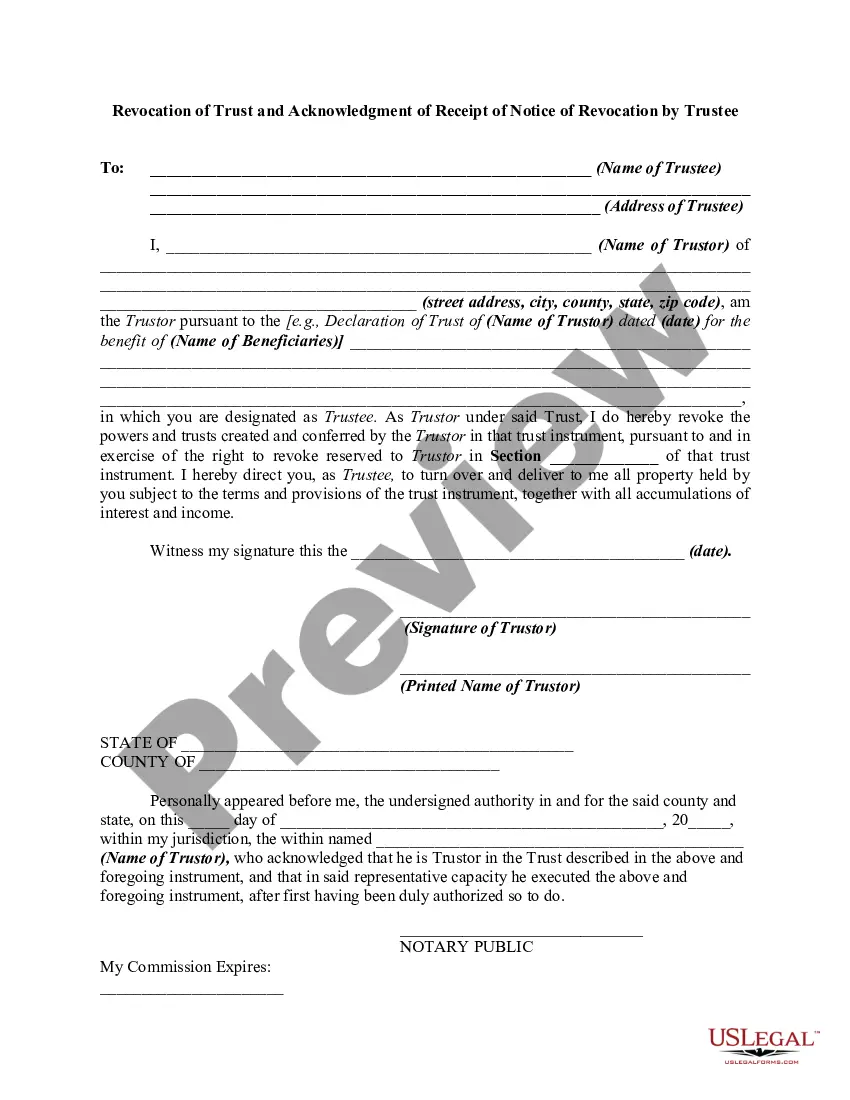
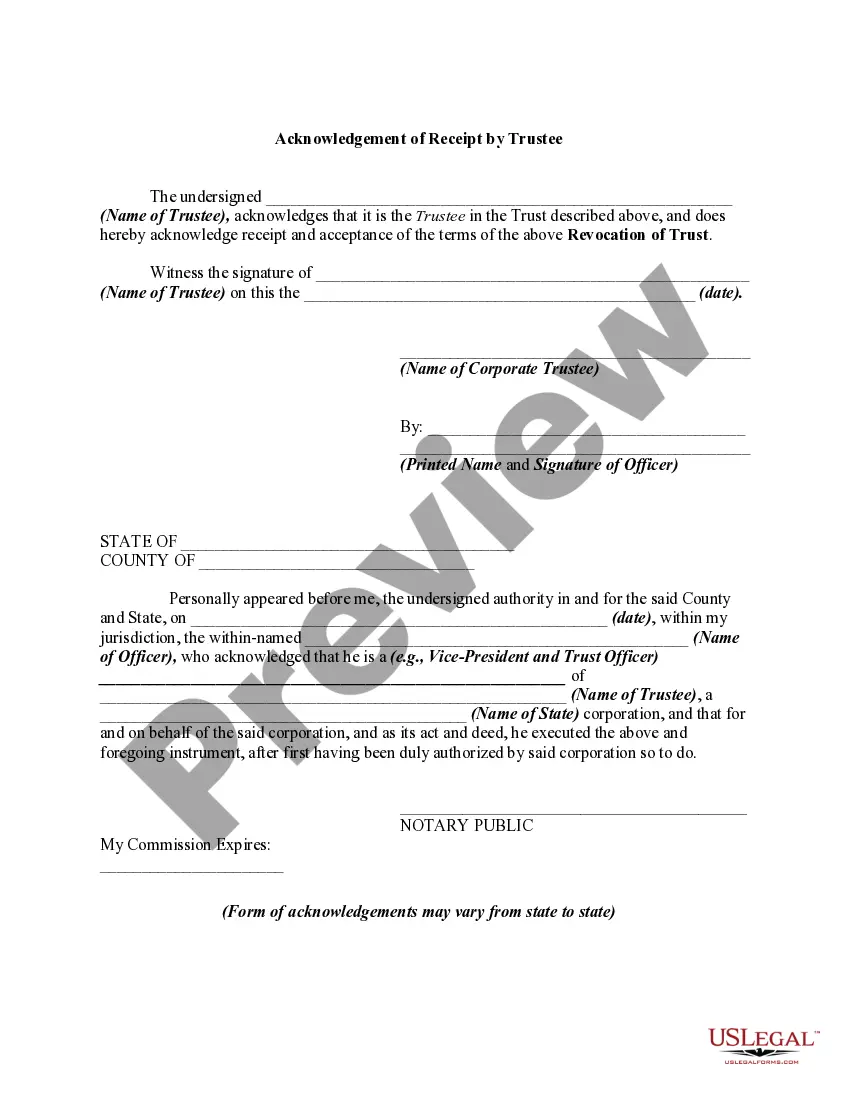
Revocation Trust Acknowledgment Form 2018
Description
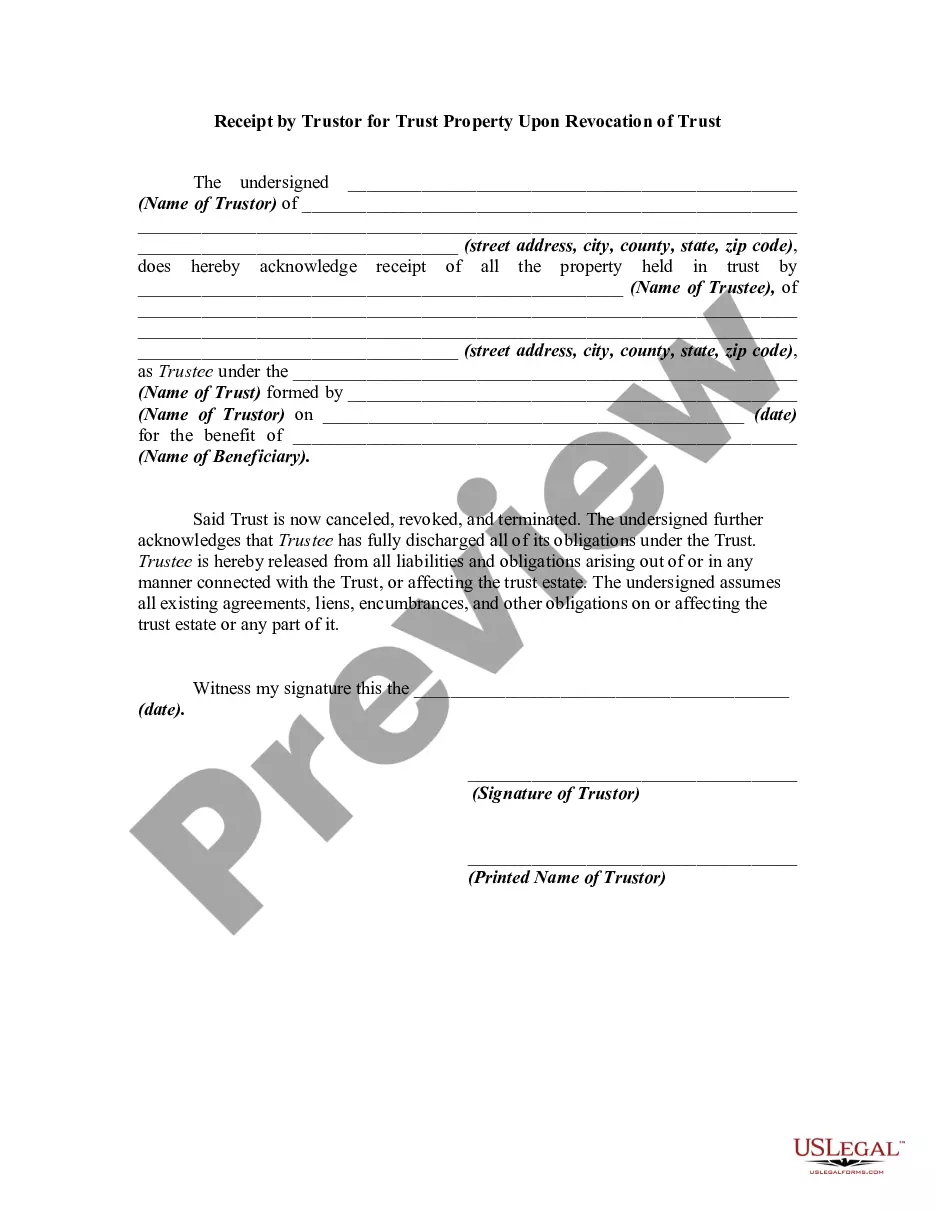
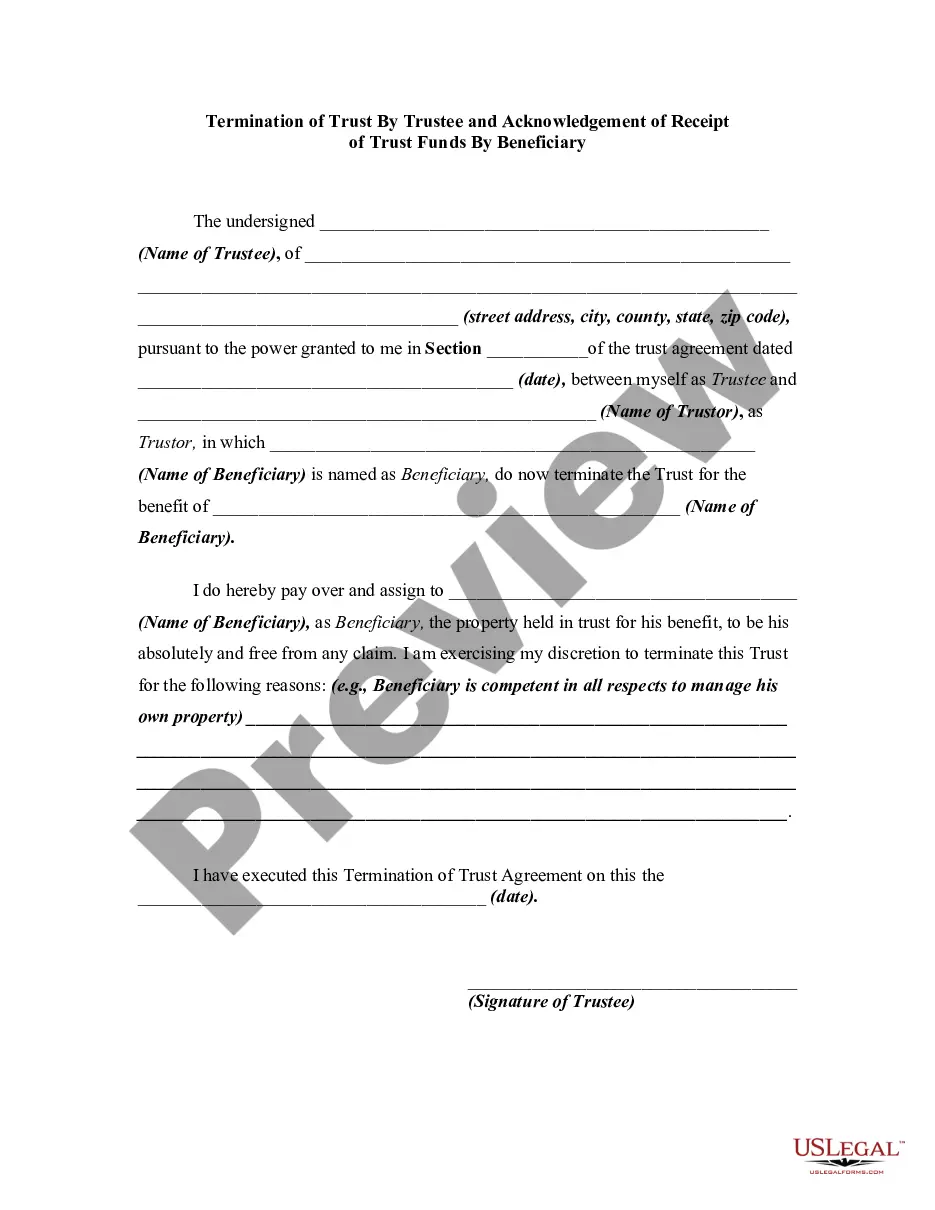
Get your form ready online
Our built-in tools help you complete, sign, share, and store your documents in one place.
Make edits, fill in missing information, and update formatting in US Legal Forms—just like you would in MS Word.
Download a copy, print it, send it by email, or mail it via USPS—whatever works best for your next step.
Sign and collect signatures with our SignNow integration. Send to multiple recipients, set reminders, and more. Go Premium to unlock E-Sign.
If this form requires notarization, complete it online through a secure video call—no need to meet a notary in person or wait for an appointment.
We protect your documents and personal data by following strict security and privacy standards.

Make edits, fill in missing information, and update formatting in US Legal Forms—just like you would in MS Word.

Download a copy, print it, send it by email, or mail it via USPS—whatever works best for your next step.

Sign and collect signatures with our SignNow integration. Send to multiple recipients, set reminders, and more. Go Premium to unlock E-Sign.

If this form requires notarization, complete it online through a secure video call—no need to meet a notary in person or wait for an appointment.

We protect your documents and personal data by following strict security and privacy standards.
Looking for another form?

How to fill out Revocation Of Trust And Acknowledgment Of Receipt Of Notice Of Revocation By Trustee?
Creating legal documents from the ground up can often feel daunting.
Certain cases may require extensive research and substantial financial investment.
If you are looking for a simpler and more affordable method of drafting the Revocation Trust Acknowledgment Form 2018 or other documents without unnecessary complications, US Legal Forms is readily available for you.
Our online collection of over 85,000 current legal documents encompasses nearly every aspect of your financial, legal, and personal affairs.
However, before proceeding to download the Revocation Trust Acknowledgment Form 2018, be sure to follow these recommendations: Review the form preview and descriptions to ensure it matches what you need. Confirm that the template you select meets the regulations for your state and county. Choose the most suitable subscription option to acquire the Revocation Trust Acknowledgment Form 2018. Download the document, then complete, sign, and print it. US Legal Forms boasts an impeccable reputation with over 25 years of expertise. Join us today and simplify the process of document preparation!
- With a few clicks, you can swiftly access state- and county-specific forms meticulously prepared by our legal experts.
- Utilize our service whenever you need a dependable source to quickly find and download the Revocation Trust Acknowledgment Form 2018.
- If you’re familiar with our offerings and have already established an account with us, just Log In to your account, select the template, and download it or retrieve it again at any moment from the My documents section.
- Not signed up yet? No worries. It only takes a few minutes to register and browse the collection.
Form popularity
FAQ
Florida does not require exact wording, but the certificate must include elements spelled out in Florida Statutes, 117.05[4], including the venue, name of signer, type and date of notarization, form of identification used, the Notary's signature, name and seal, and whether the signer appeared via physical presence or ...
If the signers only require a statement indicating that they have signed the document and nothing more, then the acknowledgement is most likely the appropriate choice. On the other hand, if the document indicates ?swearing? or an affirmation of truthfulness, then a jurat may be necessary.
You as the notary must positively identify the signer ing to your state's rules. The signer may either sign the document before appearing before you, or in your presence. The signer must declare (acknowledge) signing the document for its intended purpose.
Failing to require signers to be present at the notarization is the number one claim of misconduct against Notaries.
Typically, a public notary can correct information if a mistake exists within a notarial certificate. However, public notaries cannot change the specifics of the document. In fact, the signer has the sole right to make changes to the document.