Reminder Vivo
Description

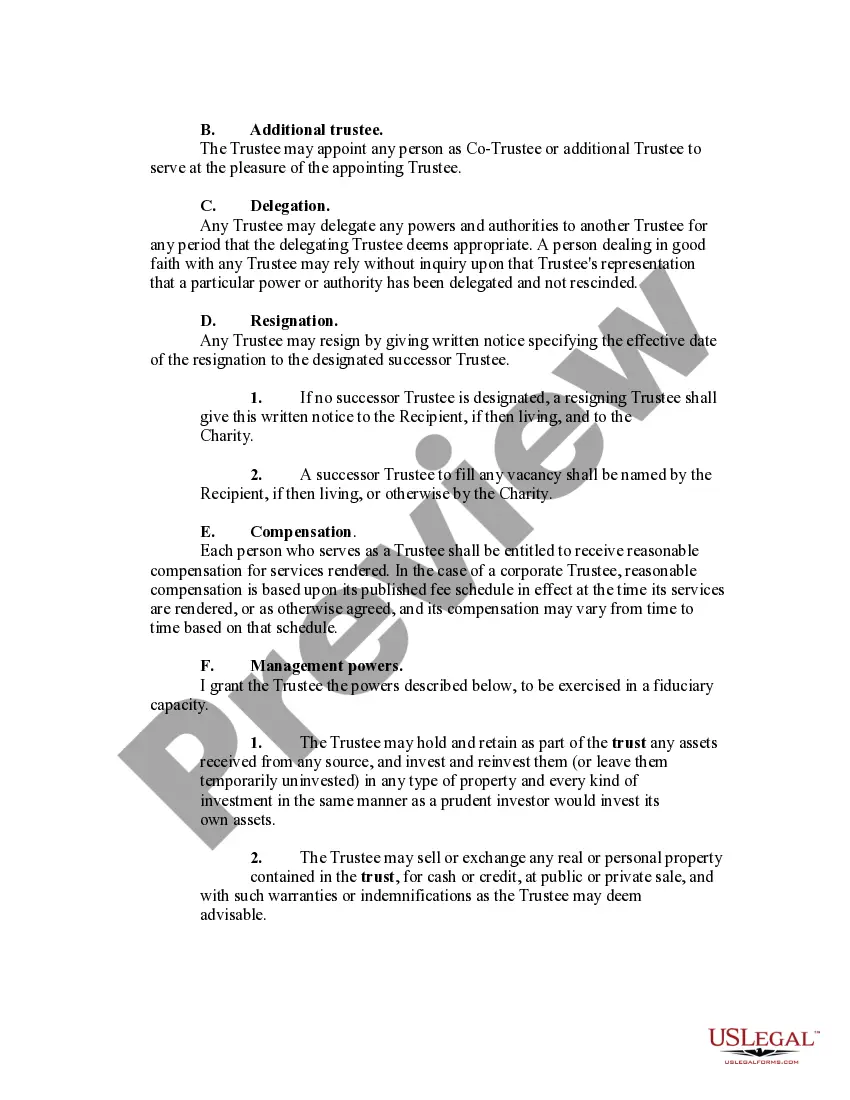
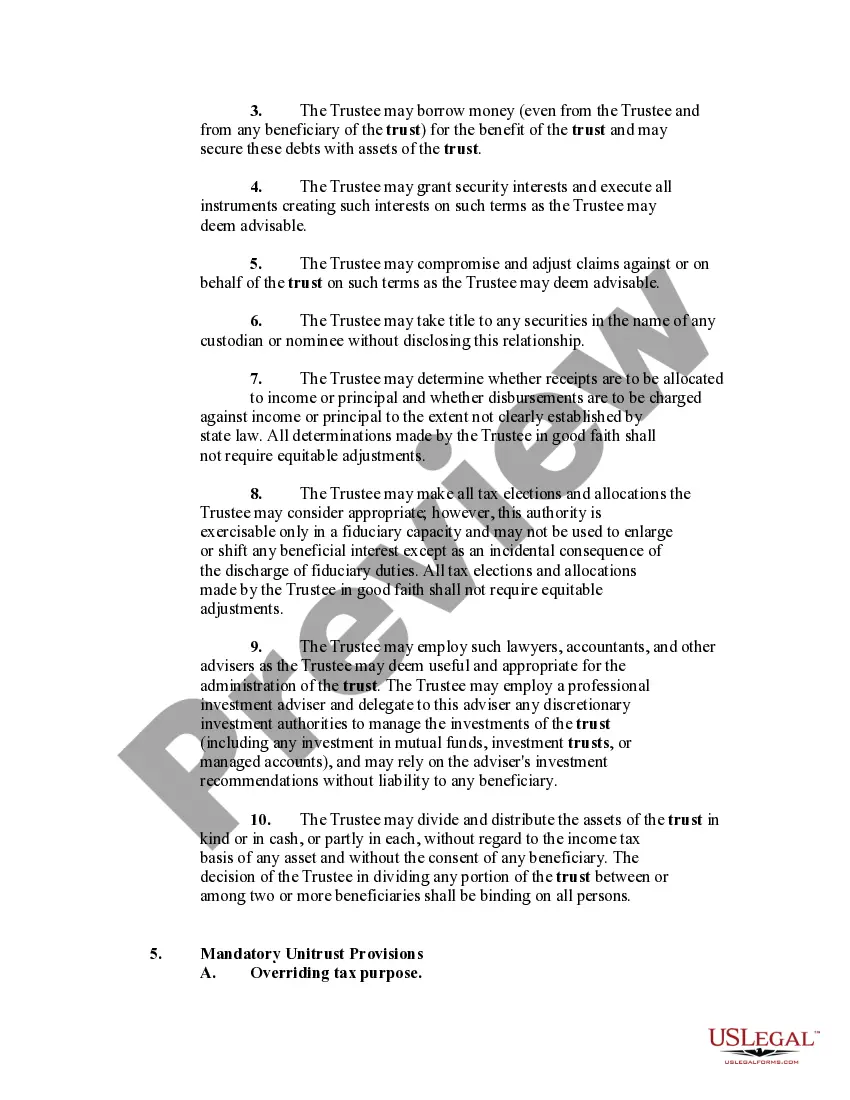
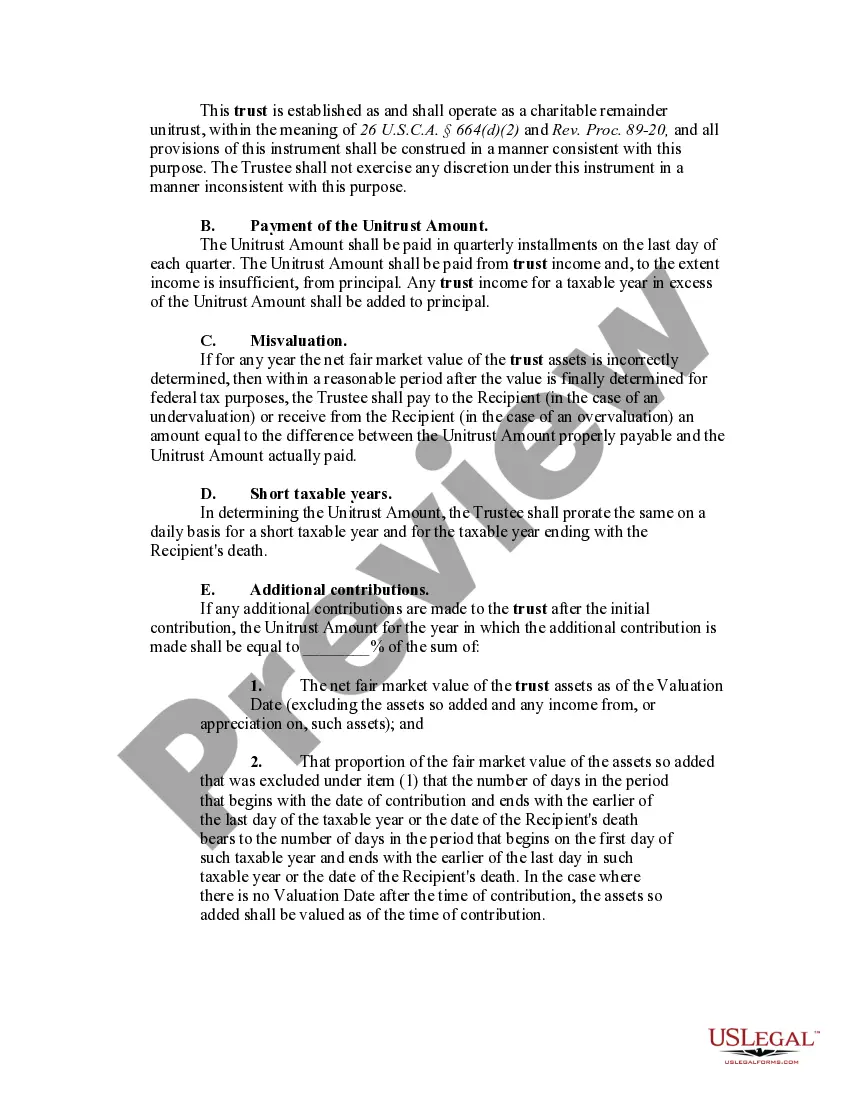
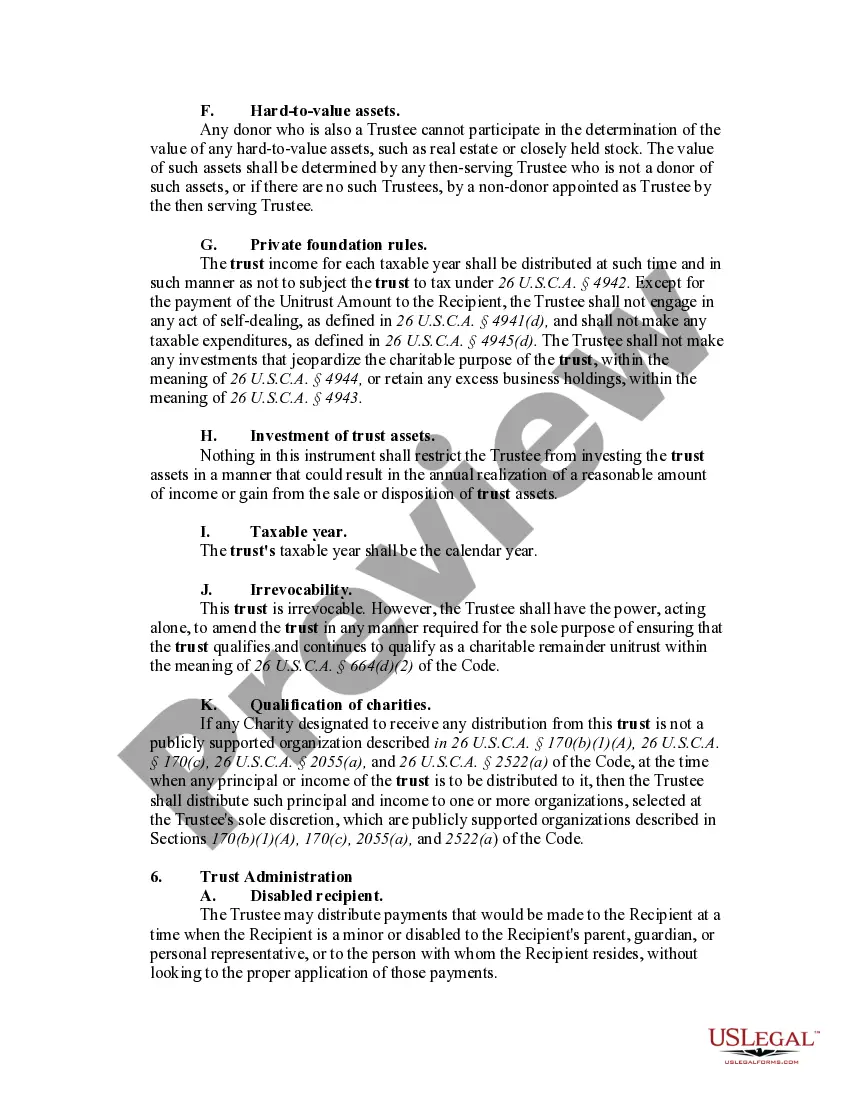
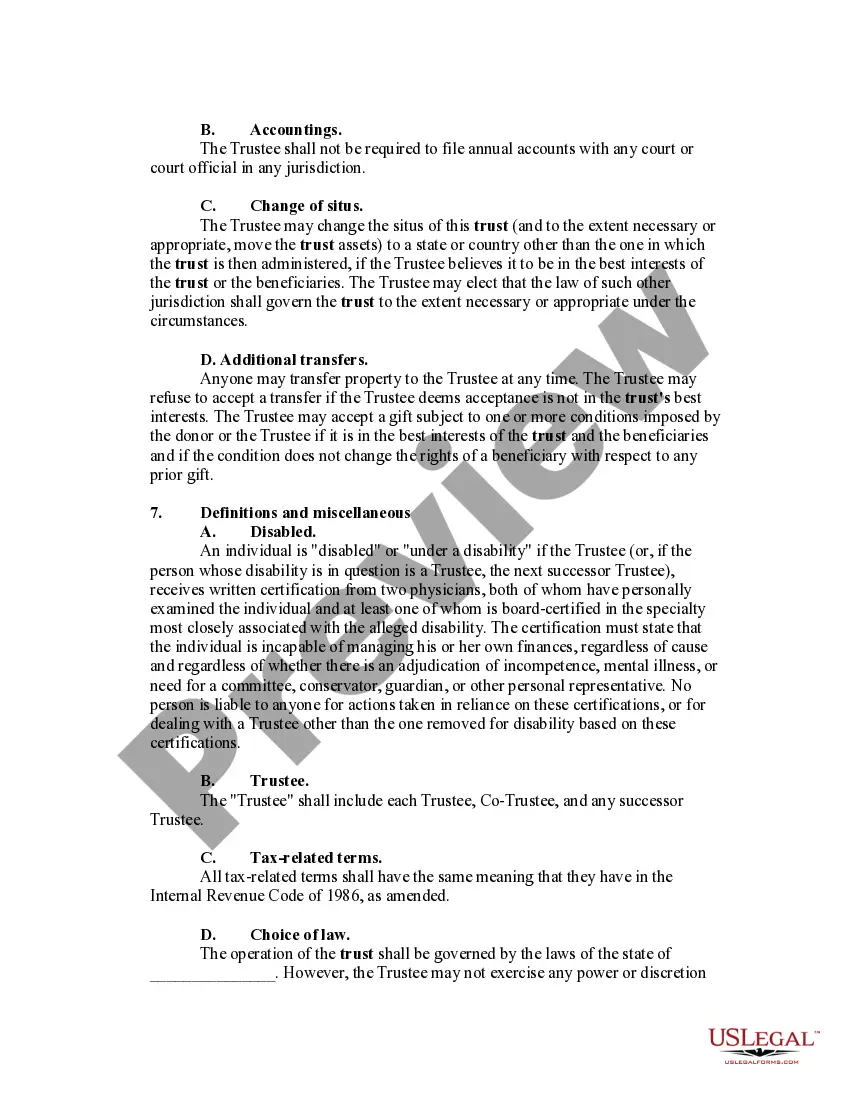
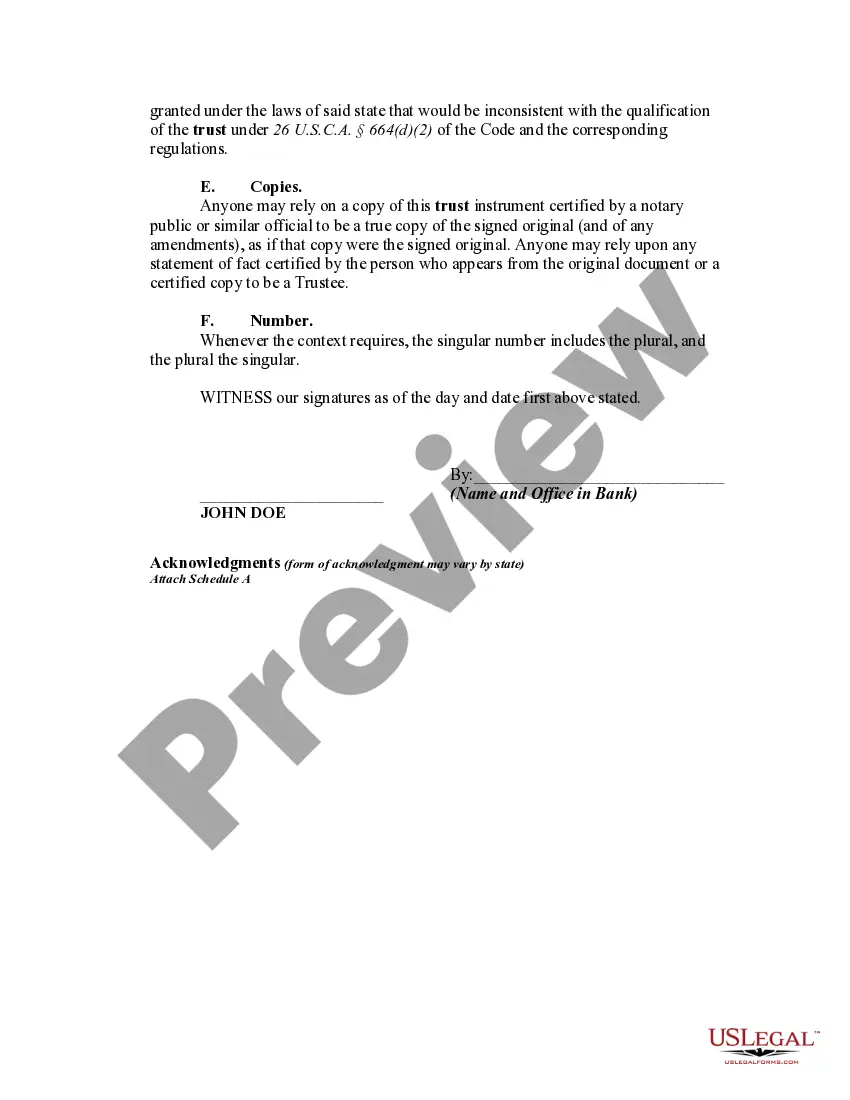
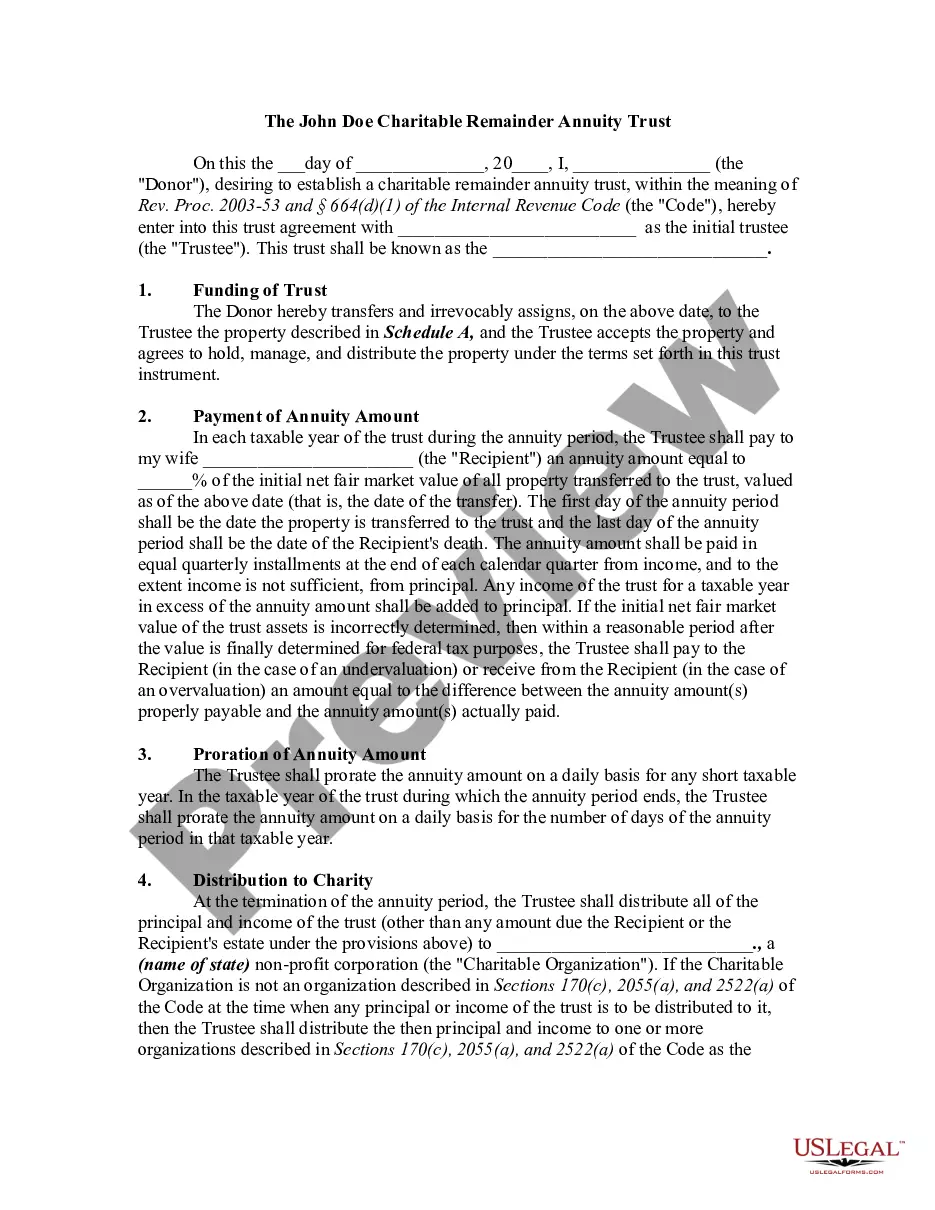




Get your form ready online
Our built-in tools help you complete, sign, share, and store your documents in one place.
Make edits, fill in missing information, and update formatting in US Legal Forms—just like you would in MS Word.
Download a copy, print it, send it by email, or mail it via USPS—whatever works best for your next step.
Sign and collect signatures with our SignNow integration. Send to multiple recipients, set reminders, and more. Go Premium to unlock E-Sign.
If this form requires notarization, complete it online through a secure video call—no need to meet a notary in person or wait for an appointment.
We protect your documents and personal data by following strict security and privacy standards.

Make edits, fill in missing information, and update formatting in US Legal Forms—just like you would in MS Word.

Download a copy, print it, send it by email, or mail it via USPS—whatever works best for your next step.

Sign and collect signatures with our SignNow integration. Send to multiple recipients, set reminders, and more. Go Premium to unlock E-Sign.

If this form requires notarization, complete it online through a secure video call—no need to meet a notary in person or wait for an appointment.

We protect your documents and personal data by following strict security and privacy standards.
Looking for another form?
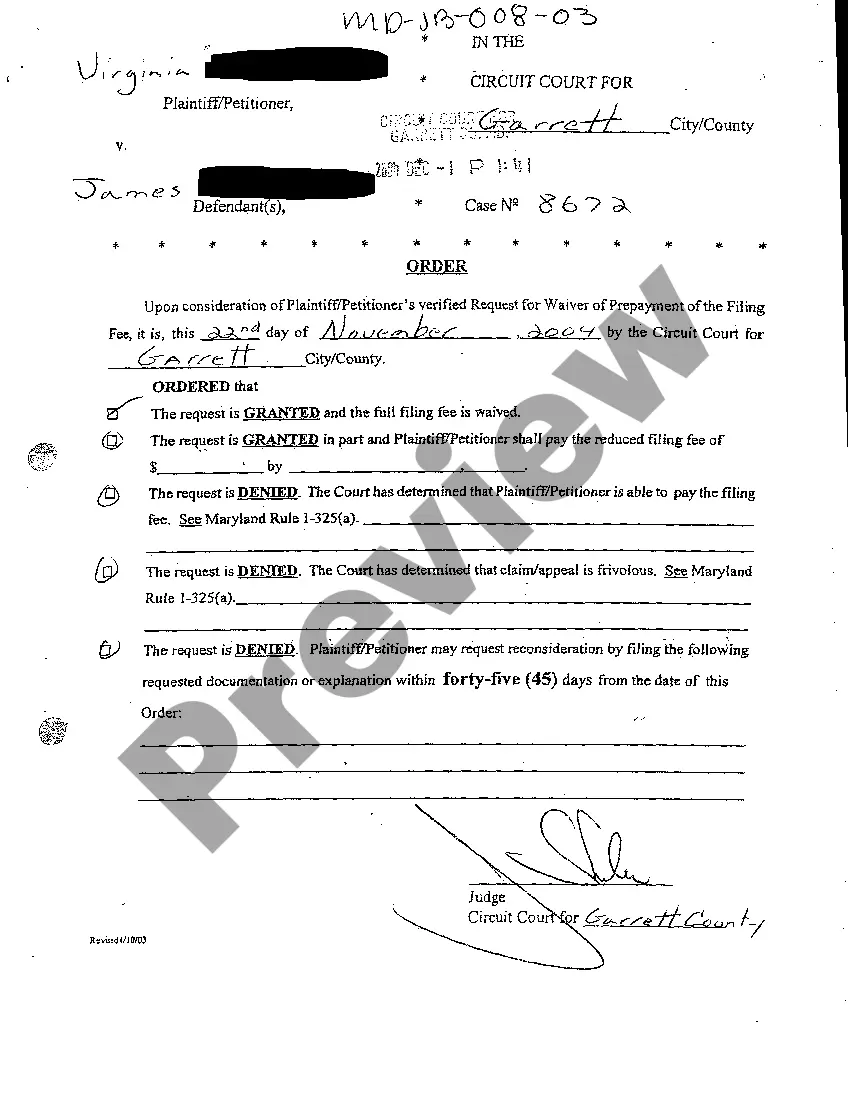





How to fill out Charitable Remainder Inter Vivos Unitrust Agreement?
- Visit the US Legal Forms website and log in to your account. Ensure your subscription is active to access the forms.
- Browse through the form collection. Utilize the Preview mode and descriptions to confirm you’ve selected the right form that matches your needs.
- If the initial form doesn't fit, use the search feature to find another template that satisfies local jurisdiction requirements.
- Once you've found the correct document, click on the 'Buy Now' button and choose your preferred subscription plan. You will need to create an account.
- Complete your purchase by entering your payment information, whether through a credit card or PayPal.
- After the transaction is complete, download the form to your device for completion and easy access via the 'My Forms' section of your account.
With this step-by-step guide, obtaining your legal documents through US Legal Forms is straightforward and efficient. Their extensive library ensures that you find the exact form you need.
Start your journey today with US Legal Forms by accessing the extensive resources at your fingertips. Don’t wait—simplify your legal process now!
Form popularity
FAQ
On your iPhone, the reminder app is usually pre-installed and named 'Reminders.' You can find it by swiping down on the home screen and using the search bar. If you're looking for advanced features, the Reminder vivo application can serve as a powerful alternative to help you manage your reminders more effectively.
Unlock your phone and search for the built-in reminder function in your apps. It may be located in the calendar or personal assistant app. For enhanced reminder functionality, you might explore dedicated applications like Reminder vivo, designed to provide reminders to help you keep track of important dates and tasks.
The reminder feature is typically found within the default calendar or task management app on your phone. Look for a section labeled 'Reminders' or 'Tasks' in the app menu. If you prefer a dedicated space, consider using the Reminder vivo app, which offers a streamlined experience for managing all your reminders.
You can set reminders to pop up on your phone by accessing the Reminder vivo application or using your phone's default calendar app. Create a new reminder and choose your preferred notification settings. This way, the reminder will alert you at the designated time, ensuring you never miss an important task.
To enable the notification bar on your Vivo phone, swipe down from the top of the screen. This action reveals quick settings and notifications. If the bar does not appear, ensure that your phone's software is up to date. A well-functioning Reminder vivo feature will help you stay organized with notifications.
Accessing files on your vivo device is simple and efficient. Open the File Manager application, where you will see categories for images, documents, and more. From there, navigate through your files, locate what you need, and utilize them effectively alongside the Reminder vivo feature to manage your tasks and to-dos with ease.
To save a reminder on your Android phone, open your reminders or calendar app and look for the option to add a new reminder. Type in your reminder details, set the date and time, then save it. This process is particularly useful when combined with the Reminder vivo feature, allowing you to keep all important tasks organized in one place.
Unlocking the File Manager on your vivo device is straightforward. If it's locked, simply follow the on-screen instructions to input your password or PIN. After you unlock it, you can enjoy full access to your files and utilize it in conjunction with Reminder vivo for better file management of your reminders.
Yes, all vivo phones include a File Manager, streamlining how you handle files on your device. This built-in application is crucial for users who want to stay organized. In addition to storing files, it integrates seamlessly with features such as Reminder vivo, helping you keep track of important tasks and deadlines.
You can find the File Manager on your vivo device by navigating to the main app menu. Look for an icon labeled 'File Manager' or something similar, typically represented by a folder symbol. Once you open it, you will gain access to all your files, making it simple to manage reminders and other documents within the Reminder vivo framework.