Inter Vivos Form Living Order Withdrawal
Description

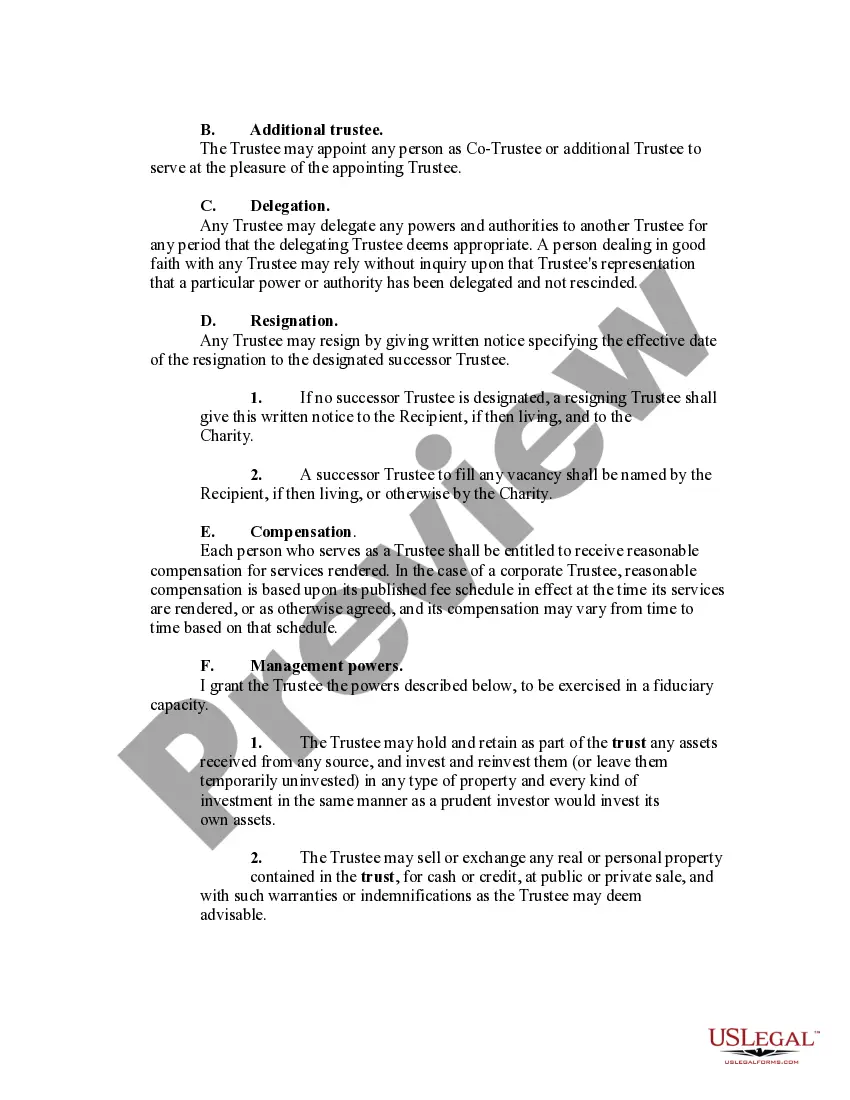
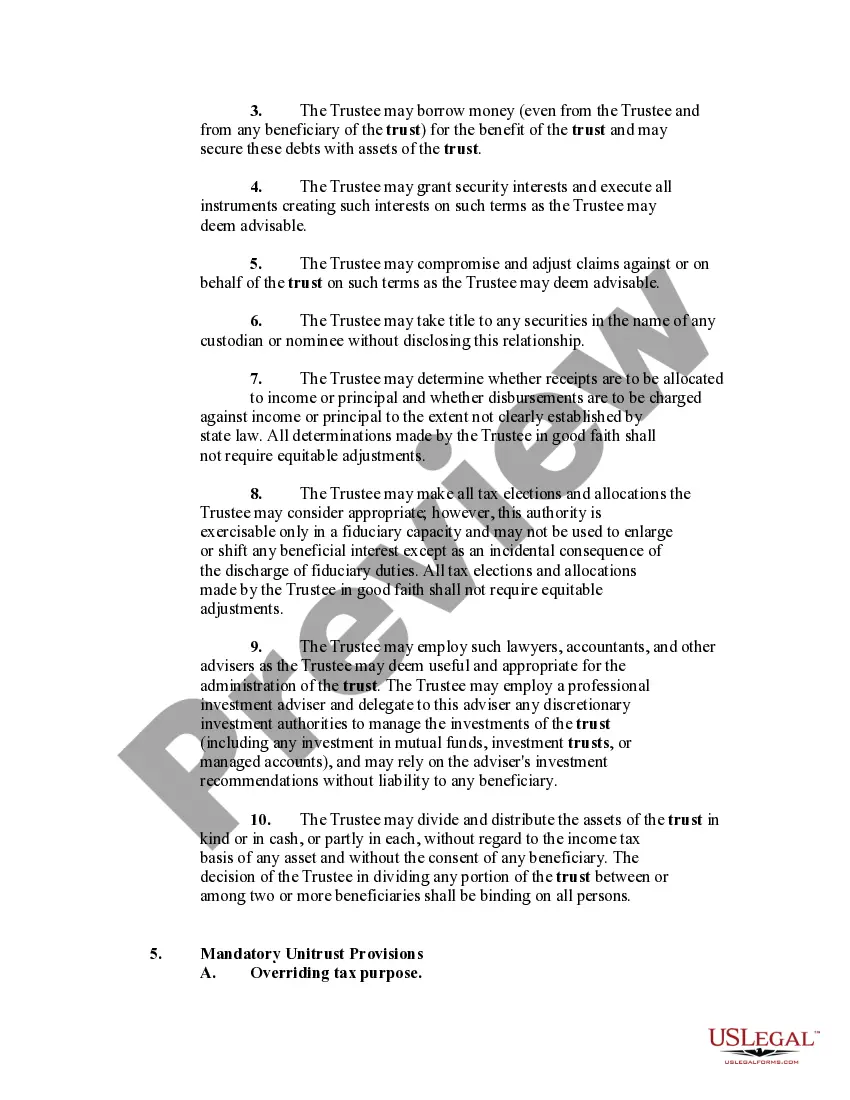
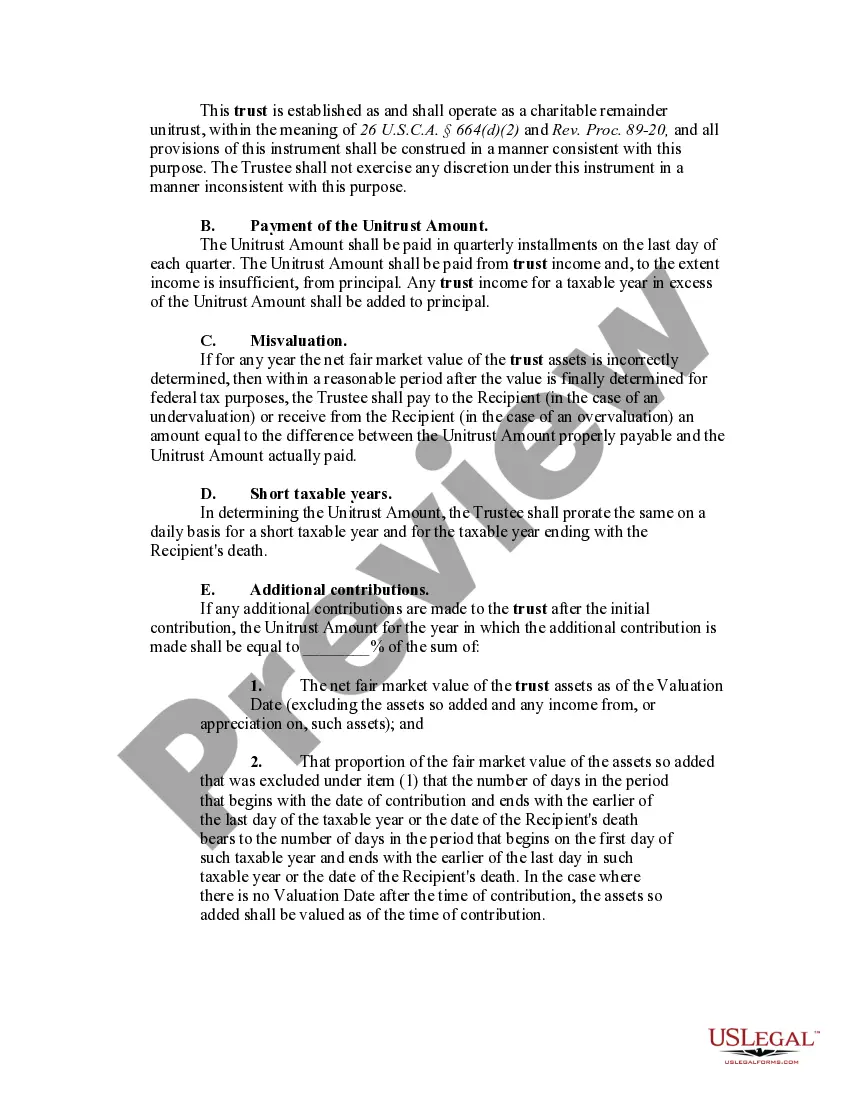
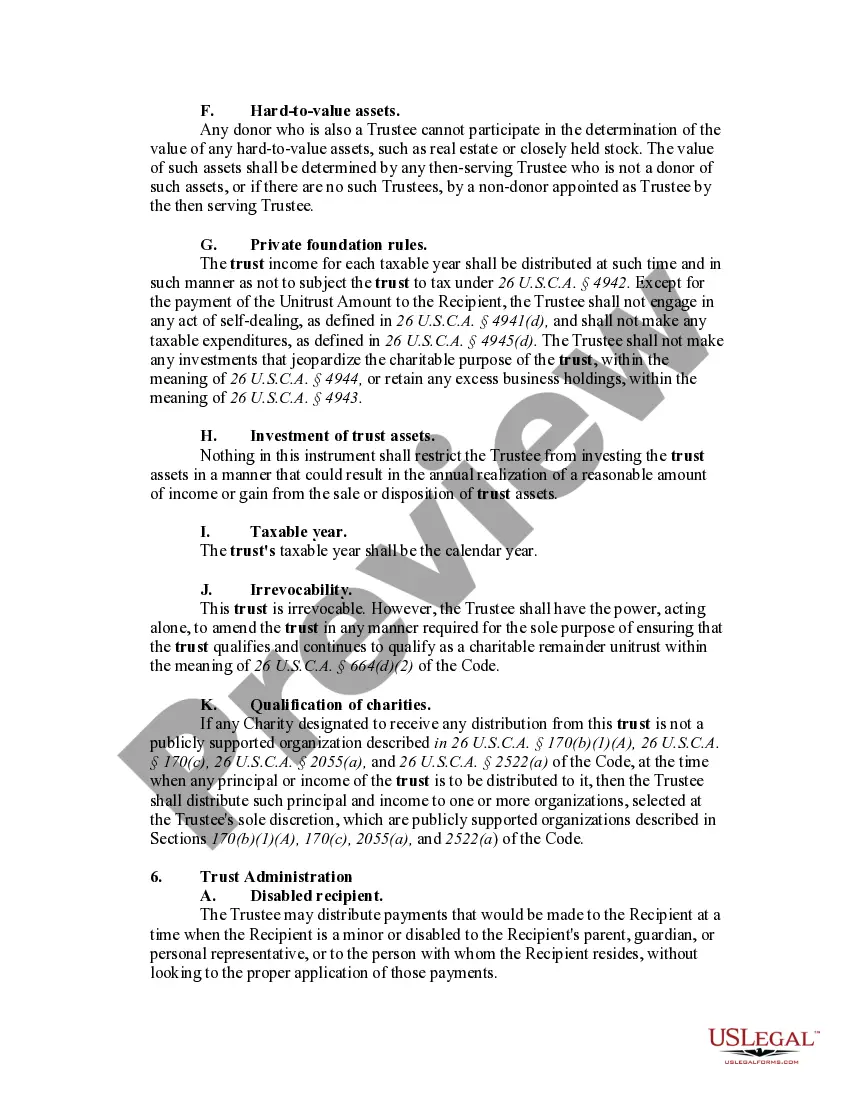




Get your form ready online
Our built-in tools help you complete, sign, share, and store your documents in one place.
Make edits, fill in missing information, and update formatting in US Legal Forms—just like you would in MS Word.
Download a copy, print it, send it by email, or mail it via USPS—whatever works best for your next step.
Sign and collect signatures with our SignNow integration. Send to multiple recipients, set reminders, and more. Go Premium to unlock E-Sign.
If this form requires notarization, complete it online through a secure video call—no need to meet a notary in person or wait for an appointment.
We protect your documents and personal data by following strict security and privacy standards.

Make edits, fill in missing information, and update formatting in US Legal Forms—just like you would in MS Word.

Download a copy, print it, send it by email, or mail it via USPS—whatever works best for your next step.

Sign and collect signatures with our SignNow integration. Send to multiple recipients, set reminders, and more. Go Premium to unlock E-Sign.

If this form requires notarization, complete it online through a secure video call—no need to meet a notary in person or wait for an appointment.

We protect your documents and personal data by following strict security and privacy standards.
Looking for another form?
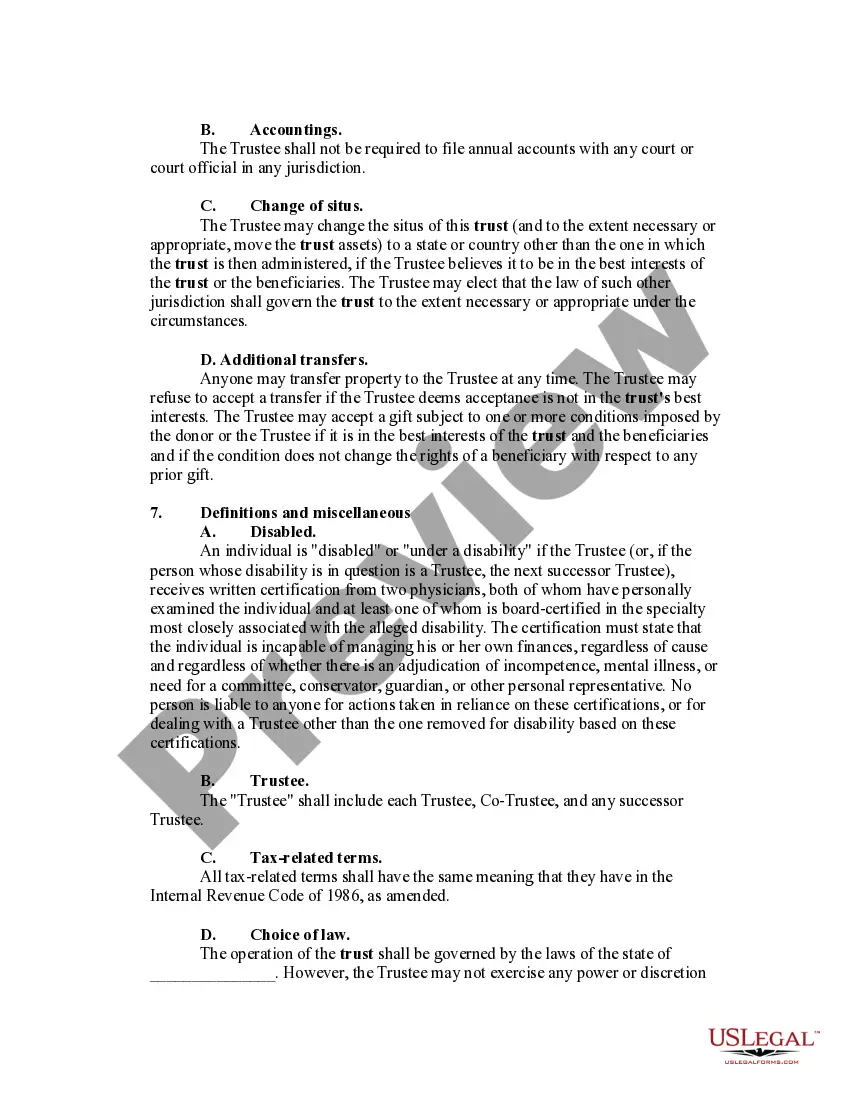
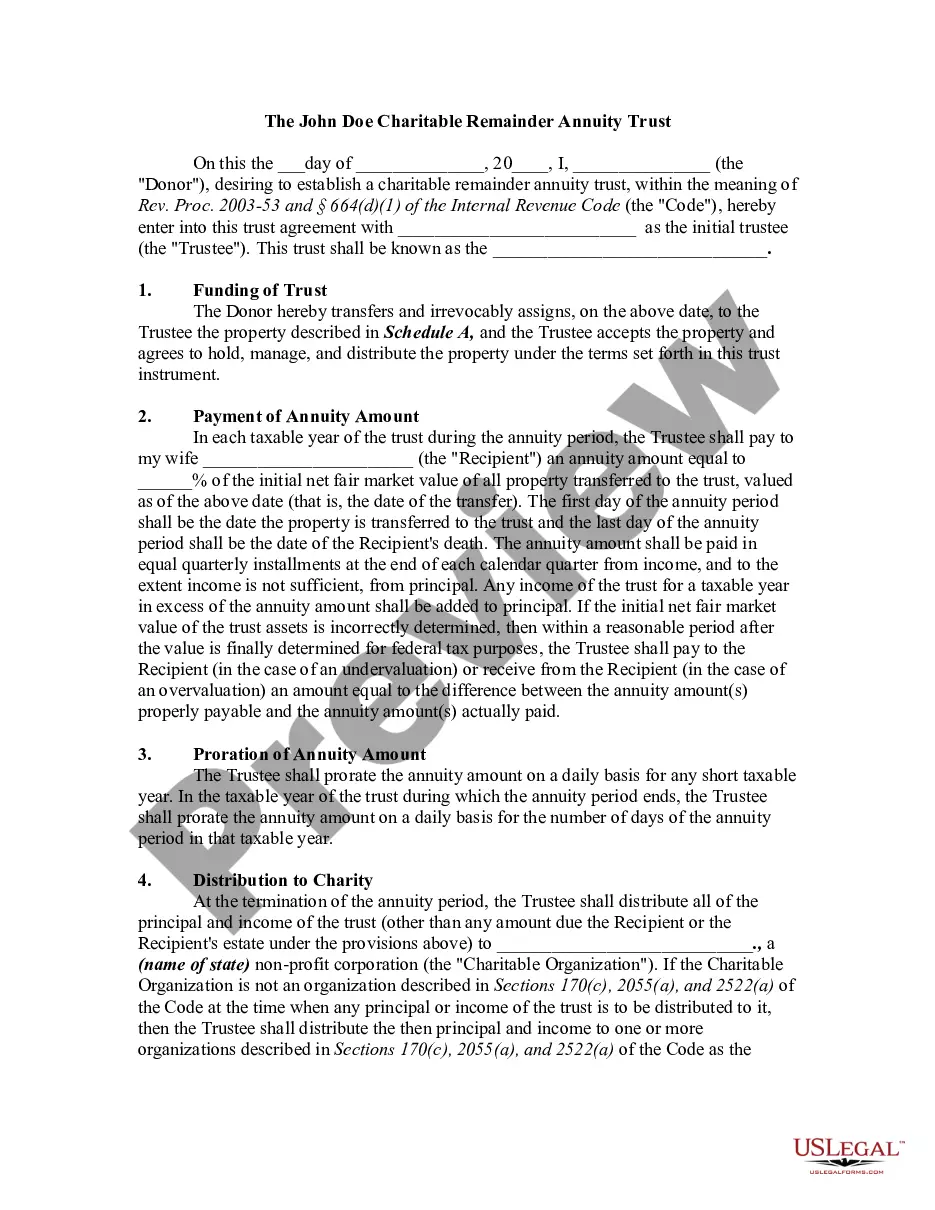
How to fill out Charitable Remainder Inter Vivos Unitrust Agreement?
Legal document management may be overpowering, even for experienced experts. When you are searching for a Inter Vivos Form Living Order Withdrawal and don’t get the a chance to spend searching for the appropriate and up-to-date version, the procedures might be nerve-racking. A strong web form catalogue might be a gamechanger for anybody who wants to take care of these situations successfully. US Legal Forms is a market leader in online legal forms, with more than 85,000 state-specific legal forms accessible to you anytime.
With US Legal Forms, you are able to:
- Gain access to state- or county-specific legal and organization forms. US Legal Forms handles any requirements you could have, from personal to organization documents, in one spot.
- Employ advanced resources to complete and manage your Inter Vivos Form Living Order Withdrawal
- Gain access to a useful resource base of articles, tutorials and handbooks and materials relevant to your situation and requirements
Save time and effort searching for the documents you will need, and utilize US Legal Forms’ advanced search and Preview feature to get Inter Vivos Form Living Order Withdrawal and download it. If you have a monthly subscription, log in to your US Legal Forms account, look for the form, and download it. Take a look at My Forms tab to see the documents you previously downloaded and to manage your folders as you can see fit.
If it is your first time with US Legal Forms, register an account and obtain unrestricted usage of all advantages of the library. Here are the steps to take after accessing the form you need:
- Confirm it is the correct form by previewing it and reading its information.
- Ensure that the sample is acknowledged in your state or county.
- Pick Buy Now once you are ready.
- Choose a monthly subscription plan.
- Pick the file format you need, and Download, complete, sign, print and deliver your papers.
Take advantage of the US Legal Forms web catalogue, supported with 25 years of experience and reliability. Change your everyday papers managing in a easy and intuitive process today.
Form popularity
FAQ
The trustee can write the beneficiary a check, give them cash, and transfer real estate by drawing up a new deed or selling the house and giving them the proceeds.
Beneficiaries of a trust typically pay taxes on distributions they receive from the trust's income. However, they are not subject to taxes on distributions from the trust's principal.
These terms include paying maintenance costs and disbursement income to beneficiaries. However, it is not possible to withdraw money for personal or business use.
Trust beneficiaries must pay taxes on income and other distributions from a trust. Trust beneficiaries don't have to pay taxes on returned principal from the trust's assets. IRS forms K-1 and 1041 are required for filing tax returns that receive trust disbursements.
All of it is under the control of a dependable individual or entity (the trustee). The grantor determines what happens to the trust's assets and how they're to be distributed. The trustee carries out these directives. Again, this means you can't just withdraw from a trust fund.