Note Unsecured Signature For Mac
Description
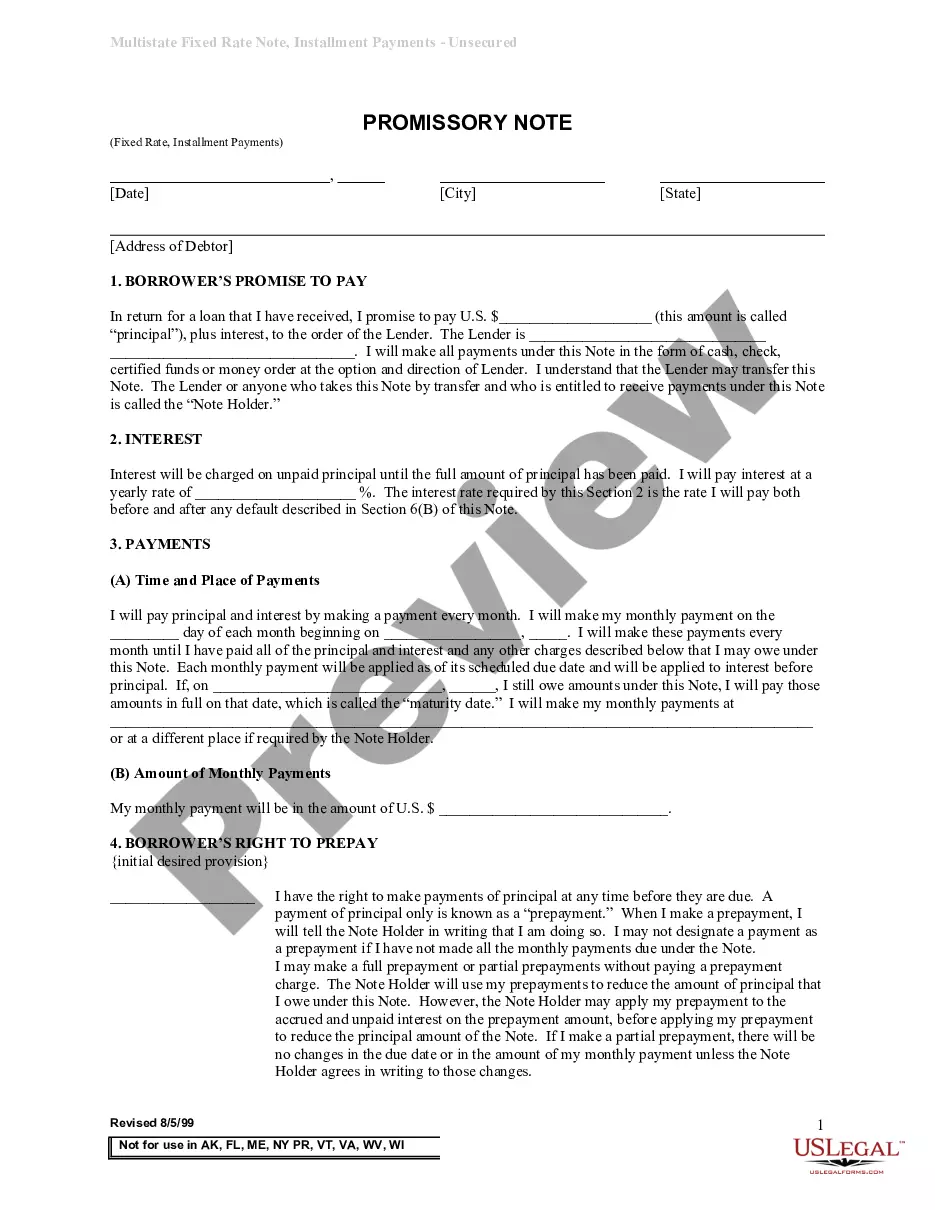
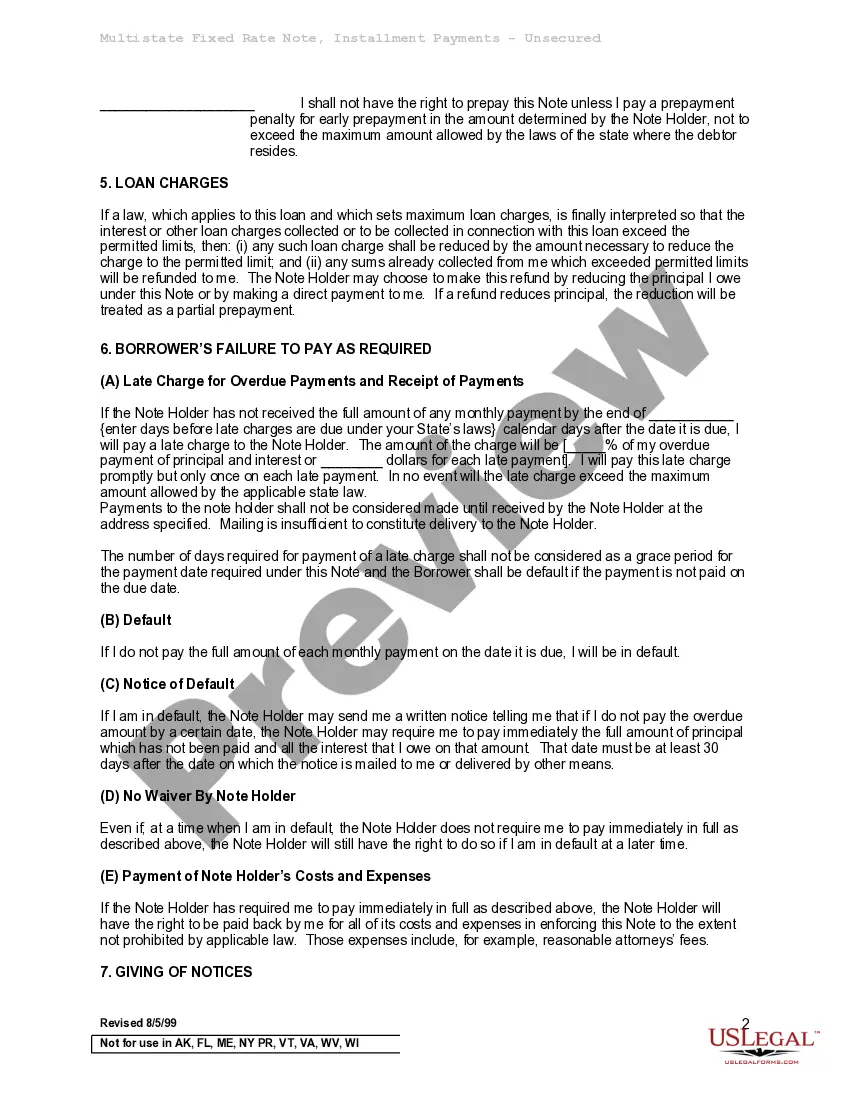
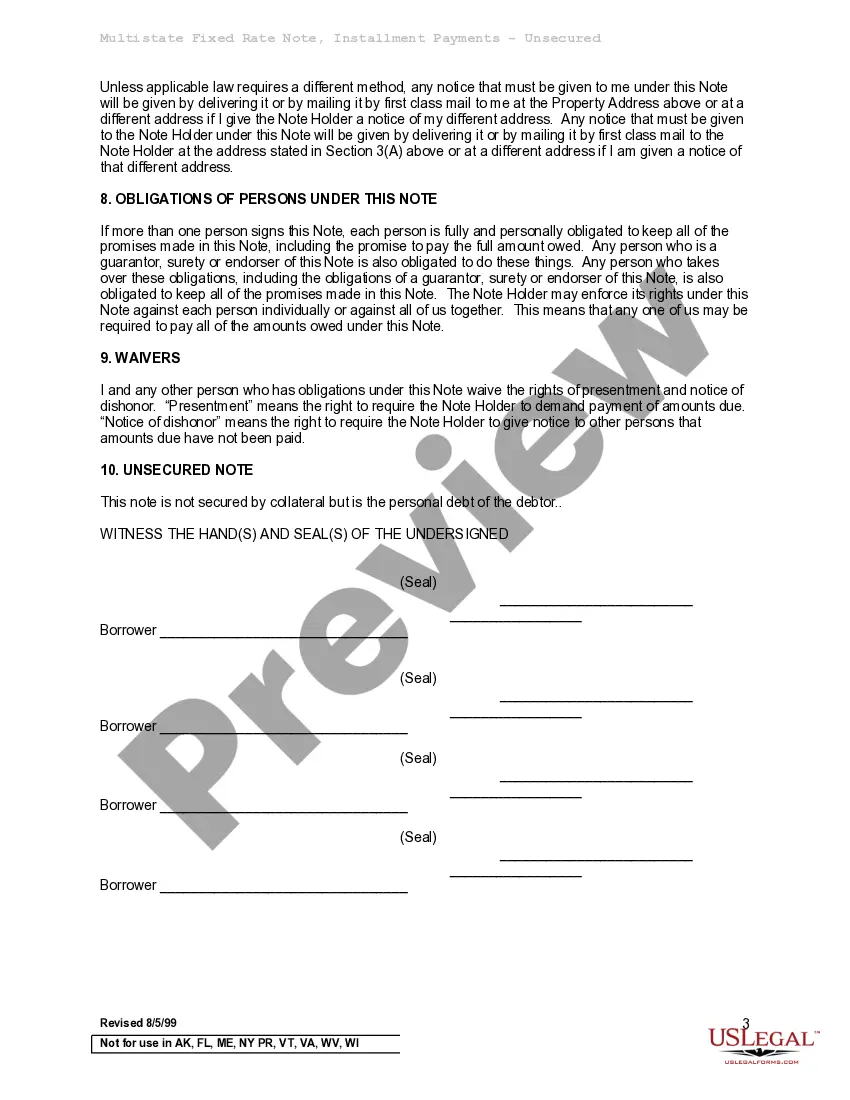
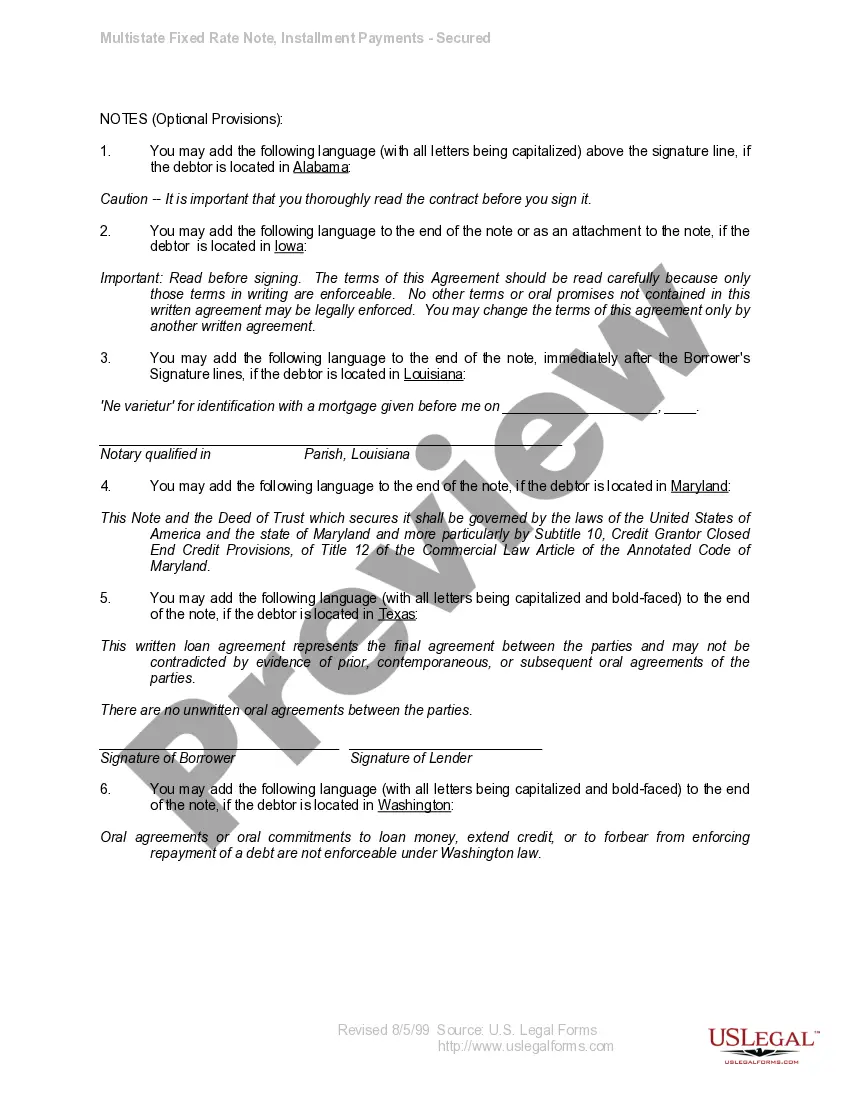
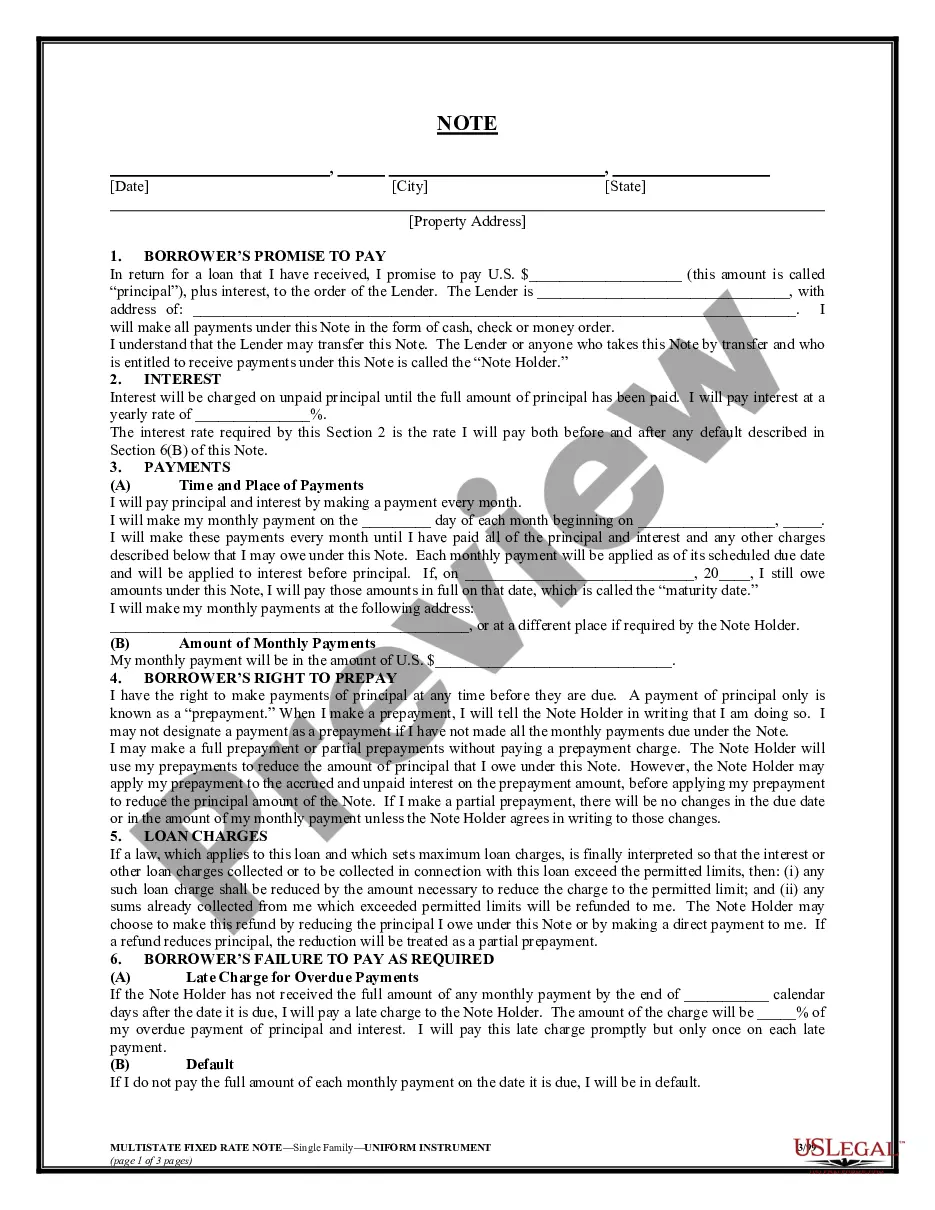
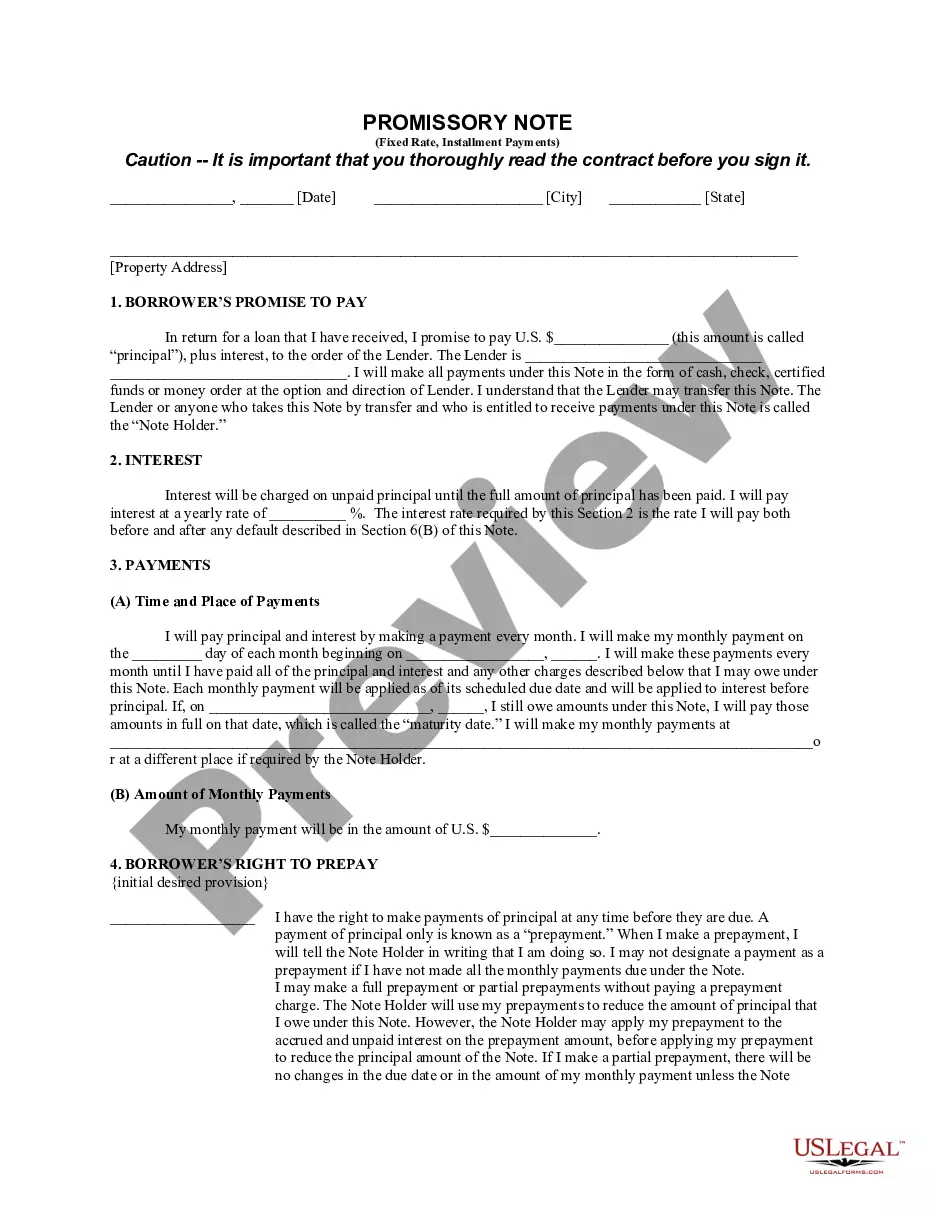
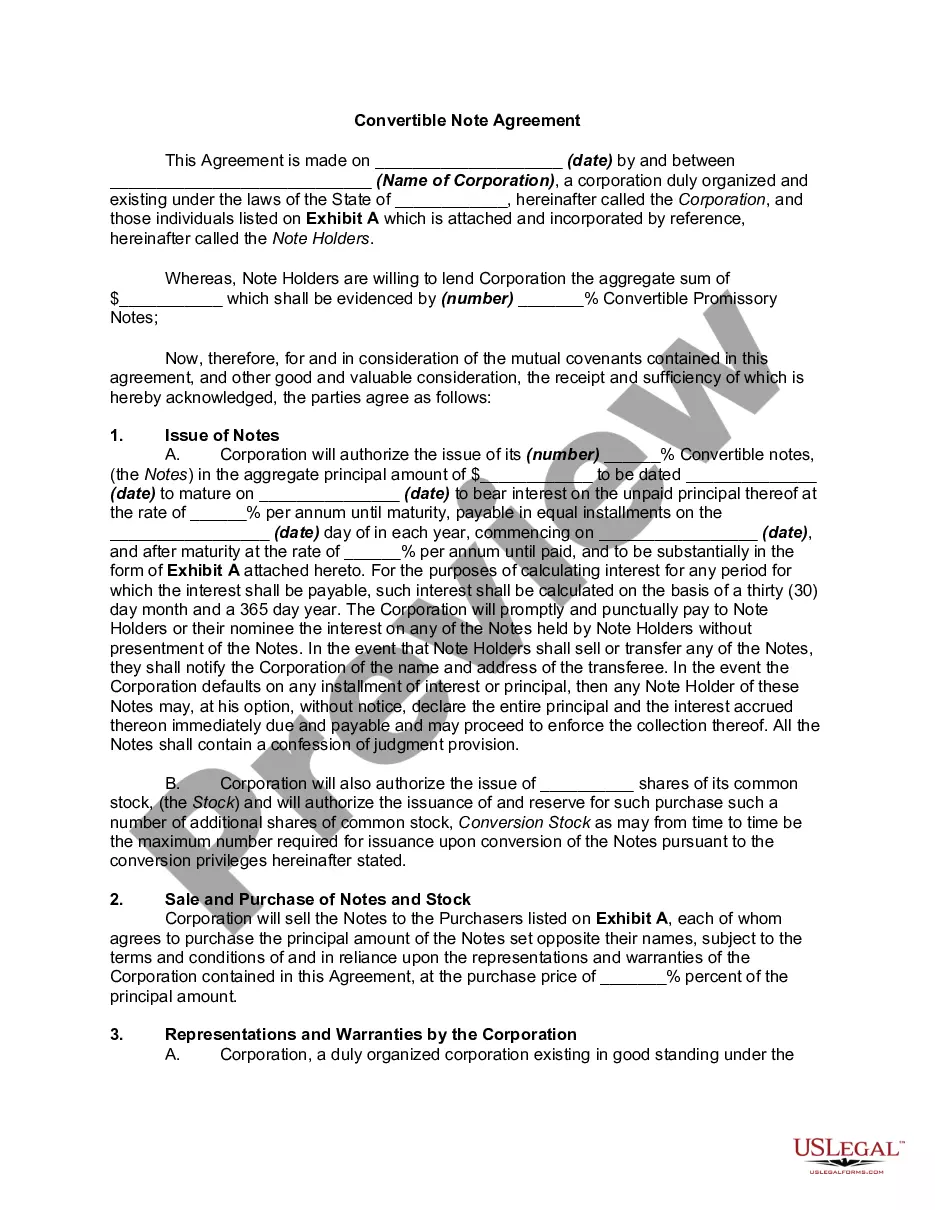
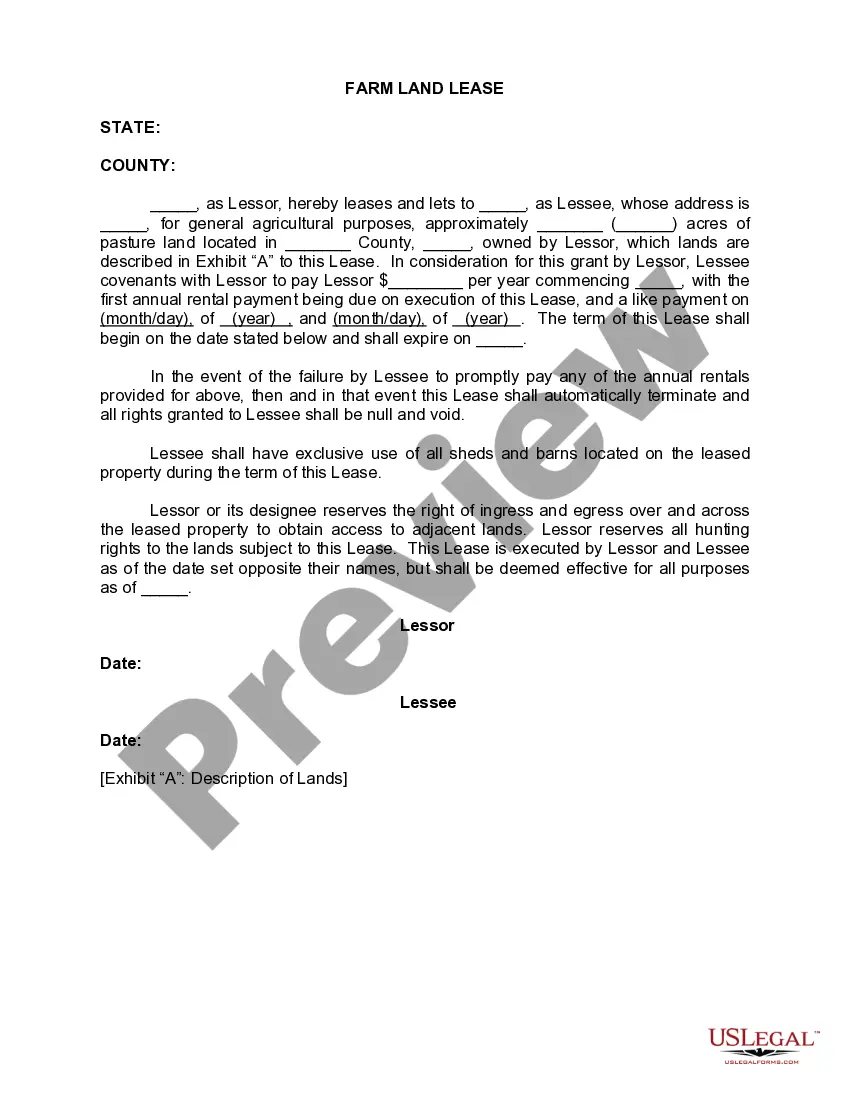
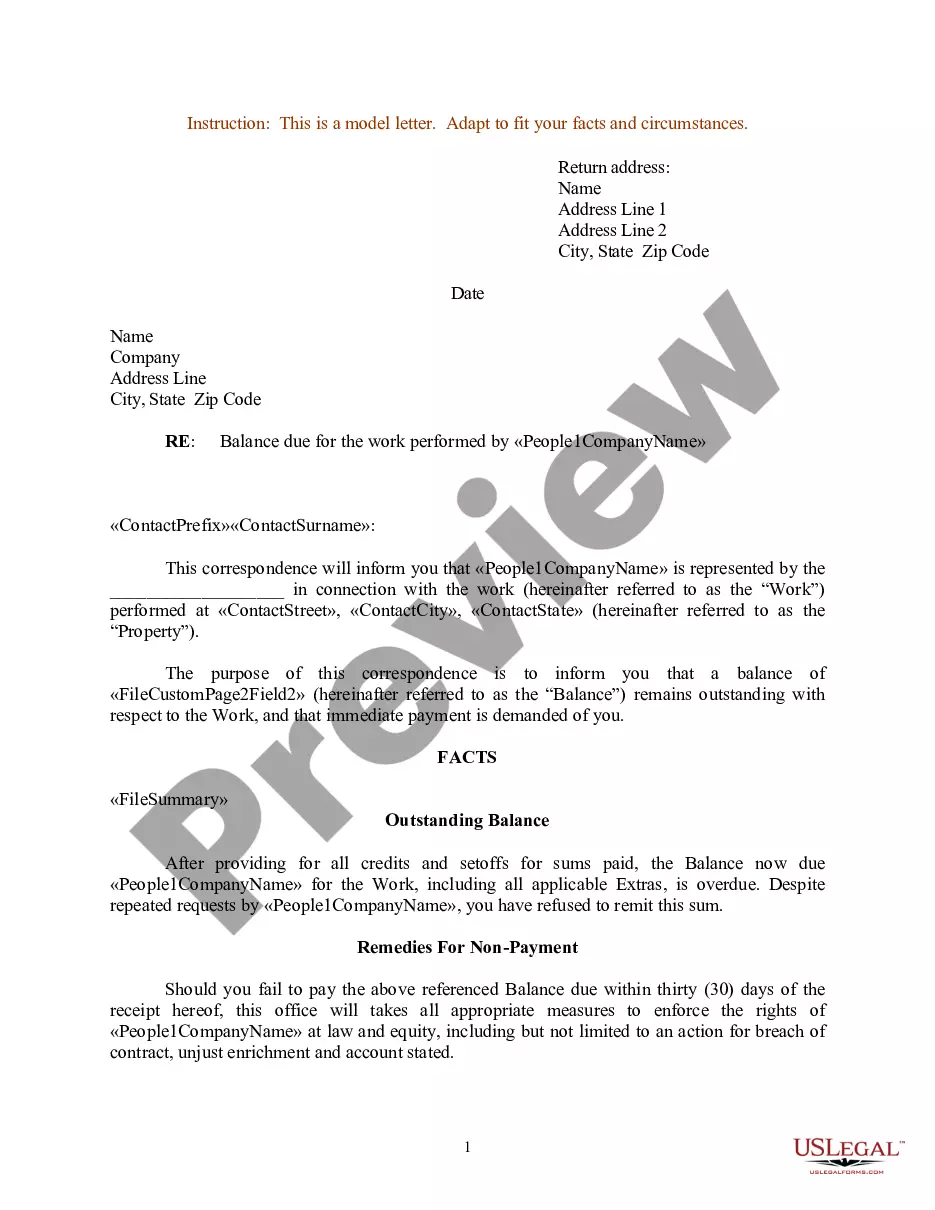
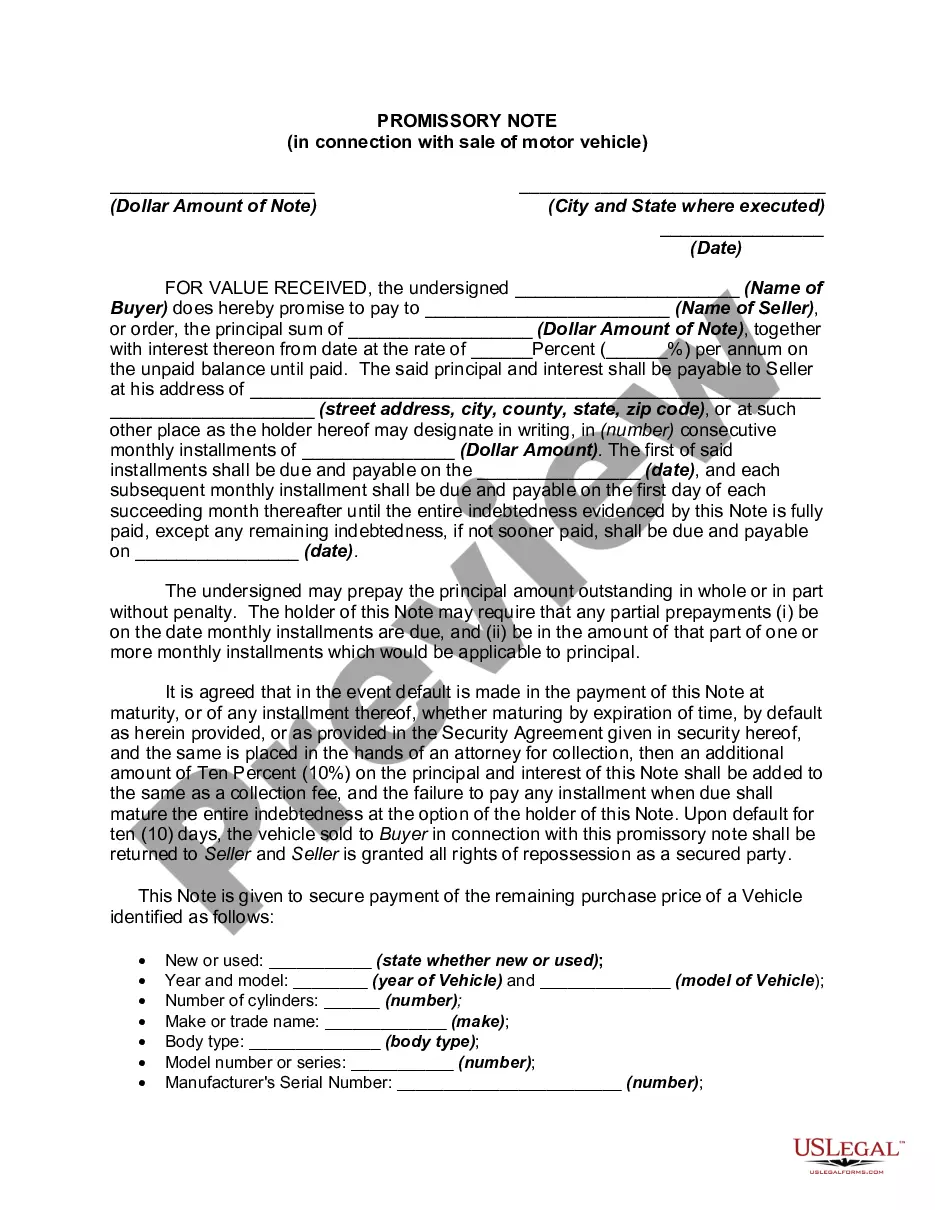

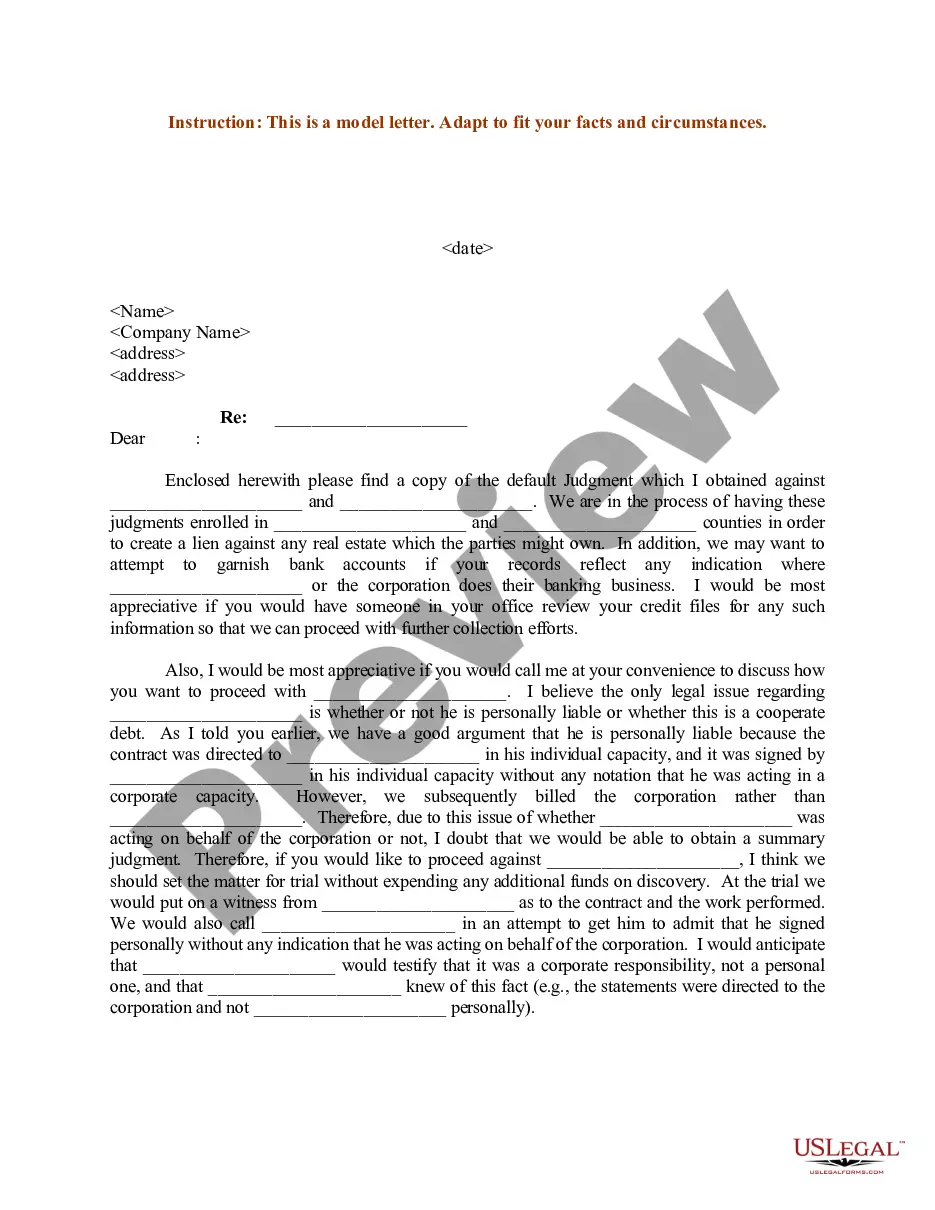
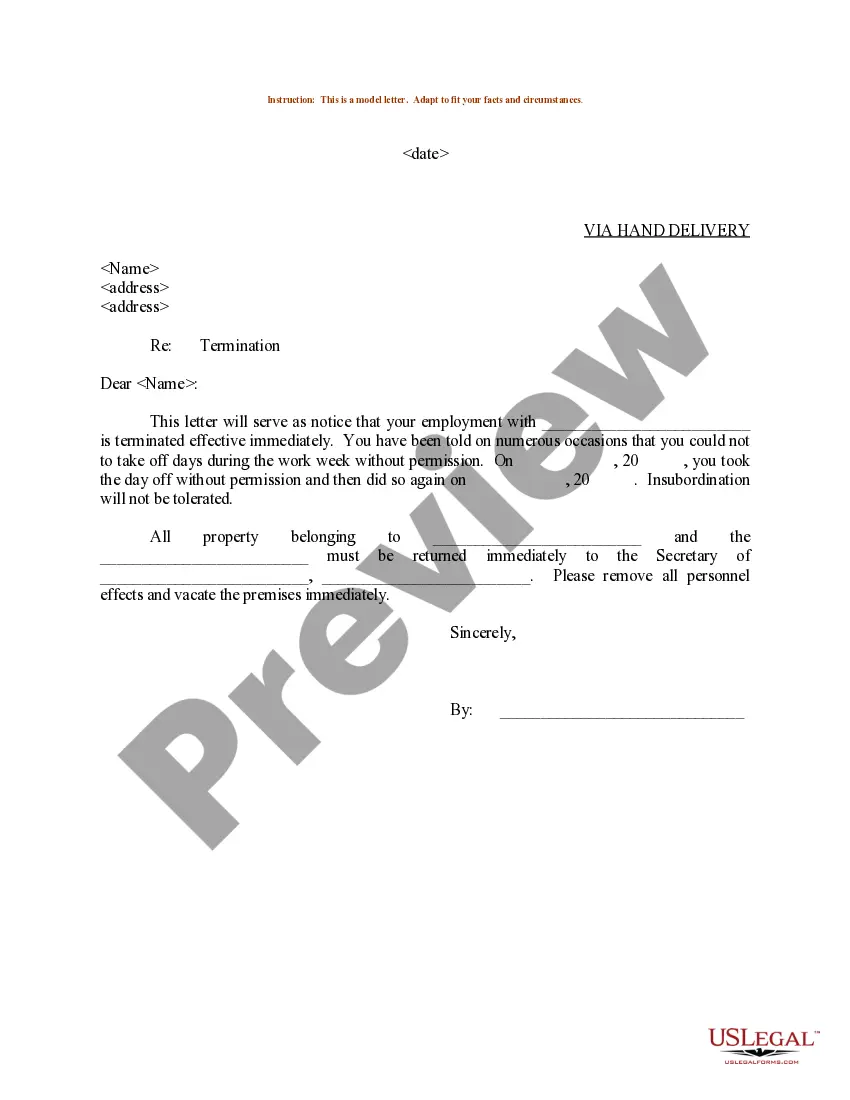
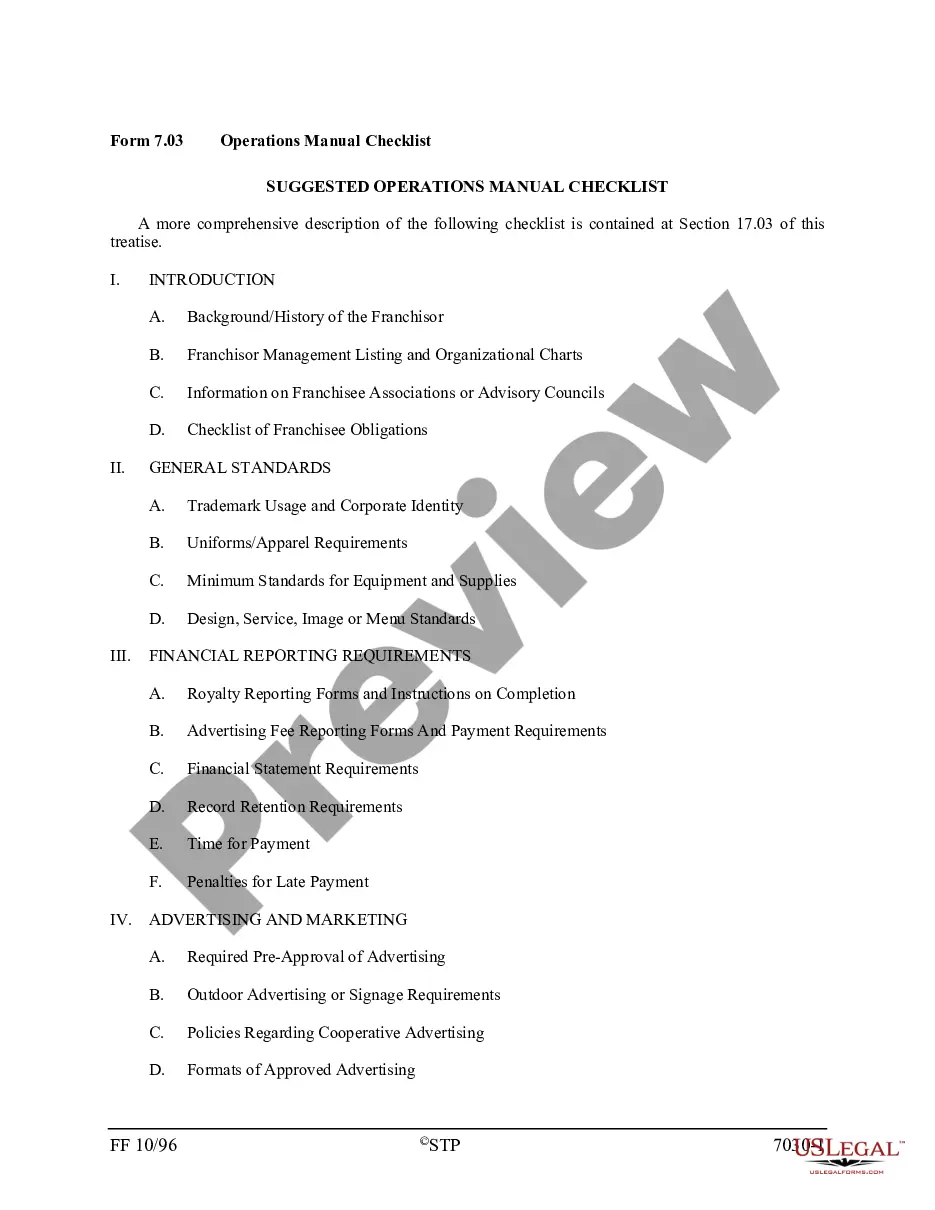
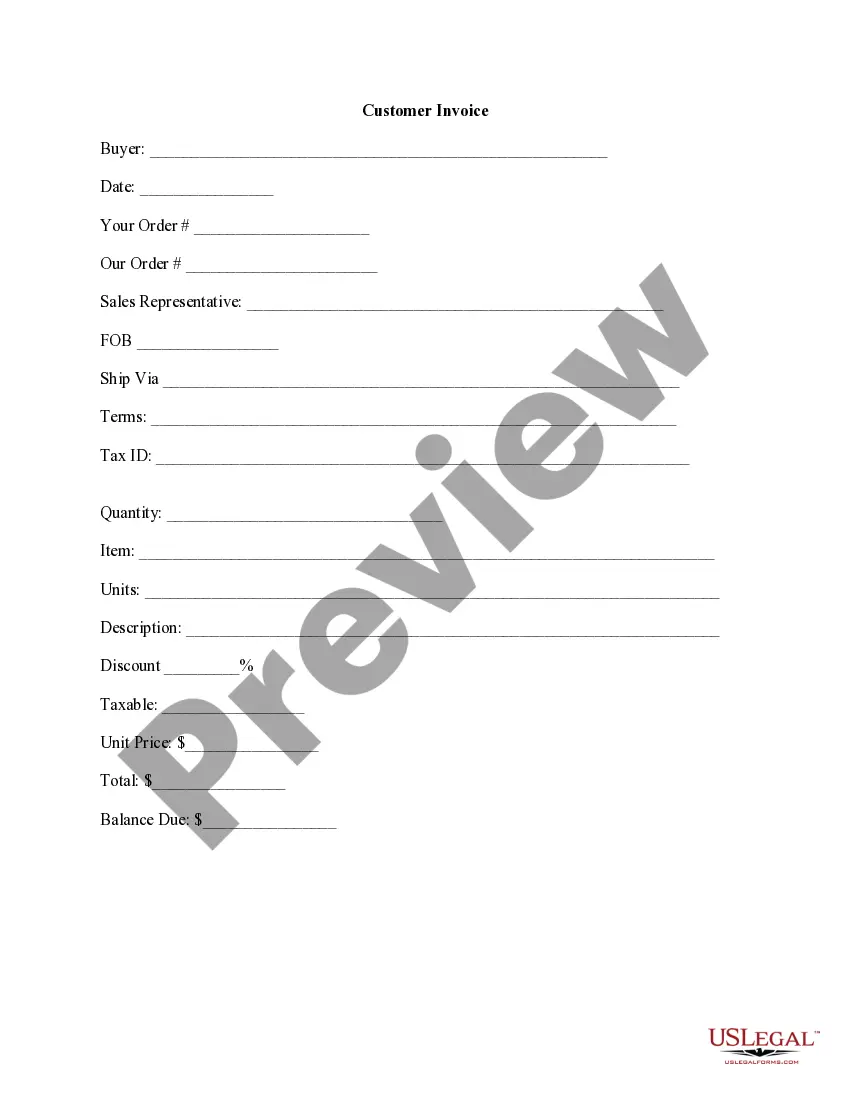
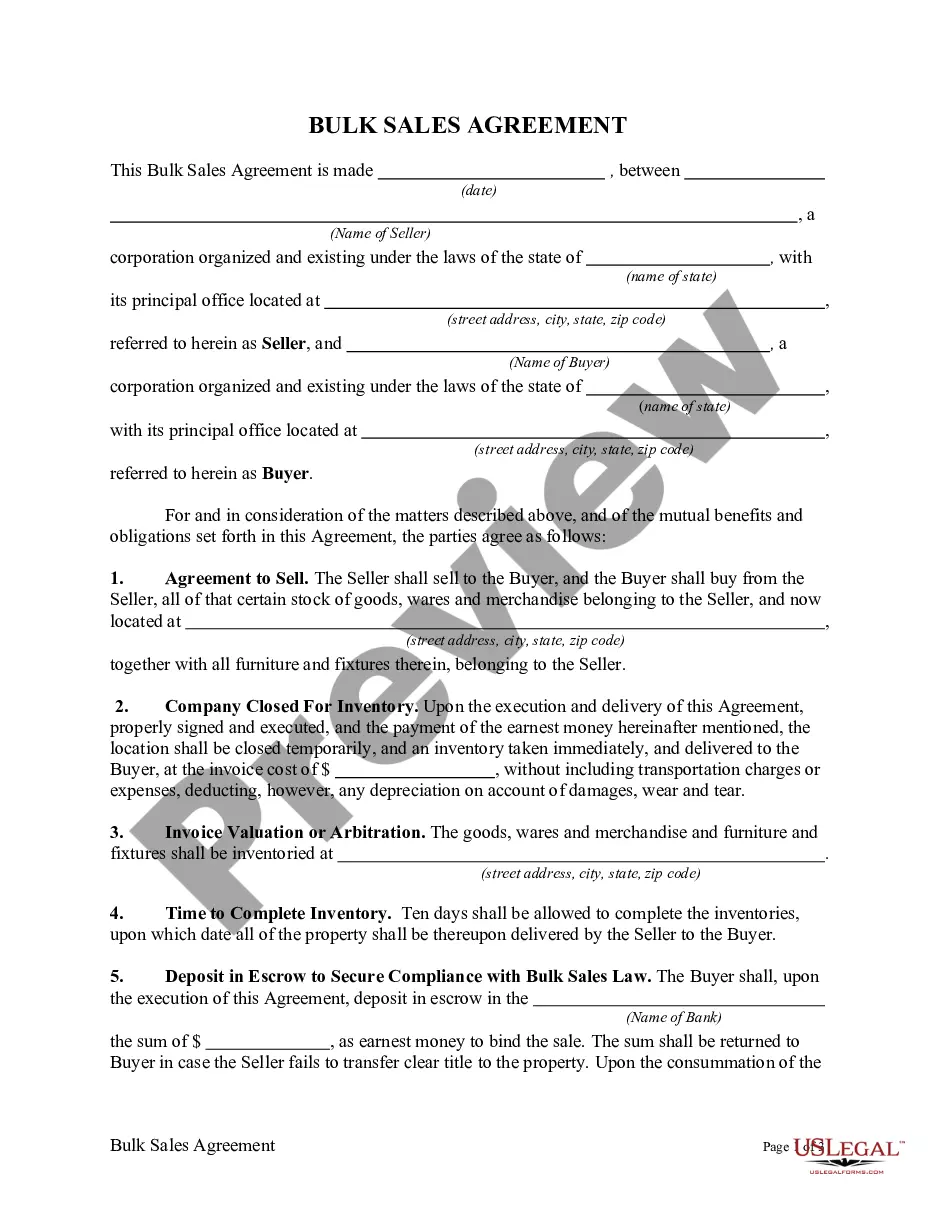
How to fill out Multistate Promissory Note - Unsecured - Signature Loan?
Whether for business purposes or for individual affairs, everybody has to handle legal situations at some point in their life. Filling out legal paperwork requires careful attention, beginning from picking the right form sample. For instance, when you select a wrong edition of a Note Unsecured Signature For Mac, it will be turned down when you submit it. It is therefore important to have a dependable source of legal documents like US Legal Forms.
If you need to get a Note Unsecured Signature For Mac sample, follow these simple steps:
- Find the template you need using the search field or catalog navigation.
- Check out the form’s information to ensure it suits your case, state, and county.
- Click on the form’s preview to view it.
- If it is the wrong document, return to the search function to locate the Note Unsecured Signature For Mac sample you require.
- Get the file when it matches your requirements.
- If you have a US Legal Forms profile, simply click Log in to access previously saved files in My Forms.
- In the event you don’t have an account yet, you may obtain the form by clicking Buy now.
- Pick the appropriate pricing option.
- Complete the profile registration form.
- Pick your payment method: you can use a credit card or PayPal account.
- Pick the document format you want and download the Note Unsecured Signature For Mac.
- After it is saved, you can complete the form by using editing applications or print it and complete it manually.
With a substantial US Legal Forms catalog at hand, you don’t need to spend time searching for the right template across the web. Use the library’s easy navigation to find the proper template for any situation.
Form popularity
FAQ
Transform your document into a fillable PDF form. Open the application, click the Tools tab, and select Prepare Form. Upload your document. Add form fields where appropriate. Save and download your form as a PDF.
To create a new signature, click the Sign tool, click Create Signature if shown, then click how you want to create your signature: Use a trackpad: Click the text when asked, sign your name on the trackpad using your finger, press any key when you're finished, then click Done.
The PNG format allows a transparent background. To insert the signature into a (Windows or Mac) Word document, use Insert > Photo > Picture from File. To insert the signature into a PDF document, and the signature was stored using Mac Preview, then use Tools > Annotate > Signatures in Mac Preview.
How to Create Fillable PDF Files on Mac with Adobe Acrobat Pro Navigate to the Tools Tab. Open Adobe Acrobat > Select the ?Prepare Form? in the toolbar. ... Add Form Fields. Click ?Add a Text Field? > Locate it at the target point > Input text. ... Save the Fillable PDF.
How to fill out a PDF form on a Mac In the Preview app on your Mac, open the PDF. Click a fillable form field in the PDF and type your text. Export the file to save it for your records or send it to someone else.