Buy Sell Agreement Purchase With Paypal In Oakland

State:
Multi-State
County:
Oakland
Control #:
US-00443
Format:
Word; 
Rich Text
Instant download

This form is part of a form package!

Get all related documents in one bundle, so you don’t have to search separately.

Description

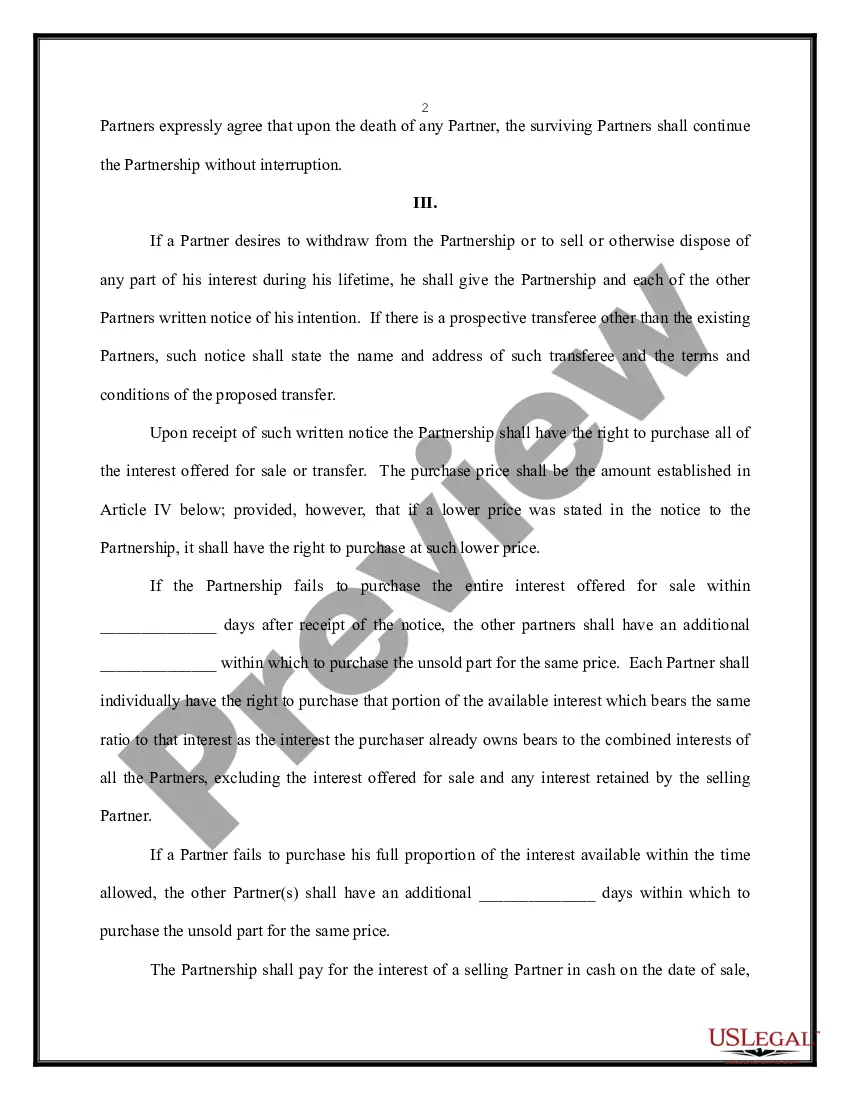
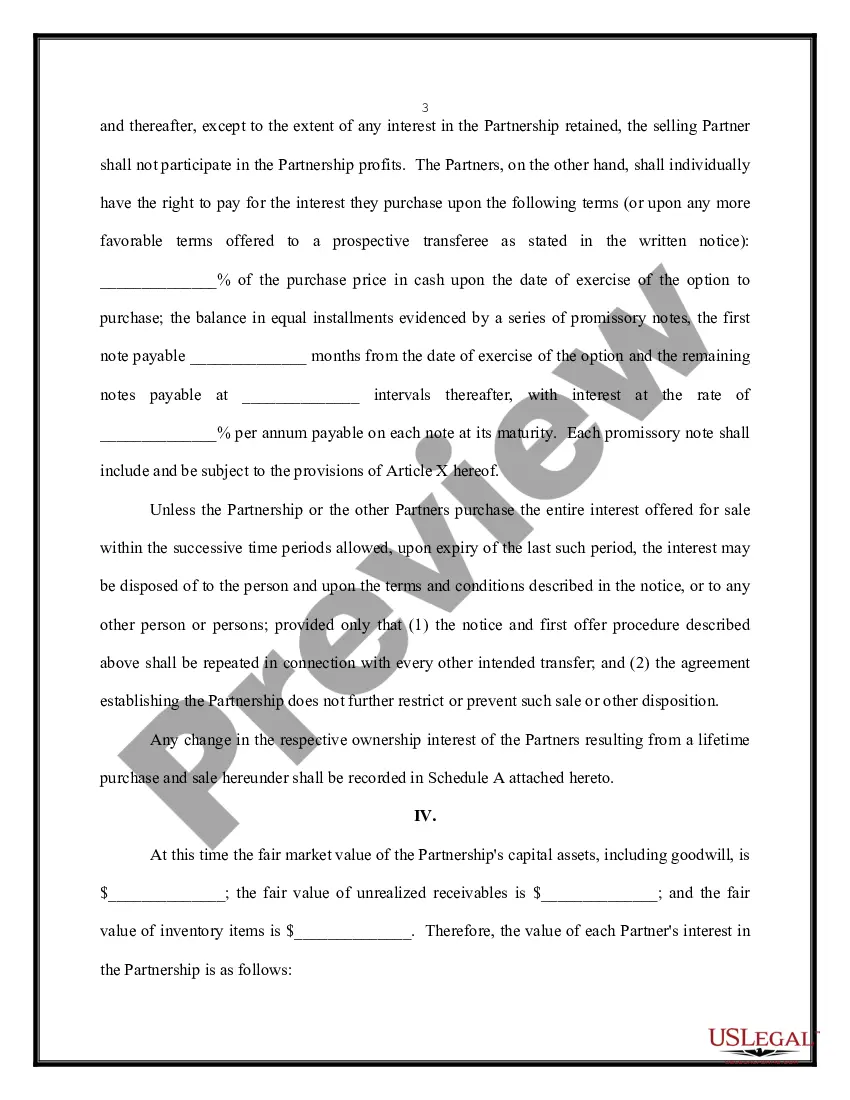
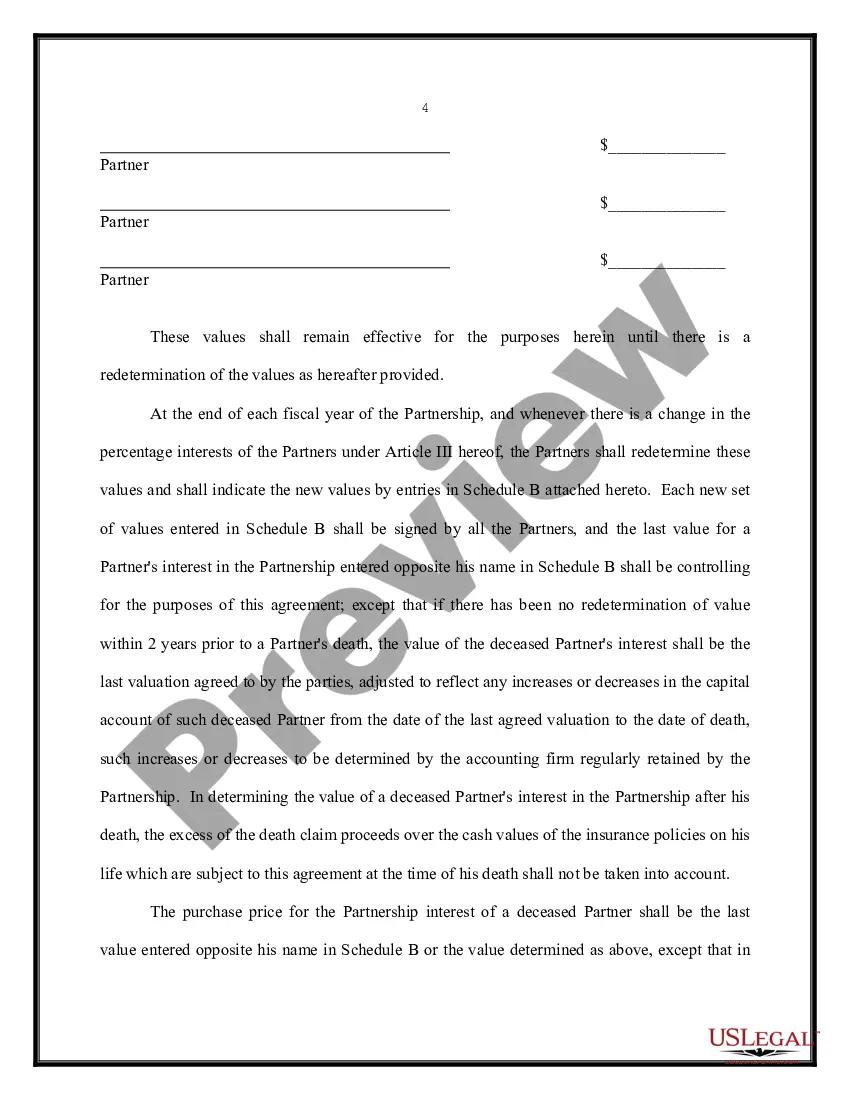
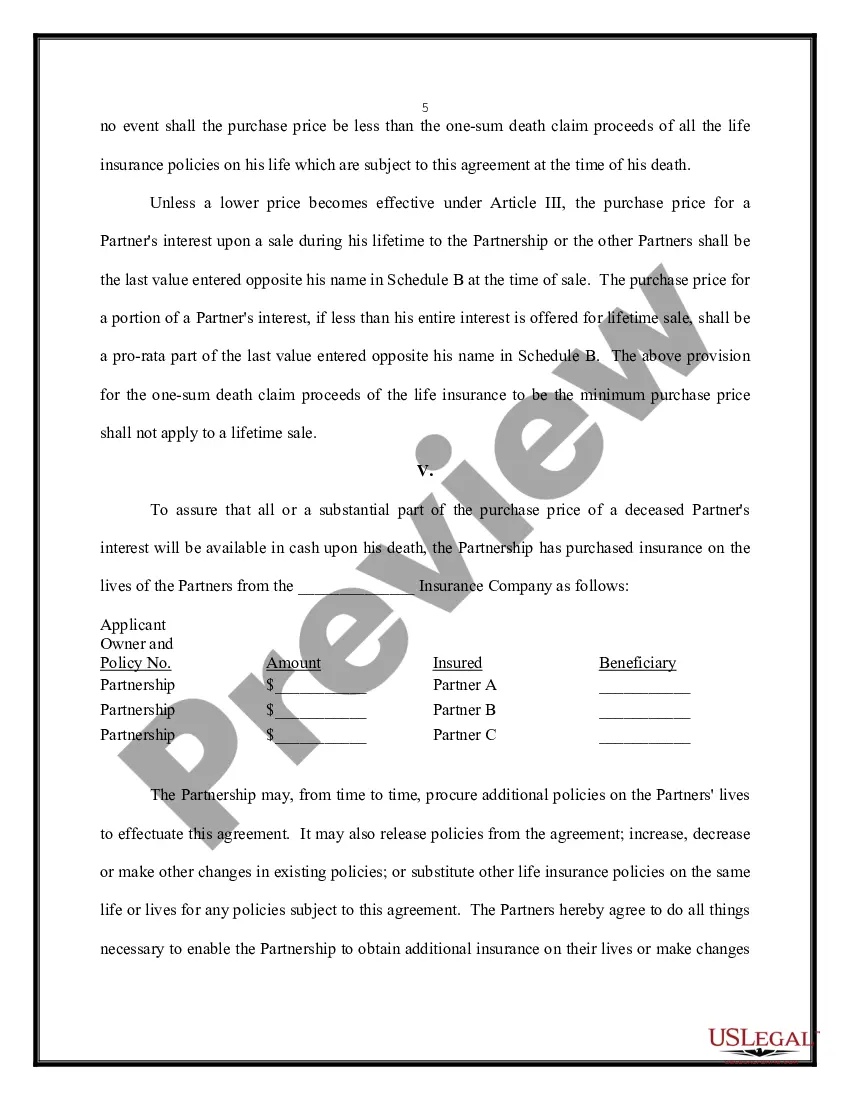
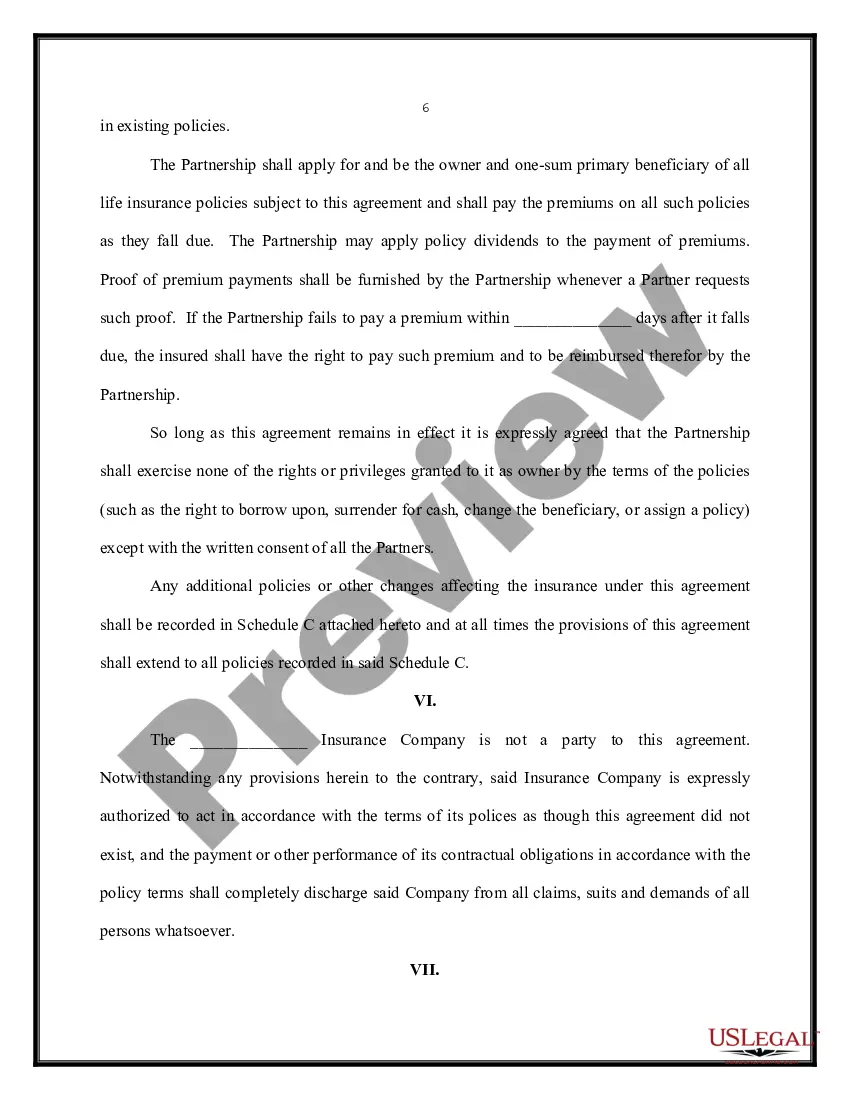
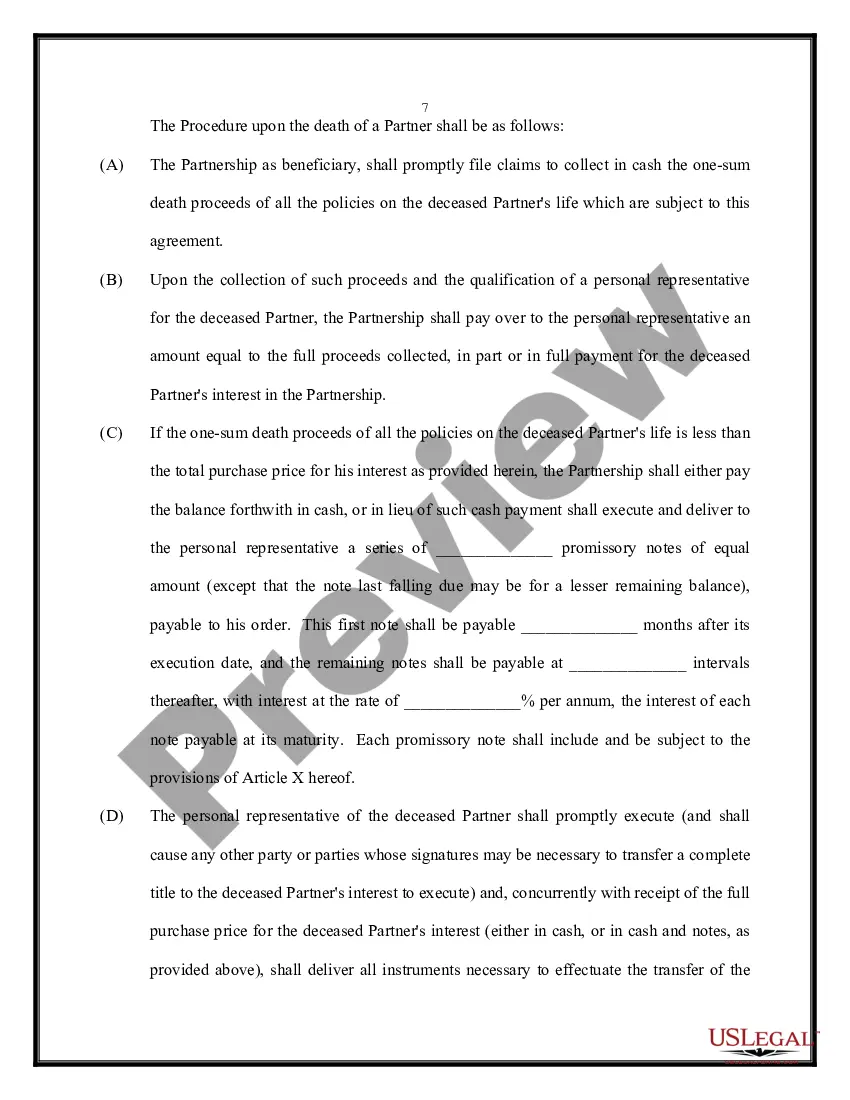
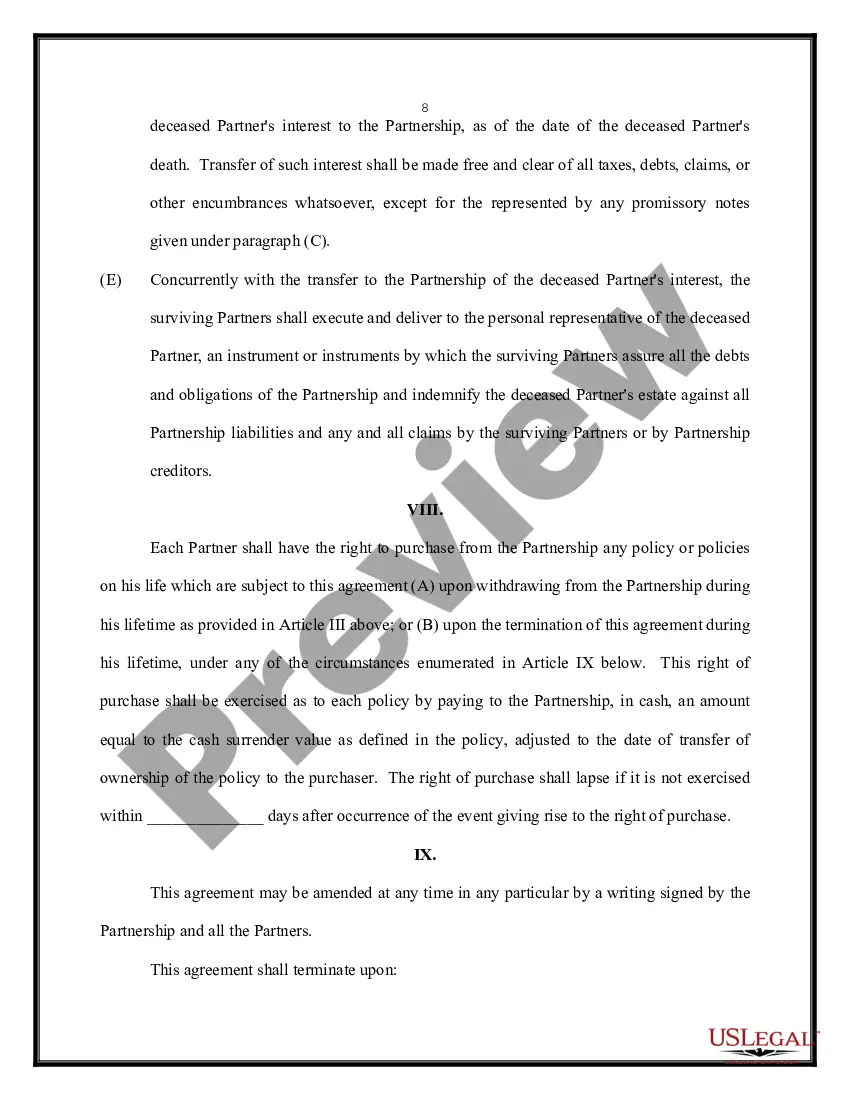
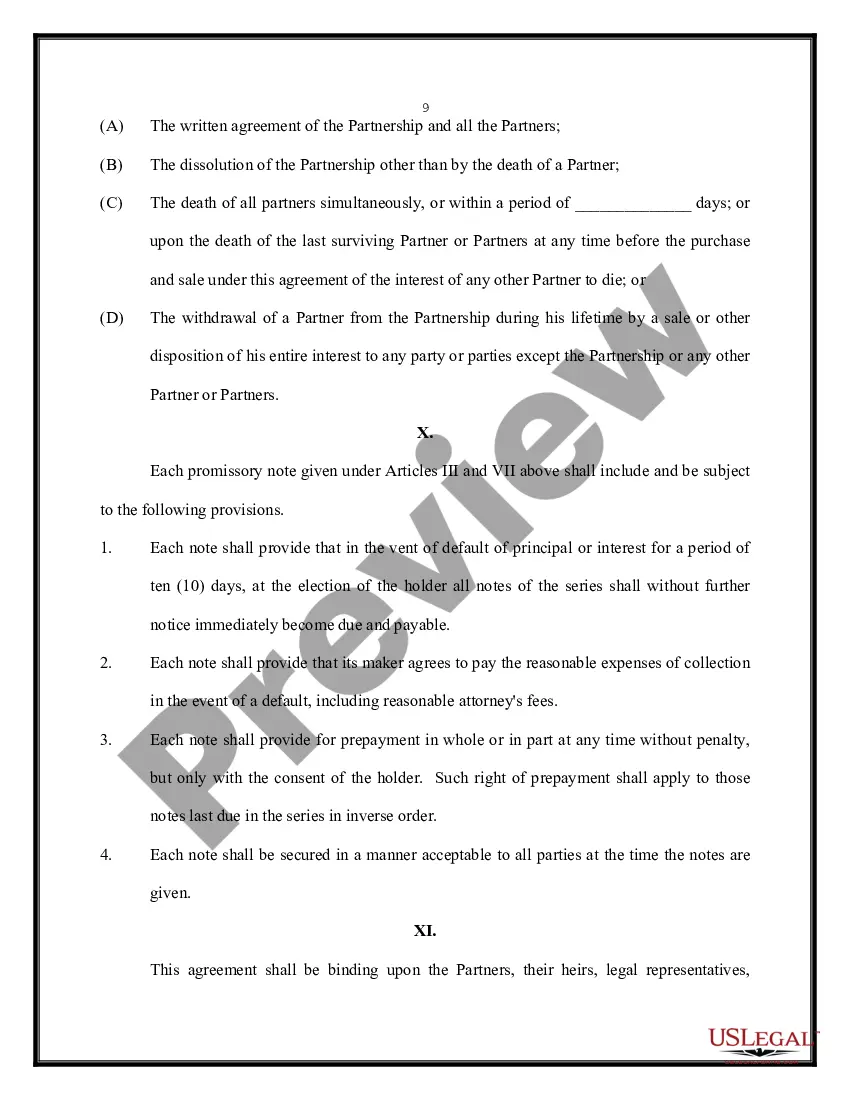
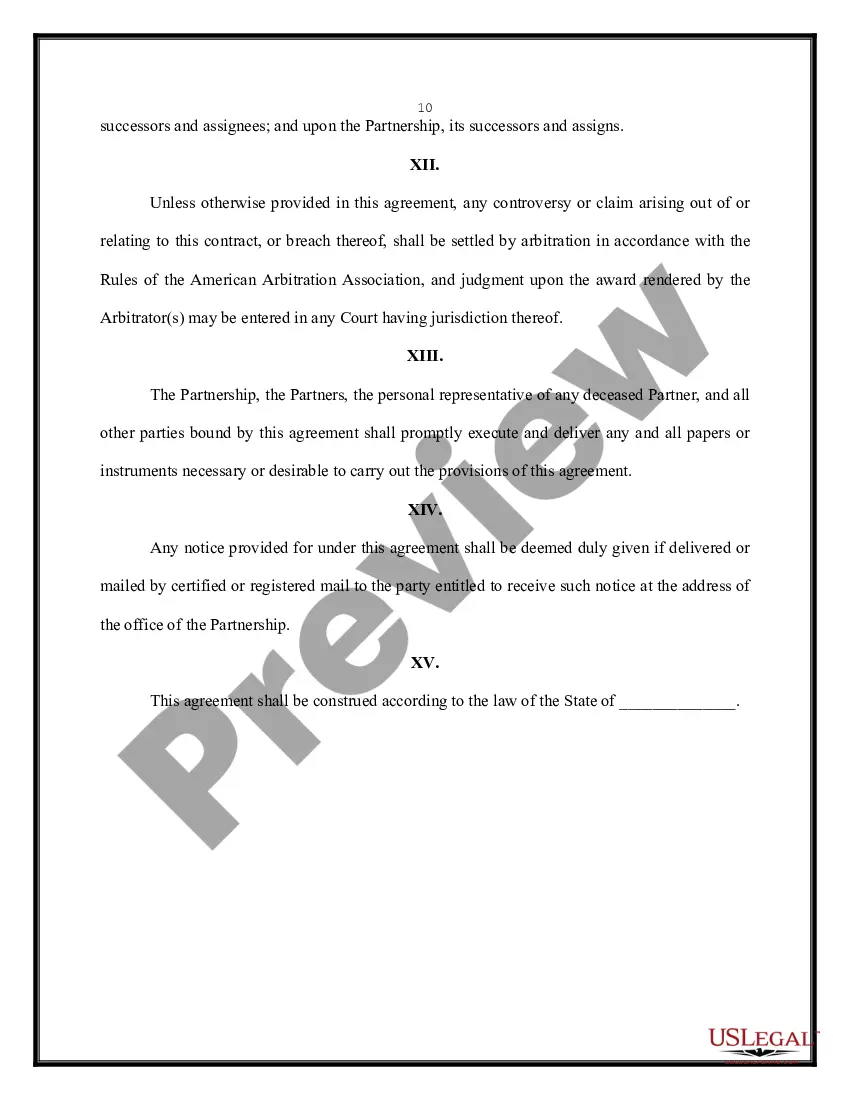
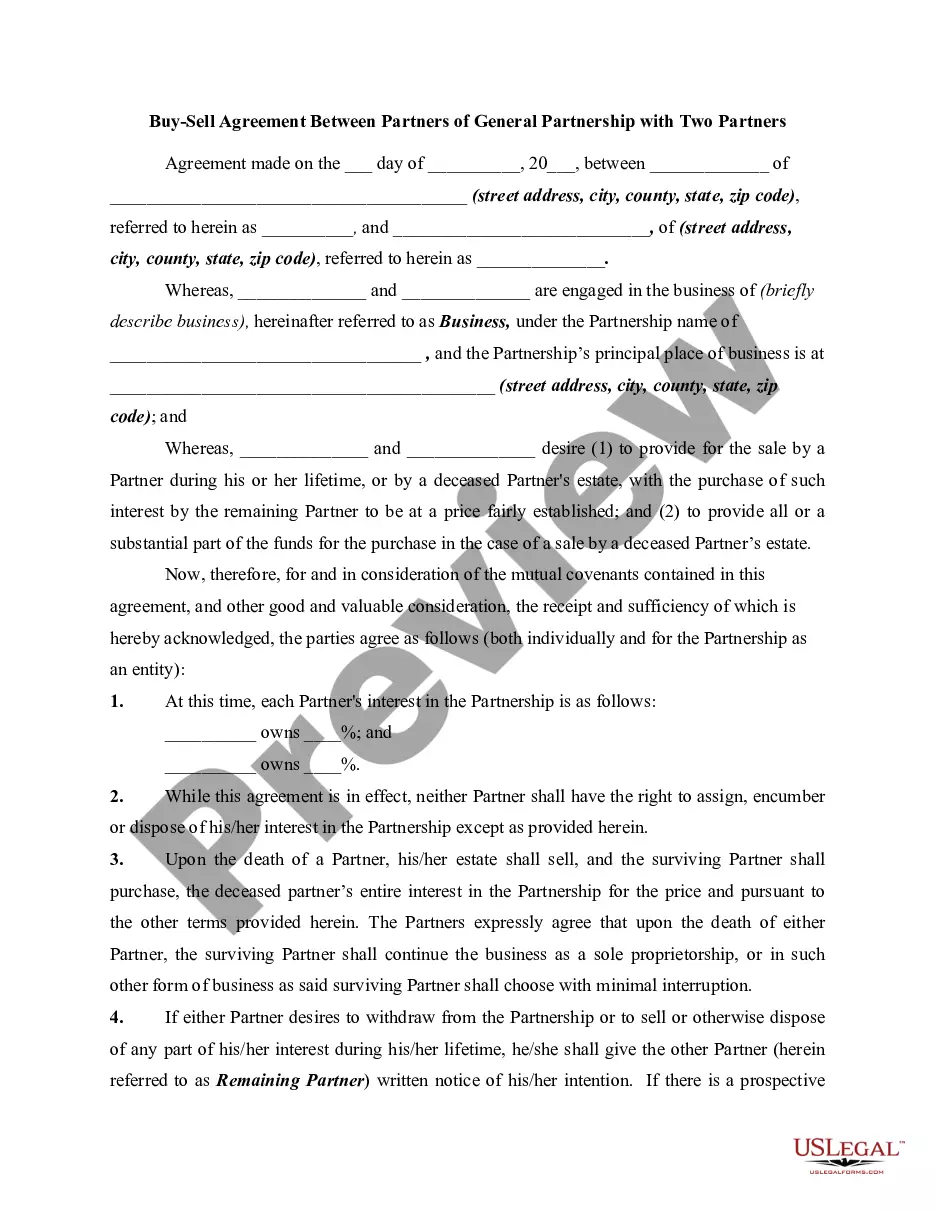
The Buy Sell Agreement Purchase with PayPal in Oakland is a crucial document for partners in a general partnership, outlining procedures for the sale and purchase of partnership interests. This agreement primarily facilitates the transfer of ownership upon a partner's death or desire to withdraw, ensuring smooth transitions and fair valuation of interests. Key features include the specification of partnership percentages, a structured buyout process, and the establishment of fair market value for partnership assets, which is essential for financial planning. The form also delineates the procedure for funding purchases through life insurance, highlighting the importance of cash availability upon a partner's death. Partners are required to give written notice of their intent to sell, allowing the remaining partners the opportunity to purchase the interest before it is offered to external parties. Legal professionals, such as attorneys and paralegals, benefit from this form by ensuring that the partnership has clear guidelines for ownership transitions, helping to reduce potential disputes. Additionally, the form's flexibility accommodates changes in ownership and allows for amendments, ensuring it remains relevant as the partnership evolves. This agreement is also vital for maintaining legal compliance and protecting the financial interests of all partners involved.
Free preview
  • Preview Buy Sell Agreement Between Partners of a Partnership
  • Preview Buy Sell Agreement Between Partners of a Partnership
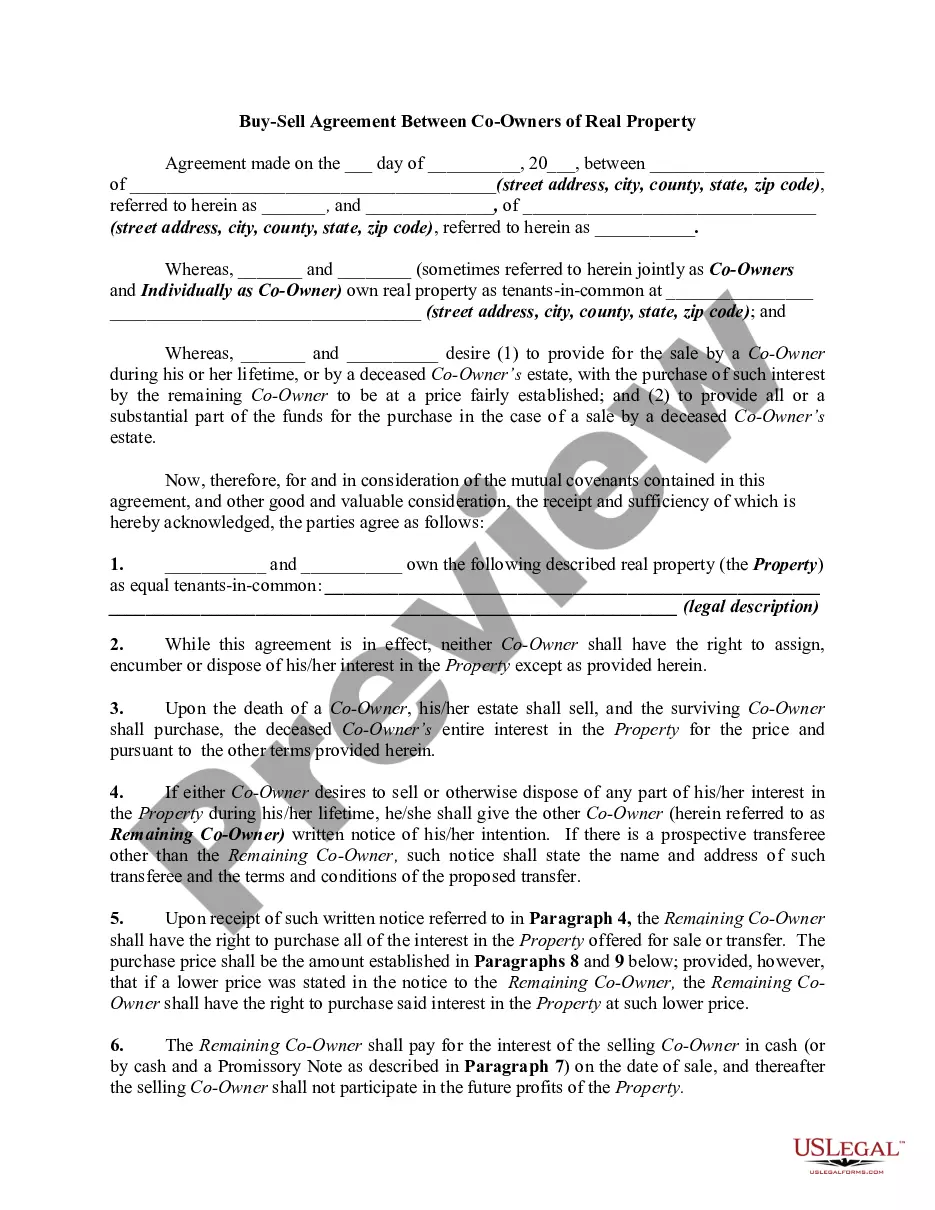
  • Preview Buy Sell Agreement Between Partners of a Partnership
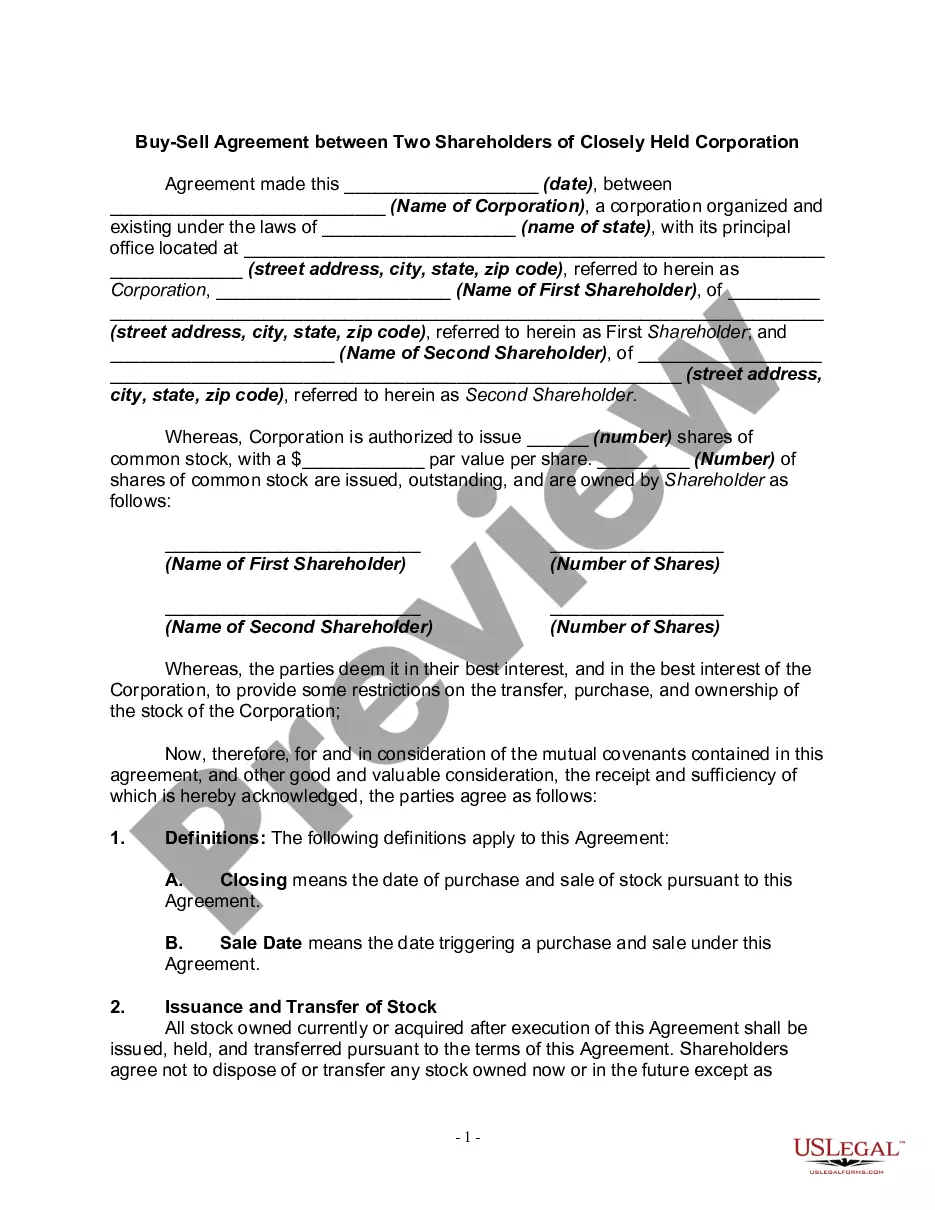
  • Preview Buy Sell Agreement Between Partners of a Partnership
  • Preview Buy Sell Agreement Between Partners of a Partnership
  • Preview Buy Sell Agreement Between Partners of a Partnership
  • Preview Buy Sell Agreement Between Partners of a Partnership
  • Preview Buy Sell Agreement Between Partners of a Partnership
  • Preview Buy Sell Agreement Between Partners of a Partnership
  • Preview Buy Sell Agreement Between Partners of a Partnership
  • Preview Buy Sell Agreement Between Partners of a Partnership

Form popularity

FAQ

If you are an individual, you must be a resident of Brazil, be at least 18 years old, and hold a valid individual taxpayer identification number with the Federal Revenue of Brazil (“CPF”) to open a PayPal account and use the PayPal services.

Does PayPal work in Brazil? The great news is that PayPal does operate in Brazil, and even has a dedicated website for its customers there.

How do I start selling with PayPal? Start selling by sharing your email address, PayPal handle, or phone number with customers, or by displaying your PayPal QR code to optimize in-person sales. You can even create, send, and manage professional invoices right from the app.

To download your monthly statements on the web: Go to paypal/reports/accountStatements. Click Request next to the month you're looking for. When the report is ready, click Download.

If your PayPal account is set up where you have to manually claim each payment, once notified of payment you'll need to head to PayPal to accept the payment: Log into PayPal. Go to Summary. Under 'Pending', next to the message showing the recipient 'hasn't accepted yet', click Approve.

If you are an individual, you must be a resident of Brazil, be at least 18 years old, and hold a valid individual taxpayer identification number with the Federal Revenue of Brazil (“CPF”) to open a PayPal account and use the PayPal services.

Effective 26 November 2024: We are updating the “Your use (as a seller) of personal data; Data protection laws” section of the PayPal User Agreement to remove any duplicative language and improve clarity.

You can always access the billing agreements signed up with your PayPal account in the 'settings page' under 'Payments tab'.

To reactivate the Merchant Services Billing Agreement, go to the Automatic Payments section of your PayPal account and click on the Reactivate button. A Monthly payment agreement reactivated page will appear, listing the services that you reactivated, and the monthly fees associated with each service.

Trusted and secure by over 3 million people of the world’s leading companies

Buy Sell Agreement Purchase With Paypal In Oakland