Buy Sell Agreement Online Without Downloading In Montgomery
Description

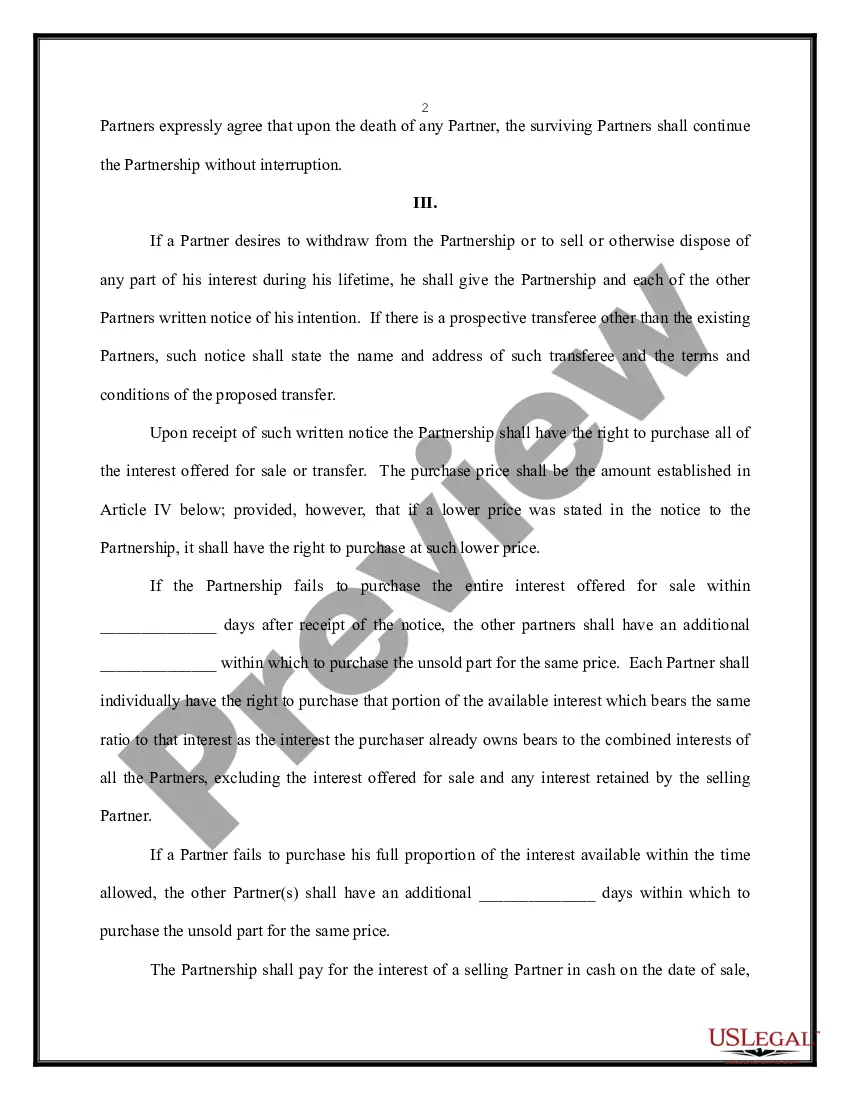
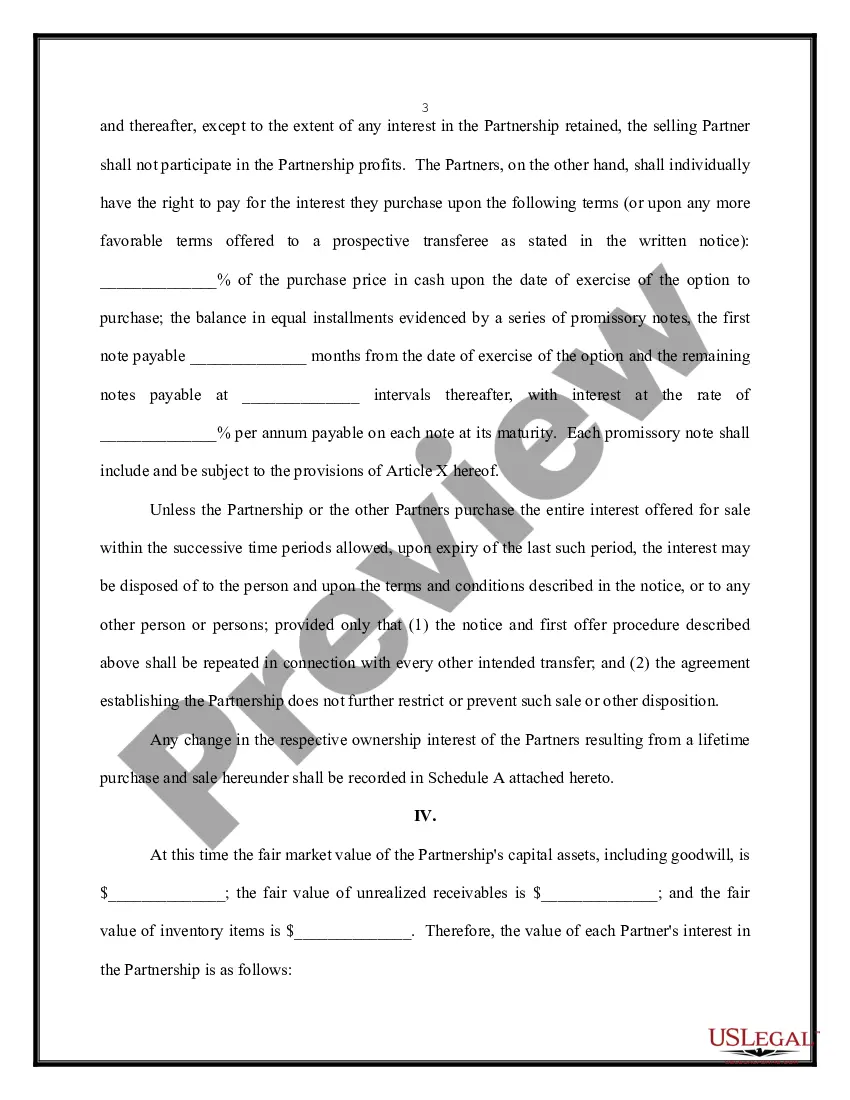
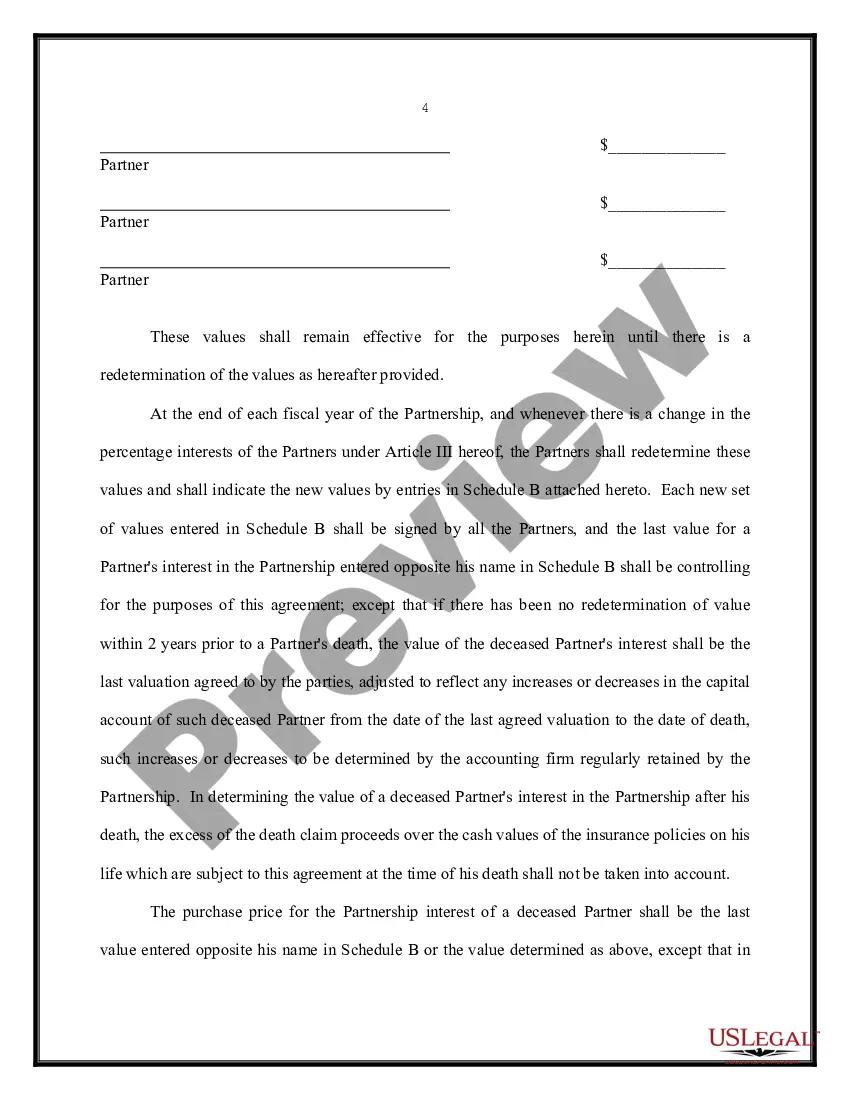
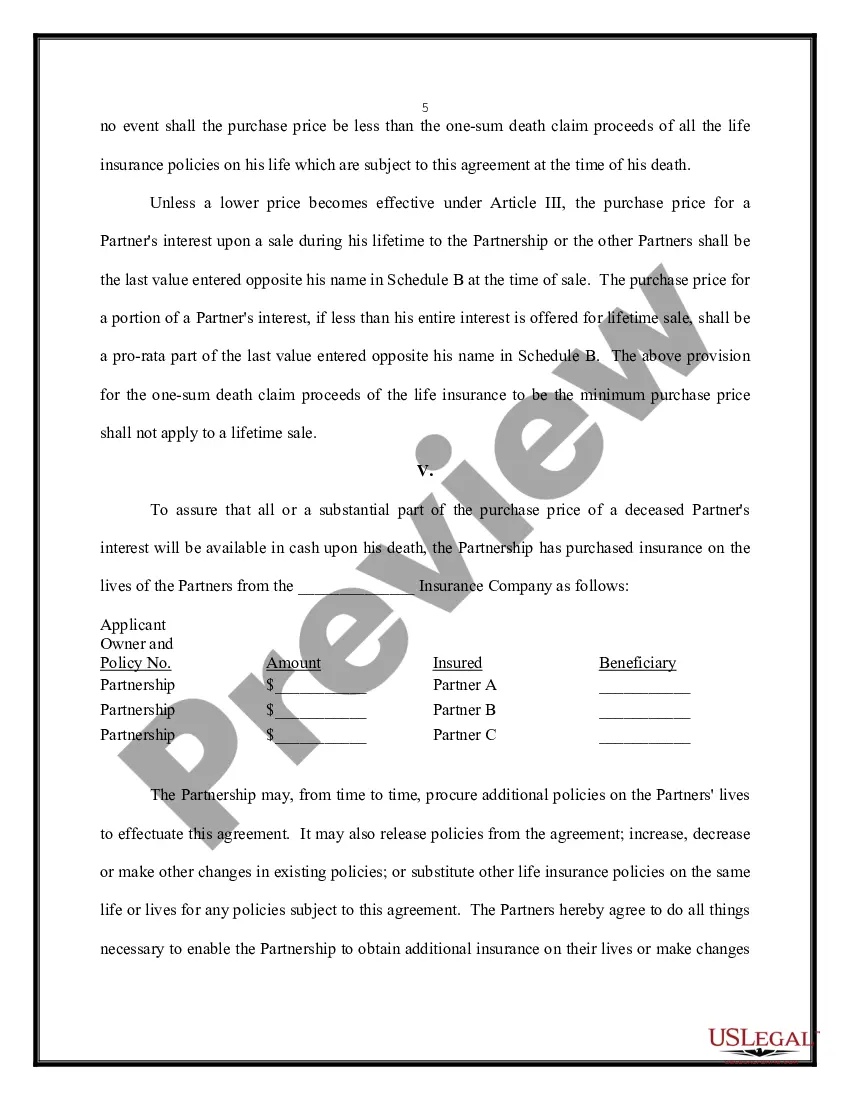
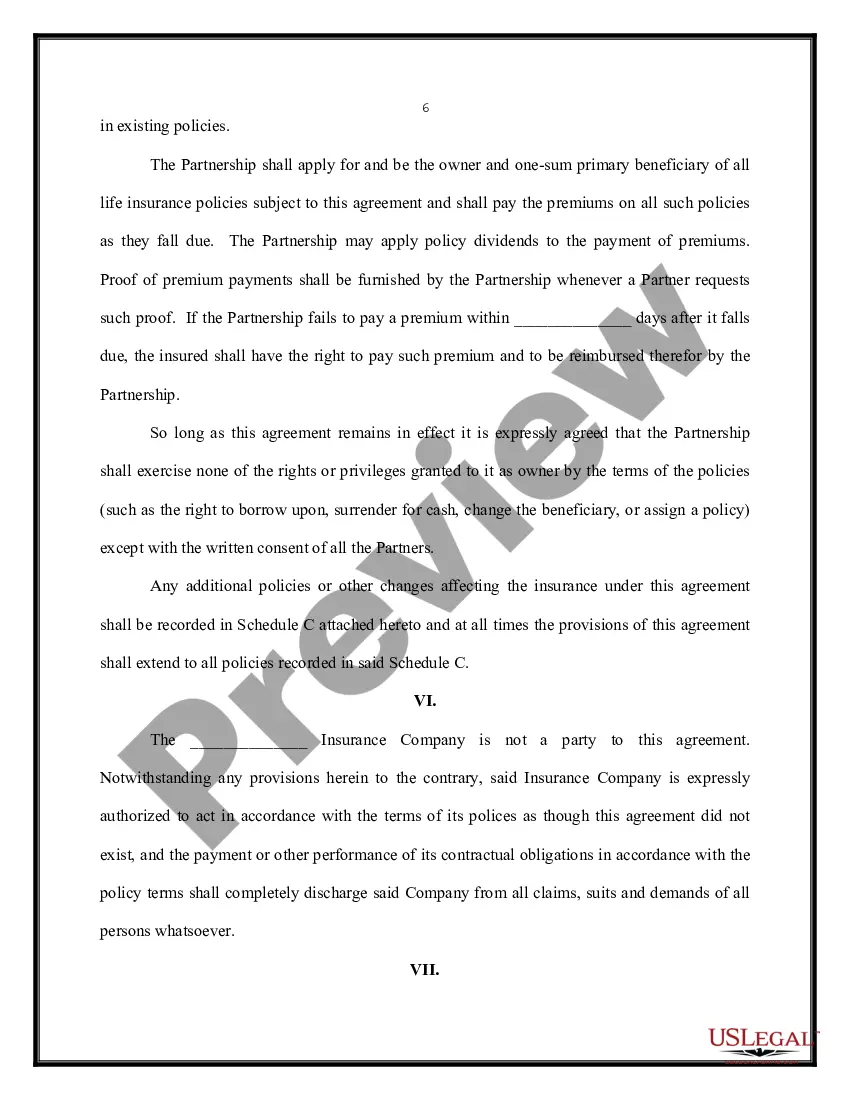
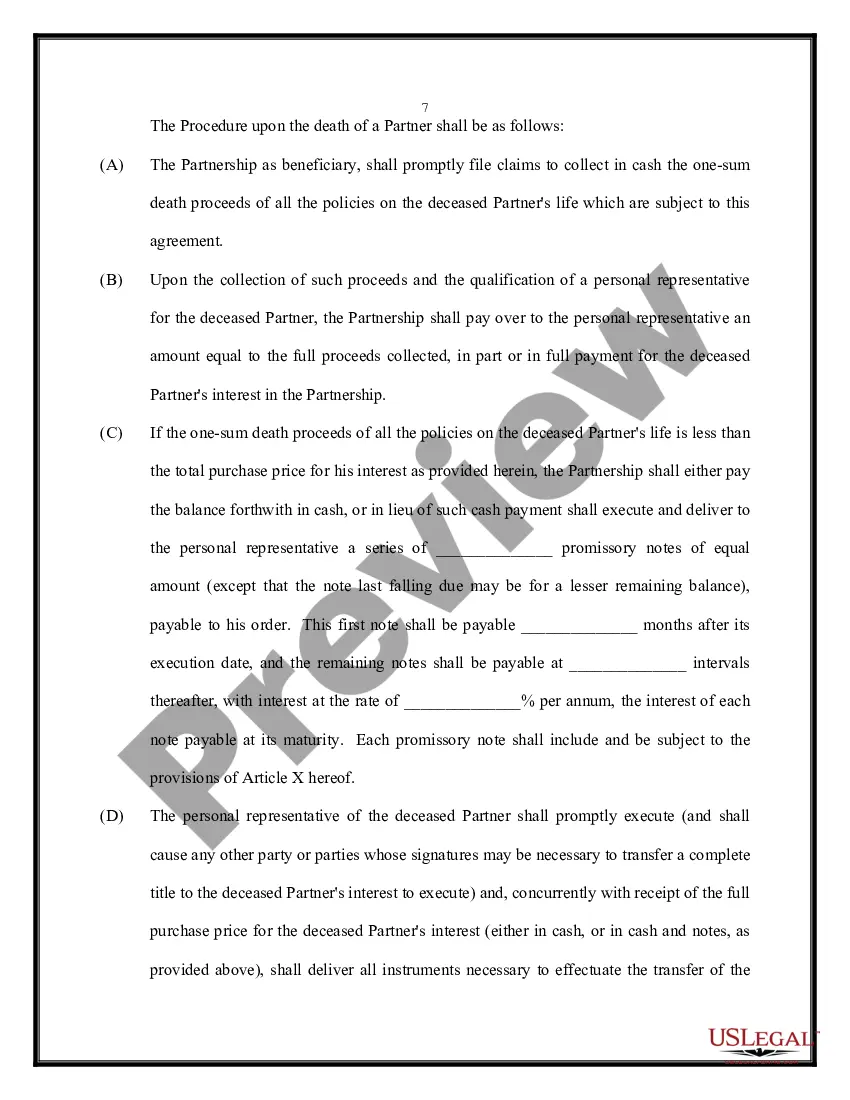
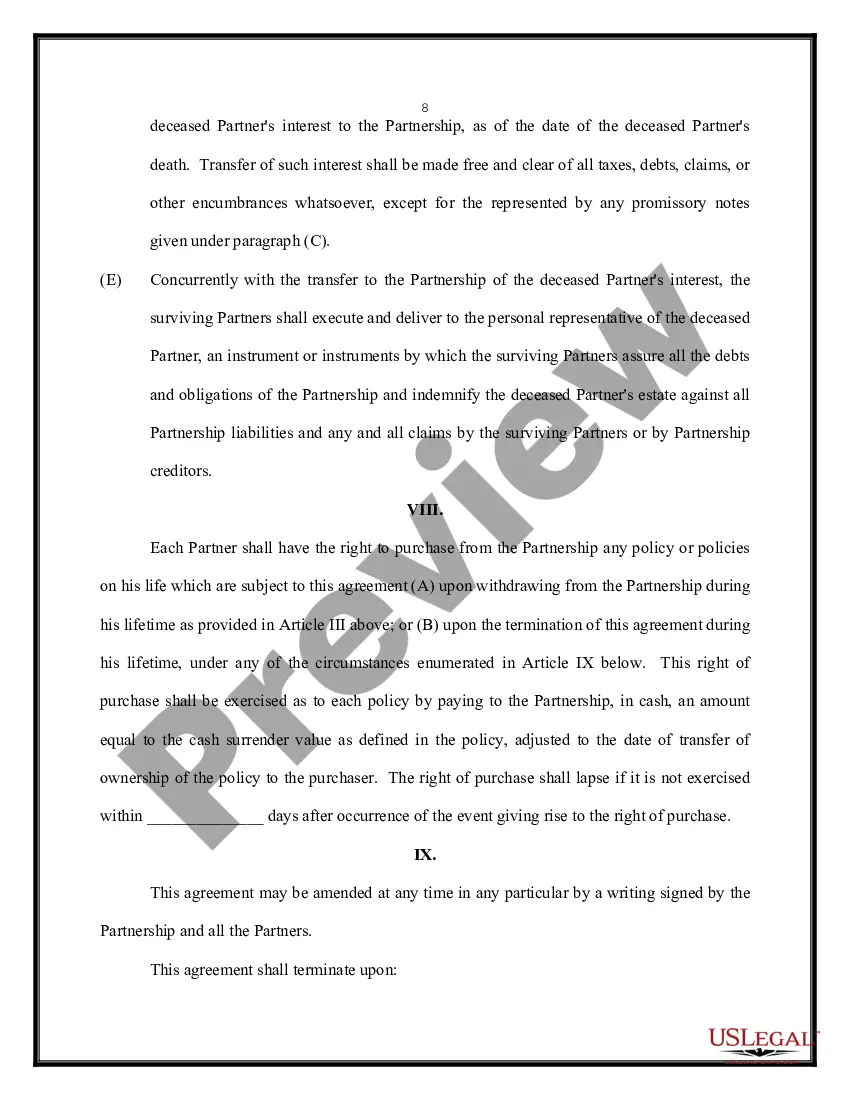
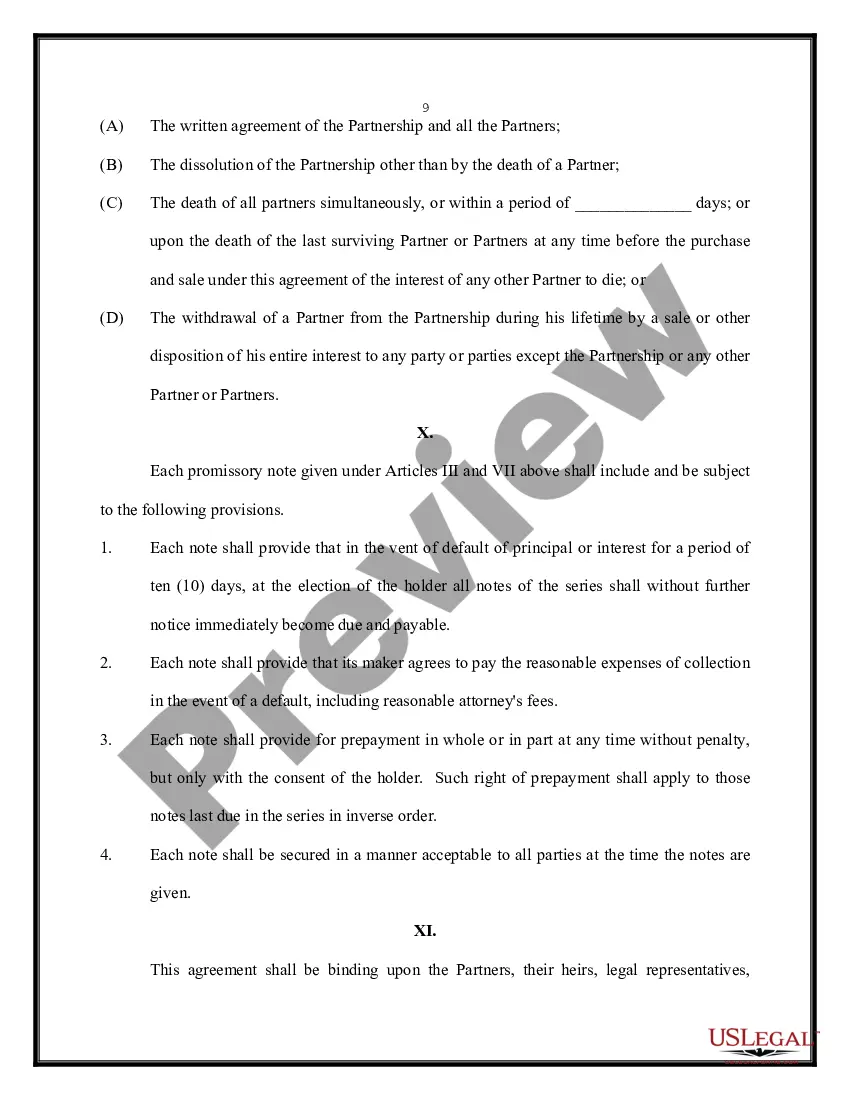
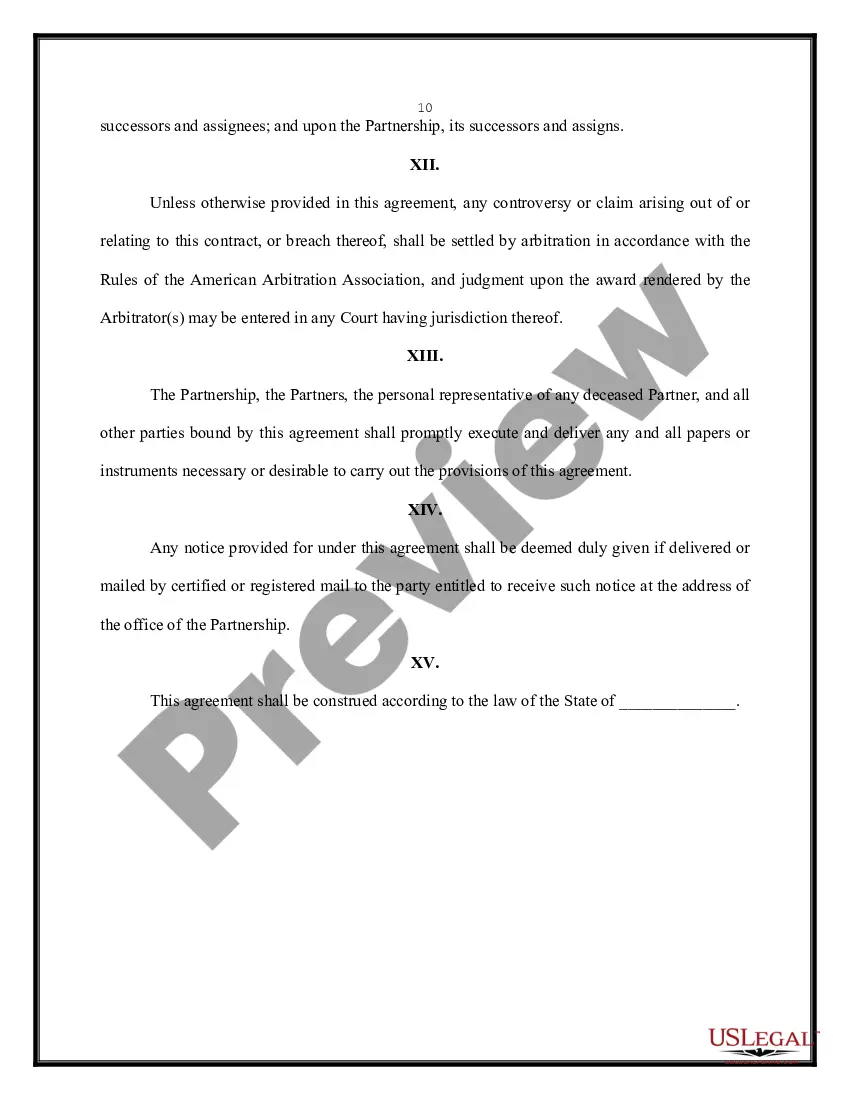


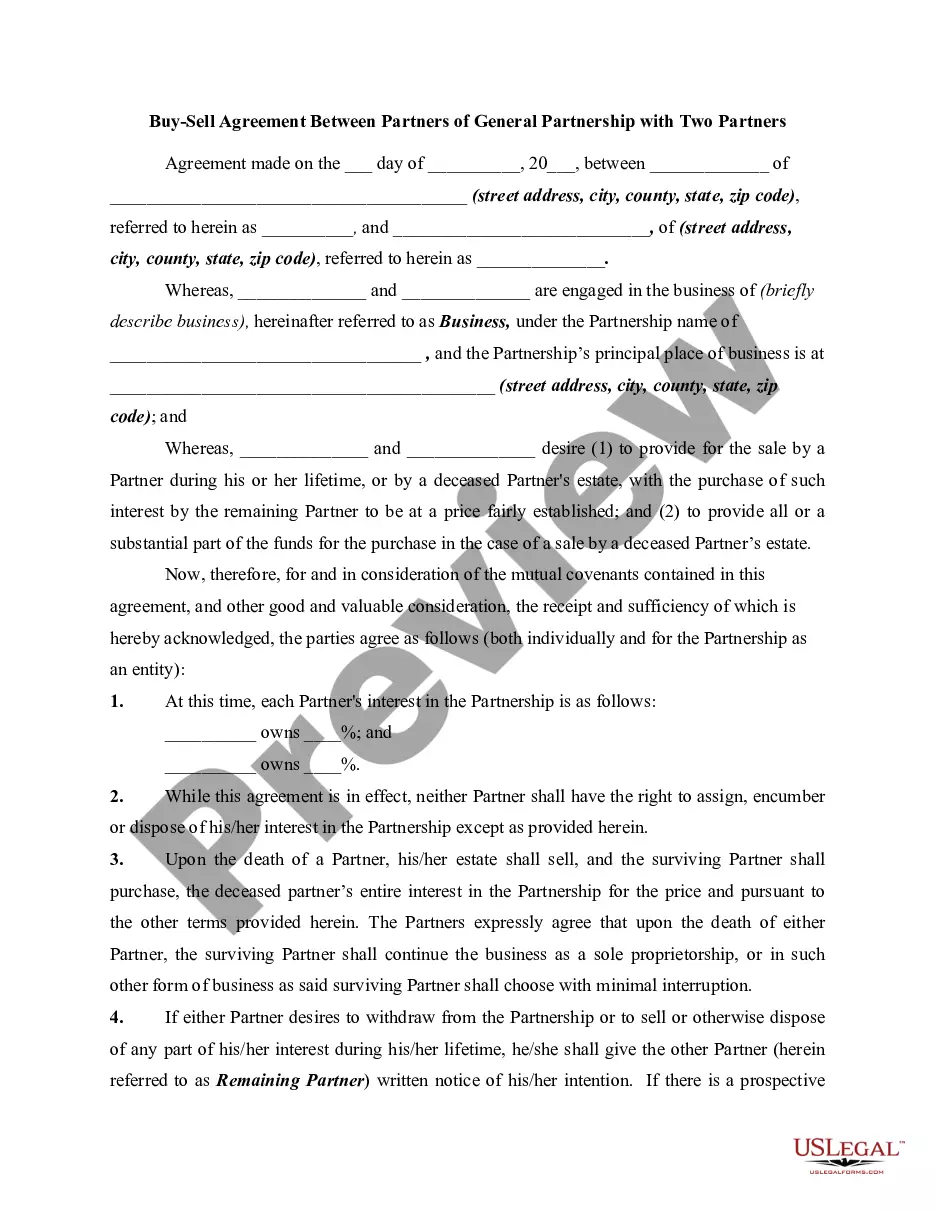
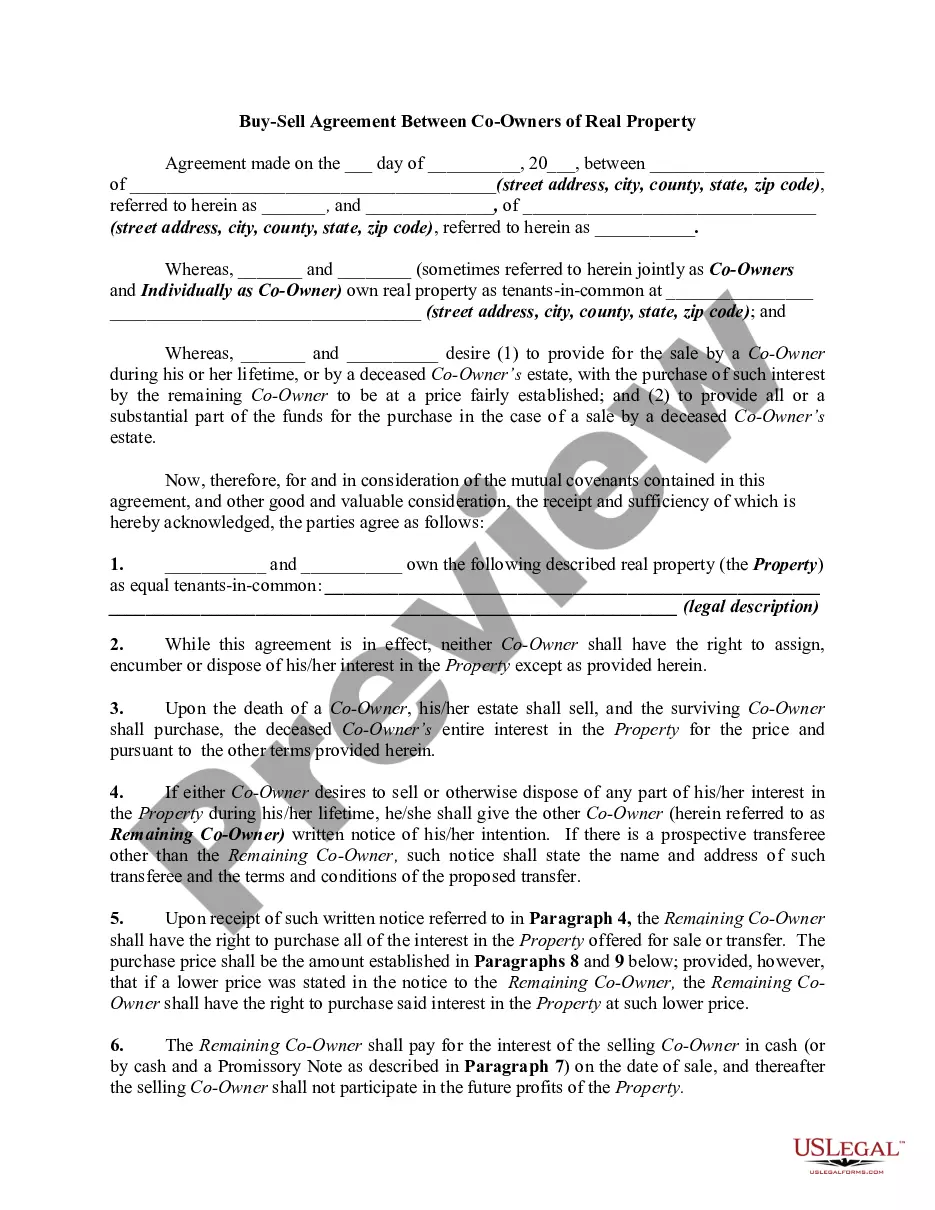
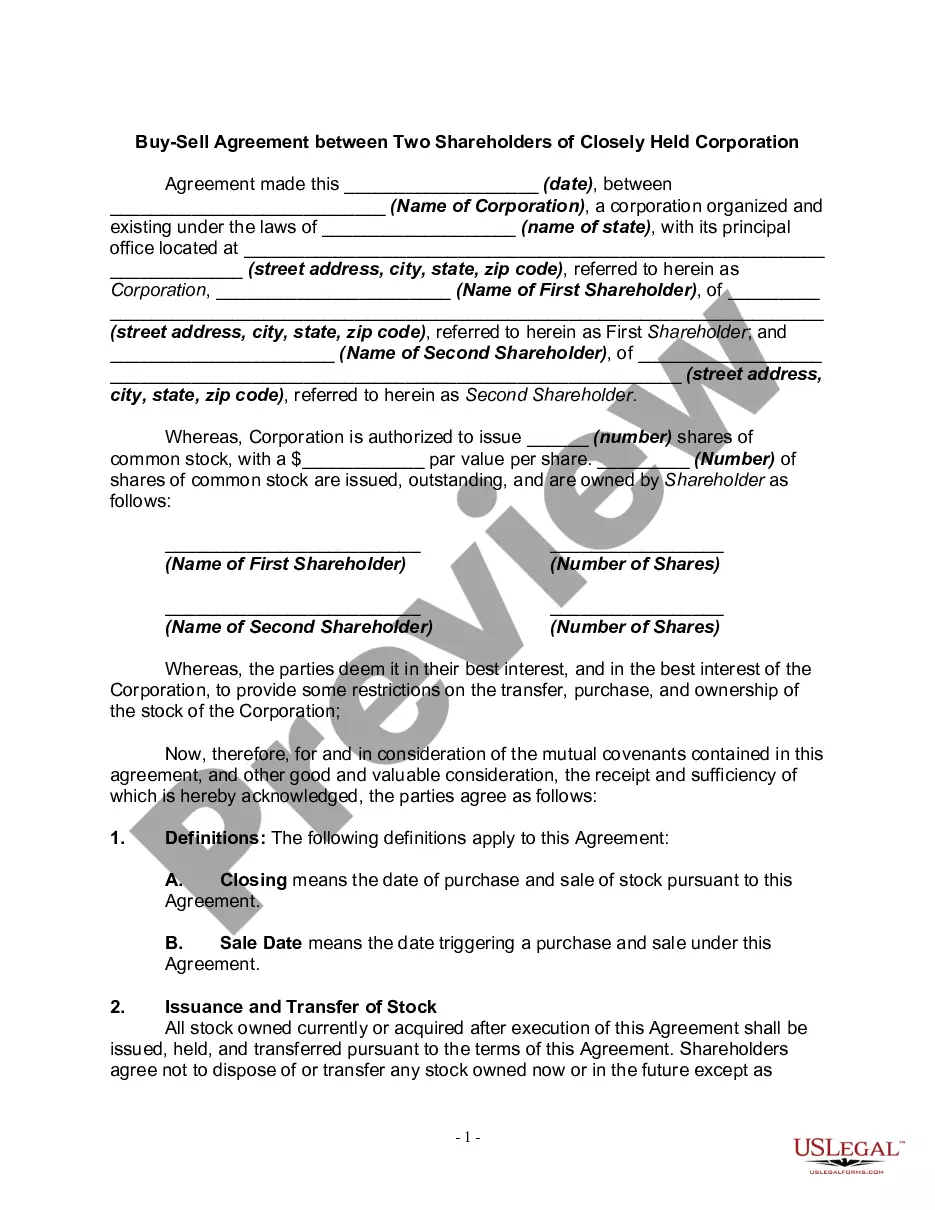
Get your form ready online
Our built-in tools help you complete, sign, share, and store your documents in one place.
Make edits, fill in missing information, and update formatting in US Legal Forms—just like you would in MS Word.
Download a copy, print it, send it by email, or mail it via USPS—whatever works best for your next step.
Sign and collect signatures with our SignNow integration. Send to multiple recipients, set reminders, and more. Go Premium to unlock E-Sign.
If this form requires notarization, complete it online through a secure video call—no need to meet a notary in person or wait for an appointment.
We protect your documents and personal data by following strict security and privacy standards.

Make edits, fill in missing information, and update formatting in US Legal Forms—just like you would in MS Word.

Download a copy, print it, send it by email, or mail it via USPS—whatever works best for your next step.

Sign and collect signatures with our SignNow integration. Send to multiple recipients, set reminders, and more. Go Premium to unlock E-Sign.

If this form requires notarization, complete it online through a secure video call—no need to meet a notary in person or wait for an appointment.

We protect your documents and personal data by following strict security and privacy standards.
Looking for another form?







Form popularity
FAQ
To write a simple contract, title it clearly, identify all parties and specify terms (services or payments). Include an offer, acceptance, consideration, and intent. Add a signature and date for enforceability. Written contracts reduce disputes and offer better legal security than verbal ones.
To draft a contract from scratch, start by identifying the parties involved and clearly outlining the agreement. Include consideration (what is exchanged), define the terms and conditions, ensure all parties are legally competent, and finalise it with signatures. These essential elements make the contract enforceable.
How do you write a contract for sale? Title the document appropriately. List all parties involved in the agreement. Detail the product or service, including all rights, warranties, and limitations. Specify the duration of the contract and any important deadlines.
Maryland law requires all deeds to include the names of the grantor (the seller) and grantee (the buyer), a description of the property, and the interest that you intend to convey. All deeds must be recorded with the Department of Land Records in the county where the property is located.
Approximately one month after your settlement date, you should have received your original recorded deed. If, however, you have not received your original deed then you need to contact your lawyer or your title company to obtain your original deed.
Recording a deed in Montgomery County is a two step process. First, bring the deed to the County Transfer/Recordation Tax Office located at: 27 Court House Square, Suite 200, Rockville, for processing. Second, visit the Courthouse at 50 Maryland Avenue, Rockville 2nd floor Recording Office.
You can start with the recent sales of the property by searching on an address using the SDAT's website (State Department of Assessments and Taxation). Follow the instructions to find the current owner of any property. The page will usually refer you to a few previous sales under “Transfer Information.”
The deed must have a Certification of Preparation. The attorney who prepared the document or one of the parties named in the instrument must sign the Certificate. The grantors (sellers) must sign the deed, which should be acknowledged before a Notary Public. The parcel ID# must be typed or printed on the deed.
What is the Montgomery County lease Renewal Amendment 1210? Montgomery County Lease Renewal Amendment 1210 has undergone a few changes, namely the title being changed, the renewal notice period increased from 60 to 90 days, the rent increase section modified and one-year and two-year extension options added.
