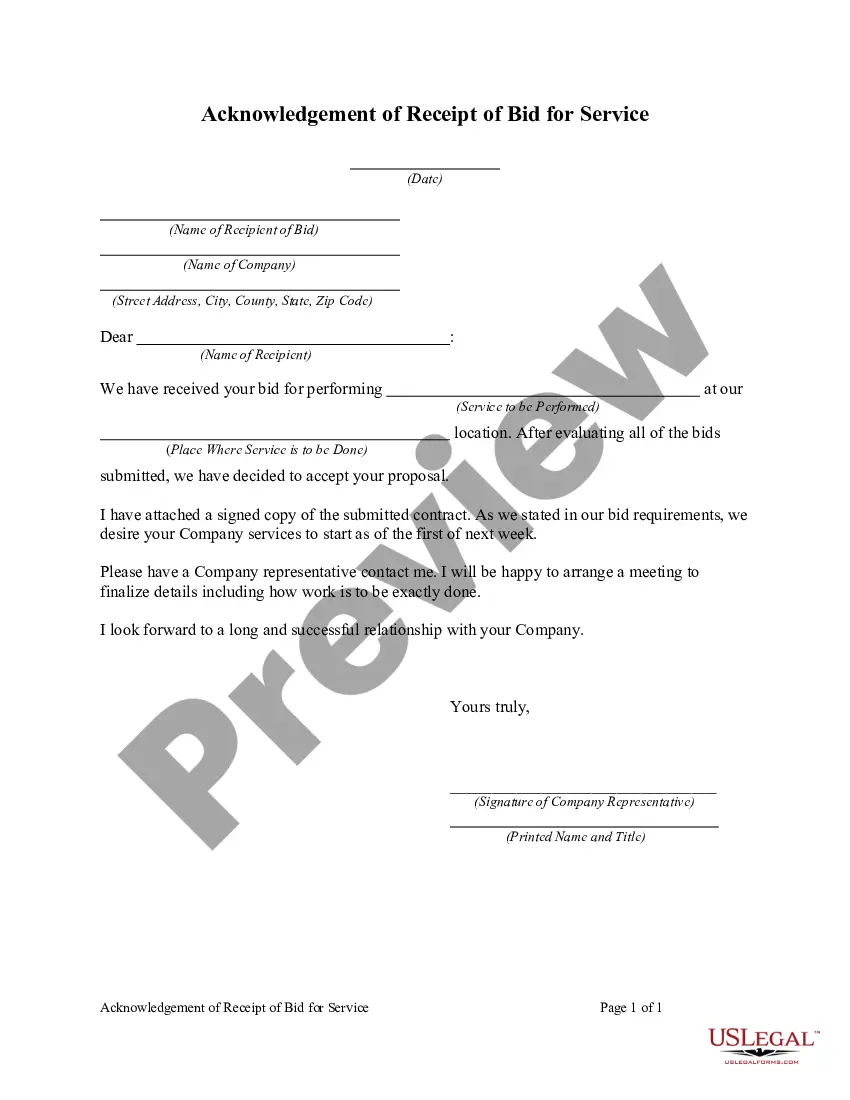
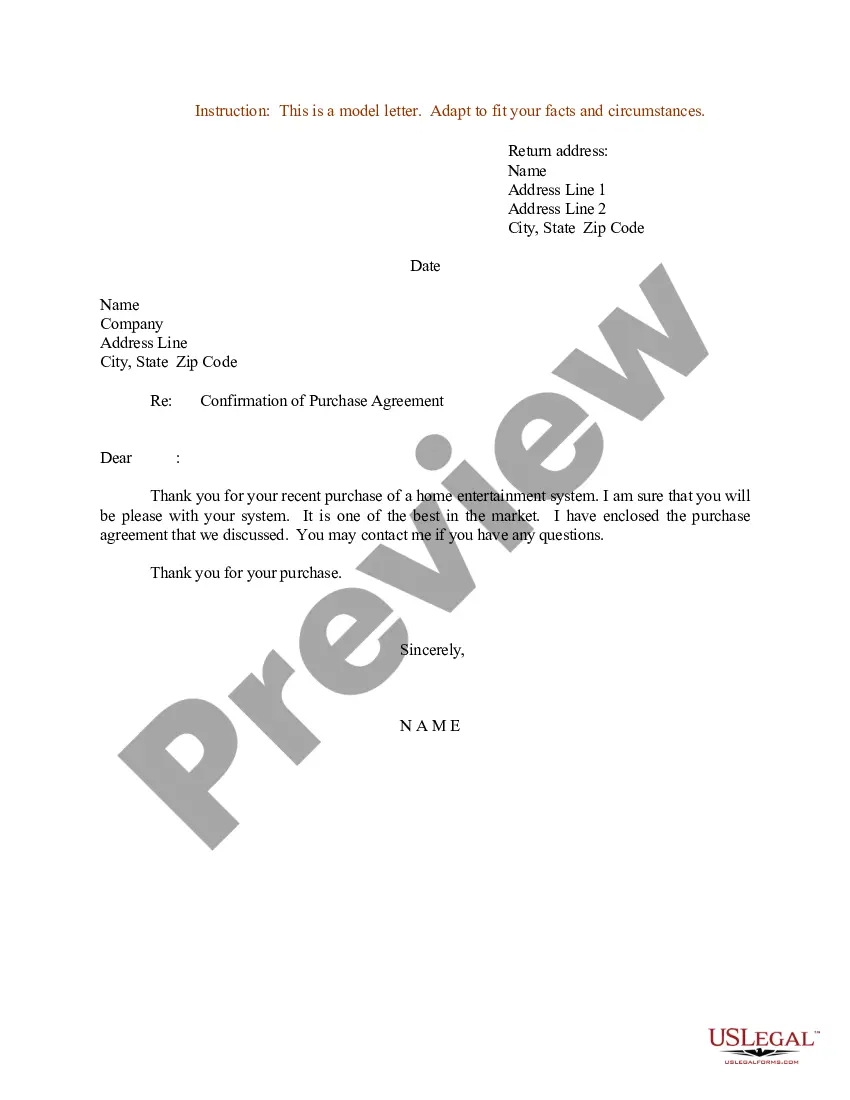
Request For Bid In Santa Clara
Description



Get your form ready online
Our built-in tools help you complete, sign, share, and store your documents in one place.
Make edits, fill in missing information, and update formatting in US Legal Forms—just like you would in MS Word.
Download a copy, print it, send it by email, or mail it via USPS—whatever works best for your next step.
Sign and collect signatures with our SignNow integration. Send to multiple recipients, set reminders, and more. Go Premium to unlock E-Sign.
If this form requires notarization, complete it online through a secure video call—no need to meet a notary in person or wait for an appointment.
We protect your documents and personal data by following strict security and privacy standards.

Make edits, fill in missing information, and update formatting in US Legal Forms—just like you would in MS Word.

Download a copy, print it, send it by email, or mail it via USPS—whatever works best for your next step.

Sign and collect signatures with our SignNow integration. Send to multiple recipients, set reminders, and more. Go Premium to unlock E-Sign.

If this form requires notarization, complete it online through a secure video call—no need to meet a notary in person or wait for an appointment.

We protect your documents and personal data by following strict security and privacy standards.
Looking for another form?









Form popularity
FAQ
LinkedIn is the most popular social network for finding RFPs, but you will also see some on Twitter. Luckily, the search functionality on these networks makes RFPs easy to find. Simply search your industry and 'RFP' to browse through the results and find the latest open opportunities.
Get started searching contract opportunities Use the search feature on SAM. Follow contract opportunities. Save my searches. Use the interested vendors list.
Because government organizations are required to make their RFPs public, they post them on their websites or in a searchable portal. You can quickly and easily find almost any state or local procurement page or portal with a simple Google search.
The RFP process allows more flexibility than the sealed bid process in the evaluation process. The evaluation committee first evaluates proposals for compliance to the specifications and requirements in the RFP and creates a list of those firms whose proposals meet mandatory requirements.
If you are searching for contract data (i.e., searching for specific contracts), you must do so at FPDS , which remains the authoritative source for contract data. Contract data provides detailed information on all contract actions that are required to be reported by federal agencies.
Bidnet direct offers your company a centralized location to gain instant access to bid opportunities from state departments, local municipalities, and the federal government. Working with government buyers, we give you access to the most relevant bid opportunities so you can focus on winning more government business.
First, include our company's name and contact information at the top. Below that, add the date and the recipient's details: name, title, and organization. After the salutation (e.g., "Dear Recipient's Name"), write the body of the letter which should explain who we are, our reason for writing, and our intent to bid.
How to write a bid proposal Get an in-depth understanding of the project. Research the client. Evaluate the competition. Consider offering an additional good or service. Include relevant information. Proofread your proposal.
High level, your bid proposal should include: Client information. Contractor information. Project/job name. Project/job scope of work/summary. Project/job budget. Terms and conditions. Client signature. Contractor signature.

