Release Letter Sample With Attention In Wake
Description

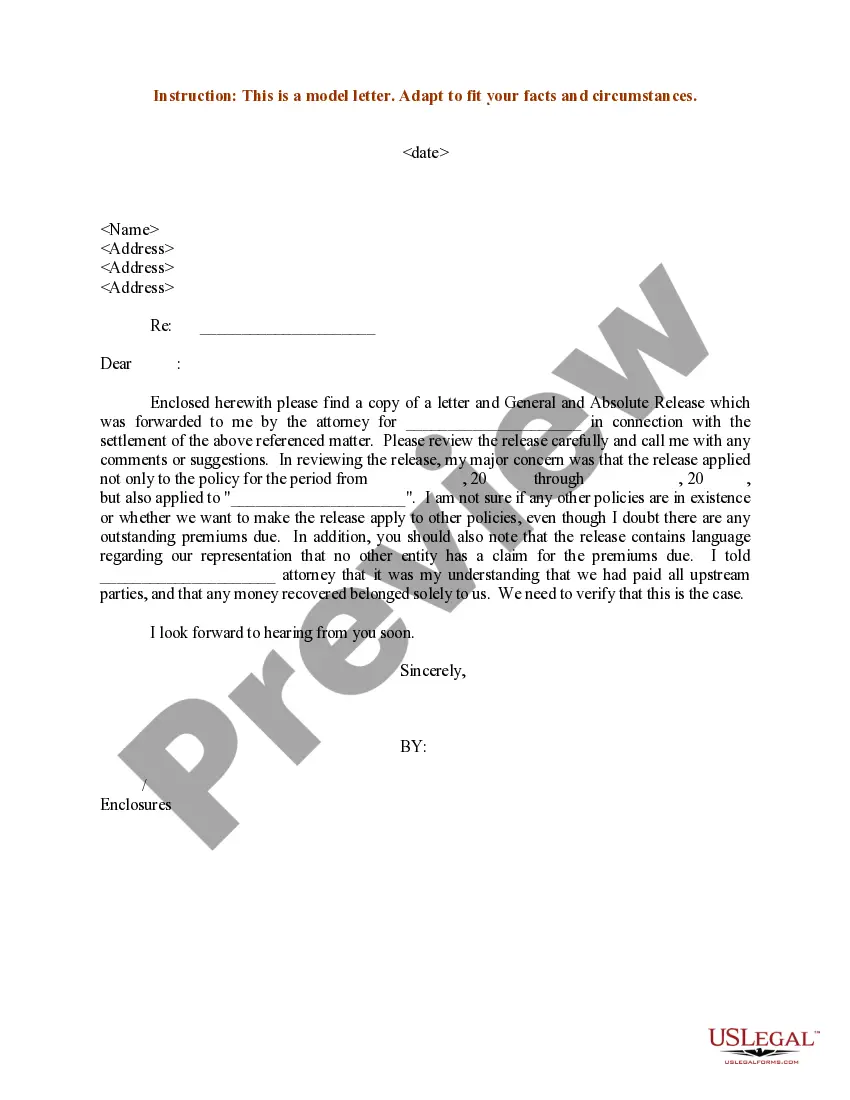
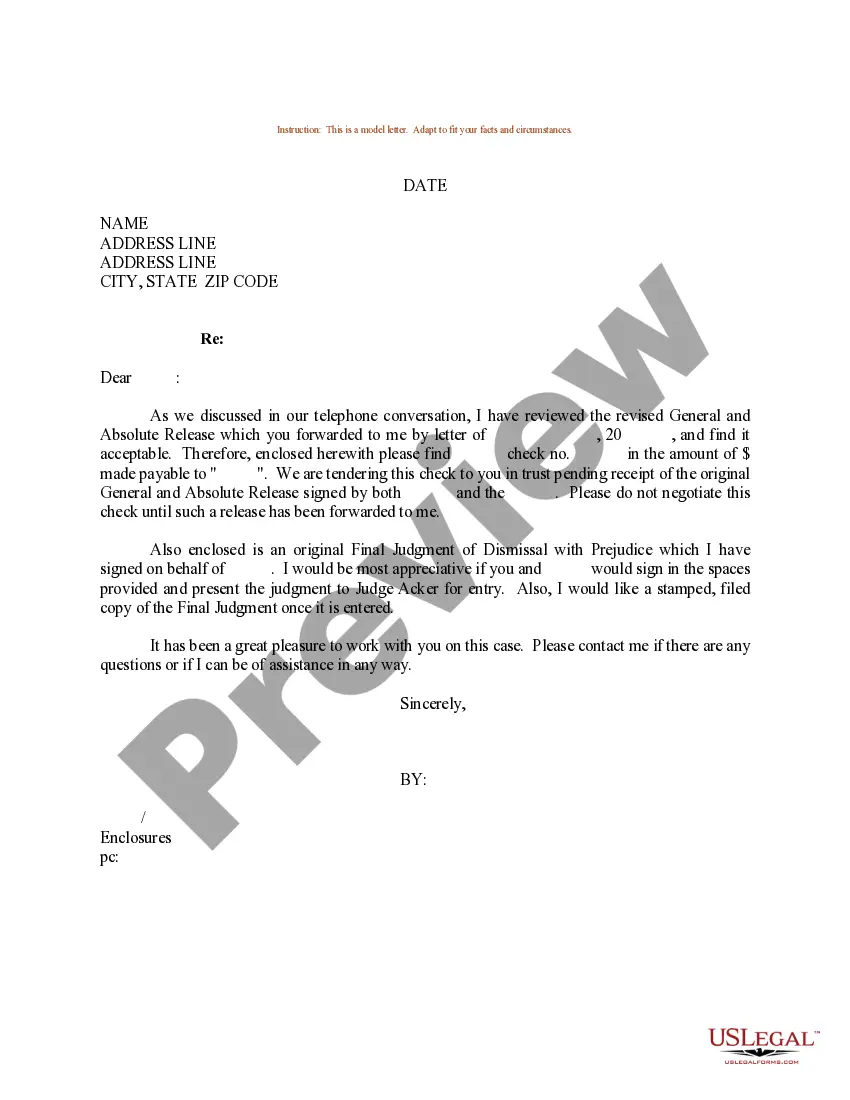
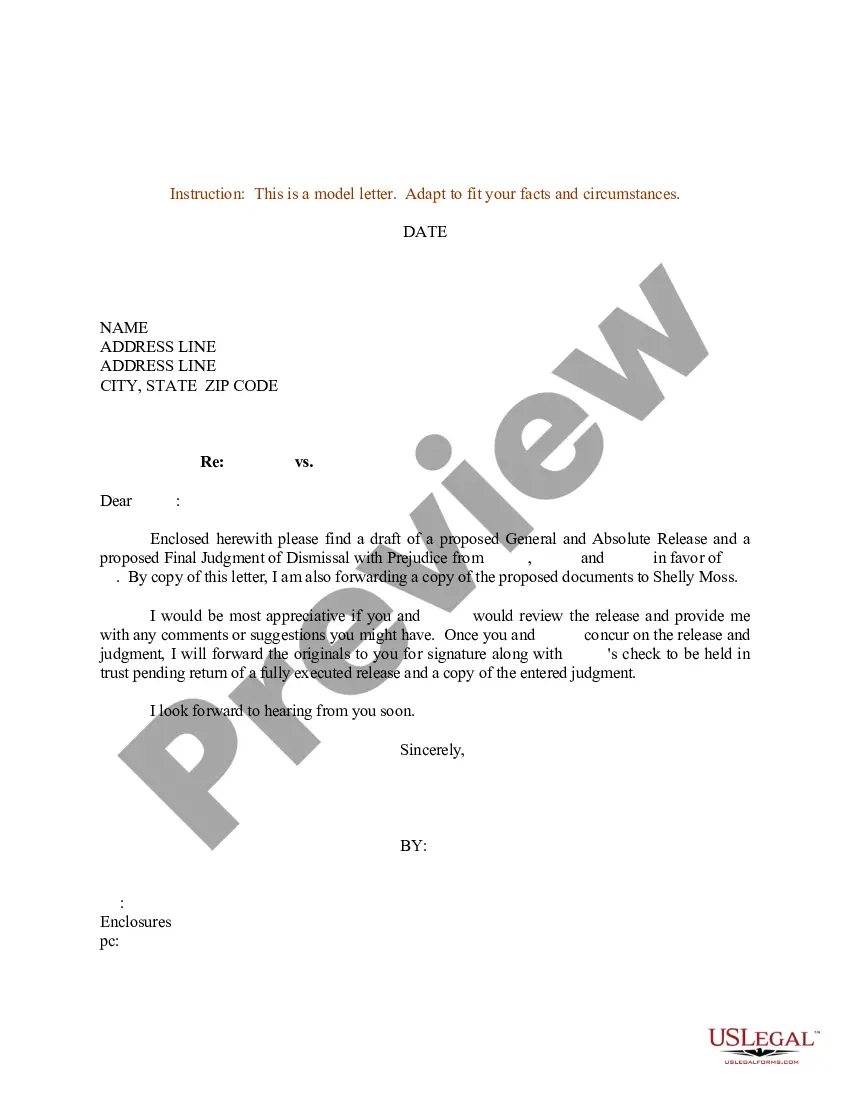
Get your form ready online
Our built-in tools help you complete, sign, share, and store your documents in one place.
Make edits, fill in missing information, and update formatting in US Legal Forms—just like you would in MS Word.
Download a copy, print it, send it by email, or mail it via USPS—whatever works best for your next step.
Sign and collect signatures with our SignNow integration. Send to multiple recipients, set reminders, and more. Go Premium to unlock E-Sign.
If this form requires notarization, complete it online through a secure video call—no need to meet a notary in person or wait for an appointment.
We protect your documents and personal data by following strict security and privacy standards.

Make edits, fill in missing information, and update formatting in US Legal Forms—just like you would in MS Word.

Download a copy, print it, send it by email, or mail it via USPS—whatever works best for your next step.

Sign and collect signatures with our SignNow integration. Send to multiple recipients, set reminders, and more. Go Premium to unlock E-Sign.

If this form requires notarization, complete it online through a secure video call—no need to meet a notary in person or wait for an appointment.

We protect your documents and personal data by following strict security and privacy standards.
Looking for another form?


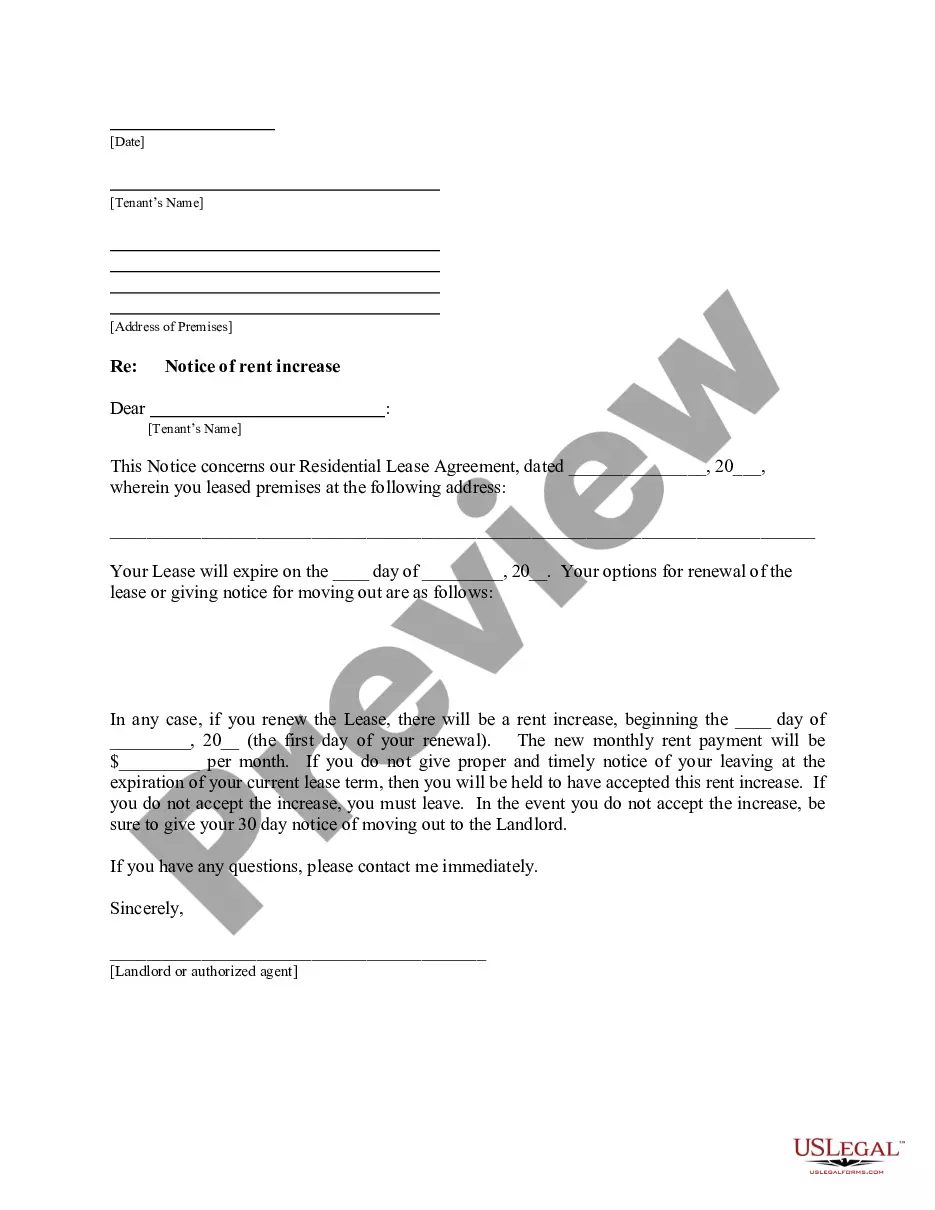






Form popularity
FAQ
Write a compelling introduction. Assert your interest in the role or company. Emphasize your skills and experience. Demonstrate your research. Highlight measurable accomplishments. Tell your professional story. Mention a shared contact.
Write the "attention" line: Begin this line with either the abbreviation "ATTN," or the full word "Attention." Then, after a colon, write the person's name.
How To Write A Relieving Letter? Date of issuance. It is important to put the release date on top of the page. Employee details. Subject. Opening salutation. Employee resignation details. Assurance and appreciation. Closing salutation. Signature.
Write the "attention" line: Begin this line with either the abbreviation "ATTN," or the full word "Attention." Then, after a colon, write the person's name. You can either write their full name, or their professional title if you're certain of their preferred gender pronouns.
Here's a list of steps to help you write a letter with an attention line: Research the company. Use proper formatting. Include contact information. Address the attention line. Write the body of the letter. Proofread the letter.
Make a strong case for why you're the right person for the job, even if your resume doesn't check all the boxes. Highlight your most significant and relevant achievements. Show that you understand their challenges and goals and identify how you would help them. Thank you for considering my application.
When writing to a manager you do not know by name or to a department, use an attention line. (Example: "Attention Claims Manager.") Avoid stuffy "Dear Sir" or "Dear Madam" salutations. I am writing this letter to express my appreciation for the wonderful assistance we received from your staff during the past month.
If sending a letter to someone at a specific business, the first line should be the company's name. In the next line, follow "ATTN:" or "c/o" with the individual's name. If the letter is not to someone at a specific business, the first line should simply be their name.
Noun. : a line usually placed above the salutation in a business letter directing the letter to one specified.
To address an envelope with “Attn,” write “Attn:” at the top center of the envelope, followed by the name of the recipient. Write the name of the person's company on the next line. Then, on the next line, write the company's address like you normally would on an envelope.

