Legal Contract Format In California
Description

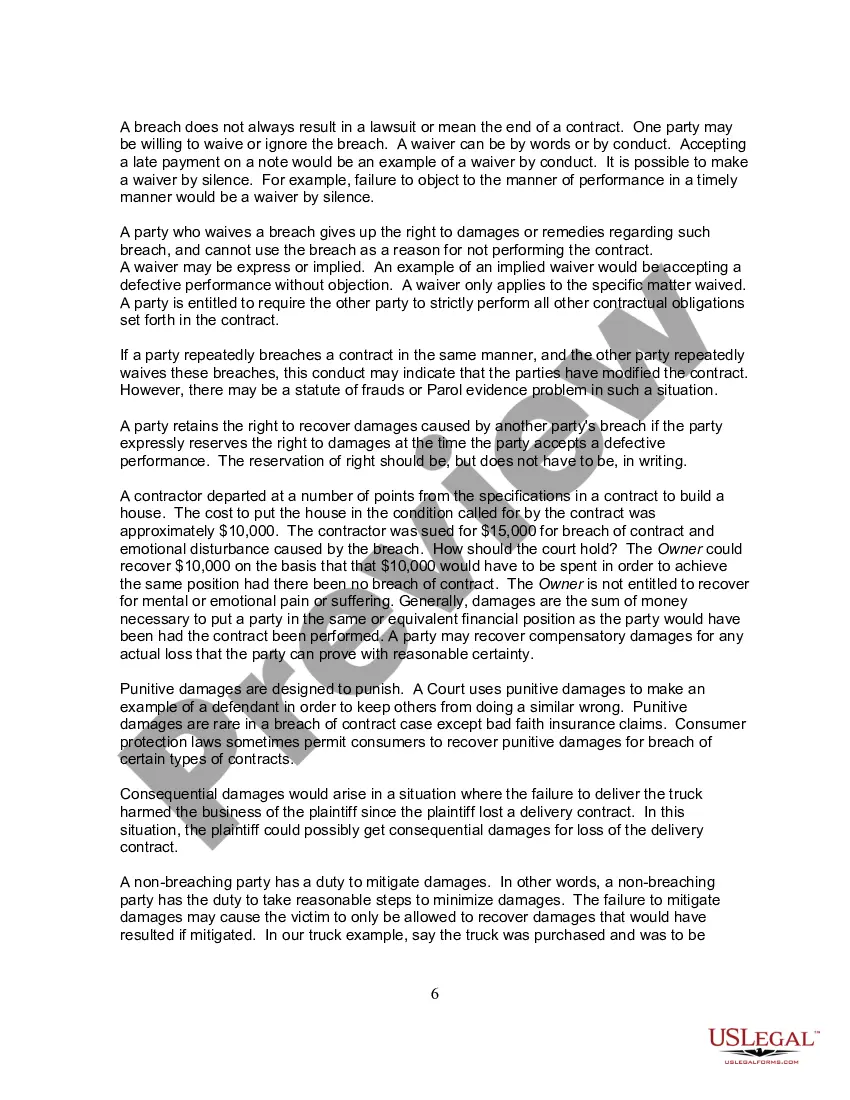
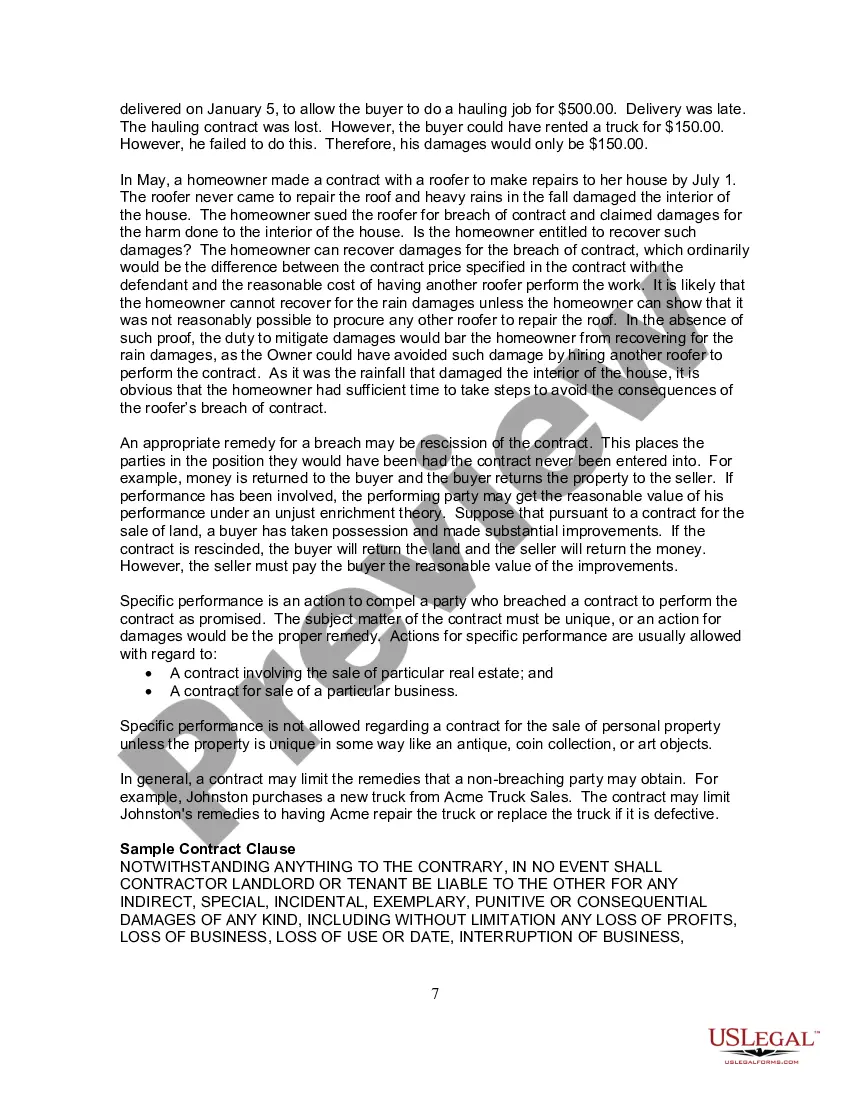
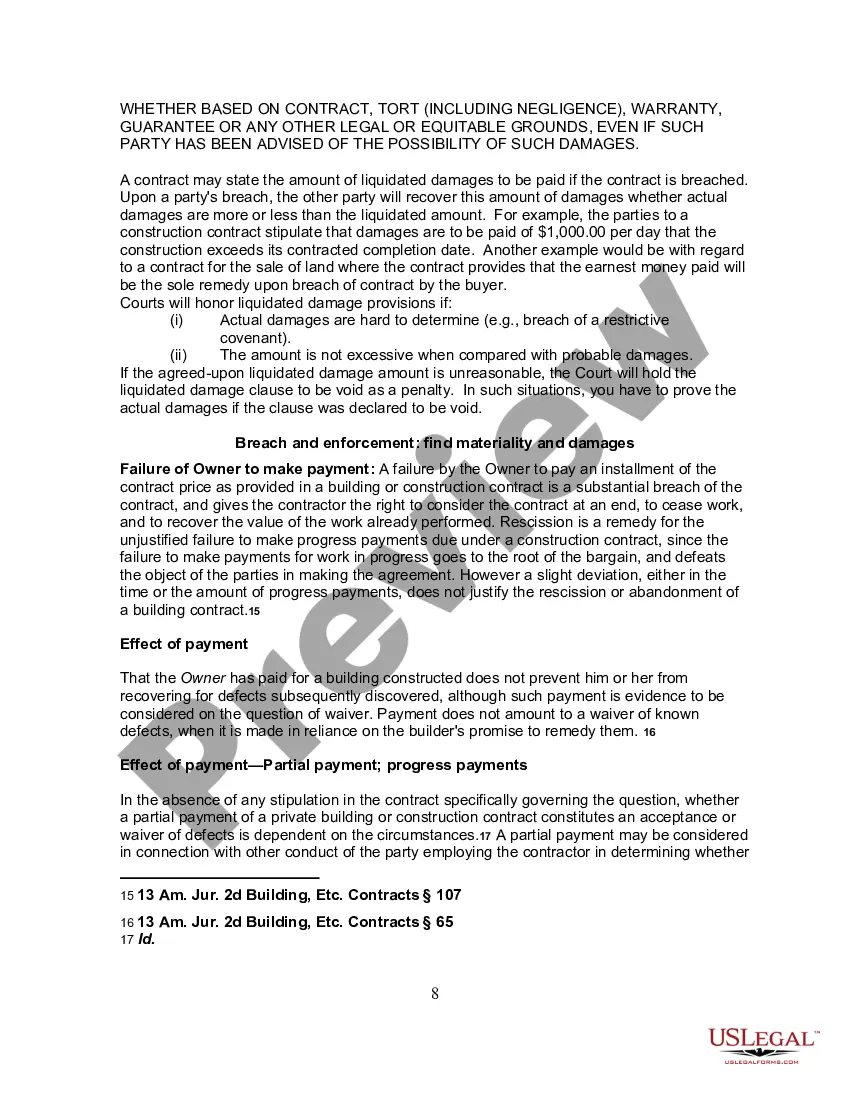
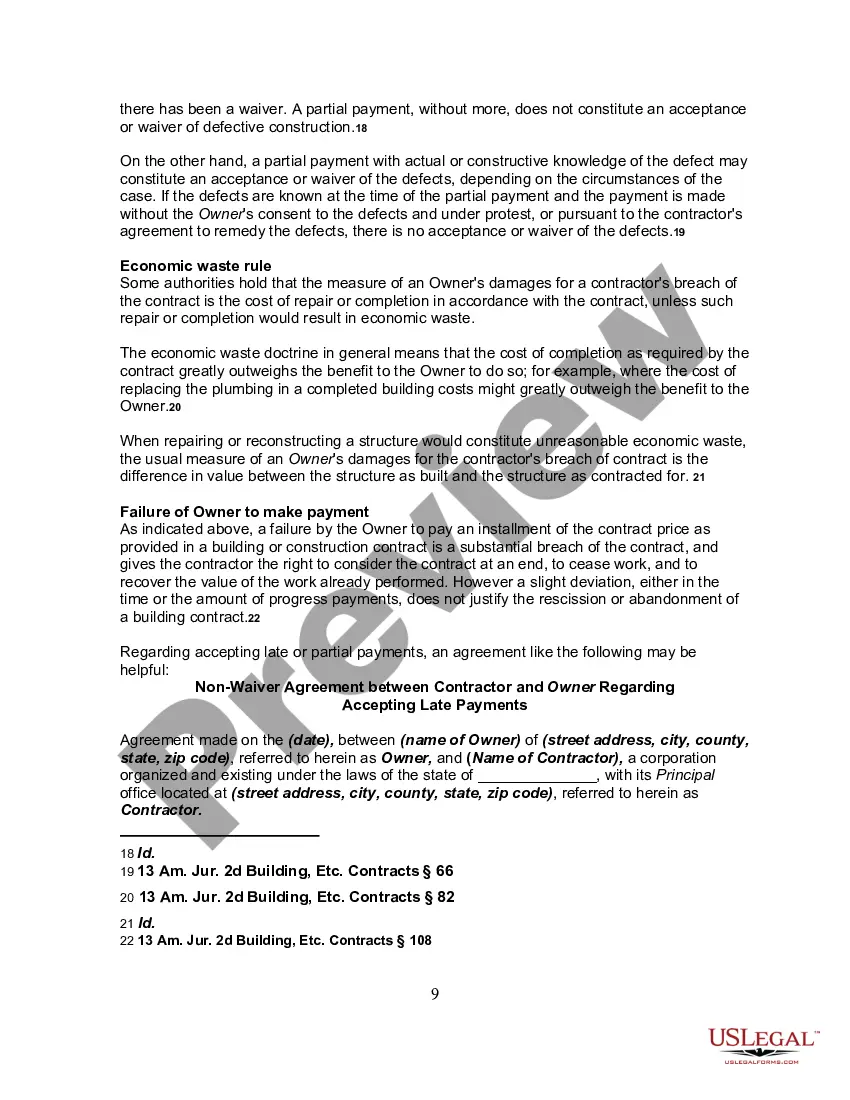

Get your form ready online
Our built-in tools help you complete, sign, share, and store your documents in one place.
Make edits, fill in missing information, and update formatting in US Legal Forms—just like you would in MS Word.
Download a copy, print it, send it by email, or mail it via USPS—whatever works best for your next step.
Sign and collect signatures with our SignNow integration. Send to multiple recipients, set reminders, and more. Go Premium to unlock E-Sign.
If this form requires notarization, complete it online through a secure video call—no need to meet a notary in person or wait for an appointment.
We protect your documents and personal data by following strict security and privacy standards.

Make edits, fill in missing information, and update formatting in US Legal Forms—just like you would in MS Word.

Download a copy, print it, send it by email, or mail it via USPS—whatever works best for your next step.

Sign and collect signatures with our SignNow integration. Send to multiple recipients, set reminders, and more. Go Premium to unlock E-Sign.

If this form requires notarization, complete it online through a secure video call—no need to meet a notary in person or wait for an appointment.

We protect your documents and personal data by following strict security and privacy standards.
Looking for another form?









Form popularity
FAQ
Can I write my own contract? Yes, you can write your own contract. However, including all necessary elements is crucial to make it legally binding.
To be considered a legally binding contract or document, three critical elements must also be present: Subject, Consideration, and Capacity.
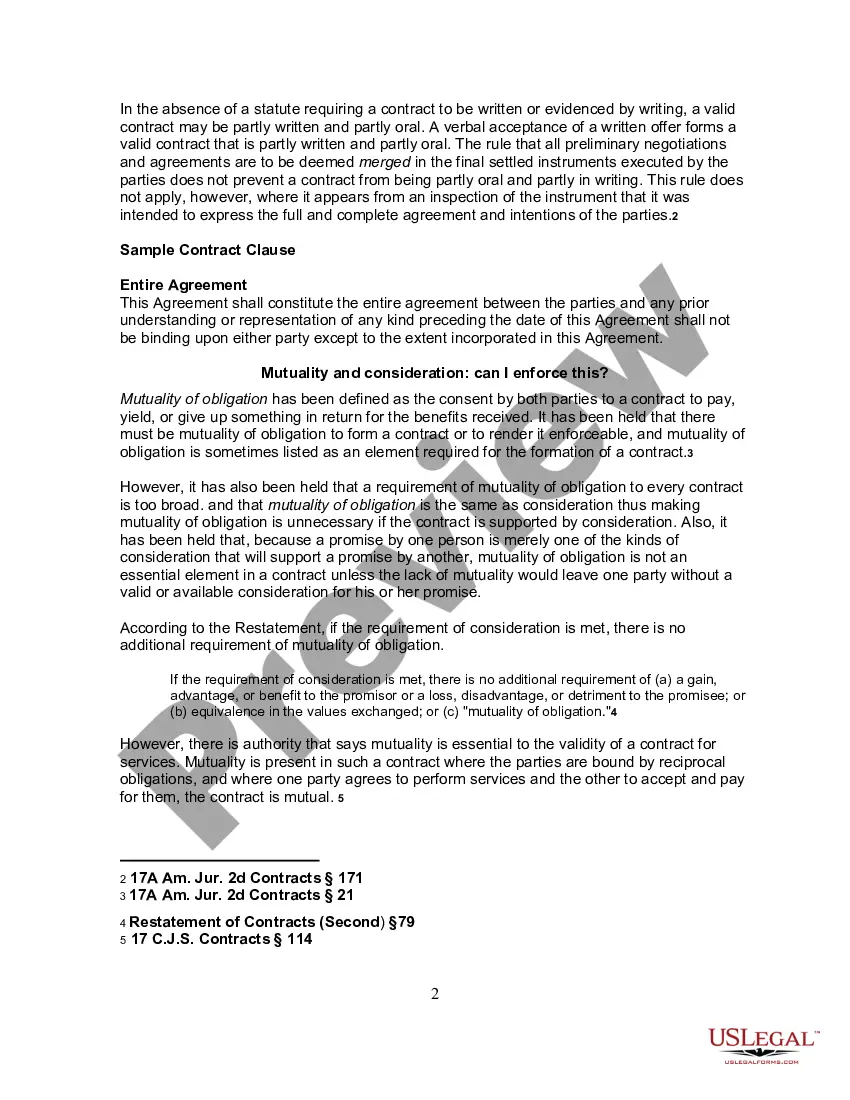
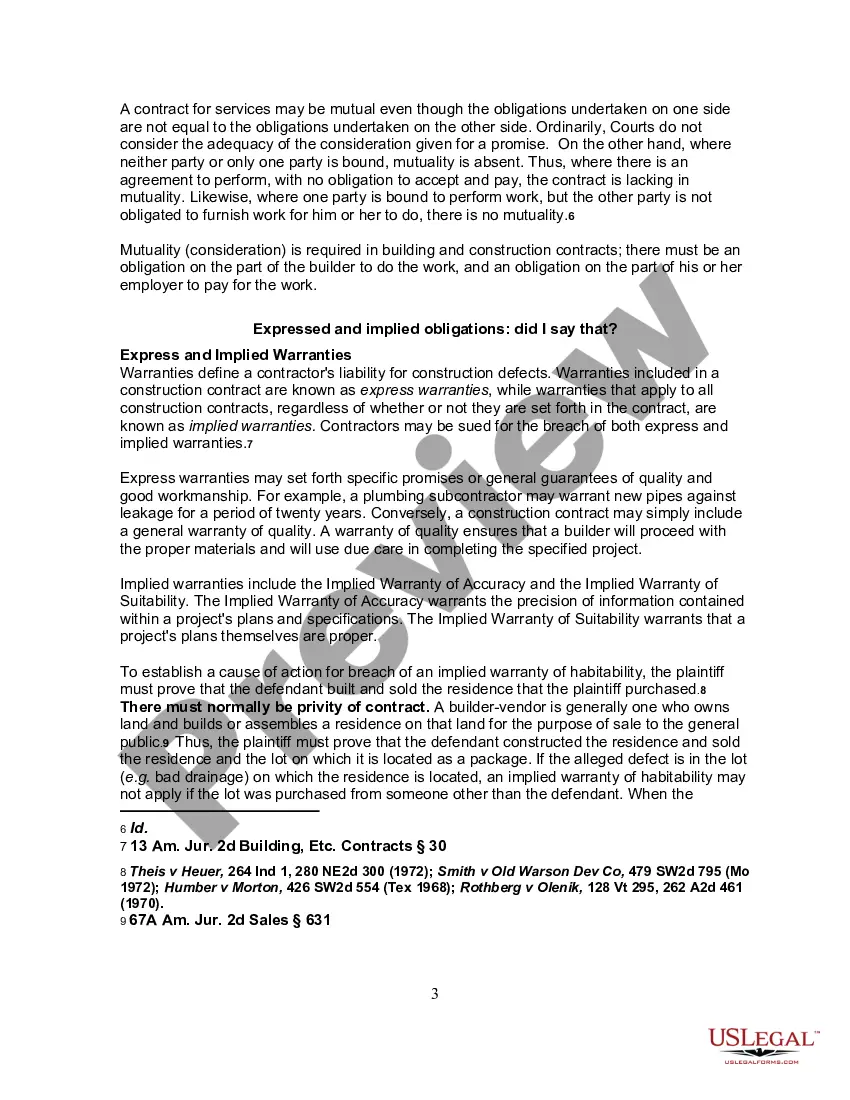
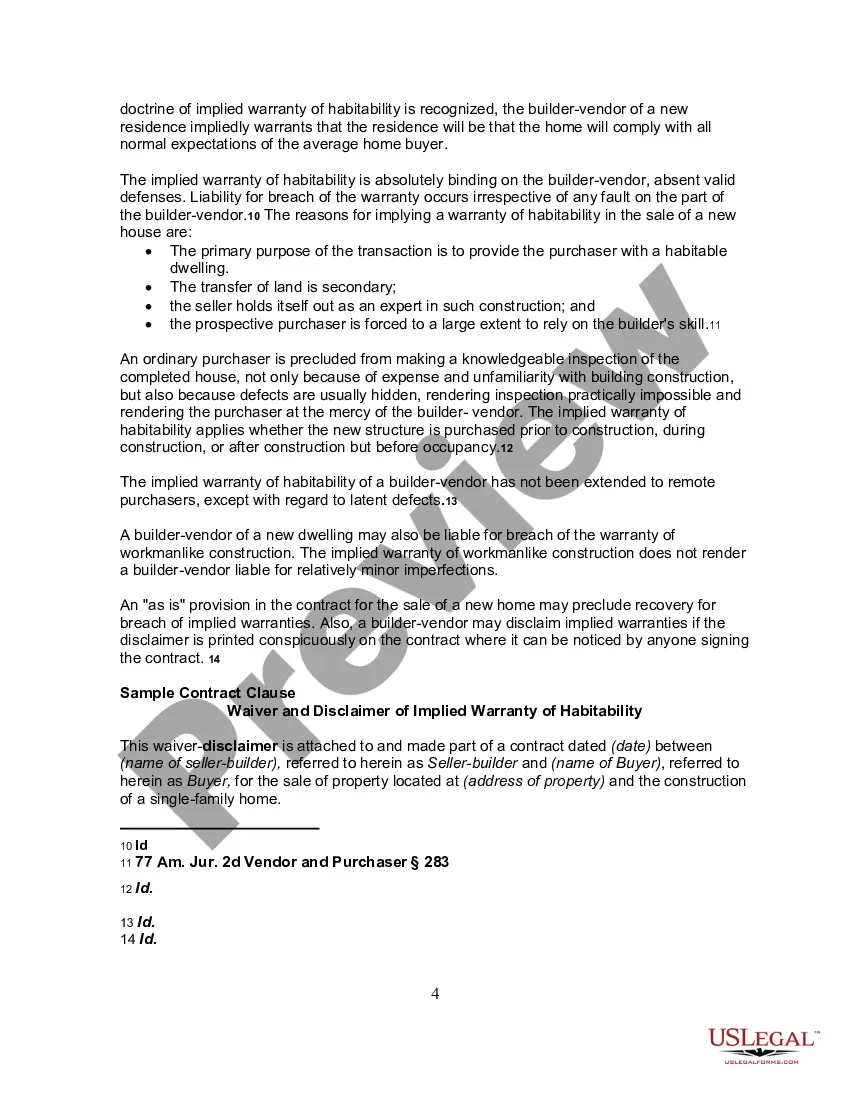
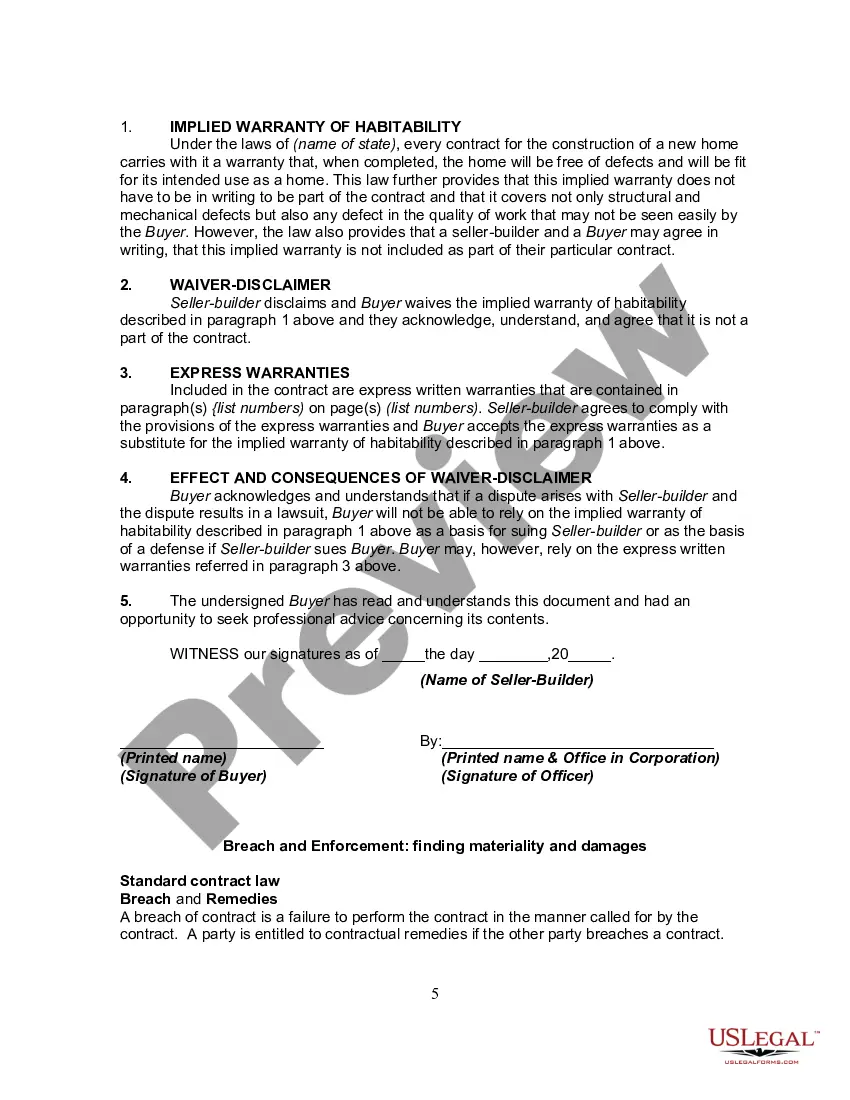
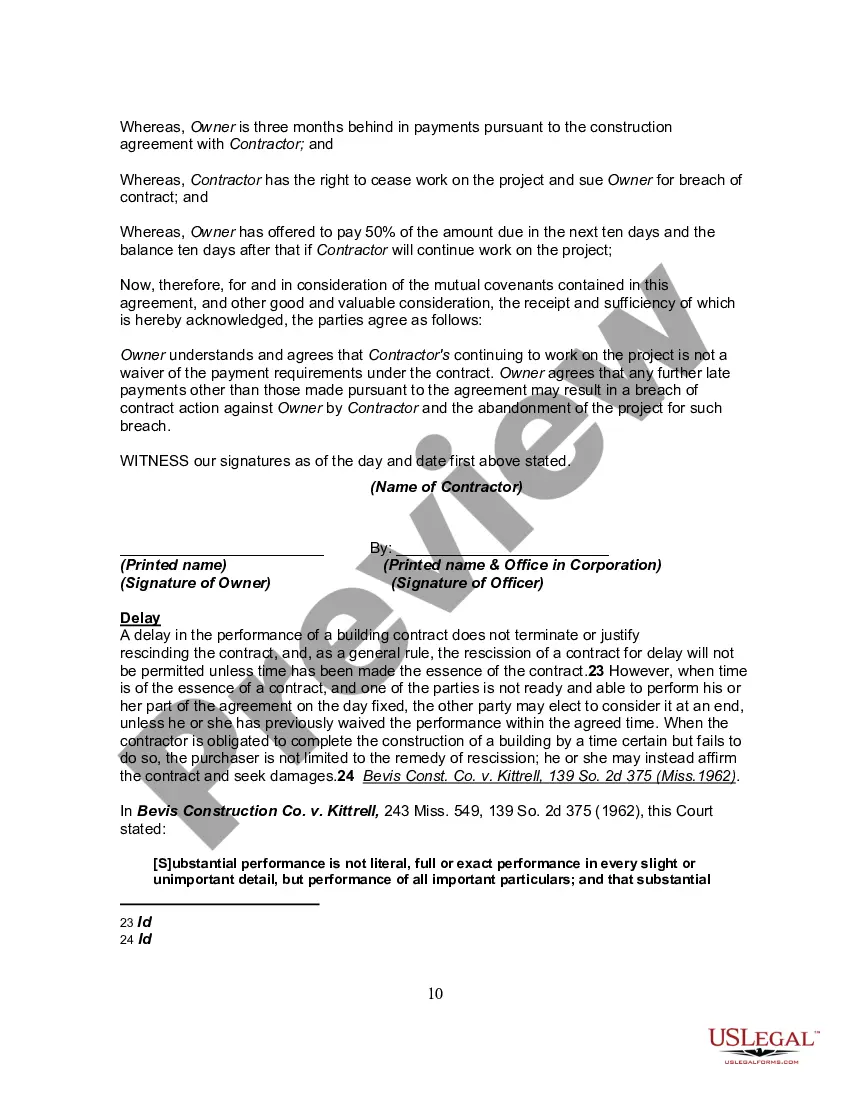
REQUIREMENTS FOR A CONTRACT In order for a contract to be valid, there must be an offer, an acceptance of the offer, an exchange between the parties of something of value, and an agreement to the terms.
For a contract to be valid and enforceable in California, all parties must enter into the agreement voluntarily. If one of the contracting parties can prove that they entered into the contract under duress, coercion, or undue influence, the court may cancel or revoke the contract.
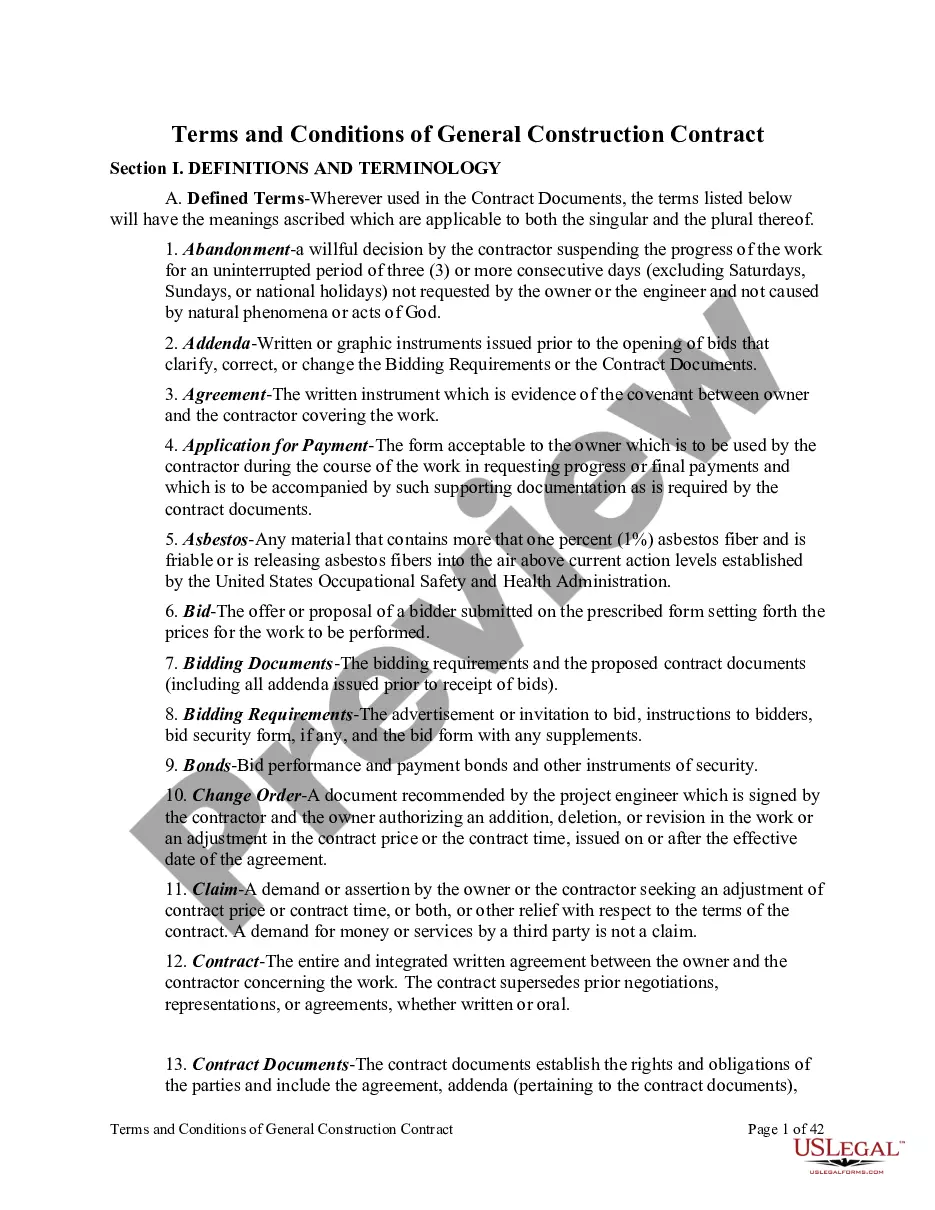
Write the contract in six steps Start with a contract template. Open with the basic information. Describe in detail what you have agreed to. Include a description of how the contract will be ended. Write into the contract which laws apply and how disputes will be resolved. Include space for signatures.
In California, handwritten agreements do not need to be notarized if both signers reside in the state. Using a templated agreement instead of one tailored to the specifics of the agreement may or may not hurt depending on the circumstances surrounding it.
A contract is a legally binding agreement between two or more parties that meets certain legal requirements, while an agreement is a broader term that encompasses any understanding or arrangement between parties, regardless of whether it is legally enforceable.
Legal documents typically use 1.5 or double line spacing to help add white space and improve readability. Using wider spacing also makes it easier to mark up draft copies, since you'll have room to write directly on the page. To set your line spacing in Word, go to Layout, then select Paragraph.
Contracts are formed by one party initiating or proposing the offer. The second party must then accept or reject the offer. Generally, the offer is considered as rejected if the second party deviates from or disagrees with any aspect of the contract. Additionally, consideration must exist between the two parties.
