Sample Minutes Of Meeting In Email In Wake
Description
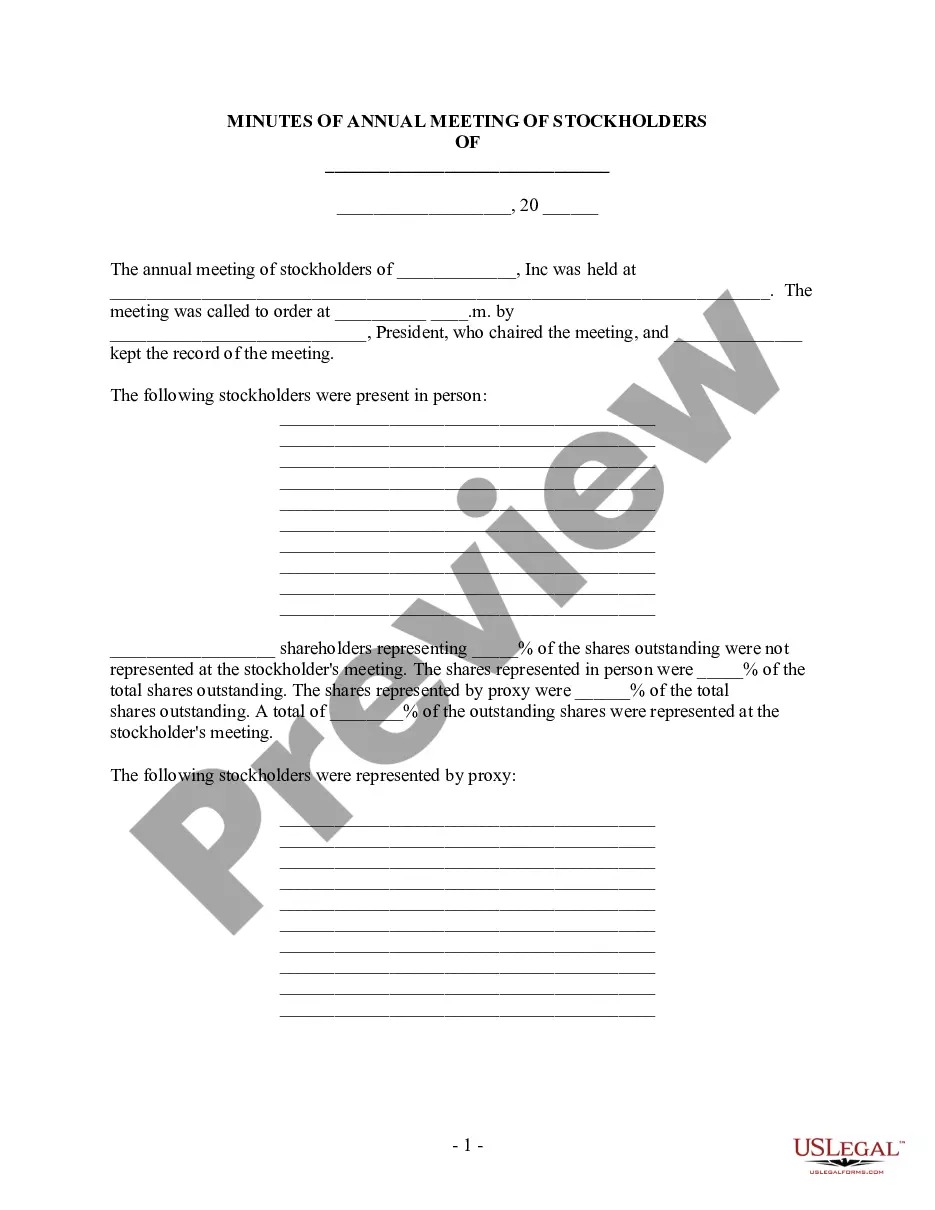
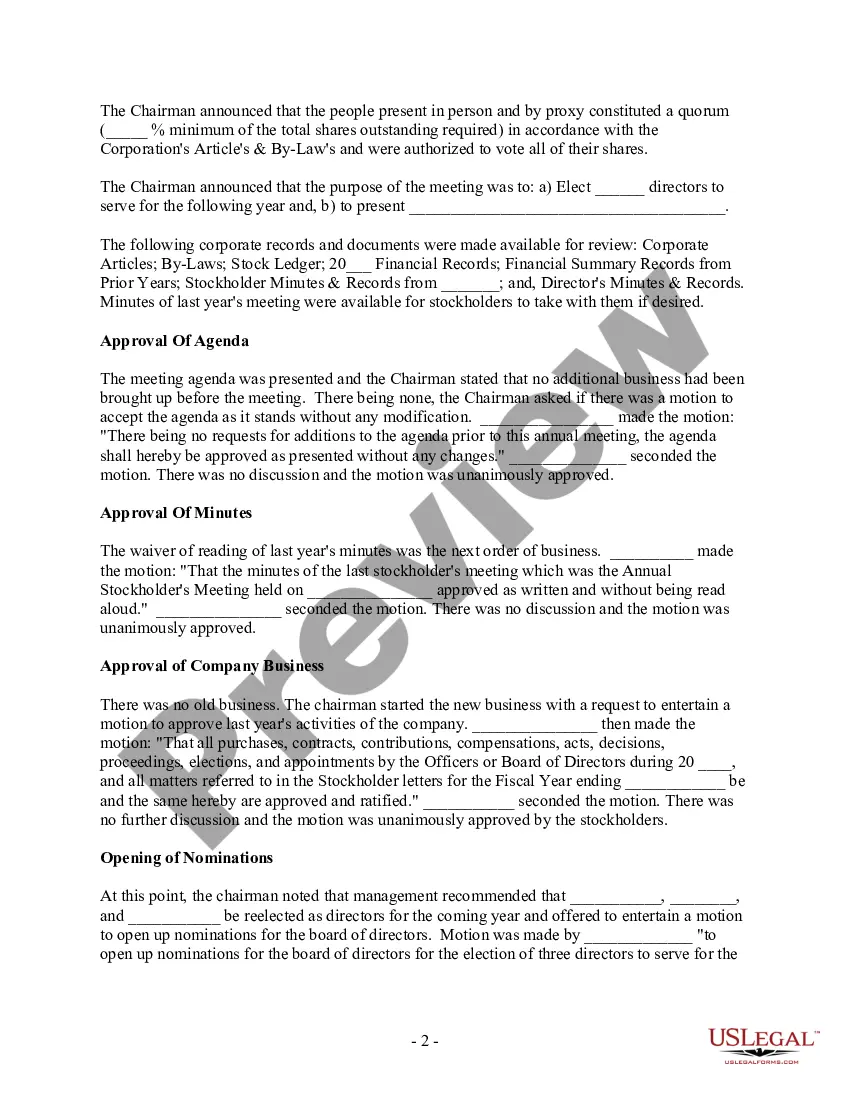
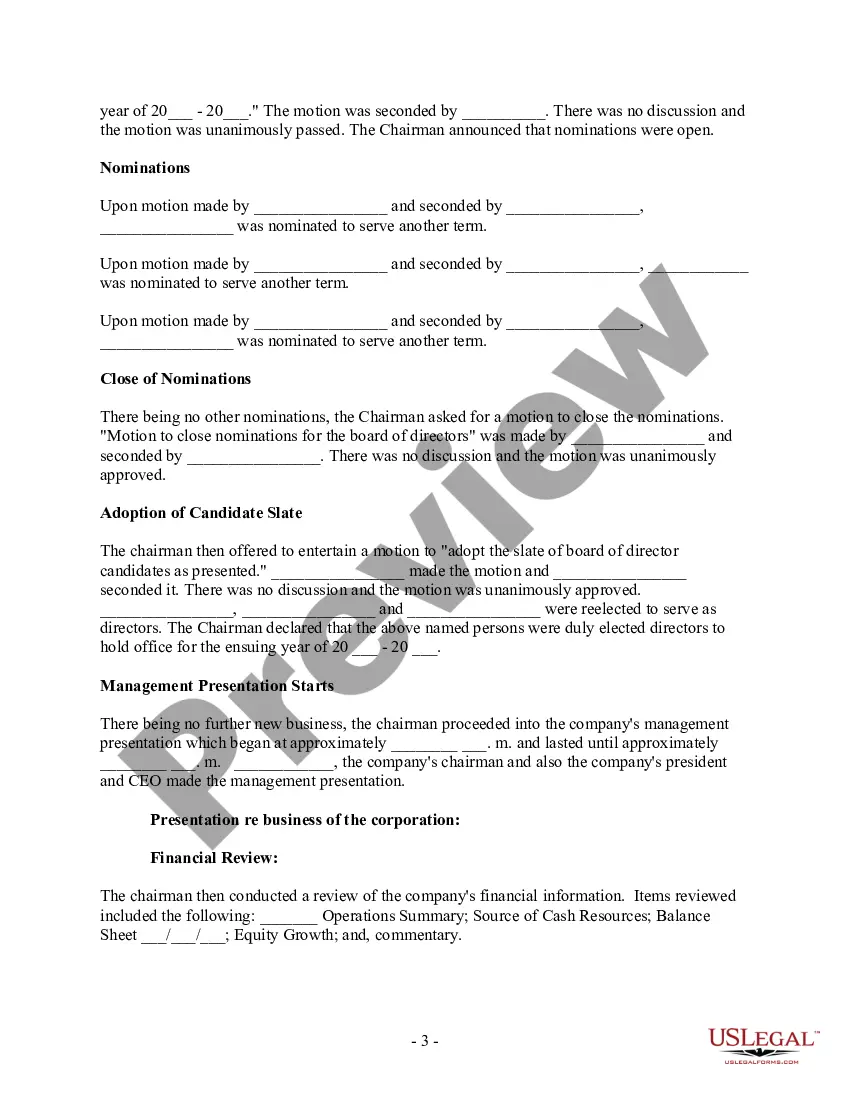
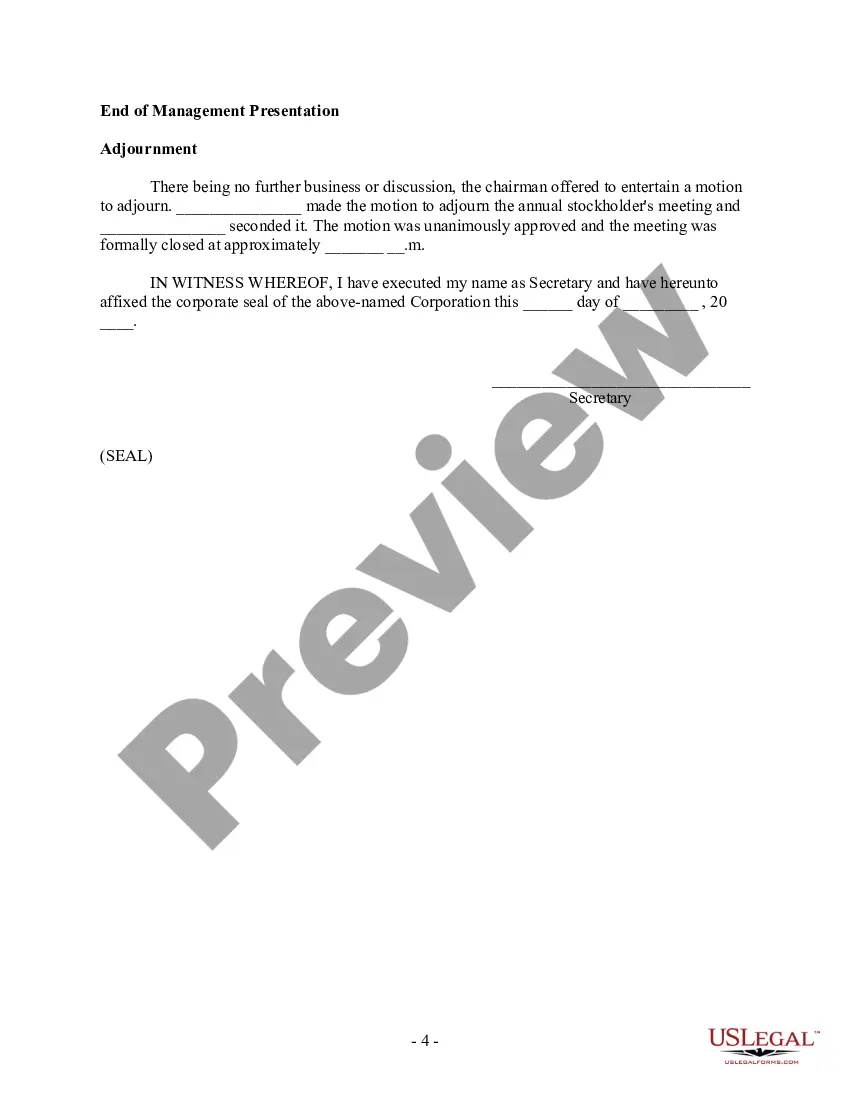
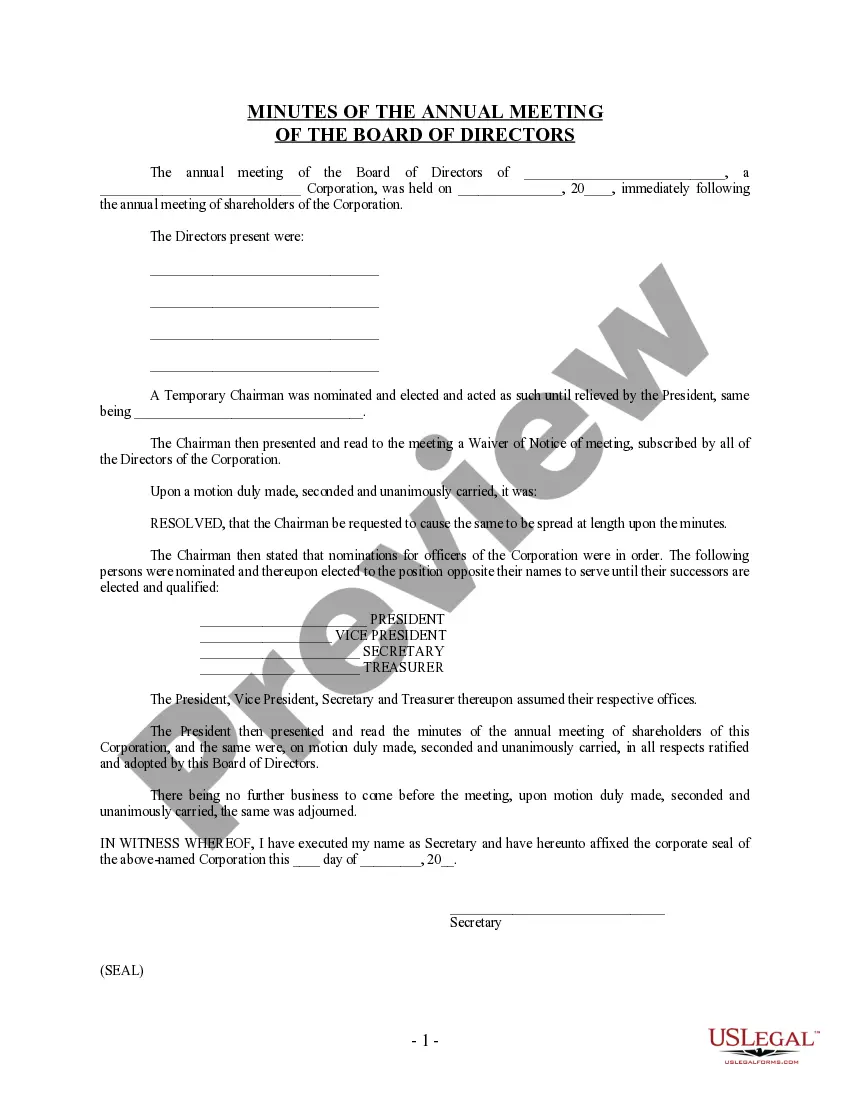
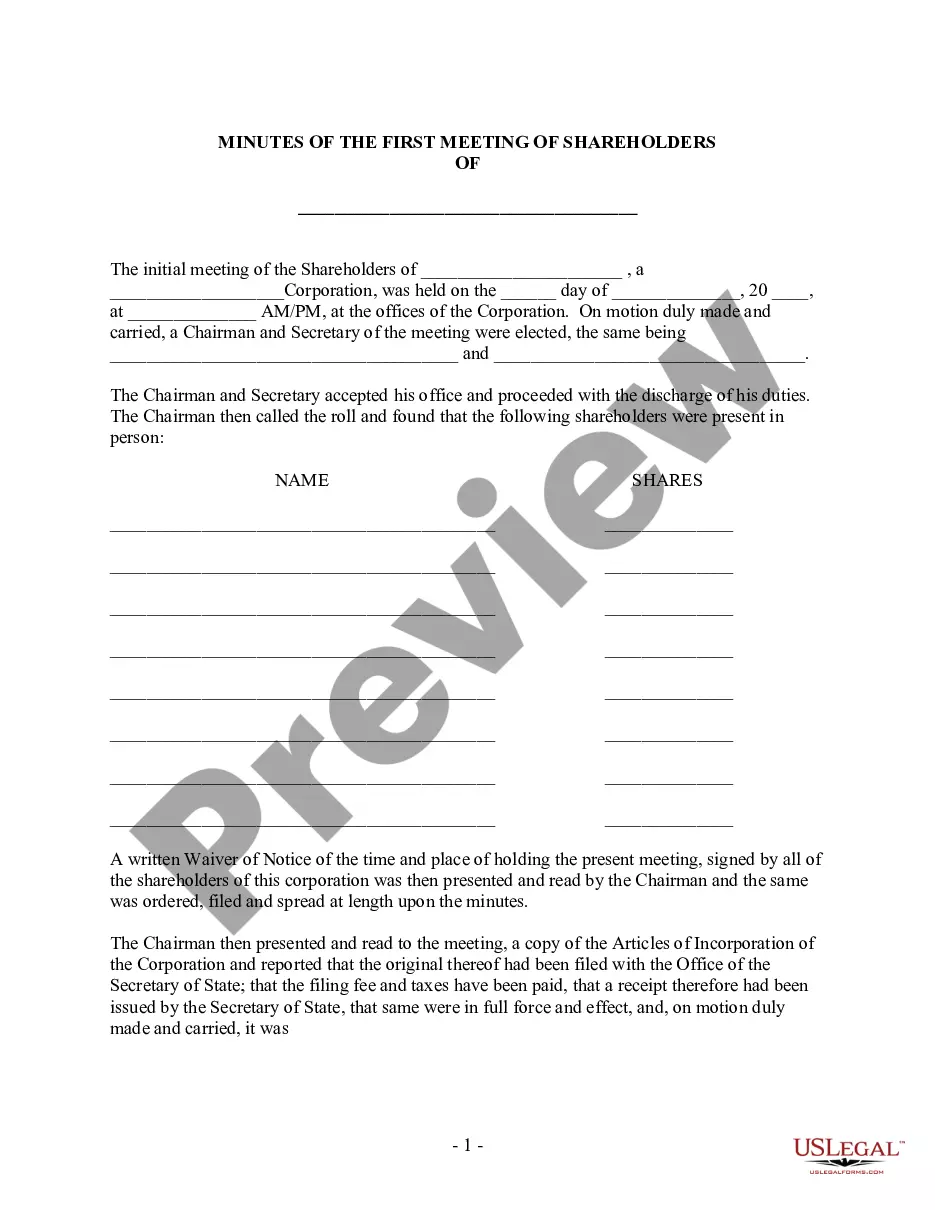
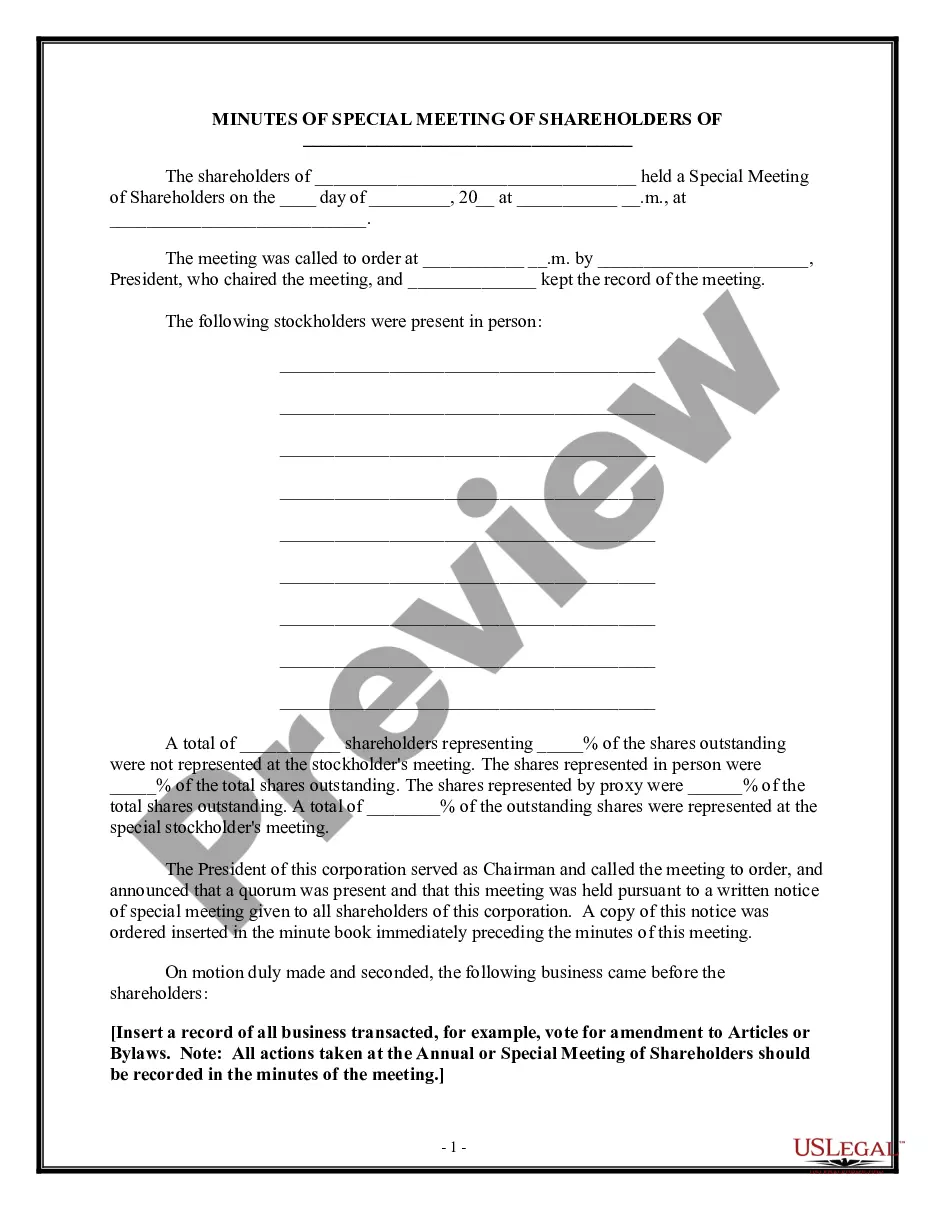
Get your form ready online
Our built-in tools help you complete, sign, share, and store your documents in one place.
Make edits, fill in missing information, and update formatting in US Legal Forms—just like you would in MS Word.
Download a copy, print it, send it by email, or mail it via USPS—whatever works best for your next step.
Sign and collect signatures with our SignNow integration. Send to multiple recipients, set reminders, and more. Go Premium to unlock E-Sign.
If this form requires notarization, complete it online through a secure video call—no need to meet a notary in person or wait for an appointment.
We protect your documents and personal data by following strict security and privacy standards.
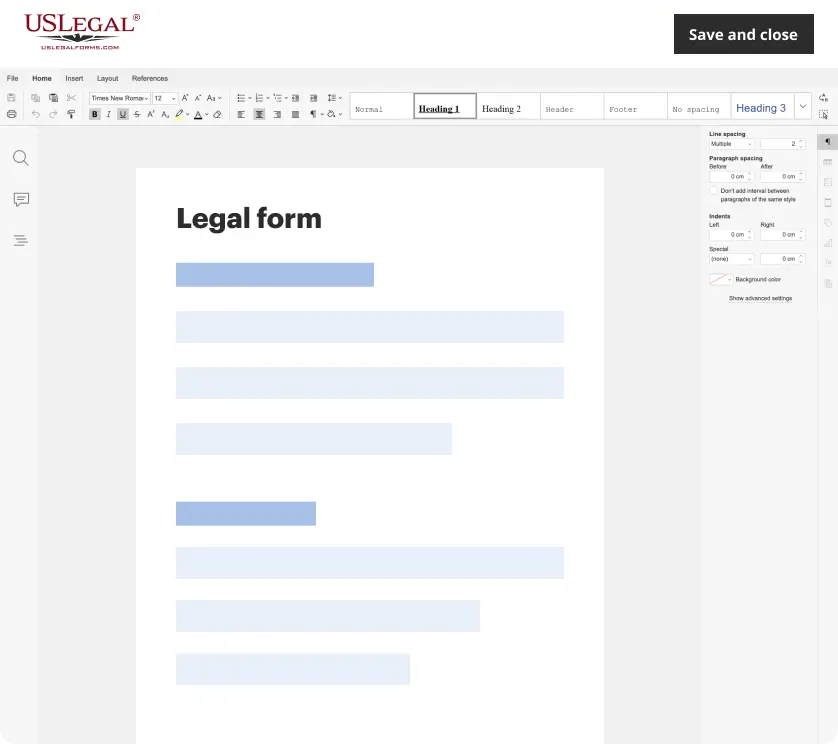
Make edits, fill in missing information, and update formatting in US Legal Forms—just like you would in MS Word.
Download a copy, print it, send it by email, or mail it via USPS—whatever works best for your next step.
Sign and collect signatures with our SignNow integration. Send to multiple recipients, set reminders, and more. Go Premium to unlock E-Sign.
If this form requires notarization, complete it online through a secure video call—no need to meet a notary in person or wait for an appointment.
We protect your documents and personal data by following strict security and privacy standards.
Looking for another form?
Form popularity
FAQ
I am writing to invite you to a one-on-one meeting on date at time. The purpose of this meeting is to discuss/review/update topic. If this time and date do not work for you, please let me know so that we can reschedule.
They typically include the date and time of the meeting, a list of attendees, a summary of the topics discussed, decisions made, action items assigned, and the time of adjournment.
Take notes in a scheduled Outlook meeting In Outlook, open the meeting for which you want to take notes. Choose Meeting > Meeting Notes. In the Meeting Notes dialog box, do one of the following: To share your meeting notes with others, choose Share notes with the meeting.
Tips for Writing Meeting Minutes Emails Be Clear and Concise: Stick to the main points discussed in the meeting. Use Bullet Points: Break down the information into bullet points for easy reading. Include Action Items: Clearly list out any tasks assigned during the meeting, along with deadlines and responsible parties.
Minutes of meeting email template Subject: Meeting minutes: Meeting topic - Meeting date Date: Meeting date Time: Start time - End time Location: Meeting location Attendees: Absentees: Agenda. Summary of discussions.
What To Include In Meeting Minutes The meeting agenda. First and last names of attendees. The date and time of the meeting. Any formal announcements and/or important decisions made. Details of attendance, including who joined late or left early. Projects assigned, who is responsible for them and the deadlines.
Minutes of meeting email template Subject: Meeting minutes: Meeting topic - Meeting date Date: Meeting date Time: Start time - End time Location: Meeting location Attendees: Absentees: Agenda. Summary of discussions.
5 Key Points for Writing a Comprehensive Meeting Summary Start with Clear and Concise Notes. Focus on capturing main points, decisions, and action items. Review and Highlight Key Takeaways. Capture Agenda Changes. Include Meeting Moments. Use Clear and Concise Language.
How to write a follow up email after a meeting Craft a clear subject line. Thank people for their time and effort. Summarize any key points covered during the meeting. Outline action items, deadlines, and next steps. Attach or link to any relevant resources and documents. Invite people to ask questions or reconvene.
Hi (Recipient's name), Thank you for inviting me to the (meeting title). Please accept this email as confirmation that I would like to attend. You can share any information with me about the meeting, including the agenda (or travel information, etc.)